Best Real Estate Video Apps for Agents in 2026

Table of Contents

Real estate video apps now play a bigger role as agents use video tours more often to present listings more clearly and hold attention longer.

The reason is simple. Video is now one of the most common content formats on social platforms, and real estate marketing has moved in the same direction. 

For agents creating listing tours, social clips, or property promos, the right tools can reduce editing time and simplify the whole process.

Some video apps work better for quick social clips, while others suit full listing tours and more polished marketing edits. The tools below include both simple editors and more advanced platforms, depending on the level of control, speed, and editing depth required.

Adobe Premiere Pro

Adobe Premiere Pro

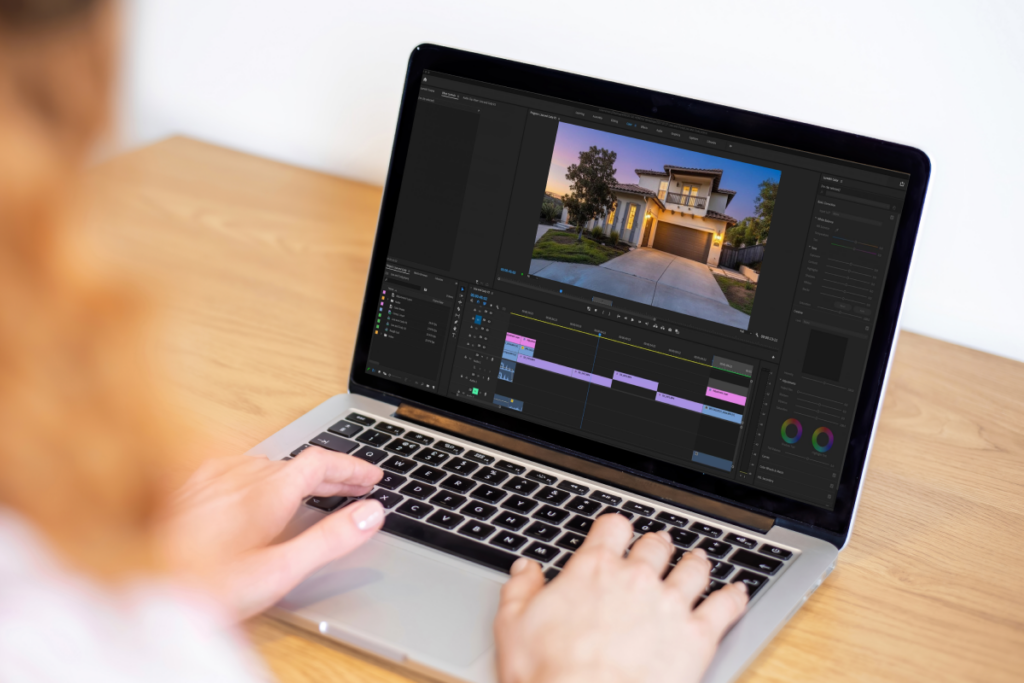
Adobe Premiere Pro editing timeline used for real estate listing video production with color grading and sequencing tools
Full creative control for polished listing videos

 Adobe Premiere Pro is the most advanced option in this roundup for agents, marketers, or editors who want more control over the final result.

It works well for listing tours, branded property videos, and other projects that need more than quick trimming and basic effects.

The platform combines editing, titles, visual effects, color correction, and audio controls in one workflow. That range of tools makes it easier to control pacing, refine the look of a property, and create more polished video content.

The main drawback of Adobe Premiere Pro is its complexity. It has a steeper learning curve and works best for users with at least some editing experience.

Submagic

Submagic

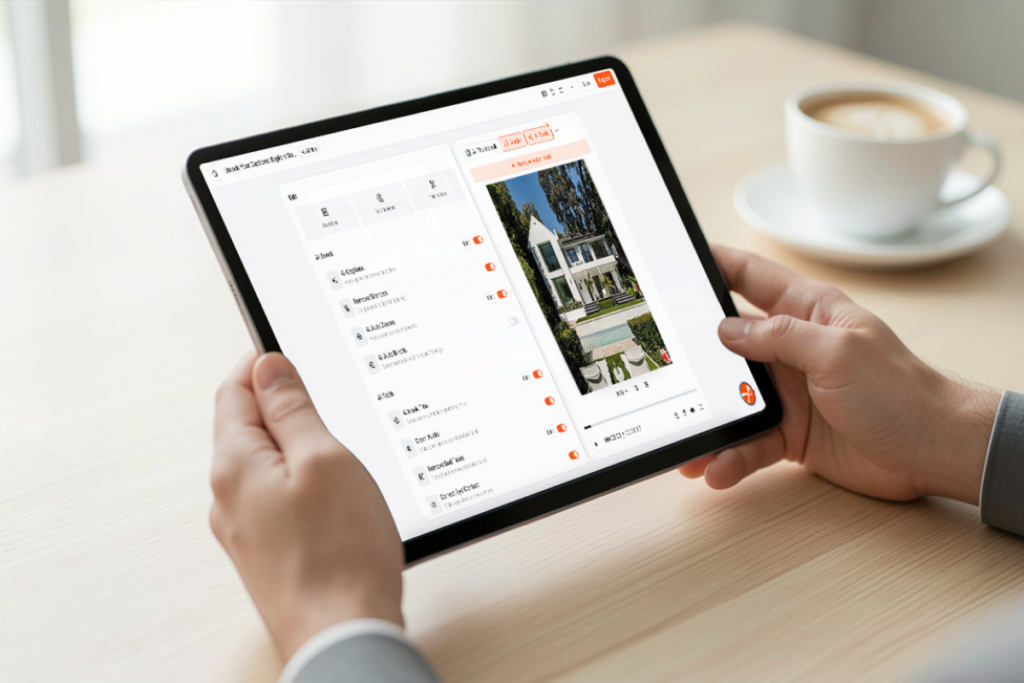
Submagic interface generating captions and editing short-form real estate video on a tablet device
Fast captions and edits for short-form listing videos

Submagic focuses on speed over full-scale editing, which makes it useful for agents creating short-form property videos for social media.

It helps turn raw clips into social content for Instagram, Facebook, and YouTube. It focuses less on full-scale editing and more on speed, which helps turn raw clips into social content for Instagram, Facebook, and YouTube.

Its main features include clip editing, trimming, captions, background music, sound effects, and auto-generated descriptions. Those tools are especially practical for social posts where timing, captions, and speed matter more than detailed editing control.

Submagic stands out because it speeds up routine editing tasks through automation. It can turn raw footage into captioned social clips with fewer manual steps.

Submagic is less suitable for deeper editing work. The lack of a free trial may also make evaluation harder before moving to a paid plan.


Promo

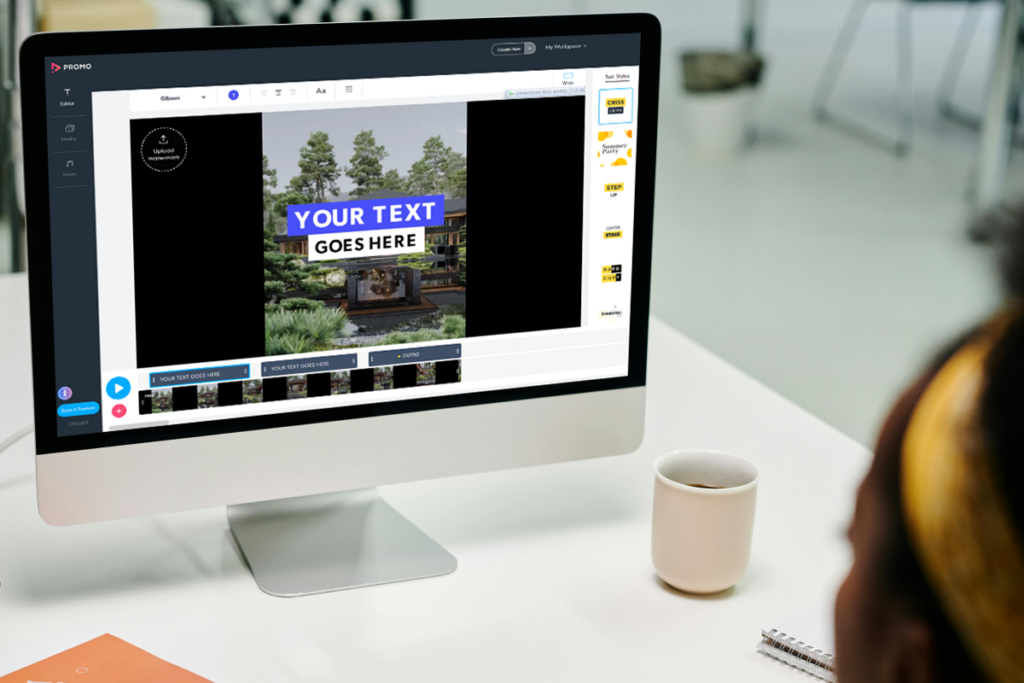
Promo video editor interface with real estate listing template and customizable text on a desktop screen
Template-based videos for fast listing production

Promo offers a fast route to marketing video production for agents who want to create videos quickly without spending much time on manual editing.

It suits social media ads, listing promotions, slideshows, and other video content that does not need advanced editing skills.

A large stock library and ready-made templates make Promo especially practical for fast production. The platform also includes tools for editing clips, creating slideshows, adding text, resizing visuals, and turning property images into simple promotional videos. 

That combination helps turn raw material into finished marketing videos more quickly.

Promo reduces production effort, but it costs more than some of the other tools in the comparison. For that reason, it is a better fit for teams or agents that use video regularly in their marketing.

VEED video app

VEED

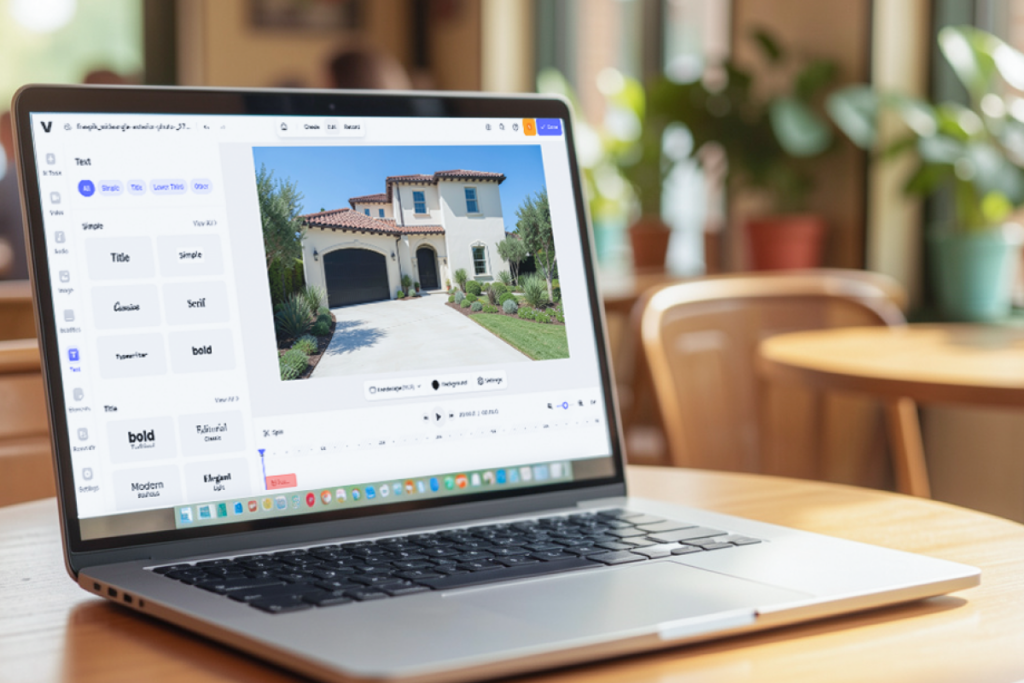
VEED video editing interface used to create and edit real estate listing and social media videos
Quick edits for simple listing and social videos

VEED keeps editing simpler without stripping out useful features. It is a practical match for listing tours, social media clips, and promotional videos that need a quick turnaround.

The platform includes tools for merging and editing videos, trimming clips, cropping frames, adding captions, creating GIFs, and converting text to speech.

VEED also includes an AI video generator that can turn a prompt into a draft for social content.

That can save time for agents who need to produce video posts regularly. VEED is easier to approach than more advanced editing platforms and works best where speed and convenience matter more than deep editing control.

capcut

CapCut

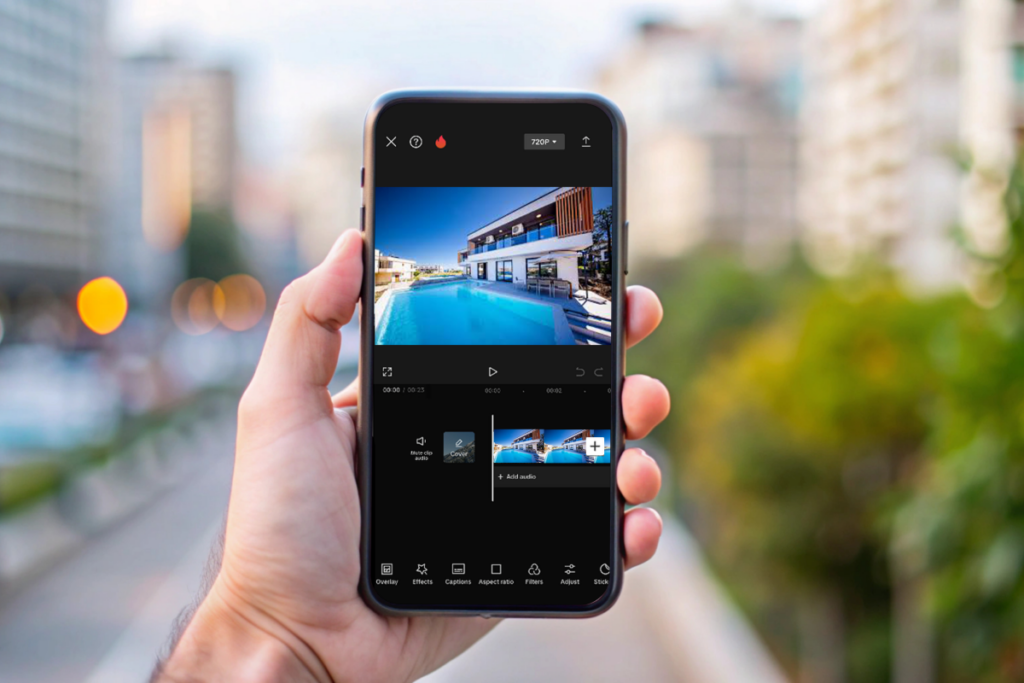
CapCut interface used to create and edit short-form real estate listing videos with templates and quick tools
Fast, template-driven edits for short listing clips

CapCut fits quick-turnaround video workflows. It works especially well for short listing clips and vertical video content meant for social media.

The app includes tools for trimming footage, adding text, working with transitions, inserting music, applying effects, and generating captions.

Its template-based workflow helps speed up production and reduces the time spent on manual editing.

Like VEED, CapCut is better suited to quick-turnaround content than to detailed editing work that requires tighter control. That tradeoff is often acceptable for social posts and lightweight property videos.

Which Real Estate Video App Fits Which Workflow?

Each app in this list supports a different type of video workflow. Some are better for advanced editing and polished production, while others are more practical for short-form social content or faster marketing videos. 

The comparison below gives a quick view of where each tool fits best.

App Best Fit
Adobe Premiere Pro Advanced editing and more polished video production
Submagic Short-form social content and fast captioned clips
Promo Faster marketing video production with templates and stock assets
VEED Simple editing for listing videos, social clips, and quick marketing content
CapCut Quick-turnaround social videos and short listing clips

Strong Visuals Still Shape the Final Video

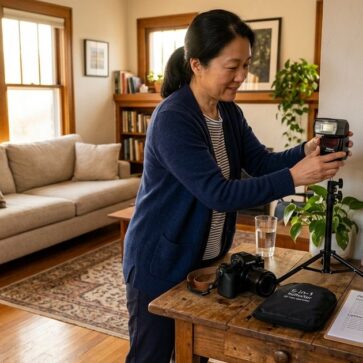
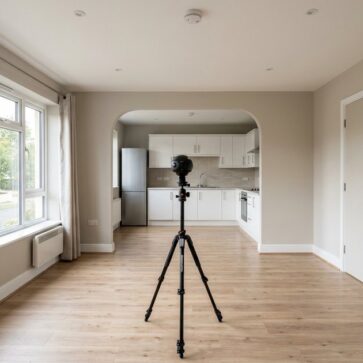
Even the best video app depends on the quality of the visuals going into the edit. Strong source images still shape how polished and convincing the final video feels.

Video is only one part of the listing presentation. The photos used in slideshows, promos, and property tours still shape the final result, so strong source images matter from the start. Reviewing a few real estate photography tips before editing begins can help improve image quality early in the process.

AI HomeDesign complements these apps by improving the source visuals before video editing begins. Photo editing helps improve lighting, color, and clarity, while virtual staging helps empty rooms look more complete and easier to understand.

In that workflow, the video app handles motion and presentation, while AI HomeDesign improves the images used in the final edit. One supports video production, while the other strengthens the source visuals before editing begins.

FAQs

What are the best real estate video apps for beginners?

 Tools like VEED, Promo, and CapCut are often the easiest for beginners because they offer simpler interfaces and require less editing experience than advanced platforms such as Adobe Premiere Pro.

Adobe Premiere Pro is generally the strongest option for users who want advanced editing control and more flexibility in detailed real estate video production.

CapCut and Submagic work particularly well for short-form content such as Instagram Reels, TikToks, and other quick promotional property clips.

Agents should consider ease of use, editing features, export quality, template availability, and whether the platform matches the type of content they plan to create

Try the Magic!

Sign up today and unlock your 3 free tires (with unlimited regenerations) of any service you want!

Read More