Move-In Move-Out Inspection App: 5 Picks for Landlords
A deposit dispute rarely turns on whether damage happened. It turns on whether the condition record reads clean: a signed report, photos tied to specific items, and a move-in version that still opens at move-out. That is the real job of a move-in move-out inspection app.
This guide sits inside a wider real estate software stack but stays narrow on purpose. The five apps below get judged on the record they leave behind, not the feature list. Pricing stays in the same shape vendors publish, including annual billing and per-inspection credits.
The rest of the article defines a defensible condition report, then walks through myInspections, Chapps Rental Inspector, Oryon Inspection, zInspector, and Tap Inspect.
What a defensible condition report actually contains
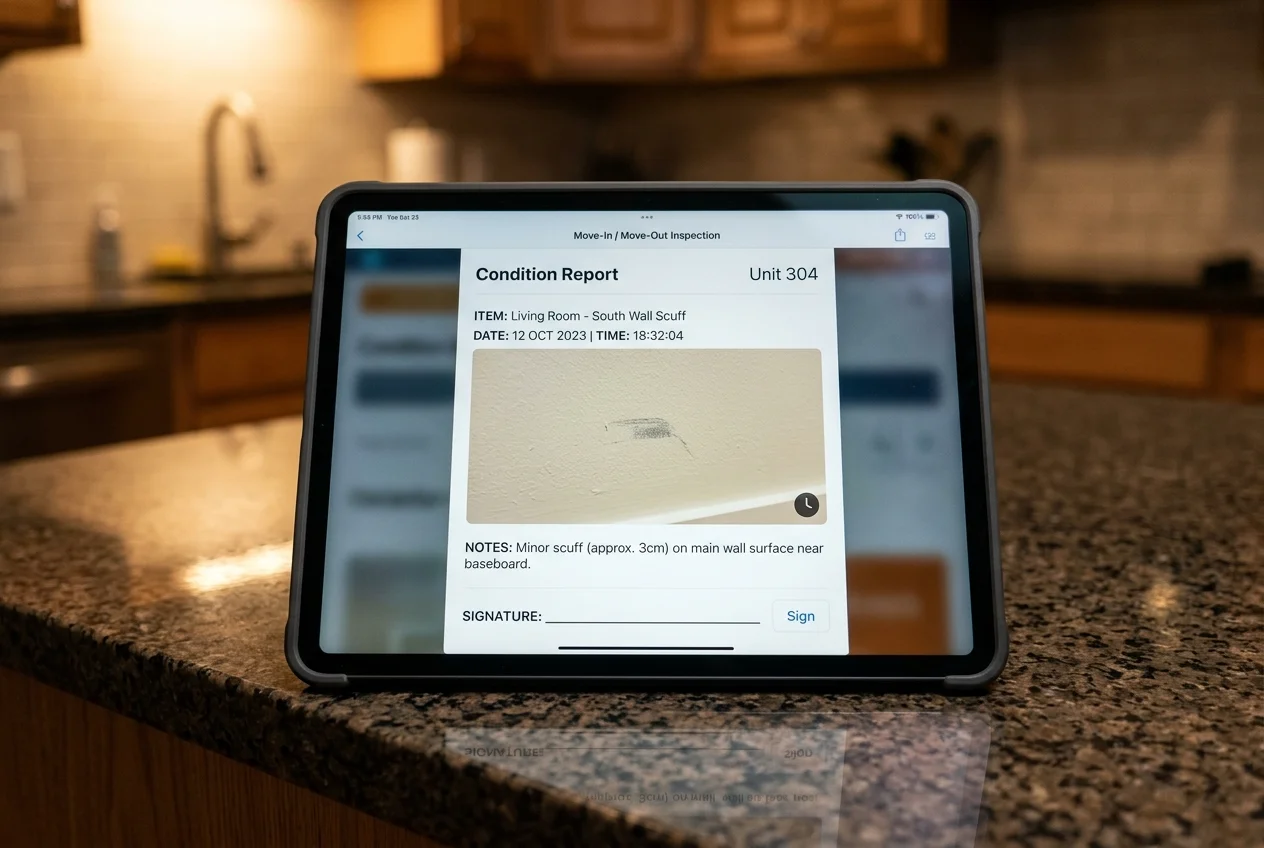
A “good” report is not the same as a useful record in a dispute. A defensible condition report reads like a shared checklist both sides agreed to at a specific time, with proof attached to each item.
A strong record usually includes a room-by-room structure and item-level lines. Each line carries a condition call in plain language, plus a short note in the inspector’s own words. Photos or video belong on the line item they support, not dumped as a camera roll at the end.
Signatures help establish what each party acknowledged during the walkthrough. Share the completed report promptly, ideally the same day, while details remain fresh. Keep the signed copy alongside the original photos and any comments or disagreements.
Move-out documentation still needs the move-in version. A move-out photo of a scuffed wall proves little by itself. The comparison photo from move-in does the work. That is why tools that keep the earlier inspection attached or retrievable change the dispute dynamic.
A few details belong outside the condition report. Deposit deductions, contractor bids, and negotiation notes belong in a separate itemized statement, not mixed into the condition checklist itself. Security-deposit timelines and walkthrough notice rules vary by jurisdiction, so local statutes and the lease decide the process.
How to choose a move-in move-out inspection app
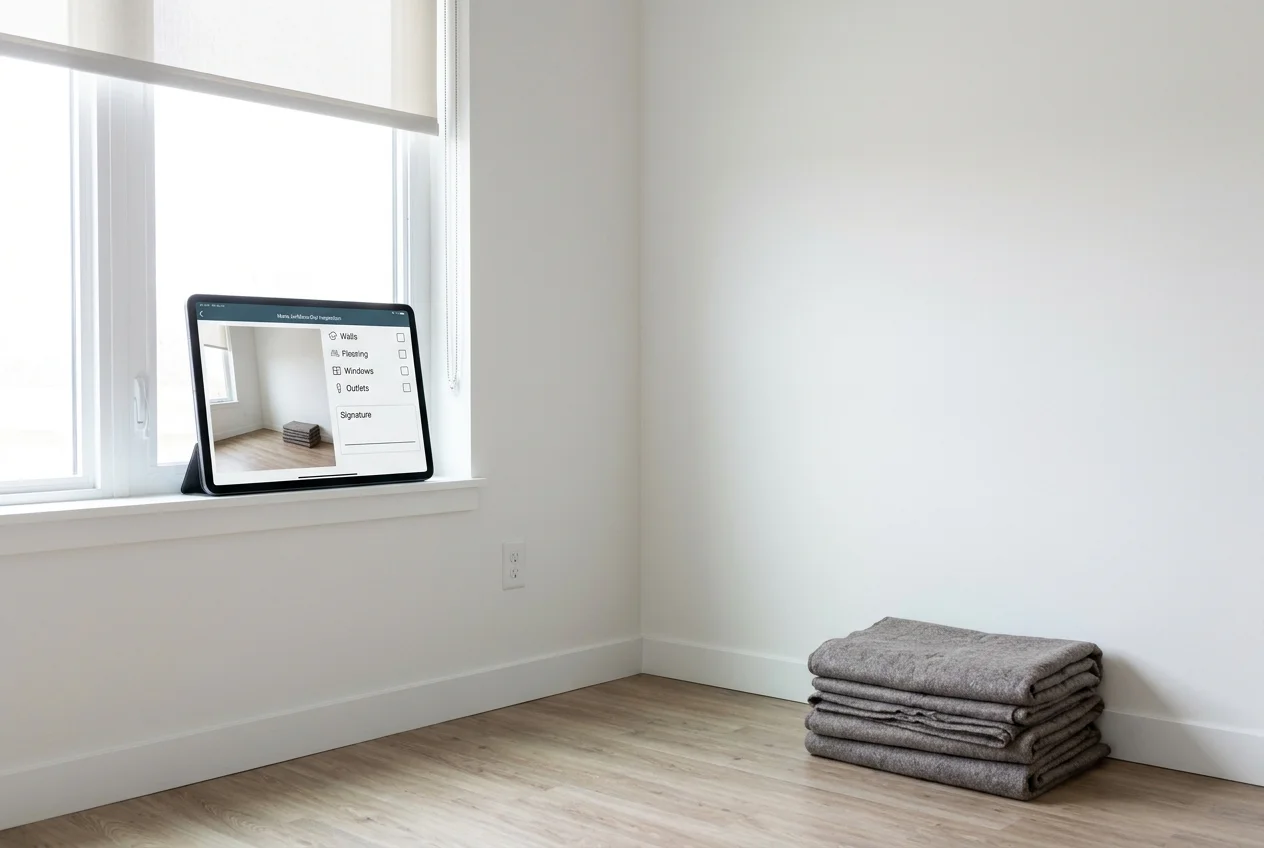
Evidence quality comes from the workflow, not the checklist template. The best choice depends on whether the app can keep move-in and move-out tied together, then get the report signed before everyone leaves.
Move-in vs. move-out continuity sits at the top of the rubric. Some apps support a direct comparison view. Others rely on fast search and consistent room naming so the earlier photo can be pulled quickly.
Photos and video need to attach to line items. A folder of “move-out photos” helps less than “bathroom vanity, left hinge loose” with a close-up on the same line. That structure also speeds up repair scoping.
Signature capture decides whether the record ever becomes mutual. A browser link that the tenant can open and sign without an account reduces friction. On-site signature capture can work too, as long as it happens at the end of the walkthrough.
Offline capture is not optional. Vacant units lose power. Basements lose signal. Inspections still need to run, then sync later once the device reconnects.
Template design and room-by-room consistency matter more than the number of templates. Some landlords also capture dimensions during the walkthrough to avoid back-and-forth later, which is where room measurement apps can complement the inspection record.
This guide ignores accounting, rent collection, and leasing. Those tools solve a different category problem than move-in and move-out documentation.
The tools in detail
Open a tool to compare its published pricing, free allowance, offline use, signing, move-in and move-out records, and limits.
myInspectionsTop pick
- Published pricing
- Solo $12/month or $96/year
- Free allowance
- 5 inspections/year; 12-month storage
- Offline use
- Offline capture; sync later
- Signing
- Browser-link report signatures
- Move-in / move-out record
- Retrieve the earlier record; confirm comparison needs
- Main constraint
- Solo 1 seat; Plus 3; Max unlimited

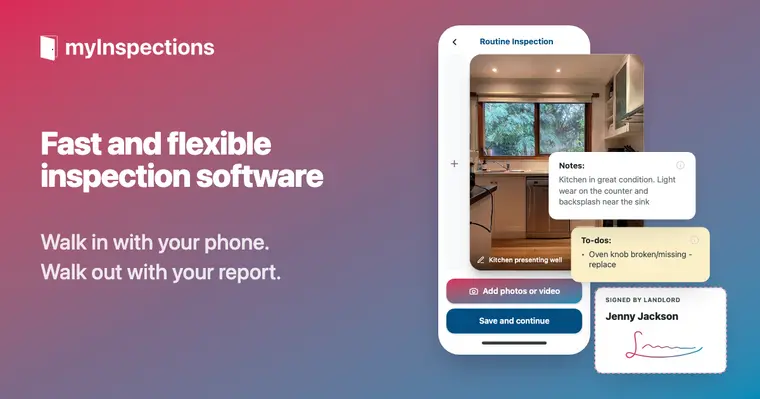
myInspections is a mobile inspection platform built around templates, photo capture, and fast report sharing. The standout detail for deposit disputes is the sharing flow: the other party can view and sign from a secure browser link without creating an account or installing an app.
Pricing stays flat as a portfolio grows because the vendor lists unlimited inspections and unlimited properties on paid plans. The vendor lists Solo at $12/mo billed monthly, or $96/yr billed annually, presented as the equivalent of $8/mo. Plus is $35/mo or $350/yr billed annually. Max is $65/mo or $650/yr billed annually. The vendor also lists a Free plan that covers 5 inspections a year with 12 months of storage.
Pros:
- Secure browser link for viewing and signing without an account
- Offline-first capture with later upload and sync
- Unlimited storage on paid plans while the subscription stays active
Cons:
- The Free plan storage window can expire before a late dispute
- Move-in vs. move-out comparison tools are not highlighted as a core feature
More details live on the myInspections site.
View myInspections →
Chapps Rental Inspector
- Published pricing
- Pro $349/year plus credits; $3.90 rate requires a 500-credit bundle
- Free allowance
- 30-day trial, up to 10 reports
- Offline use
- Offline capture; sync later
- Signing
- On-site report signatures
- Move-in / move-out record
- Each inspection builds on the previous one
- Main constraint
- Base includes 1 user; taxes excluded
Chapps Rental Inspector targets the full rental cycle, including move-in, move-out, and condition checks. The most dispute-relevant workflow detail is continuity: each inspection builds on the previous one, which makes before-and-after documentation easier to keep consistent.
Chapps Pro costs $349/year (USD) for one user, plus inspection credits. A single credit costs $15; the $3.90 per-inspection rate requires a 500-credit bundle costing $1,950. Taxes are excluded. Premium starts at $949/year with separate usage options. The vendor’s detailed US-dollar price list is the basis for these figures. A 30-day trial includes up to 10 reports.
Pros:
- Each inspection builds on the previous one across the rental cycle
- Automatic report generation that includes photos, observations, and on-site signatures
- Offline work with sync once the device reconnects
Cons:
- The base license includes 1 user, so team workflows may require more licensing
- Total annual cost depends on inspection volume because credits price per inspection
More details live on the Chapps Rental Inspector site.
View Chapps Rental Inspector →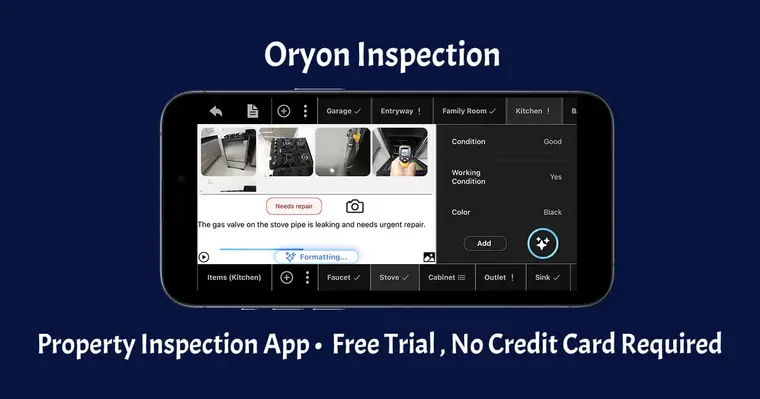
Oryon Inspection
- Published pricing
- Basic $39/month or $390/year
- Free allowance
- 14-day trial
- Offline use
- Offline capture; sync later
- Signing
- Digital signatures
- Move-in / move-out record
- Attach move-in inspection during move-out
- Main constraint
- Basic 1 device; Standard 10 devices
Oryon Inspection positions comparison as a first-class feature. During move-out, the app supports attaching the move-in inspection and comparing details side by side in a viewer. That structure matches the real argument pattern in deposit disputes, since it keeps “before” and “after” in the same review moment.
Oryon’s Basic plan costs $39/month or $390/year and supports one device. Standard costs $59/month or $590/year and supports 10 devices. A 14-day trial is available without a credit card. Choose the plan by device needs and inspection depth, rather than treating all features as part of Basic.
Oryon supports photos, video, notes, digital signatures, and visual annotations. Basic includes quick inspections; Standard adds detailed inspections and team management. AI writing and detection assistance can help prepare a report, but the inspector still needs to review its descriptions against the property.
Pros:
- Built-in move-in vs. move-out comparison by attaching the move-in inspection
- Offline inspections with later sync
- Quick mode on Basic; detailed mode on Standard and above
Cons:
- Monthly subscription pricing may not fit very low inspection volume
- Detailed inspections and larger device allowances require a higher plan
More details live on the Oryon Inspection site.
View Oryon Inspection →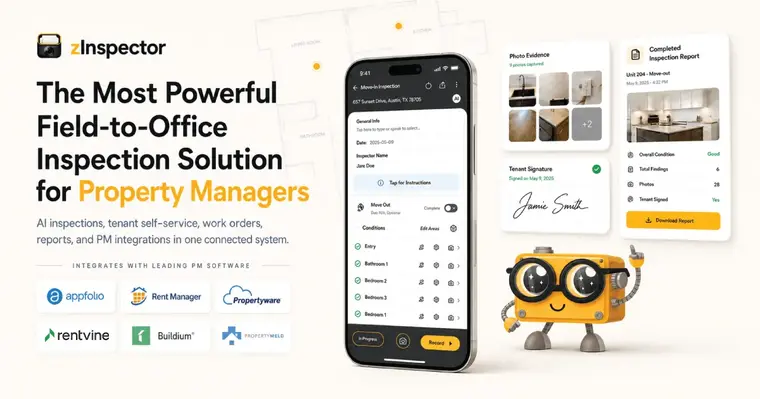
zInspector
- Published pricing
- Core from $15/month; scales with units and plan
- Free allowance
- 1 user, up to 5 properties; separate 15-day trial
- Offline use
- Offline capture; sync later
- Signing
- Tenant signatures through zTenant
- Move-in / move-out record
- Two condition-table inspections of the same property
- Main constraint
- Tenant app required for self-inspection
zInspector combines condition tables, photo records, and tenant participation. Its comparison report places two inspections of the same property side by side in a PDF. Consistent property records and completed condition tables are needed for that comparison.
The official pricing calculator lists a free plan for one user and up to five properties. Core starts at $15/month, with paid prices increasing by unit count and plan. A separate 15-day trial lets teams evaluate the wider workflow.
Pros:
- Offline inspections with photos and video, then sync when connected
- Side-by-side comparison of two condition-table inspections of the same property
- Tenant-completed inspections and signatures through the zTenant app
Cons:
- Tenant self-inspection requires downloading and signing into zTenant
- Paid costs scale with unit count, so the starting price is not a flat portfolio-wide rate
Read the comparison-report requirements and tenant inspection process before setting up a move-in template.
View zInspector →
Tap Inspect
- Published pricing
- $7.50/job in 20-job blocks ($150), or $90/month Unlimited
- Free allowance
- First 5 inspections free
- Offline use
- Offline capture; connection needed to send/sync
- Signing
- Inspection agreements; not established as tenant condition-report sign-off
- Move-in / move-out record
- Custom reports; confirm the rental comparison workflow
- Main constraint
- iPhone/iPad; Team adds $45 per extra inspector
Tap Inspect is built for iPhone and iPad and is primarily a home inspection reporting tool. Landlords can customize reports for rental walkthroughs, but should confirm that the report and sign-off process fit their tenancy workflow.
Its published pricing offers $7.50 per job, purchased in blocks of 20 for $150, or Unlimited at $90/month. The first five inspections are free. Team plans start at $90/month plus $45 per additional inspector.
Pros:
- Customizable reports on iPhone and iPad
- Per-job credits for occasional inspections
- Photos, comments, and report preparation work offline; sending and syncing need a connection
Cons:
- No Android inspection app
- The per-job option requires a $150 block purchase
- Inspection agreement signing is different from tenant sign-off on a rental condition report
The agreement-signing instructions also require an internet connection for on-site signatures.
View Tap Inspect →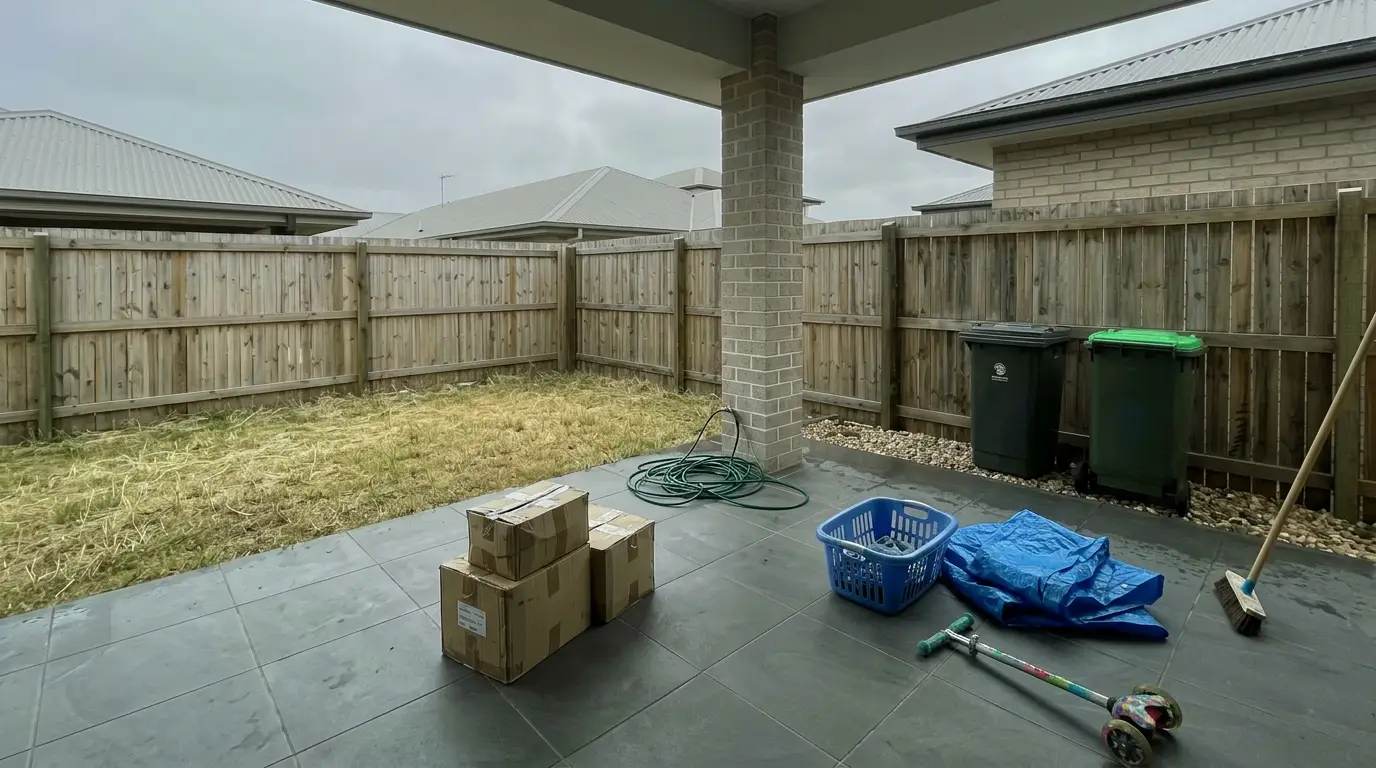
Get listing-ready photos in seconds
Clutter, exposure and twilight handled in one pass.
Start editing freePricing and access by portfolio size
Door count matters less than turnover volume and team seats. A stable portfolio with low annual move-outs can fit a per-inspection credit model. A high-turnover portfolio often benefits from unlimited inspections, even if the monthly price looks higher.
For 1–5 doors, start by checking free-plan limits. myInspections covers five inspections per year with 12 months of storage. zInspector’s free plan covers one user and up to five properties. Tap Inspect’s first five inspections are a trial allowance, not an ongoing free tier. Export and retain the records needed for the tenancy before a storage window or subscription ends.
For 6–50 doors, the decision usually comes down to pricing shape. myInspections keeps the bill flat with unlimited inspections and properties on paid plans. Oryon Inspection prices as a monthly subscription and emphasizes move-in vs. move-out comparison. Chapps Rental Inspector combines an annual base license with per-inspection credits, so the bill scales with inspection volume.
Teams at 50+ doors should compare users, devices, and unit limits alongside turnover volume. myInspections offers one seat on Solo, three on Plus, and unlimited seats on Max. Chapps’ annual base includes one user. Oryon distinguishes device allowances by plan, while zInspector’s paid costs scale with units. For frequent turnovers, short-term rental management software can help align inspections with scheduling and cleaning.
After the walkthrough: keep evidence clean, then market
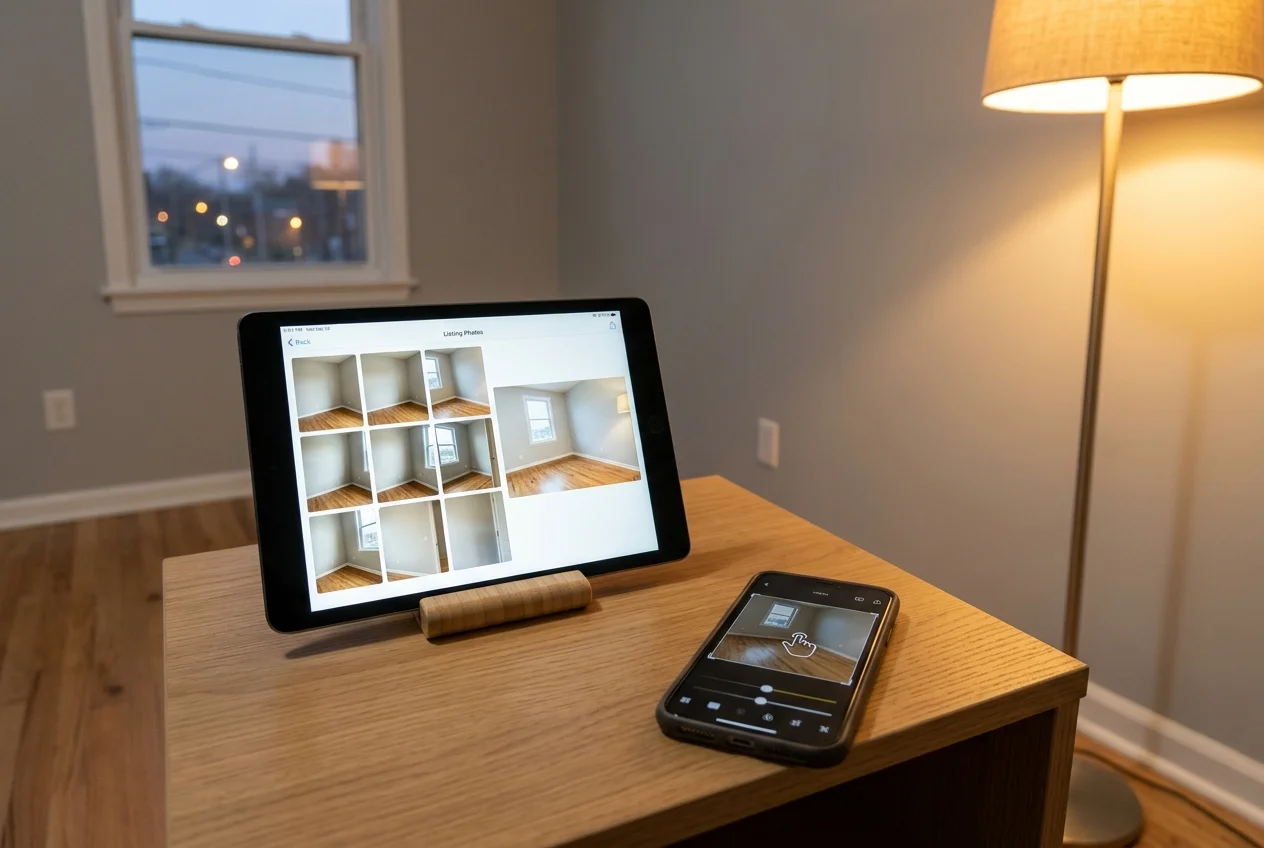
Condition photos and listing photos serve different jobs. Mixing the rules weakens both.
Keep inspection evidence unedited
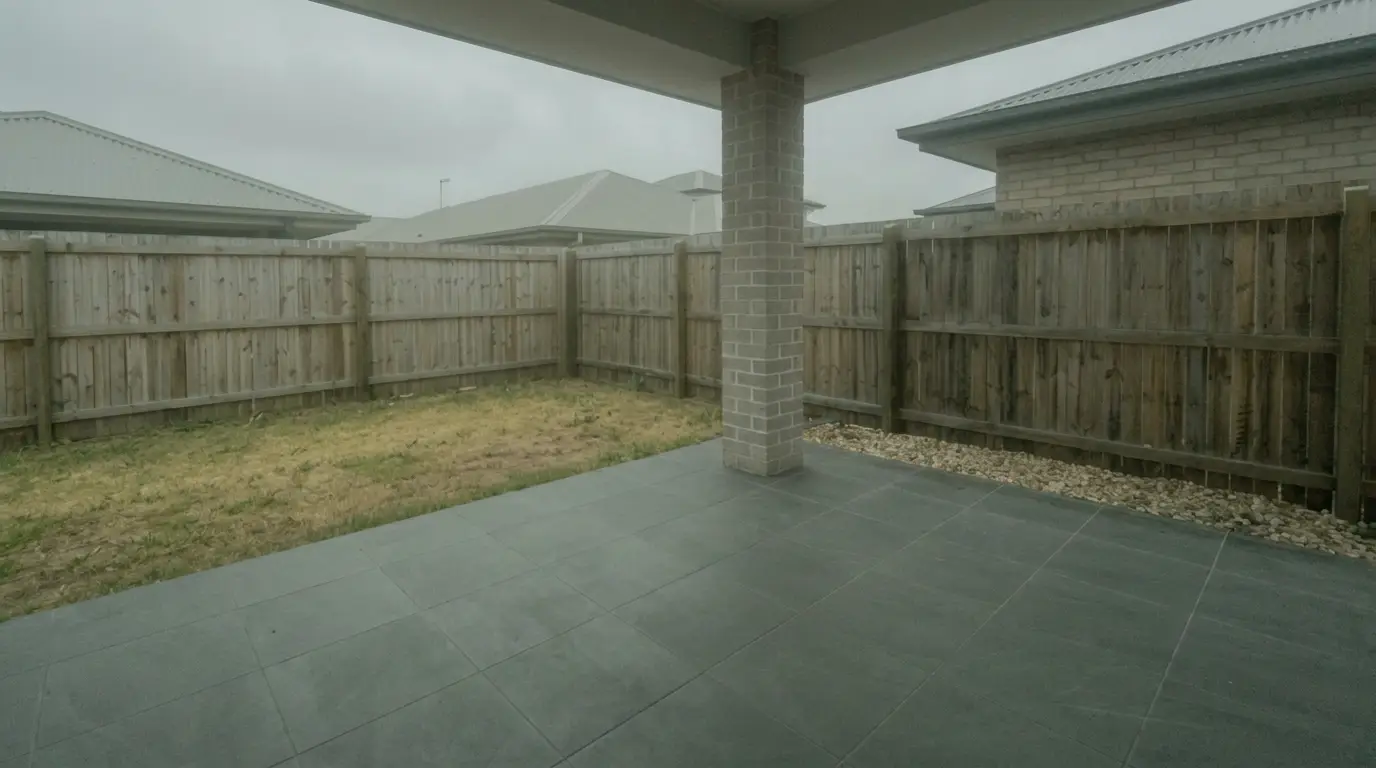
Inspection photos exist to record condition, so they stay as shot. Brightening, retouching, and object removal change what the image shows. That change becomes the first argument in a dispute.
Annotation tools live in a different category. A circle, arrow, or text callout points at damage without changing the underlying pixels. That is closer to writing a note on the line item than “fixing” the photo.
Use listing photos for marketing after the unit is empty
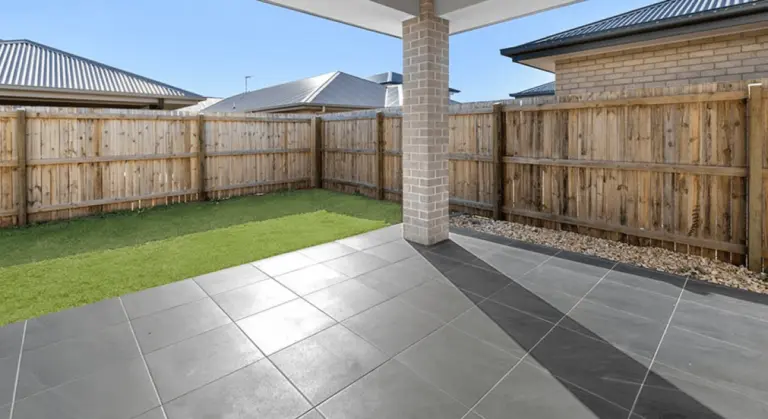
Once the unit is vacant and the deposit issue is settled, photos shift from evidence to marketing. A clean vacant-photo set still matters. Good framing and consistent exposure make editing and staging decisions easier, and the basics in shooting a vacant unit properly help avoid reshoots.
Large move-out walkthroughs also create photo overload. A repeatable file naming scheme plus tools for sorting a large photo set keep “inspection evidence” separate from “new listing media.”
For the listing itself, enhancement and staging are normal, as long as disclosure follows local MLS rules. A common plain-language label is: “Virtually staged. Digital furniture added.”
AI HomeDesign fits this marketing phase, not inspection documentation: it offers AI Virtual Staging and photo editing tools, from $19/mo, with results in under 5 seconds.
A broader scan of virtual staging software options helps landlords match the tool to the listing plan.
Find your pick
Choose the situation closest to your work.
Frequently asked questions
Yes, with limits. myInspections offers five inspections per year and 12 months of storage. zInspector has a free plan for one user and up to five properties. Tap Inspect offers the first five inspections free as a trial allowance. Check storage and export arrangements before relying on a free plan for an entire tenancy.
Room-by-room line items with clear condition notes, photos or video attached to each item, and signatures from both parties on the same report. The move-in version needs to stay retrievable, since move-out photos only become meaningful next to the earlier record. Deposit deadlines, notice requirements, and walkthrough rights vary by jurisdiction, so local statutes and the lease set the rules.
All five tools support inspection work offline, with syncing or delivery after reconnecting. Tap Inspect can capture photos and comments and prepare reports offline, but sending reports and on-site agreement signing require internet. Test the exact capture and signing workflow before the walkthrough.
Yes, but the process differs. myInspections uses a secure browser link without an account or app install. Chapps supports on-site report signatures; Oryon supports digital signatures. zInspector offers tenant inspections and signing through the zTenant app. Tap Inspect’s agreement signing should not be treated as confirmation of a tenant condition-report workflow.
myInspections Solo is $12/month or $96/year. Oryon Basic is $39/month or $390/year. zInspector Core starts at $15/month and scales with units. Chapps Pro is $349/year plus credits; its $3.90 per-inspection rate requires buying 500 credits for $1,950, excluding taxes. Tap Inspect charges $7.50/job in 20-job blocks for $150, or $90/month for Unlimited.
No. Condition photos are evidence of the unit’s state, so enhancement, retouching, or object removal can weaken the record in a dispute. Visible annotation that points at a flaw is different, since it adds a note without changing what the image shows. Enhancement and staging belong to listing photos taken after the unit is empty.