Photo Culling Software for Real Estate Photographers 2026
A real estate shoot rarely fails on capture. It fails after the shoot, when 150 to 400 near-identical bracketed frames turn into a late-night decision marathon. The right photo culling software reduces that decision load by keeping each bracket stack together and making full-size RAW previews feel instant.
Most “best culling” roundups still grade tools on weddings and portraits. Real estate photographers grade a different set of problems: window pull inside a bracket set, vertical lines that stay true, and clean handoff to editing before an MLS deadline. The sections below score five popular options against that reality.
Why Real Estate Shoots Break Generic Culling Advice

A real estate cull is a pipeline decision, not a taste decision. Photographers do not pick the “best moment.” They pick the cleanest composition for each room, then pick the best frame inside a bracket or flambient stack. That choice sets the difficulty of the HDR merge and the rest of the edit.
The dominant bottleneck is preview speed and grouping. If a tool shows a full-resolution RAW preview slowly, every bracket set becomes a waiting game. If a tool splits a five-frame stack across the grid, the brain re-solves the same decision several times.
File handling matters more than most comparisons admit. A cloud engine can feel fast on any laptop, but it also means uploading occupied-home interiors. Some studios can do that. Others cannot.
Culling also sits inside a bigger toolchain. A useful way to think about it is as one link in a real estate software stack that includes capture, culling, HDR or flambient blending, editing, delivery, and staging.
What to Look For in Photo Culling Software for Real Estate
Real estate work rewards boring, repeatable decisions. The best tools make those decisions faster without creating downstream cleanup in Lightroom or Capture One.
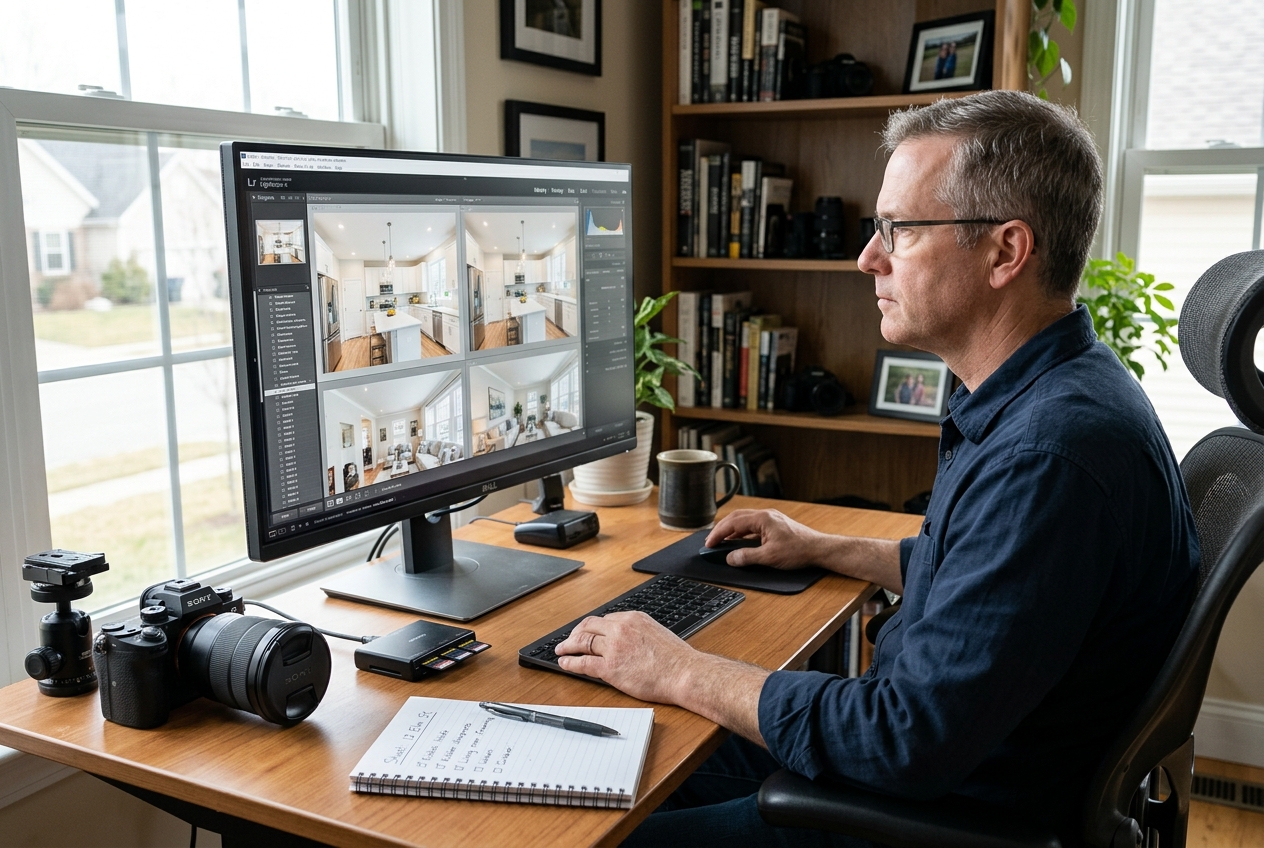
Start with grouping and preview. A strong scene or duplicate grouping system should keep each bracket stack together as a single decision unit. A fast viewer should show a full-size RAW preview without a long render pause, because that pause multiplies across every room.
Next, look at the things that actually map to interiors. Sharpness and focus scoring helps catch a soft hero frame. Crop and level tools can save time when a composition is almost correct. Rename-on-ingest and multi-card ingest matter on multi-listing days.
Then ignore the portrait bait. Blink detection, face compare, smile ranking, and expression scoring do not solve the core real estate problem. Those features can stay off the buying criteria.
One final filter sits above features: privacy and workflow fit. Local processing keeps files on the machine. Cloud processing buys speed on underpowered laptops. A team should choose deliberately and document the choice.
The Real Estate Cull Rubric for Brackets, Flambient, and Drone
The fastest teams do not “hunt” for selects. They apply a rubric that stays the same across shooters, editors, and busy weeks.
Interior brackets and flambient sets start with geometry. Kill frames with leaning verticals and horizons that would require heavy correction. Keep the frame in the stack that holds the best window exposure, even if it is not the brightest interior. Window pull drives perceived quality on almost every listing.
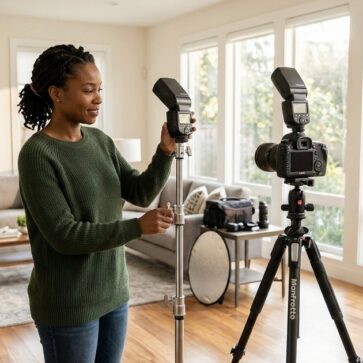
Color and reflections come next. Drop frames with mixed color cast between ambient and flash exposures. Remove any frame showing a tripod, light stand, trigger, or the photographer in mirrors, glass, TVs, glossy appliances, or framed art.
Exterior, twilight, and drone need different criteria. Exteriors live and die on clean cars and bins, shadow direction, and sky shape. Twilight is a sequence decision, so keep the frame with the cleanest ambient-to-window balance, not the brightest sky. Drone culling should prioritize property boundary clarity and minimize neighbor distraction.
Edge cases deserve written exceptions so assistants can follow them. Distressed homes often need fewer “detail” frames and more proof-of-condition angles. Luxury listings may justify more hero variants per room, but only if the set stays distinct. Pocket listings and privacy-sensitive sellers may require fully local processing and tighter delivery control.
AI and Assisted Tools for Real Estate Culling

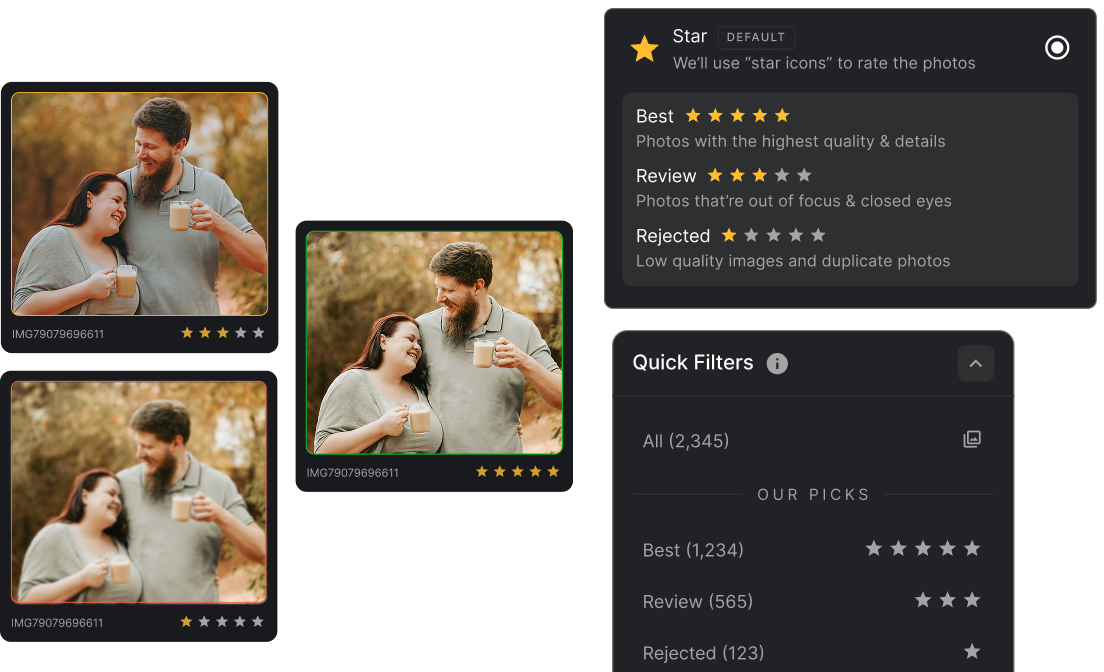
AI culling can save time in two places that matter for property work: grouping near-duplicates into scenes, and flagging soft frames before a human spends attention on them. The exposure judgement inside a bracket stack still needs a human eye.
Where each tool sits
Price against speed. Bottom-left is cheap and fast, top-right is pricey and slower.
The tools in detail
FilterPixelTop pick
FilterPixel positions itself around speed, with cloud-based culling that stays hardware-independent. That suits photographers who cull on a laptop between shoots or who need a fast first pass on large batches.
Pricing and access sits at $19/mo, and the brief lists a free tier that does not require a card. Published speed guidance cites about 3 minutes per 1,000 images in the cloud.
- Pros: hardware-independent cloud processing, fast first-pass culling, duplicate grouping.
- Cons: cloud processing means property interiors leave the machine.
Skip it if cloud upload creates brokerage or seller friction.
View FilterPixel →
Aftershoot
Aftershoot combines culling with editing options in one desktop workflow, and the brief describes local processing that works offline. That “files stay on the machine” posture fits teams that treat occupied-home photos as sensitive client material.
The brief lists a 30-day full-access trial with no card and no per-image fees, with starting price shown as $16/mo. Speed guidance is 8 to 12 minutes per 1,000 images on local processing.
- Pros: offline workflow, AI assisted mode for review control, Lightroom and Capture One integration.
- Cons: editing and retouching features are not real estate-specific, so interiors color decisions may still stay manual.
Skip it if the team wants pure culling with no editing layer.
View Aftershoot →
Narrative Select
Narrative Select leans into assisted culling and fine-grained control. That maps well to bracket stacks where the “right” frame depends on window pull and color balance, not just sharpness.
The brief lists a free trial of the top plan with no credit card required, and an entry price of $10/mo on the Lite tier. Speed guidance ranges from 15 to 45 minutes per 1,000 images locally.
- Pros: strong scene and duplicate review patterns, assisted-first-pass approach, focus scoring.
- Cons: slower pass times than the fastest tools in published sources.
Skip it if speed matters more than hands-on control.
View Narrative Select →
Photo Mechanic
Photo Mechanic stays relevant because preview speed beats most automation on smaller, bracket-heavy sets. The brief lists instant previews for fast manual culling, plus multi-card ingest, rename on import, and backup to multiple locations on import.
Pricing shows a $149/year subscription or a perpetual license from $299 one-time, with no free tier. That makes it the highest upfront option in this list, but also the least dependent on AI judgement.
- Pros: instant preview rendering, strong ingest and renaming tools, backup-on-import discipline.
- Cons: no free tier, no AI grouping layer.
Skip it if the workflow depends on automated first-pass grouping.
View Photo Mechanic →Adobe Lightroom
Lightroom is “good enough” when the workflow already lives inside its catalog and the volume stays modest. The brief lists native stars, flags, and rating tools, plus built-in export and delivery workflows.
The tradeoff is speed. The brief lists manual culling at roughly 60 to 90 minutes per 1,000 images, largely because preview rendering becomes the bottleneck.
- Pros: zero additional app, flags and stars already exist where editing happens.
- Cons: slowest culling experience for large batches.
Skip it if preview lag drives the team back into late-night culls.
View Adobe Lightroom →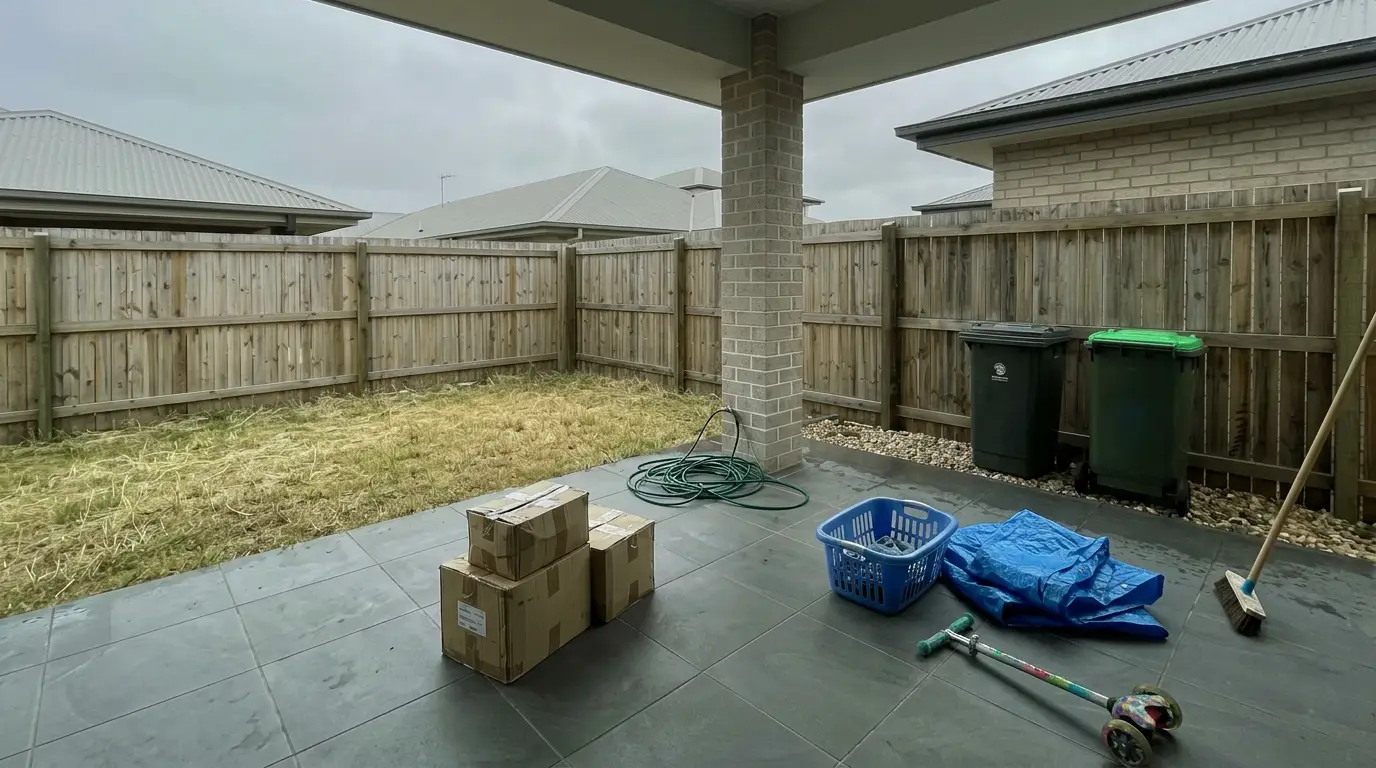
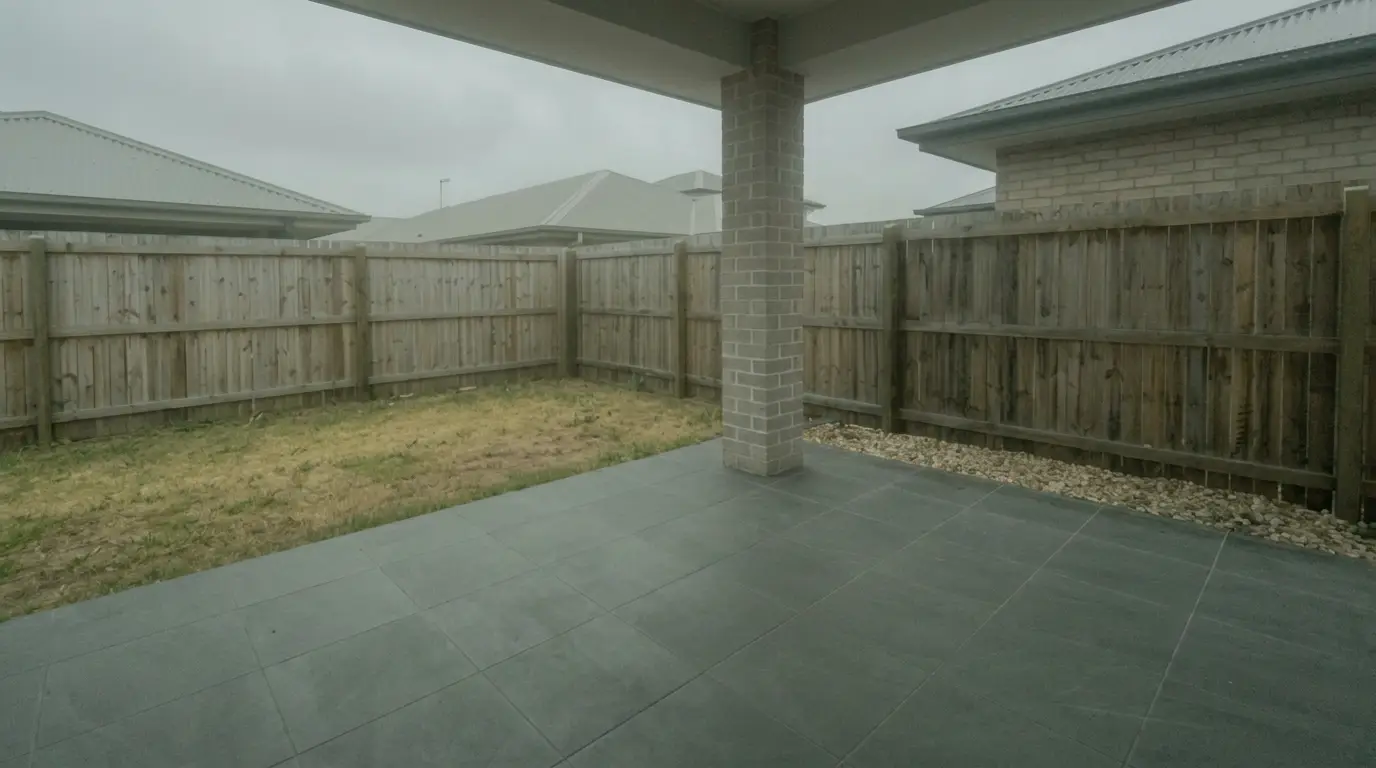
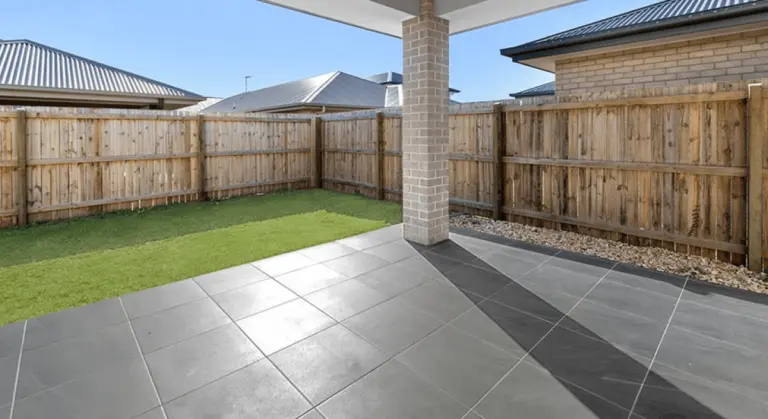
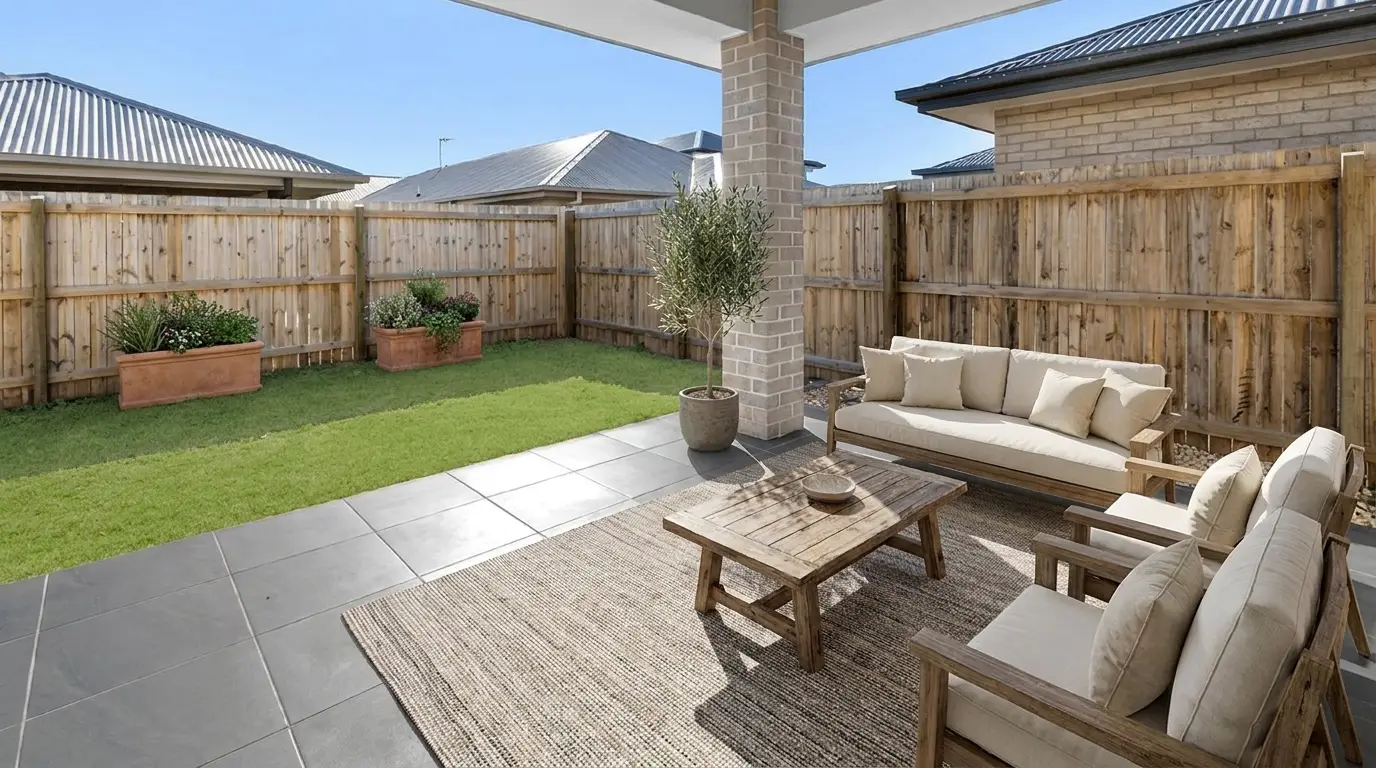
Get listing-ready photos in seconds
Clutter, exposure and twilight handled in one pass. All 11 tools on one account. Free trial credits, no credit card.
Start editing freeWhat it really costs per listing
Pick a tool, set how many listings you do a month, and see the real per-listing cost. Only the 4 tools that publish a monthly price are listed.
Manual Speed Tools for Tight Deadlines

Some real estate teams do not need AI to move faster. They need instant previews, a repeatable keyboard rhythm, and clean ingest discipline.
Handoff to Editing, Disclosure, and Virtual Staging
Culling only pays off if the selects move cleanly into the editor’s work. A practical deliverable for the editor is a folder or catalog that preserves bracket stacks, plus flags and star ratings that survive the import.
Naming and metadata prevent same-day confusion. A simple convention such as address-room-sequence keeps revisions findable without a phone call. Rename-on-ingest helps, but any tool can hand off clean names if the rule stays consistent.
Editors also need clarity on what belongs in the deliverable versus what stays in conversation. Put only operational facts in the handoff, such as the delivered image count target, the hero per room, and notes like “stage this room.” Save aesthetic debates, seller requests, and marketing narrative for a quick call.
AI edits and staging need clear labeling. MLS Rules vary, but Disclosure should be explicit on any virtually staged image. A safe baseline is a visible “virtually staged” note in the description and a Virtually Staged Watermark when required by the MLS.
After the base edit, AI HomeDesign fits downstream for AI real estate photo editing work such as AI Virtual Staging, AI Item Removal, and AI Day to Dusk, with pricing from $0.24 a photo and unlimited free regenerations. For teams comparing platforms, a separate guide to virtual staging software can help standardize what happens after selects are locked.
Best Picks by Volume and Privacy
A solid culling choice depends less on “accuracy” claims and more on whether the process hits the delivery window. For next-morning listing timelines, most teams should treat the cull-to-editor handoff as a within 1 day task, because every extra day shifts pressure onto editing and staging.
Low volume shooters who cull one listing at a time can often stay in Lightroom if preview speed stays tolerable. Mid-volume studios benefit most from assisted tools that group bracket stacks, because grouping reduces decision fatigue across rooms. High-volume teams that trust their own eye often win on manual speed tools with instant previews.
Privacy can be a deal-breaker, not a preference. Occupied homes can include personal photos, valuables, and documents, so some brokerages restrict third-party processing. Local MLS organizations publish their own rules and guidance, including REcolorado’s market resources on REcolorado.
When overflow hits, adding a second shooter or contracted help can beat any software tweak. A directory of real estate photographers by city can help teams find backup capacity without compromising turnaround.
The final rule stays simple: run one full listing set of real bracket stacks through two tools, then pick the one that exports clean flags, keeps scenes together, and fits the privacy posture on paper.
Find your pick
Tap your situation for a quick recommendation.
Frequently asked questions
The best fit depends on how bracket-heavy the work is and whether files can leave the machine. FilterPixel focuses on cloud speed, Aftershoot focuses on offline processing with assisted review, Narrative Select focuses on hands-on scene control, Photo Mechanic focuses on instant manual preview speed, and Lightroom focuses on staying inside one catalog for cull and edit.
AI helps most with scene grouping and soft-frame detection, which speeds up bracket-stack review. The exposure choice for window pull still needs a human decision, because the “best” frame is often the one that preserves exterior detail, not the one that looks brightest. Assisted modes work better than fully automated picks for brackets.
Several tools offer free tiers or trials, but “free” usually means limited features or a time window. The most practical way to use a trial is to process one complete listing set, then check whether flags, stars, and naming survive the import into Lightroom or Capture One. Photo Mechanic does not list a free tier in published sources.
A workable operational target is under 15 minutes for a typical bracketed interior set once the rubric stays consistent. Preview speed and grouping drive most of the variance. If culling runs long, the fix is often faster full-size RAW previews or better scene grouping, not more AI “accuracy” claims.
Deliver a clear selects set that preserves bracket stacks, includes flags or star ratings, and uses a consistent rename convention tied to address and room. Add short operational notes like “hero” or “stage,” but keep subjective style feedback out of the file handoff. That keeps editing decisions fast and auditable.
Safety depends on the brokerage policy, the client’s expectations, and the vendor’s terms. Occupied homes can reveal personal items, so some teams choose local processing to avoid third-party uploads. Before uploading any interiors, confirm retention and training terms with the vendor and confirm whether the brokerage allows cloud processing.