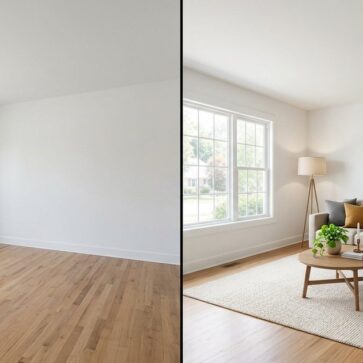
Pedra Alternatives for Real Estate Photo Editing in 2026
The tool you’re replacing
Agents and photographers usually start looking at pedra alternatives after a real listing week exposes the gaps between what a tool promises and what a full photo set needs. Pedra can feel convenient because it bundles listing media, then charges by credit when images get generated.
Pedra’s published pricing also sets a clear baseline: €29/month for Pro Monthly with 100 credits and €239/year for Pro Annual with 1,200 credits. Pedra also lists a free tier with 7 image credits plus one video and one virtual tour, and it describes turnaround as about 15 minutes per property, with edits in seconds.
This guide maps five practical alternatives against the day-to-day questions that decide whether switching actually saves time or money. For a broader landscape beyond these five picks, the intro context in this wider guide to AI home design and virtual staging alternatives helps with category-level trade-offs.
How to Choose Pedra Alternatives for Real Estate Photo Editing
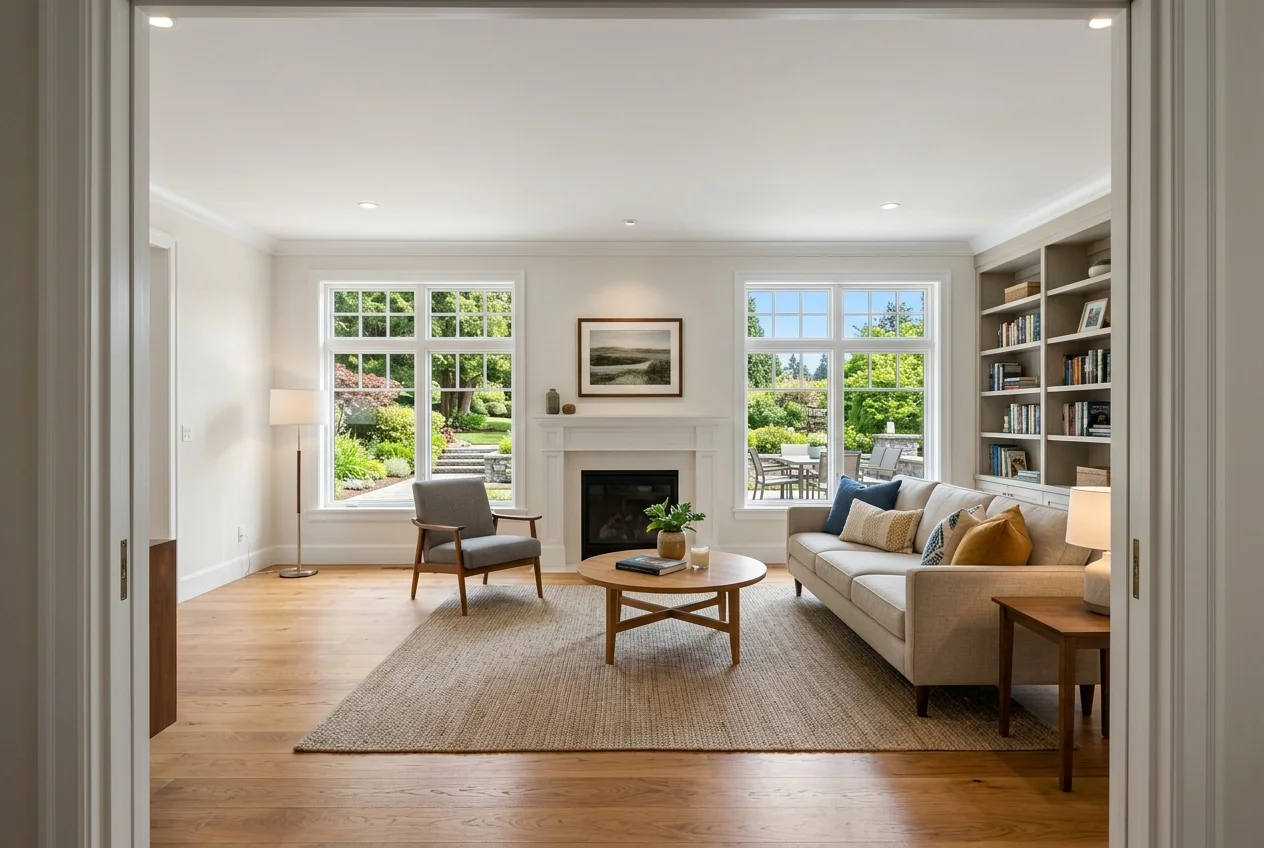
A clean comparison starts with the jobs a listing set requires, not the feature list. Most sets need photo enhancement across the whole gallery, plus targeted work like item removal, day to dusk, and a few staged rooms. Some listings also need a renovation concept image. A tool that covers only one job can still be excellent, but it almost always forces a second subscription.
Cost also behaves differently depending on the billing model. Pedra prices work as credits per AI photo, with 1 credit per generated AI photo and a monthly allowance on Pro Monthly. Per-image tools behave like a meter. AutoHDR charges about $0.50 per downloaded photo, Autoenhance.ai lists up to $0.49 per download, Autopix runs around $0.30 per image, and Stager AI lists $0.25 per asset. AI HomeDesign publishes rates down to $0.24 per photo.
A simple 25-photo scenario helps keep the sticker price honest. At $0.24 per photo, a 25-photo set prices at $6.00 before add-ons or optional exports. At $0.25 per asset, it prices at $6.25. At $0.30 per image, it lands at $7.50. At $0.49 per download, it lands at $12.25, and at $0.50 per downloaded photo it lands at $12.50. Those totals look close until the first retry happens.
Retries are where budgets break. Some tools charge again for a second usable file. Others let regenerations run without extra cost. That detail matters more than a difference of a few cents, because a listing set rarely needs exactly one pass per image.
Turnaround also needs a plain definition. “Seconds” means an on-demand render that fits a same-day listing. “20–30 minutes” usually means a cloud queue per shoot. “Minutes varies” often means the batch finishes when the system finishes. A human-reviewed service often sits in a 24–48 hour window. Input quality still matters across all of those, which is why the craft basics in shooting brackets and verticals cleanly in the first place belong in the decision.
The Five Listing Jobs That Drive Tool Choice
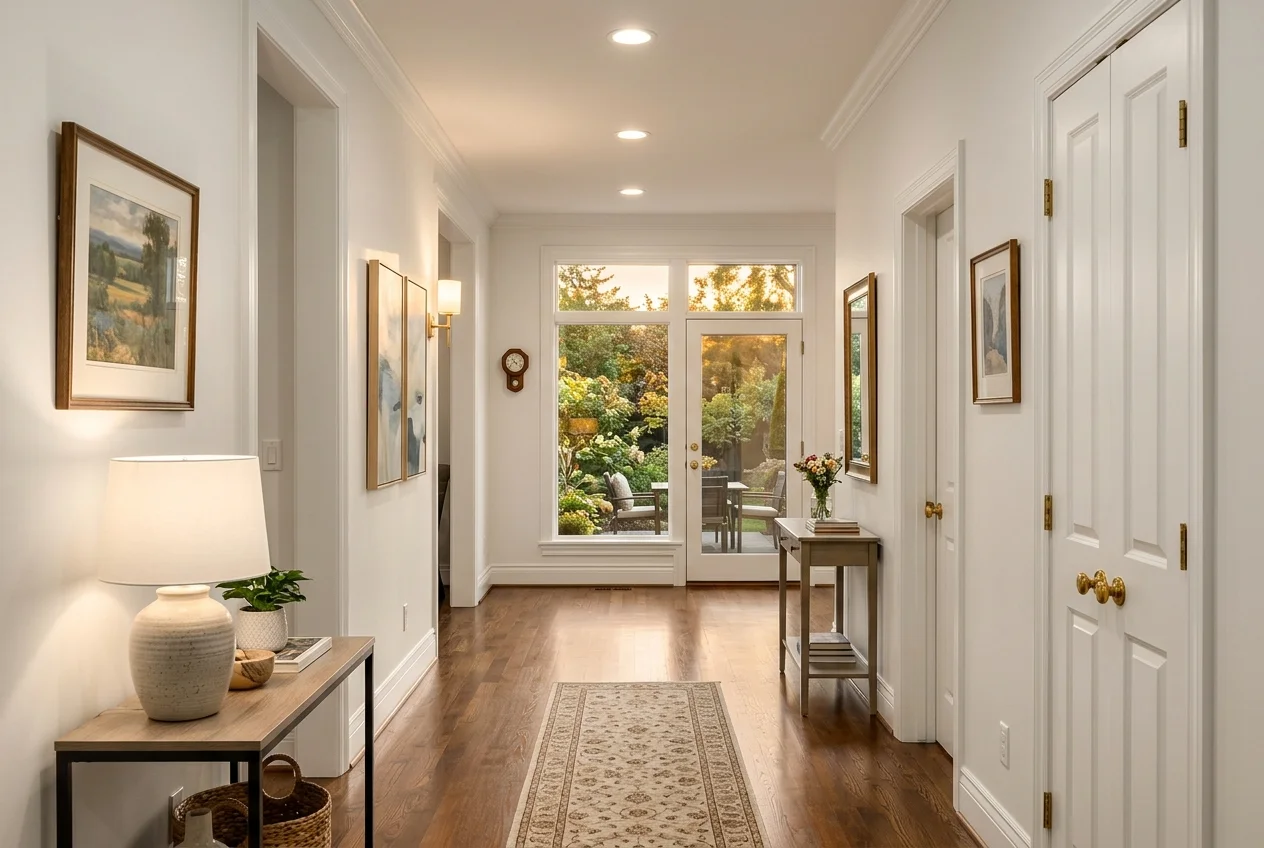
Most listings fall into a repeatable job mix. Photo enhancement sits under almost every image, because it includes HDR merge, window pull, vertical correction, and sky work that keeps a gallery consistent. Virtual staging usually applies to a small subset of rooms, but it affects the look of the whole listing because it sets the “story” for the space. Item removal shows up in small ways, cords, trash cans, yard clutter, and it shows up in big ways, a room that needs declutter before marketing.
Day to dusk sits in a different bucket. Many tools treat it as a sky swap, but listing delivery needs a coherent exterior mood and consistent window glow. That is why a day-to-dusk capability can justify a second tool even when enhancement looks strong elsewhere.
Virtual renovation matters less often, but it changes the buyer conversation when a kitchen or bath needs an update. Renovation visuals also carry higher disclosure risk, because they can drift from “presentation” into “representation.” Teams that do renovation should separate “concept” images from “as-is” gallery shots.
A staged listing still needs tight photo editing. Staging-first tools can solve the furniture layer, yet leave exposure work, verticals, and window pulls as a second workflow. For teams comparing staging-first options to Pedra’s bundle, the narrower staging focus discussed in other staging-first tools built around listing photos helps clarify what is being swapped in and out.
Consistency Across a Full Listing Set
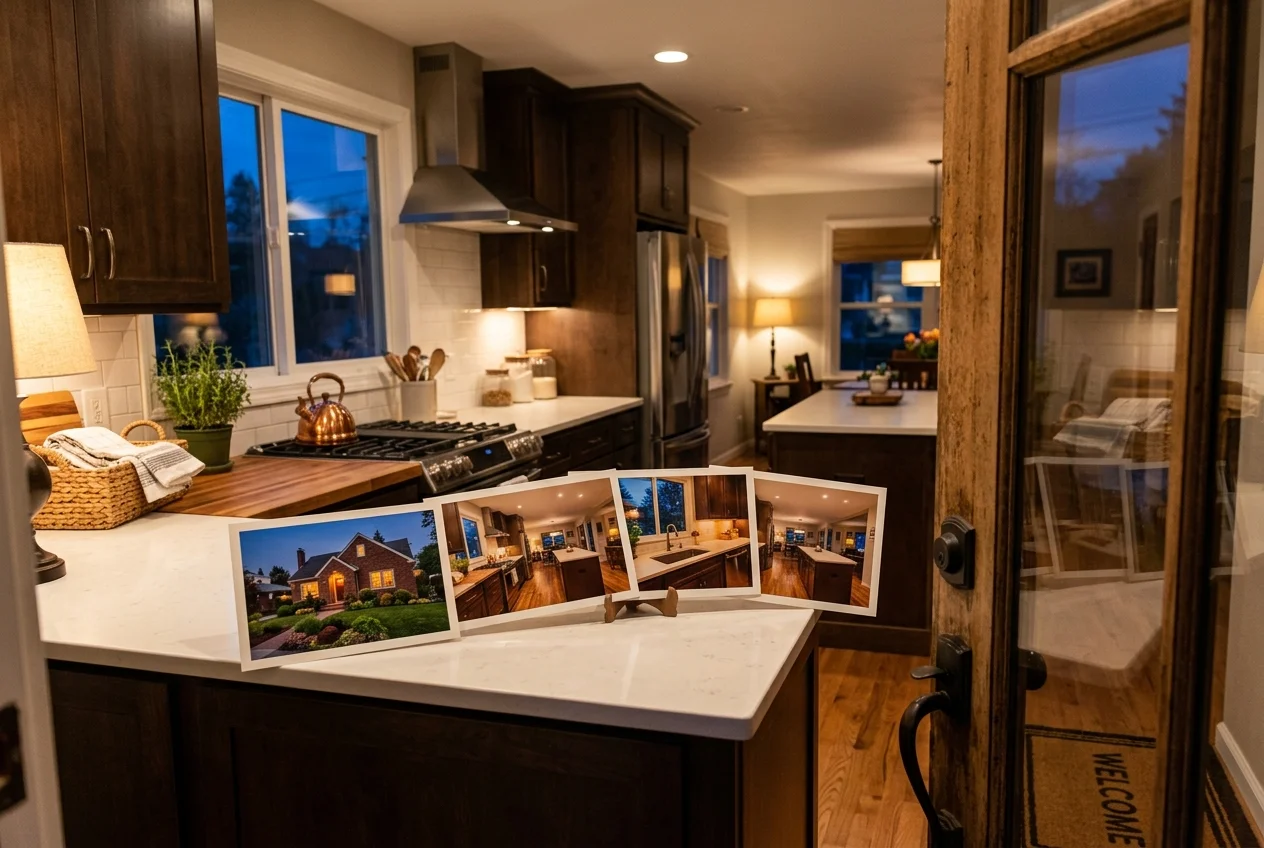
Single-image demos hide the real workload. A listing set includes repeated rooms from multiple angles, plus interior and exterior mixes that amplify drift. A kitchen can come back with three different white balances, or the same exterior can shift sky tone across angles. That drift reads as sloppy even when each image looks fine alone.
Consistency work happens at two levels. Editing needs a stable exposure and color story across the set. Staging also needs a stable furniture story across angles of the same room, because the room becomes the buyer’s mental model. When teams hop between multiple tools, each tool tends to apply its own defaults. Skies change, window pulls change, and furniture styling can conflict.
A practical trial plan prevents that. Teams can run one complete listing set through each candidate. The set should include at least one room shot from multiple angles, one exterior that might need day to dusk, and a few clutter cases for item removal. Export resolution also matters. A file that looks fine in a web preview can still fail a delivery standard.
Some tools lean more toward interior styling than listing delivery. For teams evaluating those approaches as a complement, tools aimed more at interior styling than listing delivery explains how that workflow differs from MLS-bound output.
What Pedra does well, and where it stops
Checked against pedra.ai.
What it does well
- All-in-one listing media (staging + enhancement + video + tours + floor plans)
- Virtual staging & renovation from photos (1 credit per AI photo)
- Photo enhancement tools (HD, perspective fixes, sky edits)
- Unlimited property videos, virtual tours, floor plans & social automation (plan-included)
- A free tier you can test before paying anything
Where people outgrow it
- No day-to-dusk conversion for twilight shots
- The free tier is capped at 7 image credits plus one video and one virtual tour, so a single listing set can use it up before every room is done.
- Pro Monthly allots 100 credits per month, so a quiet month’s unused capacity does not carry into a heavy one.
- Every AI photo costs 1 credit, which means each re-render or restyle of the same room draws down the same allowance.
- Plans are priced in euros (€29/month or €239/year), adding currency conversion for US-based agents and photographers.
The tools in detail

AI HomeDesignTop pick
vs Pedra: AI HomeDesign focuses on listing-photo edits and renders across staging, photo editing, and renovation, rather than bundling tours and floor plans.
AI HomeDesign covers three hubs, virtual staging, photo editing, and renovation, across 11 tools, with seven renovation tools. It runs on one account with one shared credit pool, which keeps mixed jobs on a single balance instead of splitting spend across tools. It also includes free regenerations, so teams can iterate without paying again for the same image.
Pricing starts from $0.24 per photo on published plans, and turnaround runs in seconds, including under 5 seconds for AI Virtual Staging. MLS compliance is built in by default, with structure and fixtures preserved. The practical fit is an agent or photographer who needs staging, Image Enhancement, Item Removal, AI Day to Dusk, and renovation visuals inside the same workflow, under one set of disclosure habits.
Pros: consistent tool coverage across the five listing jobs, free regenerations for iteration, and MLS-compliant defaults. Cons: teams that mainly want tours and floor plans need separate tooling.
Skip it if the core need is a single bundled media suite that includes tours, floor plans, and videos.
Pricing details live on the AI real estate photo editing page.
View AI HomeDesign →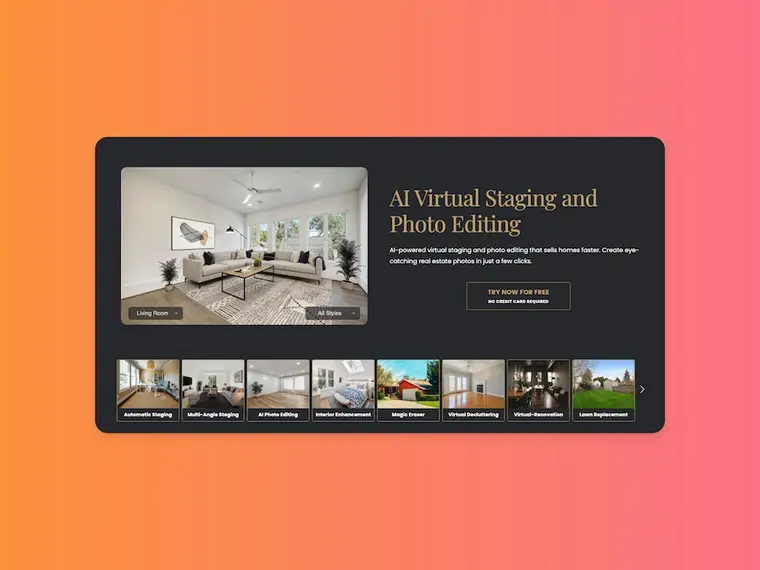
Stager AI
vs Pedra: Stager AI leans into bracket fusion and staging layers, rather than a credit-based bundle that also includes tours and floor plans.
Stager AI positions itself around an architectural-precision HDR workflow with native multi-exposure bracket fusion, plus 3D virtual staging layers. It also lists listing-to-motion video walkthrough rendering and batch automation support. Published pricing is $0.25 per asset.
The best-fit scenario is a photographer pipeline built around bracketed captures that wants enhancement and staging in the same environment. The trade-off is verification. Turnaround is not stated in the pricing facts, so teams that live on same-day deadlines need a careful trial plan.
Pros: bracket-fusion workflow, staging layers tied to the same workspace, and a clear per-asset price. Cons: turnaround is not publicly listed.
Skip it if a published turnaround window is required for service-level commitments.
Vendor details appear on the Stager AI site.
View Stager AI →
AutoHDR
vs Pedra: AutoHDR uses a pay-per-download model with watermarked previews, rather than monthly credits for AI photos.
AutoHDR’s model starts with free upload and a watermarked preview. Payment happens when downloads get pulled, which means a heavily culled shoot can cost less than a per-image pipeline. The published rate is roughly $0.50 per photo.
AutoHDR also lists HDR bracket merging for real estate, virtual twilight conversion for day to dusk, sky replacement and toggling, and perspective correction plus AutoFill extras. The trade-off sits in time. The brief describes 20–30 minute cloud queues per shoot, which can be fine for batch delivery and painful on a same-day listing.
Pros: pay only for the keepers, day-to-dusk support in the same workflow, and a preview-first process. Cons: queues can slow listing-day delivery.
Skip it if same-day turnaround is required for every listing.
More details are on AutoHDR.
View AutoHDR →
Autoenhance.ai
vs Pedra: Autoenhance.ai is enhancement-only, so it replaces the baseline edits but not staging, item removal, or renovation.
Autoenhance.ai focuses on automated real estate photo enhancement, including HDR merging and window pulls, sky replacement, and perspective straightening. It also lists auto-privacy blur for sensitive details, which can reduce manual cleanup for license plates, family photos, or reflections.
The published pricing is up to $0.49 per download, with a free trial that includes previews before committing. Turnaround is described as automated AI that runs in minutes, with timing that varies by job volume.
Pros: enhancement focus that fits a photographer delivery pipeline, privacy blur support, and a preview-first trial model. Cons: staging and renovation require a second tool.
Skip it if the goal is one subscription that covers staging and renovation alongside enhancement.
More details are on Autoenhance.ai.
View Autoenhance.ai →
Autopix by Esoft
vs Pedra: Autopix by Esoft focuses on enhancement consistency at scale, rather than bundling listing media like tours and floor plans.
Autopix by Esoft positions itself as a production workflow for speed and consistency across listing sets. The feature list includes AI HDR and exposure balancing for mixed lighting, natural-looking window enhancement, and sky replacement assets meant to keep results consistent. It also mentions brand presets, plus API support and RAW and bracket support.
Pricing is around $0.30 per image with post-paid billing. Turnaround is described as AI production workflow timing that varies, so teams should confirm operational fit before committing.
Pros: volume-friendly workflow, brand presets for a consistent look, and post-paid billing that can fit media companies. Cons: it is enhancement-only, so staging and renovation require a second tool.
Skip it if the main need is staging and renovation visuals from the same subscription.
More details are on Esoft’s overview of Autopix by Esoft.
View Autopix by Esoft →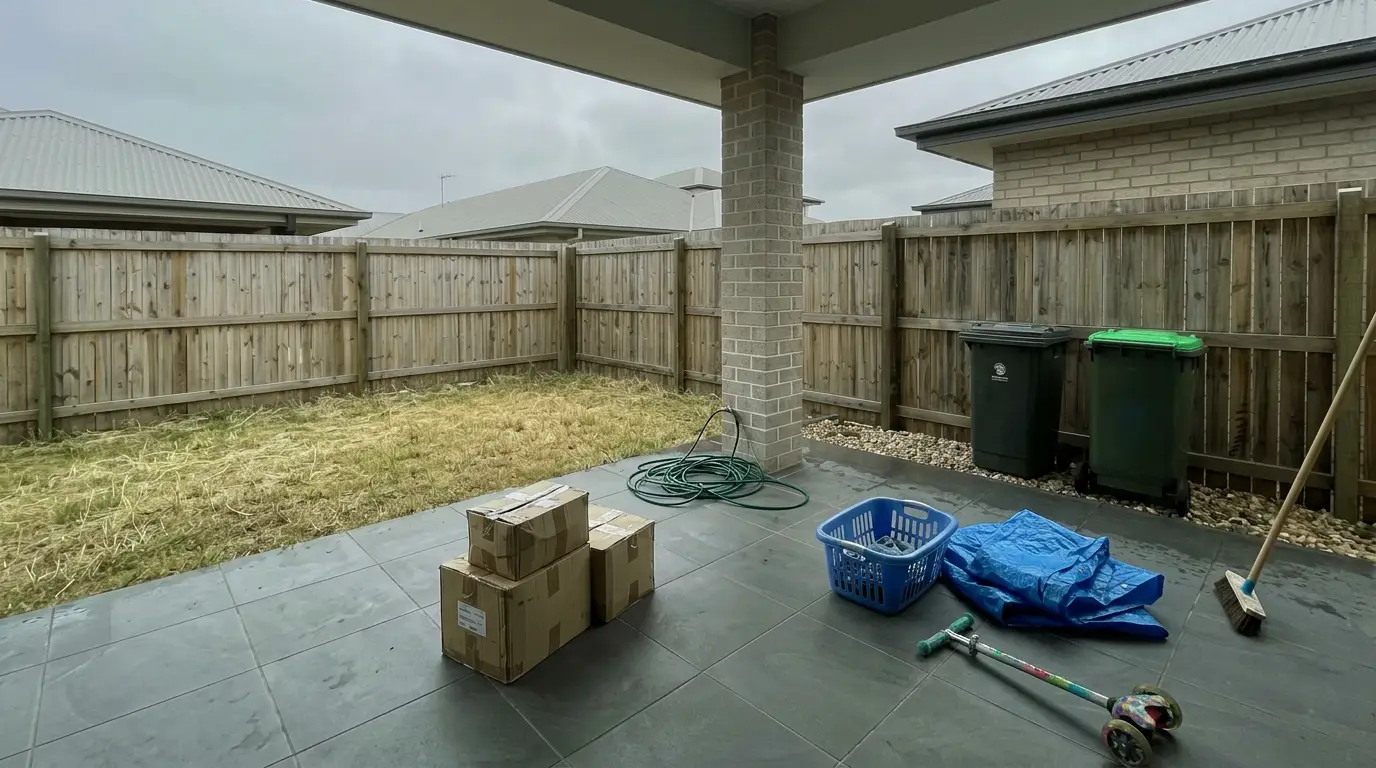
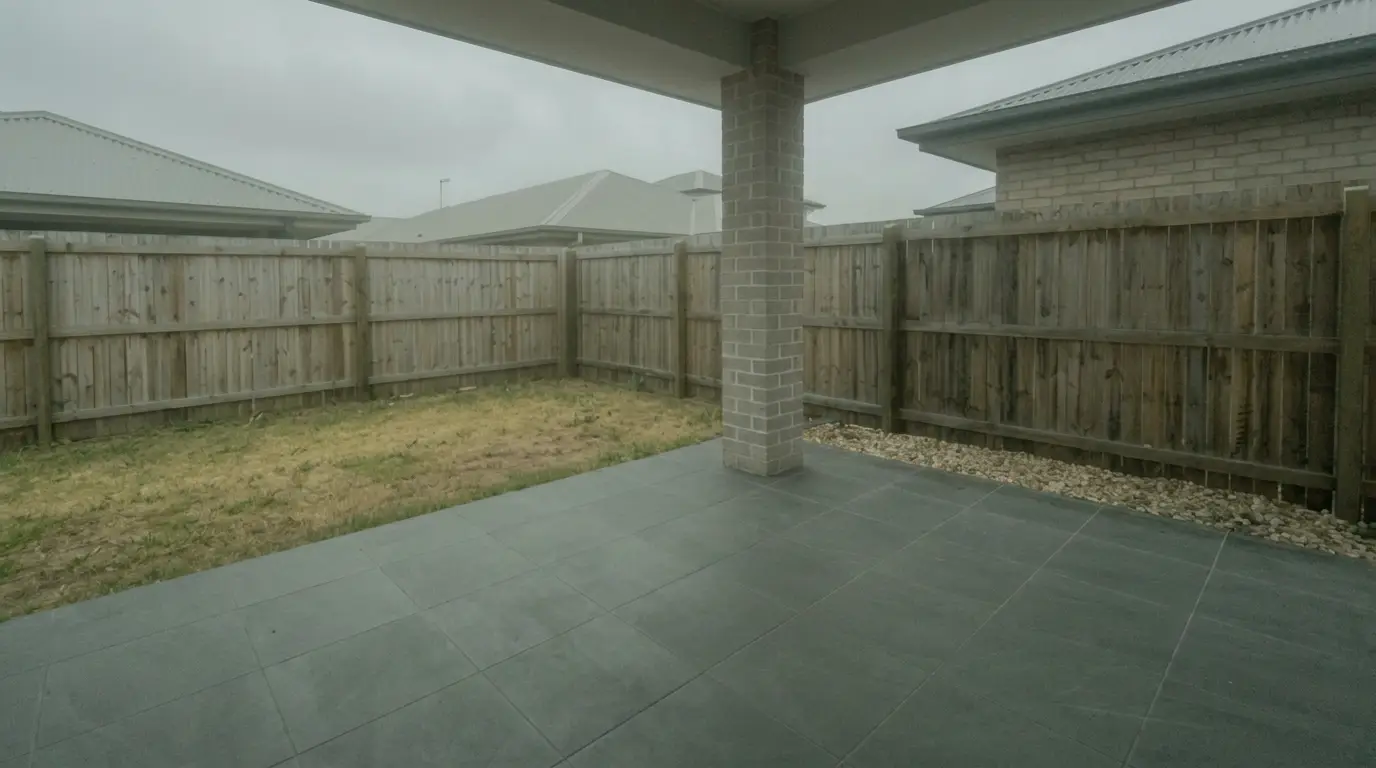
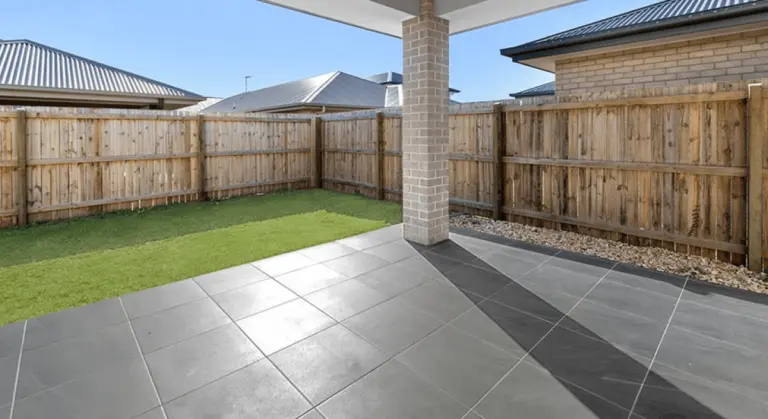
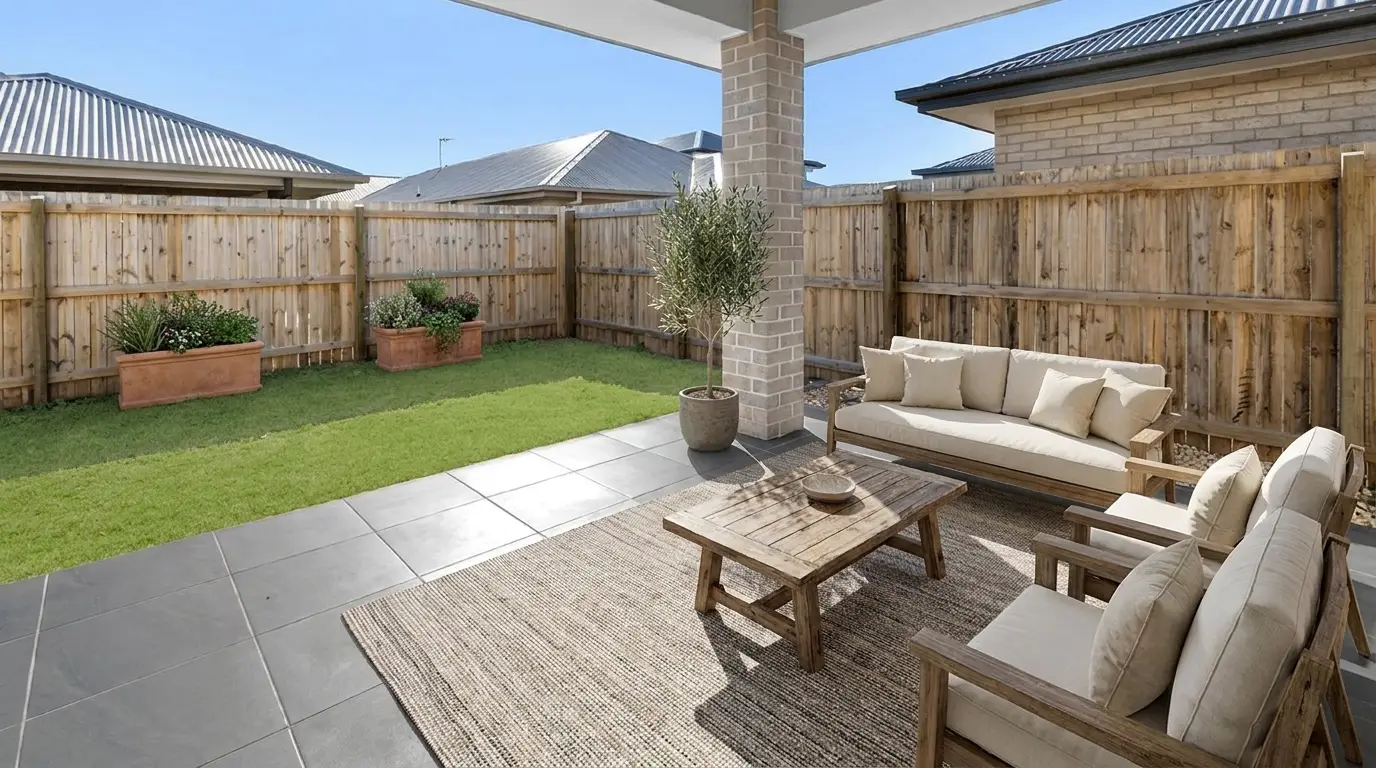
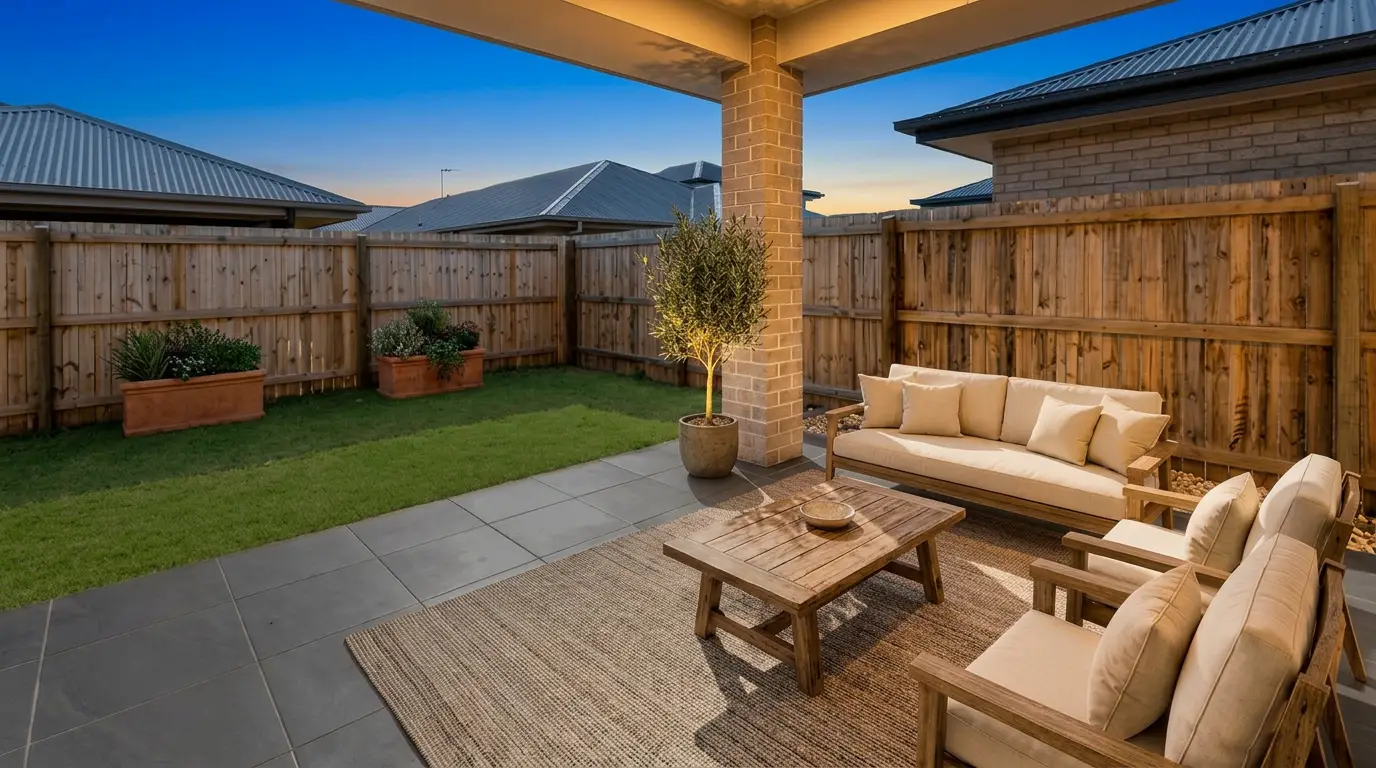
Get listing-ready photos in seconds
Clutter, exposure and twilight handled in one pass. All 11 tools on one account. Free trial credits, no credit card.
Start editing freeWhat it really costs per listing
Set your listing volume to see what each tool works out to per listing rather than per month. Only the 1 tool listed here publishes a flat monthly price, and Pedra is not one of them; the rest quote per photo or on request, so a monthly figure would be invented rather than compared.
Moving off Pedra
Switching tools mid-stream works best when the work stays separated by listing. The same photo set carries over, and the same disclosure habits still apply. The deadline also stays the same, even when the tool changes.
The biggest change is what needs rebuilding. Any new tool will require re-uploading source files and re-creating style choices per room. If Pedra handled tours, floor plans, or bundled video in the same plan, replacing those functions can require a second vendor. In that case, a dedicated replacement such as dedicated virtual tour software prevents a last-minute scramble.
A short set of checks decides whether the switch is worth it. First, job coverage: does one subscription cover photo enhancement, virtual staging, item removal, day to dusk, and virtual renovation, or does it force tool stacking. Second, credit behavior: Pedra’s Pro Monthly allotment is 100 credits per month, while Pro Annual spreads 1,200 credits across the year, which changes what a quiet month means. Third, trial rules: Pedra’s free tier includes 7 image credits plus one video and one virtual tour, AutoHDR previews are watermarked until download, Autoenhance.ai offers a preview-first trial, and Stager AI and Autopix do not list a free tier. Fourth, re-render cost: per-download and per-asset models typically charge again when a second usable file is needed, while free regenerations remove that pressure.
A safe switching sequence keeps risk low. Teams can process one real listing set before starting a paid plan, verify multi-angle consistency in a key room, and confirm export resolution against MLS requirements. A last-day switch invites mistakes.
Disclosure and MLS Rules for Edited Photos
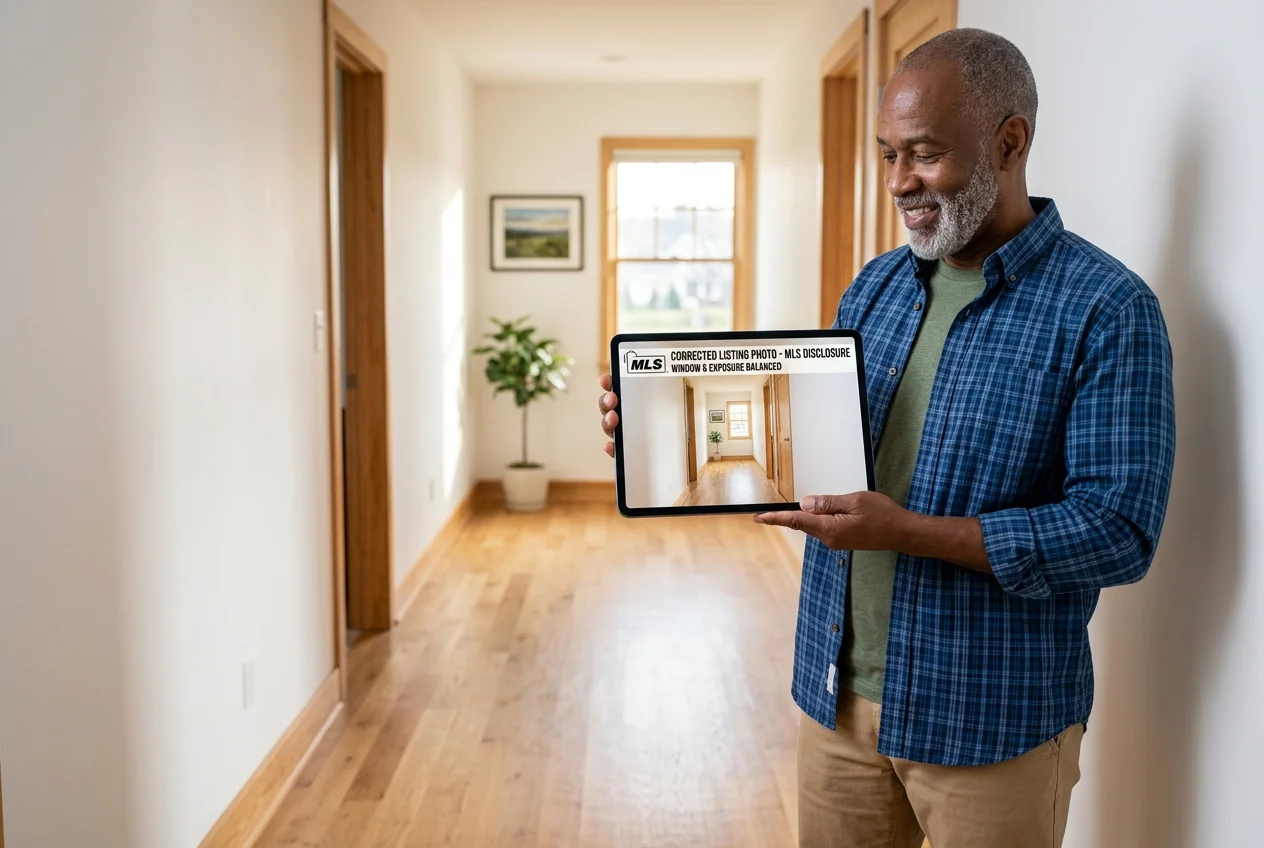
Edited listing photos are normal, but disclosure still matters. Cosmetic work like exposure balancing, HDR merge, window pulls, perspective correction, sky replacement, and virtual staging is often acceptable when it is labeled clearly. Edits that remove or alter permanent features can cross into misrepresentation, even when the intent is cosmetic.
Disclosure language needs to match the market. Local MLSs and brokers set the specific wording and placement rules, so teams should check the local rulebook rather than guessing. A starting point for understanding local MLS governance is the MLS home and rules hub for groups such as REcolorado.
Clear labels reduce risk and reduce buyer confusion. Common patterns include “virtually staged” on staged images and “digitally enhanced” on day-to-dusk exteriors. Some teams also keep an unedited “as-is” set archived for compliance and broker review.
Staging itself can be worth the effort when it helps buyers picture the space, which is part of why disclosure has become standard practice rather than a barrier. The industry context in the National Association of REALTORS Profile of Home Staging supports that buyer-visualization role while keeping labeling expectations in view. For technique basics that reduce reliance on heavy edits, the craft guidance at Photography for Real Estate helps teams tighten capture quality upfront.
Find your pick
Tap your situation for a quick recommendation.
Frequently asked questions
Pedra lists Pro Monthly at €29/month with 100 credits and Pro Annual at €239/year with 1,200 credits, on its pricing page. Pedra also lists a free tier that includes 7 image credits plus one free video and one free virtual tour with no card required. Pedra states that each AI photo costs 1 credit, so retries consume credits too.
Published entry points in this guide start at $0.24 per photo for AI HomeDesign and $0.25 per asset for Stager AI. Autopix by Esoft is listed around $0.30 per image, Autoenhance.ai lists up to $0.49 per download, and AutoHDR runs roughly $0.50 per downloaded photo. The real cost depends on whether a re-render costs again.
Based on the published details, AI HomeDesign and Stager AI both include virtual staging alongside photo enhancement. AutoHDR includes photo enhancement and day-to-dusk conversion. Autoenhance.ai and Autopix by Esoft focus on photo enhancement only, so teams that need staging usually add a second tool for that job.
Pedra describes turnaround as about 15 minutes per property, with edits in seconds. AutoHDR lists 20–30 minute cloud queues per shoot. Autoenhance.ai describes automated processing in minutes that varies. Autopix by Esoft describes a production workflow with variable timing, and Stager AI does not publish a turnaround figure.
Pedra lists a free tier with 7 image credits plus one free video and one free virtual tour, with no card required. AutoHDR allows uploads with watermarked previews and charges on download. Autoenhance.ai lists a free trial with previews before committing. Stager AI and Autopix by Esoft do not mention a free tier.
Many teams treat disclosure as the default and label images clearly. Common label patterns include “virtually staged” for staged interiors and “digitally enhanced” for day-to-dusk exteriors, placed on the image or in remarks depending on MLS rules. Local MLSs and brokers set the exact requirements, so the rulebook should drive the final wording.