Best Virtual Tour Software for Real Estate in 2026
Listings win or lose attention on a phone screen. Photos earn the click, and the tour keeps attention long enough for a showing request. In 2026, that puts virtual tour real estate on the same short list as price, location, and image quality.
Virtual tour platforms also split into two jobs that often get mixed together: capturing a real, built home versus rendering a tour when the home is not ready to scan. Add shifting portal and MLS embed rules, and “best” stops being a feature checklist.
This guide turns the choice into a short decision, then profiles five platforms with published pricing and workflow details. It also covers total cost beyond the subscription, where tours can and cannot appear, and the scan-day prep that decides whether the tour is worth watching.
Virtual Tour Real Estate in 2026: What Changed and Why It Matters
Phone-based capture improved fast, especially for teams that already use modern phones on listing days. That closed part of the gap between “tour software” and “tour hardware,” but it did not remove the hard questions. Capture still records whatever sits in the room, and distribution still depends on portal rules, MLS fields, and brokerage branding policies.
The market now separates into two categories that drive the purchase. Some platforms focus on capturing an existing property, then hosting and sharing the tour. Others focus on creating a tour when there is no physical space to scan, which usually matters for pre-construction and off-plan marketing.
Distribution became a buying criterion, not an afterthought. A tour that cannot be published where buyers browse becomes a private asset, not a marketing one. Agents can avoid paying twice by confirming portal placement, embed options, and ownership terms before standardizing.
Tours sit alongside the listing image stack rather than above it. A walkthrough will not brighten a dim room, clear clutter, or fill an empty one, and those jobs get handled before the tour is ever shot. Teams planning a full media workflow tend to budget the tour against the wider real estate software stack a listing runs on, because the photo, staging, and editing lines decide whether the tour has anything worth walking through.
Capture or Render: The 30-Second Category Decision
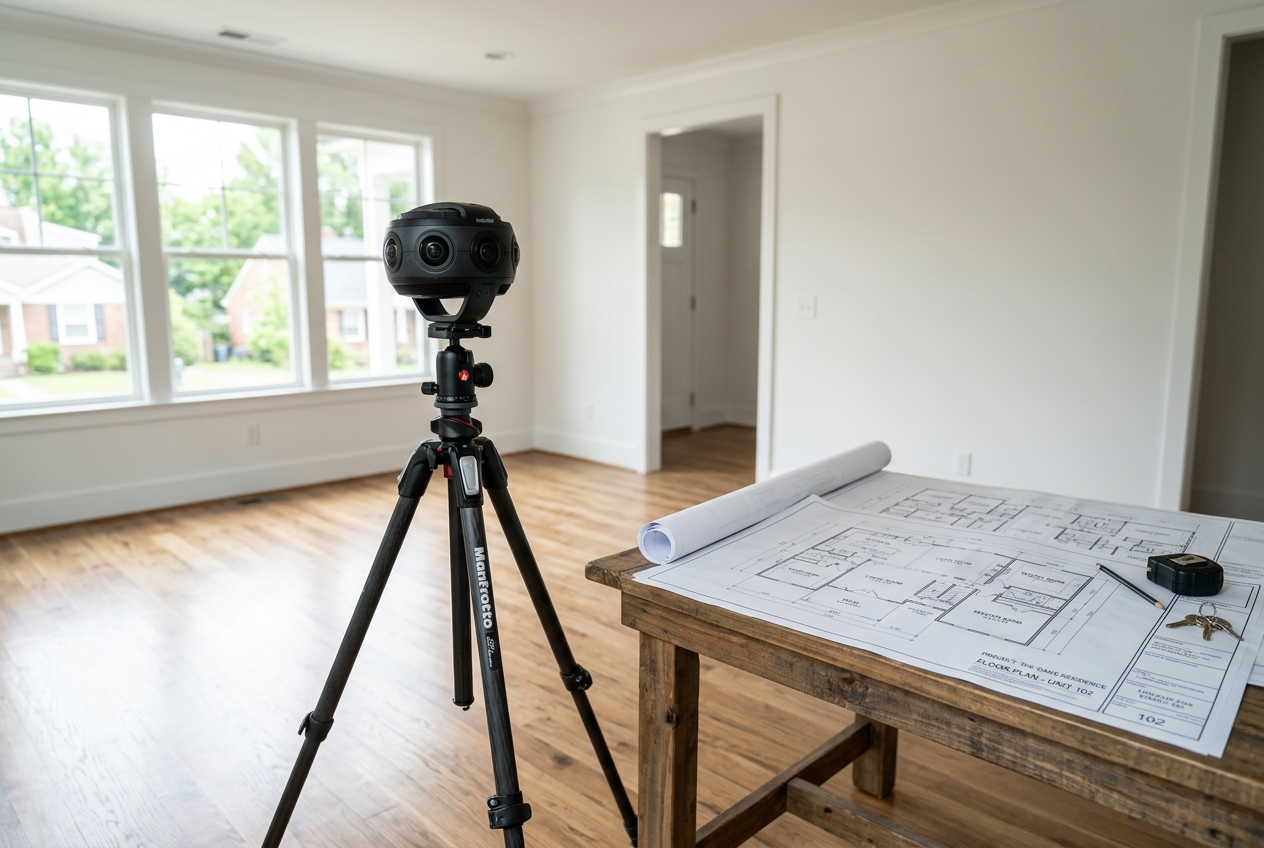
A fast decision starts with one question: can the space be walked today? If the answer is yes, a capture platform fits. If the answer is no, a render-from-plans workflow fits, and the vendor shortlist changes.
A practical decision tree looks like this:
- Built and accessible: choose a capture platform and plan the scan day.
- Built but empty or dated: still use capture, then upgrade the hero photos with editing and staging.
- Not built yet: treat tours as a pre-construction deliverable and verify what the platform can render from plans before buying.
- No 360 camera available and a listing launching in two days: prioritize a platform that can build from existing listing images.
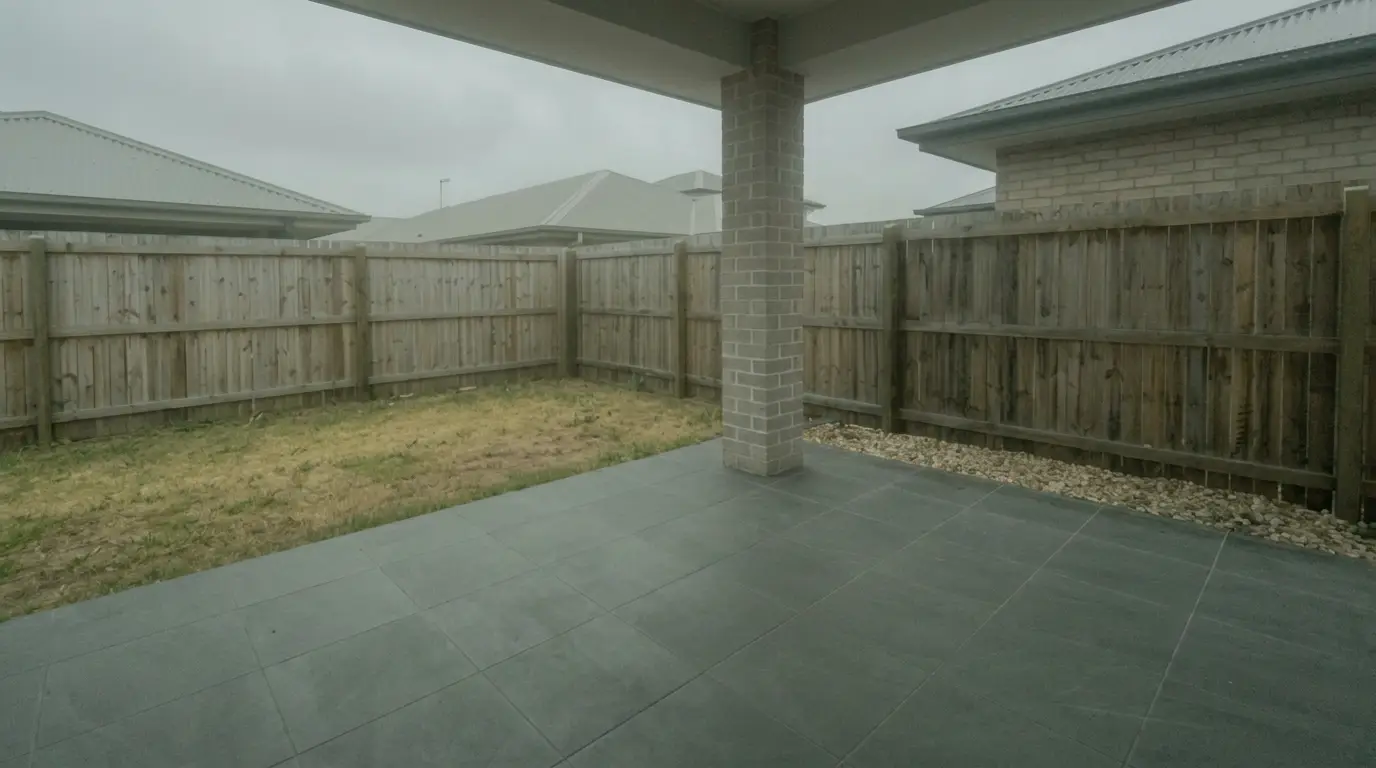
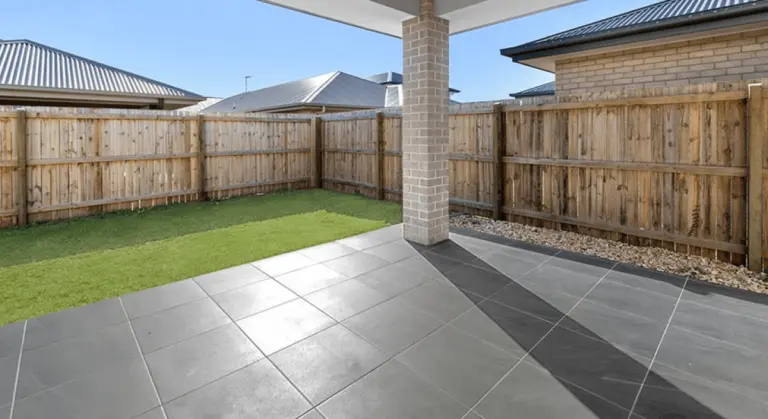
The still-photo layer matters in every branch. Tours borrow trust from photos, since photos control the first impression on portals and in email. Basic cleanup, lighting correction, and item removal make the tour feel cleaner, even though the tour itself stays the same.
That is also where AI real estate photo editing fits in the workflow. Photo editing supports the listing images that drive the first click, while the tour platform handles navigation and hosting.
How This Roundup Was Scored
This roundup uses criteria that map to real listing operations, not feature-sheet volume. Pricing and feature notes come only from the tool data provided, and anything not stated stays labeled as not stated.
The scoring lens prioritizes:
- Entry cost and the highest published tier, since teams often outgrow starter limits.
- Free tiers and what the free option blocks, since “free” can mean “test only.”
- Capture requirements, since hardware dictates staffing, travel, and training.
- Hosting and embedding, since a tour needs a stable link and a predictable place to live.
Workflow fit matters as much as output. A branded brokerage site needs different controls than a portal-first agent. Teams can also reduce risk by asking one question up front: what happens to live tour links if the subscription stops.
Tool Cards for Virtual Tour Platforms
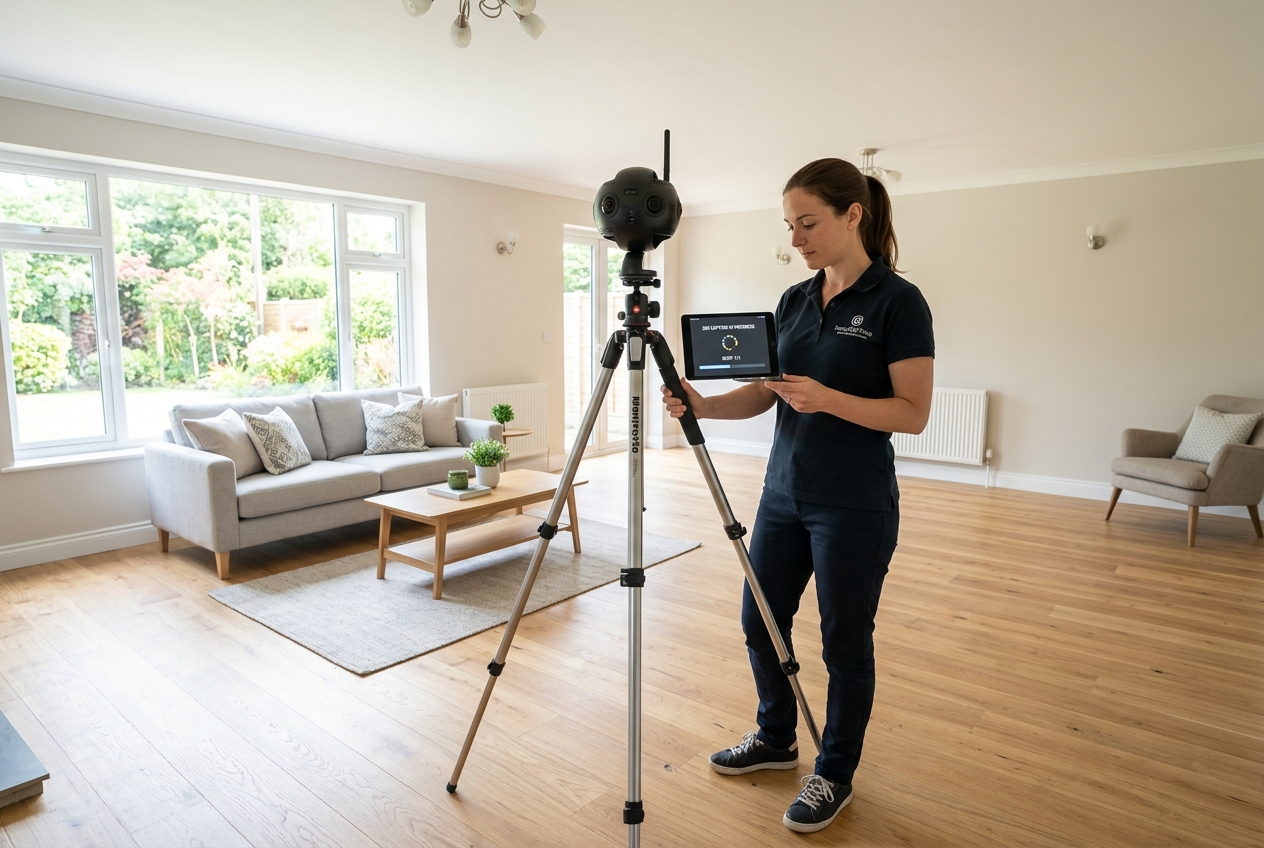
Tool cards below focus on the operating reality: how a tour gets captured, how it gets shared, what the published pricing looks like, and where the platform fits best. Each card includes an honest “skip it if” line, since the wrong fit costs time more than money.
Pricing appears as published ranges, not estimated “starting at” guesses. Where a platform lists multiple tiers, the card calls out the tiers that matter for working teams.
Hardware requirements sit inside the “best for” callout. A phone-first workflow can fit solo agents, while a pro camera workflow often fits photographers and teams with repeatable scan days.
None of these platforms fixes a room that looks bad in real life. The best workflow treats the tour as documentation and the photos as marketing, then puts prep time into the room before capture.
The tools in detail

MatterportTop pick
Matterport is best for teams that care about tour polish and measurement-heavy listings. It supports dollhouse view and multi-floor navigation, plus Mattertags for links, files, and videos.
Pricing is published as Free–$296 per month, with tiers that include Starter at $12 per month, Professional at $58 per month, and Business at $296 per month. The free trial helps test the workflow, but tours from the free trial cannot be publicly shared.
Pros:
- Dollhouse navigation that supports higher-end presentation
- Measurement tool that can reach up to 99% accuracy with Pro 2 or Pro 3 cameras
- Defurnish tool that can remove furniture and clutter
Cons:
- The accuracy claim depends on Pro camera hardware
Skip it if: measurement accuracy matters, but buying or renting pro capture hardware does not fit the operation.
View Matterport →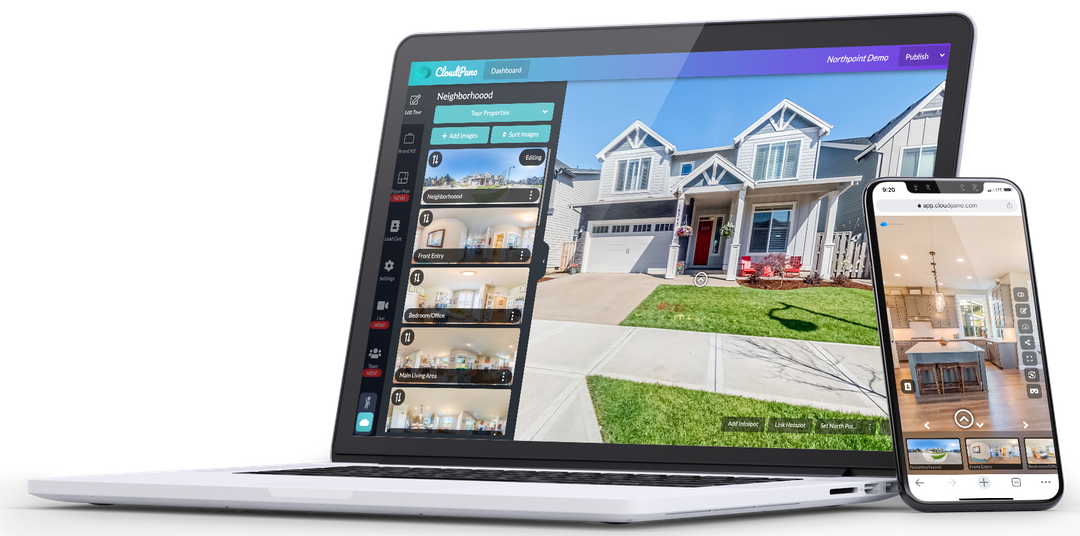
CloudPano
CloudPano is best for teams that want branded tours with more control over where they live. It supports custom branding elements like logo, headshot, music, phone, and text.
Pricing is published as Free–$49 per month. The free plan can host three live tours. Paid options include a white-label choice that removes CloudPano branding, which matters for brokerages and teams with consistent templates.
Pros:
- White-label option for brand control
- Can host tours on a team’s own website or server
- Publishes to Google Street View for local discovery
Cons:
- Setup and hosting choices add operational work
Skip it if: the goal is a fully portal-first workflow with no site or embed decisions.
View CloudPano →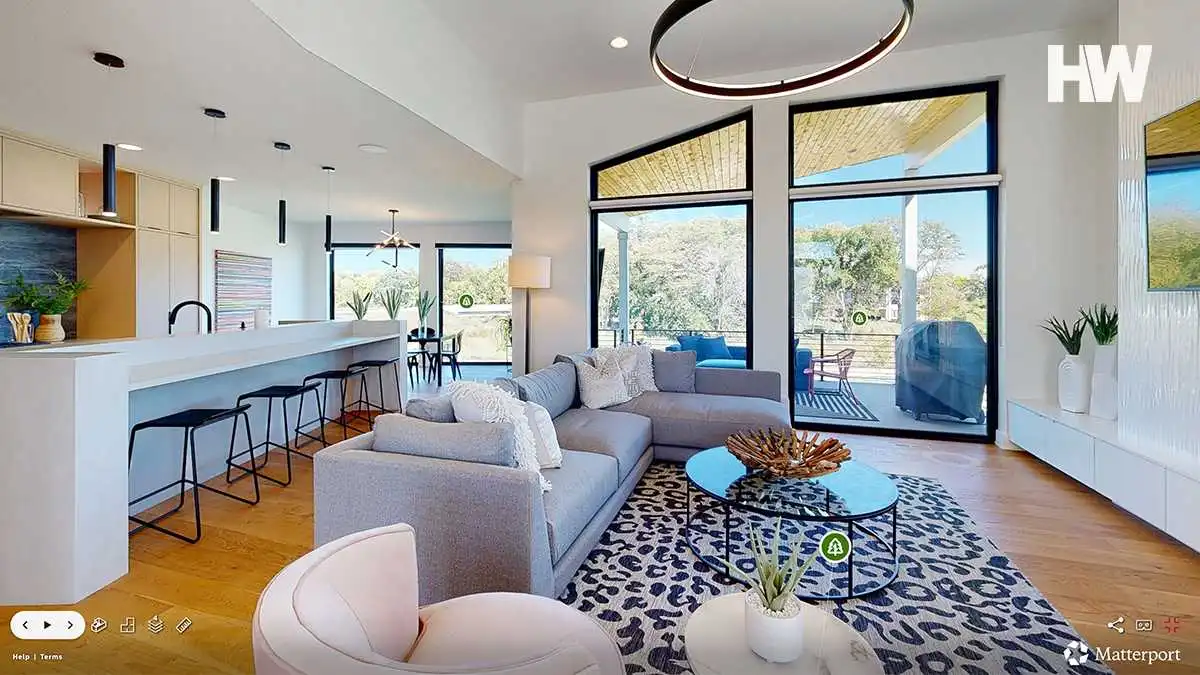
Trolto
Trolto is best when a tour needs to be built from still images instead of a full scan rig. It creates AI virtual tours from 2D images, with no dedicated 360 camera requirement implied by the workflow.
Pricing starts from $59 per month, and a free tier is not stated. The trade-off is simple: speed and access improve when a team already has listing photos, while geometric fidelity may not match a hardware-first capture flow.
Pros:
- Builds tours from existing 2D images
- Can fit tight listing timelines when capture hardware is unavailable
- Designed for agents who want a tour without a full scan setup
Cons:
- Output expectations depend heavily on the quality and coverage of the source photos
Skip it if: the listing strategy depends on precise spatial measurement and floor-to-floor alignment.
View Trolto →
Zillow 3D Home
Zillow 3D Home is best for agents who need a portal-native tour on Zillow listing pages with minimal setup. It runs through an app-based capture and publishing workflow and targets already-built homes.
Pricing is free for Zillow listing agents. That makes it the lowest-cost way to get a tour live on a major portal, as long as the tour’s main job is supporting the Zillow listing experience.
Pros:
- Free entry point tied to Zillow listing workflows
- Designed for quick capture and publishing for resale listings
- Portal-native placement on Zillow listing pages
Cons:
- Portal-native tours follow portal presentation and placement rules
Skip it if: the priority is a tour that lives on a brokerage site template with controlled branding.
View Zillow 3D Home →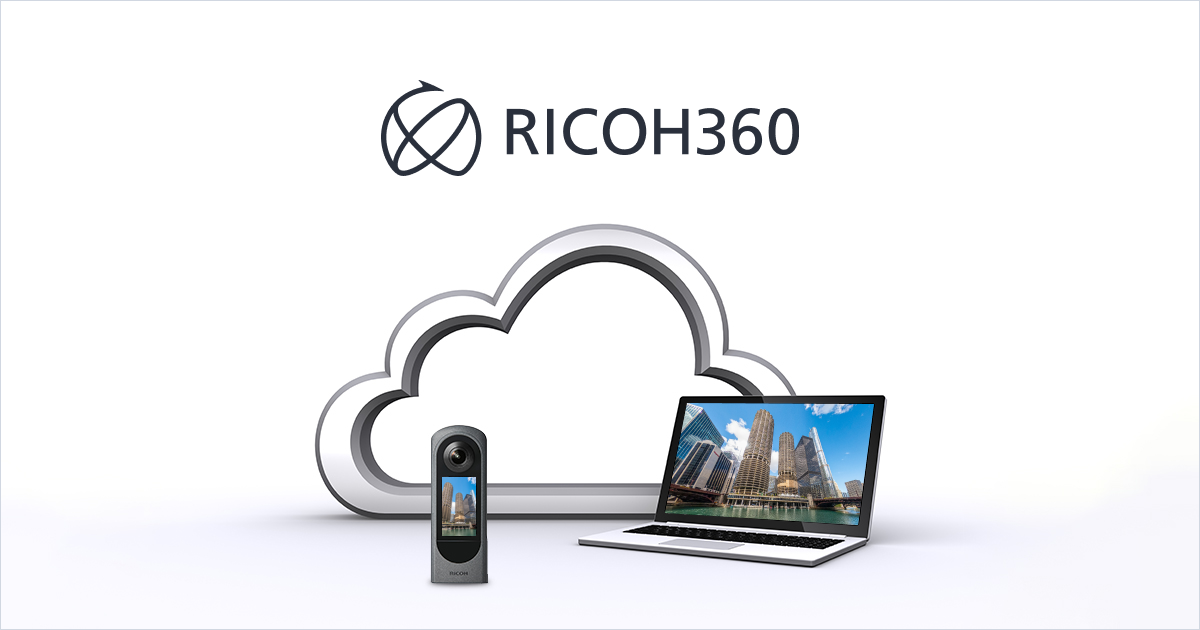
Ricoh 360 Tours
Ricoh 360 Tours is best for a low-cost subscription that pairs with an existing 360 capture workflow. The platform positions around image-quality improvement, including AI image enhancement for real estate imagery.
Pricing starts from $36 per month, and a free tier is not stated. The value case improves when a team already owns a 360 camera and wants a predictable monthly software cost.
Pros:
- Low published entry price for a subscription platform
- Designed to pair with 360 capture workflows
- Includes photo enhancement as a core capability
Cons:
- Free tier and usage limits are not stated
Skip it if: a free option is required for testing, or the operation needs published limits before purchase.
View Ricoh 360 Tours →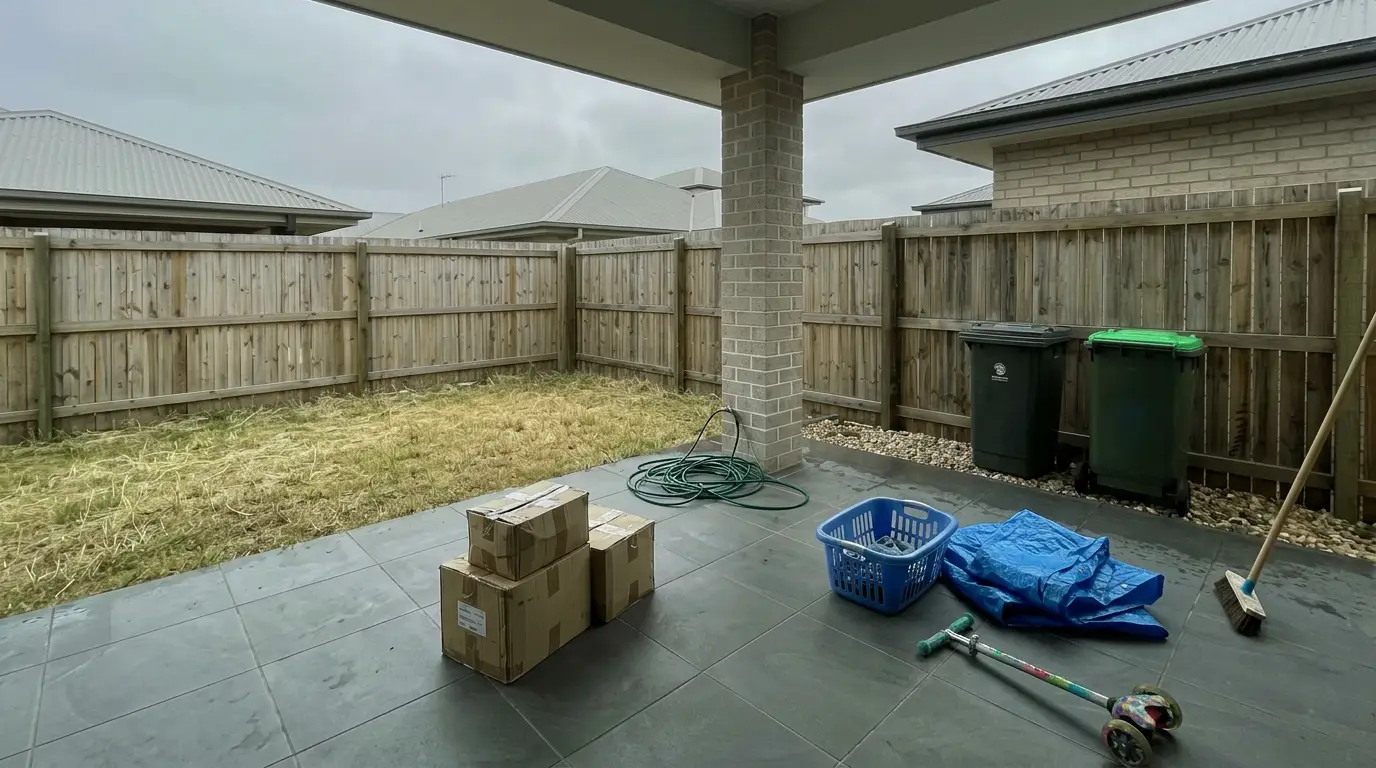


Get listing-ready photos in seconds
Clutter, exposure and twilight handled in one pass. All 11 tools on one account. Free trial credits, no credit card.
Start editing freeHow they compare
| Tool | Price | Free | Speed | Best at |
|---|---|---|---|---|
| 1Matterport | $296/mo | Yes | Varies (depends on capture workflow and upload) | Industry-leading virtual tour quality |
| 2CloudPano | $49/mo | Yes | Varies (depends on 360 capture and publishing) | Live video chat for remote showings (CloudPano Live) |
| 3Trolto | $59/mo | No | Varies (AI tour generation from images; time not stated) | Creates AI virtual tours from 2D images |
| 4Zillow 3D Home | Free | Yes | Varies (capture via app; time not stated) | Best free option for Zillow listing pages |
| 5Ricoh 360 Tours | $36/mo | No | Varies (time not stated) | AI-image enhancement for real estate imagery |
What it really costs per listing
Pick a tool, set how many listings you do a month, and see the real per-listing cost.
Virtual Tour Software Compared: Pricing, Free Tiers, and Capture Requirements
Pricing and hosting terms set the real ceiling on a platform, even more than viewer UI. The table below summarizes the published ranges and the key restrictions that change day-to-day use.
Agents can read this table in two passes. First pass: find the price band that fits the team. Second pass: check the free tier rules, since “free” can mean “test only” or “limited live hosting.”
Hardware requirements vary by workflow and are not fully stated for every tool. That is why the cost section below treats hardware as a separate line item to price directly.
Two patterns stand out. Portal-native can be the cheapest path, but it narrows where the tour lives. Branded self-hosting adds control, but it adds setup work and makes cancellation terms more important.
Matterport has the widest published pricing range and the most explicit measurement claim, but that accuracy depends on Pro camera hardware. Zillow 3D Home has the cleanest zero-cost entry point for a Zillow-first strategy.
Ricoh 360 Tours and CloudPano sit in a lower subscription range, with Ricoh focused on photo enhancement and CloudPano focused on branding and placement control.
What a Virtual Tour Actually Costs Beyond the Subscription
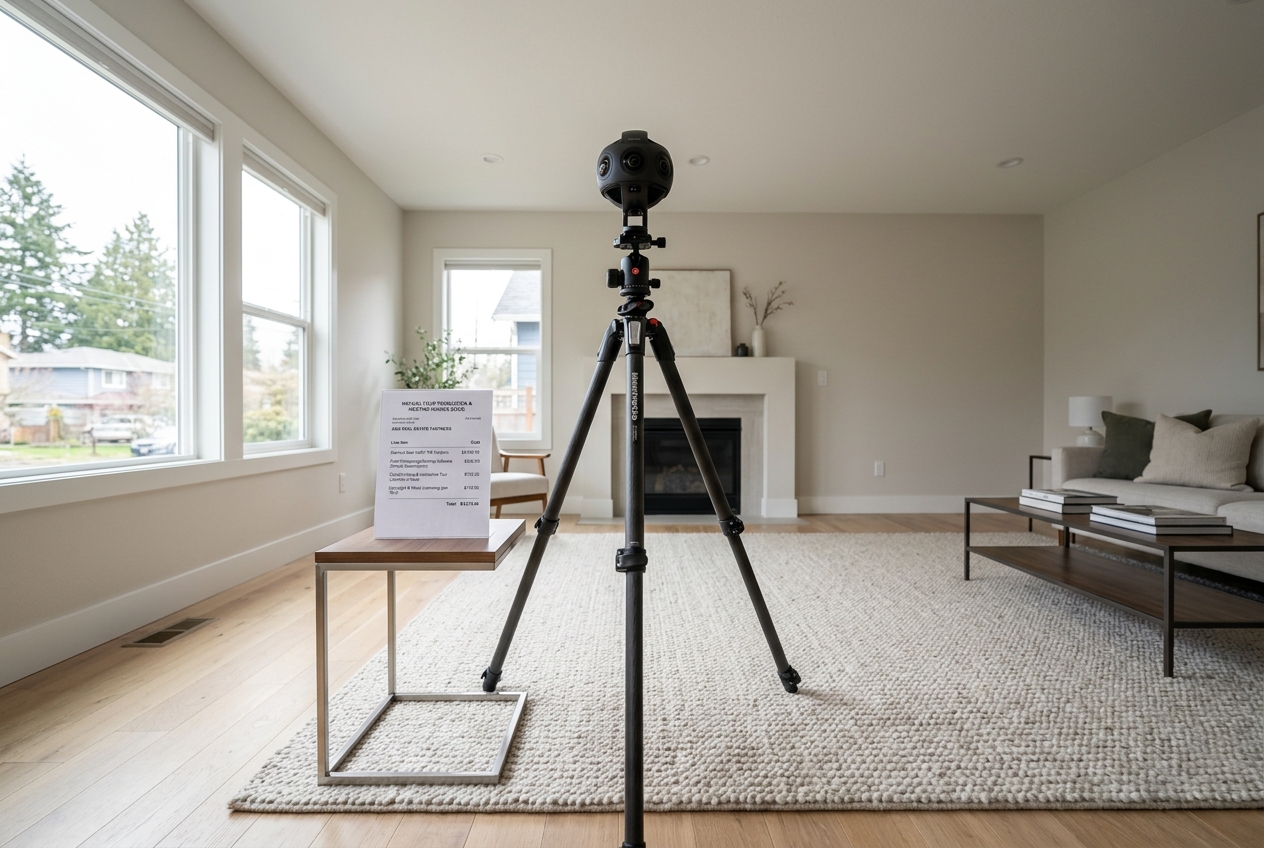
Subscription pricing rarely matches total cost of ownership. A practical model uses five lines, then forces each line into a yes or no decision.
Line one is the subscription tier. Line two is capture hardware, since the workflow can range from phone-first to dedicated cameras. Line three is plan limits, such as tour count, storage, and whether hosting stays live. Line four is overage, including any per-tour or storage fees, if they exist. Line five is cancellation behavior, since dead links inside old listings and email campaigns create cleanup work.
A simple comparison of published monthly tiers shows why “cheaper” often means “cheaper for a narrow workflow.” Matterport lists Professional at $58 per month and Business at $296 per month, while CloudPano lists up to $49 per month and Ricoh 360 Tours starts from $36 per month. Trolto starts from $59 per month for a photo-based tour approach.
Teams can treat hardware as a separate budget decision, not a hidden cost. The right question is not “what camera is best,” but “who captures, how often, and what accuracy is required.” Those answers also shape the rest of the listing stack, so the capture hardware line belongs in the same budget conversation as the software subscription rather than in a separate one.
Where Tours Can Appear in 2026
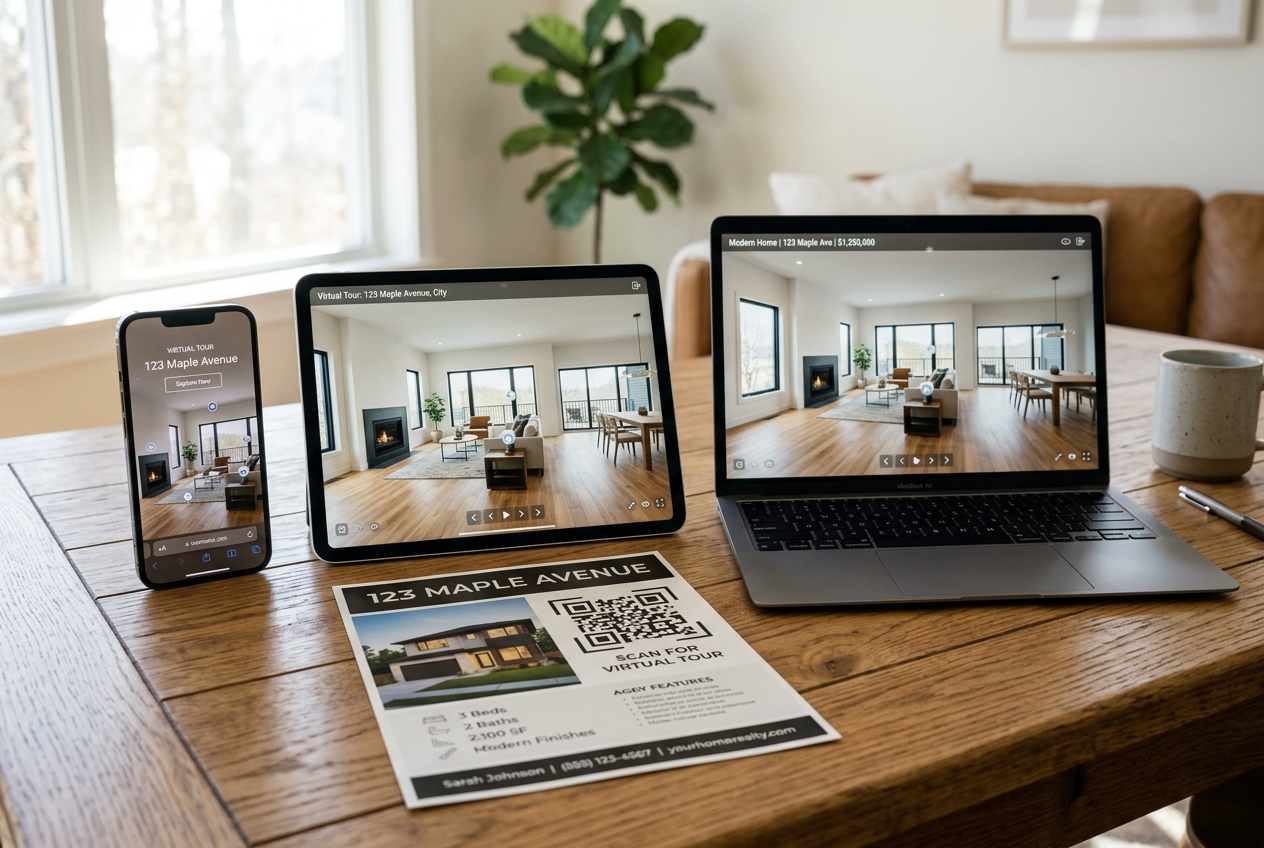
A tour has value only where buyers can actually open it. That makes distribution a first-week requirement, not a later marketing upgrade.
Portal-native tours live inside a portal’s listing experience. Zillow 3D Home fits this bucket through Zillow listing pages. That can be perfect for a Zillow-first plan, but it also means the tour follows portal UI and policy.
Self-hosted and embeddable tours live on a team’s site or a brokerage template and can be shared as embeds or links in campaigns. CloudPano supports hosting tours on a team’s own website or server and can publish to Google Street View, which helps when local search discovery matters.
Platform-hosted tours often live as a link that gets embedded in multiple places. Matterport supports link-based sharing, with the important caveat that free-trial tours cannot be publicly shared. Portal and MLS rules also change over time, so teams can reduce risk by verifying current fields and link behavior before rollout, then pairing the tour plan with broader real estate marketing strategies for 2026.
Operational Rollout and Compliance Checks
A tour program fails most often on ownership and process, not on software. Brokerages can reduce churn by choosing one platform per office, then writing down who captures, who publishes, and who owns the account.
Many teams set a target of two business days from capture to a live, published tour link. That window fits typical listing launch sequences and gives time for a quick QA pass on mobile.
A clean deliverable package keeps the tour usable. The deliverable can include the tour link, a short publish checklist, and the MLS field entry needed for that market. Pricing strategy, seller expectations, and any negotiation framing usually work better in a live conversation.
Commission or fee figures rarely belong in a tour deliverable. Numbers inside a file tend to get forwarded without context, and they can create friction before the listing presentation happens.
Scan-day prep that improves every tour
Capture platforms record the room as it stands, so scan-day prep decides tour quality more than software features. A short checklist works better than a long one.
Basic camera discipline also matters. Straight verticals and consistent eye height improve navigation, especially on mobile. The same fundamentals show up in any real estate photography guide, and many teams still choose to hire a real estate photographer for repeatable scan-day execution.
QA and Fair Housing guardrails
A tour is a permanent record of an interior, so QA should include compliance and privacy, not just “does the link work.”
Fair Housing risk increases during live or recorded walkthroughs. Commentary can stay anchored to the property, features, and finishes, and avoid describing neighbors, schools in a subjective way, or who “belongs” in an area. Seller consent also matters, especially in occupied homes.
AI-edited or virtually staged still images need clear Disclosure language. Simple text works: “Disclosure: this image has been virtually staged” or “Disclosure: this image has been digitally altered.” Many MLSs also require a Virtually Staged Watermark on the image itself, so teams should check local MLS Rules.
AI content also changes fast, including photo-derived tours and listing media automation. Teams tracking this space can use the broader context in how AI is changing real estate and, for still-image prep and disclosure-safe editing workflows, the deeper detail in the AI HomeDesign review.
Find your pick
Tap your situation for a quick recommendation.
Frequently asked questions
There is no single winner because teams buy for different jobs. Matterport fits measurement-heavy tours and high-polish navigation. Zillow 3D Home fits a portal-first Zillow plan at no software cost for Zillow listing agents. CloudPano fits branded tours with self-hosting and white-label options. Ricoh 360 Tours fits low-cost 360 workflows with photo enhancement. Trolto fits tours built from 2D images.
Yes, but “free” usually comes with restrictions. Zillow 3D Home is free for Zillow listing agents. CloudPano has a free plan that can host three live tours. Matterport offers a free trial, but tours made in that free trial cannot be publicly shared, so it works for testing rather than marketing a live listing.
Not always. Zillow 3D Home uses an app-based workflow, and Trolto creates AI virtual tours from 2D images with no dedicated 360 camera requirement implied by the workflow. Dedicated capture hardware still matters when a team needs the smoothest navigation, repeatable scan-day output, or hardware-linked accuracy claims such as Matterport measurement accuracy with Pro cameras.
That depends on the vendor and plan, and teams should ask before standardizing. Key questions include whether published links stay live, whether tours can be exported, how long the platform retains data, and who owns the files. A dead tour link inside an old listing, QR code, or email campaign creates cleanup work and confusion for buyers.
Some platforms support strong branding controls. CloudPano lists a white-label option to remove platform branding and supports custom branding elements like logo, headshot, music, phone, and text, plus hosting on a team website or server. Portal-native tours follow the portal’s presentation, so teams should confirm local MLS branding rules before rollout.
Placement depends on the platform. Zillow 3D Home publishes into Zillow listing pages. CloudPano can host tours on a team website or server and can publish to Google Street View. Matterport supports sharing tours as links, with the limitation that free-trial tours cannot be publicly shared. MLS fields and portal rules vary, so teams should verify before purchase.