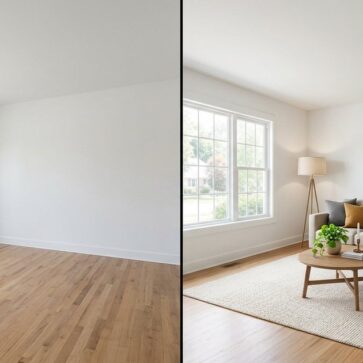
Apply Design Alternatives for Virtual Staging in 2026
The tool you’re replacing
Apply Design is a virtual staging platform, with one-click furnishing, a drag-and-drop editor, furniture removal, and support for multiple views of the same room. Looking for an alternative does not mean it cannot stage a property. It means comparing the controls, billing model, and delivery workflow you need.
The alternatives below take different approaches: an AI photo-editing suite, a staging-focused subscription, an editor-led service, a redesign platform, and a team-oriented staging workflow. This guide belongs to our AI tools alternatives hub.
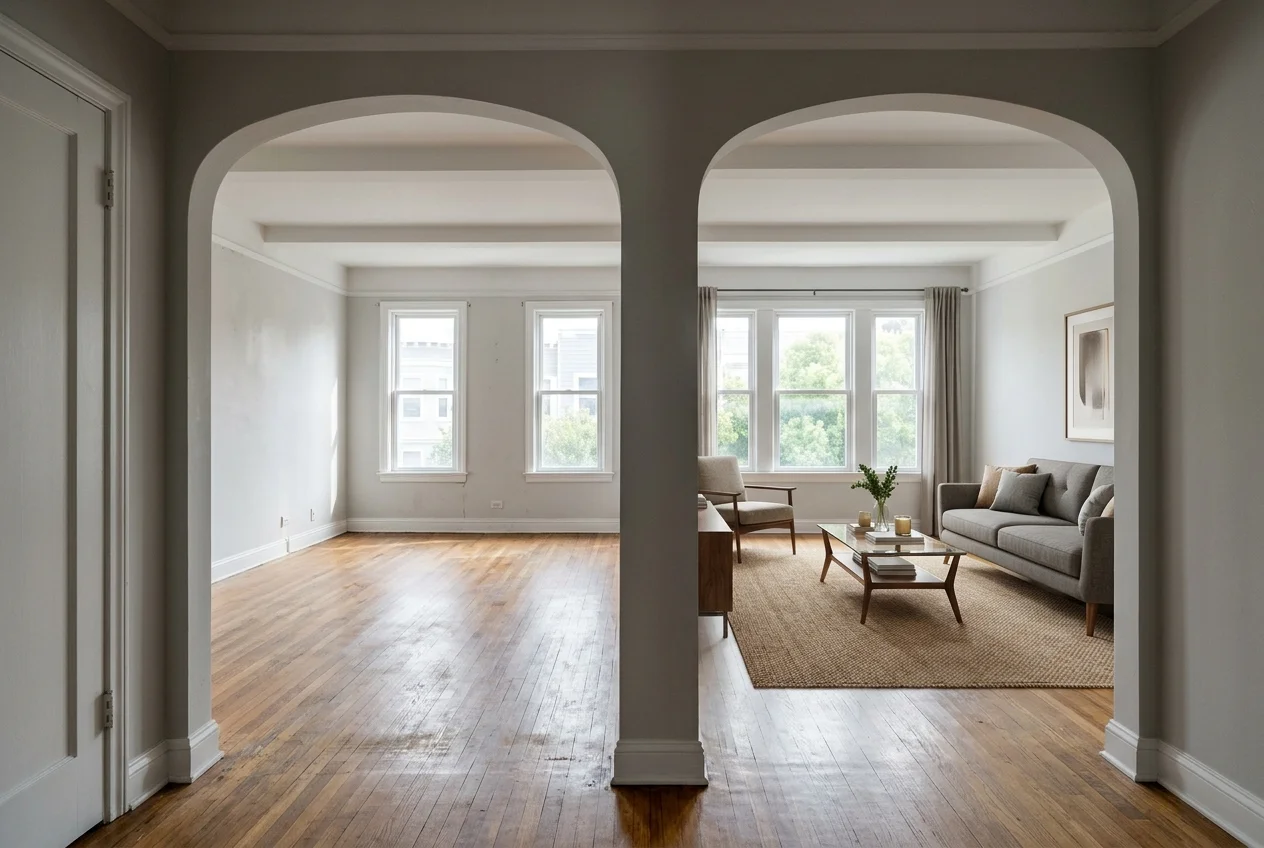
What to look for in Apply Design alternatives
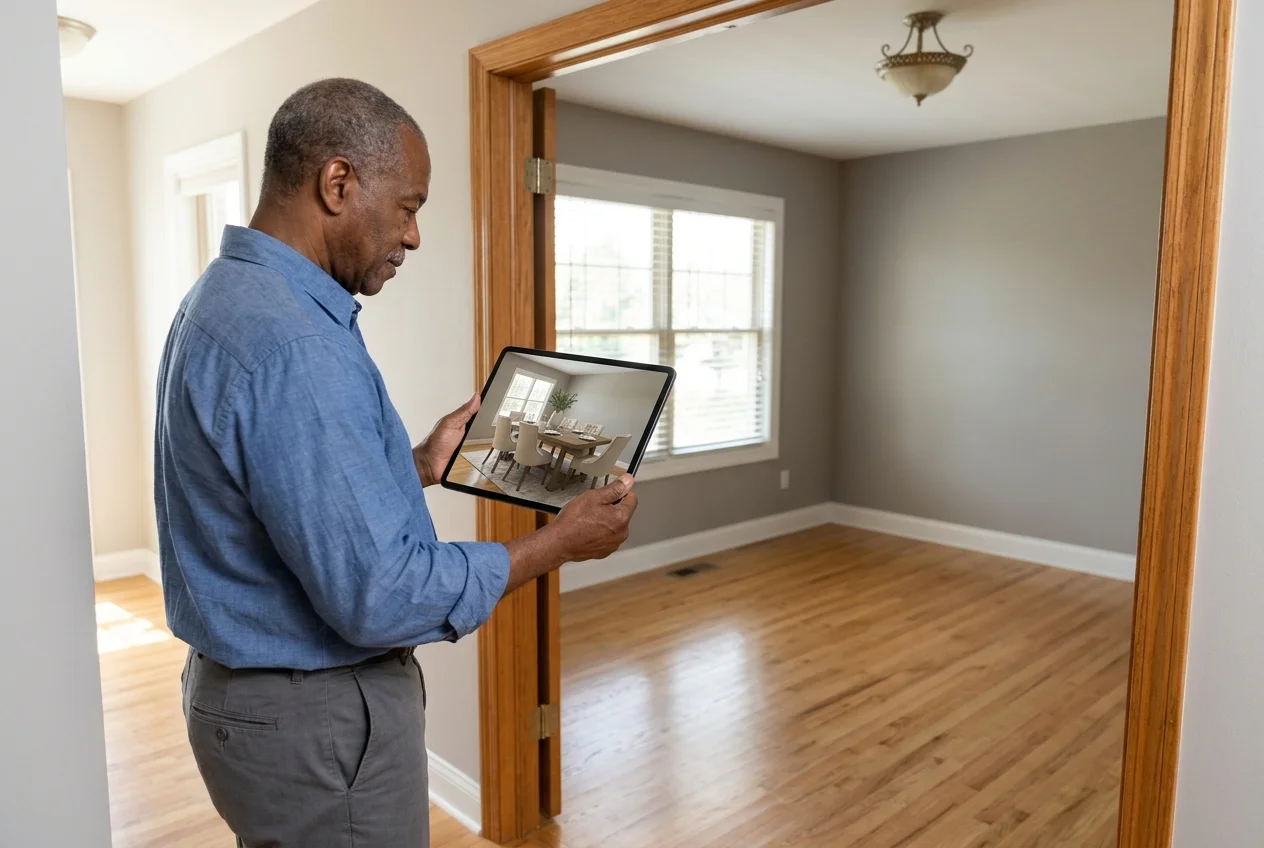
Start with the part of your existing workflow you want to change. Apply Design already offers staging and furniture removal. A useful replacement must improve something specific for you: the way furniture is adjusted, the number of images in a package, the cost of repeated work, or how a finished set reaches the client.
Separate staging from other editing jobs. Furnishing a vacant room, clearing an occupied room, correcting exposure, and previewing a renovation are different requests. Check that the service and plan you select cover the task, rather than assuming that every product in a vendor’s menu is included in its entry plan.
Test the same original images across your shortlist. Include an awkward camera angle, a furnished room, and two views of one space. Compare the architecture, furniture placement, and consistency yourself; published feature lists establish availability, not comparative output quality.
Finally, decide who should make revisions. A self-serve editor lets you adjust the image directly. An editor-led service lets you submit instructions and wait for a revised delivery. Neither is automatically better, but they fit different working habits and deadlines. Our guide to virtual staging explains the underlying photo workflow.
Compare the price of a finished photo
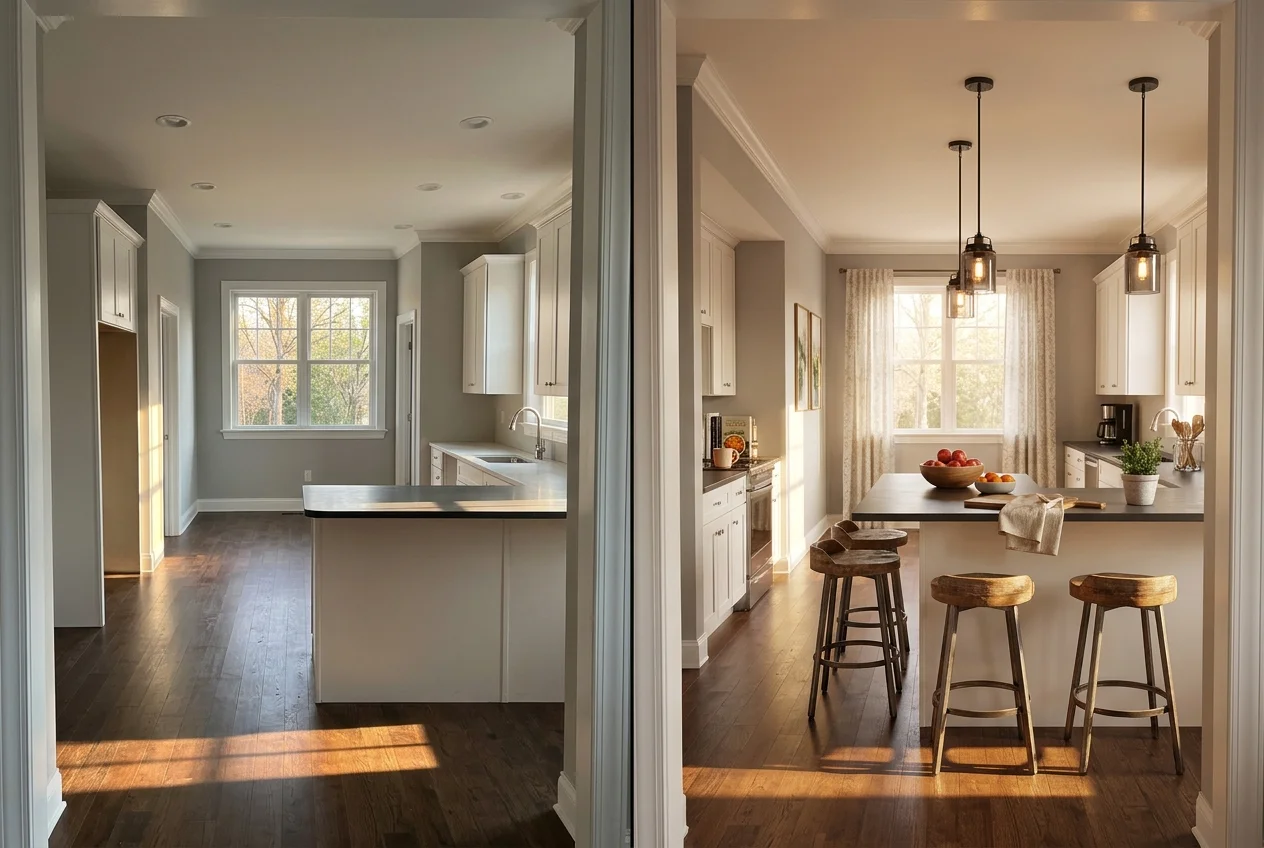
Apply Design sells coins rather than a recurring staging subscription. Its price page lists one coin at $7 when buying twenty or more, $8 for ten to nineteen, and $10 for smaller purchases. One-click staging of a 2D image uses 1.5 coins, making the image cost $10.50 to $15 at those pack rates. DIY 2D staging uses one coin.
The alternatives use different units:
- AI HomeDesign: Pro is $19 per month billed yearly for thirty photos, or $35 on monthly billing. Pro Plus and Enterprise have larger allowances.
- Virtual Staging AI: Basic is $16 per month billed yearly for six photos; the yearly charge is $192.
- BoxBrownie: virtual staging is US$24 per image on its US service menu; additional services are priced separately.
- REimagineHome: the current rendered plans start at $19 per month for Essential; Pro is $36, Advanced $59, and Agency $119.
- RoomStage: its USD offers list Starter at $20 per month, Pro at $60, and Studio at $100.
These are entry prices or specific service rates, not interchangeable costs for the same photo set. Compare the allowance, billing commitment, and revision policy before naming a cheapest option.
What Apply Design does well, and when to consider alternatives
What it does well
- One-click virtual staging and a drag-and-drop editor
- Furniture removal included with staging
- Multi-angle design consistency
- Support for 2D photos and 360° panoramas
- Unlimited hands-on revisions in the editor
Trade-offs to consider
- Starting a fresh staging generation uses coins again; included hands-on revisions are a different operation.
Source: Apply Design product information.
The tools in detail

AI HomeDesignTop pick
AI HomeDesign suits teams that want staging and other photo edits in the same account. Its paid plans include staging, item removal, enhancement, day to dusk, and renovation tools. One photo uses one credit, with further edits and restyles of that same photo included.
That model is useful when one listing needs several kinds of work. An empty bedroom can be furnished while another image needs clutter removal or an exterior needs a dusk treatment. The choice is about combining those tasks, rather than claiming that Apply Design cannot furnish a room.
The entry subscription is Pro; larger plans increase the photo allowance and business features. Yearly and monthly billing have different prices, so compare the commitment as well as the advertised monthly equivalent. A quiet month can make a subscription less attractive than a pay-as-you-go service.
Best fit: agents and photographers editing several types of listing photo. Check the finished image against the original before publishing, especially when trying renovation tools that intentionally change surfaces or finishes.
View AI HomeDesign →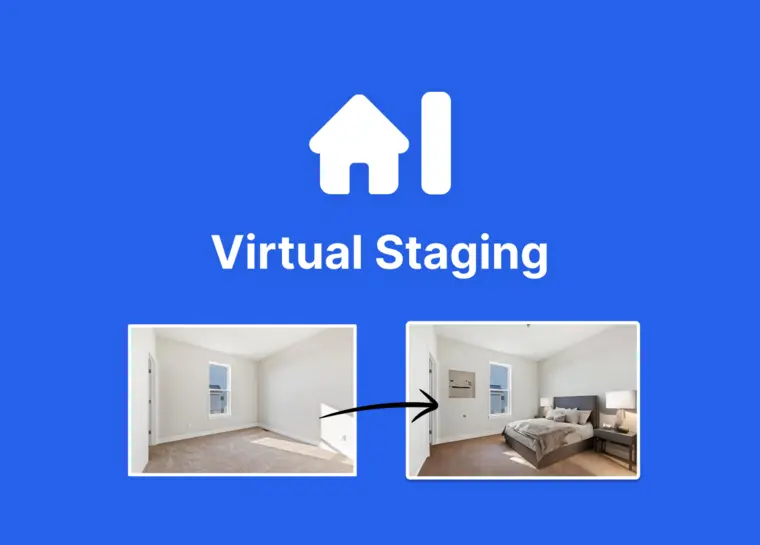
Virtual Staging AI
Virtual Staging AI is a focused option for furnishing rooms and removing existing furniture. Its published plans include unlimited renders and downloads for the photos in the plan, with room types and staging styles available across the tiers. The vendor advertises a ten-second turnaround.
The Basic plan’s advertised starting rate uses yearly billing and a small monthly photo allowance. That is a different purchase from a single pay-as-you-go image, and a lower monthly headline does not establish a lower cost for every workload. Choose a tier using the number of distinct photos you expect to stage.
Best fit: a repeat staging workflow where the included allowance and rerender policy match the number of images you deliver. Test furniture scale and multi-view consistency on your own photographs rather than treating speed as an output-quality score.
Its pricing page also mentions a free image-editing trial. Check what the trial covers before assuming that the entire staging subscription is free.
View Virtual Staging AI →
BoxBrownie
BoxBrownie is an editor-led option for people who prefer to send instructions and receive finished files. Its service menu covers virtual staging, image enhancement, item removal, day to dusk, and virtual renovation. Those jobs have separate prices; they are not an all-in-one subscription allowance.
This is the most distinct workflow change in the shortlist. Instead of moving furniture in a self-serve editor, you prepare a brief, submit the photo, and review the delivery. The vendor publishes a forty-eight-hour staging turnaround, so allow time for review and revisions before the listing deadline.
Best fit: a listing that needs an editor’s attention or a team that wants to outsource production. The trade-off is the service-by-service cost and delivery schedule, rather than a claim that automated tools cannot produce a usable image.
BoxBrownie’s signup offer includes enhancement and day-to-dusk edits. It does not make the paid staging service a permanent free plan. Check the currency and the specific service when ordering.
View BoxBrownie →
REimagineHome
REimagineHome combines staging with a broader set of redesign and editing workflows. Its Essential plan is described as basic staging and light edits using legacy tools. Pro adds the conversational workflow, reference-photo guidance, incremental editing, and batch processing advertised on the pricing page.
That plan distinction matters. Seeing a capability in the site’s overall product menu does not establish that it is included in Essential. Choose the plan for the controls you actually need, especially if the appeal is reference-guided design or more detailed revision instructions.
Best fit: someone exploring redesign directions as well as preparing listing images. The credit system charges for generations; the vendor distinguishes generating an image from discussing an idea. Check how the particular operation consumes credits before comparing it with a per-finished-photo package.
The current rendered pricing page lists Essential, Pro, Advanced, and Agency. New users can try a limited number of designs. Treat that trial as a test of your own workflow, not evidence of an ongoing free subscription.
View REimagineHome →
RoomStage
RoomStage offers staging, furniture removal, decluttering, restyling, enhancement, day to dusk, and virtual renovation. Its published workflow uses one credit per photo, with two additional reruns or edits included. That makes the rerun limit an important part of the comparison.
The tiers separate occasional use from production and team workflows. Starter includes the core photo tools. Pro adds batch staging, Style Lock, client review, and higher-resolution delivery. Studio adds team roles, shared credits, branding, and usage reporting.
Best fit: a photographer or team that needs a structured path from a photo set to client review and delivery. Decide whether those workflow features justify the tier you would actually buy; the entry price does not include every team feature advertised elsewhere on the page.
The site offers an initial photo trial. Confirm the allowance, currency, and rerun terms at checkout. A per-photo system with limited reruns should not be described as unlimited simply because all editing tools share the same credit pool.
View RoomStage →
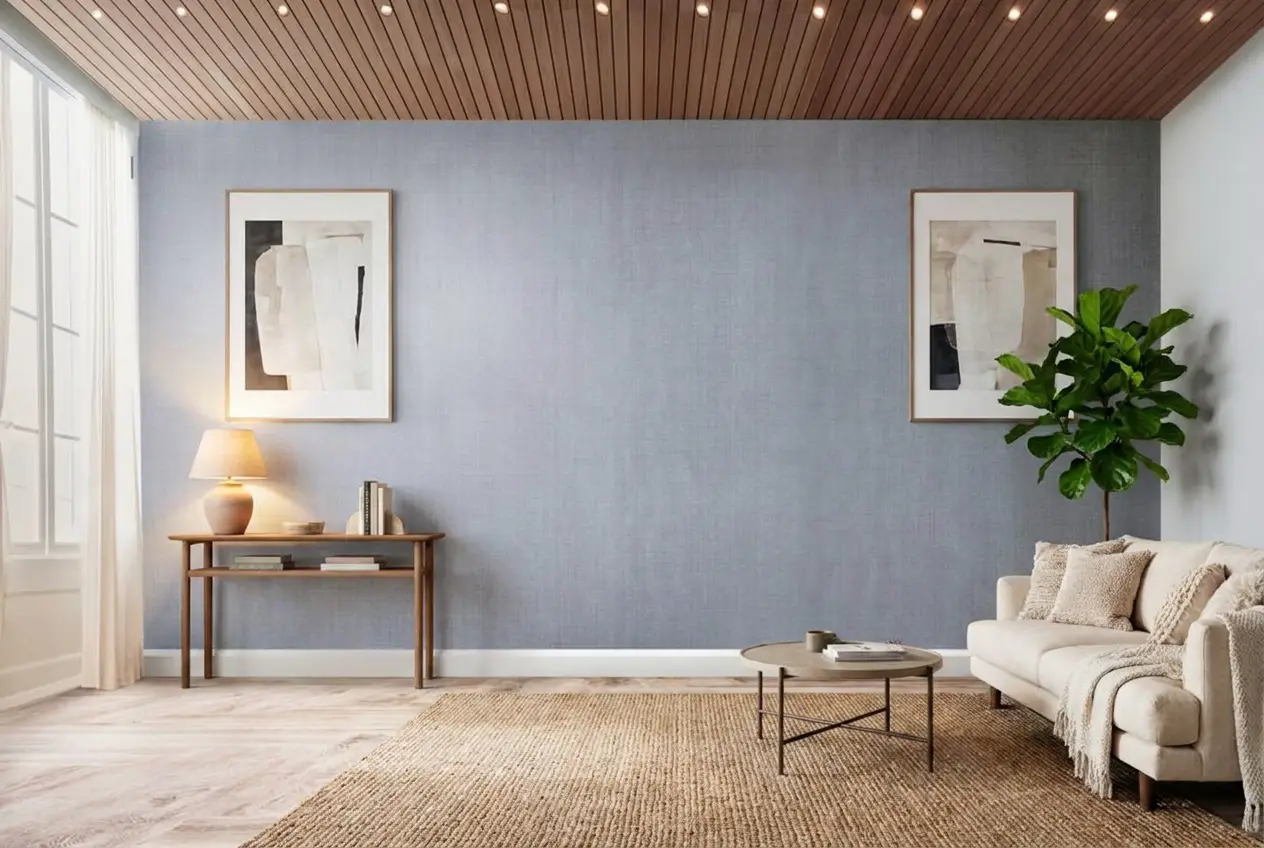
Stage your first listing in under 5 seconds
15 space types, 10 styles, MLS-compliant by default. 10+ tools, including social pack. Free trial credits, no credit card.
Start staging freeMoving off Apply Design
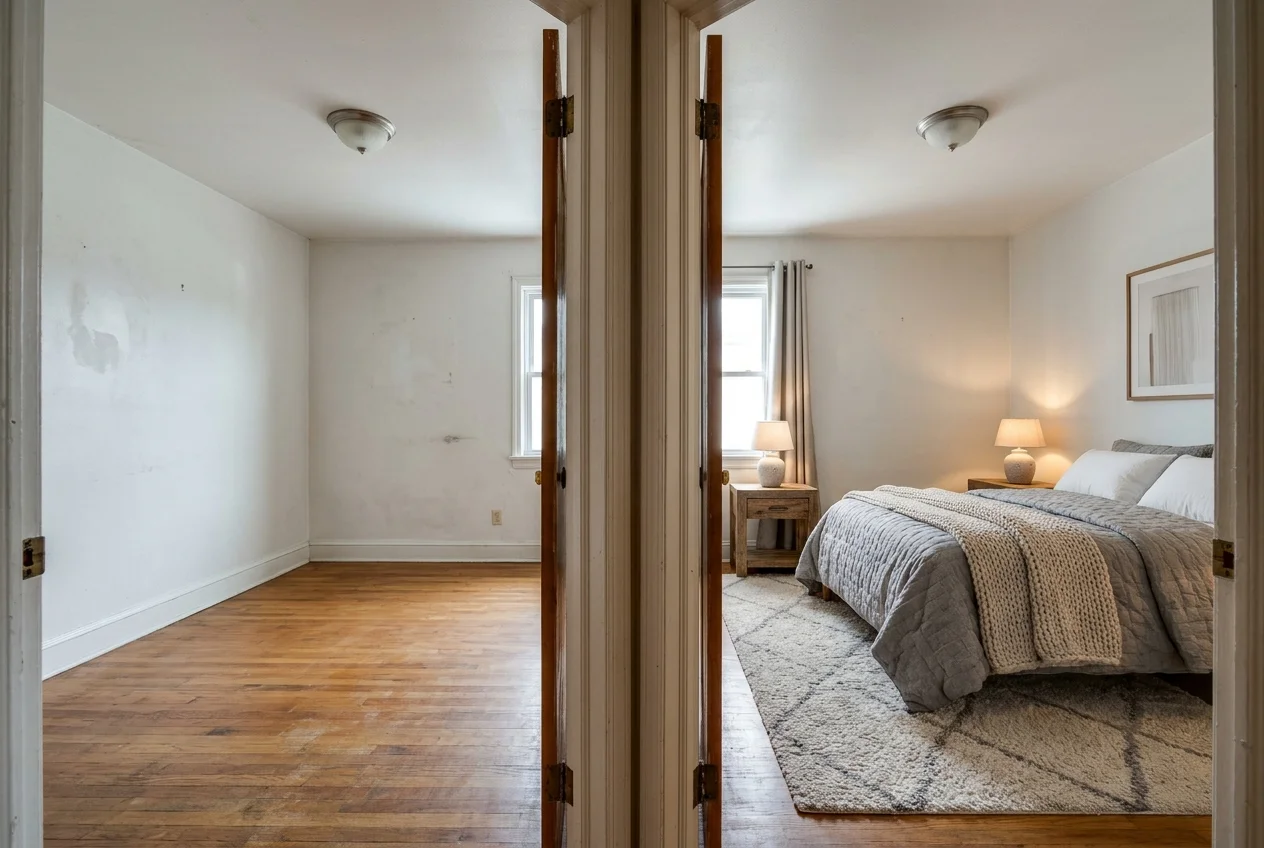
Keep the originals and export the finished work you need before changing services. Use a small, representative set for the first comparison, rather than moving an entire production queue at once. Include a furnished room, an empty room, and multiple views of the same space.
Write down the controls you rely on in Apply Design. If you regularly move or replace individual pieces, a drag-and-drop editor may matter more than a larger monthly allowance. If your bottleneck is exposure correction or dusk conversion, test those exact tasks in the new service rather than staging alone.
Give the trial a realistic deadline and a clear acceptance check. Review permanent fixtures, windows, doors, shadows, and the relationship between furniture and the room. Record how many attempts or revisions it takes to get a usable result, then compare that workload with the actual billing rules.
For an editor-led service, provide the intended style and any restrictions. For a self-serve service, keep a repeatable review step before delivery. Continue to follow the receiving MLS's disclosure and photo rules; changing tools does not change those obligations. The MLS directory links to official rule sources.
Find your pick
Choose the workflow you need. Each option below points to a different tool.
Frequently asked questions
Yes. Apply Design offers one-click virtual staging, a drag-and-drop editor, furniture removal, and multi-angle consistency. This comparison concerns workflow and billing choices; it does not imply that Apply Design lacks staging.
One-click staging of a 2D image uses 1.5 Apply Coins. With coins priced at $7 to $10 depending on pack size, that works out to $10.50 to $15 per image. DIY 2D staging uses one coin.
BoxBrownie offers an editor-led service. Its US menu lists virtual staging at US$24 per image, with a published staging turnaround of forty-eight hours. Other services have their own prices.
AI HomeDesign includes staging and other photo-editing tools in its paid plans. RoomStage also shares credits across its photo tools. Compare the allowance and rerun policy; the two billing systems are not identical.
No. A per-image service rate, a monthly subscription, and a monthly equivalent billed yearly carry different commitments. Compare the photo allowance, revision rules and total charge for the work you actually need.