3D Home Tour Apps for Listings in 2026: 5 Picks
Keys get picked up on Tuesday, photos happen Wednesday, and the listing goes live Friday. That is why a 3D home tour choice in 2026 rarely comes down to mesh quality. The real question is which app matches the capture gear already on hand and still produces a link that an MLS will accept.
Tour apps sit inside a bigger marketing stack, right next to photos, floor plans, and follow-up. For teams that want the full context, the real estate software stack agents actually use lays out the other tools that usually surround a tour.
This roundup stays on app selection only. It scores each pick on capture method, scan-to-publish workflow, MLS and portal compatibility, floor plan and measurement extras, and clear 2026 pricing.
The two picks above handle the first cut. The sections below explain what each app produces and what a listing team can actually deliver with it.
What counts as a 3D home tour app and what is really a platform
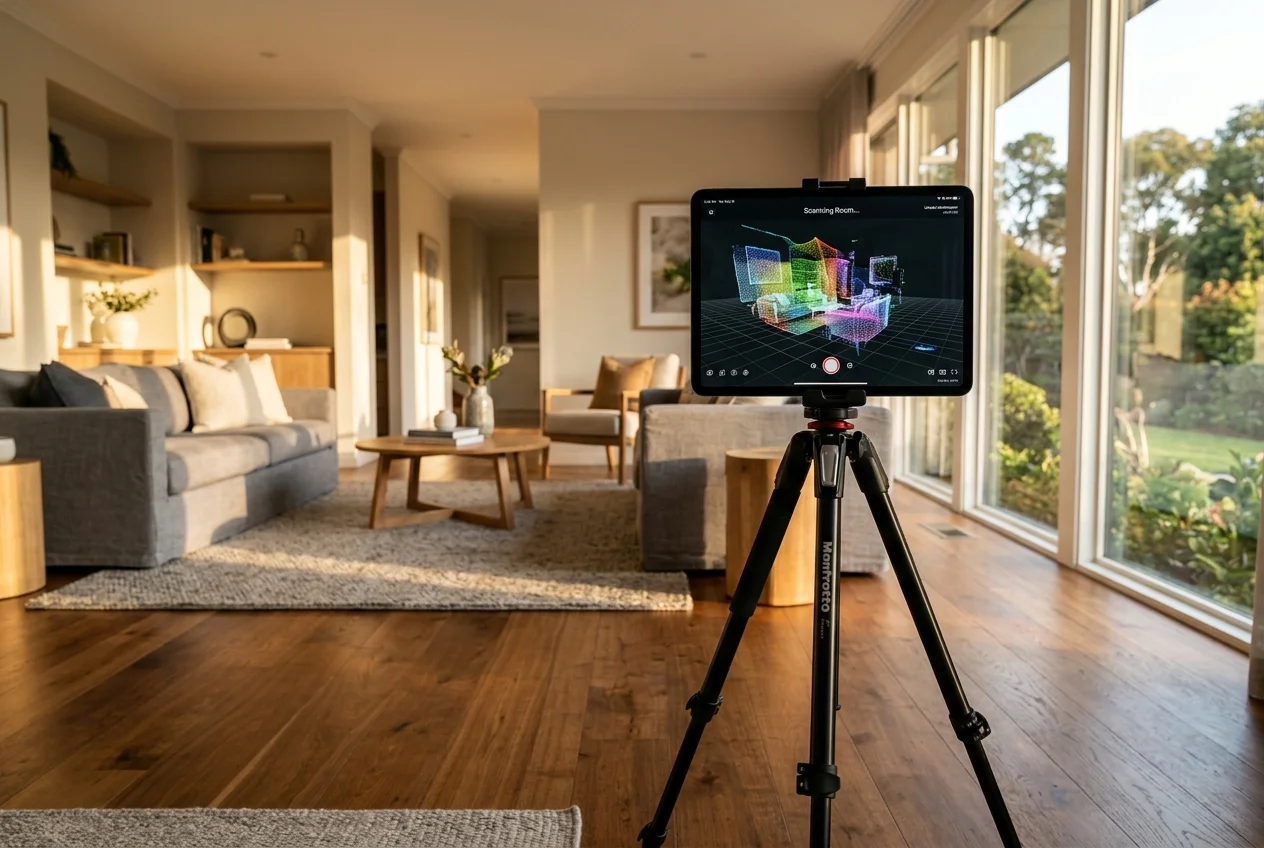
A 3D home tour app should let a shooter capture a space and publish a share link without stitching together separate tools. Many pages blur capture apps, hosting platforms, and 360 editors into one category. That blur makes it hard to predict timeline and cost.
Three capture classes show up in real listings. Each class sets expectations for gear, time, and the floor plan story.
Phone and LiDAR-first capture sits on the fastest end. It fits smaller units, rentals, and time-boxed listing prep. It also creates the most “phone-like” constraints, like limited branding control and fewer measurement guarantees.
360 camera plus companion software sits in the middle. It often trades some scan automation for control. Branding, white-label links, and owning the delivery experience tend to improve in this class.
Dedicated 3D camera workflows sit on the high end. The output often supports tighter measurement claims and premium navigation. The trade-off shows up in gear access and process steps.
Capture choices also change the risk points that ruin a scan. Dark halls, mirrors, and mixed lighting cause most re-shoots. A short set of shooting tips that keep a scan clean helps teams prevent avoidable problems before the first scan starts.
How this 3D home tour roundup scored apps
Each pick gets scored on five workflow criteria, not on spec sheets.
Capture method comes first. Phone-first capture suits “scan it now” jobs. 360 workflows reward shooters who already deliver polished media packages. Dedicated cameras fit teams that price for premium output.
Scan-to-publish workflow comes next. Some apps process automatically. Others rely on a manual build step from 360 images. Processing time often is not published, so this roundup calls that out instead of guessing.
MLS and portal compatibility matters as much as the tour itself. The practical test is simple: a link needs an unbranded option when MLS rules require it, and a format that can be shared on broker sites and social.
Floor plans and measurements get scored as “buyer-facing” extras. A floor plan helps a buyer understand layout in seconds. Measurements matter when buyers try to pre-qualify a space for furniture.
Pricing and free tiers come from vendor disclosures and HousingWire’s virtual tour software roundup. Where a tool offers a trial but blocks public sharing, the trial counts only as a test environment.
A 3D tour also does not replace the still-photo gallery. Many teams pair tours with staged stills, and a separate virtual staging software comparison helps with that side of the stack.
Free and DIY agent tours
Phone-first capture wins when a listing needs a workable tour this week and the budget stays tight. This use case also fits rental turns where a team wants fewer showings and faster tenant screening.
The trade-off sits in branding and control. Portal-native workflows often keep the experience simple on purpose. That is not a flaw, it is a design choice that favors speed.
Where each tool sits
Monthly price against speed. Bottom-left is cheaper and faster, top-right is pricier and slower.
The tools in detail

Zillow 3D HomeTop pick
What it is: a free mobile app for creating 3D Home tours on iOS and Android, with capture on a supported phone or a compatible 360 camera.
Best for: agents who list a handful of homes per year and want a tour link with zero software cost.
Pricing: free to use, with tours uploadable to as many listings as needed.
Pros:
- Fast path to a share link and a listing attachment.
- Capture works with a supported phone or a 360 camera.
- Tours can be shared to MLS, websites, and social.
Cons:
- Branding control stays limited by design.
- Interactive floor plans require a compatible 360 camera, not just a phone.
Link: Zillow 3D Home
View Zillow 3D Home →
Matterport
What it is: a virtual tour platform known for premium viewing features like dollhouse-style navigation and multi-floor selectors.
Best for: luxury listings, multi-level homes, and properties where buyers want measurements before touring in person.
Pricing: Starter at $12/month, Professional at $58/month, and Business at $296/month. The free trial exists, but trial tours cannot be publicly shared.
Pros:
- Strong navigation for complex layouts.
- Mattertags support linked notes and external content.
- The measurement tool is claimed up to 99% accurate with Pro2 and Pro3 cameras.
Cons:
- Public delivery cannot rely on the free trial.
- Defurnish removes furniture or clutter, it does not furnish a vacant room.
Link: Matterport
Floor plans usually become part of the delivery expectation at this tier. A separate floor plan software for real estate listings guide helps teams decide whether to generate plans inside a tour platform or keep floor plans as a standalone deliverable.
View Matterport →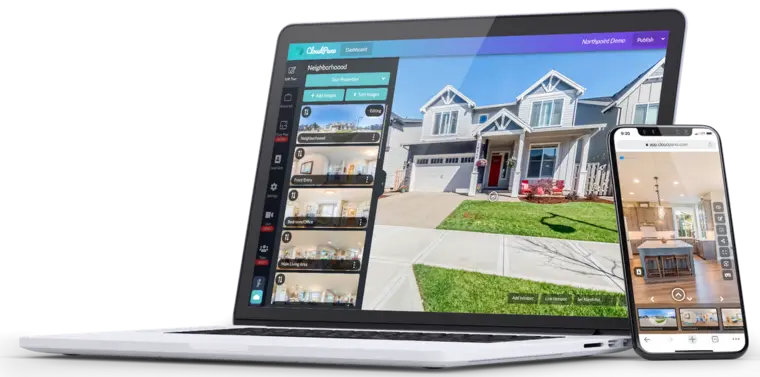
CloudPano
What it is: a 360-tour platform built around manual creation from 360 photos, with strong branding and white-label options.
Best for: photographers and small teams that want an unbranded or own-domain deliverable.
Pricing: a free plan that can host three live tours, with paid entry from $19/mo billed yearly.
Pros:
- White-labeling removes CloudPano branding.
- Custom branding options support logo, headshot, and text elements.
- Supports publishing to Google Street View and can host tours on a team’s own website or server.
Cons:
- Processing time is not publicly listed.
- Manual build steps add workflow complexity compared to fully automated capture.
Link: CloudPano
View CloudPano →
Trolto
What it is: a marketing subscription that includes AI virtual tours generated from 2D images, aimed at teams without a dedicated scan workflow.
Best for: agents who already have listing photos and want tour-like coverage without adding scanning gear.
Pricing: from $59/month, with a 7-day free trial.
Pros:
- Works from existing images, which reduces capture friction.
- Bundles tour output into a broader marketing package.
Cons:
- Image-derived tours are not measured scans, so teams should treat layout and size implications carefully.
- No free tier beyond the trial.
Link: Trolto
View Trolto →
Ricoh 360 Tours
What it is: a subscription service built for 360-tour workflows, including AI image enhancement for tour visuals.
Best for: teams already committed to a Ricoh 360 capture workflow that want capture and publishing handled inside one subscription.
Pricing: from $36/month, with no free tier.
Pros:
- Purpose-built for 360 tours.
- Includes AI image enhancement for tour visuals.
Cons:
- Processing time is not publicly listed.
- No free tier for occasional users.
Link: Ricoh 360 Tours
Photographers deciding whether to add tours, or to subcontract them, often benefit from a baseline checklist of deliverables and pricing norms. The real estate photography fundamentals directory hub helps teams decide when to hire versus build an in-house workflow.
View Ricoh 360 Tours →What it really costs per listing
Pick a tool, set how many listings you do a month, and see the real per-listing cost. Only the 5 tools that publish a monthly price are listed.
Luxury listings, photographer workflows, and white-label delivery
High-end listings often need a tour that supports confident navigation. Buyers look for floor selectors, consistent transitions between levels, and details that answer questions before a showing.
This use case also raises measurement pressure. Buyers and designers will test whether furniture fits. That is where a dedicated capture workflow can matter.
A photographer-focused workflow usually prioritizes three things: repeatable delivery, unbranded options when MLS rules require it, and control over where the tour lives.
White-label delivery also protects the relationship. Many agents want the tour to feel like part of the listing package, not an ad for a platform.


Every tool a listing needs, on one account
Free trial credits, no credit card. Staging, photo editing, and renovation on one account.
Try AI HomeDesign freeScan-to-publish workflow and MLS delivery in 2026
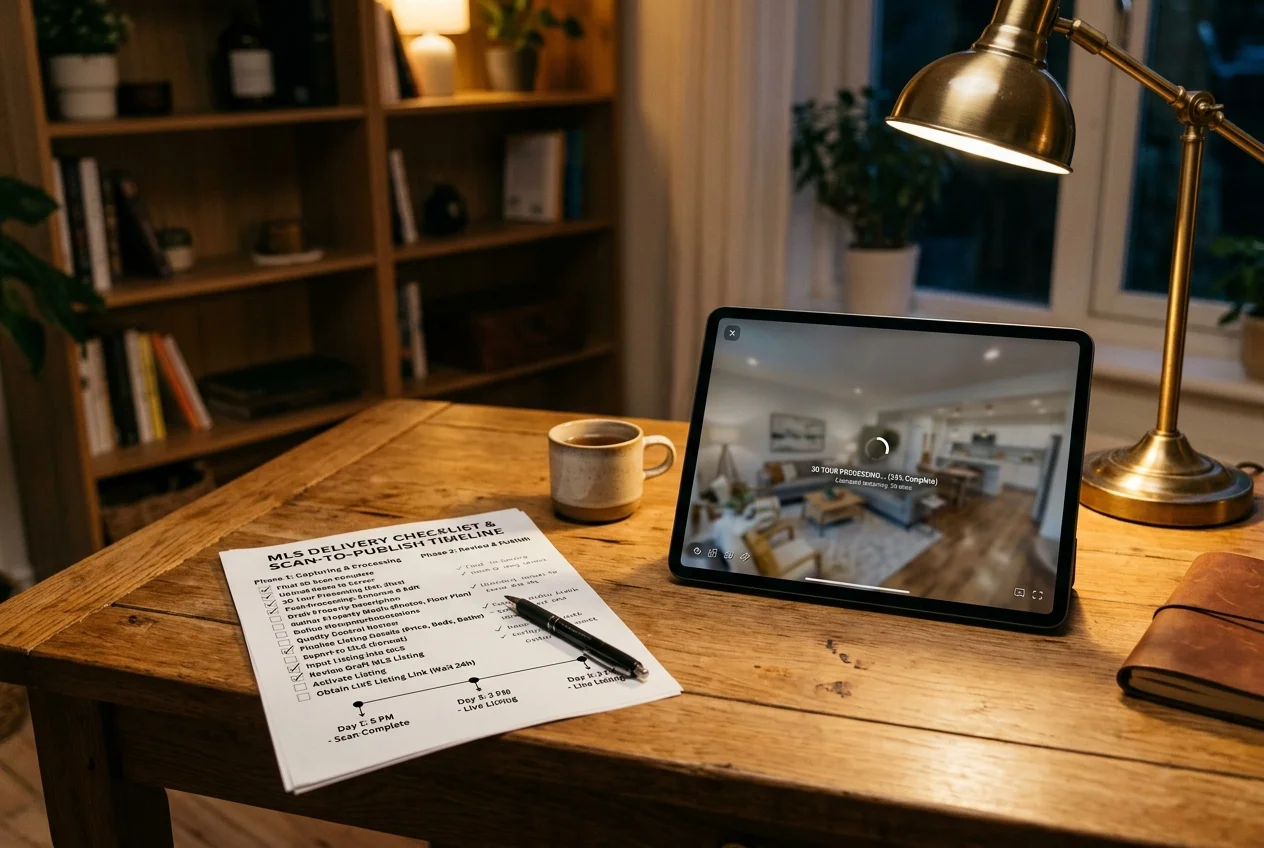
A realistic listing-day schedule needs a buffer. Most vendors do not publish processing times. The safest benchmark is a one to two day window from final scan to a live, MLS-ready link, because upload speed, processing queues, and approval steps vary.
Capture time is the first variable. Phone capture can move fast in small homes. Multi-floor scans take longer, especially when stair transitions break continuity.
Upload and processing create the biggest surprise. Uploading on property Wi‑Fi reduces risk. Cellular uploads fail most often on large files and older homes with weak reception.
Publishing and distribution close the loop. MLS entry often needs an unbranded link, plus a separate branded link for social and email.
The workflow questions below reduce last-minute rework:
Checklist
0 of 4 doneThe National Association of REALTORS outlines common tour creation steps in its virtual tour playbook, which helps teams map capture, processing, and publishing tasks onto a listing timeline.
Some listings break the “standard” workflow. Three common exceptions:
Occupied homes with tenants often limit scan windows. A phone-first capture can fit a short access slot.
Rural properties can lack upload bandwidth. A team may need to capture on site and publish after returning to reliable Wi‑Fi.
Homes with mirror walls, glass showers, or glossy cabinets can confuse scans. A team may need extra capture passes or a different capture class.
Square footage questions also show up fast in rentals and property management. A separate guide to room measurement apps can help teams answer basic dimension needs when a tour does not provide buyer-trustworthy measurements.
Floor plans, measurements, and still photos that win the click
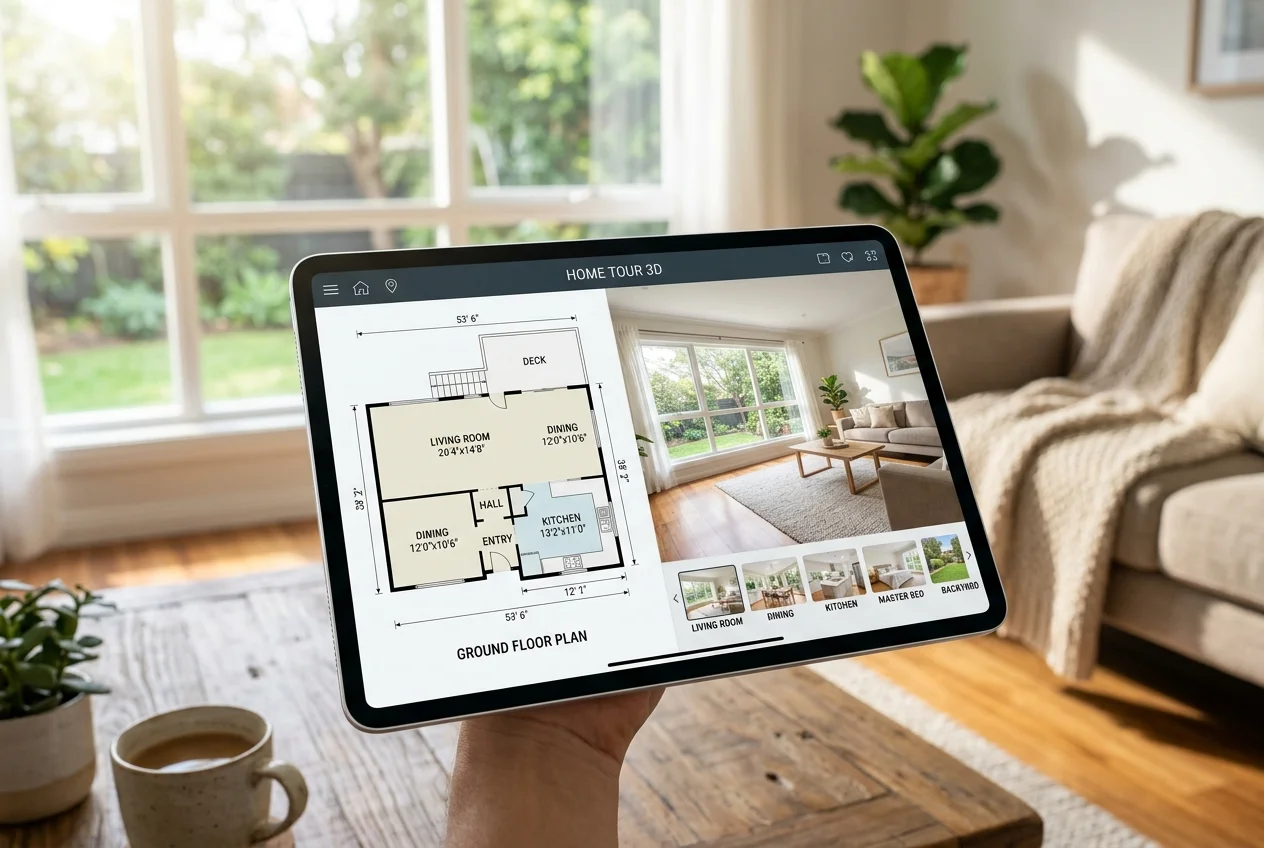
Floor plans change buyer behavior because they solve orientation fast. Measurements change buyer behavior because they reduce uncertainty. Both extras also increase the risk of overpromising if the capture method does not support consistent accuracy.
Phone-first tours often focus on navigation, not measurement assurance. Some platforms add interactive floor plans only with a compatible 360 camera, not from a phone scan alone.
Dedicated camera workflows can support tighter measurement claims. Some platforms tie their headline accuracy claims to specific camera models, so the capture device matters as much as the software.
Teams should keep one rule clear in the deliverable. The listing package should include buyer-facing assets only, like the share links, the tour embed, and the floor plan PDF. Technical notes about capture devices, measurement caveats, and processing constraints belong in the agent-to-seller conversation, not in the marketing assets.
Still photos remain the click driver. A buyer typically decides to open a tour after the hero photo earns attention. Vacant rooms also present the same problem in any tour format: empty volume does not show scale or function.
AI HomeDesign can sit beside any tour app as the still-photo layer, covering virtual staging, photo editing, and home renovation in one account and one shared credit pool, with free regenerations and pricing from $0.24 a photo. MLS compliance stays the default, since the system preserves original fixtures and structure.
Disclosure still matters for edited visuals. The duty traces to NAR Code of Ethics Article 12 and Standard of Practice 12-10, which require a true picture in advertising and prohibit manipulating listing content in any way that produces a deceptive or misleading result. Listings should label staged or AI-edited media with clear Disclosure text. Common safe language includes: “Virtually staged. Digital furnishings added.” and “AI-edited photo. Changes include lighting and object removal.” Local MLS Rules vary, so teams should confirm exact wording.
Minimum deliverables for a 2026 listing tour package
A 3D tour only helps a listing when the delivery set matches how buyers browse. The checklist below keeps the package MLS-ready and portal-ready, without shipping extra items that sellers misread.
Checklist
0 of 7 doneThis deliverable list fits cleanly inside a broader listing marketing plan for 2026, where tours support interest but photos and distribution earn the clicks.
Find your pick
Tap your situation for a quick recommendation.
Frequently asked questions
Zillow 3D Home stands out as the true free tier for real listings. The app is free to use, and teams can upload tours to as many listings as needed. Capture can happen on a supported iPhone or Android device, or with a 360 camera. Interactive floor plans are possible, but they require a compatible 360 camera rather than phone-only capture.
Phone-only capture can work for a basic tour, since Zillow 3D Home supports capture on supported iPhone and Android devices. The key limitation is what comes with phone-only capture. Some floor plan features require a compatible 360 camera, and headline measurement accuracy claims on premium platforms are tied to dedicated cameras rather than phone scans.
Costs range from free to several hundred dollars per month, depending on hosting, branding control, and capture workflow. Zillow 3D Home is free. Matterport lists Starter at $12/month, Professional at $58/month, and Business at $296/month, with a free trial that cannot be publicly shared. CloudPano offers a free plan and paid entry from $19/mo billed yearly.
MLS acceptance depends on local rules, especially around branded versus unbranded links. Zillow 3D Home tours can be shared to MLS, websites, and social, and links in MLS can syndicate to major real estate sites. CloudPano offers white-labeling and options like using a custom domain or self-hosting. Teams should confirm local MLS Rules before publishing.
A 3D tour does not replace the still-photo gallery. Photos earn the first click, and tours help buyers explore once interest is high. Some platforms include decluttering tools, such as Matterport’s Defurnish, but removing furniture differs from furnishing a vacant room. Many listings still need enhanced stills and virtually staged versions of key empty rooms.
Empty rooms often read as scale-less, even with a strong tour. When timing allows, teams can scan while the home still has furniture, then publish the tour after move-out. For photos, virtually staged stills give buyers context on function and layout. AI HomeDesign supports virtual staging and photo editing in one account, with MLS-compliant output and pricing from $0.24 a photo.