
import from Zillow/Realtor.com




Exclusively for MIAMI Realtors
$23 .2/mo
80 Photos /mo
$0.29/PhotoBilled $278.40 Yearly






Built for faster listing prep, with smarter workflows, better control, and less manual work.
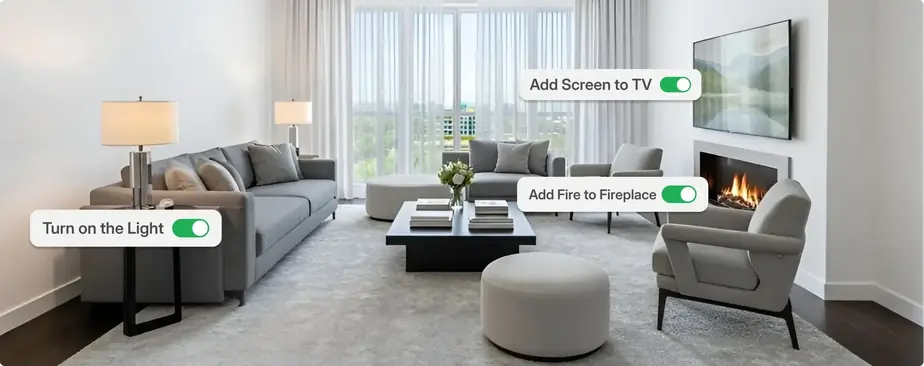
Describe the edit in plain language, keep context across turns, and iterate without rebuilding the whole scene from scratch.
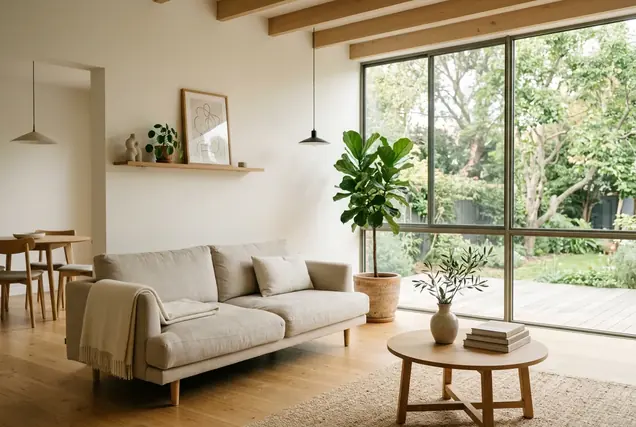
Powerful AI tools for real estate listing photos.

Phil Radtke
kw TEAM BERLIN KELLER WILLIAMS
Associate Professor at Virginia Tech
I like the software in general! It still has loooot to learn, as it can't work with bigger apartments and sometimes even smaller apartments are quite to hard to put in perspective regarding the size of furniture. The option to delete furniture works well, but forgets to clear lamps. It would be awesome to predict the floor before, like wood, stone, tiles etc.. In general Iam happy!


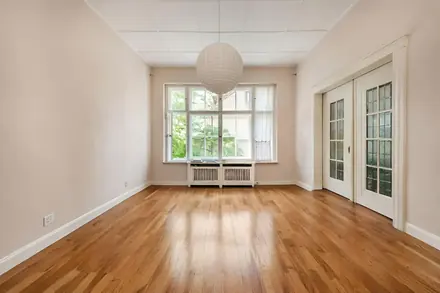
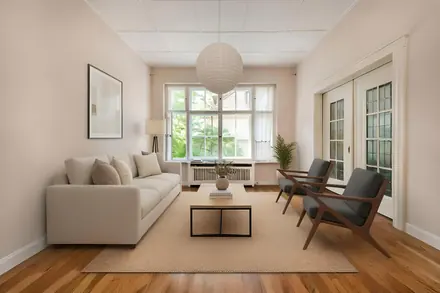
Used Virtual Staging service to create this photo

Brigitte Elzarki
COLDWELL BANKER
CB Global Luxury Property Specialist
I just used it for the first time yesterday. I chose the Standard plan and loved it. If I have more than the included pictures, I pay a small additional fee to add a few more.


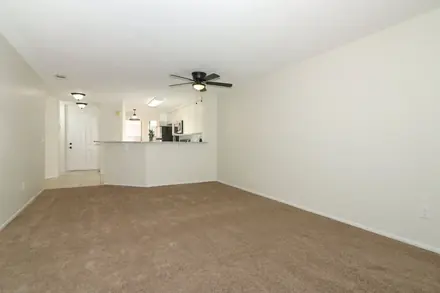
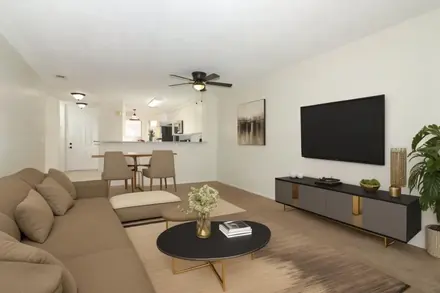
Used Virtual Staging service to create this photo

Steven Barkho
PRIME
Managing Director
AI home design is truly impressive! The creativity and attention to detail shine through, making a significant impact.


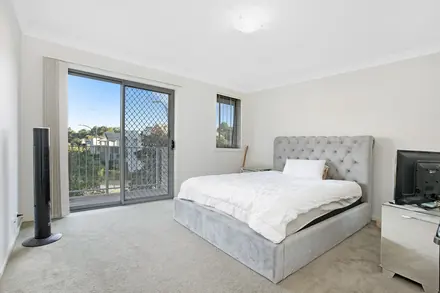
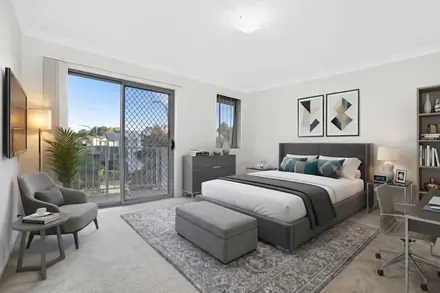
Used Virtual staging service to create this photo

Christi Fredrick
COMPASS
Real Estate Salesperson
I really like this service. So quick and easy! I had a listing that really needed some help with adding furniture to my photos. This worked beautifully. I had several compliments from other agents asking what I used to generate the photos. Highly recommend!


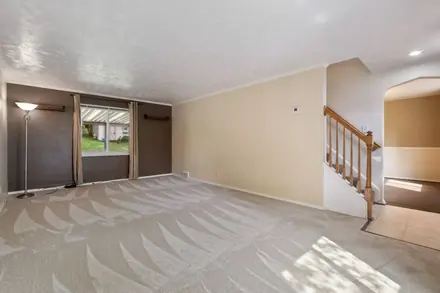
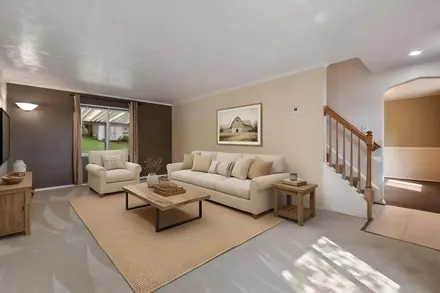
Used Virtual staging service to create this photo

Jersenia Patterson
RE/MAX
Licensed REALTOR®
AI HomeDesign is a great marketing tool I use for my listings. I work with many house flippers who do not have staging budgets, this tool allows me to stage our listings and make our homes look presentable.


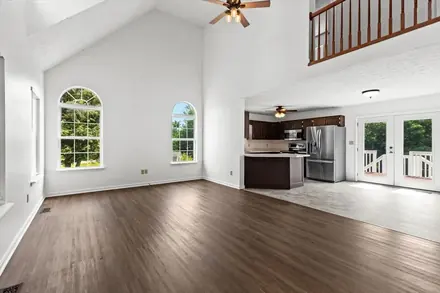
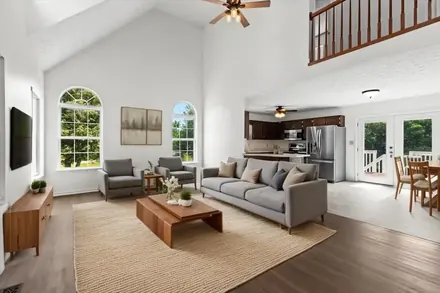
Used Virtual staging service to create this photo

Stafford Ullrich
Texas REALTORS®
Everything is great. It's like magic how the furniture appears.


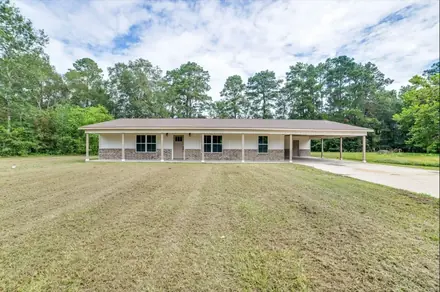
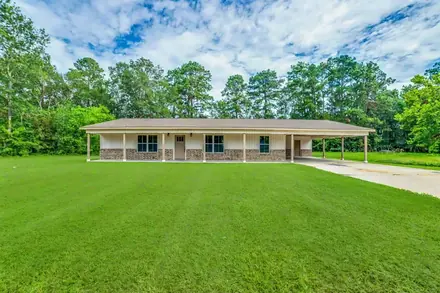
Used Image Enhancement service to create this photo

Ani Palaus
Tampa Bay Coastal Property Realtor®
I used AI Home design for my recent listing and my seller was very happy with how the home looked. I was able to remove most of the packing boxes from the photographs and redesign the rooms. It definitely got the house some much needed attention from potential buyers and to get it under contract quickly.


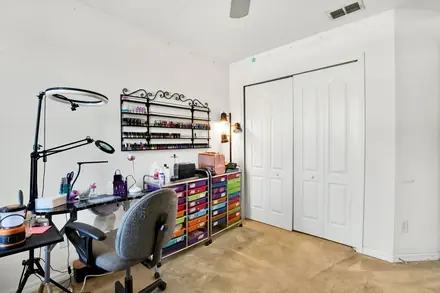

Used Item Removal service to create this photo

Meatha Haynes
Crye-Leike Realtors
Realtor
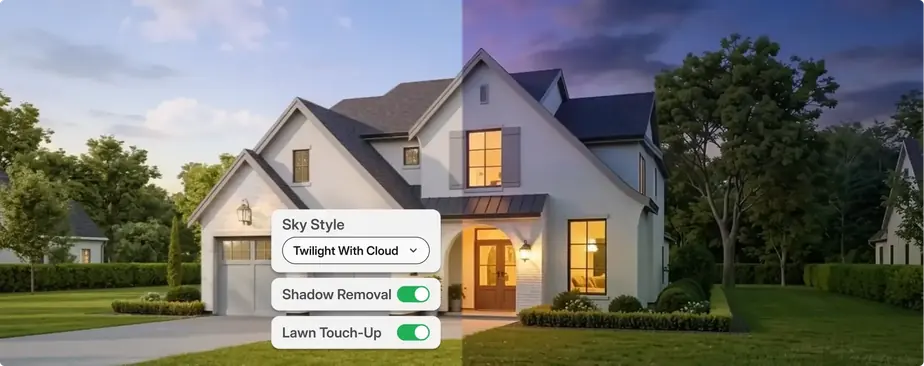
I have been using AI HomeDesign for almost a month now… I'm really enjoying virtually staging photos, changing night and day, dawn to dusk sky view, and have found the item removal handy. I love that I can regenerate photos with different styles at a click of a button and have 9-12 options in no time.


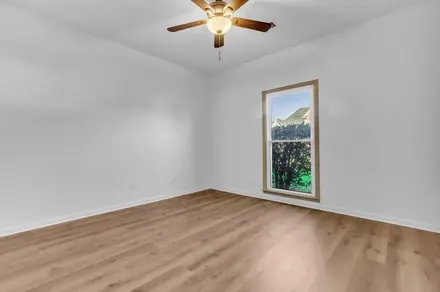
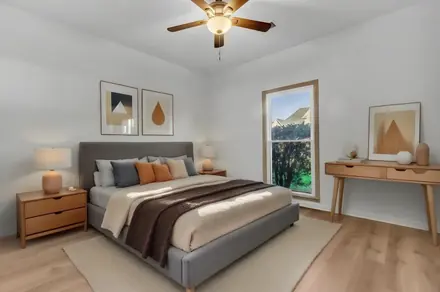
Used Virtual staging service to create this photo
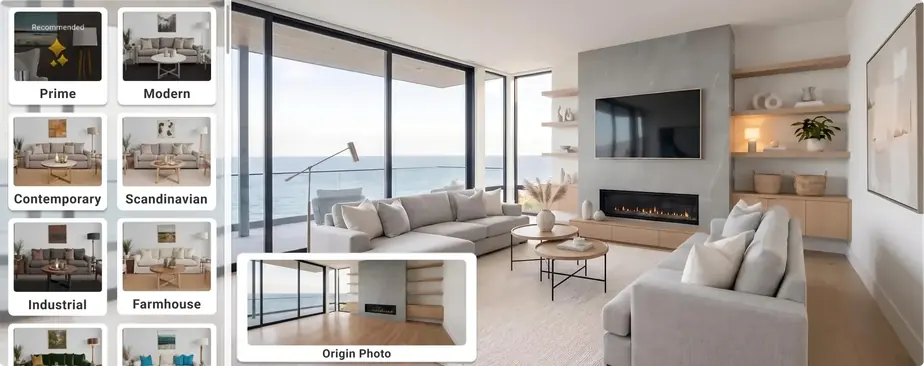
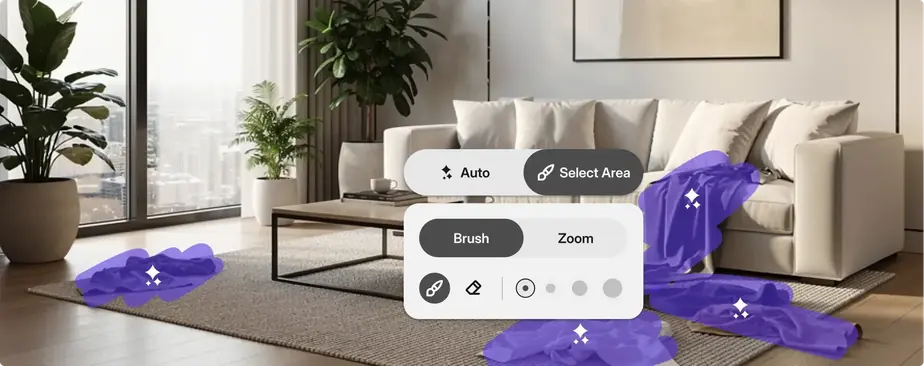
AI HomeDesign is an AI-powered toolbox for creating listing-ready property visuals for the real estate listings and MLS platforms. It helps agents, teams, and businesses prepare property photos using tools such as virtual staging, item removal, image enhancement, and day-to-dusk transformations within a single workflow. Built for scale and consistency, the platform simplifies how property visuals are prepared and managed across multiple listings.
AI HomeDesign works in three simple steps: upload a photo, choose a tool, and generate results in seconds. The AI processes your photo automatically, applying edits like staging, object removal, or lighting changes without manual back-and-forth. You stay in control of the final look while the platform handles the heavy lifting.
Yes. When you sign up, you receive free credits to try AI HomeDesign before choosing a plan. You can test core tools like virtual staging and item removal with no upfront cost or credit card required. Free results include a watermark, so you can evaluate the speed and quality before upgrading.
Results are typically ready in less than 7 seconds after you upload a photo and select a tool. Once generated, you can download the photo immediately or regenerate variations if needed. The process is designed to be fast and reliable, even when working through multiple photos.
AI HomeDesign accepts standard real estate photos in common photo formats such as JPG and PNG. Most listing photos work well, especially when taken in good lighting with a clear view of the space. For best results, wide-angle shots that show the full room tend to perform better than close-ups.
Yes. Once you download final photos without a watermark, you can use them for real estate marketing across MLS websites and major listing platforms such as Zillow and Realtor.com. AI HomeDesign is built to produce listing-ready visuals that meet common platform standards. As always, be sure to follow any local MLS or portal guidelines related to photo editing or virtual staging disclosures.
Yes. You can regenerate your photo to explore different variations using the same photo and settings. Each regeneration produces a new result, allowing you to refine the outcome without starting over. This makes it easy to compare options and choose the version that fits your listing best.
You can contact the AI HomeDesign support team anytime at support[at]aihomedesign.com. We are available to help with questions, feedback, or any issues you run into while using the platform.
Compare the best real estate companies in the U.S. for 2026, including major brokerages, brands, virtual firms, and agent-focused options.

40 real estate questions and answers covering contracts, fair housing, ownership, valuation, leases, finance, and licensing basics.
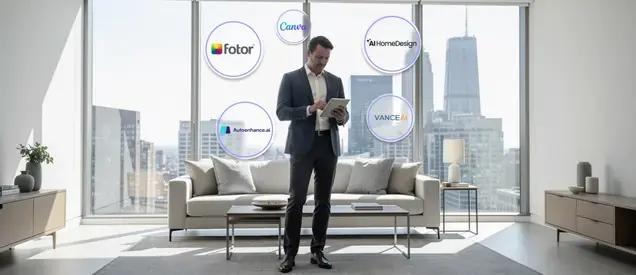
Compare the top 5 AI photo editor online tools for real estate in 2026, focused on preparing clean, listing-ready property images.

Best states for real estate agents in 2026 ranked by income potential, housing demand, competition, and cost of living.

Best drones for photography in real estate include DJI Air 3, Mini 4 Pro, Air 2S, Mavic 3 Pro, and Autel Evo II Pro for real estate listings.
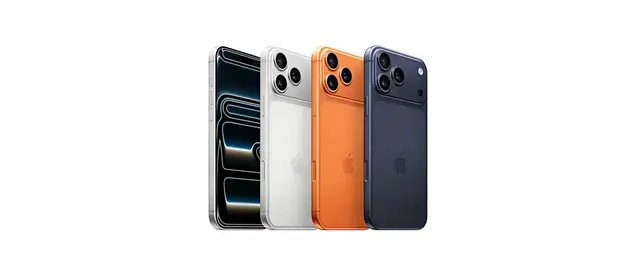
iPhone 17 for real estate photography: 48MP lenses, a 56% larger telephoto sensor, improved HDR, better night mode, Clean Up tool, and video upgrades.
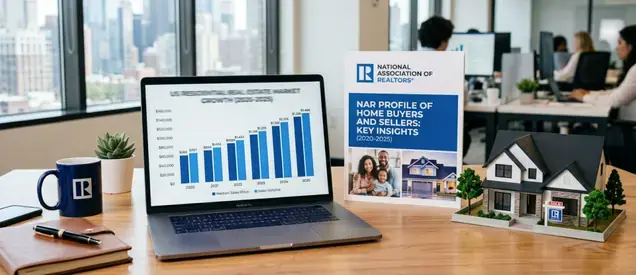
The NAR profile of home buyers and sellers from 2020 to 2025 shows how buyer and seller behavior changed over time.

Compare the best cameras for real estate photography in 2026 and see what actually impacts listing quality, from lenses to editing workflows.
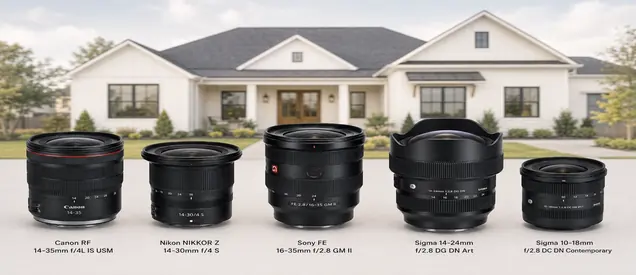
Choose the best lens for real estate photography by camera type, focal length, distortion control, and room size for sharper listing photos.