Spacely AI vs AI HomeDesign: Which Wins for Agents?
Spacely AI vs AI HomeDesign for agents: compare pricing, MLS-safe edits, speed, and listing-set workflows to pick the right tool.
A listing shoot wraps on Wednesday, and the photos need to go live Friday. Half the rooms look great, but the seller still lives there. That is the moment where spacely ai and AI HomeDesign can either save time or create new work.
Spacely AI vs AI HomeDesign is less about which tool makes the prettiest single render. It is about what the tool treats as the unit of work. Spacely AI is built to explore what a space could become. AI HomeDesign is built to ship a listing-ready photo set with consistent edits.
For agents still shortlisting tools beyond these two, the broader landscape sits in AI HomeDesign review. This comparison stays tight on what matters in day-to-day listing prep.
At a glance
The Agent-First Verdict: Listing Output Beats Hero Renders
Speed claims and style galleries sound decisive until a real listing hits. Agents rarely need one “wow” image. Agents need a set that looks consistent, stays true to the property, and uploads cleanly.
Spacely AI wins when the job is concept work. That includes renovation visualization, style exploration, and client presentations where creativity matters more than strict fidelity. Native SketchUp integration also points to a design workflow, not an MLS workflow.
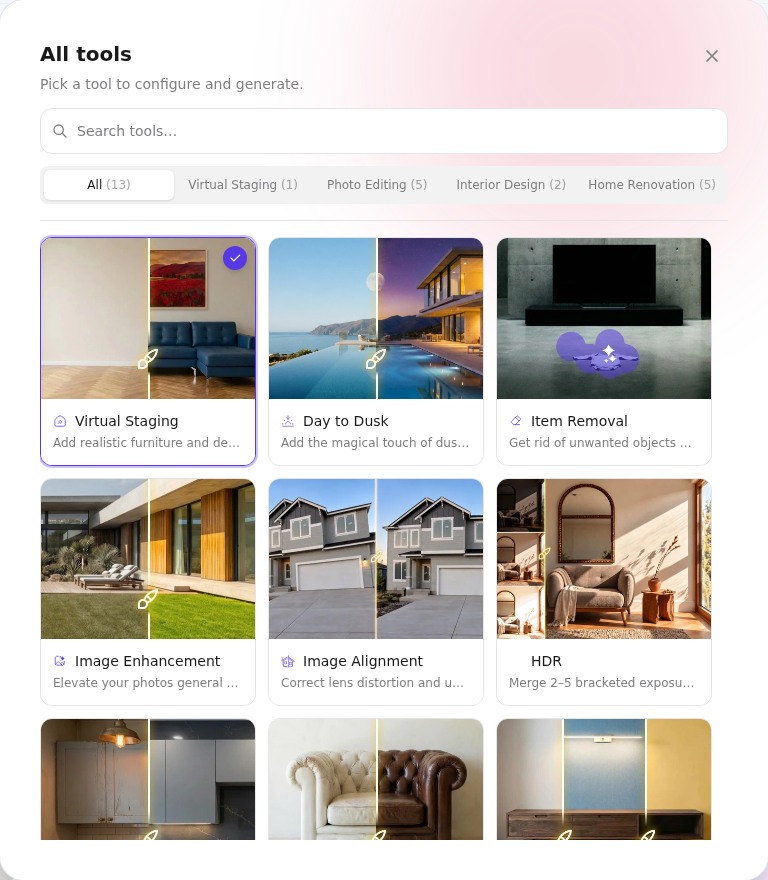
AI HomeDesign wins for most agents because it centers the listing pipeline. The product includes AI Virtual Staging, Item Removal, Image Enhancement, and Day to Dusk across all plans. Those are the repeat jobs inside a photo set, not a one-off redesign.
A practical way to decide: treat “reimagine this room” and “present this room” as different tasks. The first allows interpretation. The second demands structure preservation and clear Disclosure so buyers understand what they see.
spacely ai review: What Each Platform Is Actually Built to Do
Spacely AI reads like a designer’s renderer first. The feature set emphasizes photorealistic interior design rendering, material preservation, and tight control over the look. That fits architects, interior designers, and renovation-focused listing teams.
AI HomeDesign reads like a listing workbench. Plans focus on output that agents can publish: fast AI Virtual Staging for multiple rooms, Item Removal for lived-in spaces, Image Enhancement for exposure and color, and Day to Dusk for exterior timing gaps.
The gap shows up when teams try to standardize. A design-suite workflow often assumes a single operator and a creative loop. A listing workflow often hands tasks to a listing coordinator or photographer, with fewer inputs and tighter deadlines.
For agents comparing multiple “designer-first” suites against listing tools, Coohom vs AI HomeDesign for real estate staging and Homestyler vs AI HomeDesign show the same split from different angles.
Head-to-Head on the Listing Workflow
A comparison grid only helps if it matches how agents buy. The rows below prioritize structural fidelity, occupied-room editing, and whether the tool covers more than staging.
AI HomeDesign publishes more listing-specific functions in the core plan set. Spacely AI publishes more design-specific depth, especially for teams that already work in SketchUp or sell renovation vision.
Pricing Compared as Cost per Listing, Not Credits per Month
Credit pricing can work, but the headline monthly price rarely answers the real question. Agents budget per listing, not per calendar month. The same plan can be cheap for low volume and painful for high volume.
A simple conversion keeps the math honest:
Credits per image × images edited per listing × listings per month = monthly credits needed.
Then compare that number to the plan’s monthly credits. If a tool charges different credits for different functions, teams can still run the math by using a high assumption for staged images and a lower one for small edits.
Spacely AI publishes a starter plan at $12.75 per month with 200 credits on annual billing, and higher plans with more credits. That can be attractive for agents who stage only a few images each month. The risk comes when a team needs consistent edits across many photos and learns the credit burn rate mid-week.
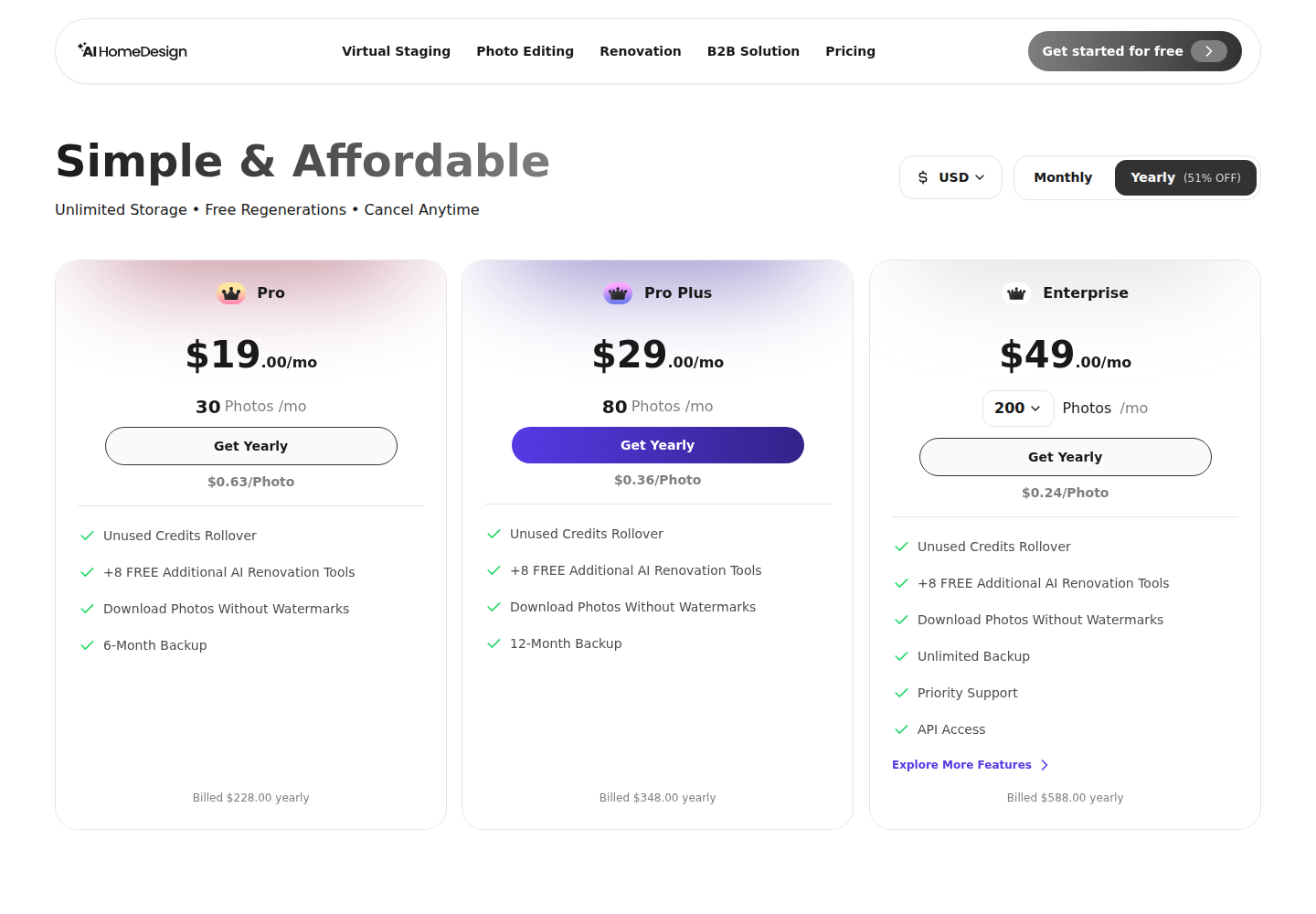
AI HomeDesign publishes cost-per-photo figures by tier, which makes forecasting easier during listing intake. For another view of how agents compare credit plans to per-image logic, SofaBrain vs AI HomeDesign per-image pricing breaks down the same budgeting problem in a different pricing model.
Structural Fidelity and MLS-Safe Edits Matter More Than Style Variety
A design renderer earns points when it takes risks. A listing photo loses trust when the AI changes permanent features. That is the difference between a mood-board workflow and an MLS workflow.
AI HomeDesign explicitly frames output as MLS-compliant and emphasizes fixture and structure preservation. That matters because agents need repeatable edits across a full set, not a few “best” images.
Spacely AI highlights material preservation and precise editing, which is a real strength for designers. For agents, the question is narrower: does the output keep the same walls, openings, and fixed elements every time.
A practical preservation check before upload helps with any generative tool:
Clear labeling also matters. Many MLSs and broker policies expect Disclosure for virtually staged and AI-edited images, but the exact rule varies by MLS and state. Teams should confirm local MLS Rules before publishing.
Occupied Rooms and the Rest of the Photo Set
Most real listings are not empty. Sellers leave furniture, cords, bins, pet items, and family photos in frame. An agent can choose between full staging, light decluttering, or both.
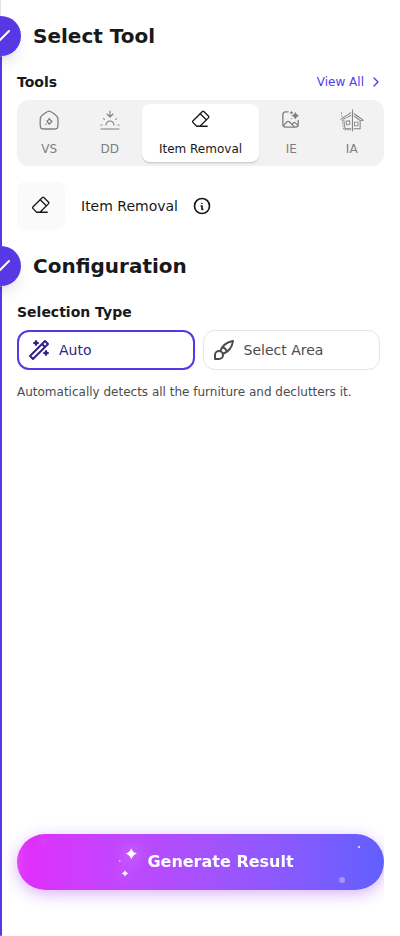
AI HomeDesign includes Item Removal in all plans, which fits that lived-in reality. Item removal often produces a “cleaner” listing faster than a full redesign, especially in bedrooms, offices, and kitchens where clutter drives the first impression.
Spacely AI can still help on occupied listings when the goal is to show a remodel vision. That is common with dated kitchens, basements, and investor properties. In those cases, the image functions as a concept, and the listing remarks can frame it that way.
Style still matters, but it matters differently for agents. Buyer-neutral furniture and finishes usually beat experimental looks because they keep attention on the room’s size and layout. For a practical way to pick styles room by room, room-by-room house styling for listings maps common rooms to safer staging choices.
Three Real Listing Scenarios and a Simple Trial Protocol
A single-family listing with mixed occupancy usually rewards workflow coverage. AI HomeDesign fits better when the set needs staged living spaces, item cleanup in bedrooms, and consistent color and exposure across the album.
A vacant condo listing often rewards fast staging consistency. Spacely AI can still win if the marketing goal is design-forward imagery for a renovation story. AI HomeDesign wins when the goal is a clean, repeatable set that stays structurally faithful across many angles.
A luxury listing raises the bar on realism and restraint. Spacely AI’s design focus can help when the team needs high-end concept renders. AI HomeDesign usually fits better when the job is to produce listing-ready edits at scale, with fewer surprises across the full shoot.
A fair test uses one real listing, not a perfect demo photo. Run one occupied room through item cleanup, one empty room through staging, and one exterior through Day to Dusk if the plan includes it. Then check fidelity, consistency across regenerations, and how fast a teammate can produce a full set under deadline pressure. For a parallel look at throughput and consistency in listing workflows, RoomGPT speed, quality and price test shows what breaks when a tool is optimized for single images instead of sets.
The clear pick
Choose AI HomeDesign when
AI HomeDesign fits agents who need consistent, listing-ready edits across a full photo set, especially for occupied homes.
Choose Spacely AI when
Spacely AI fits teams doing renovation vision work, concept renders, or SketchUp-based design workflows where creative reimagination matters.
Frequently Asked Questions
Is Spacely AI good for real estate agents?
Yes, for the right use case. Spacely AI fits agents who sell renovation vision, produce design concepts, or work with architects and builders. It is less aligned with day-to-day listing prep when the job requires occupied-room decluttering, consistent edits across a full photo set, and MLS-safe structural fidelity in every image.
Does Spacely AI have a free trial?
Yes. Spacely AI offers free trial credits without requiring a credit card. The most useful trial approach is to spend those credits on a real listing photo, not a staged marketing image. That makes it easier to judge whether the tool preserves windows, doors, fixtures, and proportions.
How should agents compare credits to cost per listing?
Agents can convert any credit plan by treating each listing as a small budget. Multiply the estimated credits per edited image by the number of images edited per listing, then multiply by expected monthly listings. If the tool uses different credit costs by feature, run a high estimate for staging and a lower one for cleanup.
Do MLS rules require disclosure for AI-edited photos?
Often, yes, but the rule varies. Many MLSs, brokerages, and state regulations expect Disclosure when images are virtually staged or materially altered. The safest practice is to check the MLS photo policy for the market and confirm local disclosure expectations before upload, especially when edits affect more than furniture and decor.
What is the difference between AI interior design and AI virtual staging?
AI interior design focuses on reimagining what a space could become, which can include new materials, layouts, and aesthetic choices. AI virtual staging focuses on presenting the existing space with furniture and decor while keeping permanent features intact. Agents usually need the second approach for listing photos because buyers tour the real room.