Best Real Estate CRM Software for Agents in 2026 Ranked
Leads do not fail because a database feels dated. Leads fail when follow-up breaks after the first inquiry. That is why a real estate crm choice matters more than most tech decisions.
A practical pick in 2026 depends on lead volume, team shape, and the true monthly bill once add-ons appear. The right platform also needs a clean path from listing visuals to nurture, since photos and staging often trigger the reply that books the appointment.
The sections below rank five common shortlists, map them to agent types, and lay out a switching plan that avoids lost leads.
How the Ranking Works in 2026
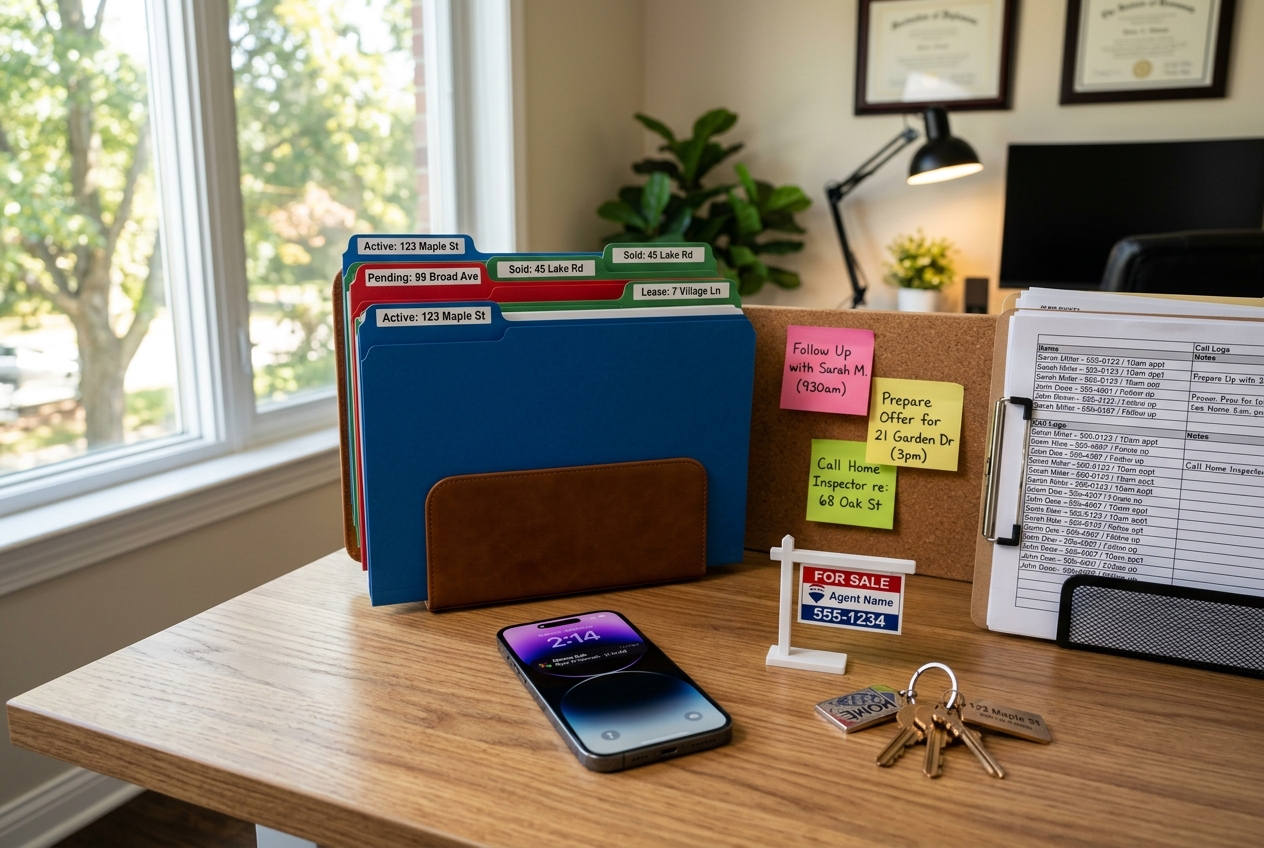
Inbox chaos hides in plain sight. One agent sees it as missed calls. Another sees it as duplicate leads that never get tagged. A brokerage sees it as uneven follow-up and no clean reporting.
This ranking focuses on conversion mechanics first. Speed-to-lead routing, alerts, and automation matter because they protect the first hour after inquiry. A CRM that makes the next action obvious tends to outperform a CRM with a longer feature list.
Integration depth comes next. Lead sources, calendars, texting, email, and transaction management all touch the same contact record. A platform that reduces copy-paste work helps teams keep notes consistent across agents and admins.
Cost and lock-in sit in the final score, not the first. Sticker price rarely matches total cost of ownership. Contract terms also shape risk. The best evaluation framework stays simple, and the Top CRM for Real Estate: The 9 Best Platforms for 2026 lists show how often “best” depends on the workflow, not the brand.
Real Estate CRM Decision Matrix for Solo Agents and Teams
Budget talks sound the same across markets. “Just something to keep up” describes a new solo agent. “Stop leads from going cold” fits most producing agents. “Assign, score, and enforce follow-up” fits teams.
The matrix below maps those realities to a short list. It avoids feature bingo. A CRM either supports the needed workflow, or it does not.
Decision matrix matching common agent setups to five CRM styles.
A matrix does not replace demos. It sets the order of demos. Teams can start with two picks, then add a third only if a missing integration appears.
One more filter helps: choose the least complex tool that still enforces the process. Complexity creates “shadow systems” like spreadsheets and personal inbox rules.
Ranked Shortlist of Five CRMs Worth Evaluating

Rankings change when the scoring emphasizes conversion, not dashboards. This list uses the same five tools that appear across major CRM roundups, including the HousingWire CRM rankings that highlight speed-to-lead and automation as common differentiators.
Follow Up Boss: best overall for most producing agents and lean teams that need fast routing, clear tasks, and flexible drip campaigns.
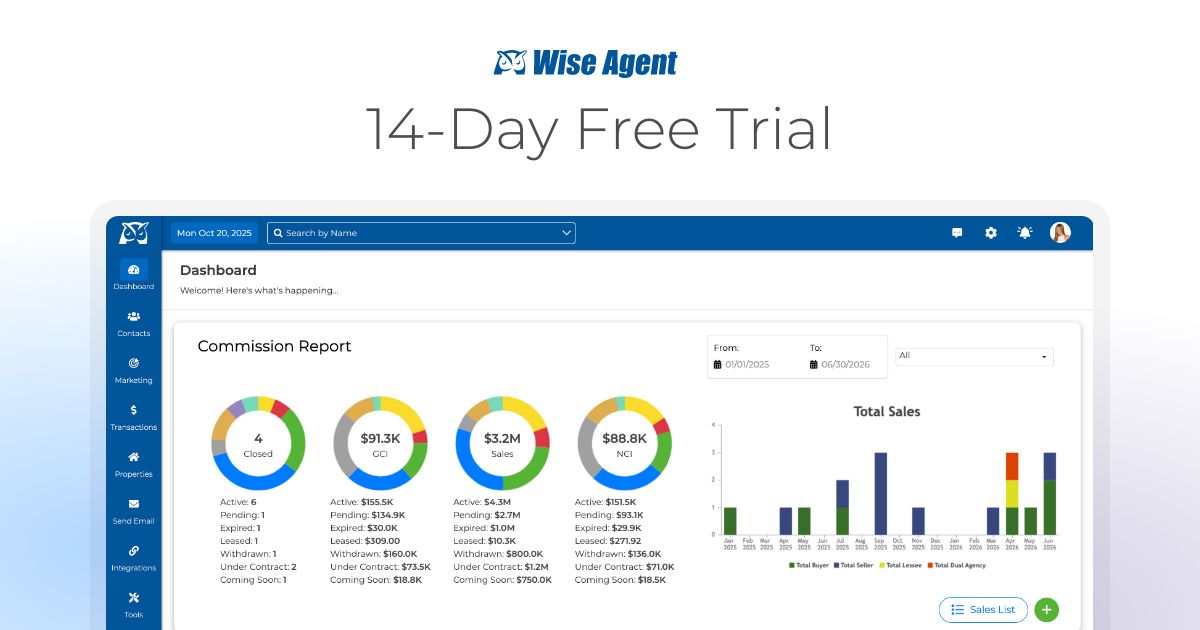
Wise Agent: best value pick for solo agents who want an all-in-one system that stays easy to run day to day.
Sierra Interactive: best for teams that want a tighter link between lead capture and automated nurturing, especially when a website and CRM decision land together.
Top Producer: best for experienced agents who want structured follow-up, coaching style prompts, and a pipeline view that stays front and center.
CINC: best for high-volume teams that treat lead conversion as an operation, not an individual habit, and want lead gen and nurturing in one ecosystem.
No platform wins every category. The right interpretation looks like this: pick the CRM that matches lead flow today, then confirm it can scale one step past today.
Mobile, Integrations, and Lead Routing That Protects Speed
Fast follow-up lives on a phone. Showing blocks, inspection days, and quick client texts demand a CRM that fits between appointments. Mobile usability matters less as a feature and more as a habit. If logging a call feels slow, notes disappear.
Integrations also decide whether the CRM becomes a system of record. Lead sources, calendars, and texting tools all create data. A strong integration layer keeps attribution intact, so the lead source does not get lost after the first conversation.
Routing rules separate solo setups from team setups. Solo agents need instant alerts and clear next actions. Teams need assignment logic, visibility, and a manager view that spots stale leads.
A practical way to test fit during a trial: run one real lead source, one showing-heavy day, and one weekend. Then check if alerts, task creation, and logging feel natural. The Ringover real estate CRM overview also shows how many buyers judge CRMs by communication flow, not just contact storage.
Total Cost of Ownership and What Belongs in the Decision Doc
Most CRM pricing pages show a starting plan. Teams pay for the real plan. Add-ons for calling, texting, extra users, lead gen modules, and onboarding can change the total bill fast.
A clean way to avoid surprise costs is to build a one-page decision doc before signing. The doc can include the plan tier, expected user count, and the needed add-ons. It can also list required integrations and who owns each admin task.
Some details belong outside the doc. Vendor promises, subjective “ease of use,” and sales-only features fit better in the live demo conversation. The decision doc should stay factual and comparable across vendors.
Commission or fee figures do not belong in that doc. CRMs support many compensation models. A commission debate also distracts from the goal, which is a consistent follow-up process.
Data Ownership and a Mid-Season Switching Plan

Switching tools mid-season creates two risks: dropped leads and broken reporting. A safe switch starts with data ownership questions. Export rights, data format, and contract terms decide how hard the exit becomes.
A team can plan a switch as a short dual-run period, then a hard cutover. A clear window keeps agents from “living in both systems” for months.
Confirm export formats and fields
Ask for a full contact export that includes tags, stages, last activity, lead source, and notes. Require a plain CSV format. Save a second copy as a read-only backup.
Map custom fields before any import. Custom fields break more migrations than lead volume.
Freeze field names and pipeline stages
Lock the naming system for stages and tags. Keep it short. A stable taxonomy protects reporting and automation.
Avoid a “misc” tag. It becomes a data landfill.
Rebuild only the top nurture paths
Recreate the highest-value automations first, such as new internet lead follow-up and open house follow-up. Leave edge-case automations for later.
Copywriting can move later. Timing and task creation cannot.
Run a short dual-run window
Operate both systems for a fixed window measured in days, not weeks. Route new leads to the new CRM, while the old CRM finishes active nurtures.
Track every missed alert. Fix rules before cutover.
Train to a single daily rhythm
Train agents on one routine: inbox, tasks, notes, next action. Build manager checks around response time and untouched leads.
Keep training short and specific. A long class creates avoidance.
Cut over and audit the first week
Turn off new lead routing to the old system. Audit lead assignment, email deliverability, and texting compliance in the first week.
Log problems in a shared list, then update the playbook.
Building Nurture Sequences With Listing Visuals

A CRM captures names. Visuals create the reply. Many leads book a showing after seeing a fresh photo set, a renovation concept, or a staged version of a room that felt hard to picture.
Teams can treat visuals as nurture fuel, not just listing media. A simple approach is to attach one strong image to each key follow-up email, then link to a single landing page or showing request form. Listing updates, price changes, and “back on market” moments also work well as triggers.
Disclosure matters any time images change reality. MLS Rules vary, so teams need market-specific checks. A practical baseline is to label every edited image with clear Disclosure text. Use plain language such as: “This image has been virtually staged.” For enhancements, use: “This image has been digitally enhanced.” Many teams also add a Virtually Staged Watermark on virtually staged images when portals support it.
Virtual staging and design concepts can support this workflow, especially for empty listings and dated interiors. The internal guides on best virtual staging software and real estate marketing strategies show how teams pair visuals with automated follow-up instead of relying on one-off blasts.
Integration Checklist Before Signing
Procurement mistakes look small at first. A CRM launches, then lead sources fail to sync. Notes go missing in mobile. Admins cannot enforce routing. Those problems cost more than any monthly fee.
A short checklist can prevent most mismatches. It also keeps the demo honest, since vendors have to show each item live.
Visual marketing also needs a place in the workflow. A practical test is to drop one “new listing” nurture into a campaign and see how it renders on mobile. Concepts from AI room design tools and interior design apps can support listing presentations and follow-up content, as long as every asset carries the right Disclosure.
A CRM choice rarely fails because of one missing feature. It fails because daily habits do not stick. The best platform is the one that makes the next action hard to ignore.
Where each tool sits
Price against speed. Bottom-left is cheap and fast, top-right is pricey and slower.

Follow Up BossTop pick
- Central hub with 250+ real estate integrations
- Highly customizable Action Plan drip campaigns
- Community-built email and text templates
- Smart Lists with daily task reminders
- Optional built-in dialer ($33/mo upgrade)
Wise Agent
- Affordable all-in-one marketing tools
- Built-in transaction management
- Automation for follow-up and drip emails
- Dedicated mobile app support

Sierra Interactive
- Powerful automated marketing and lead nurturing
- Integrated IDX website and lead gen
- Behavioral lead scoring and routing
- Robust automation for teams

Top Producer
- Built for experienced buyer agents
- MLS and market-data-driven insights
- Automated follow-up coaching
- Contact and pipeline management

CINC
- Best for top-producing agents and teams
- Built-in high-volume lead generation
- AI lead nurturing and conversion tools
- Team management and accountability features
How they compare
| Tool | Price | Free | Speed | Best at |
|---|---|---|---|---|
| 1Follow Up Boss | $58/mo | Yes | Real-time speed-to-lead routing and alerts | Central hub with 250+ real estate integrations |
| 2Wise Agent | $49/mo | Yes | Automated drip campaigns and instant task reminders | Affordable all-in-one marketing tools |
| 3Sierra Interactive | $299.95/mo | No | Automated lead nurturing and instant follow-up | Powerful automated marketing and lead nurturing |
| 4Top Producer | $179/mo | No | Automated follow-up campaigns | Built for experienced buyer agents |
| 5CINC | $899/mo | No | AI-driven instant lead follow-up | Best for top-producing agents and teams |
What it really costs per listing
Pick a tool, set how many listings you do a month, and see the real per-listing cost.
Find your pick
Tap your situation for a quick recommendation.
Frequently asked questions
For many solo agents, the best fit is the CRM that stays simple, keeps follow-up consistent, and does not require a full admin stack. A practical filter is daily habit fit: mobile logging, easy task reminders, and a light drip campaign builder. Solo agents can also prioritize export options, since switching later often happens after a growth spurt.
Teams usually benefit from stronger routing, visibility, and accountability features than solo agents need. A good team CRM supports lead assignment rules, manager views for untouched leads, and automation that stays consistent across multiple agents. The key check is whether reporting and routing work across every lead source, not just one website form.
A balanced setup uses instant acknowledgement, then human follow-up tied to context. Many teams start with a quick first message that confirms the inquiry, then a task for a real call or text within the same hour. Nurture content can stay helpful by using property updates, local market notes, and visual assets instead of repeated “checking in” messages.
Most CRMs offer some form of export, but the details matter. A team can confirm export rights, file formats, and which fields are included before signing. Notes, tags, last activity, and lead source often decide whether a migration feels clean. A safe approach is to run a test export during the evaluation phase, then store a read-only backup.
A plain disclosure line keeps the label clear for consumers and easier for teams to standardize. Many agents use: “This image has been virtually staged.” For basic edits, a separate line helps avoid confusion: “This image has been digitally enhanced.” Local MLS Rules and portal policies vary, so teams can confirm wording and watermark expectations before publishing the full photo set.