Budget surprises usually come from one mistake: comparing headline plan prices instead of cost per staged photo. The search query “sofabrain vs ai homedesign” often signals that exact problem, especially after a busy listing month. This comparison focuses on per-image pricing at common volumes, then uses speed, MLS Rules, and workflow fit as tie-breakers. For agents also evaluating other options, the AI HomeDesign review guide maps the broader tool landscape. AI staging matters because listing teams now expect edits in minutes, not days, and that shift sits inside the bigger trend of how AI is transforming real estate. The sections below show the math, the trade-offs, and the safest way to test both tools before committing.
sofabrain vs ai homedesign Cost Verdict by Volume
Solo agents rarely hit the same volume every month. One month brings a handful of vacant listings. The next month brings a rush of price improvements, relaunch photos, and one-off staging fixes. A pricing model that looks cheap at scale can feel expensive when usage dips. For low-volume needs, AI HomeDesign often fits better as a default real estate workflow tool. The starter plan starts at $19 per month for 30 photos, and every plan includes AI Virtual Staging plus AI Day to Dusk, AI Item Removal, and Image Enhancement. That bundle matters because listings often need more than furniture. Agents frequently need sky fixes, object cleanup, and brightness corrections on the same photo set. SofaBrain becomes most compelling when the monthly work looks like pure staging at scale. SofaBrain publishes credit-based pricing where 1 credit is about 1 image, and the effective per-image price drops sharply when the full credit allotment gets used. At the high end, the published per-image math at full utilization is far below most flat per-photo offers. A simple decision rule keeps the choice honest. AI HomeDesign wins when a team wants one platform that covers staging plus editing and needs MLS-compliant visuals across a full listing package. SofaBrain wins when a team mainly needs redesign or staging in large batches and can consistently consume credits each month without waste.
How the Pricing Models Work
The monthly budget does not fail because a tool charges for staging. It fails because the billing unit stays unclear. Some tools charge per export. Others charge per render attempt. Credit systems add another layer because the plan price is fixed, but the effective price changes with usage. Another gap appears in seasonal markets. Credit plans can penalize slow months if unused credits disappear. Subscription plans can penalize heavy months if add-ons trigger overages. A pricing review should start by listing the exact action that triggers a charge for each platform. A practical workflow definition also helps. A “staged photo” for real estate usually means three things: a deliverable image sized for portals, the original photo saved for records, and a Disclosure note for MLS compliance. That definition makes cost comparisons cleaner. Two details should always get confirmed before any annual commitment. Rollover policy: do unused credits carry over? Overage behavior: does the tool block exports, or does it sell top-up credits at a clear rate? Those items often matter more than small differences in monthly price.
SofaBrain credit pricing in plain English
SofaBrain sells plans in credits, and it describes the system as 1 credit about equal to 1 image. That model makes planning straightforward for high-volume teams because a credit budget maps directly to an image budget. The public pricing page does not clearly state whether unused monthly credits roll over. That missing detail affects anyone with seasonal volume, such as agents who stage heavily in spring and fall. Credit buyers should treat rollover as “not publicly listed” until SofaBrain confirms it in writing.
AI HomeDesign credit pricing plus plan tiers
AI HomeDesign uses tiered plans and credit-based usage, with pricing published as starting at $19 per month for 30 photos and a published minimum price per photo from $0.24 at higher tiers. The plan structure supports a common listing pattern where a team stages some rooms, then uses AI Item Removal or Image Enhancement across the full set. Output speed also shapes how the plan behaves in practice. AI HomeDesign lists virtual staging speed under 8 seconds, with overall turnaround about 30 seconds when edits stack. That short cycle makes small iterative fixes realistic without extra scheduling or vendor coordination.
Per-Image Cost Breakdown at Common Monthly Volumes
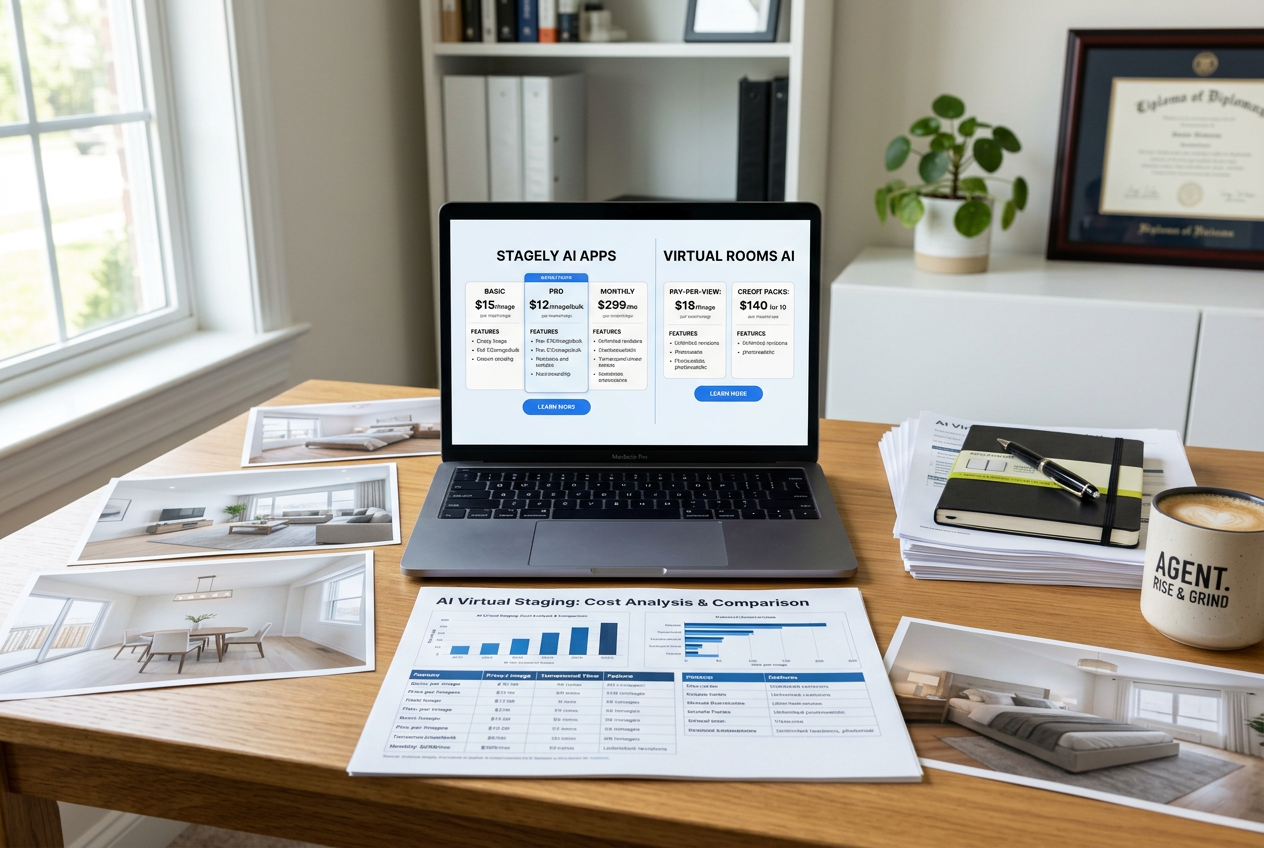
A fair per-image comparison uses the same concept of “image.” This article treats an image as one listing photo that gets an AI result exported for marketing use. If a tool generates multiple variations per room, the exported selection still counts as the image cost driver. SofaBrain publishes enough pricing to calculate effective per-image cost at full credit utilization. AI HomeDesign publishes a clear entry plan and a published floor price per photo at higher tiers, but it does not publish every tier’s exact credit pack. The math below therefore shows two views: entry-plan economics and the published per-photo floor.
AI HomeDesign’s per-image cost includes staging plus Day to Dusk, Item Removal, and Image Enhancement. SofaBrain figures are staging credits at full monthly use; rollover not confirmed.
The volume math at 10, 100, and 1,000 images changes the story because waste becomes visible. At 10 images in a month: AI HomeDesign’s $19 plan yields an effective $1.90 per staged photo if only 10 photos get used that month. SofaBrain’s ~$39 Starter plan yields an effective $3.90 per staged photo at that same usage. At 100 images in a month: AI HomeDesign’s published floor rate implies about $0.24 per photo if the account qualifies for that tier. SofaBrain’s Starter plan yields $0.39 per photo at 100 photos if the same $39 plan is the only purchase. At 1,000 images in a month: AI HomeDesign’s published floor rate implies about $0.24 per photo at that volume, if the tier supports it. SofaBrain’s Starter plan reaches the published ~$0.039 per image at full utilization, with even lower published rates at Growth and Enterprise. A “crossover point” therefore depends on the workflow definition, not only the staging export. If a team uses AI HomeDesign’s included editing tools across most photos, then the effective cost per finished listing photo can beat a cheaper pure-staging rate that still requires separate editing software.
Free Tier and Trial Comparison
Free tiers do not matter only for testing quality. They also reveal how a vendor thinks about production use. A free tier with no card reduces risk for a team that wants to run an A, B test across multiple listing photo sets. SofaBrain offers a free tier with 3 free renders on sign-up and no credit card required. That structure supports quick evaluation of realism, lighting, and how well the tool preserves the room’s layout. AI HomeDesign also offers a free trial with free credits and no card, but the free results are watermarked. That watermark acts as a built-in Disclosure cue during testing, and it helps prevent accidental use of test renders in paid ads or MLS uploads. Two practical checks reduce friction during evaluation. First, the test set should include bright rooms and challenging rooms, like dark basements or mixed lighting kitchens. Second, the team should test a repeat edit cycle, since real listing workflows involve revisions. AI HomeDesign supports three variations per room and unlimited free regenerations, which makes that test realistic.
Feature and Workflow Comparison Beyond Price

Per-image cost decides the budget line. Workflow decides whether a tool stays in the stack. Many agents stage photos only when a room is empty, but they edit almost every listing photo. That difference explains why a lower per-image staging rate does not always win in real operations. AI HomeDesign positions itself as a single toolbox for listing photos, not only a staging generator. Every plan includes AI Virtual Staging, AI Day to Dusk, AI Item Removal, and Image Enhancement, plus a broader toolbox of 10+ tools such as Wall and Floor Change. SofaBrain emphasizes interior redesign, style transfer, and walkthrough video. Teams building a larger stack should also consider where staging fits among the best real estate tools for agents. The cheapest staging rate rarely matters if a team still pays for separate cleanup, sky, and exposure fixes.
Both also offer: free trial (no card), API access, and MLS compliance.
The feature takeaway is simple. SofaBrain lists deeper style breadth and an explicit video feature. AI HomeDesign lists broader listing-photo editing coverage and explicit portal formats, which reduces extra tooling for agents.
Speed, Quality, and MLS Rules
Instant renders sound similar on paper, but listing workflows feel the difference between “fast” and “repeatable.” Agents need quick iteration because staging often triggers a chain of fixes. A couch change leads to a rug change. A rug change leads to a new crop. That cycle puts pressure on speed and consistency. Both platforms position staging as seconds-level output. SofaBrain states instant, AI-generated in seconds. AI HomeDesign lists virtual staging speed under 8 seconds and overall turnaround about 30 seconds. For planning, teams can treat both as a same-day tool with a delivery window of 0 days, since edits can ship in minutes. Image inputs drive output quality more than minor model differences. Clean, straight photos with consistent exposure reduce artifacts and preserve edges. A team that wants predictable results should follow a baseline capture checklist from real estate photography tips before blaming the staging tool. MLS Rules also shape how results get used. A simple Disclosure line keeps marketing safe: “This photo has been virtually staged.” AI HomeDesign’s free trial watermark supports that habit, since it forces a visual reminder that the image is not a true photo. The deliverable should stay tight. It should include the original photos, the final virtually staged photos, and a Disclosure note for MLS upload. Pricing strategy, commission details, and service fees should stay out of photo remarks and off the image itself. Those items belong in the in-person conversation, where context and compliance vary by brokerage. Standard AI staging also has exceptions where a different approach fits better:
- Luxury properties with signature finishes may require manual staging for absolute realism.
- Distressed sales can need cleanup and repair planning before staging looks credible.
- Highly unique architecture can confuse layout assumptions and produce mismatched scale.
- Occupied homes with heavy clutter often need AI Item Removal before staging.
- Exterior redesign can clash with local expectations, and teams should avoid misleading edits.
API, Teams, and High-Volume Operations
High-volume staging looks less like “one listing at a time” and more like a pipeline. A team exports a set, routes it to a marketing coordinator, then schedules syndication and ads. In that workflow, a tool’s API and account controls can matter as much as cost per image. SofaBrain lists API access as separate from web credits, but it does not publish API pricing on the public pricing page. That is not a deal-breaker. It simply means enterprise buyers should request a written quote that includes rate limits, overages, and usage definitions. AI HomeDesign lists B2B capabilities such as SSO, custom workflows, and API access. Those features fit brokerages that want centralized governance, consistent styles, and controlled export standards across teams. Credit management still needs an operations rule. When credits run out mid-month, the pipeline breaks. High-volume teams should set a buffer policy, such as holding back a portion of credits for relaunches and price improvement photo swaps. That policy matters more in seasonal markets, where volume spikes can arrive without warning.
What to Do Next for a Low-Risk Decision
A fair test does not start with a full year commitment. It starts with a controlled batch that mirrors real listing work. The best test set includes a vacant living room, a kitchen, a bedroom, and one difficult lighting case. That mix reveals whether a tool preserves structure and keeps scale believable. The second step is a budget worksheet built around actual monthly volume. The worksheet should include staged photos, but it should also include cleanup edits and twilight conversions. AI HomeDesign often wins this combined workflow because the platform bundles staging plus listing photo editing in one place. For teams still shopping broadly, an honest AI HomeDesign review helps separate real estate-first tools from general design apps. For a tighter head-to-head on another fast tool, the Gepetto vs AI HomeDesign comparison adds a useful benchmark. The recommendation by use case is clear. AI HomeDesign works as the better default for real estate professionals who need MLS-compliant outputs and a full listing-photo toolbox beyond staging. SofaBrain fits teams that stage at very high volume, want explicit credit economics, and plan to use walkthrough video as part of the listing package.