A vacant listing photo can look flat, even with great light. That is where homestyler comparisons often go sideways. Homestyler and AI HomeDesign both touch “design,” but they solve different problems in different formats.
Homestyler starts with layout and 3D modeling. AI HomeDesign starts with the listing photo and produces listing-ready visuals fast. Agents, stagers, and photographers get very different outcomes depending on which workflow they choose.
This comparison breaks down the real differences in speed, staging realism, MLS Rules, and budget predictability, starting with a quick verdict.
The Fast Verdict for Listing Photos
A real estate listing workflow rewards speed, consistency, and repeatability across a full photo set. AI HomeDesign fits that requirement because it works from existing room photos, then outputs staged images that match the original structure. That matters for MLS-ready virtual staging, where doors, windows, and built-ins must stay true.
Homestyler shines in a different lane. It acts as a 3D studio for planning a space from scratch, exploring layouts, and building presentation renders. That strength helps designers and homeowners, but it adds steps that listing teams rarely have time for.
For teams deciding between these tools, a simple rule prevents wasted hours. Homestyler fits projects that start with a floor plan, measurements, and design intent. AI HomeDesign fits projects that start with a camera-ready photo and a deadline.
Agents also need more than furniture placement. Item Removal, AI Day to Dusk, and Image Enhancement can solve common listing issues without a re-shoot. That is part of why AI tools keep showing up in broader discussions about how AI is transforming real estate.
What Homestyler Is Designed to Do
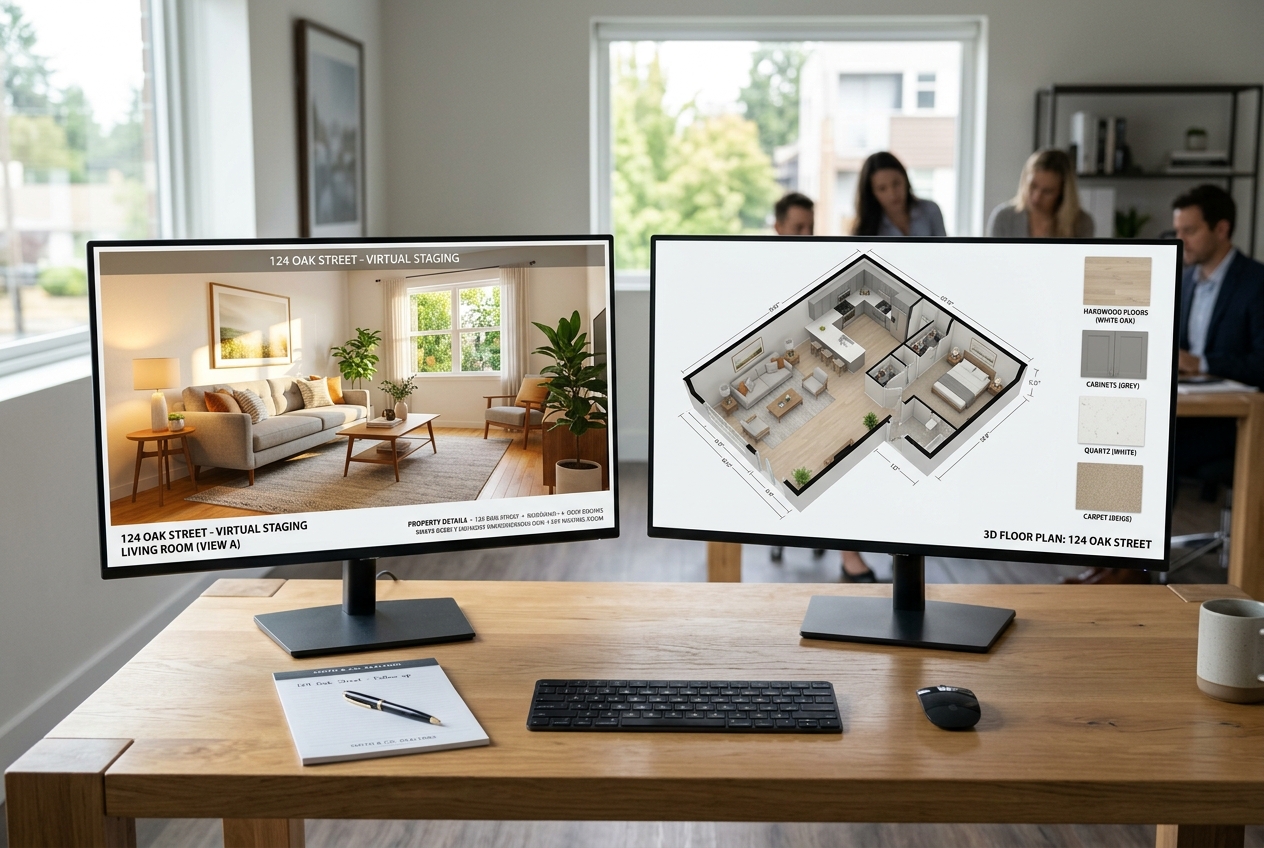
Homestyler is a cloud-based 3D floor planner and interior design platform. It supports both 2D and 3D views, then layers furniture, materials, lighting, and decor on top of a modeled space. That structure makes sense for interior designers and homeowners who want control over the layout and finishes.
The feature set targets design exploration. Homestyler includes a large 3D model library, multi-floor layouts, custom walls, and parametric elements like stairs and roofs. It also supports presentation-style outputs, including video walkthroughs and high-resolution renders.
Homestyler also leans into experimentation. The mobile app supports room-scanning and AR preview, which helps users visualize furniture at real scale. Home Copilot and AI Decoration features can suggest style directions inside the Homestyler environment.
The trade-off sits in the starting point. Homestyler expects a built or imported layout before the scene looks realistic. That is not a problem for a design project. For a listing team holding finished photos, that floor-plan-first step creates friction.
What AI HomeDesign Is Designed to Do
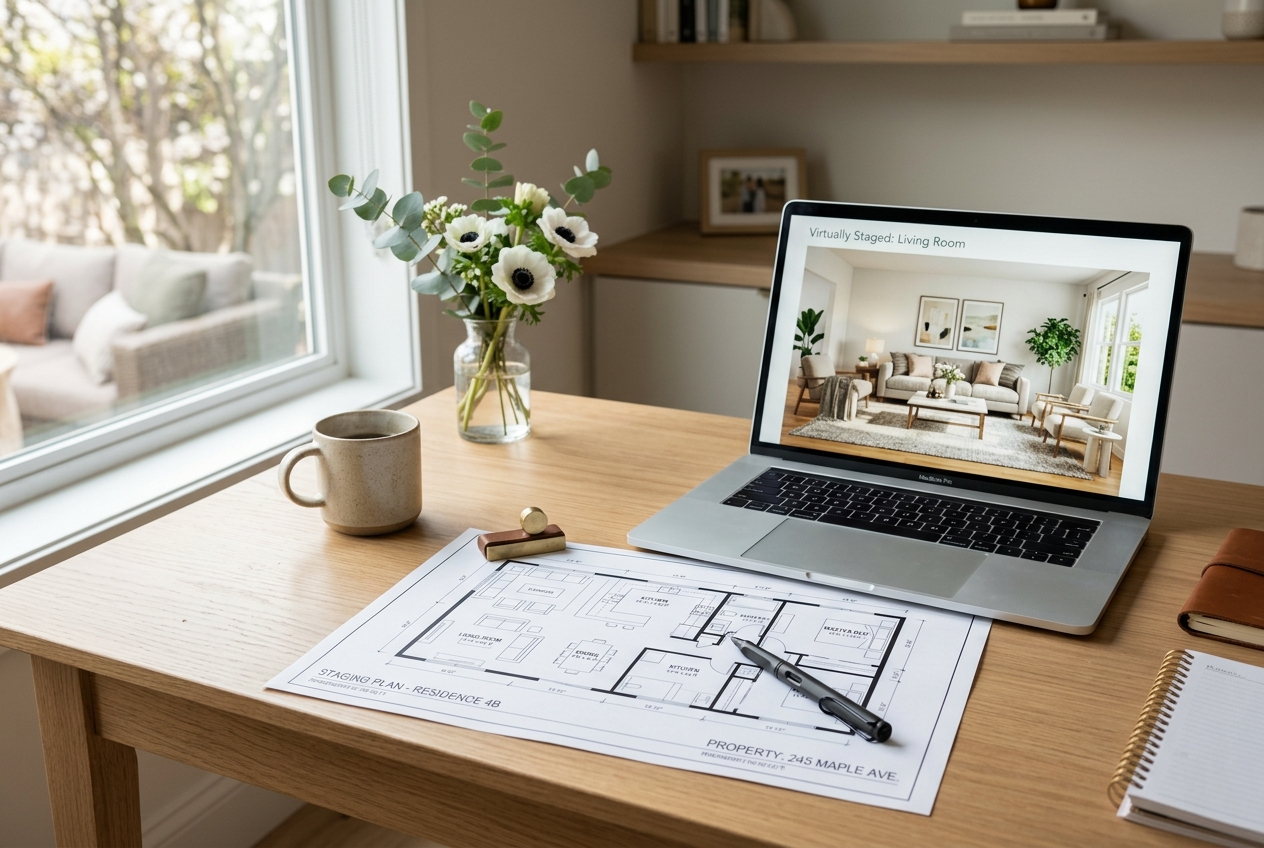
AI HomeDesign is built for photo-first work. A user uploads a real room photo, chooses a design style, and receives a staged result quickly. That approach matches how listings actually run, since agents and photographers already have the source photos.
The platform focuses on tasks that show up in real estate marketing every week. AI Virtual Staging handles vacant rooms and light decluttering scenarios. Item Removal can clear visual distractions. AI Day to Dusk supports twilight-style exterior looks without scheduling a second shoot.
Speed and iteration matter in production. AI HomeDesign typically returns results in about 30 seconds, and the virtual staging effect can appear under 8 seconds. It also generates multiple variations per room and allows free regenerations, which helps teams test styles without paying for trial-and-error.
AI HomeDesign is not a 3D floor planning suite. It does not try to replace detailed architectural modeling. Instead, it aims at listing-ready images that preserve the original structure and support MLS-compliant marketing.
Head-to-Head Feature Comparison Table
Two tools can look similar on a search results page and still produce very different outputs. This table keeps the comparison grounded in what a listing team needs versus what a design team needs.
| Attribute | AI HomeDesign | Homestyler |
|---|---|---|
| Best for | Photo-first staging & listing edits | 3D floor plans & interior renders |
| How it works | Upload photo → pick style → download | Build floor plan → place 3D assets → render |
| AI staging from a photo | ✓ | — |
| Works without 3D modeling | ✓ | ✗ |
| Built for real estate / MLS | ✓ preserves room structure | — |
| Speed per staged image | Seconds to under a minute | — |
| Free tier | ✓ watermarked credits | ✓ watermarked Basic plan |
| Pricing | Credit-based, per-photo | Subscription + hi-res credits |
| Output formats | JPG, PNG | — |
| Max resolution | — | Up to 12K panorama |
Homestyler plan and render details are published on the Homestyler pricing page.
Workflow Differences That Decide the Winner

A listing team rarely needs a perfect 3D replica of a room. The team needs a staged version of the actual photo that buyers will see on MLS and portals. That single detail changes the workflow more than any feature checklist.
Homestyler starts with reconstruction. A user draws walls, places doors and windows, then fills the 3D scene with furniture models and materials. Rendering comes last, after the scene looks right. Homestyler can render quickly once the scene exists, but the setup work still drives most of the time cost.
AI HomeDesign starts where listing media starts. A user uploads a photo, chooses a style like Scandinavian or Traditional, then downloads a staged image. The structure stays anchored to the photograph, so vertical lines, windows, and built-ins remain consistent.
Delivery speed also affects real operations. Listing teams should target a two-day delivery window from photography to a complete marketing-ready photo set. That window leaves time for review, Disclosure text, and MLS upload scheduling. A floor-plan-first workflow often pushes past that window unless the project scope is tiny.
homestyler Pricing Plans and Budget Predictability
Cost clarity matters more than a headline monthly price. Agents and stagers budget per listing, not per tool category. Predictable per-image costs make it easier to decide what gets staged, what gets edited, and what stays as-is.
Homestyler offers a free Basic plan plus paid tiers. The published pricing includes Pro+ from $6.80 per month, Master+ from $11.80 per month, and Team from $19.90 per seat per month. It also sells higher-resolution renders à la carte, including 2K from $0.99 per render and 4K from $1.99 per render. That mix can feel like a coin or credit system in practice because output costs depend on export choices.
AI HomeDesign pricing reads more like a production tool. Plans include a set number of photos per month, with lower per-photo costs at higher tiers. Credits roll over, which supports uneven listing volume. The platform also offers manual staging as a separate service when a human touch makes sense.
For readers comparing per-image economics across staging tools, the per-image pricing comparison provides a useful benchmark. For a broader landscape view, the AI HomeDesign review can help narrow down what matters most.
Virtual Staging From Photo and MLS-Ready Outputs
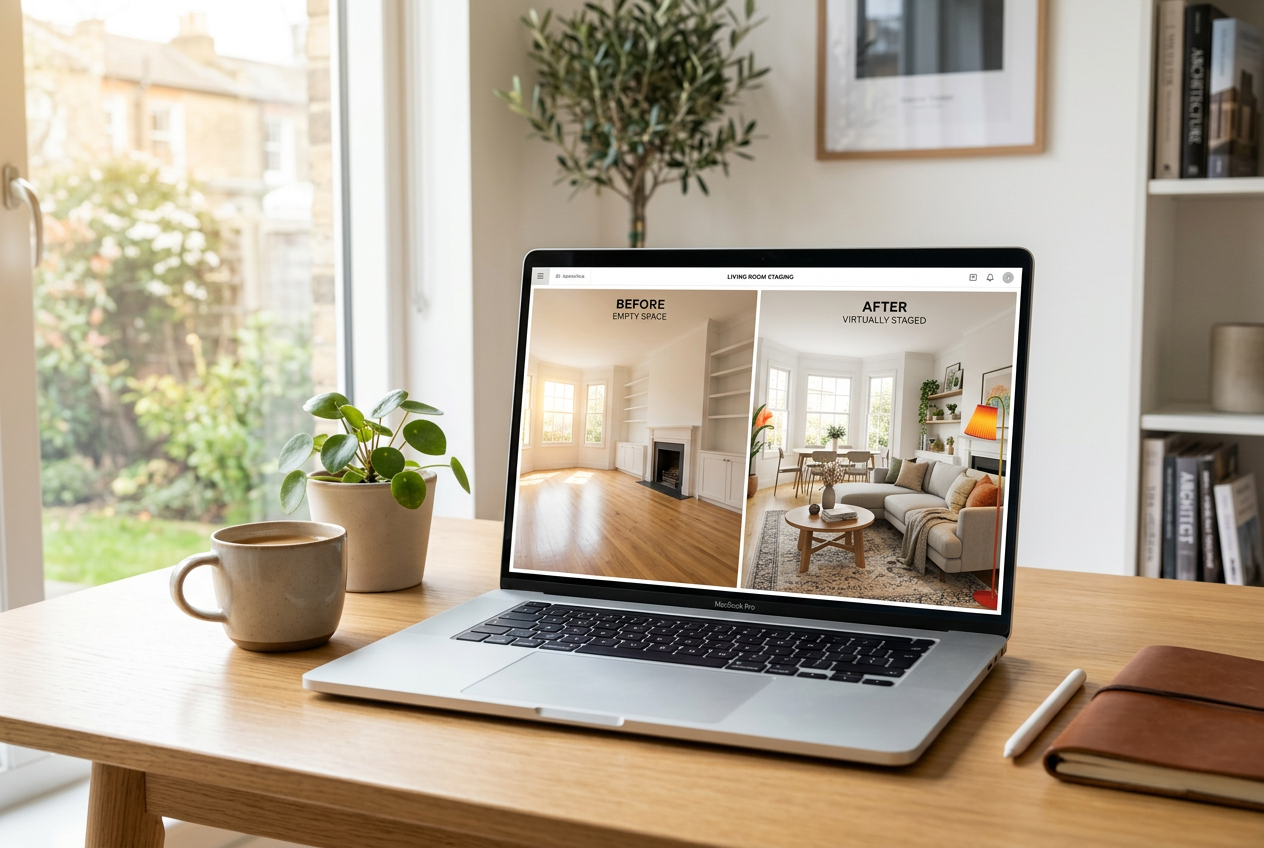
Real estate virtual staging means something specific. The goal is a furnished, styled version of a real room photo, not a concept render. That keeps the image honest to the listing while still helping buyers understand scale and layout.
AI HomeDesign matches that definition by design. It stages from the photo, preserves the original structure, and supports listing platforms with standard image formats. It also supports listing-adjacent edits like Item Removal and Image Enhancement, which often matter more than new furniture.
Homestyler can still play a role in a real estate business, just in a different phase. A builder, remodeler, or designer can use it to present a future state of a space, especially when the space does not exist yet. That fits renovation planning and design presentations, not fast listing media.
Disclosure cannot be an afterthought. MLS Rules and local regulations often require clear labeling for virtually staged images. A simple, consistent line keeps teams safe: “Virtually staged. Furniture and decor are digitally added.” Many teams also add a Virtually Staged Watermark on the image itself.
Standard staging rules also break in specific cases. Distressed sales may require safety and clean-out visuals first. Rural or agricultural properties often sell on land features, not living room styling. Off-market or pocket listings can need privacy controls and limited distribution. Tenant-occupied homes may need heavier Item Removal and disclosure care.
Where Each Tool Fits in a Real Estate Marketing Stack
Agents need a clean boundary between what goes into the deliverable and what stays in the conversation. A strong deliverable includes the staged images, the original photos for reference, file names that match the MLS photo order, and the Disclosure text for each virtually staged image. Pricing strategy, commission details, and negotiation plans belong in the listing appointment, not in a shareable PDF that can travel.
Commission and fee figures also do not belong in a seller-facing staging preview. Teams can discuss compensation in agency agreements and broker documents. A marketing preview should focus on buyer-facing assets and decisions, like which rooms get AI Virtual Staging and which get Image Enhancement.
For a quick decision by persona, the split stays consistent. Listing agents, photographers, and stagers who need real estate virtual staging software should default to AI HomeDesign. Designers and homeowners planning from scratch should lean toward Homestyler.
Teams that want deeper comparisons in adjacent categories can review the Gepetto vs AI HomeDesign staging test and the Planner 5D vs AI HomeDesign for real estate listings. Those comparisons also help clarify when a floor-plan tool helps and when it slows listings down.
A final practical note: staged images work best when they follow a consistent style across the full set. That consistency reduces buyer confusion and supports stronger marketing across channels.
Frequently Asked Questions
Can Homestyler be used for real estate virtual staging?
Homestyler can create staged-looking renders, but it usually starts with building a 3D room or floor plan first. That differs from listing virtual staging, which edits an existing photograph. For MLS-ready marketing, teams often prefer photo-first tools that keep the original room geometry and reduce manual setup time.
Is Homestyler free to use without a watermark?
Homestyler offers a free Basic plan, but exports can include watermarks. Watermark-free export typically requires a paid plan. For listing work, watermarks create immediate friction because MLS and portals need clean images that match the rest of the photo set.
What disclosure should appear on virtually staged listing photos?
A clear disclosure line should accompany every virtually staged image. Common language is: “Virtually staged. Furniture and decor are digitally added.” Many teams also place a Virtually Staged Watermark directly on the image. Local MLS Rules vary, so teams should align wording with brokerage policy.
Which tool fits a two-day listing media deadline better?
Photo-first staging fits tight timelines better because it removes the floor plan and 3D modeling step. A two-day turnaround usually includes edits, review, and MLS upload prep. A 3D design workflow can still work for pre-construction marketing, but it often adds setup time that listing teams cannot spare.
Can AI HomeDesign replace a 3D interior design app for remodel planning?
AI HomeDesign targets listing photos and marketing visuals, not detailed 3D modeling. Remodel planning often needs exact measurements, multi-room layout control, and design documentation exports. In those cases, a 3D interior design app can complement photo-first staging rather than being replaced by it.