Collov AI vs AI HomeDesign Virtual Staging Comparison
Collov AI vs AI HomeDesign compared for virtual staging: output realism, decluttering, credit rollover, pricing math, MLS disclosure, and team workflow.
At a glance
The Short Answer
Collov AI and AI HomeDesign both handle the most common use case well: an empty, well-shot room that needs furniture and a clean style pass. Both run in the browser, save versions, and let teams regenerate variations instead of re-uploading. The split shows up after the first good render. Collov AI spreads across marketing media and add-on experiences, including tours and a human-assisted multi-angle option for consistency across viewpoints. AI HomeDesign concentrates on the full set of still-image work a listing package needs, including staging, photo editing, and renovation visualization in one Studio workflow. For teams that stage at scale, credit carryover and organization matter as much as raw render speed. AI HomeDesign puts more emphasis on rollover-friendly credits and property-based Projects, which reduces lost budget and scattered assets. Collov AI remains a strong fit where marketing deliverables extend beyond stills, especially when tours or multi-angle consistency drive the package.Collov AI Review: How the Tool Works Day to Day
Virtual Staging Output: Realism, Controls, and Decluttering
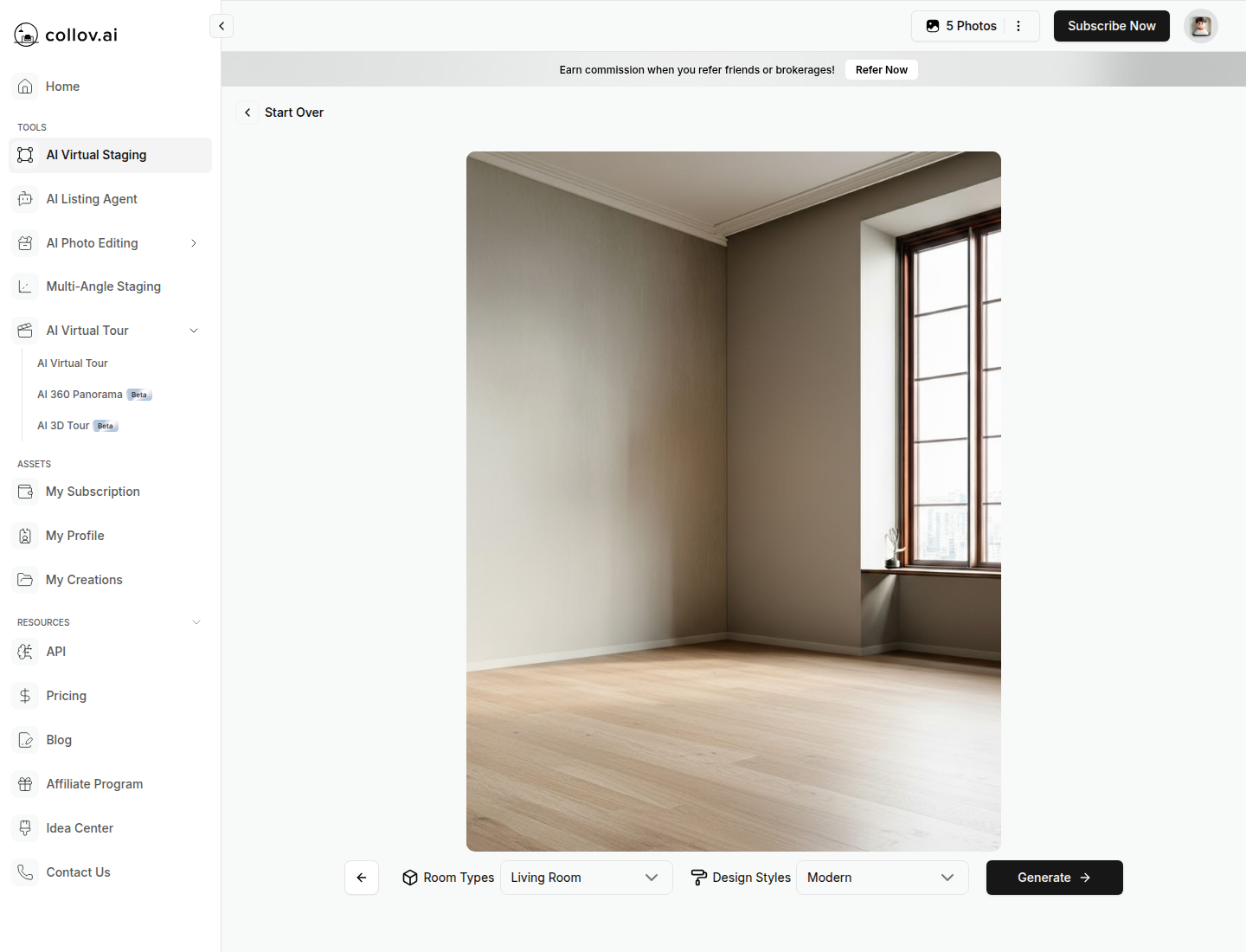
Realism starts before the tool. Straight verticals, clear floor lines, and even lighting reduce the “floating furniture” problem and help keep walls and windows stable. Many teams treat staging as a second pass after a clean photography set, not as a fix for dark or tilted originals. The real estate photography tips guide can help teams standardize that input quality. Collov AI gives direct room type and style pickers, plus tools for clearing a space. Room Declutter removes all furniture in one pass, while Furniture Eraser supports selective removal with a brush workflow. Those tools suit occupied listings, where agents often want a “cleaned” version before any staging. AI HomeDesign approaches the same problem with two paths. AI Virtual Staging includes a Remove Furniture toggle for quick clearing during staging, and AI Item Removal supports either Auto declutter or a brush-select mode for precise deletions. That pairing helps when a room needs both staging and cleanup, but the cleanup needs a different level of control by photo.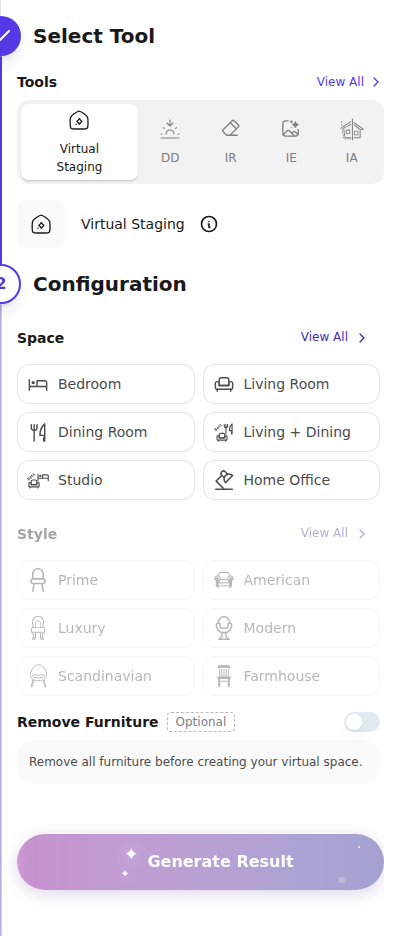
Pricing Compared: Credits, Regenerations, and Rollover
Organizing Work at Scale: My Creations vs Studio Projects
Fast output loses value when files scatter across downloads, email threads, and mixed folders. Collov AI saves outputs into My Creations and Generation History, and it generates shareable result URLs. That setup works well for a solo agent or a photographer who delivers links as part of a package. AI HomeDesign organizes work around Studio Projects, which act like property folders. A project can start from an address or from a listing URL import flow, then hold the original photos plus every staged or edited version. That structure fits brokerages that need repeatable organization across many listings.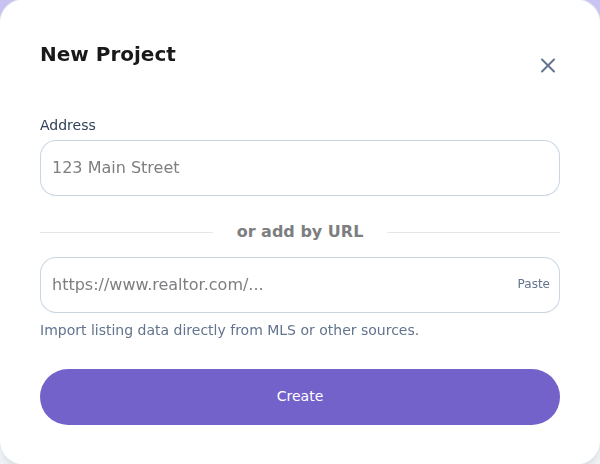
MLS Disclosure and Watermarks
Virtual staging creates marketing value, but it also adds compliance work. Free-plan outputs on both tools carry watermarks, and paid plans download clean images. That split matters because watermarks can protect compliant testing, but they can block actual MLS use. Disclosure rules vary by MLS and state, so teams should check local MLS Rules and broker guidance. Still, a safe baseline helps. A practical disclosure line many teams use is: “This photo has been virtually staged.” For broader edits beyond furniture, a second line can help: “This image has been digitally altered.” AI HomeDesign positions itself as MLS-compliant by default, with an emphasis on preserving fixtures and structure. Collov AI provides a one-click virtual staging disclaimer feature on paid plans and makes watermark status clear across tiers. Both approaches support compliant labeling, but the burden still sits on the listing team to place Disclosure text where required. Edge cases deserve extra caution. Historic interiors, highly reflective surfaces, mirrors facing windows, and rooms with extreme wide-angle distortion can create unrealistic artifacts. For those listings, teams may stage fewer images, regenerate more, and keep at least one unedited reference photo ready for MLS or appraisal questions.Which Tool Fits Which Team and Listing
A clean decision comes from matching the tool bet to the listing scenario. For an empty listing with a simple marketing goal, both tools can produce strong stills quickly. The differentiator becomes batch control and file organization. AI HomeDesign’s Studio Projects help teams keep every room in one place, which reduces missed rooms and duplicate work. For occupied or cluttered listings, decluttering quality matters as much as furniture style. Collov’s Room Declutter and Furniture Eraser give direct control, while AI HomeDesign pairs Remove Furniture inside staging with AI Item Removal modes for either broad cleanup or selective fixes. In both tools, teams should expect a few regenerations on rooms with many small personal items. For marketing packages that include motion media, Collov’s tour features and optional human-assisted multi-angle consistency can justify the credit spend. That use case fits photographers selling a premium add-on beyond stills. A simple checklist helps match needs to the right platform.The clear pick
Choose AI HomeDesign when
AI HomeDesign suits agents and teams who want consistent still-image staging plus editing and renovation visuals, with Studio Projects and rollover-friendly credits for uneven monthly volume.Choose Collov AI when
Collov AI suits photographers and marketers who prioritize tour-style media and may need human-assisted multi-angle staging, with clear per-tool credit costs and a strong chaining workflow.Frequently Asked Questions
Is Collov AI or AI HomeDesign cheaper per staged photo?
Cost depends on plan tier and whether unused credits carry forward. Collov AI’s Standard plan has a higher effective cost per photo than high-volume tiers, and credits reset monthly. AI HomeDesign can reach a low effective cost per photo on Enterprise tiers and lists rollover on higher plans. Teams with uneven monthly volume often value rollover as much as the headline rate.
Do both tools support free regenerations?
Yes, both platforms support regenerating variations without paying again on paid tiers, which matters for rooms that need several tries to look natural. Agents should still review each version for structural mistakes, like changed window lines or altered built-ins. Regeneration saves time, but it does not replace a quick quality check before MLS upload.
Can Collov AI create video tours or 3D experiences from photos?
Collov AI includes tools for turning stills into tour-style media, including virtual tour and beta panorama and 3D outputs on higher tiers. AI HomeDesign focuses on still-image deliverables for listings and renovation visualization rather than tours. For teams selling a premium media package, Collov’s tour tools may matter more than still-image economics.
Which tool handles cluttered, occupied rooms better?
Both can help, but results depend on how controlled the removal needs to be. Collov AI offers Room Declutter for clearing everything and Furniture Eraser for brushing specific items. AI HomeDesign combines a Remove Furniture toggle in staging with AI Item Removal modes for automatic declutter or selective brush removal. Rooms with many small objects usually need extra regenerations.
What MLS disclosure language is safest for virtually staged photos?
MLS rules vary, so teams should confirm local requirements before publishing. A common baseline line is “This photo has been virtually staged.” If an image includes broader edits beyond furniture, “This image has been digitally altered” can add clarity. Many teams keep the disclosure consistent across the MLS remarks and any image labels to reduce confusion.