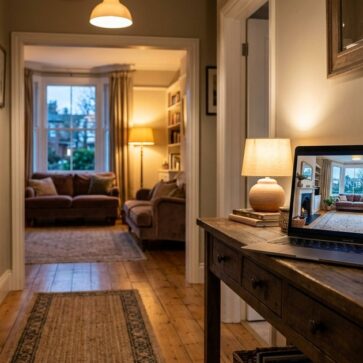
Havenly Alternatives for Online Interior Design in 2026
The tool you’re replacing
Landing on a pricing page is often the moment the search for Havenly alternatives starts. A per-room design fee can feel steep when the goal is simple: see a few directions for a living room, then decide what to buy.
Online interior design services now span three different models: instant AI room visualization, flat-fee per-room e-design packages, and hourly expert consultations. A good choice starts with the model, not the brand, and that is the frame used in this guide, alongside AI home design and virtual staging alternatives.
The options below make the trade-offs clear: what arrives as a deliverable, how long the first draft takes, and how much iteration costs after the first concept. That clarity makes it easier to pick the right path and move forward.
How to Choose Between Havenly Alternatives
Price comparisons break down fast when the billing basis changes. A per-photo AI render answers “what could this look like” for cents, while a per-room package pays for a person to plan, source, and revise. An hourly consult pays for judgment on a single decision. Each can be the “cheapest” choice for the right job.
Deliverables matter more than labels like 3D, render, or plan. A photoreal render helps decide style, color, and layout direction. A mood board helps narrow taste. A floor plan helps confirm fit and flow. A shopping list helps purchase, but it can still require substitutions when items go out of stock.
Iteration cost decides the real bill. Human-led packages usually include revisions, but each revision waits on a response cycle. AI tools regenerate on demand, and some products treat re-renders as free once an image is paid for. That difference matters for renters and homeowners who want to explore several directions in one evening.
Ordering is the hidden fork in the road. Some services coordinate ordering and tracking, and that is where vendor discounts tend to apply. Others send retailer links and leave purchasing and setup to the customer, which avoids platform lock-in but raises the DIY workload.
A listing-bound photo also changes the rules. Edited or restyled images often need clear Disclosure in the MLS workflow. A simple label works for many markets: “Virtually staged” or “AI-generated image” placed directly on the photo, plus a note in the agent remarks when required.
Preparation shortens every timeline, including human services.
Checklist
0 of 4 doneEdge cases where the standard “one room, one plan” approach often misses:
- A renter needs reversible changes and landlord-safe options.
- An open-concept space needs one palette across multiple zones.
- A historic or oddly shaped room needs custom scale checks.
- A home is being marketed, so MLS Rules and Disclosure expectations matter.
- A new build has no photos yet, so a floor plan workflow may fit better.
Instant AI Visualizers for Seeing a Room Today
AI-first tools work best when the real problem is uncertainty. A fast render helps decide a direction before any big purchase. That makes them useful for renters, first-time decorators, and hosts trying to refresh a short-term rental between stays.
These tools also support a different way of working. Instead of waiting for a designer to interpret a brief, the homeowner runs quick loops: change the style, change the surfaces, remove clutter, then repeat. The trade-off stays consistent across AI options. They provide a look and a direction, not a sourced shopping list or an ordering team.
Timing is their strongest advantage. Many outputs arrive in seconds, which helps when a decision needs to happen on a single night, not after a full design cycle. That speed also makes it practical to generate multiple concepts for the same space, then align the rest of the home to the chosen direction.
The most important “fit” question: is the goal visualization, or sourcing. If the goal is a plan that leads straight to purchases, a human package may fit better. If the goal is to see options quickly, AI is usually the better starting point.
Human-Led Online Design Packages for Full Plans
A human-led package fits a different buyer. This route pays for taste, accountability, and cohesion across decisions that stack. It is often the better match for a primary bedroom refresh, a new-home furnishing plan, or a bigger budget where sourcing and substitution decisions matter.
Timeline changes the lived experience. Agents and homeowners should expect a first-round delivery window measured in days, not seconds. A useful planning benchmark is 7 to 14 days for a first concept, because intake, clarifying questions, and the first draft all depend on back-and-forth. That window lines up with services that publish a 1 to 2 week turnaround.
The deliverable should carry the assets that travel. That usually means a floor plan, renders or boards, and the shopping list. Details that change daily, like “final purchase timing” and “substitution rules,” often work better in an email or a call than inside the design deck.
A clear separation also prevents sticker shock. The package fee covers the plan. Furniture, paint, and install sit on top. Discounts only help if purchases happen inside the platform that negotiated them.
Hourly Consultations for Targeted Questions
Hourly design consults are the “one decision” option. They work well when the room already has constraints, and the real need is a senior opinion on layout, finishes, or what to keep. This model often fits homeowners who already like their furniture, but want the room to feel more intentional.
The biggest risk is under-preparation. An hour goes fast if the inputs are vague. Photos, rough measurements, and a shortlist of what must stay make the advice more actionable. Without those, even a strong designer spends most of the call pulling basic context.
Deliverables also differ. An hourly consult may not include a full shopping list, ordering support, or a complete room plan. It should be treated as a decision accelerator, not a full project replacement.
A simple rule on fees helps set expectations. Keep the service fee separate from the furnishing budget, and do not mix them in the same “total project cost” line. That separation makes it easier to compare this model against per-room packages.
What Havenly does well, and where it stops
Where people outgrow it
- No virtual staging, so empty rooms still go to another tool
- No photo enhancement, so listing photos still go elsewhere
- No day-to-dusk conversion for twilight shots
- No item removal for clutter in an occupied room
- No renovation views for before-and-after remodels
- No free tier – the lowest published entry is the Online Full package at $159 on sale ($199 regular), paid before you see anything on your own room.
- Turnaround is manual and varies, so the plan arrives on a designer’s schedule rather than on demand.
- Revisions run through 1:1 messaging, text and calls, which means each iteration waits on a reply instead of regenerating instantly.
- Sourcing and ordering are routed through Havenly’s brand network and personal ordering team, so the value of the package leans on buying through the platform.
The tools in detail

AI HomeDesignTop pick
vs Havenly: AI HomeDesign skips the designer wait and returns restyles in seconds from a photo of the actual room.
AI HomeDesign runs across three hubs in one account: virtual staging, photo editing, and renovation. It uses one shared credit pool across tools, so a room can be restyled, cleaned up, and re-rendered without buying separate products. Paid use starts from $0.24 per photo, and a free trial offers free credits with watermarked results.
The scope difference is the point. This route provides photoreal visual direction, not a designer relationship or a shoppable list with ordering handled. For readers who want to keep exploring adjacent options in the same category, this guide to room restyling apps that work from a single photo maps the broader landscape.
Pros: fast iterations in seconds, free regenerations after purchase, MLS-compliant by default.
Cons: no human sourcing and no concierge ordering.
View AI HomeDesign →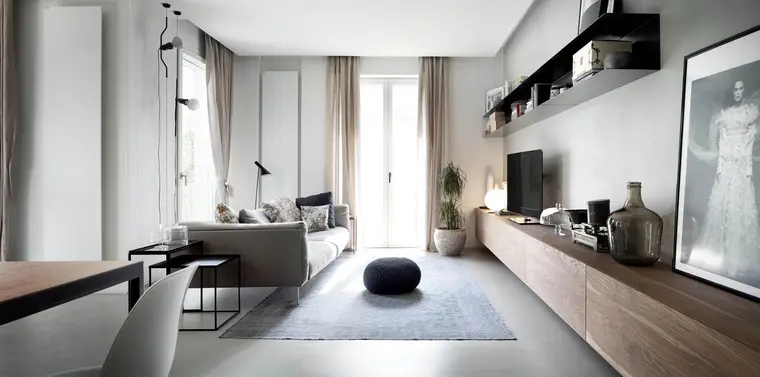
Decorilla
vs Havenly: Decorilla adds a two-proposal designer match step, but it still runs as a human-led project with a week-scale timeline.
Decorilla positions as a full-service online interior design option with 3D rendering, floor plans, and revisions. Published reviews cite pricing starting at about $849 per room, before discounts, with higher tiers described as exceeding $2,000 per room. Decorilla also cites exclusive discounts up to 45% across 350+ vendor partners, plus ordering and tracking through the Decorilla site.
This model reduces match risk by letting clients choose between two designer proposals. The value math depends on follow-through. The discounts and ordering support matter most when the project purchases run through the platform.
Pros: two designer proposals, full plan deliverables, discounts when buying through the platform.
Cons: higher per-room fees, slower iteration than AI visualizers.
View Decorilla →
roomLift
vs Havenly: roomLift replaces a screen-only workflow with an in-home sample box, but it leaves ordering with the homeowner.
roomLift focuses on tactile decision-making. The differentiator is an in-home sample box with fabric swatches and material samples, paired with a mood board, furnishings selection, and a suggested floor plan. Multiple service levels exist, including a full makeover option and an advice call.
This model keeps purchasing control outside the platform. roomLift provides retailer links, and the client buys directly from retailers. That avoids platform lock-in and can simplify returns, but it also means the buyer coordinates ordering, delivery, and setup.
Pros: physical samples for color and fabric confidence, clear DIY purchasing path, flexible service levels.
Cons: ordering coordination stays with the buyer, timeline is manual and varies.
View roomLift →
The Expert
vs Havenly: The Expert sells targeted access to a premium designer by the hour, not a per-room package with revisions.
The Expert appears in roundups as an hourly, white-glove consultation option, with pricing listed from $150+ per hour and a quoted 2 to 4 week timeline for consultations. Details and positioning are described in this Havenly alternatives roundup.
This is the right shape when one strong opinion saves weeks of indecision. It is usually the wrong fit for someone who expects a full sourced plan, a revision loop, or ordering coordination as part of the fee.
Pros: focused help on high-impact decisions, premium positioning, avoids paying for a full package.
Cons: not a full-room deliverable, slower timeline than instant visualization.
View The Expert →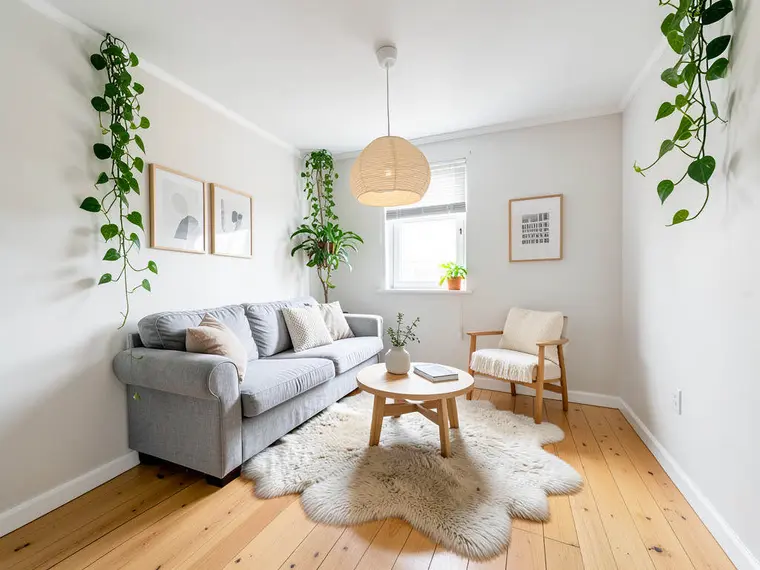
Remodel AI
vs Havenly: Remodel AI trades a designer-led plan for fast AI redesigns that can be tested on a real room for free.
Remodel AI offers a freemium entry point with 3 designs and no credit card required. Paid tiers in the supplied plan list include Pro at $29 per month and Premium at $49 per month, with a quoted turnaround of about 10 seconds. The feature set centers on style exploration from a photo, with options like virtual staging and object removal.
This model fits early decision-making. It helps settle style, paint direction, and surface choices before any shopping begins. It does not replace the work a designer does to source specific items, confirm lead times, or coordinate ordering.
Pros: meaningful free tier, fast redesign loop, broad style experimentation.
Cons: visualization only, not a shoppable sourcing package.
View Remodel AI →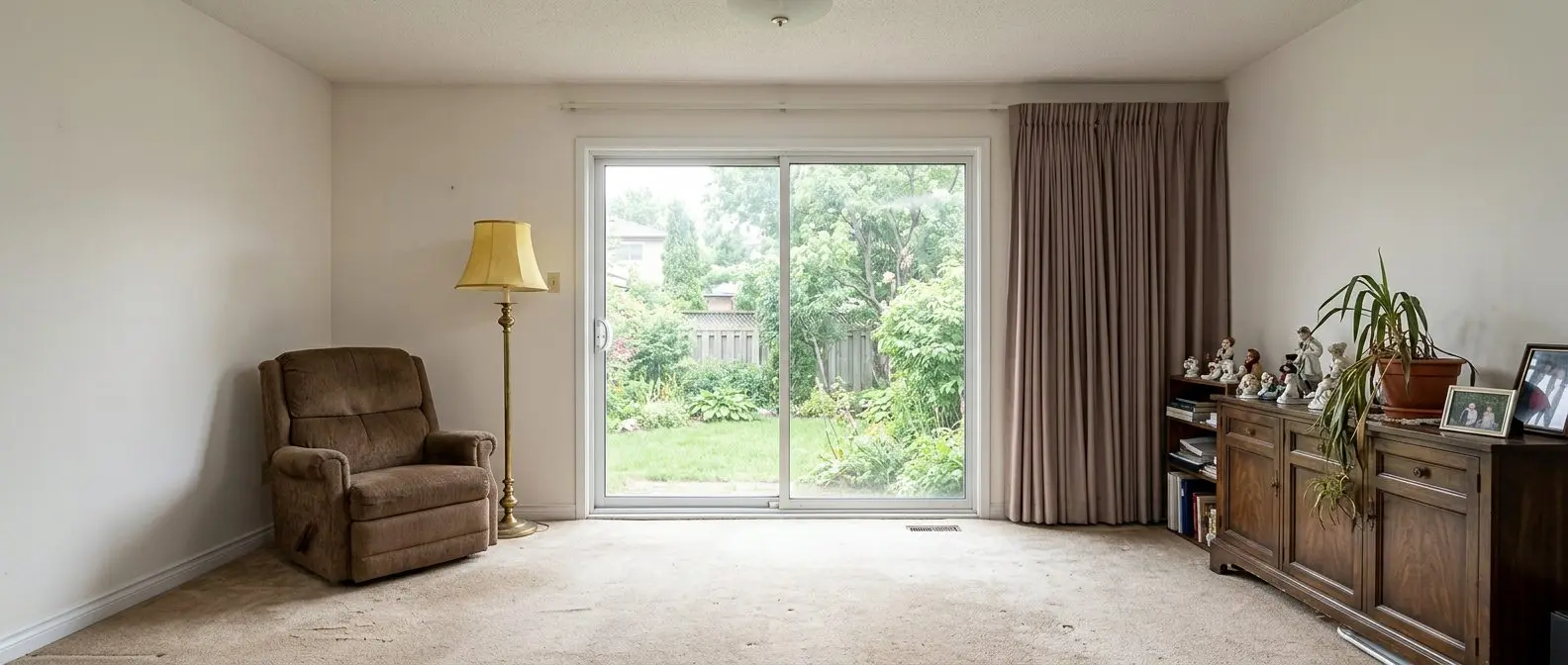
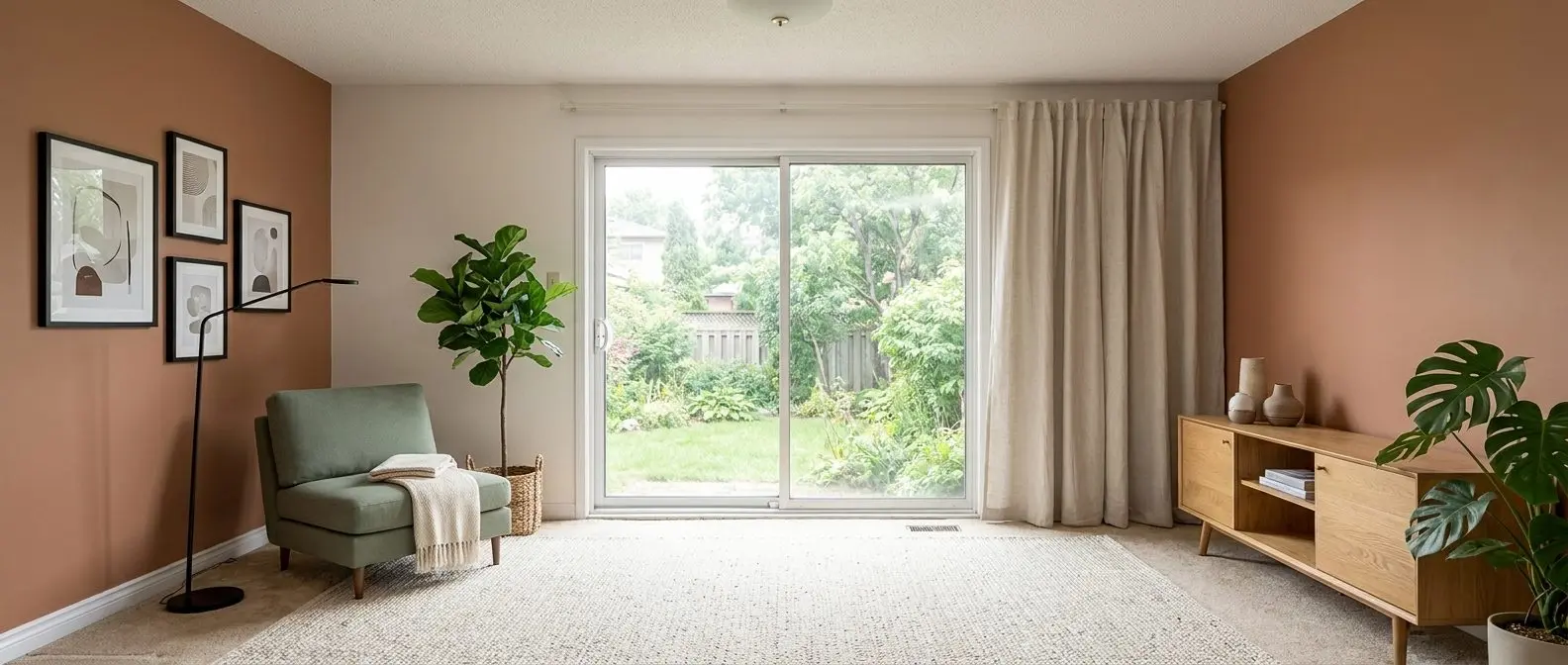
Redesign any room in a few clicks
10 styles and 30+ colour palettes, from one photo. All 11 tools on one account. Free trial credits, no credit card.
Start designing freeWhat it really costs per listing
Set your listing volume to see what each tool works out to per listing rather than per month. Only the 2 tools listed here publish a flat monthly price, and Havenly is not one of them; the rest quote per photo or on request, so a monthly figure would be invented rather than compared.
Moving off Havenly
Switching works best when the project assets are treated as portable. Photos, measurements, and saved inspiration carry over to any service. If a floor plan or 3D views already exist, those can also become inputs for a new provider.
The part that does not carry over is the designer relationship. Any in-flight revision round, message thread context, and decision history sits inside the platform workflow. Before canceling, screenshots or exports of key decisions prevent rework. Pending orders should also be finished inside the original ordering workflow so tracking stays in one place.
A few checks decide whether a switch is worth it. First, confirm whether one account covers the next jobs that will come up, like restyling, decluttering a photo, or exploring a renovation look. Second, check whether unused credits or designs expire. Third, verify if trial output is watermarked, and whether re-renders cost again.
Timing also matters. Switching mid-revision can waste a paid cycle. Finishing the current round, then moving with a clean brief, usually costs less time and produces a clearer comparison between services.
For listing-bound photos, the safer path is to use tools built for that workflow. This guide to virtual staging options for a home that is going on the market separates decor visualization from marketing-ready images, including Disclosure norms and MLS expectations.
A final reminder: promotional pricing changes often across these services. Published roundups and pricing pages can drift between months, so a quick re-check before purchase prevents surprises.
Find your pick
Tap your situation for a quick recommendation.
Frequently asked questions
Yes, if the goal is visualization rather than a designer-led plan. Remodel AI includes a free tier with 3 designs and no credit card required. AI HomeDesign offers free trial credits, and regenerations of a photo that has already been paid for do not cost again. Havenly itself has no free tier; entry starts with paid packages.
Instant AI room visualization is usually the lowest-cost model, because pricing is per photo or per month, not per room. A human-led package costs more because it includes intake, design time, revisions, and often a shopping list. Hourly consultations can be cost-efficient when only one decision needs expert direction.
AI visualizers return restyles in seconds, which makes them useful for fast iteration. Human-led packages run on a multi-day cycle, and some services publish a 1 to 2 week turnaround for the first draft. Hourly consult models may quote a 2 to 4 week timeline to book and deliver, depending on availability.
No. The design fee covers the plan and deliverables, while furniture, paint, and installation sit on top. Some platforms offer vendor discounts and ordering support, but those savings typically apply only when purchases go through that platform. DIY models that send retailer links keep purchasing separate by design.
AI renders work well for direction, like style, palette, and layout options, because they start from a photo of the real room. They are not a sourcing document. The render does not guarantee that a specific sofa exists in stock, fits the measured wall, or lands within budget, so measurements and specs still govern purchases.
Sometimes, but only with careful Disclosure and MLS compliance. Many markets expect virtually staged or AI-generated images to be labeled clearly, and they often prohibit implying structural changes that did not happen. Tools that keep fixtures and structure intact and support watermark-style labeling reduce rework when photos will be published.