InstantDeco Alternatives for AI Room Staging in 2026
The tool you’re replacing
InstantDeco sells a simple deal, and it works for many listings: InstantDeco alternatives usually come up when the workflow needs a different deal shape. Flat pricing helps at volume, but it can feel heavy for occasional staging.
Most teams are not hunting for “better AI” in a demo. They want one subscription to cover more listing-photo jobs, a lower commitment for a light month, or tighter control so a full gallery reads like one home.
The sections below focus on job coverage, revision economics, and consistency across a full set.
InstantDeco Alternatives: What to Look For

A staging tool rarely stays “just staging” for long. A real listing set needs several jobs: virtual staging for key rooms, item removal for occupied shots, photo enhancement for mixed lighting, and sometimes virtual renovation when a surface update changes buyer perception. A platform that covers more than one job can replace separate subscriptions, even if the headline monthly price looks higher.
Plan math matters more than a screenshot. InstantDeco’s flat plan stays the same price whether staging a handful of photos or a full set. Credit and image-count plans flip that logic. They can cost less in a light month, then become less attractive when a team stages many rooms across many listings.
Consistency wins trust in a gallery. Style count helps, but buyers react to continuity first. A living room that shows different sofas from different angles reads as artificial. The decision point is practical: can the same look be repeated across every angle without paying again for re-renders.
Revision economics decides deadline days. Seconds-per-render matters less than the re-render policy. A “regen until satisfied” policy changes the real cost of a stubborn photo. This is also where unused credits matter. Teams should verify whether unused credits roll over, expire, or reset.
One last filter helps avoid the wrong category. Some consumer interior design AI tools generate inspiration images, not listing-ready edits. Listing work needs repeatable outputs, predictable licensing, and clear Disclosure language.
A deeper landscape view sits in the parent guide on AI home design and virtual staging alternatives.
A clean way to evaluate any option is to start from a single listing. Pick a recent shoot with 15–30 photos, then mark which images actually need staging. Many sets only stage a smaller subset, while the rest need light fixes like Image Enhancement or Item Removal.
Next, decide whether the priority is a flat plan, a small starter tier, or per-photo pricing. Flat unlimited plans reward volume. Starter tiers and per-photo pricing reward occasional use. That distinction often matters more than a style library.
Then check re-render rules before uploading a live listing. Some tools treat revisions as free regenerations. Others include a fixed revision allowance. When a re-render consumes another credit, the “real” price per staged photo can double on a picky room.
The tool cards below keep the same structure so pricing and scope stay readable.
How These Alternatives Differ in Real Listing Work
A full set rarely needs the same treatment on every image. Many listings stage a smaller subset, then rely on photo enhancement for the rest. That is why “jobs covered” matters more than style count. A staging-only tool can still be a fit, but it can also force a second purchase for enhancement, twilight looks, or renovation previews.
The cost question also changes by role. A photographer delivering 15–30 finals per shoot often prices for volume and consistency. A solo agent might stage only a few photos per month across several listings. Those two roles experience “unlimited” pricing in opposite ways.
Revisions create the hidden bill. InstantDeco supports regenerate-as-needed on its plan. Virtual Staging AI states unlimited regenerations until satisfied. Collov AI states 10 free revisions per photo. AI HomeDesign includes unlimited free regenerations. Remodel AI’s re-render policy is not stated according to published sources, so teams should confirm it before migrating an active listing.
Beyond stills, some listing packages also need walk-through media. A staging platform does not replace tours, floor plans, or interactive views. When a listing needs that layer, teams often evaluate virtual tour software for real estate alongside still-photo editing, so deadlines and deliverables stay aligned.
What Best InstantDeco does well, and where it stops
What it does well
- Unlimited staging/design variations on a flat monthly plan
- 50+ interior design styles with room/type selection
- Photo enhancement (exposure, color balance, sharpness) for low-light shots
- Editing options + regenerate indefinitely
Where people outgrow it
- No day-to-dusk conversion for twilight shots
- No free tier is listed on the official InstantDeco page, so the first look at your own listing photos comes after a paid month starts.
- The unlimited plan is a flat $39/month commitment – the same price whether you stage one listing or twelve, which is a poor fit for agents with occasional vacant listings.
- Renders are generated per photo with regenerate-as-needed, so keeping one furniture style and layout identical across every angle of the same room is left to the user’s own re-rolling.
- Day-to-dusk / twilight conversion is not part of the published feature set, so that listing job still has to be bought or edited somewhere else.
The tools in detail

AI HomeDesignTop pick
vs InstantDeco: broader listing-photo coverage under one shared credit pool, with free regenerations.
AI HomeDesign groups listing visuals into three hubs: virtual staging, photo editing, and renovation. It runs 11 specialized AI tools across that workflow, with seven renovation tools, under one account and one credit pool. It also includes free regenerations, pricing from $0.24 a photo, and MLS-compliant output by default.
This structure fits teams that want staging plus adjacent edits without managing separate subscriptions. It also fits agents who stage occasionally, because per-photo pricing scales with use instead of forcing an unlimited month.
Pricing (billed yearly): Pro $19/mo, Pro Plus $29/mo, Enterprise $49/mo. The free trial includes free credits with no card, and free results are watermarked.
- Pros: one credit pool across staging, Item Removal, Image Enhancement, and Day to Dusk; free regenerations; MLS-compliant by default.
- Cons: teams that only want flat unlimited staging may prefer an unlimited plan shape.
A deeper walkthrough is available in the AI HomeDesign review.
View AI HomeDesign →
REimagineHome
vs InstantDeco: tiered image-count plans plus a human-assisted staging option.
REimagineHome focuses on real-estate-oriented virtual staging and includes AI furniture removal and decluttering. The published positioning also calls out per-photo compliance checks and an optional human-assisted virtual staging route. It also lists AI landscaping and exterior renovation renderings.
The plan ladder changes the buying decision. Instead of a flat unlimited month, the published tiers scale with image volume: Starter pack $19/month for 30 virtually-staged images, Active Agents $36/month for 200, Top producers $59/month for 500, and Larger volumes $119/month for 1200.
- Pros: clear image-count tiers; human-assisted fallback for hard photos; scope includes virtual renovation.
- Cons: a free tier is not mentioned in the supplied plan source.
More context sits in REimagineHome alternatives.
A vendor overview appears at REimagineHome.
View REimagineHome →
Collov AI
vs InstantDeco: lower entry pricing and a stated revision allowance per photo.
Collov AI lists virtual staging plus remodeling-style edits like wall, floor, cabinet, and countertop replacement. One practical feature for occupied listings is selective furniture removal, which targets specific pieces instead of emptying the full room.
Collov AI also states 10 free revisions per photo. That puts a boundary around revision economics in a way that differs from open-ended regeneration.
Pricing according to published sources starts at $19/mo. A free tier is not mentioned in the source provided for this comparison.
- Pros: selective Item Removal; virtual renovation-style surface changes; stated 10 free revisions per photo.
- Cons: exact render time is not stated beyond “seconds” according to published sources.
More detail sits in Collov AI alternatives.
A vendor overview appears at Collov AI.
View Collov AI →
Virtual Staging AI
vs InstantDeco: a small starter tier plus unlimited regenerations until satisfied.
Virtual Staging AI positions itself around one-click staging and accuracy, with both add and remove furniture workflows. It states unlimited regenerations until satisfied, and it also states 50+ interior styles and MLS-compliant results.
The starting plan according to published sources is $25/month for 6 images. That structure fits agents who stage only a handful of photos per month, but it can require a plan change when a listing needs more staged images.
Virtual Staging AI reports about 15 seconds per image.
- Pros: unlimited regenerations; explicit MLS-compliant positioning; clear starter tier.
- Cons: job coverage stops at virtual staging and item removal in the supplied scope.
A vendor overview appears at Virtual Staging AI.
View Virtual Staging AI →
Remodel AI
vs InstantDeco: a stated free-to-try entry point before any paid month.
Remodel AI positions as an all-in-one toolkit that includes staging plus multiple renovation and cleanup tools. The supplied features include object removal for occupied rooms, exterior redesign previews, and surface previews like floor replacement and wall paint.
The free tier is clearly stated: 3 free designs with no credit card. Paid plans start at $29/month, with tiers listed as Pro $29/mo, Premium $49/mo, and Ultra $79/mo. The stated speed is about 10 seconds per generation.
- Pros: free-to-try without a card; scope includes virtual renovation previews; fast stated generation time.
- Cons: free-tier watermark terms are not stated according to published sources.
A vendor overview appears at Remodel AI.
View Remodel AI →
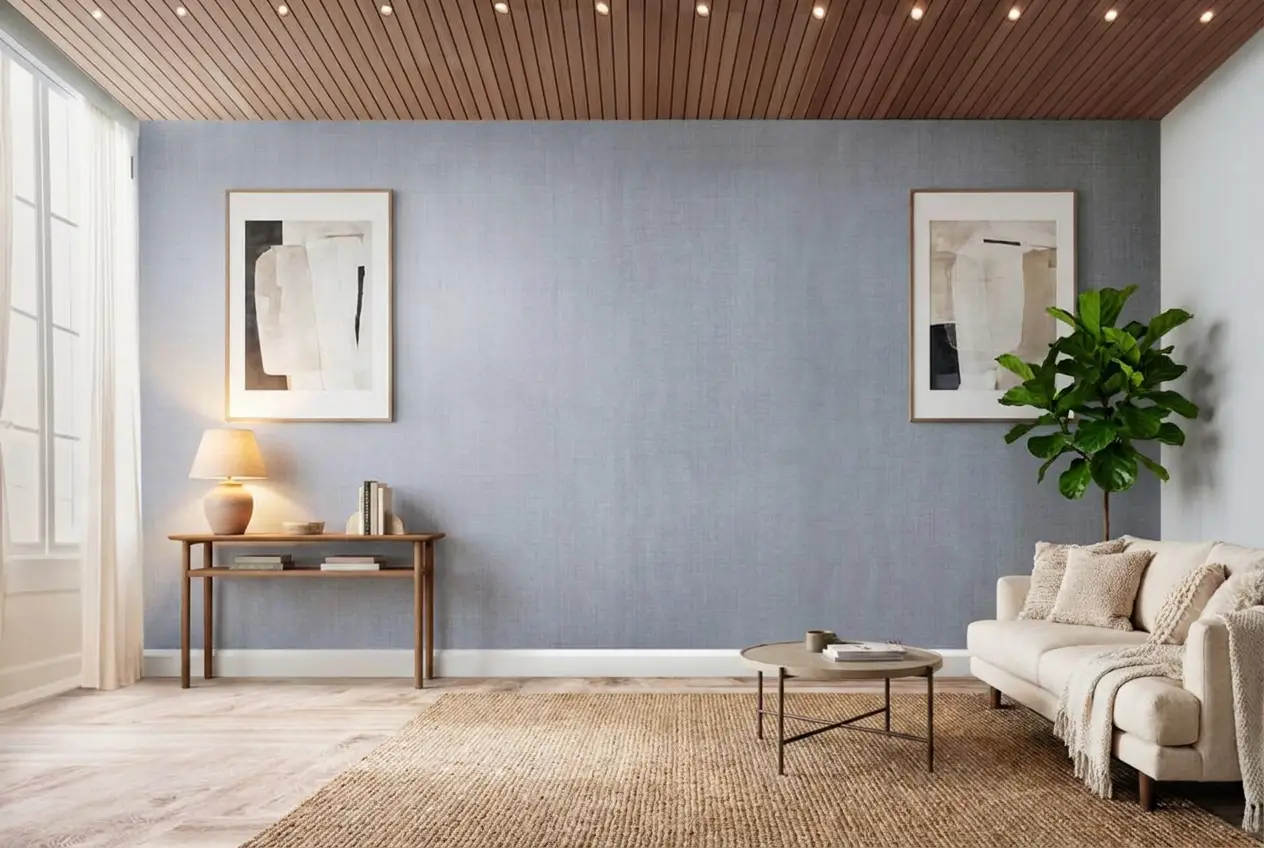
Stage your first listing in under 5 seconds
15 space types, 10 styles, MLS-compliant by default. All 11 tools on one account. Free trial credits, no credit card.
Start staging freeWhat it really costs per listing
Set your listing volume to see what each tool works out to per listing rather than per month. Only the 5 tools listed here publish a flat monthly price, and Best InstantDeco is not one of them; the rest quote per photo or on request, so a monthly figure would be invented rather than compared.
Moving Off InstantDeco

A switch goes smoother when it happens between listings, not mid-gallery. The same source photos carry over, and the MLS rules do not change. The deadline also stays the same, which makes the transition mostly a workflow problem, not a creative one.
Most of the rework comes from consistency. A new tool usually means re-rendering already-staged images so the full set matches. Style libraries do not map one-to-one, so a team often rebuilds a shortlist and re-stages key rooms first. Export settings also deserve a re-check, especially if a workflow depends on a specific image size or watermark behavior.
Four checks decide whether the move pays off:
One practical safeguard helps live listings. Keep the old subscription active through one overlap cycle when a published gallery depends on it. That avoids a forced restage under deadline.
What Agents Should Know About AI-Staged Listing Photos
Disclosure is the part that protects everyone. MLS Rules and brokerage policies vary, but many allow virtually staged photos when the edit stays cosmetic and the image is clearly labeled. A simple label like “Virtually staged” on the image and in the photo remarks often meets the spirit of the rule. Teams should keep the original photo set available for questions.
Edits cross the line when they change the property, not the presentation. Added furniture and decor remain cosmetic. Removing a structural defect, changing a window view, or showing a remodeled kitchen that does not exist creates misrepresentation risk. The safe standard is to edit lighting and presentation, not features and condition.
Human editors still earn their keep on edge cases. Mirrors, reflections, hard shadow direction, and mixed color temperature can still require judgment. Some platforms offer a human-assisted route for the photos that keep resisting automation. A broader view of that option appears in human-edited alternatives like BoxBrownie.
Turnaround pain usually comes from the queue around the render. The photographer delivery, the review pass, and the MLS upload cutoff create most of the stress. A tool that encourages a single consistent pass across all angles often saves more time than a small seconds-per-image difference.
Find your pick
Tap your situation for a quick recommendation.
Frequently asked questions
Remodel AI states a free-to-try option of 3 free designs with no credit card. AI HomeDesign also states a free trial with free credits and no card, and it notes that free results are watermarked. Other tools in this guide do not mention a free tier in the supplied plan facts.
No. InstantDeco lists a flat $39/month plan, which can be cost-effective when many photos get staged in a month. Smaller tiers can fit light usage, such as REimagineHome’s Starter pack at $19/month for 30 virtually staged images or Virtual Staging AI’s $25/month for 6 images. Per-photo pricing fits occasional use.
REimagineHome, Collov AI, and Remodel AI list coverage for virtual staging, item removal, and virtual renovation according to published sources. Virtual Staging AI lists virtual staging and item removal only. AI HomeDesign spans virtual staging, photo editing, and renovation through 11 tools under one shared credit pool.
MLS rules vary, but many MLSs allow virtually staged images when the edit stays cosmetic and the photo carries clear Disclosure. A safe approach uses an on-image label like “Virtually staged,” keeps originals available, and avoids edits that change the property itself. AI HomeDesign states MLS-compliant output by default, and Virtual Staging AI states MLS-compliant results.
Most tools render per photo, so continuity depends on deliberate repeat choices and controlled re-renders. Teams usually stage all angles of a room in one sitting, using the same room type and style each time, then reject outliers during review. Free regeneration policies help, including AI HomeDesign’s free regenerations and Virtual Staging AI’s unlimited regenerations.
The policy varies by platform. InstantDeco supports indefinite regeneration on its plan. Virtual Staging AI states unlimited regenerations until satisfied. Collov AI states 10 free revisions per photo. AI HomeDesign includes unlimited free regenerations. Remodel AI’s re-render economics are not stated according to published sources, so teams should verify before switching a live listing.