RoomGPT vs AI HomeDesign: Speed, Quality & Price
RoomGPT vs AI HomeDesign: Speed, Quality & Price compares speed, listing-ready image quality, and real costs so agents and homeowners choose the right tool.
A fast render is easy to love, especially after a single room photo gets a fresh look in seconds. That is the appeal of roomgpt: quick inspiration with almost no setup.
Real estate work runs on a different clock. A listing needs a consistent look across many photos, clean exports, and predictable cost. Those needs change how “speed,” “quality,” and “price” play out between RoomGPT and AI HomeDesign.
The comparison below treats speed as table stakes and focuses on the gap between a one-off redesign app and a production staging platform.
At a glance
Teams often compare tools on a single screenshot, then get surprised after the fifth image. A quick table helps set expectations early, especially around what is known versus what is not publicly listed.
This table sticks to published plan details and the product focus each tool describes. It does not assume hidden features, export limits, or credit consumption rules that are not clearly documented.
For a wider view of how consumer redesign apps compare to pro tools, the market roundup in Best AI for Interior Design in 2026 highlights how much pricing and output targets vary across the category.
The Real Choice Behind This Comparison
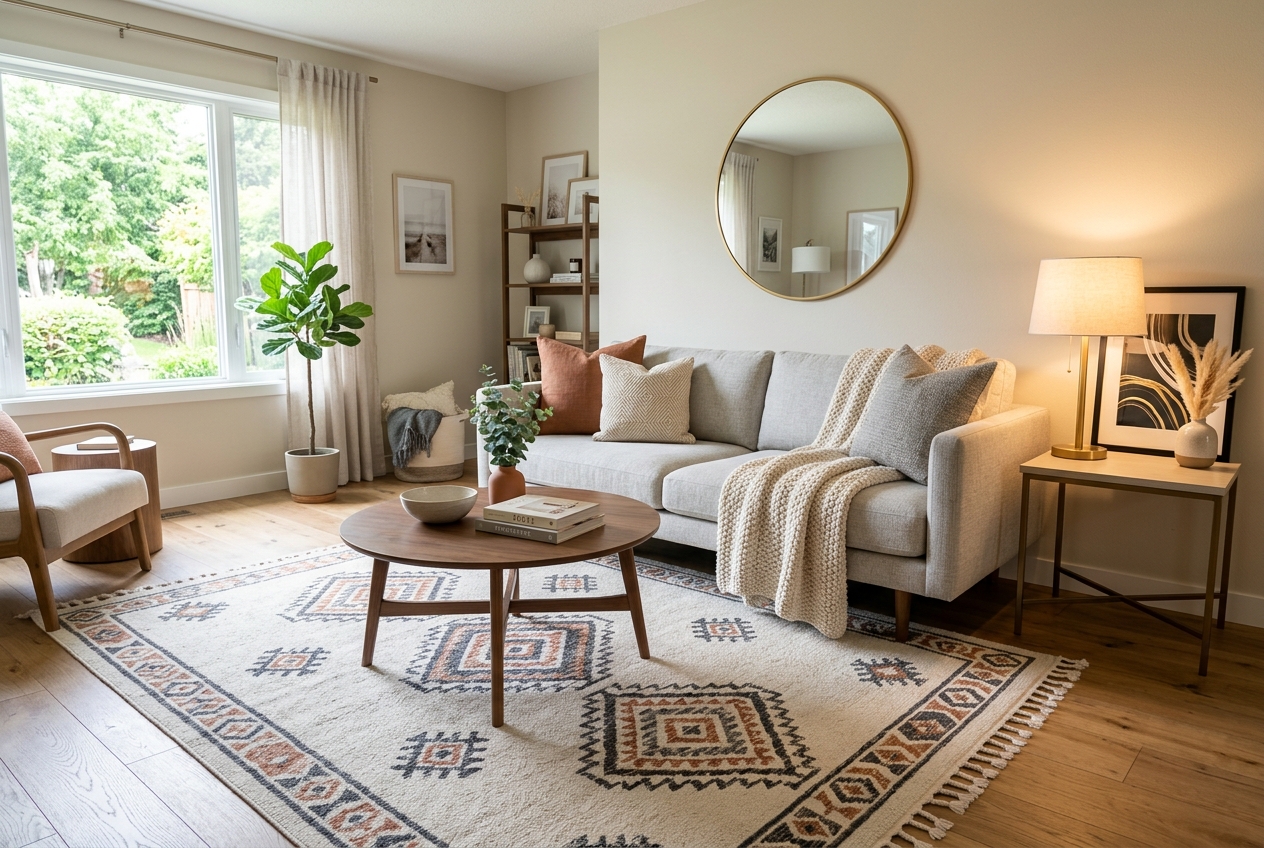
A single-room redesign tool shines when the goal is mood and direction. RoomGPT fits that job well. It centers on simple, click-to-redesign outputs and a small set of styles, which makes it easy to test an idea and move on.
A staging platform carries a heavier burden. AI HomeDesign focuses on repeatable results across a whole property, with tools that support listing workflows such as AI Virtual Staging, Day to Dusk, Item Removal, and Image Enhancement. It also offers watermark-free downloads in paid plans and room coverage that extends beyond the usual living room use case.
That difference matters most when a listing has mixed room types, mixed lighting, and tight deadlines. A fast tool that varies wildly from image to image can slow a team down with rework.
For a broader landscape of agent-focused options, the AI HomeDesign review guide puts this matchup in context without forcing a one-size-fits-all pick.
Speed Compared Beyond a Single Render
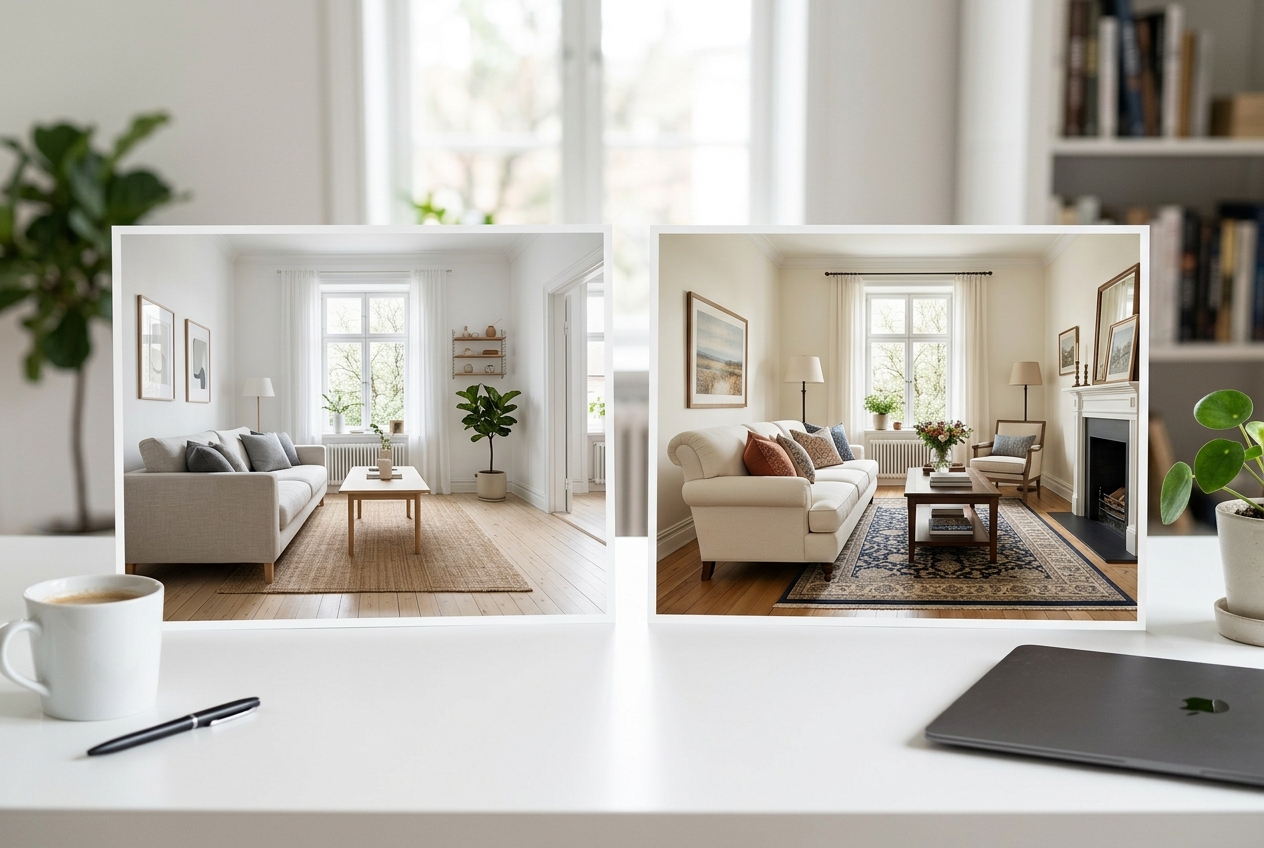
Seconds-per-image sounds like the whole story until volume enters the picture. RoomGPT advertises instant renders, which makes it great for quick ideation. AI HomeDesign also generates quickly for AI Virtual Staging, so raw render time rarely decides this matchup.
Production speed shows up in the work around the render. A listing workflow often needs consistent style selection, predictable regeneration behavior, and the ability to move through many rooms without a quality cliff. AI HomeDesign supports three variations per room and allows unlimited free regenerations, which helps teams iterate without gambling on extra cost.
The other speed factor is exception handling. When a room photo has odd perspective, mixed color temperature, or tight framing, the fastest platform is the one that stays usable without manual detours. That is why speed tests aimed at staging workflows focus on repeatability, not only elapsed seconds.
For a detailed look at how staging tools behave under time pressure, the AI staging speed test breaks down what “fast” means when multiple images must match.
Output Quality That Holds Up Across Multiple Rooms
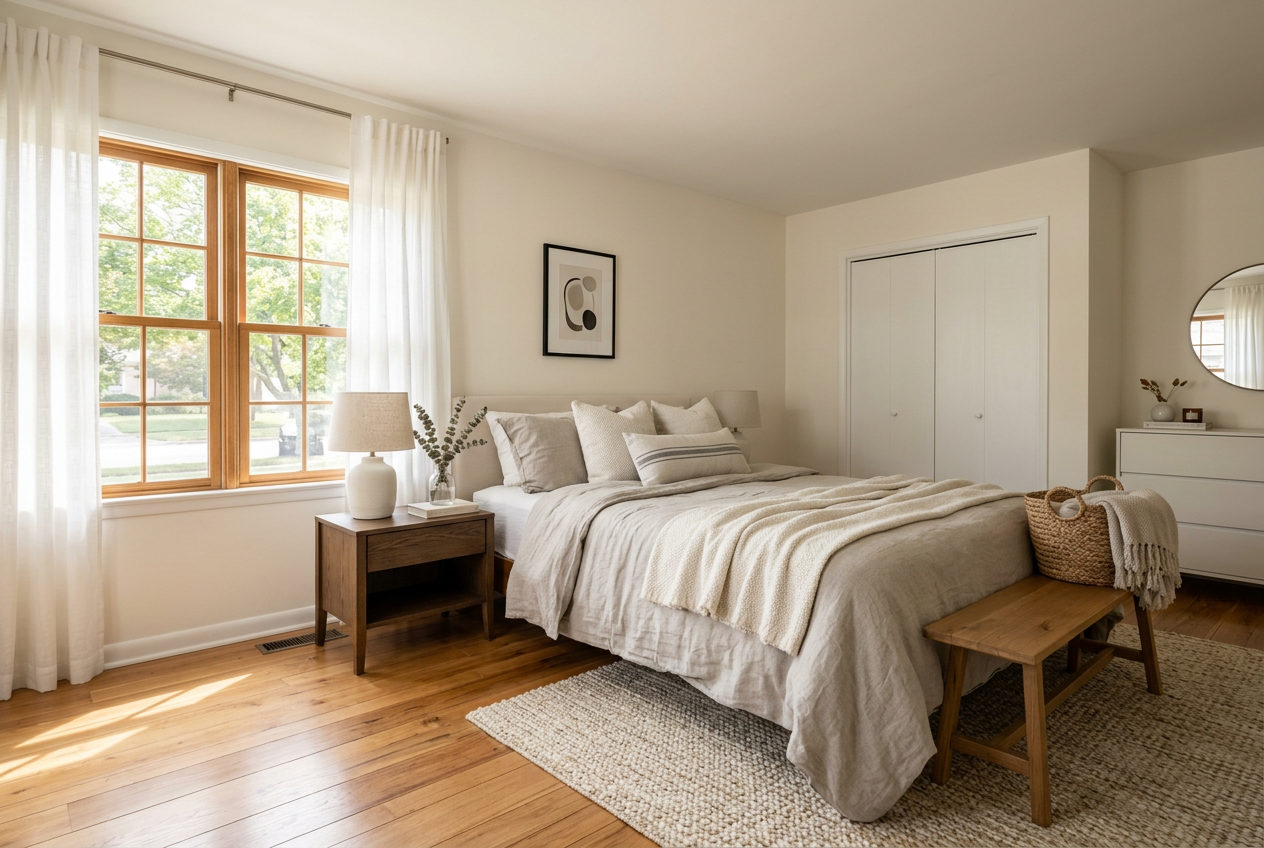
A single striking render can hide a consistency problem. RoomGPT’s strength is the first “wow” image, especially when the input photo already has clean lighting and minimal clutter. The risk for listing work is variance across a set, where one bedroom looks editorial and the next looks synthetic.
AI HomeDesign aims for structural fidelity and listing realism. It is MLS-compliant and preserves original fixtures and structure, which reduces the chance that a staged image implies a remodel that never happened. That matters for Disclosure and for client trust, even before the listing hits the MLS.
Export needs also shape “quality.” Listing teams often need watermark-free downloads, consistent framing, and file formats that drop into an MLS upload flow without extra steps. AI HomeDesign supports JPG and PNG output and positions results for real estate portals.
Quality is not only about staging. A practical workflow blends professional photography with selective edits and styling guidance. The guide to room-by-room house styling for listings helps teams plan the look first so the AI output stays consistent.
RoomGPT Pricing and Cost per Image
RoomGPT uses credit packs and keeps the entry point light. The brief pricing is $9 for 30 credits, $19 for 100, and $29 for 200, plus a free tier with one free design. That structure works well for a homeowner who wants a few inspiration images and does not want a monthly plan.
The cost modeling gets harder in real estate because credits do not automatically equal a listing’s photo count. If one render equals one credit, then the effective cost per credit drops as pack size rises. But teams should treat that as a planning estimate, not a guarantee, unless the credit consumption rules are explicit.
AI HomeDesign publishes per-photo economics by tier. Pro costs $19 per month for 30 photos at about $0.63 per photo. Pro Plus costs $29 per month for 80 photos at about $0.36 per photo. Enterprise costs $49 per month for 200 photos at about $0.24 per photo. Unused credits rollover across tiers, which matters when listing volume fluctuates.
A pricing page rarely tells the full story, so comparisons work best when they include volume. The per-image pricing comparison shows how per-photo math can change what “cheap” means after the first few rooms. RoomGPT’s pack details also appear in Remodel AI vs RoomGPT.
Which Tool Fits Which Workflow
The cleanest recommendation split follows the “one room vs whole property” line. RoomGPT fits casual homeowners who want quick inspiration, especially for a living room or bedroom update. AI HomeDesign fits agents, photographers, and marketing teams who need repeatable staging across many rooms and want a single toolbox for common listing edits.
A practical delivery target for listing visuals is one business day after photos land, because pricing conversations and MLS timelines move fast once the media package is ready. AI tools can hit that target only if regeneration and consistency stay under control.
Disclosure and MLS Rules vary by market, but teams can reduce risk with a simple, consistent label. Common phrasing includes: “Virtually staged” or “This image has been virtually staged.” Many teams also add a Virtually Staged Watermark on the edited image itself. The goal is clarity for buyers, not legal theater.
Some situations call for a different approach:
- Occupied homes with personal items often need Item Removal first, then staging.
- Luxury listings can require tighter control over materials and finishes, so teams may use Manual staging at $13.99 per image with a 24 to 48 hour turnaround.
- Distressed sales can benefit from lighter edits that avoid implying upgrades.
- New construction marketing may favor Construction Completion visuals, but those usually need extra Disclosure to avoid confusion.
A quick fit checklist helps teams choose without overthinking it:
For agents comparing staging-first platforms, the guides to tools built for agents and best tool for real estate staging help narrow the short list by workflow fit, not marketing claims.
The clear pick
Choose AI HomeDesign when
AI HomeDesign suits agents and teams who need consistent, MLS-ready outputs across full photo sets with predictable per-photo economics.
Choose RoomGPT when
RoomGPT suits homeowners and casual users who want quick single-room inspiration without committing to a subscription.
Frequently Asked Questions
Is RoomGPT free?
RoomGPT offers a free tier that includes one free design. After that, it uses credit packs rather than a subscription. For a one-off homeowner project, the free design can help test the look before buying credits. For larger workflows, teams still need to confirm how credits map to renders and revisions.
Which is faster, RoomGPT or AI HomeDesign?
Both tools generate results quickly, so single-image render speed rarely decides the purchase. The bigger difference shows up during production: how consistent results stay across many rooms, how often regenerations are needed, and whether exports come out ready for listing use without extra editing steps.
How much does RoomGPT cost?
RoomGPT is credit-based and sells packs instead of monthly tiers. The listed packs are $9 for 30 credits, $19 for 100 credits, and $29 for 200 credits, plus a free tier with one free design. Real cost per image depends on how many credits each render consumes.
Is RoomGPT good enough for real estate listing photos?
RoomGPT can work for quick inspiration, but listing use adds constraints that are easy to miss. Agents and photographers usually need consistent outputs across many rooms, clean downloads, and clear Disclosure and MLS Rules handling. A tool designed for staging workflows often fits that checklist better.
What free options do RoomGPT and AI HomeDesign offer?
RoomGPT offers one free design before credit packs. AI HomeDesign offers free credits without a card, but the free results are watermarked. Free access can still help teams test how each tool treats structure, lighting, and finishes on a real listing photo before committing to a volume plan.