Decor8 AI vs AI HomeDesign: Listing Photo Staging
Decor8 AI vs AI HomeDesign: compare speed, pricing, workflow, and MLS disclosure so agents can pick the right tool for listing photo staging and edits.
An agent can upload the same empty living room to two tools and get two good-looking renders. The harder part starts after that first click, when Decor8 AI has to turn into a repeatable virtual staging ai workflow across a full listing photo set.
This comparison stays listing-first. It focuses on what agents, teams, and photographers actually ship to the MLS: consistent rooms, clean edits, day-to-dusk exteriors, and clear disclosure.
Quality claims are hard to verify without controlled tests, so the comparison sticks to published speed, pricing, and workflow mechanics. The first section sets the frame, then the rest breaks down cost, throughput, coverage, and compliance.
At a glance
What Each Platform Optimizes For in Listing Production
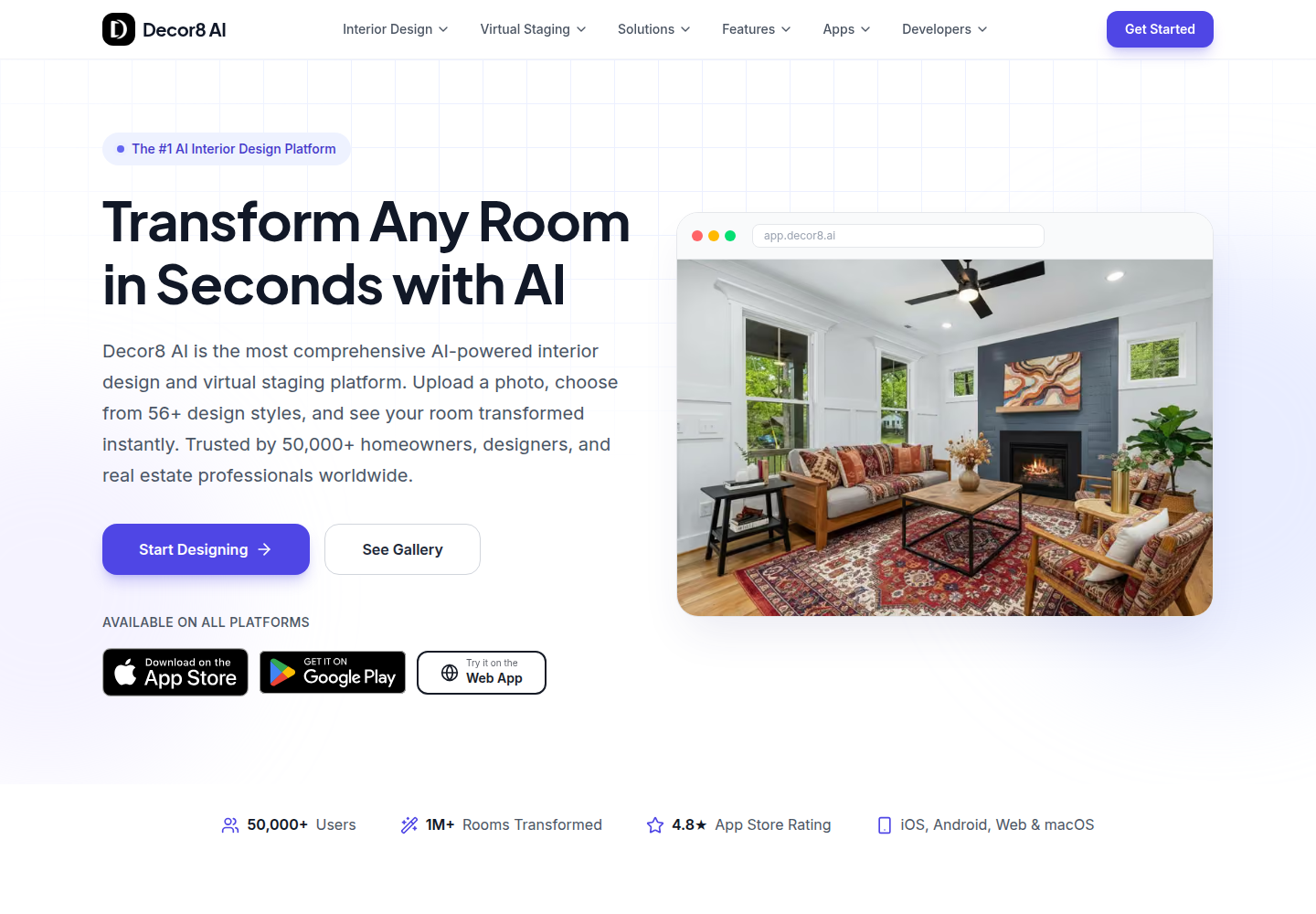
Decor8 AI positions itself as an interior design and virtual staging platform that can transform a room from a single photo. The workflow stays intentionally simple: upload, pick a look, download the result. That simplicity pairs well with exploratory volume, especially when the goal is to generate many different styles and options for the same photo.
AI HomeDesign organizes the work around the listing job, not the single image. The app groups tools into three hubs, virtual staging, photo editing, and virtual renovation. It also uses a consistent options panel across tools, and it returns four renders per generation so editors can choose instead of rerolling.
That difference shows up in small but important places. Decor8 AI runs across web, iOS, Android, and macOS, so a field photographer can stage from a native app without a laptop. AI HomeDesign runs in a browser, which keeps installs out of the way, and it pairs naturally with desktop review and hand-offs.
For deeper platform context beyond this head-to-head, the details live in our full AI HomeDesign review. That guide covers the Studio, projects, and the full tool set in one place.
Decor8 AI Pricing and Value for Listing Work
A subscription works best when the unit of work stays predictable. Decor8 AI publishes a single $14.99 per month Unlimited plan and a $0.20 per image pay-as-you-go developer API on its public site at Decor8 AI pricing. The Unlimited plan can be a strong fit for anyone who wants unlimited exploratory designs without watching a credit counter.
AI HomeDesign prices usage as credits, shown as Photos, and the per-photo rate drops at higher tiers. The published yearly rates are $19 per month for Pro, $29 per month for Pro Plus, and $49 per month for Enterprise, with per-photo pricing shown as $0.63, $0.36, and $0.24. Each generation spends one credit and returns four renders, and paid plans include free regenerations.
A practical way to model cost is to start from monthly photo volume rather than listing count. An agent who stages roughly 30 photos per month fits the Pro tier math, while a photography workflow that lands around 200 photos per month fits the Enterprise tier math. Decor8 AI can win on sticker price when volume stays unpredictable, while AI HomeDesign can win when the work requires multiple edits per photo and the team values four-render selection plus tool chaining.
Speed, Iteration, and Throughput Across a Photo Set
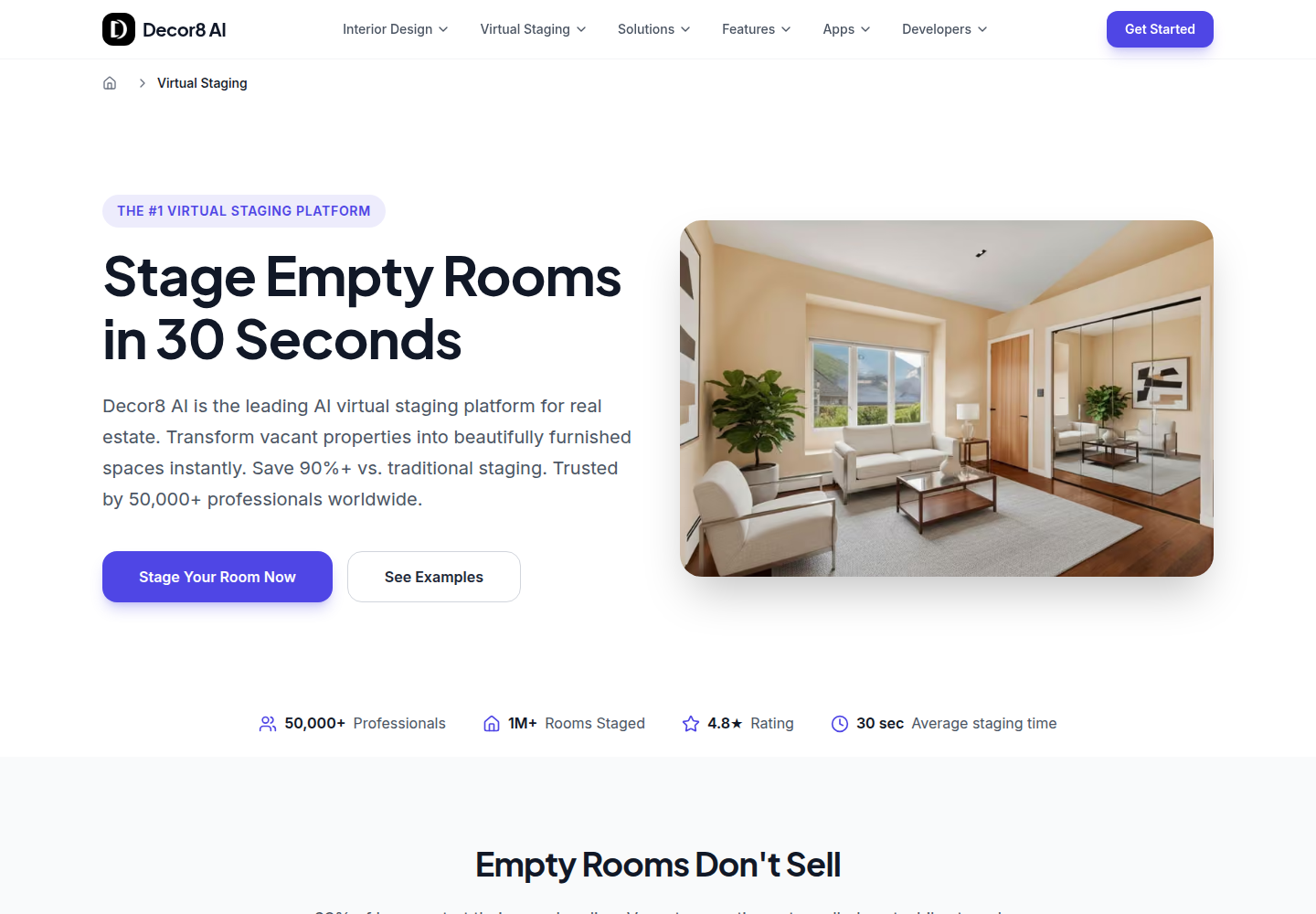
Render speed matters, but review speed matters more once a listing has multiple rooms. Decor8 AI publishes virtual staging results in under 30 seconds per image, and it also shows an API example around 20 seconds. AI HomeDesign publishes MLS-ready staging in under 5 seconds per staged photo, and each generation returns four options on one credit.
On a full shoot, the time sink usually shifts away from rendering and toward selection. Teams often need to check style consistency across bedrooms, match a living room to the dining room, and keep the whole gallery coherent. Four renders per generation changes that selection loop because the editor can choose the best fit from a single run.
Upload and organization can dominate speed, too. AI HomeDesign accepts multiple photos at once and keeps work inside the Studio, so the team can stage first and then run cleanup on the selected result. Decor8 AI’s three-step flow stays straightforward, and its multi-platform apps help when the workflow starts on a phone or tablet.
For a real-world delivery window, agents should plan on 2 days from first edits to MLS upload. Day one covers staging and first-pass cleanup, and day two covers broker review, disclosure labeling, and final exports. That buffer matters more than shaving seconds off a single render.
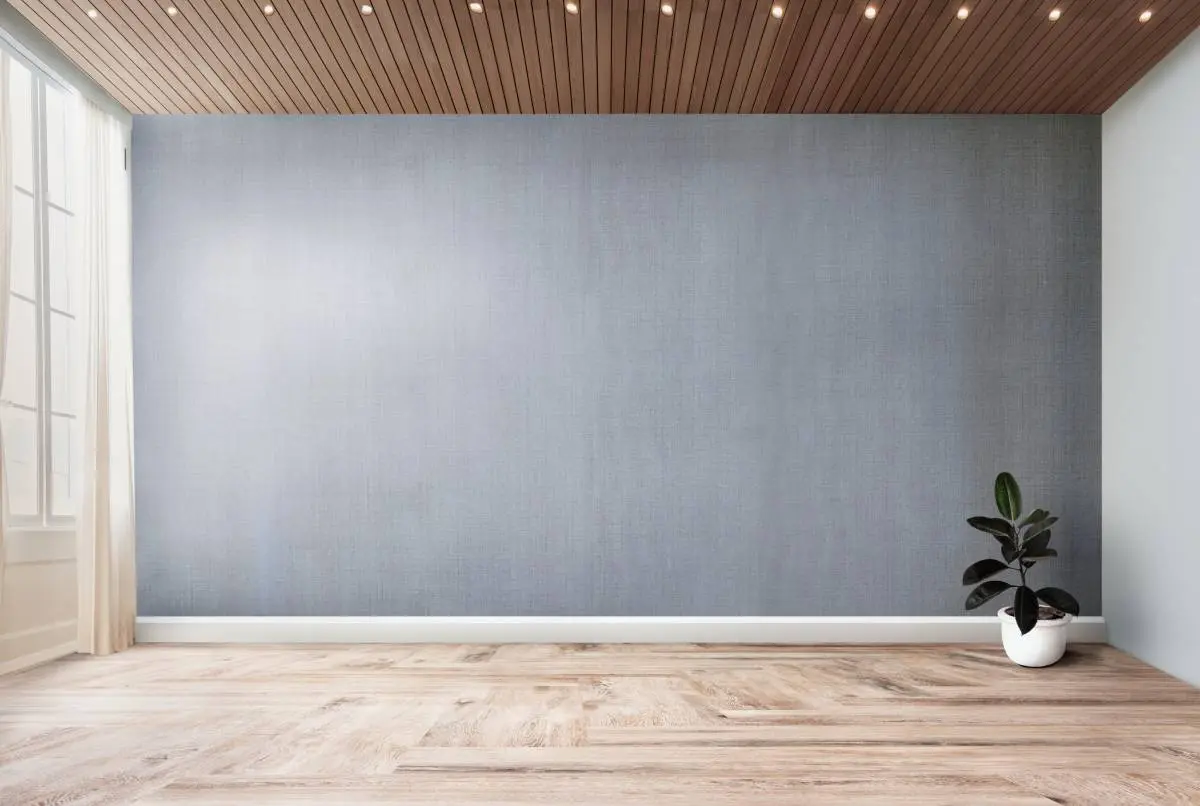
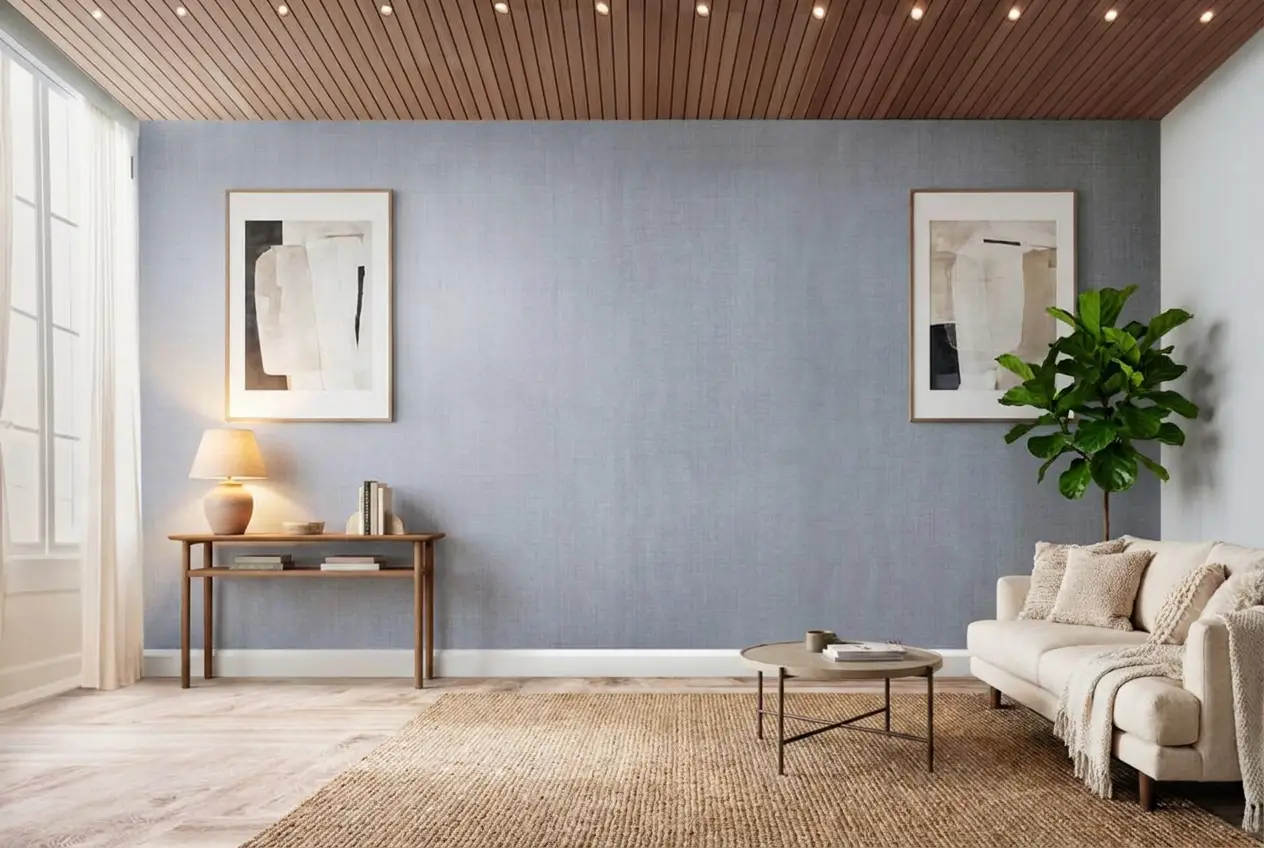
Stage your first listing in under 5 seconds
15 space types, 10 styles, MLS-compliant by default. All 11 tools on one account. Free trial credits, no credit card.
Start staging freeCoverage Beyond Staging: Cleanup, Day to Dusk, and Renovation
A listing set rarely needs only staging. It also needs declutter, photo enhancement, and at least one exterior that looks like twilight. Decor8 AI lists Object Removal, Photo Enhancement, Image Upscaling, and Sky or Twilight Photos as part of its feature set. The upscaler is a real advantage for teams that often receive smaller files.
AI HomeDesign covers the adjacent listing jobs in its photo editing hub: AI Item Removal, Image Enhancement, and AI Day to Dusk. Item Removal includes an auto declutter mode and a brush-based select area mode, and Image Enhancement includes toggles for fixes like turning on lights or removing extra objects. For exterior work, AI Day to Dusk adds sky styles plus shadow removal and lawn touch-up toggles, which helps reduce obvious mismatches between lighting direction and the new sky.
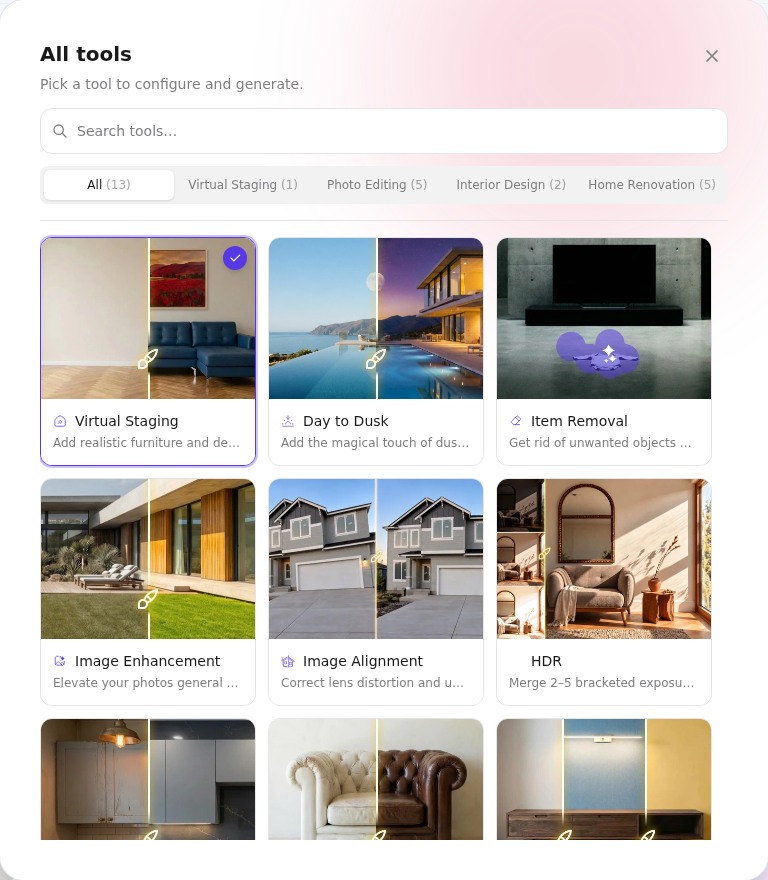
Renovation also shows a difference in product intent. Decor8 AI publishes tools like paint visualization and cabinet colors, which fits homeowner decisions and design presentations. AI HomeDesign places seven renovation-style tools inside the same credit pool as staging and photo editing, so an editor can stage a living room and then test wall or floor finishes without changing products.
Teams that want a single listing pipeline for staging plus cleanup can also keep staging itself inside AI Virtual Staging instead of jumping between separate tools for each photo job.
Workflow Fit for Teams: Projects, Chaining, and Hand-Offs
The biggest workflow difference is how each platform handles “the next edit.” Decor8 AI’s loop keeps the work centered on one photo at a time. It also offers chat-based iteration and reference-style transfer, which helps when a designer or agent wants many creative variations from a single starting point.
AI HomeDesign builds the workflow around a property folder. The Studio supports projects, and the result screen can hand a selected render into other tools without re-uploading. That chaining matters when a staged photo still needs declutter, enhancement, and then a day-to-dusk pass on an exterior.
Teams should also decide what belongs in the deliverable versus what stays internal. The delivered set should include only the final images intended for MLS upload, plus clear labels for any AI edits or virtual staging. Internal folders can keep rejected alternates, extra styles, and experimental renders for client conversations.
Other tools can fit narrower cases. For a separate look at value-focused staging, Collov AI head-to-head covers another pricing model. For teams choosing between self-serve tools and a service layer, self-serve versus done-for-you staging adds that workflow trade-off.
MLS Rules, Disclosure, and Review Checks Before Upload
Disclosure is not optional once an edited image enters a listing. The MLS expects structured, consistent fields, which is one reason RESO standards matter in the ecosystem, as defined in the Data Dictionary RESO. Visual edits are separate from data fields, but the same idea applies: clarity prevents disputes.
A simple disclosure line works across brokerages: “virtually staged” for furnished renders and “AI-enhanced image” for lighting, sky, or cleanup changes. Most policies also expect the original to be retained. AI HomeDesign positions its output as MLS-compliant by default, meaning it preserves fixtures and structure, but compliance still depends on operator choices.
Before upload, teams can run a short checklist that focuses on structural honesty. Mirrors, reflections, and window lines need special attention. Exterior edits need consistent shadow direction, and a twilight conversion should not leave midday driveway shadows.
For agents who need a quick explainer for compliance teams, REColorado’s primer on data standards helps frame the broader MLS ecosystem at What is RESO?. Buyers still respond to staging, but disclosure keeps trust intact, a point reinforced by the National Association of REALTORS in its Profile of Home Staging.
The clear pick
Choose AI HomeDesign when
AI HomeDesign fits agents, teams, and photographers who treat a property as the unit of work and need consistent staging plus cleanup and day-to-dusk edits in one workflow, with four renders per credit and published per-photo pricing down to $0.24.
Choose Decor8 AI when
Decor8 AI fits design-heavy use cases where the goal is broad style exploration across many room and style combinations, especially when a flat unlimited plan and native mobile and desktop apps matter more than per-property organization.
Frequently Asked Questions
Is Decor8 AI or AI HomeDesign cheaper for virtual staging?
Decor8 AI publishes a $14.99 per month unlimited plan, so it can be cheaper for unpredictable volume. AI HomeDesign prices by credits, with published yearly rates that reach $0.24 per photo at the Enterprise tier and four renders per generation. The cheaper choice depends on whether the work is mostly one-off style exploration or a repeatable listing workflow across staging, cleanup, and exteriors.
Does Decor8 AI have a free plan?
Decor8 AI’s public pricing presents a single paid Unlimited plan plus API and Enterprise options. Its published materials do not state the caps, credit mechanics, or watermark behavior for any default free access. Because the limits are not published, a free tier is hard to budget for in a production listing workflow. Agents should treat the paid plan as the reliable starting point.
How fast is each tool for staging?
Decor8 AI publishes virtual staging in under 30 seconds per image and also shows an API example around 20 seconds. AI HomeDesign publishes MLS-ready staging in under 5 seconds and returns four renders per generation. For a full listing, review and selection time usually drives the schedule more than render time, so teams should time the whole loop, not just generation.
Can AI-staged photos go on the MLS?
Many MLSs allow virtual staging and AI edits, but disclosure is expected. A safe baseline is to label staged images as “virtually staged,” label other edits as “AI-enhanced image,” and keep the original unedited file for every altered photo. Neither tool can guarantee compliance if an editor changes structure, room size, or visible defects. Local MLS rules still control.
Which tool handles occupied rooms better?
Both can work, but the decision is about control and consistency. Decor8 AI offers room redesign, style transfer from a reference image, and chat-based iteration. AI HomeDesign splits the task into AI Interior Designer for full restyling and AI Furniture Restyle to keep the photographed layout while changing furniture style. Keeping the original layout reduces mismatch risk at showings.
Do either of them work on mobile?
Decor8 AI publishes native iOS and Android apps, plus a macOS app and a web app with account sync. AI HomeDesign runs in a browser with nothing to install, which can work on a phone browser but is not a native mobile app. For on-site shooting and quick edits from a phone, Decor8 AI’s native app approach can be a better fit.