AI HomeDesign vs. BoxBrownie: Which Does Virtual Staging Better?
Compare AI HomeDesign and BoxBrownie virtual staging: subscription versus per-image pricing, delivery, revisions, editing controls, and the workflow each suits.
Choosing between AI HomeDesign virtual staging and BoxBrownie comes down to who handles the editing. AI HomeDesign lets you generate options and refine a selected result yourself. BoxBrownie takes an editing brief and returns work completed by a human team. AI HomeDesign suits regular, hands-on editing; BoxBrownie suits agents who prefer to delegate the job.
The comparison below covers pricing, turnaround, revisions, and the steps each service requires. For agents considering other ways to automate listing preparation, our AI in real estate guide covers the wider workflow.
At a glance
Pricing: subscriptions versus individual jobs
USD per month, billed annually.
AI HomeDesign’s yearly plans work out to US$19, US$29, and US$49 per month, paid as US$228, US$348, and US$588 per year. Month-to-month billing is US$35, US$59, or US$99. Monthly photo allowances are 30 on Pro, 80 on Pro Plus, and 200 on the listed Enterprise tier. Annual billing lowers the monthly equivalent for a recurring workload; monthly billing keeps the commitment to one month at a time.
The “from $0.24/photo” rate comes from Enterprise yearly pricing and its monthly allowance. One credit generates four variations of a single source photo. Using more of the allowance brings the effective cost per source photo closer to the advertised starting rate.
BoxBrownie charges each job against a prepaid balance. Its EUR pricing starts at €21 per image for virtual staging, with regional prices available in the account. A credit top-up funds subsequent orders, so the amount spent on a job follows the number of images and the services selected.
For a 20-photo staging job, that BoxBrownie rate totals €420 before separately ordered extras. AI HomeDesign’s Pro monthly plan costs US$35 for a month with a 30-photo allowance, covering the same source-photo count with ten photos of capacity remaining. These are prices in each service’s quoted currency; the practical choice also depends on whether you want to refine images yourself or pay an editing team to deliver them. Our virtual staging pricing and ROI breakdown explains how photo volume and editing time affect the overall cost.
Paid AI HomeDesign plans include watermark-free downloads, free regenerations, storage, and eight additional AI tools without coin charges. Agents who repeatedly stage and edit listing photos can handle those tasks within the same subscription.
Speed and revisions: generating options versus briefing editors
AI HomeDesign advertises under five seconds for staging generation and describes its broader editing workflow at around 30 seconds. Uploading, selecting a result, and reviewing it add to the total job time. The short generation cycle makes it suitable for comparing and refining options during one working session.
BoxBrownie lists 48 hours for virtual staging, with completed images available in Jobs in the members area. Its human editing process suits a listing schedule with time between submitting the brief and receiving the first delivery.
AI HomeDesign includes free regenerations on paid plans and further editing from the result screen. BoxBrownie includes revisions under its satisfaction guarantee. The distinction is who makes the changes: you refine AI HomeDesign results in the editor, while BoxBrownie’s team handles a revision brief.
AI HomeDesign: control inside the editor
The staging editor starts with Space, followed by Style. The Remove Furniture toggle clears existing furniture when the job calls for it. Results include four renders, a reference image, and a before/after view, giving you several furnished versions to compare against the source photo.
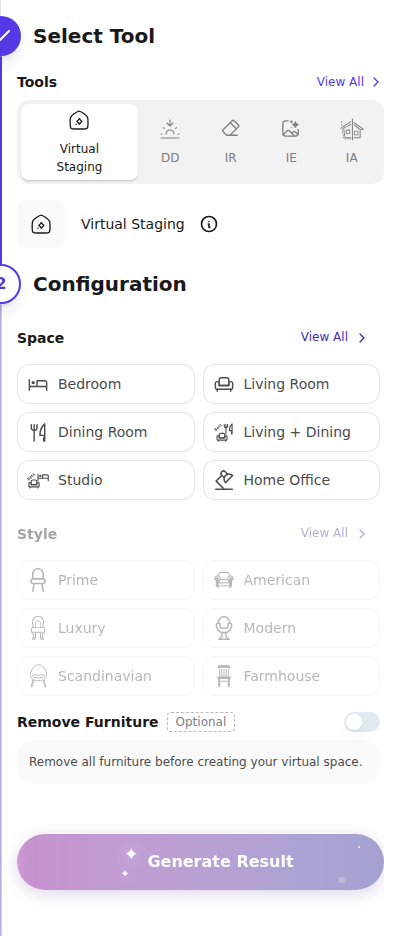
You can rerun the original or send a selected result to Item Removal, Image Enhancement, Day to Dusk, or Furniture Restyle. Edit Selected Photo with Chat accepts changes described in plain language. Studio projects keep source images and approved files together for each property.
Room types and design styles
Space options include combined living/dining areas, outdoor, nursery, foyer, and home office. Staging styles include Prime, American, Luxury, Modern, Scandinavian, Farmhouse, Hampton, Industrial, Traditional, and Contemporary. Those controls let you match the furniture treatment to the room’s intended use and the property’s visual style.
BoxBrownie: a job brief handled by people
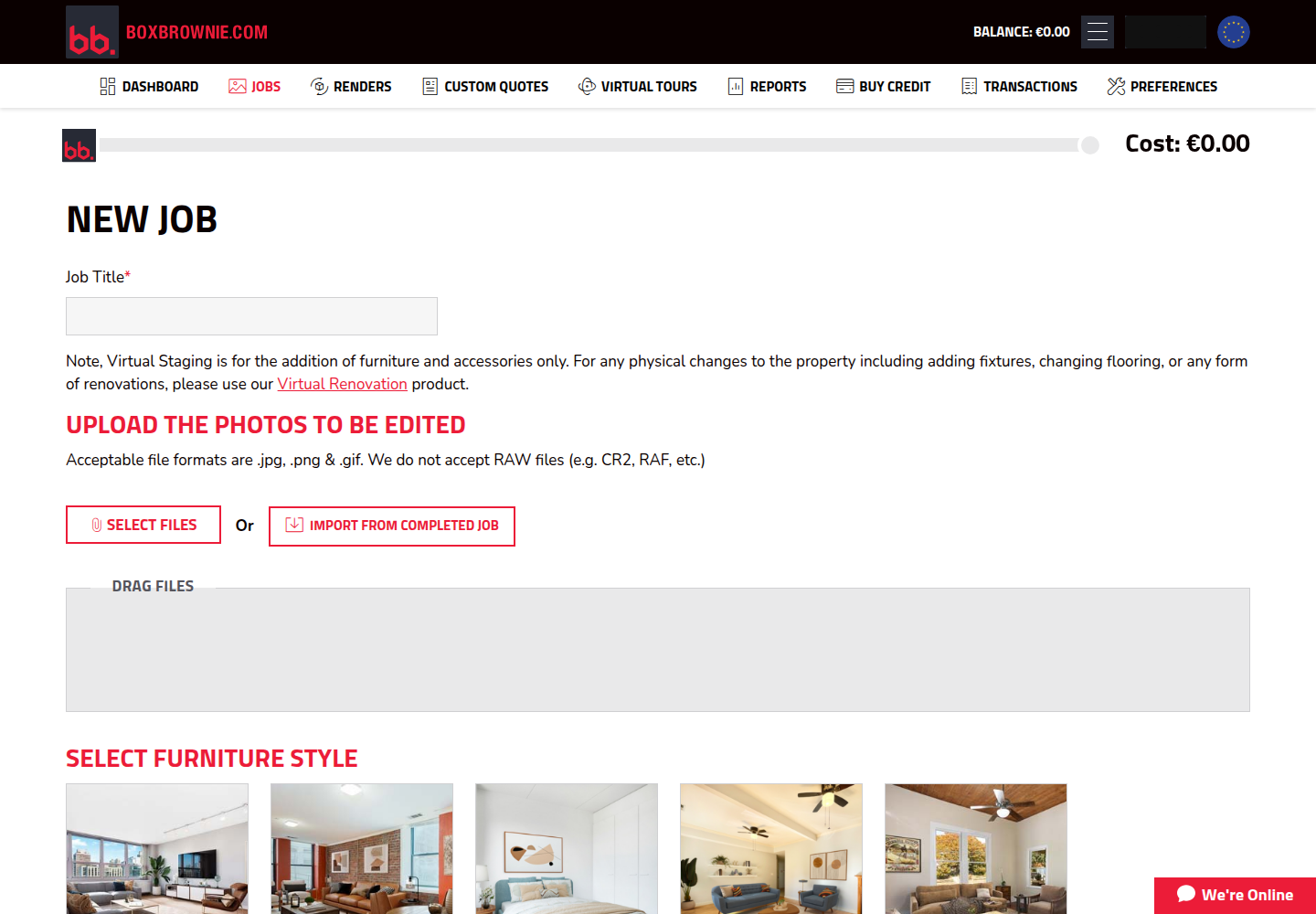
BoxBrownie’s New Job form collects a title, photos, and service-specific instructions. A running cost shows the amount deducted from the prepaid balance at submission. The form accepts JPG, PNG, or GIF files; RAW photos require conversion to one of those formats before upload.
The staging service offers ten furniture styles: Modern, Urban/Industrial, Scandinavian, Mid-Century Modern, Farmhouse, Hamptons, Contemporary, Traditional, Commercial (office), and Commercial (non-office). Custom Quotes provides a route for a more specific brief, while the standard job instructions give editors the room’s intended use and the desired furniture treatment.
Extra services are separate orders
EUR pricing for Image Enhancement starts at €1.40 per image, Day to Dusk at €3.50, and Item Removal & Virtual Cleaning at €3.50–€7. These services are billed separately from the €21 staging job, so a photo needing several edits has a higher combined order cost.
Virtual Renovations starts at €21 with a five-to-seven-day turnaround in the EUR pricing reviewed here. Staging adds furniture and accessories; renovation changes finishes or fixtures. The renovation service fits images intended to illustrate a proposed change to the property itself.
From source photo to finished listing image
Both services support reusing existing files. AI HomeDesign stores photos in Studio and supports listing-URL import; BoxBrownie can import photos from completed jobs. The workflows below show where each service places the editing and review steps.
AI HomeDesign workflow
- Upload a photo or select an existing Studio image.
- Choose the Space, then a Style; use Remove Furniture if the job needs it.
- Generate four renders, compare them with the original, and refine the selected result.
- Save it to the property’s project and download the approved image.
BoxBrownie workflow
- Create a Virtual Staging job and give it a clear title.
- Upload JPG, PNG, or GIF files and choose the furniture style.
- Review the quoted cost, fund the balance if needed, and submit to the editors.
- Download the completed job, review it, and request revisions when necessary.
Which workflow wins in your situation?
AI HomeDesign generates four renders in seconds, making it the better fit for immediate iteration and refinement before the final review.
BoxBrownie fits that process, with a 48-hour staging window and revisions handled by its editors.
BoxBrownie’s per-job billing suits a workload that varies from listing to listing. AI HomeDesign’s monthly plan is another option when several source photos need staging during the same month; our virtual staging companies roundup covers other per-job providers.
AI HomeDesign brings staging, decluttering, enhancement, and renovation tools into one workspace, making it a useful fit for recurring listing-photo work.
BoxBrownie lets you specify a furniture style and submit instructions to human editors, giving the team a brief to interpret and refine.
Both services offer an API. AI HomeDesign requires Enterprise, while BoxBrownie provides account API keys for submitting and retrieving jobs; the relevant distinction is an automated generation workflow versus a human editing queue.
Existing room examples: what to inspect
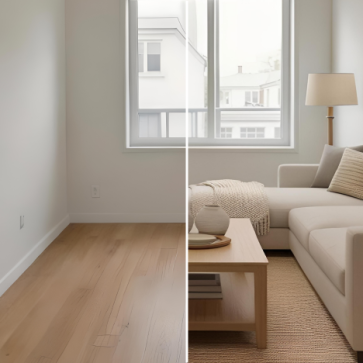
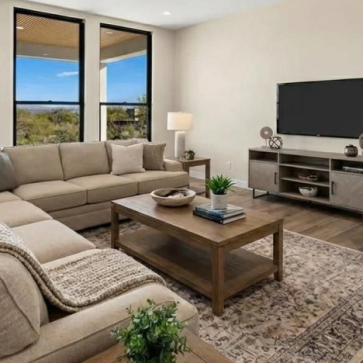
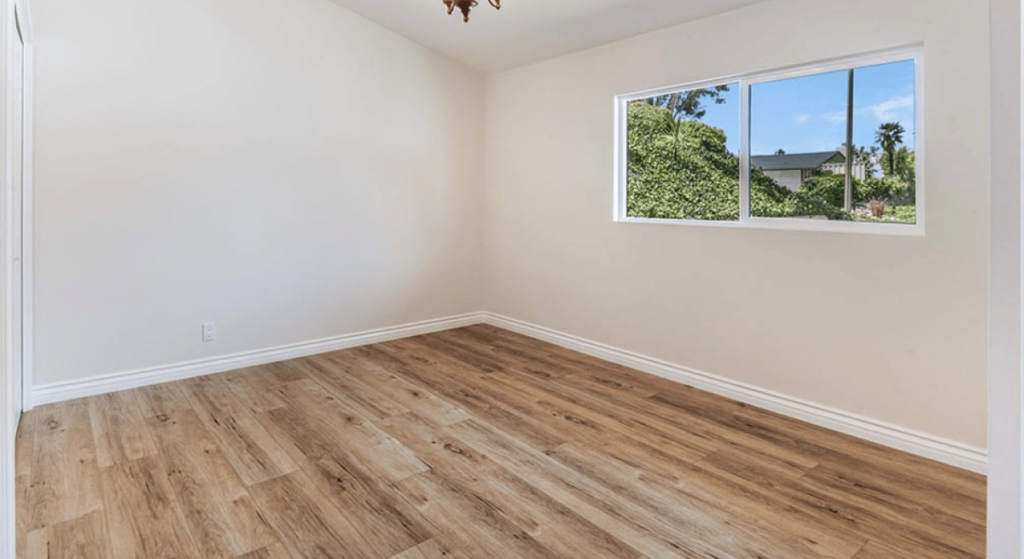
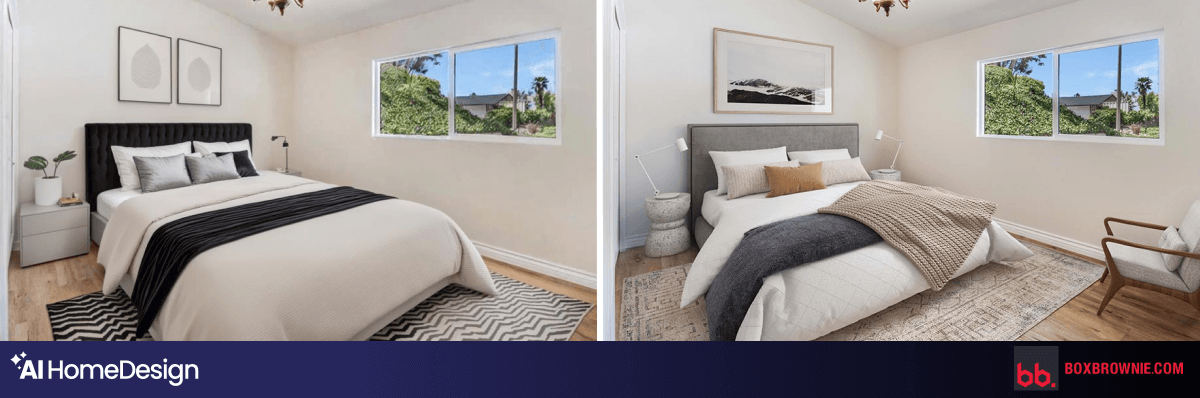
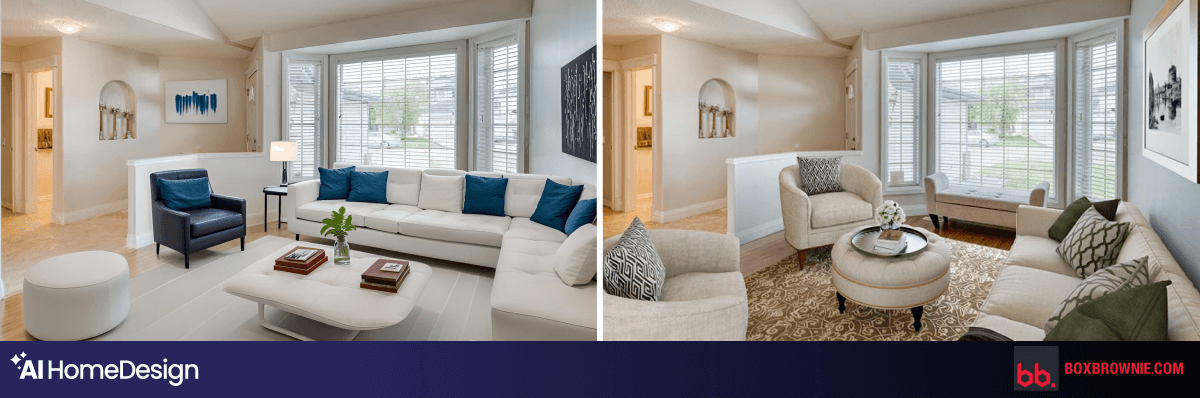
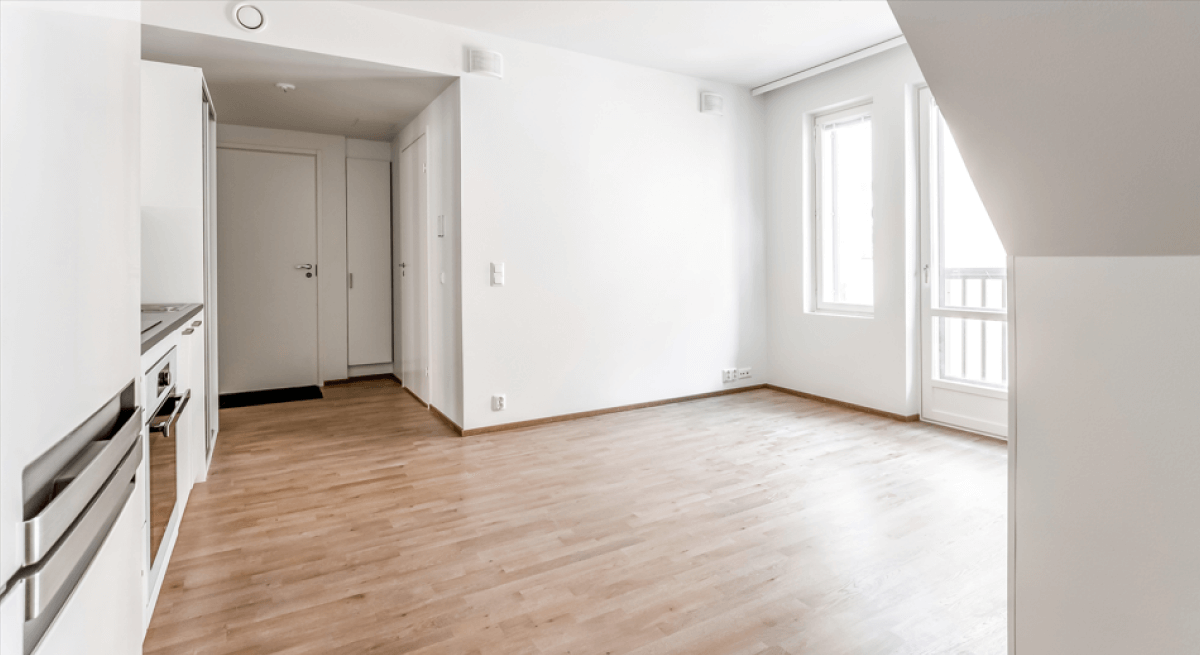
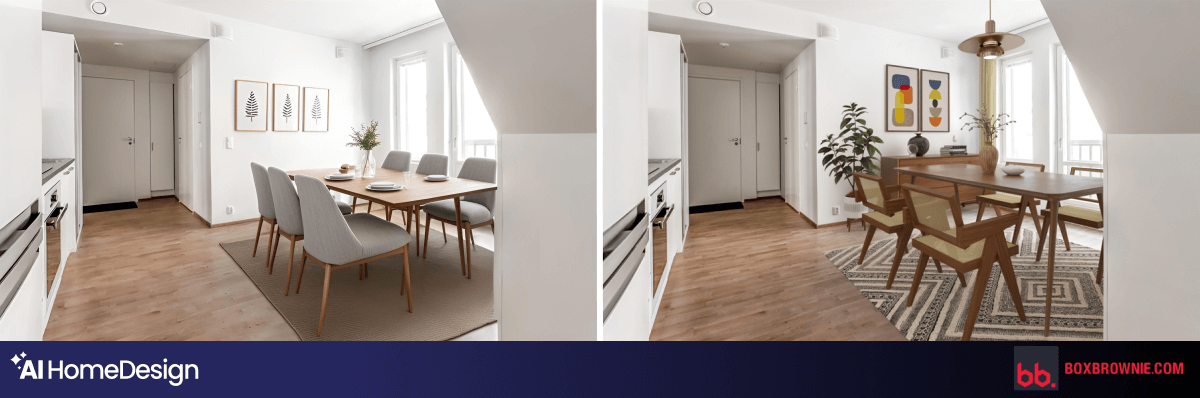
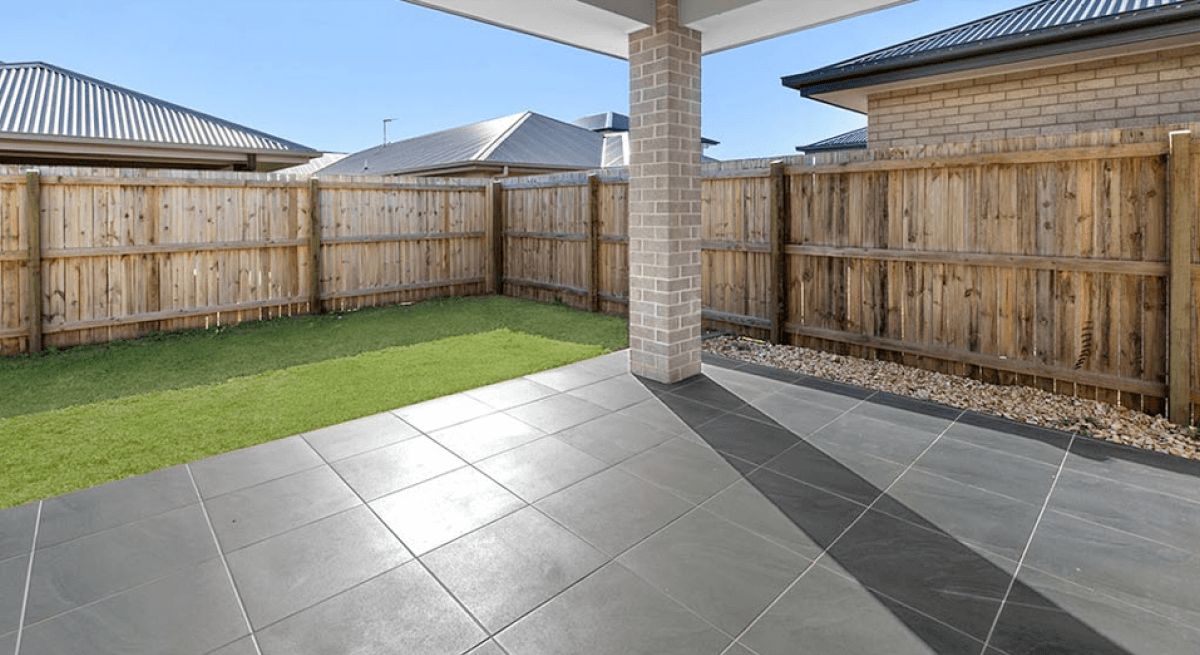
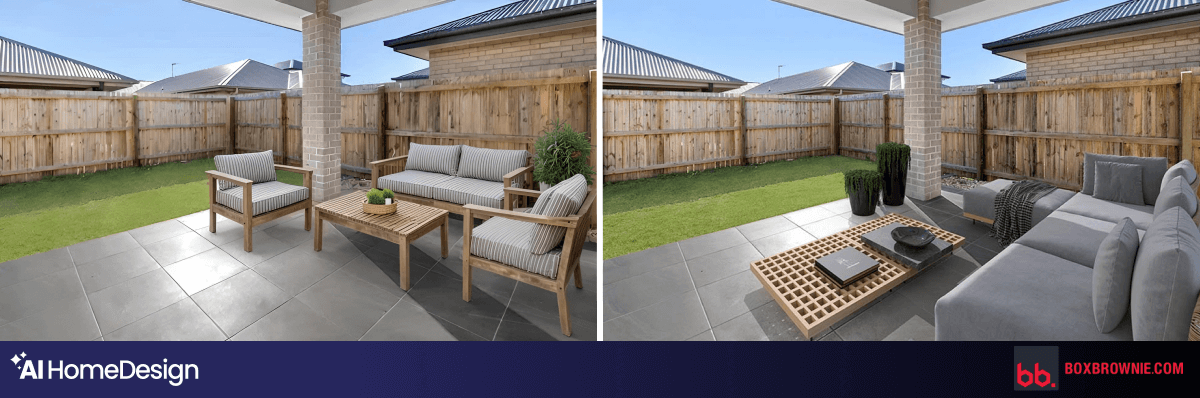
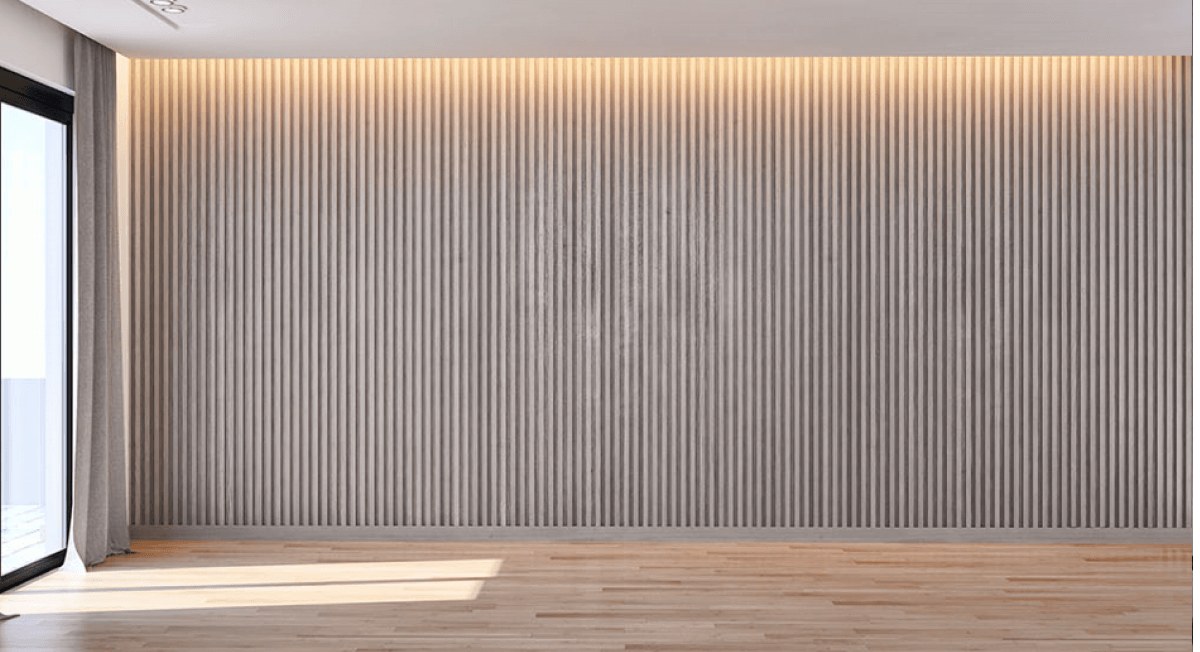
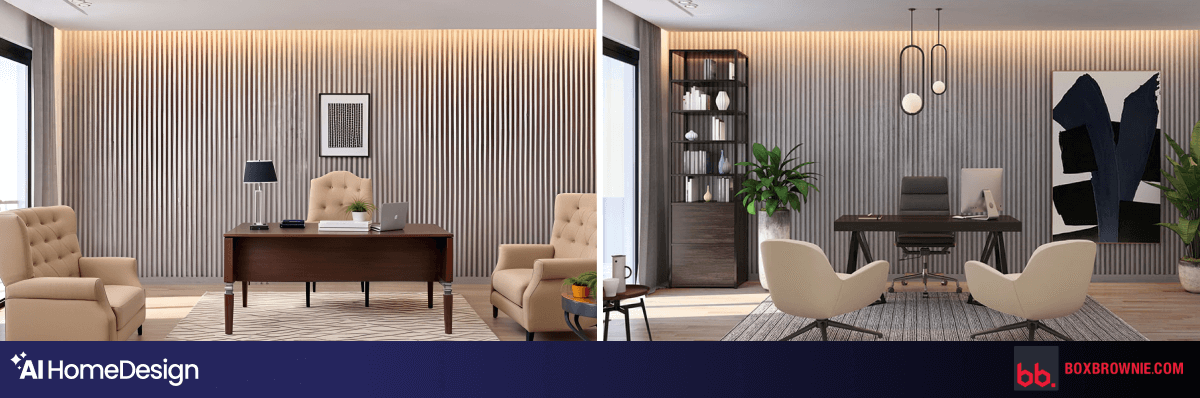
These images come from the earlier version of this article and show five room types. They illustrate furniture scale, contact shadows, walking space, and consistency with the source photo. Each panel pairs the original room with the existing AI HomeDesign and BoxBrownie comparison strip.
Bedroom
Living room
Dining room
Patio
Home office
Review the image before using it in a listing
AI HomeDesign describes its output as MLS-ready and designed to preserve the original room. BoxBrownie distinguishes furniture staging from virtual renovation. In either workflow, the final review compares the finished image with the source photo and the disclosure requirements of the publishing channel.
Windows, doors, fixtures, finishes, and room proportions should represent the property accurately. A clearly labeled proposed renovation tells viewers which changes are illustrative. That review keeps the published image aligned with the actual listing and its required disclosure.
Source note: Published by AI HomeDesign using BoxBrownie’s August 5, 2026 account guide and AI HomeDesign’s September 2026 product guide. Prices reflect those sources and billing regions; product screenshots show the documented interfaces, and room examples are retained from the earlier article.
Frequently asked questions
Is AI HomeDesign really $0.24 per staged photo?
The advertised starting rate uses the Enterprise yearly plan: US$588 billed annually with a 200-photo monthly allowance. It is the effective rate at full allowance use; the cost per source photo rises when you use fewer photos.
How much does BoxBrownie virtual staging cost?
Virtual staging starts at €21 per image in the EUR pricing reviewed here, with a 48-hour turnaround. Regional prices vary, and separately ordered edits add to the job total.
Which service delivers results faster?
AI HomeDesign advertises staging generation in under five seconds, followed by your selection and review. BoxBrownie lists a 48-hour staging window. AI HomeDesign is faster for producing options during the same working session.
Do both services include changes to the result?
Yes. AI HomeDesign’s paid plans include free regenerations and further editing, including chat refinement. BoxBrownie includes revisions under its satisfaction guarantee, with changes handled by its editing team.
Can I try either service for free?
AI HomeDesign offers a free start without a credit card, with watermarked free-plan output and clean paid-plan downloads. BoxBrownie unlocks trial edits after email verification; the trial covers the eligible editing services shown in the account.