Best Interior Design Apps 2026: AI and Classic Picks
Best overall
AI HomeDesign
Best value
RoomGPT
Best free
AI HomeDesign
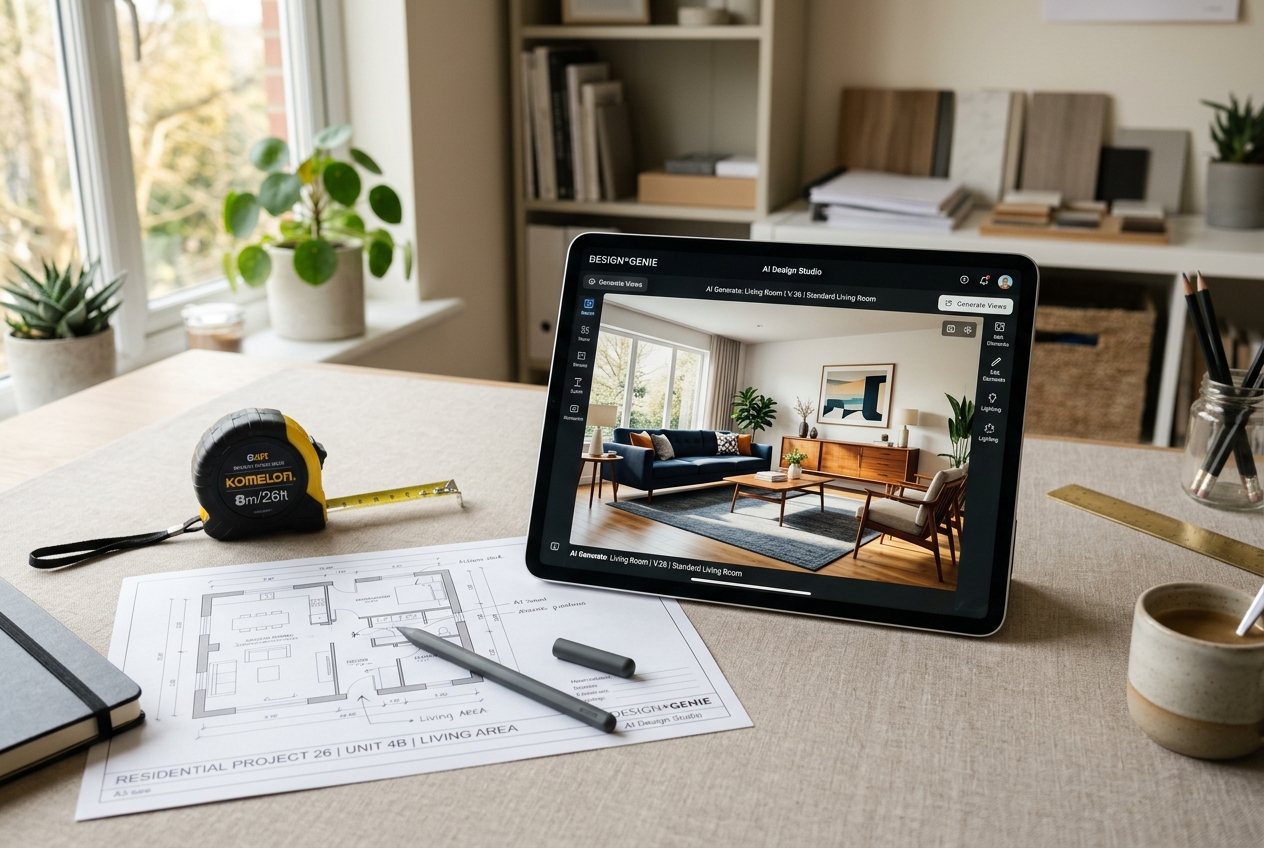
Picking an AI interior design app in 2026 often starts with the wrong question. Most shoppers ask which app is “best,” then end up comparing tools built for totally different jobs.The smarter split is simple. Some apps restyle a real room photo in seconds. Others help plan a room with measurements, layouts, and object libraries. Both can be great, but they reward different workflows.This guide ranks AI-first picks and classic picks separately, then brings them back together with a comparison table and a quick decision matrix.
Choosing the Right Interior Design App in 2026
Agents and homeowners can trust a ranking more when the criteria stay consistent. Speed matters, but output quality matters more. A fast render that bends door frames or changes window sizes creates rework, and it can create compliance problems for listings.
Pricing clarity also matters because app models vary. Some tools charge monthly. Others use credits. Credit models can fit one-off projects, while subscriptions can fit weekly use. Either way, the “real” cost depends on how often designs get regenerated.
Free access needs a reality check. Some “free” plans include a few usable outputs. Others show watermarked previews that work only for testing. A practical test asks one question: can a finished image or plan be exported without paying?
Platform and learning curve round out the decision. Mobile-first apps win for quick restyles and listing workflows on the go. Desktop and web tools often win for detailed planning. For agent workflows that combine design visuals with the rest of the stack, it can help to cross-check what else lives in the toolkit, including best real estate tools for agents.
The Two Categories That Matter in 2026
Most roundup lists mix AI room restyling tools with classic planners. That mix creates bad picks. A renter who wants a quick paint and furniture idea does not need a floor plan builder. A remodeler who needs cabinet runs and clearances does not need a style generator.
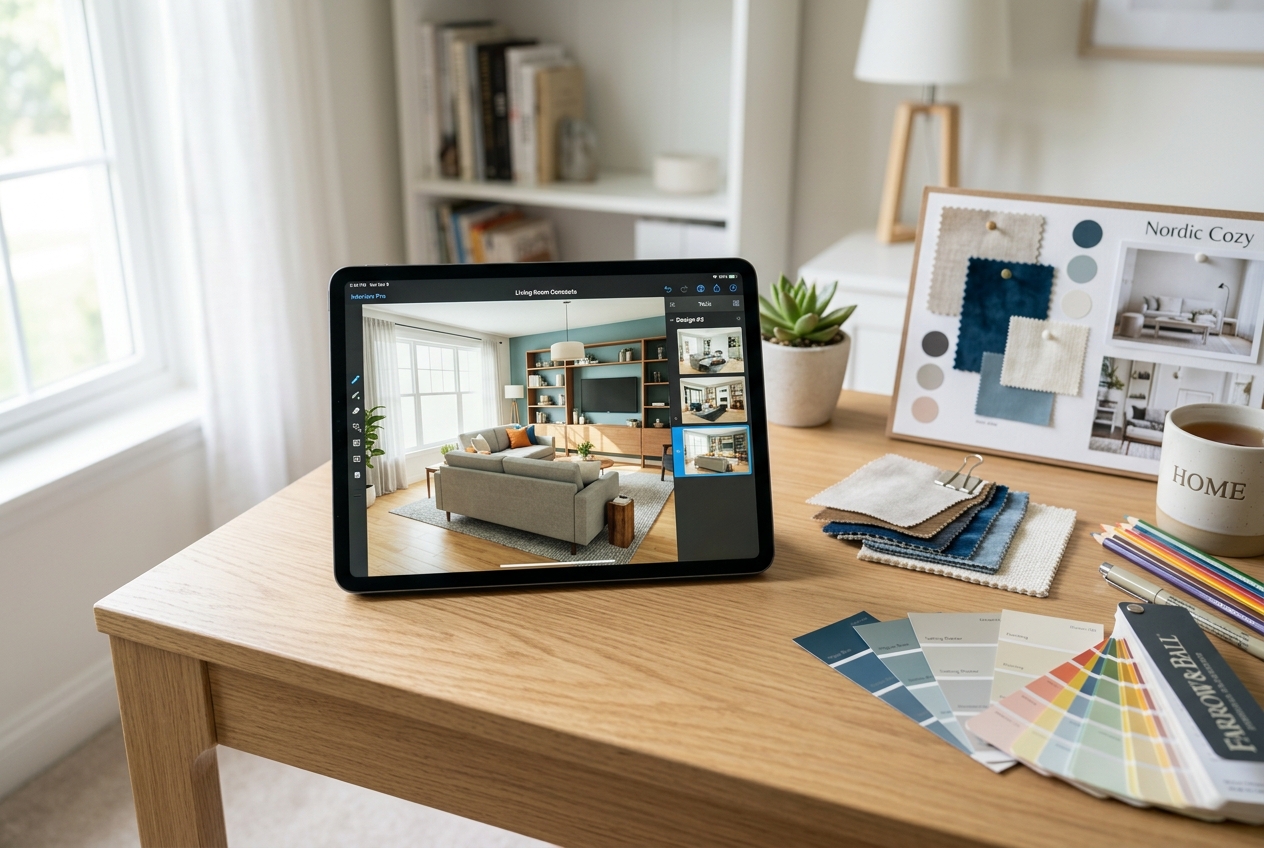
AI-first apps start with a real photo. The user uploads a living room, picks a style, and gets a new look fast. These apps shine for ideation, staging, and “before and after” visuals. They also help non-designers move past blank-page anxiety.
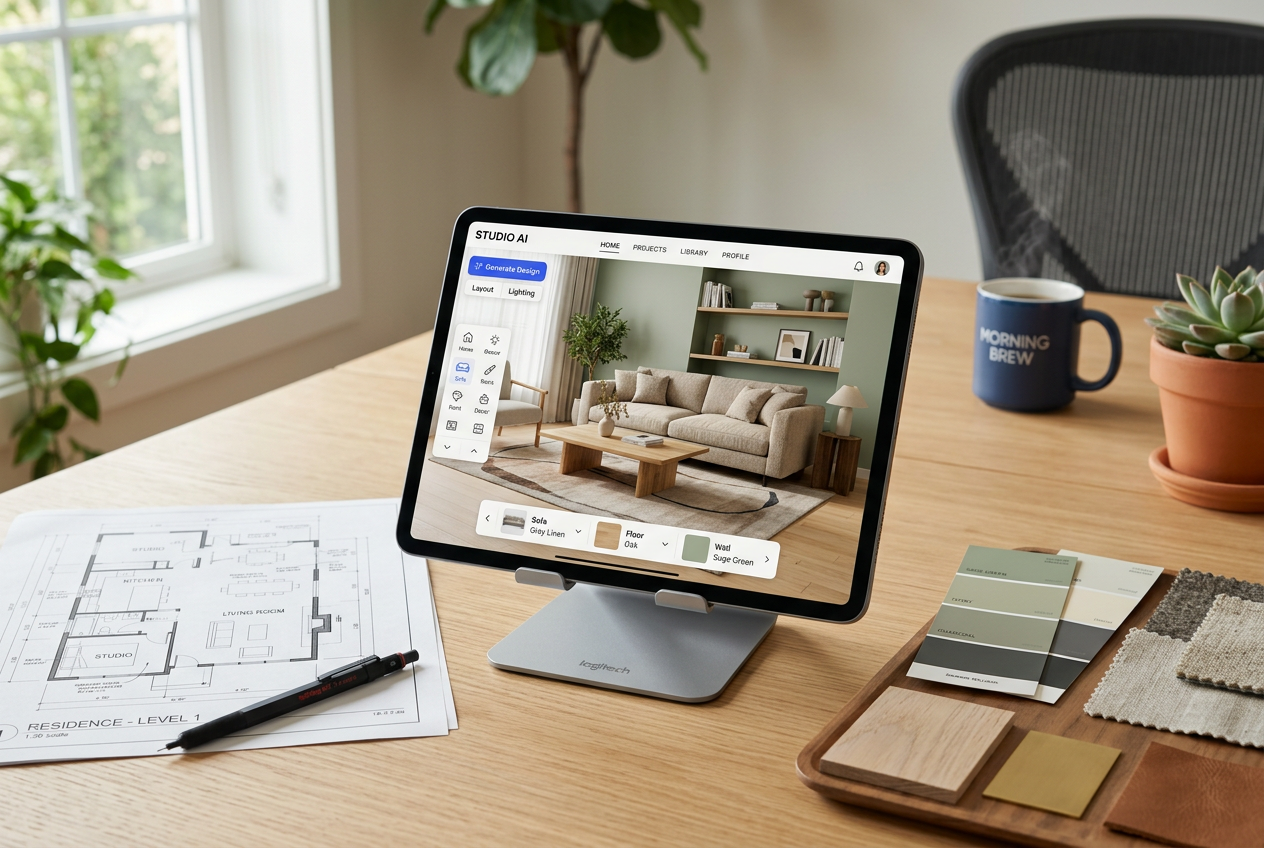
Classic design apps start with structure. The user builds a room, sets dimensions, places objects, and tweaks finishes. These apps shine for layout accuracy and for planning purchases. They also create cleaner outputs for contractors, because the workflow forces clarity.
A practical rule keeps teams out of trouble. If the goal is a fast, photoreal marketing image, pick AI-first. If the goal is a plan that protects measurements, pick classic. Many households end up using both: AI for concept and classic for final layout.
The right app depends on whether you need speed or precision.
Where each tool sits
Price against speed. Bottom-left is cheap and fast, top-right is pricey and slower.
Premium
Budget
Faster
Slower
AI HomeDesign
Remodel AI
Interior AI
Remodeled AI
RoomGPT
Has a free tierPaid onlyApproximate, by price and speed
AI-first tools often feel similar until real workflows hit. Listing teams need consistent results across a full photo set. Homeowners need quick options without learning a complex editor. AI HomeDesign lands well for both because it stays focused on real photos and real deliverables.
The feature mix matters in 2026. Interior redesign covers the “new look” use case, while AI Virtual Staging covers listing photos that need furniture and decor. Several adjacent tools also help clean up photos, such as AI Item Removal and Image Enhancement. That breadth reduces tool switching for agents and stagers who manage many photos per week.
AI HomeDesign also fits a planning loop. Teams can generate multiple variations for the same room, then regenerate until the result matches the space. That regenerations-first mindset matters because AI can miss details on the first try. The best workflow treats early outputs as drafts, then tightens the prompt until structure and style align.
For readers who want a single place to start, the AI HomeDesign interior design tool covers interior redesign and listing use cases without forcing a floor plan build. For teams comparing options before committing, AI HomeDesign alternatives can help frame which feature sets fit which workflows.
The right app lets you test a design direction before spending anything.
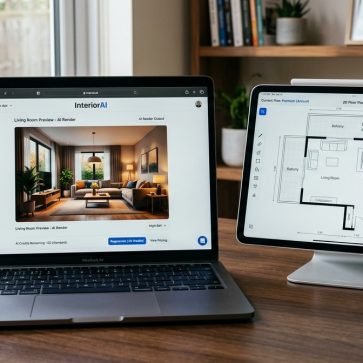
Interior AI positions itself for professionals who want photoreal output and modes built for design presentation. The platform focuses on web-based rendering and style presets, with features that can support client-ready visuals.
That focus creates a clear fit. A designer who needs a fast concept image for a mood board can value realism over flexibility. A marketing team can value consistent “look” across concepts. Interior AI also stands out for workflows that connect to other design tools, based on its published capabilities.
The main trade-off sits in access and workflow. A web-only experience can feel fine on a laptop, but it can feel slow on a phone when a quick idea needs testing. Interior AI also does not position itself around a free tier in the available data, so it can feel like a commitment before a real test.
Interior AI fits best when the user already knows the style direction and needs strong renders fast. For early-stage exploration, a tool with a free tier or broader editing toolbox can reduce friction. For listing visuals, teams still need to verify that structural elements stay true to the original photo.
Pick a tool, set how many listings you do a month, and see the real per-listing cost.
cost per listing
$0.00
Add any per-export or per-render fees on top.
AI-First Picks for Fast Restyles and Budget Experiments
Some AI-first apps work best as “try a look” tools. They aim for speed, a simple interface, and enough styles to spark an idea. That makes them useful for renters, students, and homeowners who want to test direction before buying a single item.
Remodel AI fits users who want an all-in-one set of AI tools, including virtual staging, exterior concepts, and finish previews, based on the vendor’s published feature list in 2026. It also offers a free tier with a small number of designs, which helps users test quality before paying. The trade-off is that app suites can feel busy, so the first session can take time.
Remodeled AI leans toward low-cost entry and casual use. It offers a free tier and a paid plan that can suit students and hobbyists who want frequent experiments. Credit and speed details vary by plan, so it works best when the main goal is iteration rather than one perfect, final render.
RoomGPT fits a different buyer. A credit-based model can work for one room and done. The limitation is consistency. The feature set stays narrow, and outputs can look less finished than premium options. It works best as a concept generator, not as a final marketing asset.
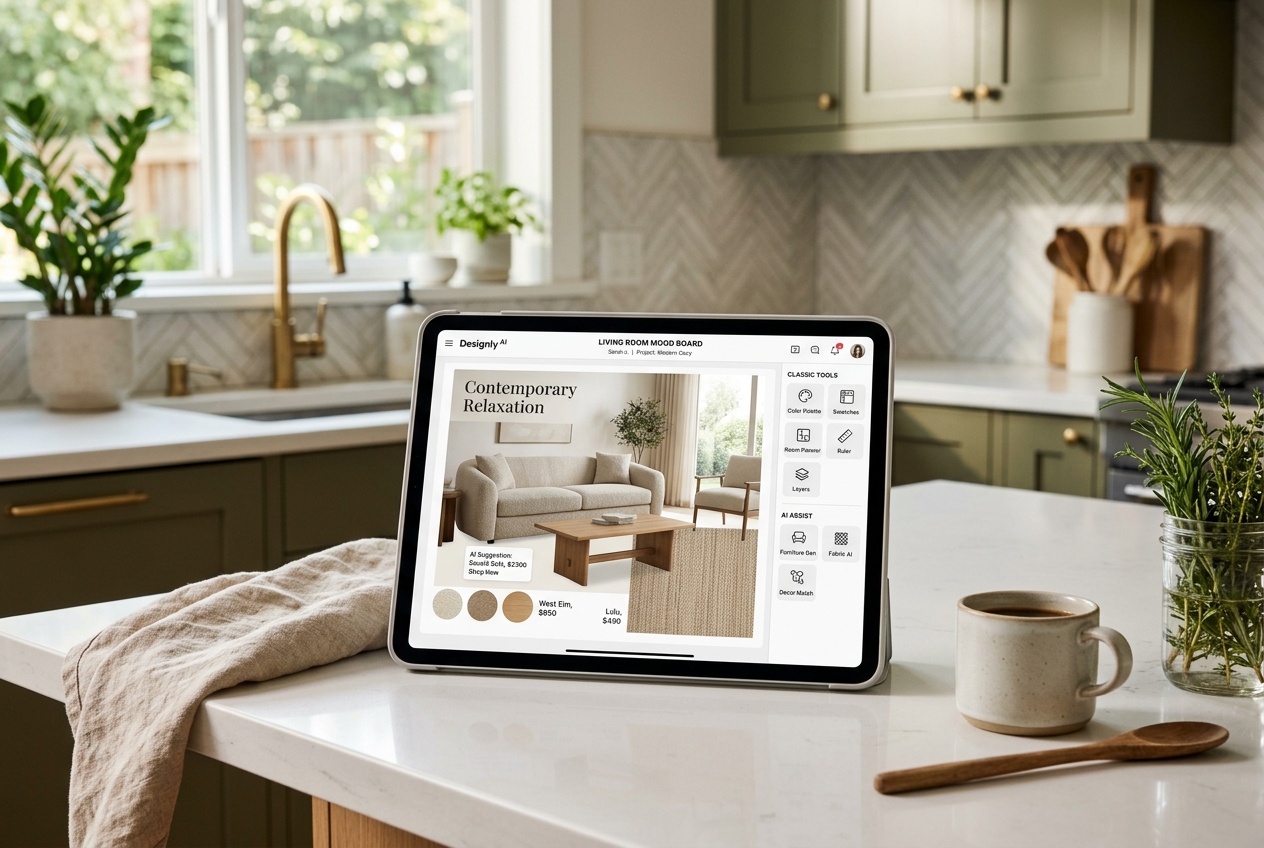
The right app blends AI power with classic design fundamentals.
When AI Gets It Wrong and What to Do Next
AI room design saves time, but it can fail in predictable ways. Distortion shows up first in rooms with odd angles, sloped ceilings, mirrors, and heavy patterns. The output may look fine at a glance, then break when a viewer checks lines and corners.
Furniture scale errors also happen. A sofa can shrink. A dining table can slide too close to a door swing. Lighting can look “right” while shadows land in the wrong direction. Those issues matter more for listings, where buyers zoom in and compare photos.
A simple mitigation helps. Agents and homeowners can keep the original photo beside the AI result and check structural anchors: window placement, door widths, ceiling lines, and built-in elements. If the tool changes those anchors, the image becomes an idea board, not a final deliverable.
Some situations call for a different approach. Distressed sales often need sensitive prep before any styling. Off-market listings may not need heavy visuals at all. Rural or agricultural homes often sell on land and utility, not decor. High-end listings also carry higher risk, so teams may prefer professional photography and careful editing, supported by guides like real estate photography tips.
2026 Trends That Are Starting to Matter
App features in 2026 reflect broader shifts in housing and lifestyle. Sustainable choices show up more often in material libraries and finish options. Some apps now highlight lower-impact materials, even when the final verification still belongs with product documentation.
Smart home visualization also shows early signs. The goal is not gadget placement for its own sake. The goal is seeing how devices affect layout, power, and daily routines. That matters in small spaces, where a single wall choice can control outlets, mounts, and traffic flow.
Adaptive layouts represent a quieter trend. More users need multi-use rooms, accessibility tweaks, and flexible furniture plans. AI-first tools can propose ideas fast, while classic tools can validate clearances and paths.
Real estate sits behind many of these shifts, since listings now compete on lifestyle and not only features. Context on the broader landscape lives in how AI is transforming real estate. For readers who want an AI-first app that supports both home projects and listing visuals, AI HomeDesign remains the most balanced starting point in this roundup.
AI and classic design apps are reshaping how homes are visualized and listed.
Find your pick
Different users need different “wins.” A homeowner may value speed and confidence. An agent may value marketing-ready visuals and compliance. A student may value a free tier and a short learning curve. The matrix below makes those trade-offs clearer.
Homeowners and renters refreshing one room usually start best with AI-first. AI HomeDesign fits when photoreal results matter, while low-cost tools can fit early experiments. A classic app becomes useful later, once a purchase list and layout need validation.
Real estate agents and stagers often need a strict workflow. A practical target is a one business day delivery window for listing-ready visuals when a property needs updates fast. The deliverable should include final, export-ready images plus a clear Disclosure. Pricing narratives and negotiation points belong in the listing conversation, not in the image set.
AI editing also needs clear labeling. Many markets and portals expect a Virtually Staged Watermark or similar language. A simple, direct line can work across many contexts: “Disclosure: Image has been virtually staged.” Teams should also avoid putting commission or fee figures into consumer-facing visuals, since those numbers can distract and can conflict with local rules.
For a deeper agent workflow, including how staged images fit into a plan, the virtual staging category guide at best virtual staging software can help. Listing teams can also tie design visuals to broader real estate marketing strategies.
Tap your situation for a quick recommendation.
RoomGPT
Lowest price here, at $9.
Frequently asked questions
Beginners often do best with an AI-first app because it starts from a real photo and does not require a floor plan build. AI HomeDesign and Remodel AI fit that “fast restyle” workflow. Planner 5D can also work for beginners, but it asks for measurements and time, which makes it better for layout planning than quick decor ideas.
Several apps offer a free tier, but the usable value varies. Some tools provide a few free designs, while others offer only watermarked previews meant for testing. A practical test is whether the free plan allows exporting a final image or plan that can be shared. Terms can change, so users should confirm inside the app.
An AI interior design app restyles a real room photo into a new look quickly, often with style presets and prompt edits. A classic design app focuses on planning, using drag-and-drop objects, dimensions, and 2D to 3D views. AI-first tools work well for fast ideas and marketing visuals, while classic tools work well for accurate layouts and purchase planning.
Agents usually need two things: listing-ready visuals and clear disclosure practices. AI HomeDesign fits well for virtual staging and photo-based redesign because it supports listing workflows alongside other photo edits. Agents who want a broad tool suite may also consider Remodel AI. For higher-stakes listings, teams should pair any AI output with strong photography and labeling.
Yes. AI can bend straight lines, change window or door proportions, and misread reflections. Furniture scale and lighting can also look off, especially in rooms with unusual angles, low ceilings, or heavy patterns. The safest workflow treats AI images as drafts until structural anchors match the original photo. High-stakes marketing may call for professional photography.
Some tools offer mobile apps on both major platforms, while others run mainly on the web. Planner 5D supports mobile use, and Remodel AI publishes availability across mobile and web. Interior AI positions as web-only in available data. AI HomeDesign works in a web browser, including on mobile, which can suit agents who need quick edits without installing another app.
Try the Magic!
Sign up today and unlock your 3 free tires (with unlimited regenerations) of any service you want!