
Attach a real event
A post scrolls past once. An event gets a reminder on Saturday morning. Create the event first, then post it — not the other way round.
Facebook for real estate agents
Facebook is still where a local listing reaches local buyers — and where the open house post does more work than anything else you publish all week. AI HomeDesign builds the post, the square graphic and the event card from the photos you already have.
Four posts per listing
A listing gives you an announcement, an open house, a price change and a sold post — four separate reasons to appear in the feed over six weeks. Each one wants a different photo, a different first line and a different ask. Pick one to see what comes out.
This is a preview of finished output. To build one from your own listing, open Social Pack. Open Social Pack
The Facebook open house post
More agents look for help writing a Facebook open house post than any other single post format — and what they find is a list of caption templates. The caption was never the problem. Here is what actually decides whether anyone turns up.
A post scrolls past once. An event gets a reminder on Saturday morning. Create the event first, then post it — not the other way round.
Facebook gives a 1:1 image more vertical space in the feed than a landscape one. A 16:9 listing photo posts small and reads as an ad.
Facebook truncates after roughly 80 characters. If the neighbourhood is not in that first line, the people who would come never see it.
Tuesday to announce, Friday to remind, Saturday morning to say you are on your way. Three different photos of the same house, not the same post reshared.
Before the post
A square image on Facebook fills more of the screen than a post on any other network in this cluster, which means it also exposes more. Drag any handle — these are real AI HomeDesign edits.
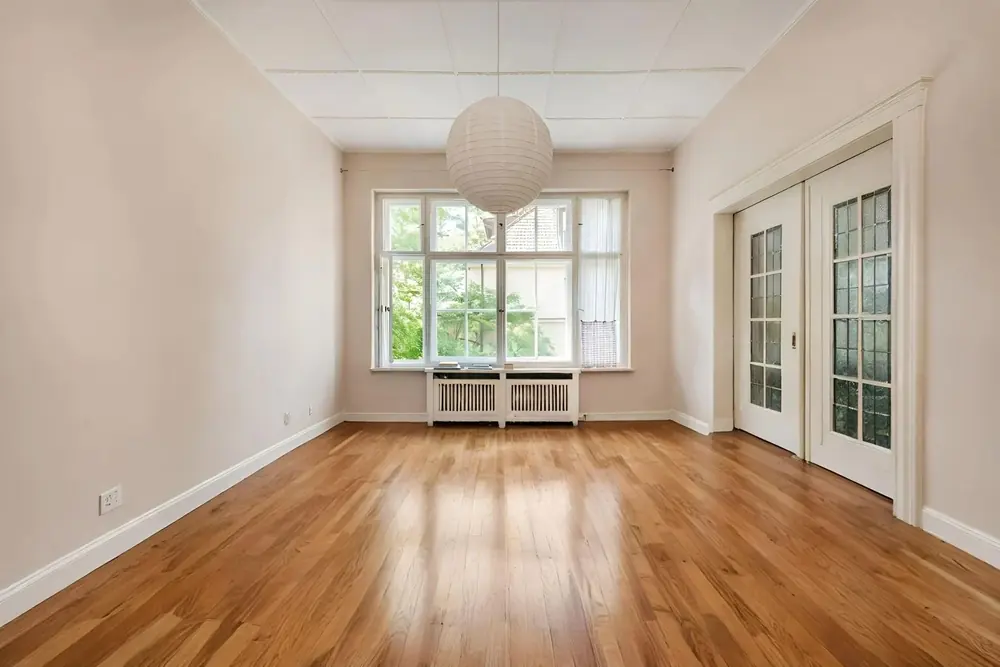 Before After · AI Virtual Staging
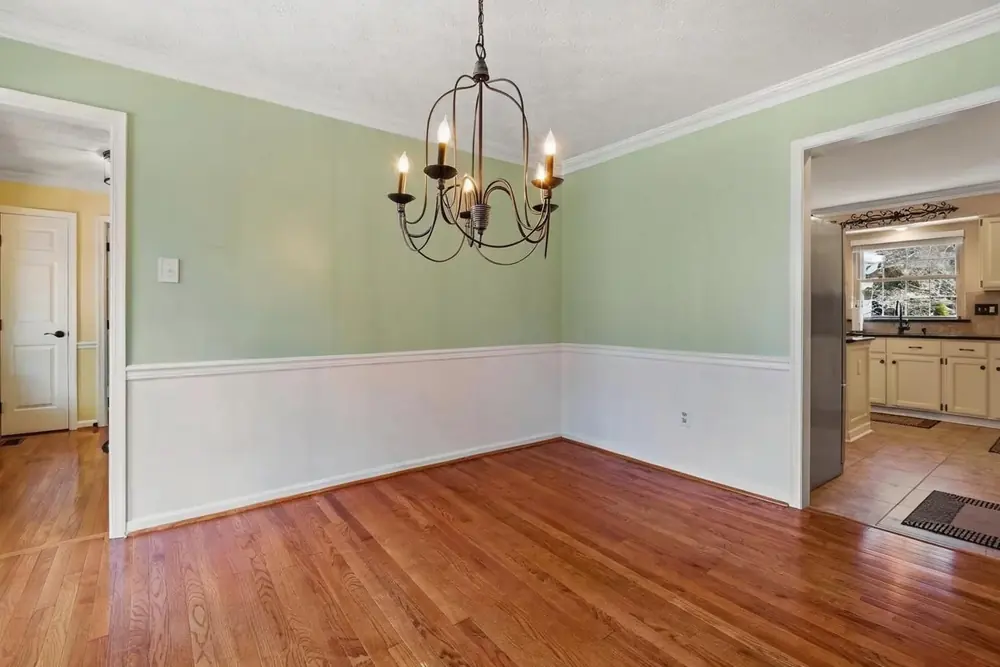
 Period features vanish in an empty frame. Furniture placed away from the doors is what makes them the point of the photo.
Try AI Virtual Staging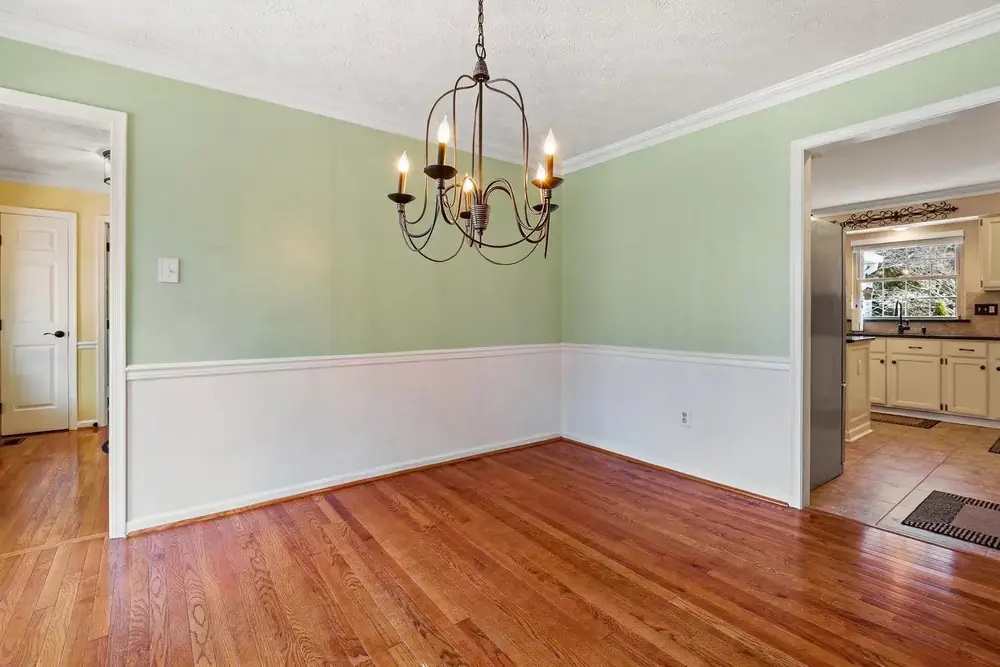 Before After · AI Item Removal
 One oversized piece of furniture can date a whole room. Removing it shows the space, and the chandelier, on their own.
Try AI Item Removal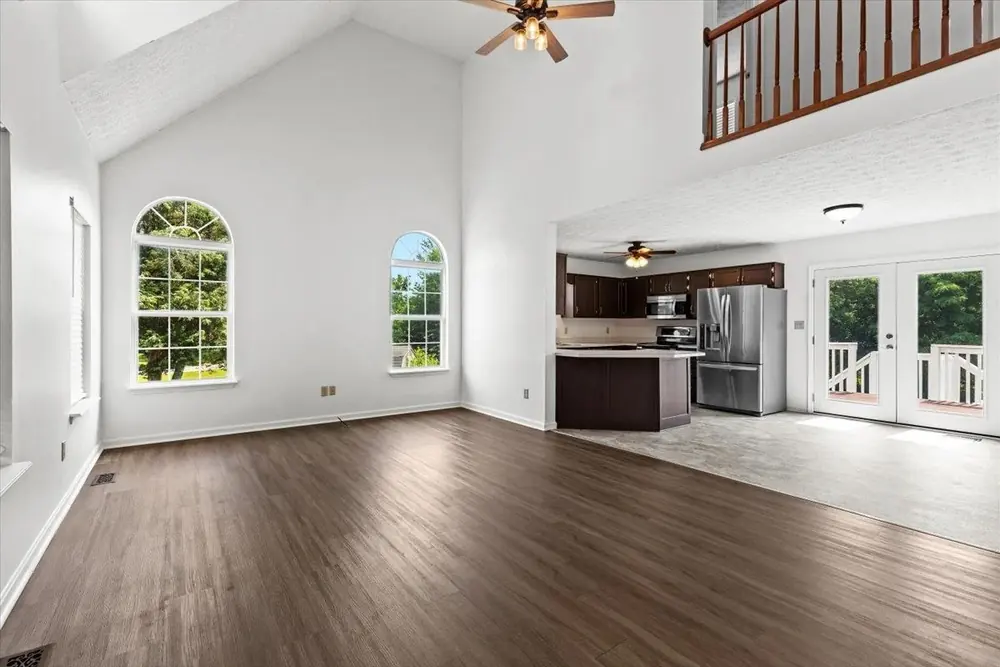 Before After · AI Image Enhancement
 The lens was fine; the light was not. Indoor enhancement corrects the exposure and white balance so the floor and the trim read true.
Try AI Image EnhancementFacebook sizes for real estate
| Placement | Pixels | Ratio | Use it for |
|---|---|---|---|
| Feed photo | 1080 × 1080 | 1:1 | Just listed, open house, just sold |
| Tall feed photo | 1080 × 1350 | 4:5 | Single-room hero shots |
| Link preview | 1200 × 628 | 1.91:1 | Posts that link to the listing page |
| Event cover | 1920 × 1005 | 1.91:1 | The open house event itself |
| Story / Reel | 1080 × 1920 | 9:16 | Walk-throughs and reminders |
| Page cover | 1640 × 856 | 1.91:1 | Your business page header |
Facebook post examples
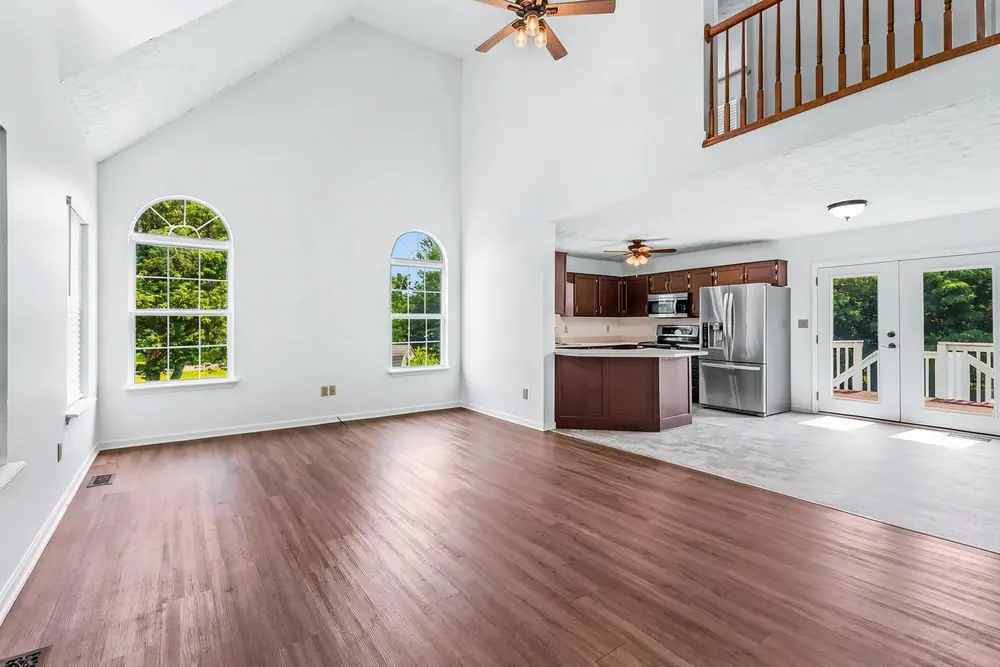
Every frame is real AI HomeDesign output, cropped to the 1:1 the Facebook feed rewards.
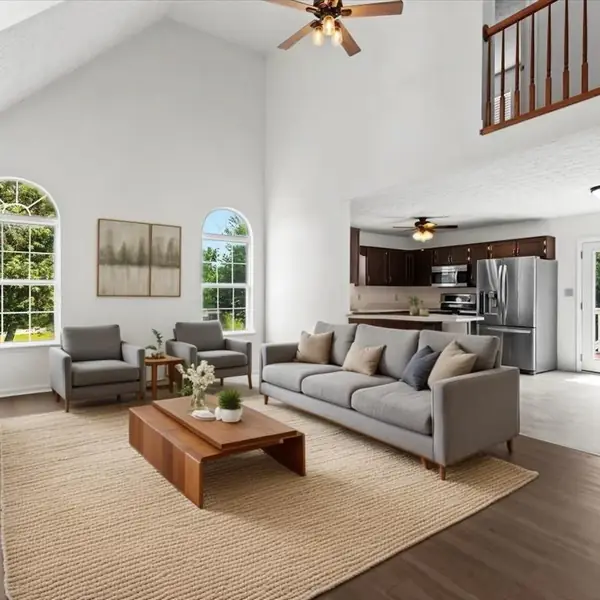
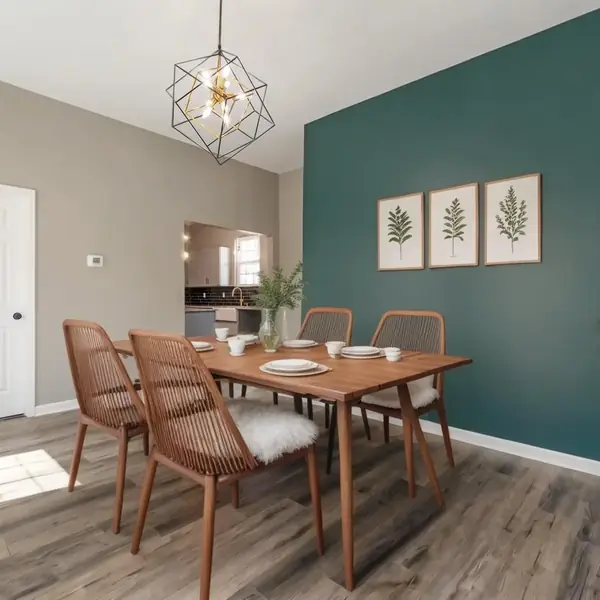
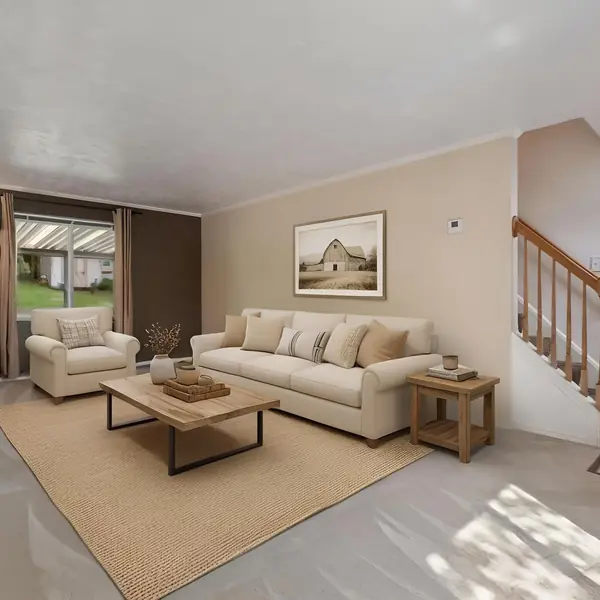
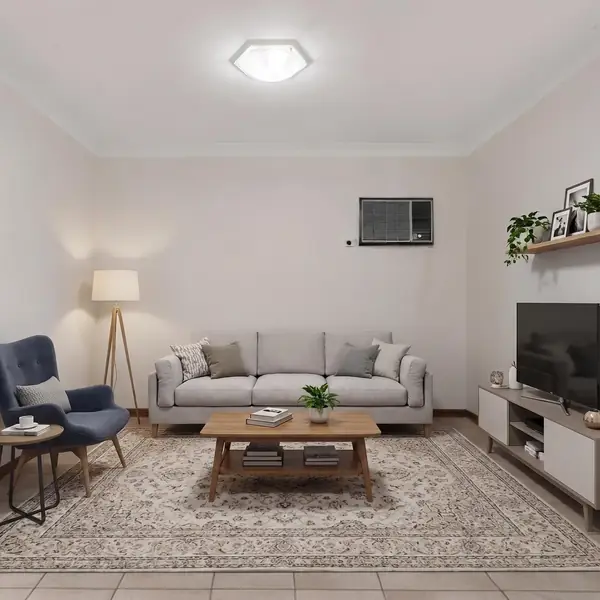
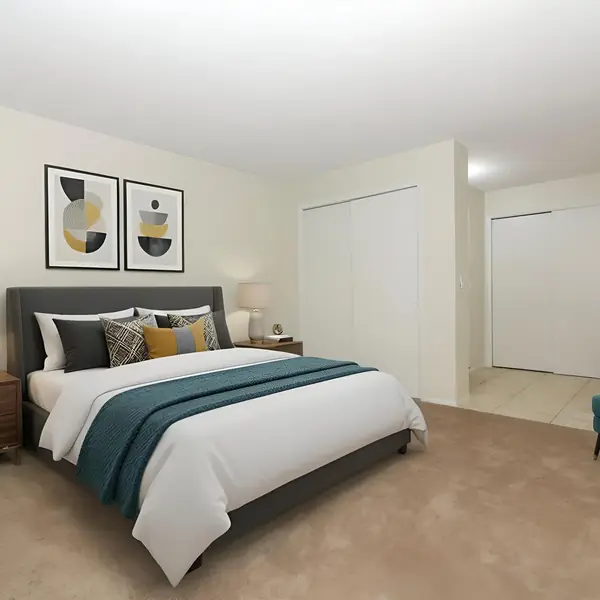
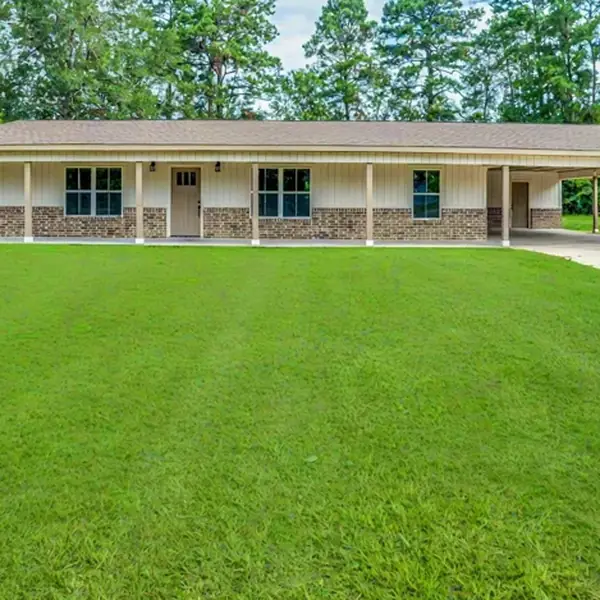
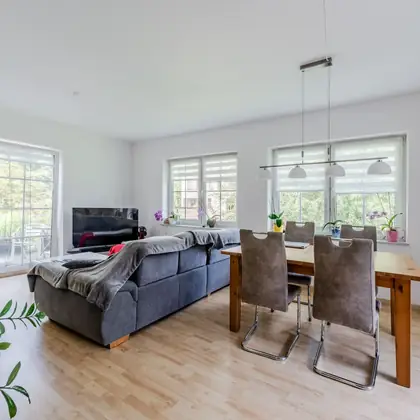
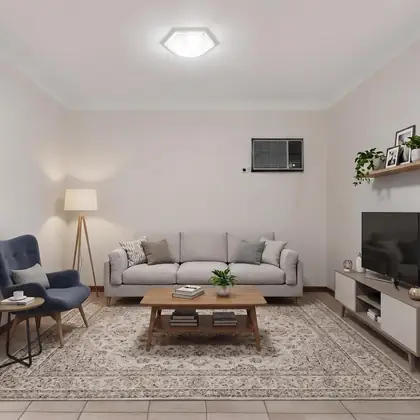
Same listing, same upload — different shapes and a different job on each.
Put the day, the time and the street in the first line. Then beds, baths, square footage, one detail a photo cannot show, and the price. Attach a Facebook event. That is what turns a Tuesday scroll into a Saturday reminder.
1080 × 1080 pixels, square. Use 1080 × 1350 when you want one room to dominate, 1200 × 628 when the post is a link, and 1080 × 1920 for Stories and Reels.
Three to five times a week, and no more than one of those should be a straight listing photo. A single listing gives you four legitimate posts across six weeks.
Both, differently. The business page is where the listings live. Your personal profile is where the sphere actually is — share the page’s post rather than posting twice.
Not to start. Open house events, local groups and shares from your sphere carry more of the load than agents expect. The same square post works organically or as an ad.
The square works on both, but Instagram rewards 4:5 and Facebook rewards 1:1. Social Pack exports both crops from the same upload. See the Instagram page.
Post the open house before Thursday
Upload the listing photos, pick the announcement, download the square post and the event cover. The first ones are free.