
1/5
Built for realtors
Social media for real estate agents,
made from your listing photos
Every listing you take already holds a week of content — on six different networks, each of which wants a different shape, a different length and a different tone. AI HomeDesign cuts all of them from the same upload, so real estate social media marketing stops being the thing you do at 11pm.
- No design skills needed
- MLS-ready photos
- From $0.24 a photo
9:41
One listing, six feeds
The same house, cut six different ways
A carousel is not a Reel and a Reel is not a LinkedIn document. Below is one real listing — 1428 Ridgeline Dr, Wake Forest, NC — rendered the way each network actually wants it. Instagram and Facebook are live; the others are coming soon.
Where to spend your hour
Pick the network, not the tactic
Most agents lose the week trying to be on everything. These pages say what each network is actually good for in real estate, what it costs you in time, and what AI HomeDesign makes for it.
All platforms Where to start, and what each network actually rewards. Instagram Carousels, Reels covers, Stories, captions and hashtags. Facebook Open house posts, listing announcements and your business page. Reels & short video Coming soon One 9:16 master, re-cut for Reels, Shorts and TikTok. YouTube Coming soon Thumbnails and tour covers that survive being 210px wide. LinkedIn Coming soon Market updates, just-solds and relocation posts. Pinterest Coming soon Pins that keep getting found after the listing closes.
Real estate social media posts
A post is only as good as the photo under it
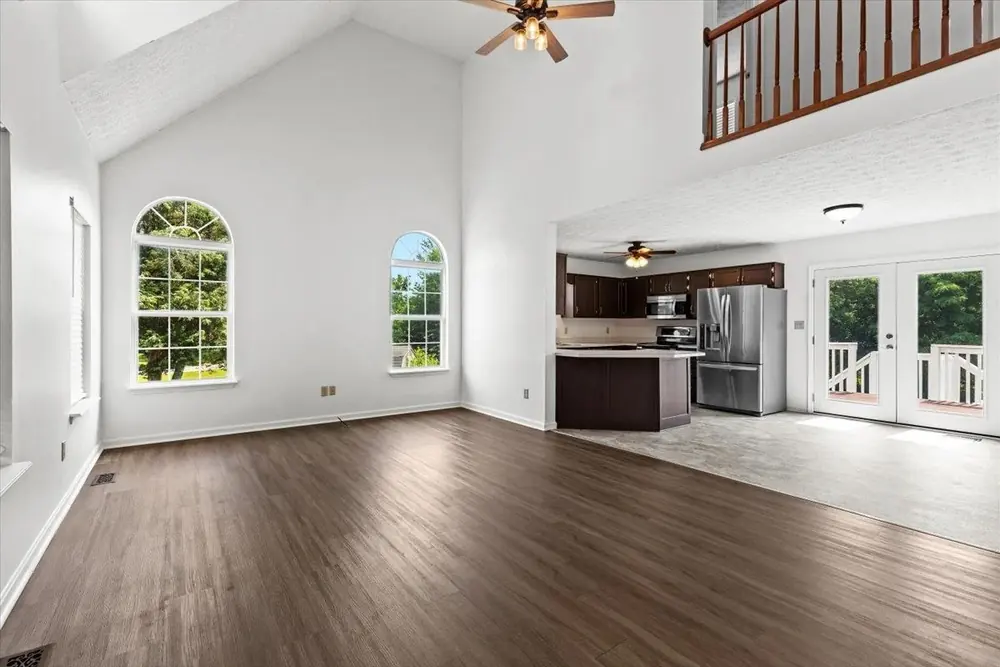
The reason most realtor feeds underperform is not the caption. It is an empty room, a flat grey sky, or a lawn that went brown in July. Drag any handle — these are real AI HomeDesign edits, before and after.
Before After · AI Virtual Staging 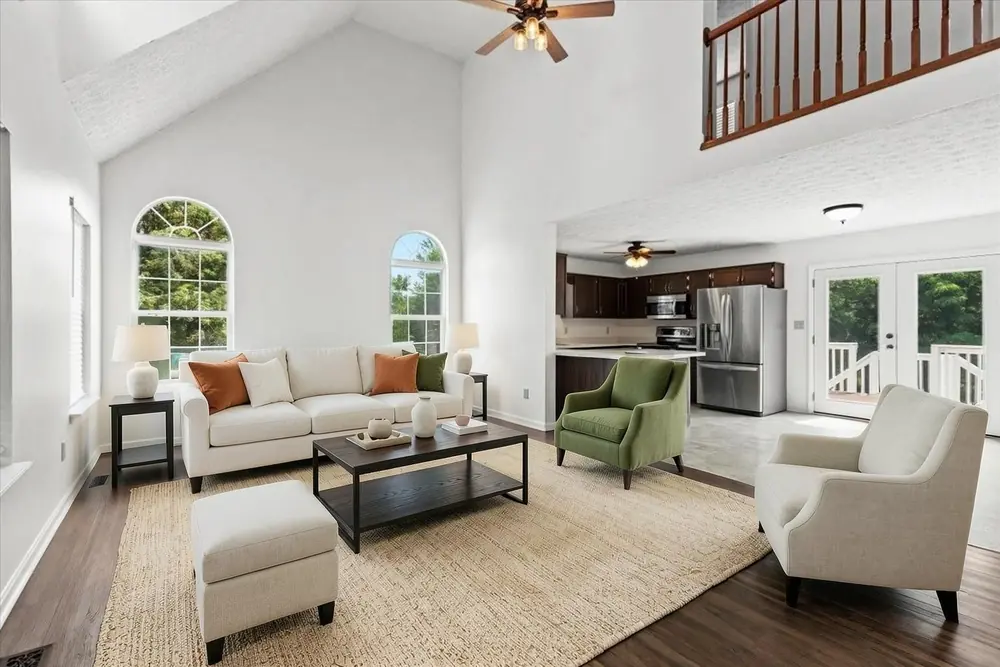
Empty living room, modern style
An empty room reads as small and cold on a phone screen. Staged, a buyer can see where their sofa goes — and the ceiling height finally registers.
Try AI Virtual Staging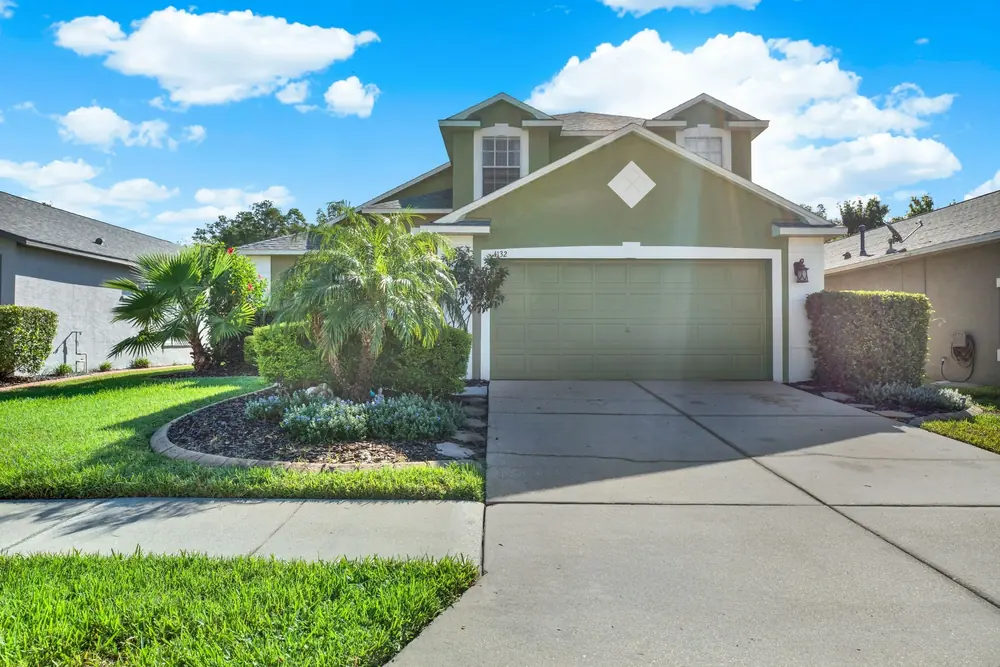 Before After · AI Day to Dusk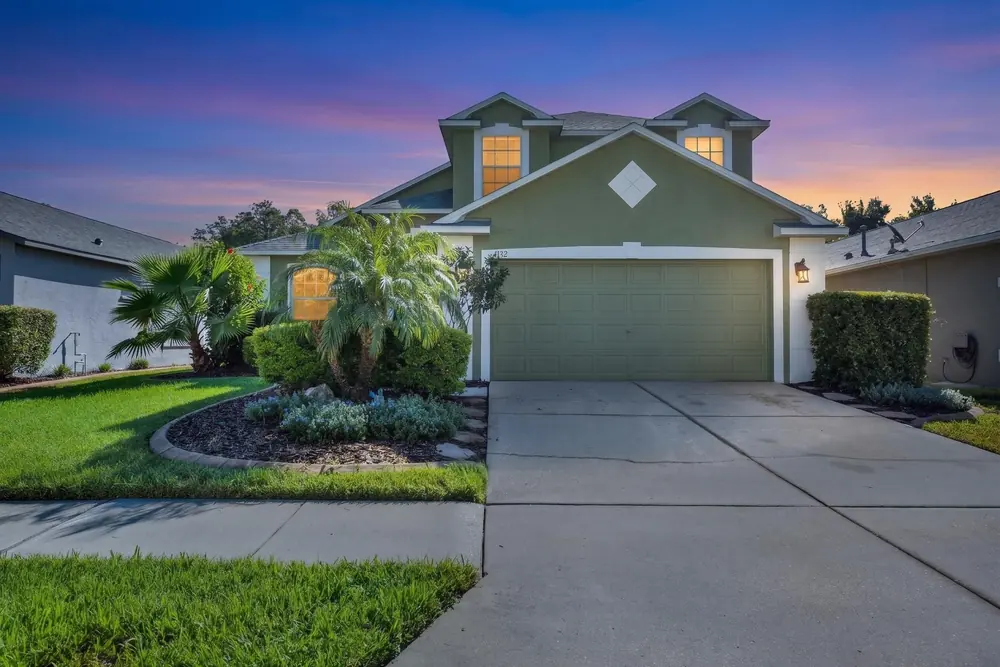
A midday exterior, at twilight
Twilight exteriors are the highest-performing frame on a listing feed, and you do not have to reshoot at 8pm to get one.
Try AI Day to Dusk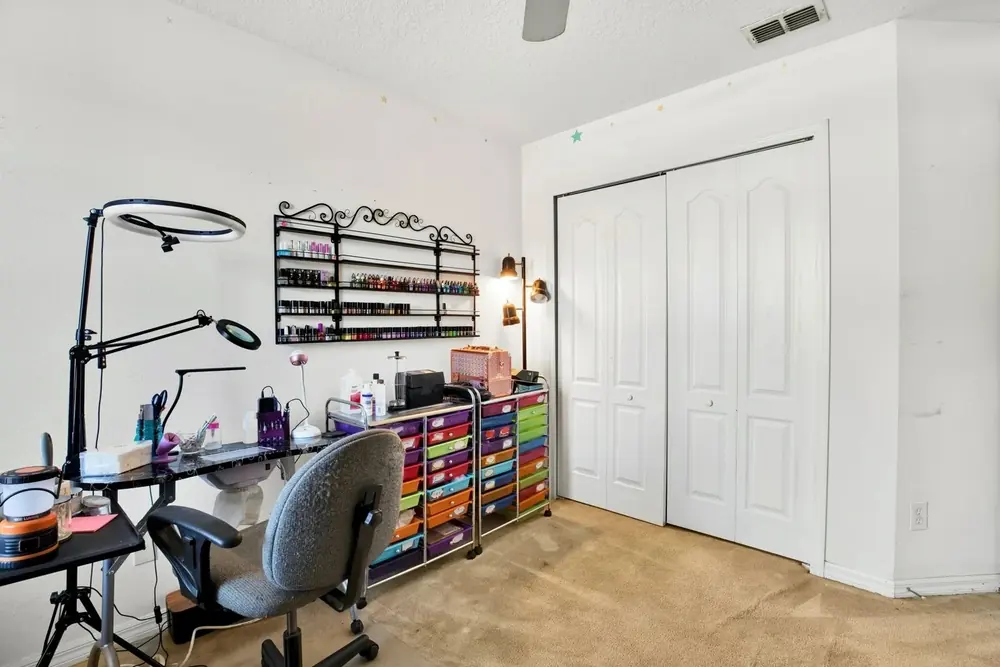 Before After · AI Item Removal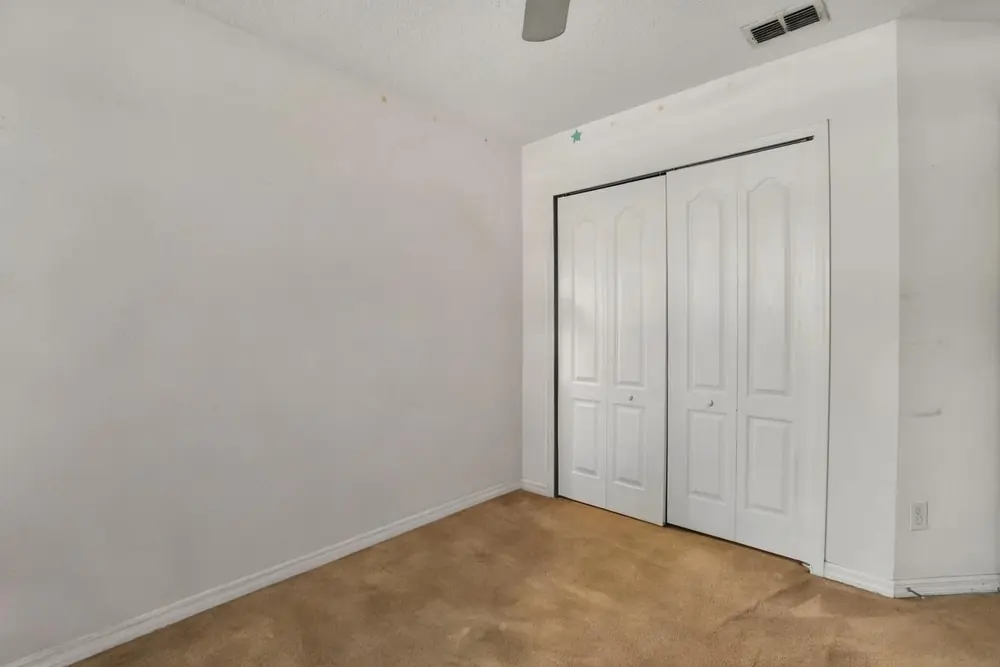
A craft room, cleared
Sellers rarely empty a room before the shoot. Item removal takes out the shelving, the desk and the chair without a second visit.
Try AI Item Removal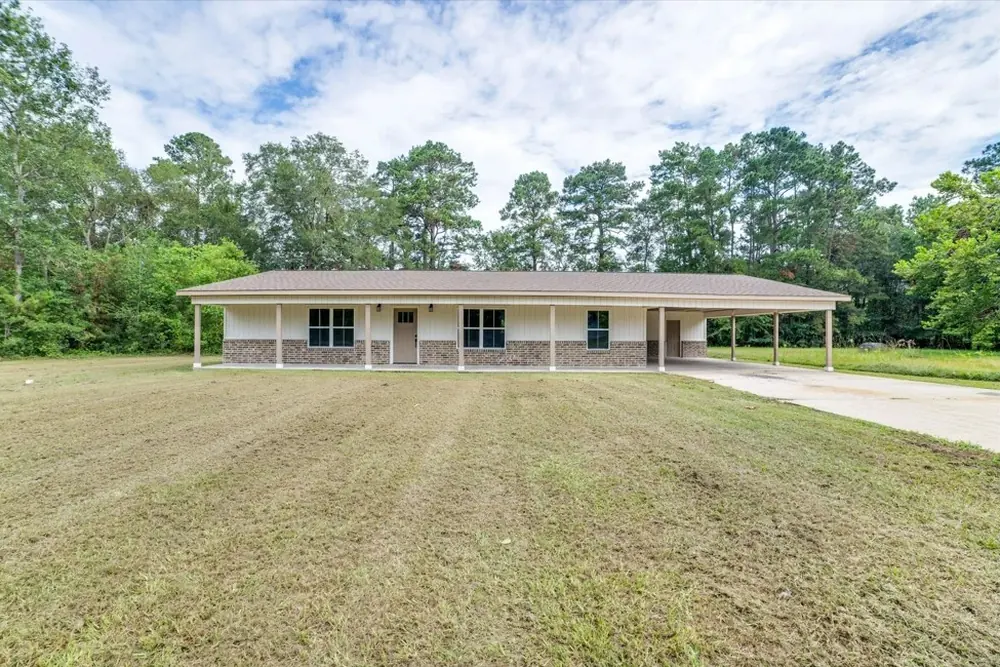 Before After · AI Image Enhancement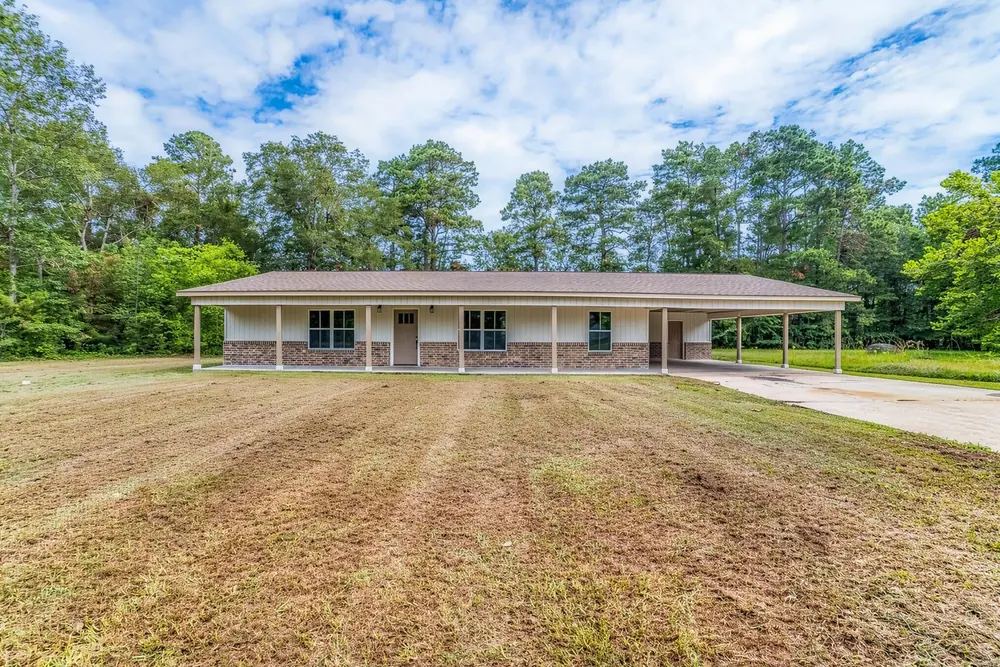
A July lawn, and a sky that was there all along
A brown lawn dates a listing the moment it is posted. Outdoor enhancement lifts the grass, cleans the sky and sharpens the frame in one pass.
Try AI Image EnhancementHow the AI social media post generator works
Four steps, and none of them is opening Canva
-
Upload the listing photos
Straight from the shoot, the MLS export, or your phone. Ten to twenty photos covers a whole week of posts.
-
Fix the rooms first
Virtual staging fills empty rooms, day-to-dusk rescues a flat sky, item removal clears the clutter, enhancement sets the white balance.
-
Pick the networks
Instagram and Facebook are available now. Reels, YouTube, LinkedIn and Pinterest are on the way, each with its own sizes and copy.
-
Download and post
Everything comes down as one set, already sized and branded, with the captions and hashtags on a copy button.
Your branding, not ours
Logo, colours, phone number and brokerage line are saved once and stamped on every asset after that.
Whole listings at once
Bulk upload a folder and get a full set back per listing — useful when you are carrying eight active listings and none of them has been posted.
MLS-safe by default
Every staged photo is labelled as virtually staged, so the same image is safe on the feed and in the listing.
Sizes, in one place
What each network actually wants
The reason a post looks cropped or soft is almost always that it was exported once and posted everywhere. Every asset AI HomeDesign produces comes out at the size below.
| Network | Main post | Vertical | Ratio |
|---|---|---|---|
| 1080 × 1350 | 1080 × 1920 | 4:5 · 9:16 | |
| 1080 × 1080 | 1080 × 1920 | 1:1 · 9:16 | |
| Reels & TikTok | — | 1080 × 1920 | 9:16 |
| YouTube | 1280 × 720 | 1080 × 1920 | 16:9 · 9:16 |
| 1200 × 627 | 1080 × 1350 | 1.91:1 · 4:5 | |
| 1000 × 1500 | 1080 × 1920 | 2:3 · 9:16 |
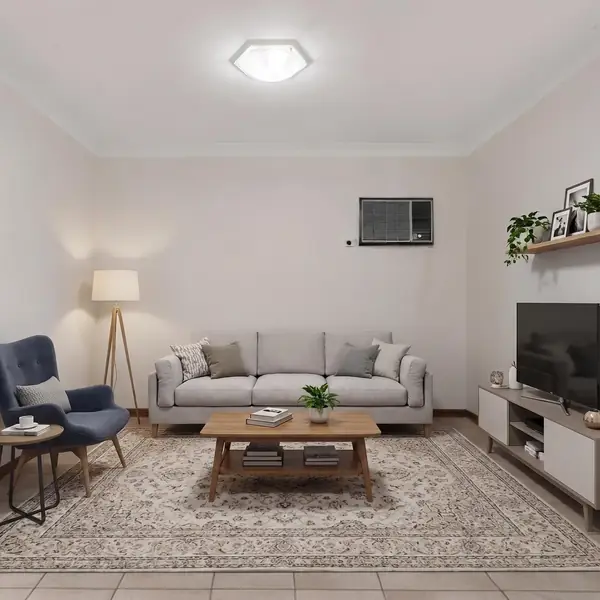
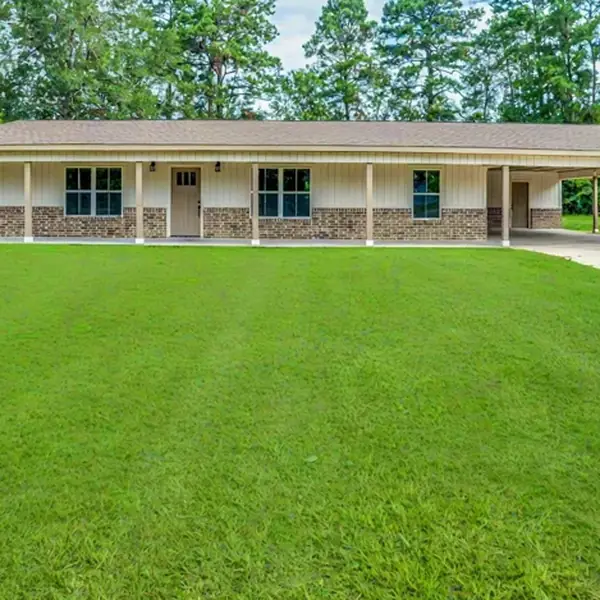
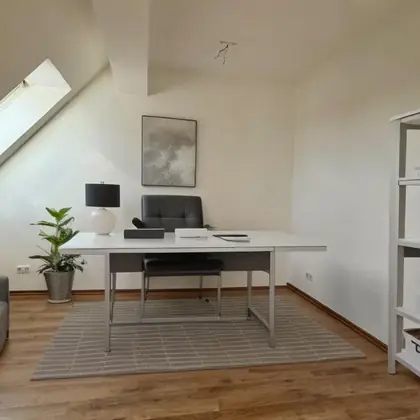
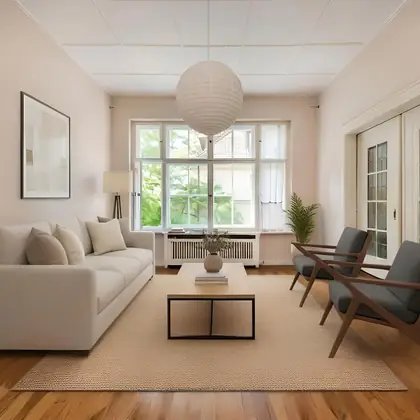
Real estate social media post examples
Output from real listings
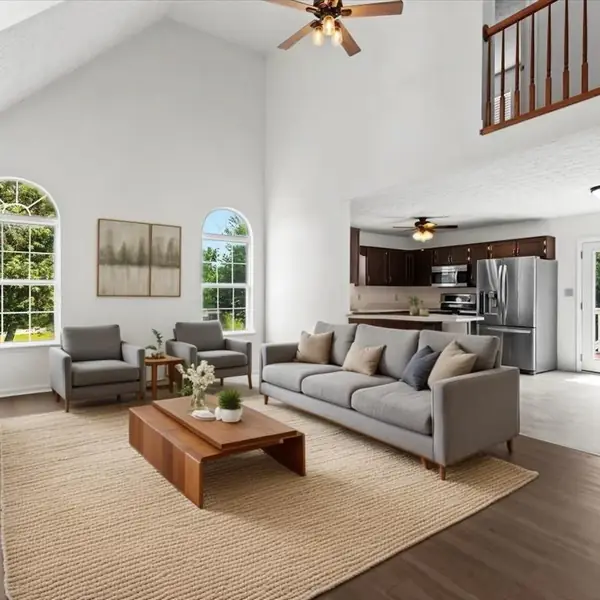
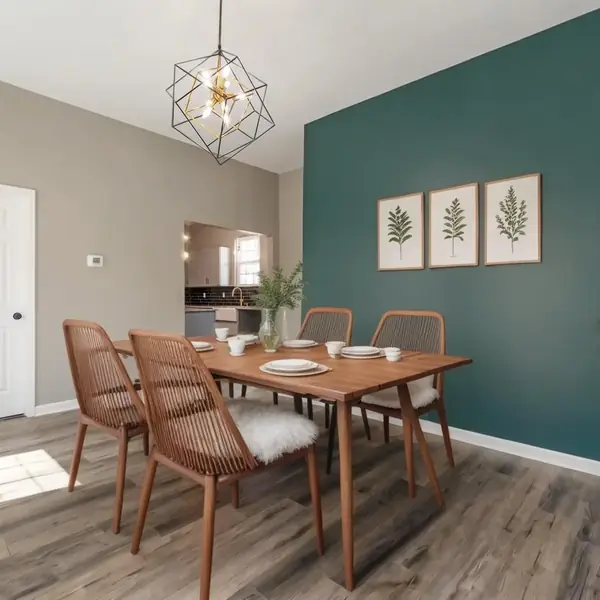
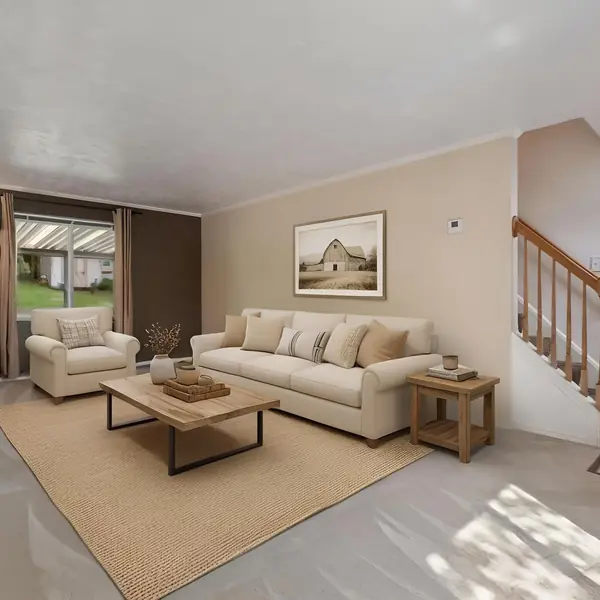
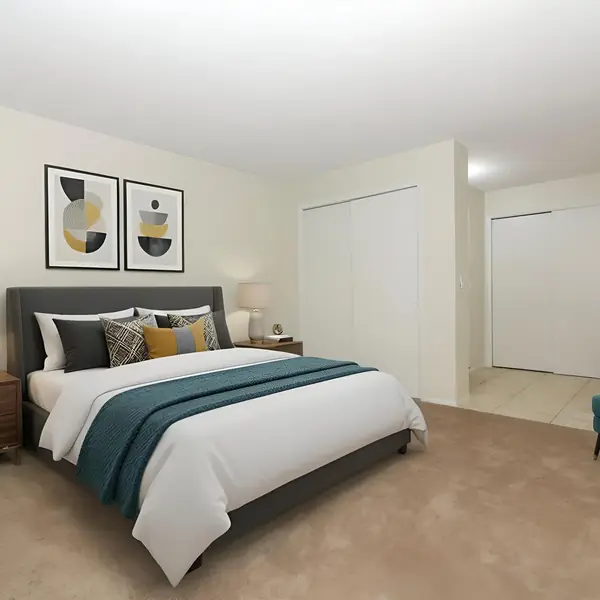
Every frame below came out of AI HomeDesign and went onto a listing. No stock photography.
Before you upload the first listing
Which social media platform is best for real estate agents?
Instagram and Facebook carry the listing itself. Short vertical video reaches people who do not follow you yet. YouTube and Pinterest keep working months later, because both are searched. LinkedIn is worth the time for relocation and referrals. If you can only do one, do Facebook. Instagram and Facebook are the two networks live in Social Pack today.
How often should a real estate agent post on social media?
Three to five times a week on your main network, and everything else recycled from the same listing. One shoot should produce a carousel, Facebook posts, vertical videos, Stories and pins.
Can I use virtually staged photos in a social media post and on the MLS?
Yes, provided the image is disclosed as virtually staged. AI HomeDesign adds the label by default, so the same file works in the post and in the listing.
Do I need a designer or a social media manager for this?
No. The brand kit — logo, colours, phone number and brokerage line — is set up once, and everything after that comes out already branded.
What if my listing photos are bad to begin with?
That is the usual case. Empty rooms get staged, a washed-out sky gets a day-to-dusk pass, clutter comes out, and enhancement handles exposure. Fix the photo first, then build the posts.
How much does it cost?
Plans start at $19 a month and come down to $0.24 per photo at volume. One credit covers a photo and the edits you make to it, unused photos roll over, and there is a 7-day money-back guarantee. See the full pricing.
Can AI HomeDesign schedule or publish the posts for me?
Not yet. AI HomeDesign produces the assets and the copy, and you post or schedule them wherever you already do. The caption and hashtags are on a copy button.
Your next listing is already a week of content
Upload the photos once, pick Instagram or Facebook, download the set. The first posts are free.