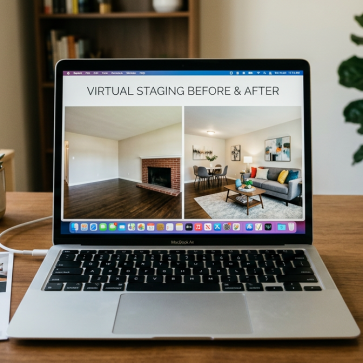
An agent has listing photos, a deadline, and a simple goal: publish images that look like the home, just presented better. That is why searches for “coohom vs ai homedesign” show up right before a tool decision.
Both platforms can produce attractive visuals quickly. The catch is that they start from different inputs and they end with different outputs. Choosing the wrong workflow adds extra setup time, and it can also create images that look more like a design concept than a listing photo.
This comparison breaks down the real workflow differences, then maps them to speed, realism, MLS readiness, and total cost.
coohom vs ai homedesign: The Real Difference for Listing Photos
Two products can both sit under the umbrella of virtual staging and still solve different jobs. Coohom works like a design studio. It helps teams build a room in 3D, then render that room as a polished visualization.
AI HomeDesign works like a photo editor for real estate. It starts with an actual listing photo and transforms that same image into a staged version, keeping the room’s structure and camera angle.
For most listing teams, the decision comes down to one question: does the job start with a real photo that needs to stay true to the property, or does the job start with a concept that needs to be designed from scratch?
For agents and photographers who mainly need MLS-ready staged photos fast, AI HomeDesign usually fits better. For design-forward teams producing pre-sale visualization, design mockups, or client presentations, Coohom can be the stronger environment.
Related comparisons can help with wider tool selection, including the AI HomeDesign alternatives comparison guide.
How Each Workflow Starts and What It Outputs

A listing workflow usually begins with photos. That single fact matters more than most feature lists.
Coohom asks for a room that exists as a 3D project. Teams can draw or import a layout, place furniture models, tweak materials, set lighting, and then render a scene. Coohom also supports high-resolution output and a large model library, which Coohom positions as a core strength.
AI HomeDesign asks for a room that exists as a photograph. The platform stages that exact photo, so window placement, camera height, and fixed features stay consistent across the original and staged versions.
That difference changes what the images look like on a listing. A 3D render can look clean and intentional, but it may also read as an illustration. A staged photo often blends into the rest of the listing set because it shares the same lens, lighting, and imperfections as the originals.
Teams that prefer a design-first workflow often compare similar 3D tools, including Planner 5D vs AI HomeDesign for real estate listings.
Speed, Learning Curve, and Mobile Fit
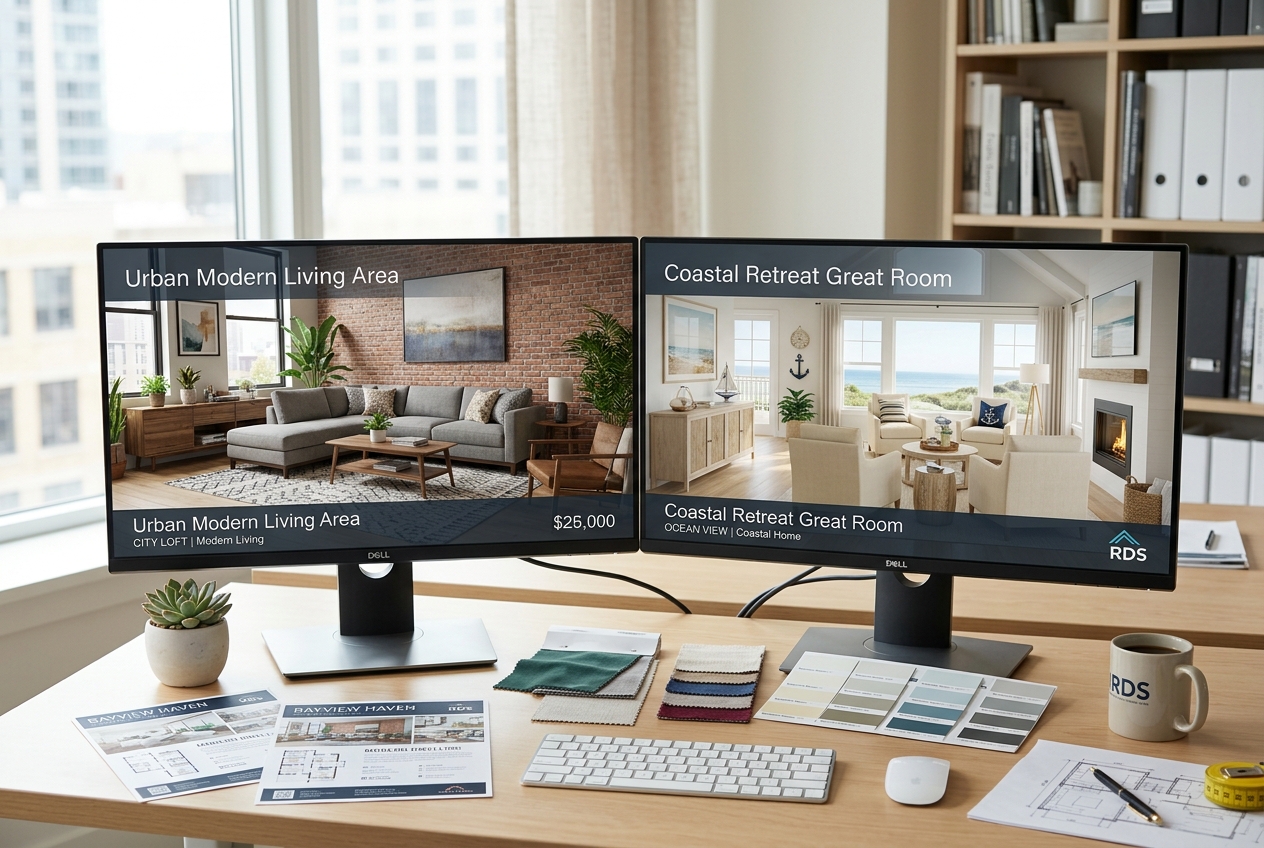
Fast rendering does not always mean fast results. The bottleneck usually sits earlier in the process.
In a 3D workflow, Coohom can render quickly after the scene exists. The time cost comes from building that scene: getting room proportions right, placing furniture that reads well in perspective, and adjusting lighting so the image does not look flat. Design-savvy users move faster here. Non-designers often spend more time just reaching a first usable room.
AI HomeDesign reduces the setup step. With photo-first staging, the room geometry and lighting already exist in the input. Agents can move from upload to a staged result in seconds, then regenerate variations until the style matches the listing.
Mobile fit follows the same logic. A photo-first workflow can start from a phone photo taken during a quick prep visit. A 3D workflow usually fits better on a larger screen, where placing and reviewing objects stays manageable.
The product page for AI HomeDesign virtual staging shows the photo-upload approach that drives this speed advantage.
Item Removal and Decluttering in Real Listings
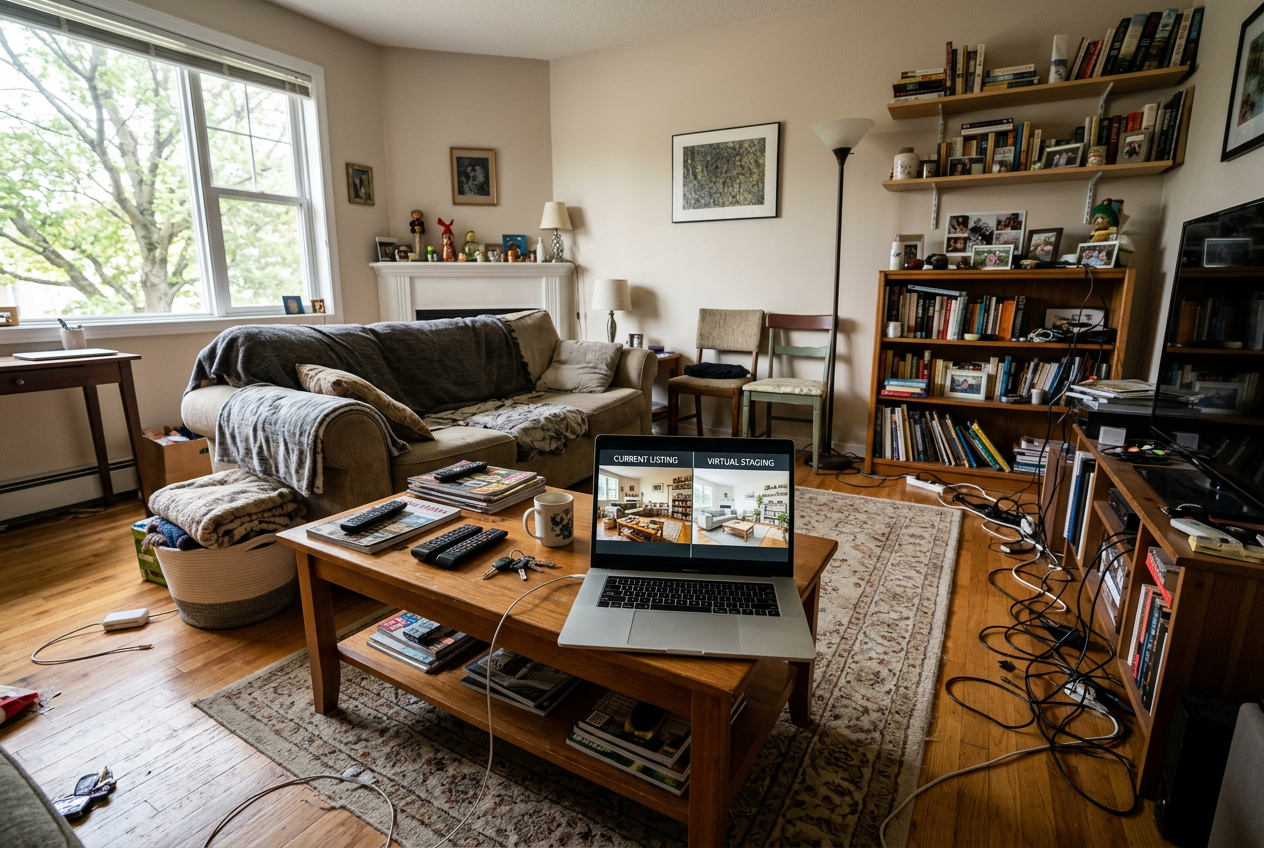
Most listings do not start as clean, empty rooms. They start with real life: packed shelves, extra chairs, cords, and personal items. That reality makes decluttering part of the staging decision, not a separate project.
AI HomeDesign includes AI Item Removal as a core tool. That matters when the fastest path to a better photo is subtraction, not adding furniture. Typical use cases include removing a bulky recliner that blocks the fireplace, clearing countertop clutter in a kitchen photo, or simplifying a bedroom so the room reads larger.
Coohom solves a different problem. It can create a beautifully furnished 3D space, but it does not remove objects from an existing photograph. The workflow assumes the “before” state lives in a 3D scene rather than a messy real room.
A practical deliverable rule helps here: the deliverable should include the final staged images plus the original photos for reference, while detailed style debates stay in a short conversation or message thread. That keeps approvals fast and avoids endless back-and-forth on decor details.
Staging choices still matter room by room, even with AI. The most common room-specific pitfalls are covered in room-by-room staging tips.
Pricing and Total Cost for Common Agent Volumes

Pricing comparisons only help when they match the way listing teams work. A design platform subscription can look inexpensive until time cost and volume swings enter the picture.
Coohom uses a freemium approach, with paid plans starting at $9.90 per month and a Pro plan at $299 per year. That structure can work well for teams that want one environment for repeated 3D design work across many projects.
AI HomeDesign uses a credit-based model with three yearly-billed tiers: Pro at $19 per month, Pro Plus at $29 per month, and Enterprise at $49 per month. Each tier ties to a different per-photo cost, with credits that roll over. That structure often matches listing volume better, because photo editing and staging volume rises and falls with inventory.
A simple way to compare total cost is to tie it to a real output goal. For example, an agent who stages around 20 listing photos in a month needs predictable per-image economics and fast throughput. In that scenario, the cost difference often comes less from the subscription line item and more from the hours spent setting up each image.
For readers comparing models across AI staging products, the most relevant framing is per-image economics, not just the monthly price tag. The per-image pricing comparison walks through that logic in more detail.
MLS Readiness, Disclosure, and a Clear Pick
MLS policies vary, but the risk pattern stays consistent. Anything that looks like an illustration can trigger extra scrutiny. Anything that clearly changes a property feature crosses into a bigger disclosure problem.
A photo-first staged image usually fits listing feeds more naturally because it begins as a real photo. AI HomeDesign also supports common listing formats and platforms, which lowers friction when teams need to publish quickly.
Even then, disclosure still matters. A safe baseline is to label edited visuals clearly and consistently. Many teams use simple language such as: “This photo has been virtually staged.” For broader edits, “This image has been digitally altered” can be clearer. Local MLS Rules and brokerage policy should govern the exact wording.
Same-day listing timelines also shape operations. Many teams set a one-day delivery target for any virtually staged set tied to an active listing launch. That window leaves time for a quick revision cycle without delaying the publish date.
The decision framework stays straightforward:
- Choose Coohom when the job requires designing a space from scratch in 3D, with full control over layout, materials, and presentation.
- Choose AI HomeDesign when the job requires listing-ready images from real photos, fast turnaround, and tools like AI Item Removal for occupied rooms.
For teams still shopping and wanting broader context beyond this head-to-head, an honest comparison of AI HomeDesign alternatives can help narrow the shortlist. Related head-to-head tests, such as Homestyler vs AI HomeDesign, can also clarify the same design-first vs photo-first split.
Frequently Asked Questions
Can Coohom stage an existing listing photo?
Coohom is built around a 3D project workflow, so it creates rendered scenes rather than transforming an existing photograph. Listing teams that already have photos and need staged versions of those exact images usually get a better fit from a photo-first staging tool.
Does AI HomeDesign require design experience?
AI HomeDesign is designed for listing workflows, so it does not require floor plans, manual furniture placement, or 3D lighting setup. Agents and photographers can upload a listing photo, pick a style, and generate staged variations without learning a 3D design interface.
Can either tool remove furniture or clutter from a real photo?
AI HomeDesign includes AI Item Removal, which removes objects from an existing photo to create a cleaner, more marketable image. Coohom does not remove items from photographs because its workflow starts with building a room in 3D rather than editing a real listing image.
Are 3D renders accepted by MLS platforms?
MLS Rules vary by market, but many systems expect listing images to represent the real property clearly. A 3D render can raise questions because it can look like a concept image. When teams use virtual staging or other edits, clear disclosure text and consistent labeling reduce compliance risk.
Which tool is faster for a same-day listing deadline?
For most non-designers, photo-first staging is faster because it avoids the time spent building a room in 3D. AI HomeDesign can generate results quickly from an existing photo and supports rapid variations. Coohom can render quickly once a scene exists, but scene setup often takes longer.
What should be included in a virtual staging deliverable?
A practical deliverable includes the final staged images, the original unedited photos, and a short note on which images were virtually staged. Detailed style rationales and alternative decor concepts often work better in a quick call or message thread, where revisions can be decided fast.