REimagineHome Alternatives for Real Estate Listings
The tool you’re replacing
A listing folder rarely arrives as a single “hero shot.” It shows up as a full set, often with mixed lighting, a few vacant rooms, a few occupied rooms, and one exterior that needs a dusk look. That is why teams shopping for REimagineHome alternatives usually care less about one perfect render and more about how a platform behaves across an entire set.
REimagineHome earns its following because it moves fast from photo to concept and supports a broad menu of listing-media tasks. Still, many listing teams reach a point where predictability matters more than variety: consistent results across angles, clear credit economics, and an output workflow that fits a weekly cadence.
This guide lays out a decision framework for listing work, then walks through five credible substitutes and the practical checks that keep AI-edited media MLS-safe.
How REimagineHome Alternatives Should Get Judged

The most useful comparison starts with the work, not the monthly price. A typical listing set needs more than virtual staging. It also needs an enhancement pass for exposure and color, the occasional day-to-dusk exterior, some item removal, and sometimes a light virtual renovation view for a dated kitchen or bath.
A practical way to screen options is “jobs per subscription.” A staging-only plan can look inexpensive until the other edits get purchased elsewhere. The fastest way to overspend is to price virtual staging in isolation, then add photo editing and twilight work later under a second tool.
Next comes credit economics. The key question is simple: what happens when a frame needs a second attempt late at night. Some platforms treat each re-run as a new paid output unless the vendor states otherwise. Others offer a revision model. AI HomeDesign, for example, includes free regenerations, which changes the math on a large set.
Workflow fit matters as much as output. Teams processing 25 to 50 photos need batch handling, naming discipline, and a clean export path. For a wider scan across categories, the AI virtual staging alternatives pillar gives broader context beyond this REimagineHome-specific shortlist.

The tools below are not “design toys.” Each one can support real listing production, with different trade-offs around scope, credits, and set-level consistency.
Listing-Set Operations That Change the Real Cost
A platform choice shows its value in the boring parts of production. File naming, exports, and reruns matter more than a single impressive render. Teams that process a large set each week often set a target of delivering MLS-ready images within one to two days, because listing launch dates rarely move.
A set-level view also exposes hidden gaps. A 30-photo set might need staging for a handful of vacant rooms, Image Enhancement across many interior frames, item removal for a few clutter problems, and one exterior converted to a dusk look. A staging-only tool can cover the staged frames, but it does not price the other edits inside that same plan.
Revision policy sits at the center of cost control. Three models show up in this shortlist: a re-render that spends another paid output, a vendor position that highlights free revisions, and AI HomeDesign’s free regenerations. That one variable can swing per-listing cost more than the headline plan price.
For broader context on how listing-media tooling fits alongside other AI tasks, 20 Ai tools for real estate agents to get a competitive edge offers a high-level industry scan.
What REimagineHome does well, and where it stops
What it does well
- Broad listing and design suite (staging, renovations, landscaping, exterior edits)
- Batch workflow for up to 50 listing photos with fixes/enhancements/staging export
- Object removal, sky replacement, and day-to-dusk among supported tools
- Conversational, incremental editing with memory + reference photo control
- A free tier you can test before paying anything
Where people outgrow it
- Renders run 2–5 mins turnaround for the full-listing batch workflow, slower than the alternatives here across a full photo set


Stage your first listing in under 5 seconds
15 space types, 10 styles, MLS-compliant by default. All 11 tools on one account. Free trial credits, no credit card.
Start staging freeThe tools in detail

AI HomeDesignTop pick
vs REimagineHome: built around listing-photo production across staging, photo editing, and renovation from one shared credit pool.
AI HomeDesign groups work into three hubs, virtual staging, photo editing, and renovation, covering a full toolbox of 10+ tools. That breadth matters when a listing needs more than staging, such as Image Enhancement, AI Item Removal, and AI Day to Dusk in the same workflow.
Best for: agents, photographers, and marketing teams trying to consolidate listing-photo work into one platform.
Pricing: credit-based plans, with a published floor of $0.24 a photo on the top tier; higher tiers lower the per-photo cost.
Pros:
- One account and one credit pool across multiple listing-media jobs
- Free regenerations, which helps when a frame needs another pass
- Delivered via web app, B2B Solution, REST API, and an MCP server
Cons:
- Teams that only need occasional staging may prefer a one-time pack model
A deeper workflow walk-through appears in a full breakdown of how AI HomeDesign works.
View AI HomeDesign →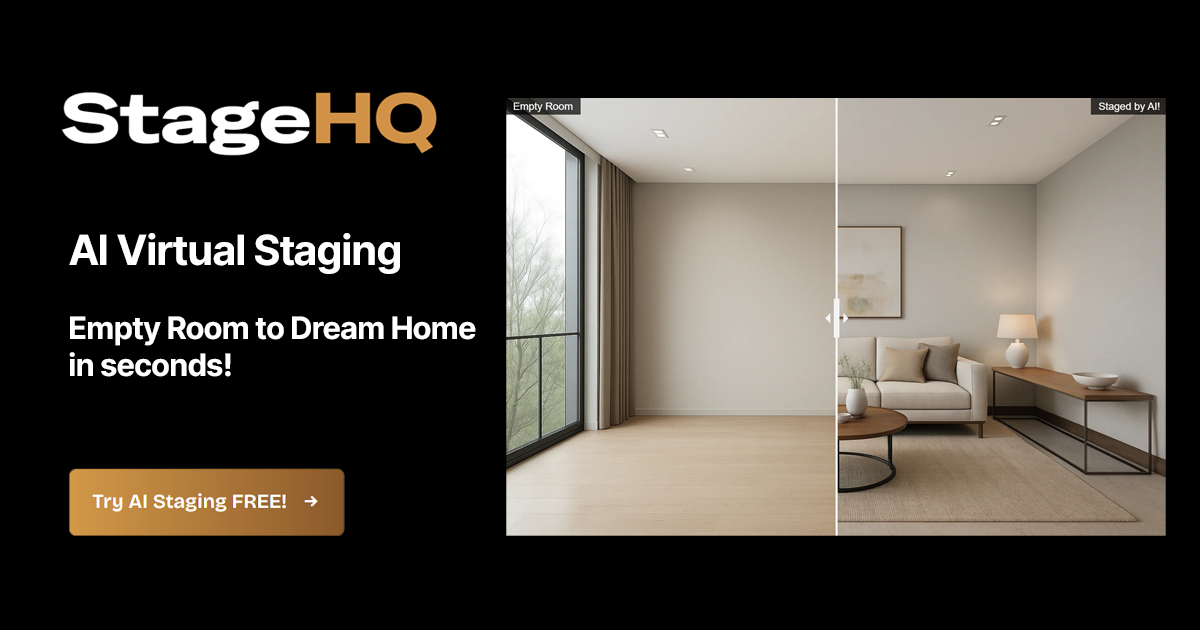
StageHQ
vs REimagineHome: focuses on pay-as-you-go staging economics rather than a broad all-in-one suite.
StageHQ centers on real-estate virtual staging with one-time credit packs and an upload flow designed to handle a full listing queue. It also positions “Precise Staging” as MLS-safe by preserving walls, floors, and fixtures.
Best for: agents who stage occasionally and want credits that never expire.
Pricing: credit packs at $19, $39, and $69; new accounts get 3 free images, and the vendor states the trial output is watermarked.
Pros:
- Never-expiring credits with no monthly reset
- Whole-listing batch upload queue
- Commercial license included with paid images
Cons:
- Jobs outside staging, such as day to dusk or photo enhancement, sit elsewhere
More details are available on the StageHQ site.
View StageHQ →
InstantInterior AI
vs REimagineHome: aims at controlled, photorealistic staging iterations rather than a broad batch suite of listing-media tools.
InstantInterior AI emphasizes staging realism and iteration control, including version control to revert to prior looks and support for text-prompt refinements. The tool positions its output as suitable for MLS and print with high-resolution renders.
Best for: teams that mainly need staged interiors and value iteration control on a smaller set of rooms.
Pricing: paid plans from $13.50 per month billed annually, plus a free trial where a source states the first render is watermark-free.
Pros:
- Version control for controlled iterations
- Many real-estate-oriented styles
Cons:
- Staging-only scope means other listing-photo jobs need separate coverage
More details are available on the InstantInterior AI site.
View InstantInterior AI →
Collov AI
vs REimagineHome: offers several listing-edit types at a low monthly entry price, but plan scope and credit rules still need careful reading.
Collov AI bundles multiple tasks that listing teams often run in the same week: virtual staging, selective furniture removal and decluttering, virtual twilight, and material swaps for surfaces. Vendor-stated speed targets focus on quick per-image processing.
Best for: agents who want staging plus a few adjacent edits on a single low-cost subscription.
Pricing: starting at $19 per month, with a free trial mentioned in its coverage.
Pros:
- Multi-job coverage, including item removal and twilight
- Fast vendor-stated turnaround window per image
- Reviews cited in its source highlight free revisions
Cons:
- Monthly plans can require sizing discipline for larger weekly sets
More details are available on the Collov AI site.
View Collov AI →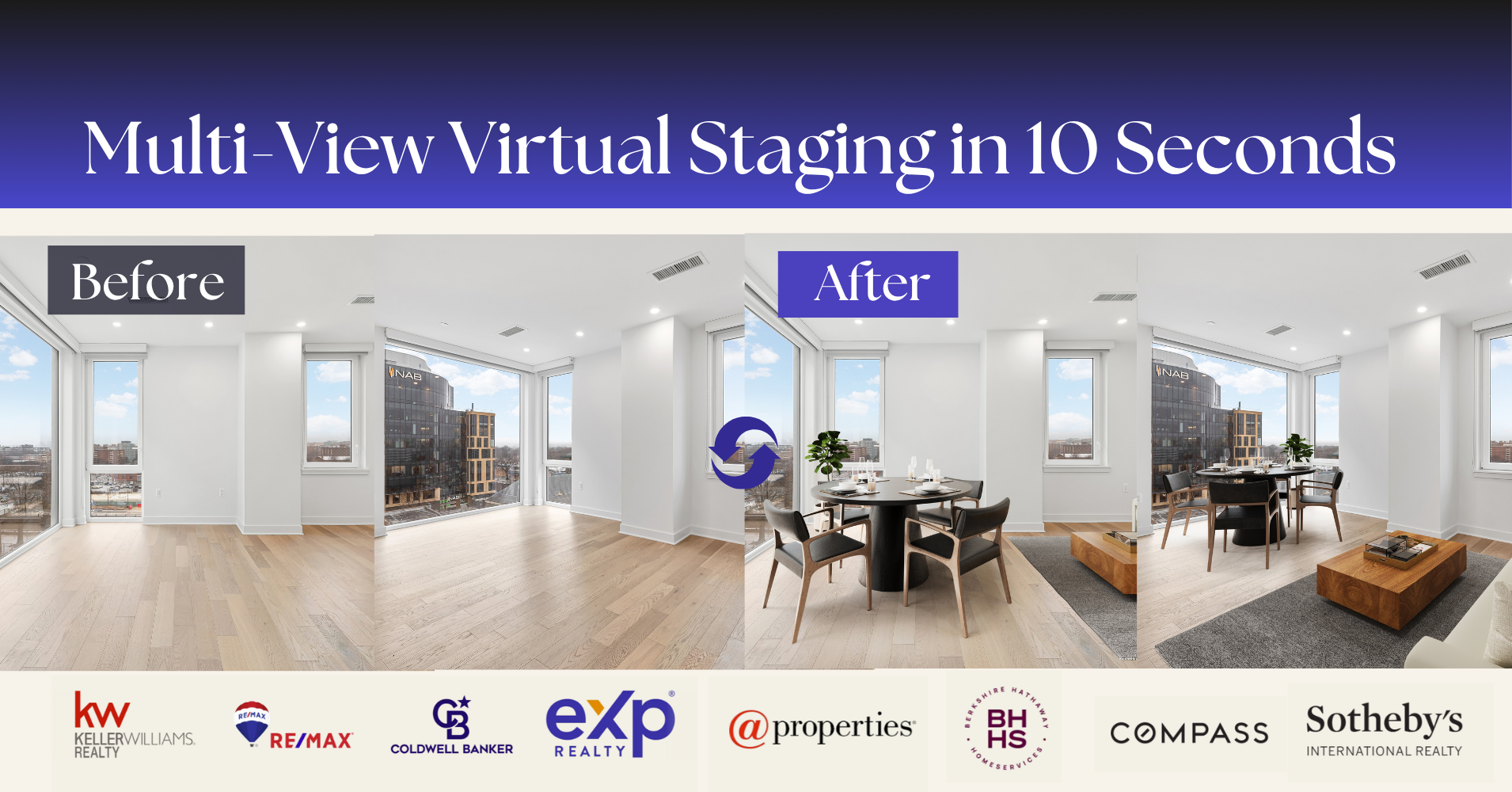
Edensign
vs REimagineHome: prioritizes speed and multi-angle consistency, with a narrower job bundle than a full listing-media suite.
Edensign highlights multi-angle staging, which matters when a team shoots several angles of the same living room and expects furniture placement to match between frames. The platform also mentions batch processing and API access, which can matter for high-volume pipelines.
Best for: volume teams that need consistent furniture placement across multiple angles.
Pricing: $29 per month; the scraped source used for this brief does not mention a free tier.
Pros:
- Multi-angle staging designed for set consistency
- Batch processing and API access mentioned
Cons:
- Jobs like photo enhancement and day-to-dusk may require separate coverage
More details are available on the Edensign site.
View Edensign →What it really costs per listing
You are paying $14/mo now. Set your listing volume to see what that works out to per listing, and what each alternative would cost in its place. Only the 5 tools listed here publish a flat monthly price; the rest quote per photo or on request, so a monthly figure would be invented rather than compared.
Moving off REimagineHome

Switching platforms rarely changes the fundamentals. The same source photo set carries over. The same MLS rules still apply. The listing deadline stays fixed. Client expectations also remain the same, even when the tool changes.
What does change is everything that lives in the tool’s “memory.” Saved looks, style presets, and prompt habits do not transfer cleanly between platforms. Batch naming conventions and export workflows also need rebuilding, especially when a team routes images from photographers to coordinators to agents.
Some REimagineHome features also have no strict like-for-like swap in this shortlist. Conversational, incremental editing with memory, reference-photo control, and Real Products discovery flows sit in a different category than basic staging and editing pipelines. A migration plan works better when those gaps get stated plainly upfront.
A safe operational approach is a short overlap period. Teams can run one past listing through two candidates before cancelling anything, then decide where listing-media tooling sits inside the rest of an agent's software stack.
Staying MLS-Compliant With AI-Edited Photos

MLS policies vary, but the risk pattern stays consistent across markets. AI edits that add furniture and decor generally sit in a safer zone when teams disclose them clearly. Edits that alter permanent features, structural elements, or condition can cross into misrepresentation.
A practical disclosure practice labels edited media in more than one place. Teams often place a short label in the photo caption and repeat it in agent remarks, so the disclosure does not get lost when images get shared across portals. The National Association of REALTORS has noted how AI tools are changing online home marketing, which makes disclosure hygiene more important, not less.
A simple wording pattern keeps things clear without over-lawyering it:
- “Virtually staged.”
- “Digitally enhanced.”
That wording should match the edit. “Virtually staged” fits added furniture. “Digitally enhanced” fits exposure, sky replacement, and similar adjustments.
Agents still need a human eye on every final set. Lighting issues, reflections, and wide-angle distortion often start in capture, not in editing. The simplest fix is still better source work, and the shooting basics that make an AI pass look clean apply no matter which platform runs the edit.
A pilot should answer operational questions, not taste questions. Style can be tuned later. Production surprises cause missed launch dates.
Teams that run those checks on one real past listing usually get a clearer answer than any marketing page can provide.
Find your pick
Tap your situation for a quick recommendation.
Frequently asked questions
Yes, but “free” usually means a limited trial, not a usable free tier for production listings. StageHQ offers 3 free images with no credit card, and the vendor states trial output is watermarked. Collov AI mentions a free trial in the cited coverage. InstantInterior AI’s source notes a free trial with the first render watermark-free. Edensign’s scraped source did not mention a free tier.
In this shortlist, AI HomeDesign spans the broadest set across three hubs: virtual staging, photo editing, and renovation, with a shared credit pool. Collov AI also covers several jobs beyond staging, including item removal, day-to-dusk, and virtual renovation. StageHQ and InstantInterior AI concentrate on virtual staging. Edensign covers virtual staging and item removal in the facts provided.
Agents can start with the photo set and count edits by job type, then map those jobs to what each subscription or pack actually covers. A staging-only plan prices staged rooms but leaves Image Enhancement, day-to-dusk, and item removal unpriced. The final step is rerun math: a revision policy or free regenerations can change cost more than plan price.
It depends, and the answer often determines whether a platform stays affordable at listing volume. AI HomeDesign includes free regenerations, so a rerun does not spend another credit. Collov AI’s cited coverage highlights free revisions in reviews. For other tools, teams should assume a fresh run spends another paid output unless the vendor states a revision policy.
Batch behavior varies by vendor and matters more than per-image speed for listing production. REimagineHome supports a batch workflow for up to 50 listing photos in its own positioning. StageHQ states it supports a whole-listing batch upload queue. Edensign mentions batch processing. For InstantInterior AI and Collov AI, teams should verify the exact queue and export workflow during a trial.
A short, plain label works better than a long explanation. “Virtually staged” fits images where furniture and decor were added. “Digitally enhanced” fits exposure and color corrections. Many teams place the label in the photo caption and repeat it in agent remarks. Because MLS rules vary, agents should confirm wording and placement with their local MLS and brokerage.