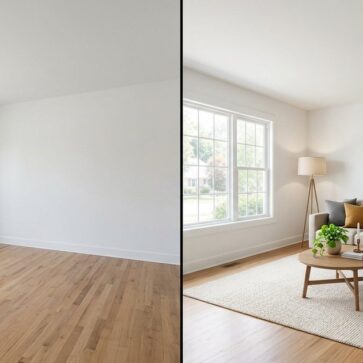
Autoenhance.ai Alternatives for Listing Photos in 2026
The tool you’re replacing
Autoenhance.ai alternatives matter most after the first heavy shoot week. Autoenhance.ai earns its spot with fast, consistent enhancement for real estate photos, including HDR merge from brackets, window pulls, sky replacement, and perspective correction. It can also preview edits free with a watermark before charging per image download.
The shortlist gets harder once a listing needs more than enhancement. A typical set needs enhancement on every photo, then a mix of item removal, virtual staging, and sometimes day to dusk. Billing shape and workflow fit decide the real cost, not a single sky replacement demo.
This guide frames the switch around jobs covered, revision economics, and consistency across a full gallery. It also connects the tool choice back to MLS Rules and Disclosure expectations. For a broader map of adjacent tools, the parent hub is AI home design and virtual staging alternatives.
Autoenhance.ai alternatives: what to look for before switching
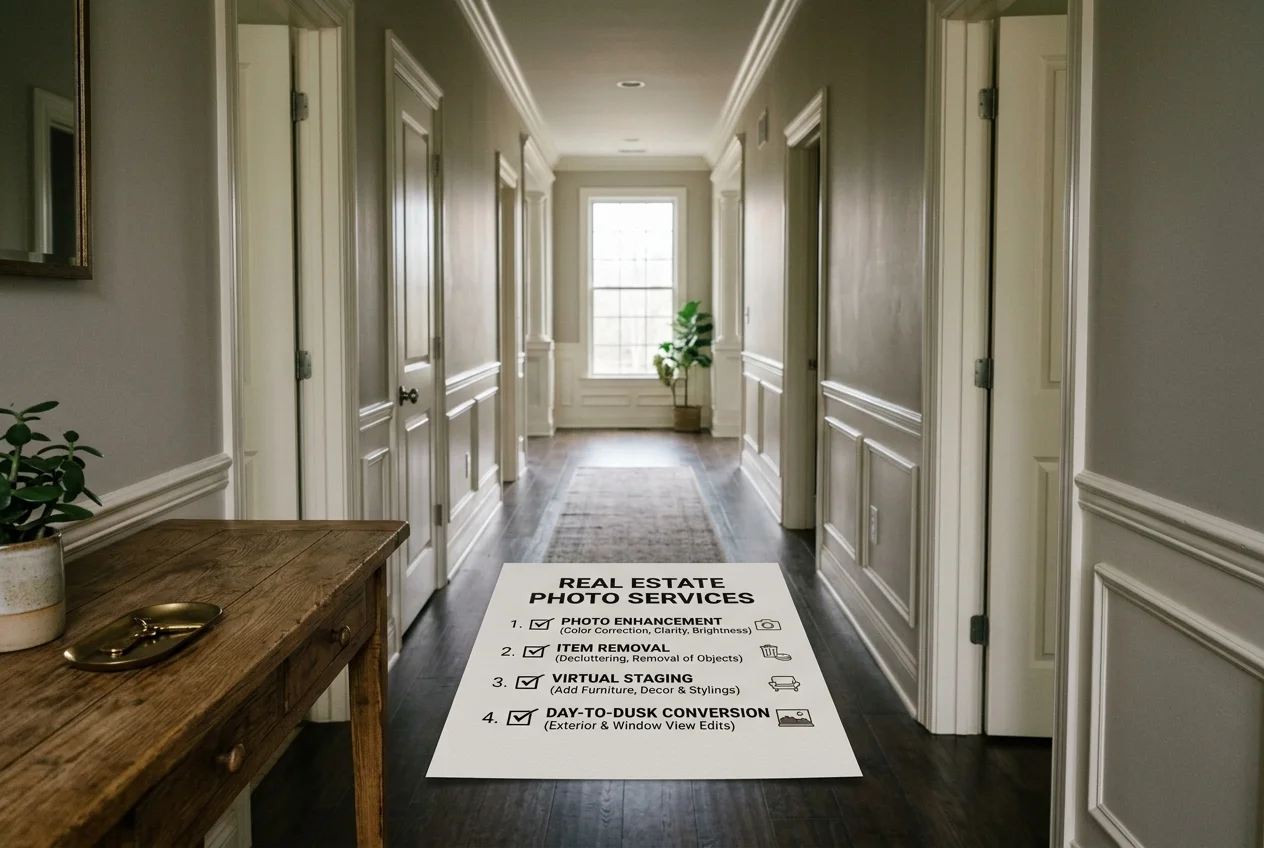
A replacement choice should start with job coverage, since enhancement rarely stands alone. Autoenhance.ai’s published scope focuses on photo enhancement plus partial item removal. That works when the deliverable is a clean, corrected set. It breaks down when a listing also needs virtual staging for empty rooms or a day to dusk hero image.
Cost shape matters more than a headline price. Pay-per-download models bill again on a second pass, even when the change is small. A one-time pack avoids monthly commitment, but still charges again if a revised photo consumes another credit. A subscription with credits can work well at steady volume, yet it can feel expensive when volume swings.
Consistency across a full set is the quiet decision factor. An automated look stays uniform across a shoot, which clients often like. Mixed lighting interiors can create edge cases, since one preset look may not treat every room the same way. Tools that add an integrity check or a before and after view make QA faster.
Turnaround drives who on a team does the work. A minutes-level AI pass can fit a same-day listing cadence. A 24 to 48 hour human-reviewed service fits teams that prefer a single person to own the final look and revisions. For more context on the broader category, this guide pairs well with real estate photo editing software options.
A common reason teams leave enhancement-only tools involves vendor sprawl. One subscription may cover the base enhancement pass, but the listing still needs item removal, virtual staging, and day to dusk. Each added job becomes a second login, a second invoice, and a second round of naming and delivery.
The tools below bundle more of the “full set” workload into one workflow. That bundling can reduce friction on shoot day, especially when an agent needs to run a quick fix without involving a photographer. It can also tighten compliance, since teams can keep a consistent approach to disclosure and before and after records.
Enhancement-only tools can still win for certain operators. The narrower scope often brings predictable results across bracketed HDR sets, and it can reduce decision fatigue for editors. It also keeps the deliverable consistent with the expectations of real estate photography clients, since enhancement focuses on exposure, color, and geometry.
The trade-off is structural. Virtual staging, deeper item removal, and day to dusk become separate line items on the production calendar. For teams that already have a staging vendor or that rarely need staging, that separation can stay clean.
How these alternatives actually differ once a full listing runs through them
Workflow fit shows up immediately after upload. Lightroom-native processing suits photographers who already cull, sync, and deliver from a catalog. Browser upload suits agent-led workflows, where a coordinator can run an enhancement pass without a photographer touching the file set. Human-reviewed service suits teams that want one accountable owner for the final set.
Consistency across a full gallery sits behind most complaints and most compliments. Automated systems can hold a uniform look across a clean bracketed set. Mixed lighting rooms create the real test, since a dark north-facing bedroom and a bright sunroom can sit side by side on the MLS grid. An integrity check with a before and after comparison solves QA by making review faster. Human review solves QA by making one person responsible for the call.
Revision cost is where billing mechanics become visible. A free regeneration lowers the cost of a second attempt. Pay-per-download models charge again on re-downloads. Pack models consume another credit when a new file gets generated. Unlimited revisions inside a 24 to 48 hour cycle shifts the cost into the service quote.
A full set often lands in the 25 to 40 photo range. Most teams enhance every image, remove items on a handful, stage two or three empty rooms, and add a single twilight hero when the exterior needs it. That mix explains why enhancement-only tools can become a two-vendor workflow in practice. For another browser-first approach in the same lane, see Pedra alternatives for listing photo work.
What Autoenhance.ai does well, and where it stops
Checked against autoenhance.ai.
What it does well
- Fast, consistent AI enhancement for real estate photos
- HDR merge from bracketed exposures
- Window pulls + sky replacement
- Perspective correction + color/white balance fixes
- A free tier you can test before paying anything
Where people outgrow it
- No virtual staging, so empty rooms still go to another tool
- No day-to-dusk conversion for twilight shots
- No renovation views for before-and-after remodels
- Enhancement-first coverage: per its own job list it handles photo enhancement and partial item removal, so virtual staging and day to dusk still need a second tool.
- Previews are free but watermarked – you only get a clean file once you pay to download it.
- Pricing is charged per image download, so a second pass on the same photo after a client change is a second charge.
- The output is an automated preset pass: there is no human editor reviewing the set for consistency across 25-40 photos of one property.
The tools in detail

AI HomeDesignTop pick
vs Autoenhance.ai: AI HomeDesign extends beyond enhancement into virtual staging, item removal, and day to dusk under one credit pool.
AI HomeDesign groups listing work into three hubs: virtual staging, photo editing, and renovation. That matters for a real production week, since the enhancement pass, item removal requests, and virtual staging can run inside one account instead of three separate tools. AI HomeDesign also supports unlimited free regenerations, so a second attempt does not trigger a new per-download charge.
Pricing is credit-based and starts from $0.24 a photo, with three tiers billed yearly: Pro $19/mo, Pro Plus $29/mo, and Enterprise $49/mo. Output is MLS-compliant by default, which means the system preserves fixtures and structure rather than treating compliance as a setting. More detail sits in the AI HomeDesign review hub.
Pros:
- One platform covers virtual staging, Image Enhancement, AI Item Removal, and AI Day to Dusk.
- Fast turnaround supports a same-day listing cadence.
- Free regenerations reduce revision cost pressure.
Cons:
- A photographer who needs edits applied inside a Lightroom catalog may prefer a Lightroom-integrated workflow.
- A team that requires a human editor to own every image may prefer a human-reviewed service.
Skip it if: the workflow must stay fully inside Lightroom from cull to export.
View AI HomeDesign →
Immopix
vs Autoenhance.ai: Immopix adds virtual staging and full item removal alongside enhancement, with one-time packs instead of per-download billing.
Immopix positions itself as an all-in-one pass that combines enhancement, declutter, and staging in one workflow. It also includes object removal and an automatic integrity check with a before and after comparison. That QA layer helps teams review a large set quickly, since it supports spot checks without opening every file against the original.
Pricing starts from €0.60 per image, with one-time packs listed as 10 images €9.99, 50 €39.99, 150 €99.99, and 500 €299.99. The first three images are available without a watermark and no credit card. Speed is described as about a minute per photo, with a measured median of 39.7 seconds. Details appear on Immopix.
Pros:
- One-time packs suit uneven volume, with no subscription requirement.
- Virtual staging and object removal sit in the same workflow as enhancement.
- An integrity check plus before and after view supports fast QA.
Cons:
- Pack billing still ties revisions to additional paid outputs.
- Teams that want edits applied inside Lightroom may prefer a catalog-native tool.
Skip it if: the business model requires a monthly credit system that rolls over for long periods.
View Immopix →Imagen AI
vs Autoenhance.ai: Imagen AI focuses on enhancement while emphasizing a personal editing style and Lightroom integration.
Imagen AI uses a subscription model with tiered monthly plans and photo credits, with pricing varying by plan. Its differentiator is the Personal AI Profile, which learns and applies a user’s editing style. That focus suits working photographers who care about signature look, since it prioritizes “match the catalog” consistency rather than a generic preset look.
The workflow centers on Lightroom and Adobe desktop integration through a desktop app, plus cloud processing that avoids slowing the local machine. Real-estate tools include HDR merge, sky replacement, perspective correction, and window pull. Imagen AI also lists AI culling to shortlist the best shots. Imagen AI details appear on Imagen AI.
Pros:
- A Personal AI Profile can keep edits aligned with an established look.
- Lightroom integration fits photographers who live in a catalog workflow.
- Core real-estate enhancements match common needs.
Cons:
- Published scope focuses on photo enhancement only.
- Staging, item removal, and day to dusk stay outside the subscription.
Skip it if: the goal is to cover staging and enhancement under one bill.
View Imagen AI →
AutoHDR
vs Autoenhance.ai: AutoHDR keeps the pay-per-download workflow but adds virtual twilight conversion for day to dusk needs.
AutoHDR uses pay-per-download pricing with free watermarked previews, plus subscription tiers for higher volume. That billing shape will feel familiar to Autoenhance.ai users who prefer to preview first and only pay when downloading finals. The turnaround is described in minutes within an AI-only workflow.
Feature coverage centers on AI real estate photo enhancement focused on HDR and skies. It lists HDR bracket merging, window pull, and sky replacement with toggling. AutoHDR also lists virtual twilight conversion, which can matter for teams that want a day to dusk option without adding a separate vendor. AutoHDR details appear on AutoHDR.
Pros:
- Minimal workflow change for teams used to preview then download.
- Day to dusk capability sits alongside enhancement.
- Subscription tiers can suit higher volume.
Cons:
- Pay-per-download economics can bill again on revisions.
- Virtual staging and deeper item removal still require a second tool.
Skip it if: the goal is to avoid being billed twice for a second pass.
View AutoHDR →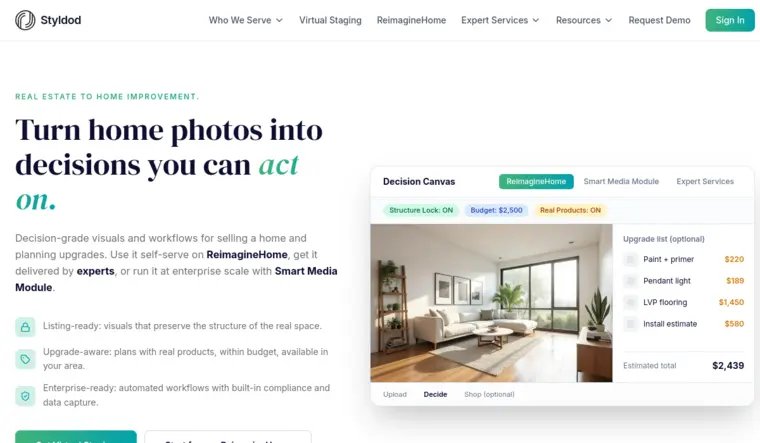
Styldod
vs Autoenhance.ai: Styldod trades minutes-level AI turnaround for human-reviewed consistency and unlimited revisions.
Styldod offers human-reviewed edits with a broad menu that includes enhancement, virtual staging, item removal, and day to dusk. The key operational difference sits in ownership and control. A person reviews the work, which targets consistency across an entire property set rather than a purely automated pass. Styldod also lists unlimited revisions, which can change the economics for teams that expect multiple change rounds.
The published entry price for Styldod’s editing services could not be verified in the provided sources, so pricing should be treated as quoted per service, and teams should request current rates. Turnaround is stated as 24 to 48 hours for human-reviewed delivery, which fits workflows that plan editing into the listing timeline rather than squeezing it into the same afternoon. Styldod information is on Styldod.
Pros:
- Human review targets consistency across full sets.
- Unlimited revisions can reduce back-and-forth billing stress.
- The menu covers enhancement, staging, item removal, and day to dusk.
Cons:
- The slower SLA requires earlier scheduling on listing timelines.
- Published pricing may require a request rather than a self-serve checkout.
Skip it if: the workflow requires same-hour delivery for every listing.
Related reading: teams comparing human-reviewed options often also review BoxBrownie alternatives.
View Styldod →
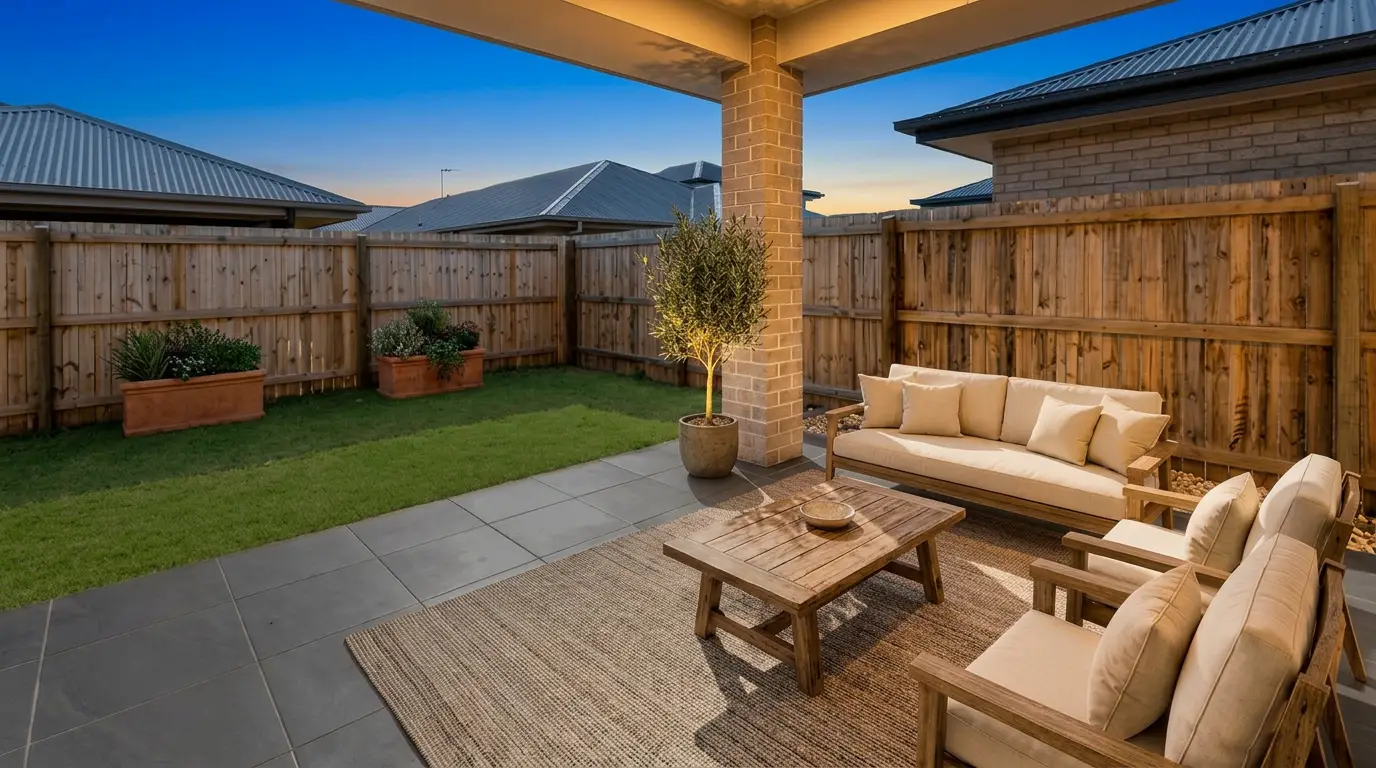
Get listing-ready photos in seconds
Clutter, exposure and twilight handled in one pass. All 11 tools on one account. Free trial credits, no credit card.
Start editing freeWhat it really costs per listing
Set your listing volume to see what each tool works out to per listing rather than per month. Only the 1 tool listed here publishes a flat monthly price, and Autoenhance.ai is not one of them; the rest quote per photo or on request, so a monthly figure would be invented rather than compared.
Moving off Autoenhance.ai
Switching rarely starts with the tool. It starts with the calendar. The same bracketed photo set still drives HDR merge quality. The same MLS rules still govern what edits can be published. The listing deadline still lands at the same time, even after a tool change.
A move also forces a look reset. A new enhancement engine can make the next listing look different from older listings still live on the MLS. That can matter for photographers selling a consistent signature look, and it can matter for brokerages that want a uniform brand tone across all listings.
A practical migration check starts with scope. One question should lead: does a single subscription cover the same jobs that currently require multiple tools. A second check covers credit behavior. One-time packs avoid a monthly commitment, while subscriptions can support steady volume. A third check covers trial friction, since some tools offer watermarked previews and others allow a small number of watermark-free exports.
Autoenhance.ai describes free watermarked previews of Essential features with no account required, and charges per image download, with monthly subscription options listed on its Autoenhance.ai pricing page. Immopix describes the first three images without a watermark and no credit card. AutoHDR also offers free watermarked previews. Imagen AI mentions a free trial. Styldod does not list a free tier in the provided sources.
Parallel runs reduce risk. A team can process one real listing set through the new workflow while keeping the existing delivery path intact for that job. That preserves timelines while revealing where naming, review, and revision loops will change.
What the industry reality looks like around edited listing photos
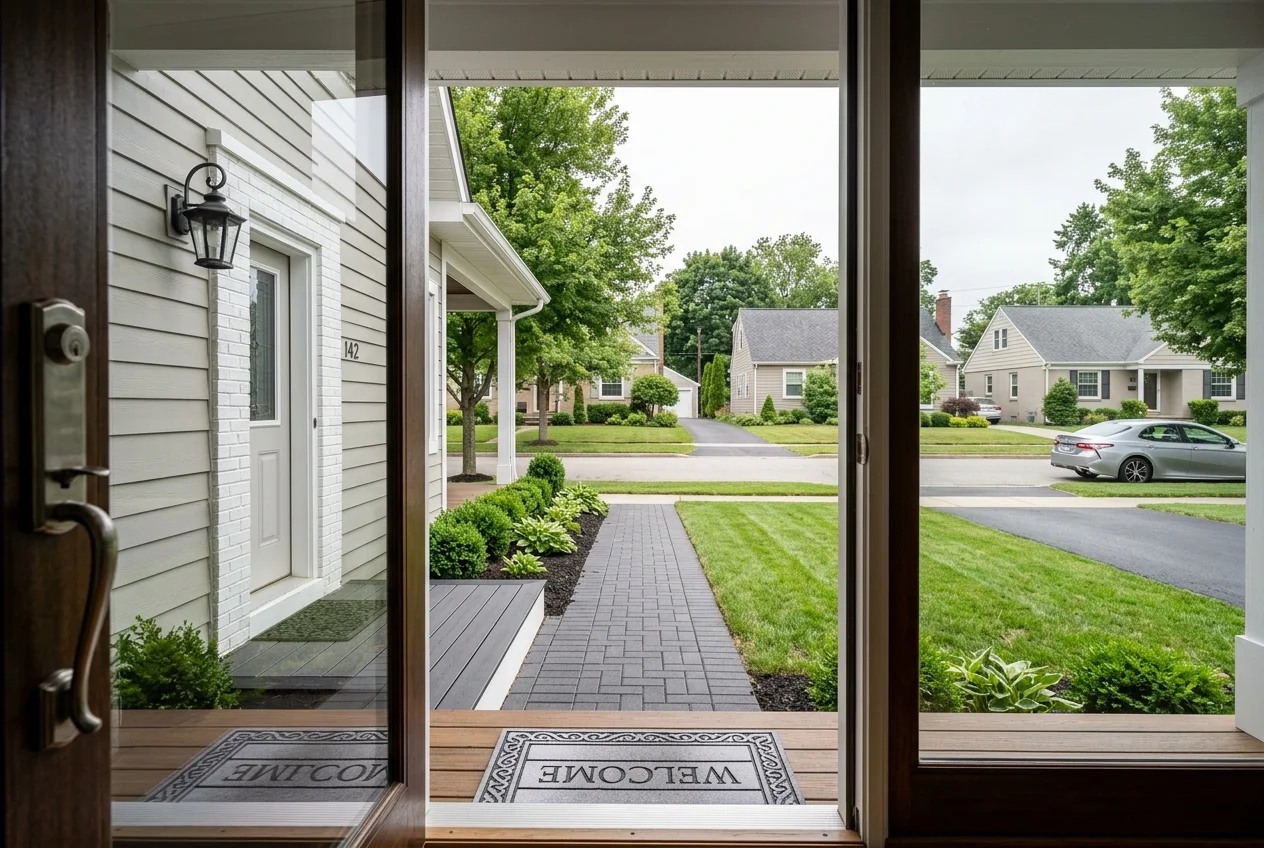
Disclosure expectations hinge on the type of change. Standard photo enhancement, such as exposure balance, white balance, and perspective correction, describes the room as it is. Generative changes reshape what a buyer sees. Virtual staging, item removal, and day to dusk fall into that second group.
A clean disclosure line solves most practical issues. For staging, “virtually staged” remains a common label across markets. For removals and twilight conversions, a simple label such as “digitally altered” keeps the intent clear. Disclosures are also the guardrail for team workflows, since they stop a staging workflow from drifting into misrepresentation.
Teams should also draw a bright line around defects and structure. No edit should conceal a defect or alter structural reality. AI HomeDesign’s MLS-compliant output positions itself around preserving fixtures and structure by default, and tools that ship integrity checks and before and after pairs aim to make compliance review easier.
Input quality still drives output quality, even with strong AI. Clean brackets, stable tripod work, and straight verticals reduce correction work and reduce room-to-room variance. For capture-side reminders without re-teaching editing, real estate photography fundamentals covers the shooting basics that make any enhancement pass look consistent.
Find your pick
Tap your situation for a quick recommendation.
Frequently asked questions
AutoHDR is the closest match on billing shape and speed. It offers free watermarked previews, charges when downloading finals, and lists minutes-level turnaround on an AI-only workflow. Feature overlap includes HDR bracket merging, window pull, and sky replacement, and AutoHDR also lists virtual twilight conversion for day to dusk needs.
Autoenhance.ai lists photo enhancement plus partial item removal in its published jobs covered. Virtual staging sits outside that published scope, so teams typically add a second tool for staging. Options in this guide that include virtual staging in their stated job coverage include AI HomeDesign, Immopix, and Styldod.
Autoenhance.ai lists a free watermarked preview with no account required. AutoHDR also offers free watermarked previews and charges when downloading. Immopix lists the first three images without a watermark and no credit card. Imagen AI mentions a free trial. Styldod does not list a free tier in the provided sources.
Immopix publishes one-time pack pricing and a stated starting rate of €0.60 per image, which makes it straightforward to budget for uneven monthly volume. AI HomeDesign publishes subscription pricing and per-photo costs down to $0.24 a photo. Imagen AI describes tiered monthly plans with photo credits, but does not publish a single fixed price.
Autoenhance.ai states that full property shoots can be edited in 5 to 10 minutes. For per-photo turnaround, Immopix reports about a minute per photo with a median of 39.7 seconds. Imagen AI and AutoHDR both describe edits finishing in minutes. Styldod describes 24 to 48 hours because a person reviews the work and revisions are included.
Disclosure depends on the type of edit. Exposure, white balance, perspective correction, and sky replacement typically describe the property as it is. Generative changes such as virtual staging, item removal, and day to dusk change what a buyer sees and should be labeled. No edit should conceal a defect or alter structural reality, and MLS rules vary by market.