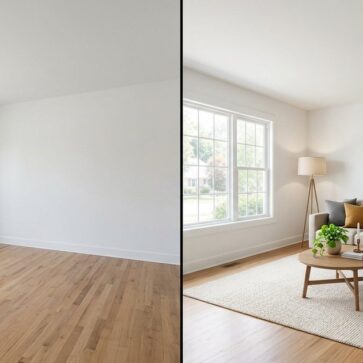
The Best AI Home Design & Virtual Staging Alternatives (2026 Guide)
Most agents and real estate photographers start looking for an alternative for one of three reasons. The price model stops fitting their listing volume, a job they need is missing from the plan, or turnaround becomes the bottleneck on listing day. The answer is rarely a better tool in general. It is a tool that covers the same jobs on terms that fit how many listings you handle.
This page is the hub of our alternatives series. Each guide in the series starts from one tool people commonly outgrow, credits what it does well, and puts five alternatives through the same checks: which listing-photo jobs one subscription covers, what a full listing really costs, how fast results come back, and what a free trial lets you test. Below you will find what we mean by an alternative and every guide published so far, with the key facts on each tool it covers.
If you already know which tool you want to replace, open its card in the list below and follow the link to its guide. If you are still choosing, the cards further down use the same data as the individual guides.
What we mean by an alternative
An alternative, in this series, is a tool that can take over the work you use your current tool for without forcing a second subscription to cover the gaps. That is a stricter test than finding a similar app. Two tools can both be sold as virtual staging and still differ on price model, turnaround, and which listing jobs they handle.
Every guide measures the same five listing-photo jobs, because together they cover what a typical listing set needs:
Virtual staging
furniture and decor added to empty rooms.
Photo enhancement
exposure, color and sky fixes across the set.
Day to dusk
a twilight version of the exterior shot.
Item removal
clutter cleared from occupied rooms.
Virtual renovation
before-and-after views of new finishes.
We count how many of those jobs one plan covers. Then we look at what the plan costs for a whole listing rather than a single photo, how long each render or edit takes, and whether the free trial is enough to test the tool on your own photos before you pay.
AI HomeDesign is the first alternative in our guides because one plan covers all five jobs. Billed yearly, Pro costs $19 a month for 30 photos, Pro Plus $29 for 80 and Enterprise $49 for 200, and unused credits roll over on Pro Plus and Enterprise. Staging takes under 5 seconds with unlimited free regenerations, and the free trial gives free credits with no card; trial results are watermarked. For one-to-one matchups against specific apps, see our AI HomeDesign review.
Price models need the most care. A per-image service, a credit pack and a monthly plan only line up once you count the photos a real listing needs. That is why the Pedra alternatives guide prices a full 25-image set, and the Collov AI alternatives guide walks through credit resets and revision costs.
We also give the current tool credit for what it does well. In the BoxBrownie alternatives guide, for example, the service’s unlimited changes and 24/7 support get full credit, even though its 24 to 48 hour turnaround is slow next to self-serve AI tools. If you want ranked lists by category instead, our real estate software guide is the better starting point. This series always starts from the tool you already use.
The alternatives guides in this series
So far the series covers eight tools, plus a roundup of photo editing software. They fall into three groups, and the group usually tells you what a replacement has to match. Open a card for the key facts on each tool, then follow the link to its guide.
AI staging apps
Self-serve apps where you upload a photo and get a staged or edited version back in seconds or minutes. A replacement has to match that speed and, ideally, cover the other listing jobs too.

AI HomeDesignTop pick
The first alternative in each of our guides, because one plan covers all five listing jobs. AI Virtual Staging, Image Enhancement, Day to Dusk and Item Removal come with every plan, and the renovation tools change walls, floors, ceilings and backsplashes from one photo. Staging takes under 5 seconds, with three variations per room and unlimited free regenerations.
For one-to-one matchups against specific apps, see our AI HomeDesign review.
View AI HomeDesign →
REimagineHome
A broad listing and design suite. Its batch workflow processes up to 50 listing photos at once, and conversational editing remembers earlier changes and accepts reference photos. A full-listing batch takes 2 to 5 minutes. Our guide puts five alternatives through job coverage, re-render costs, batch workflow and MLS disclosure.
Read the REimagineHome alternatives guide →View REimagineHome →
Collov AI
Fast staging plus a photo editing suite, with multi-angle staging that is human-assisted on the higher tiers. Some renders lean toward reimagining the room rather than staging it, and the free trial covers 6 watermarked images. Our guide explains where headline pricing gets outgrown once revisions, credit resets and multi-room workloads stack up.
Read the Collov AI alternatives guide →View Collov AI →
InstantDeco
A flat unlimited plan that costs the same whether you stage one listing or twelve, with no free tier listed. Renders are generated photo by photo, so keeping one furniture style across every angle of a room is left to re-rolling, and day to dusk is not part of the published feature set. Our guide checks five options on coverage, consistency, revisions and trials.
Read the InstantDeco alternatives guide →View InstantDeco →Photo editing and listing media
Services and platforms that finish or package the whole listing set, not just the empty rooms.
BoxBrownie
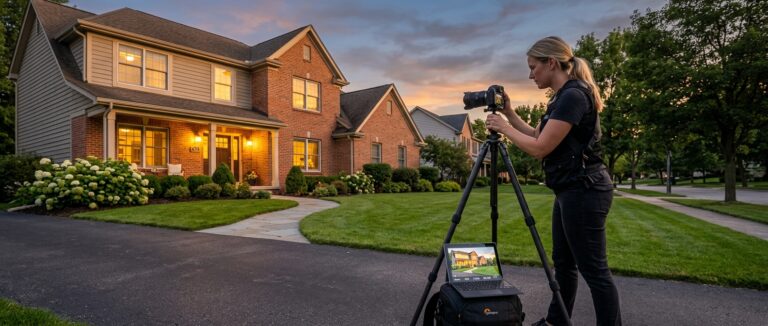
An outsourced editing service rather than an app, covering enhancement, staging, day to dusk, item removal and floor plans. Each service is billed per image, from $1.60 for enhancement and $4.00 for day to dusk, and orders take 24 to 48 hours. Our guide weighs pricing model, turnaround, revisions and job coverage across five options.
Read the BoxBrownie alternatives guide →View BoxBrownie →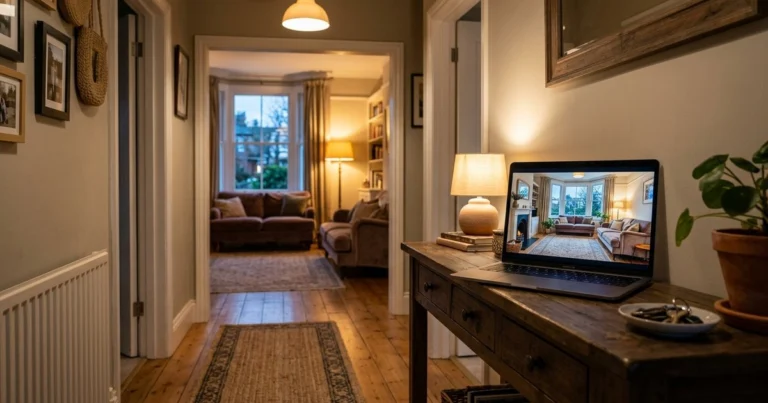
Pedra
Listing media in one plan, from staging and renovation to property videos and virtual tours. Every AI photo uses 1 credit, unused credits do not carry over, and there is no day to dusk. The free tier includes 7 image credits, one video and one virtual tour. Our guide works out the per-photo cost of a 25-image set.
Read the Pedra alternatives guide →View Pedra →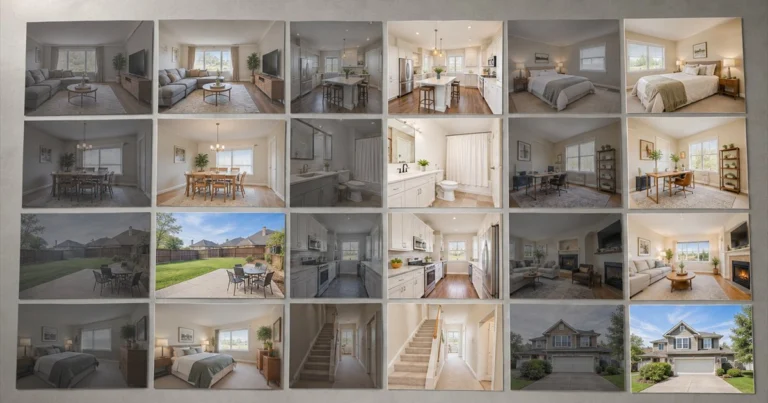
Real estate photo editing software
A roundup rather than a single tool: AI HomeDesign, Roomagen and CubiCasa next to Adobe Lightroom Classic, Photoshop and BoxBrownie, judged on the edits a listing set needs and how long they take.
Read the photo editing software roundup →Room redesign and interior design
Tools and services that restyle or plan a room rather than prepare listing photos. Some readers need listing-ready staging instead, and some need a real design plan.
Palazzo Spaces
A mobile-first restyling app. Output varies run to run, and everyday clutter can be read as furniture or decor, so lived-in rooms need tidying before upload. Pricing and free-tier terms are not clearly published. Our guide separates restyling from listing-grade staging and does the credit math for full photo sets.
Read the Palazzo Spaces alternatives guide →View Palazzo Spaces →
RoomGPT
An AI restyling app that sits on the virtual renovation side, with a small free tier of about one credit. It suits homeowners and early design exploration; listing teams that need furnished staging usually outgrow it fast. Our guide maps the AI interior design tools that do the same job and where each one fits.
Read the RoomGPT alternatives guide →View RoomGPT →
Havenly
A human-led design service rather than an app. The lowest published package is $159 on sale ($199 regular), paid before you see anything on your own room, and each revision waits on a designer’s reply. It covers none of the five listing-photo jobs. Our guide sets AI visualizers against full-service e-design and hourly experts.
Read the Havenly alternatives guide →View Havenly →

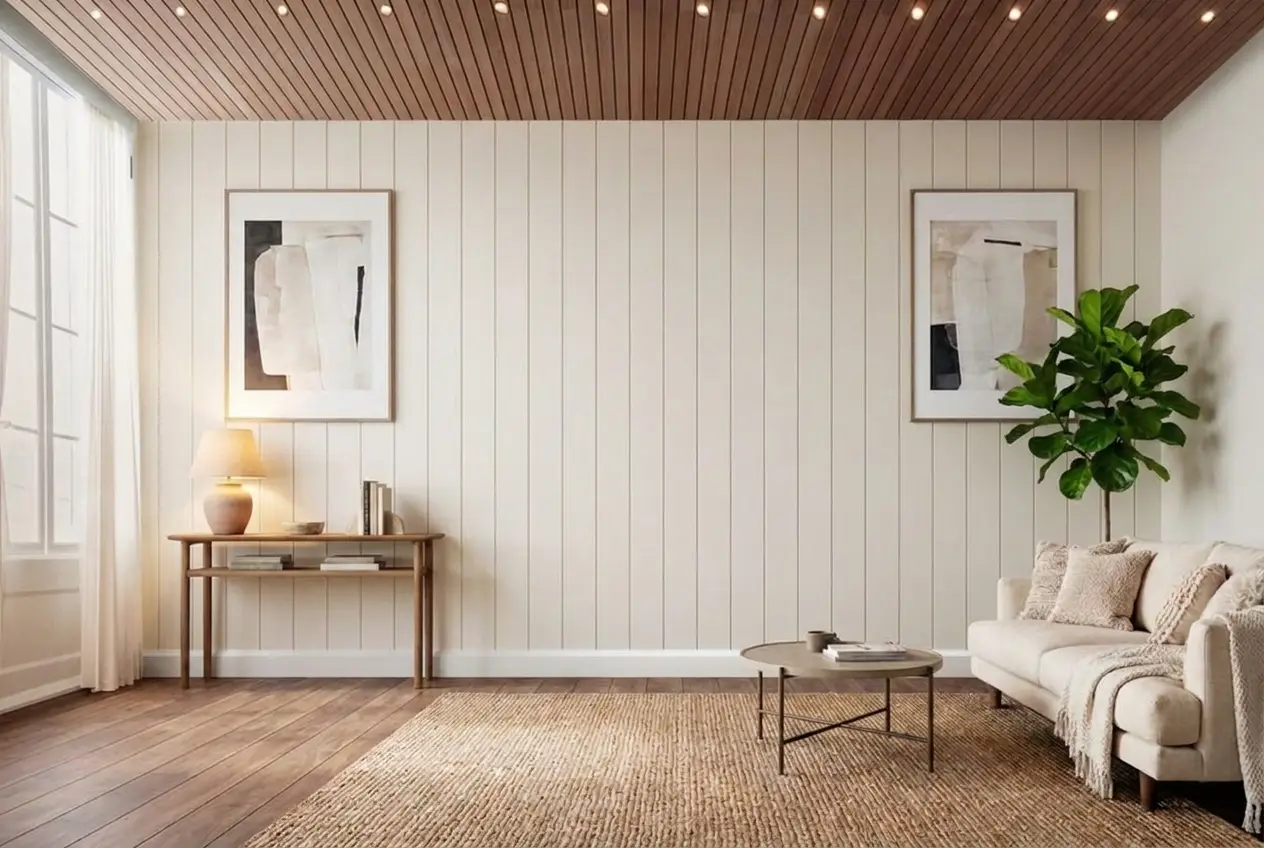
Every tool a listing needs, on one account
Free trial credits, no credit card. Staging, photo editing, and renovation on one account.
Try AI HomeDesign freeMatching the tool to how you work
The right replacement depends less on the brand you are leaving than on the way you work. Four patterns come up again and again across the guides.
Occasional listings. If you only stage a vacant listing now and then, a flat unlimited plan can cost more than it saves. The InstantDeco alternatives guide makes the point with InstantDeco’s $39 a month plan, which costs the same whether you stage one listing or twelve. Per-image services and free trials suit this pattern better.
Full sets every week. Once you list every week, the number of jobs one plan covers matters more than the headline price. Batch tools help here: REimagineHome, for example, runs up to 50 listing photos in one batch. The REimagineHome alternatives guide looks at what batch work and re-renders cost across the options.
Several angles of the same room. Buyers notice when the sofa changes between two shots of one living room. Tools that render photo by photo leave that consistency to you, while Collov AI offers multi-angle staging, human-assisted on its higher tiers. The InstantDeco guide covers how to keep one style across every angle.
Design plans rather than listing photos. If the goal is to plan a real renovation or furnish a home you live in, a listing-photo tool is the wrong category. The Havenly alternatives and Palazzo Spaces alternatives guides cover that ground, from instant AI visualizers to designer-led packages.
Whatever you choose, better source photos mean fewer re-renders. Our real estate photography tips cover the capture habits that keep AI output clean.
Disclosure and MLS rules still apply after a change of tool
Changing tools does not change the rules for the photos. In California, AB 723 has required real estate brokers and salespeople to disclose digitally altered listing images since January 1, 2026. The disclosure has to be reasonably conspicuous and on or next to the image, and a website that shows an altered photo must also show the unaltered original or link to it. Simple lighting, sharpening, white balance and color correction are excluded.
MLS photo rules generally cover two things. The first is the photo itself: virtual staging may add furniture and decor, but it must not misrepresent the property, so fixtures and structure have to stay as they are. That is what MLS-compliant virtual staging means, and it is how AI HomeDesign stages a room. The second is disclosure, and that part is not standardized. Some MLSs ask for a label such as “Virtually Staged” on the image, some want a note in the public remarks, and some require the original photo next to the edited one. A few do not require disclosure at all, so check your own MLS for its labeling rule before the first listing goes live on a new tool.
The practical habit is the same everywhere: label every staged or altered image, and keep the full-resolution originals archived. Each guide in the series has its own section on this, including the REimagineHome alternatives, Pedra alternatives and InstantDeco alternatives guides.
Switching from one tool to another
Every guide in the series ends with a plan for moving off the tool it covers, and the advice lines up closely. Switch between listings, not in the middle of one: the InstantDeco alternatives guide points out that a new tool usually means re-rendering images that were already staged, so the whole set matches. Keep the old tool active for any live listing that still depends on its exports, and archive the originals at full resolution and unstaged, as the Collov AI alternatives guide recommends. Those originals are also your disclosure record.
Run one real listing through both workflows in the same week before you commit, the parallel test the BoxBrownie alternatives guide suggests. Expect to rebuild what lived inside the old tool: saved looks, style presets, prompt habits, naming conventions and export settings do not transfer cleanly, as the REimagineHome alternatives and Palazzo Spaces alternatives guides both note.
Two cases need extra planning. If your old plan bundled video, tours or floor plans, as Pedra’s does, line up a replacement for those before you cancel; the Pedra alternatives guide covers that gap. And if you are leaving a design service rather than an app, export the key decisions and finish any pending orders first, as the Havenly alternatives guide explains.
Frequently asked questions
A tool that can take over the listing-photo work you use your current tool for, without a second subscription to fill the gaps. Each guide checks the same five jobs (virtual staging, photo enhancement, day to dusk, item removal and virtual renovation), then the cost of a full listing, speed, and what the free trial lets you test.
REimagineHome, Collov AI, InstantDeco, BoxBrownie, Pedra, Palazzo Spaces, RoomGPT and Havenly each have their own alternatives guide, and a separate roundup covers real estate photo editing software, including Lightroom and Photoshop.
Most of them, yes. AI HomeDesign gives free credits with no card, REimagineHome offers 5 free designs, Collov AI a 6-image trial, Pedra 7 image credits plus one video and one tour, and BoxBrownie 3 free credits. InstantDeco lists no free tier. Trial results are often watermarked, as they are on AI HomeDesign and Collov AI, so use a trial to judge quality rather than on a live listing.
Price a whole listing instead of one photo. Count the images a typical listing needs (the Pedra guide uses a 25-image set), add the retries you usually run, then divide the monthly plan by the listings it covers each month. A per-image service can suit an occasional listing, while a monthly plan gets cheaper per listing as your volume rises.
In many markets, yes. In California, AB 723 has required disclosure of digitally altered listing images since January 1, 2026, with the unaltered original shown or linked on websites. Many MLSs add their own rules, and they differ, so label every staged or altered image and keep the originals.
On the data in our guides, AI HomeDesign, REimagineHome, Collov AI and BoxBrownie each advertise all five jobs, and Pedra covers four, with no day to dusk. The difference then comes down to price model and speed: AI HomeDesign stages a room in under 5 seconds from $19 a month billed yearly, Collov AI quotes a 10-second turnaround, a REimagineHome full-listing batch takes 2 to 5 minutes, and BoxBrownie orders take 24 to 48 hours.