Best Collov AI Alternatives for Agents and Stagers
The tool you’re replacing
Collov alternatives usually get researched mid-listing, not during a slow week. A team hits a busy month, pays for credits that reset, then needs the same living room staged across multiple angles without the room getting “redesigned” into something it never was.
Collov AI can be fast and visually polished. It can also push toward a designer render that drifts from the photographed architecture, which creates risk on an MLS and confusion for sellers. The goal here is fit: which alternative matches real listing work, including revisions, disclosure, and consistency across a full photo set.
Why Collov Alternatives Get Considered
Agents and stagers often like Collov AI for speed and style. The platform can turn an empty room into a lifestyle image quickly, which helps when a seller wants a strong first impression. Industry coverage also frames Collov AI as a product-led company that targets agent workflows, not only design hobbyists, which explains why so many listing teams try it early.
The friction usually shows up in three places. First, some renders can lean toward “reimagining” rather than staging. That matters when the listing photo must still read as the same room, with the same windows, doors, and built-ins. Second, real estate teams need an MLS-safe workflow that makes disclosure easy and keeps edits from crossing into misrepresentation. Third, teams tend to outgrow headline pricing once revisions, resets, and multi-room workloads stack up.
For context on how Collov has positioned itself to agents, HousingWire has covered Collov AI’s agent-facing partnerships and workflow angle. Collov’s own marketing also reinforces the “fast lifestyle image” promise, including in sponsored trade coverage.
A broader alternatives landscape helps because “virtual staging” rarely stands alone in production. The parent guide on AI home design and virtual staging alternatives maps the wider tool categories that show up around a listing.
What to Look For in a Collov AI Alternative

A useful comparison starts with jobs, not price. A typical listing set may need virtual staging for a few hero rooms, item removal for distracting objects, Image Enhancement for mixed lighting, and a Day to Dusk exterior for the main front elevation. A tool that covers more of that stack on one account can reduce handoffs and reduce the “one more export” problem.
Credit mechanics decide the real invoice. Some plans reset monthly, some credits roll over, and prepaid packs can avoid the whole subscription question. Revision economics sit right under that. A tool that charges again for each re-render can raise the effective cost per published photo, especially when the first pass blocks a doorway or changes the light direction.
Multi-angle consistency separates “usable” from “almost.” Most AI staging tools treat each image as a separate job, so two angles of the same bedroom can come back with different beds and nightstands. If the listing gallery shows both angles, buyers notice. Teams that want a human pass for coherence often compare AI output against per-photo editing vendors, which is where a guide like BoxBrownie alternatives can help frame the trade-off.
This list uses only vendor-published plan language, workflow claims, and published source articles, plus a quality-control checklist that agents can apply to any trial set. Where a source does not state a detail, the text says so instead of guessing.
The five options below fit different versions of real listing work: a solo agent who stages a few rooms per month, a stager who needs resale rights, or a media team that wants batch processing and a broader editing pipeline.
What Collov AI does well, and where it stops
What it does well
- One-click AI virtual staging with unlimited regeneration
- AI photo editing suite (furniture removal/declutter, enhance quality, material overlays)
- Multi-angle staging (human-assisted on higher tiers)
- Twilight conversion plus environment edits (rain, seasons, lawn, pool water)
- A free tier you can test before paying anything
Where people outgrow it
- Some renders lean toward reimagining rather than staging, so a listing photo can stop reading as the same room
- Headline pricing gets outgrown once revisions, credit resets and multi-room workloads stack up
- The free trial is 6 images and watermarked, so it cannot be used on a live listing
The tools in detail

AI HomeDesignTop pick
vs Collov AI: AI HomeDesign focuses on listing-ready output across staging, edits, and renovation previews, with MLS compliance built into the workflow.
AI HomeDesign groups listing-photo work into three hubs, virtual staging, photo editing, and renovation, so one account can handle staging, AI Item Removal, Image Enhancement, and AI Day to Dusk without switching vendors. It runs on one shared credit pool and supports web app, B2B, REST API, and an MCP server for teams.
Pricing follows a credit model with published effective per-photo rates by tier, and the platform includes free regenerations on all plans. That matters when a room needs several passes to keep furniture scale consistent across angles. The MLS-compliant-by-default approach aims to preserve fixtures and structure, which can help keep the result anchored to the photographed room.
Pros:
- Broad job coverage across staging, editing, and renovation tools
- Free regenerations for revision-heavy images
- Multiple delivery surfaces for solo agents through enterprise workflows
Cons:
- Single-image, occasional-use agents may prefer a pack model over a plan
Product link: AI virtual staging
View AI HomeDesign →
Stager AI
vs Collov AI: Stager AI positions itself as a full real estate media platform, including a RAW-to-deliverable HDR pipeline and batch processing via API.
Stager AI publishes per-image pricing and emphasizes a broader media workflow beyond staging, including object removal and day-to-dusk. The published source highlights REST API support with batch processing and webhooks, which points to a fit for photographers and media teams who move large sets through a consistent pipeline.
This option pays off most when the workflow starts with bracketed RAW capture and ends with a delivered photo set plus short-form video. If the workflow starts with a few phone photos, many of the pipeline claims may not matter.
Pros:
- Media-pipeline scope beyond staging, including editing tools and video
- Per-image pricing can be easier to model at volume
- API and batch workflow claims suit teams with repeatable production
Cons:
- The published source does not clearly state free-tier terms
Source link: Stager AI
View Stager AI →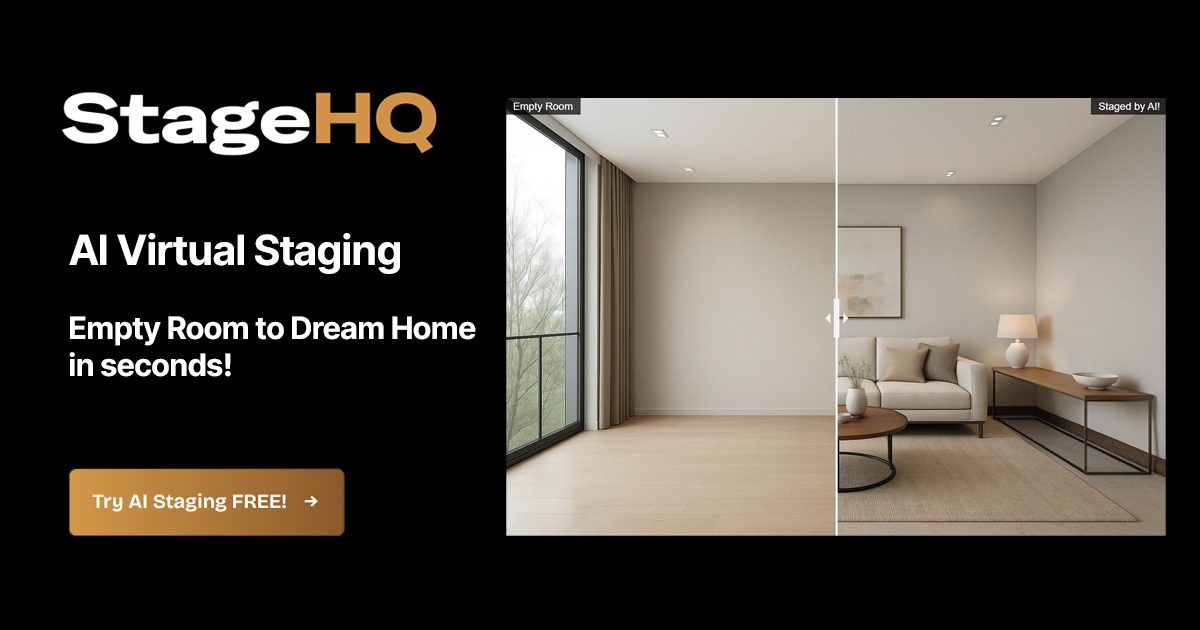
StageHQ
vs Collov AI: StageHQ uses prepaid, non-expiring packs for staging-only workloads, rather than a monthly credit cycle.
StageHQ sells one-time credit packs and states that credits never expire. The pricing page also states that free previews are watermarked and purchased outputs are watermark-free, with a commercial license and up to 4K output. That pack structure can fit agents who stage in bursts and do not want credits resetting after a quiet month.
The trade-off is scope. The published details position StageHQ as virtual staging only, so teams that also need Day to Dusk, item removal, or enhancement may still need a second workflow.
Pros:
- Prepaid credits that never expire can match lumpy listing volume
- Fast turnaround published on the vendor comparison page
- Watermark-free purchased images with a stated commercial license
Cons:
- Staging-only scope can create tool sprawl on full listing sets
Source link: StageHQ
View StageHQ →
REimagineHome
vs Collov AI: REimagineHome offers a broader menu of listing-photo edits and renovation-style outputs under tiered monthly plans.
REimagineHome appears in industry coverage as a staging-led platform with adjacent edits, plus a human-assisted option and an API listed in published sources. Vendor pricing shows tiers that scale to higher monthly image counts, which can suit teams that prefer predictable buckets over per-image billing.
The published source does not state a specific render time, so timing should be treated as “verify in trial,” not as a differentiator. This option makes the most sense when the team needs staging plus item removal and some renovation-style visuals inside the same tool family.
Pros:
- Broad solution list in vendor materials, including staging and related listing edits
- Tiered monthly plans that scale to higher volumes
- Human-assisted option exists, per published sources
Cons:
- Turnaround speed is not stated in published sources
Source link: REimagineHome
Agents comparing this category across similar vendors can also reference REimagineHome alternatives.
View REimagineHome →Virtual Staging AI
vs Collov AI: Virtual Staging AI emphasizes rollover credits and unlimited revisions, with a multi-angle feature listed as an early beta.
Virtual Staging AI publishes monthly plans and positions itself around small-to-mid volume listing work. The vendor page states that credits roll over with no expiration and that unlimited revisions per image are included. It also describes multi-angle room staging as an early beta and includes furniture removal when combined with staging.
A practitioner forum comparison, rather than a vendor spec sheet, provides the clearest detail on regeneration timing and versioning. That makes this option a good candidate for a paid test on a real room with two angles, not a choice based only on marketing images.
Pros:
- Credits roll over, which helps uneven listing volume
- Unlimited revisions per image can stabilize the effective cost per published photo
- Studio tier states resale and white-label rights, per the vendor pricing page
Cons:
- Several multi-angle and timing details come from a forum test, not a vendor spec
Source link: Virtual Staging AI
View Virtual Staging AI →

Stage your first listing in under 5 seconds
15 space types, 10 styles, MLS-compliant by default. All 11 tools on one account. Free trial credits, no credit card.
Start staging freeWhat it really costs per listing
You are paying From $19/mo now. Set your listing volume to see what that works out to per listing, and what each alternative would cost in its place. Only the 4 tools listed here publish a flat monthly price; the rest quote per photo or on request, so a monthly figure would be invented rather than compared.
Moving off Collov AI
Switching tools midstream is mostly an operations problem. The same original photos still matter, the same seller expectations still apply, and the same MLS Rules still govern what can be edited and how images get labeled. The cleanest migration keeps Collov active for any live listing that depends on existing exports, then overlaps one cycle while the replacement tool gets validated.
A practical migration checklist starts with what carries over. Style direction can carry over, as can room priorities and the photo order in the listing gallery. The photo set also carries over, but only if the originals are archived in full resolution and kept un-staged. That archive also protects the team if an MLS or broker later asks for originals.
The switch decision hinges on four checks. First, do unused credits expire or roll over. StageHQ states credits never expire, while Virtual Staging AI states credits roll over. AI HomeDesign publishes rollover terms by tier, and other tools may reset monthly, so the plan language needs a read before canceling anything.
Second, can trial output be published. Collov’s free trial and StageHQ’s previews are watermarked according to published sources, so trials should be treated as quality checks, not listing assets. Third, what does a re-render cost. Free regenerations and unlimited revisions change real cost more than the plan headline. Fourth, does the next tool cover adjacent media needs. If the listing package includes more than still photos, a separate guide on virtual tour software for real estate can help teams plan the full media stack.
For a quality check on switching narratives and Collov’s positioning claims, The Real Deal has published sponsored coverage describing Collov’s AI staging approach. Sponsored pieces are marketing, but they still help teams spot mismatches between promise and workflow reality.
The Industry Reality Behind AI Staging and Photo Edits
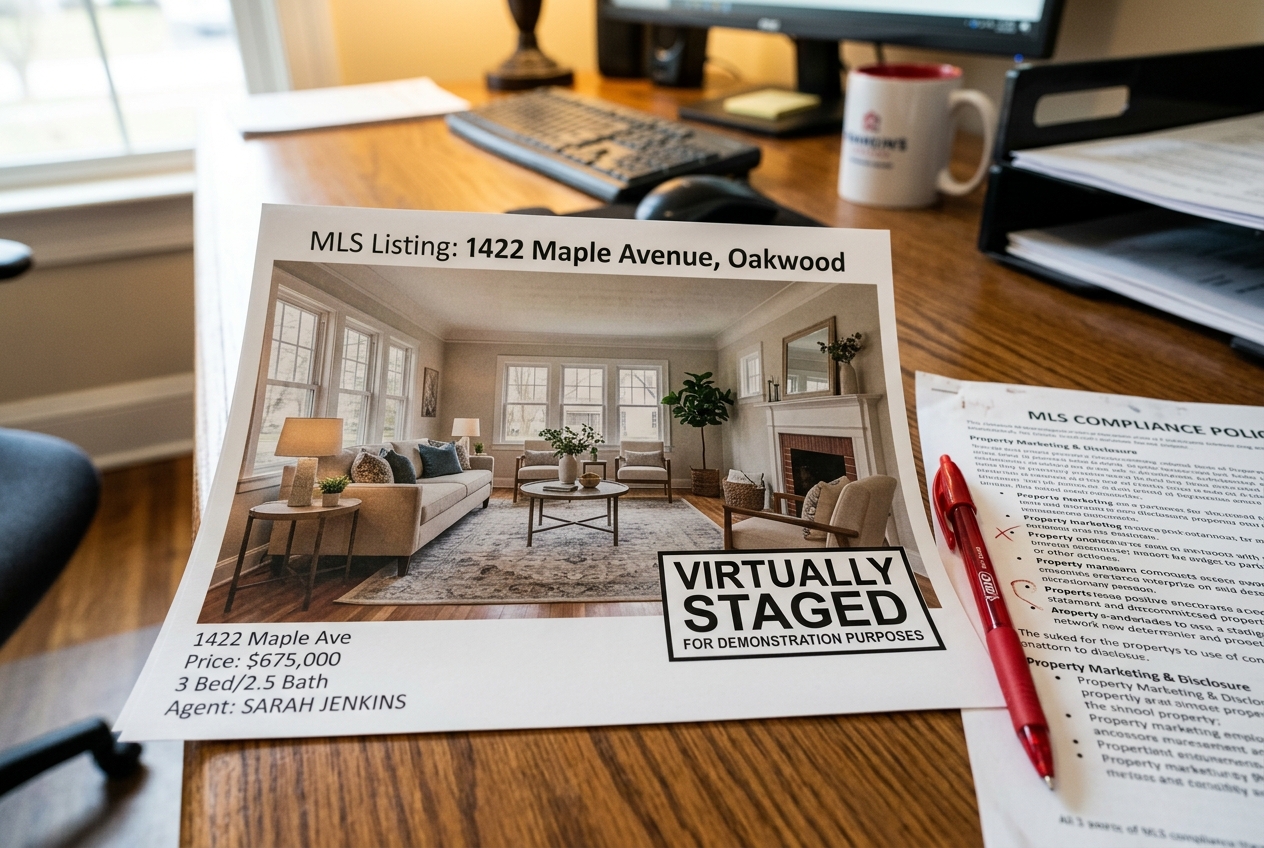
Disclosure protects the agent, not the software. Many MLSs and brokerages expect clear labeling for virtually staged images, and some require a visible “Virtually Staged” notice on the photo itself. Practices vary, so teams should check local MLS Rules and brokerage policy before publishing. The National Association of REALTORS has discussed why virtual staging helps buyers picture a home while still calling for clear labeling.
A safe baseline usually includes three habits: label the image as virtually staged, keep the original unedited photo archived, and avoid edits that could conceal a permanent condition. Item removal can reduce distractions, but removing a fixed defect or changing a permanent feature can cross into misrepresentation.
Quality control makes AI staging usable. A publishable-photo review can run like a short checklist, especially when a tool stages each frame independently.
Teams can reduce rework by controlling inputs. Strong originals matter more than prompts. Clean verticals, consistent exposure, and steady framing help multi-angle consistency. A practical companion is a short set of real estate photography tips that reduce the need for corrective edits in the first place.
When revisions are needed, one-variable changes keep the loop tight. Adjust the style or the room type, then re-render. Avoid changing both at once. Treat hero images first, then decide which rooms should stay vacant so the listing gallery reads coherent, not over-processed.
Find your pick
Tap your situation for a quick recommendation.
Frequently asked questions
Some tools offer free previews, but they may be watermarked. Collov AI’s trial images are watermarked according to published sources, and StageHQ also states that its free preview images are watermarked. That still helps teams judge furniture realism and scale. For MLS-ready output, a small paid test on one real listing photo set is usually the cleanest proof.
Published plan pricing is only the starting point. The real cost per published photo includes rerenders, credits that expire, and images that get rejected in quality control. Packs with non-expiring credits can reduce waste for uneven listing volume, while plans with free regenerations or unlimited revisions can reduce the revision tax on tough rooms.
Credit rules vary by vendor and they matter most in uneven listing months. StageHQ states that its prepaid credits never expire. Virtual Staging AI states that plan credits roll over with no expiration. Other platforms may reset monthly, so teams should read the plan’s rollover language and match it to real listing rhythm before switching.
Many tools stage each image independently, so two angles can come back with different furniture. Some products claim multi-angle support, but the best proof is a test with two or three angles shot in the same lighting. A team can then verify whether the staging stays coherent across the listing gallery, not just in a single hero shot.
Rules vary by MLS and brokerage, but a practical baseline is clear labeling plus originals on file. Many teams use a simple label such as “Virtually staged” or “Photo has been virtually staged” on the image or in the photo remarks, keep the unedited original archived, and avoid edits that could hide a permanent condition.
An agent with a handful of listings often prioritizes simple billing and fast staging for a few hero rooms, which can make prepaid packs or smaller plans appealing. A professional stager or media team usually needs volume economics, revision control, and clear commercial terms, plus batch workflows such as API access when the operation scales.