PhotoUp vs AI HomeDesign: Pricing and Staging Compared
PhotoUp vs AI HomeDesign: compare prepaid per-item pricing to credit plans from $0.24 per photo, plus speed, revisions, job coverage, and MLS disclosure.
Photos land back from a shoot, the MLS clock starts, and the real choice is rarely “AI vs not AI.” The real choice is whether PhotoUp fits a pay-per-item ordering flow, or whether a monthly credit pool covers the whole gallery more cleanly.
This page focuses on listing-day operations: cost per listing set, how much iteration really costs, and whether the same visual look holds across a full photo set. For a deeper product breakdown beyond this head-to-head, see our full AI HomeDesign review.
The details that decide the purchase usually hide in billing units and redo rules, so the sections below stay concrete and job-based.
At a glance
PhotoUp Workflow and Catalog
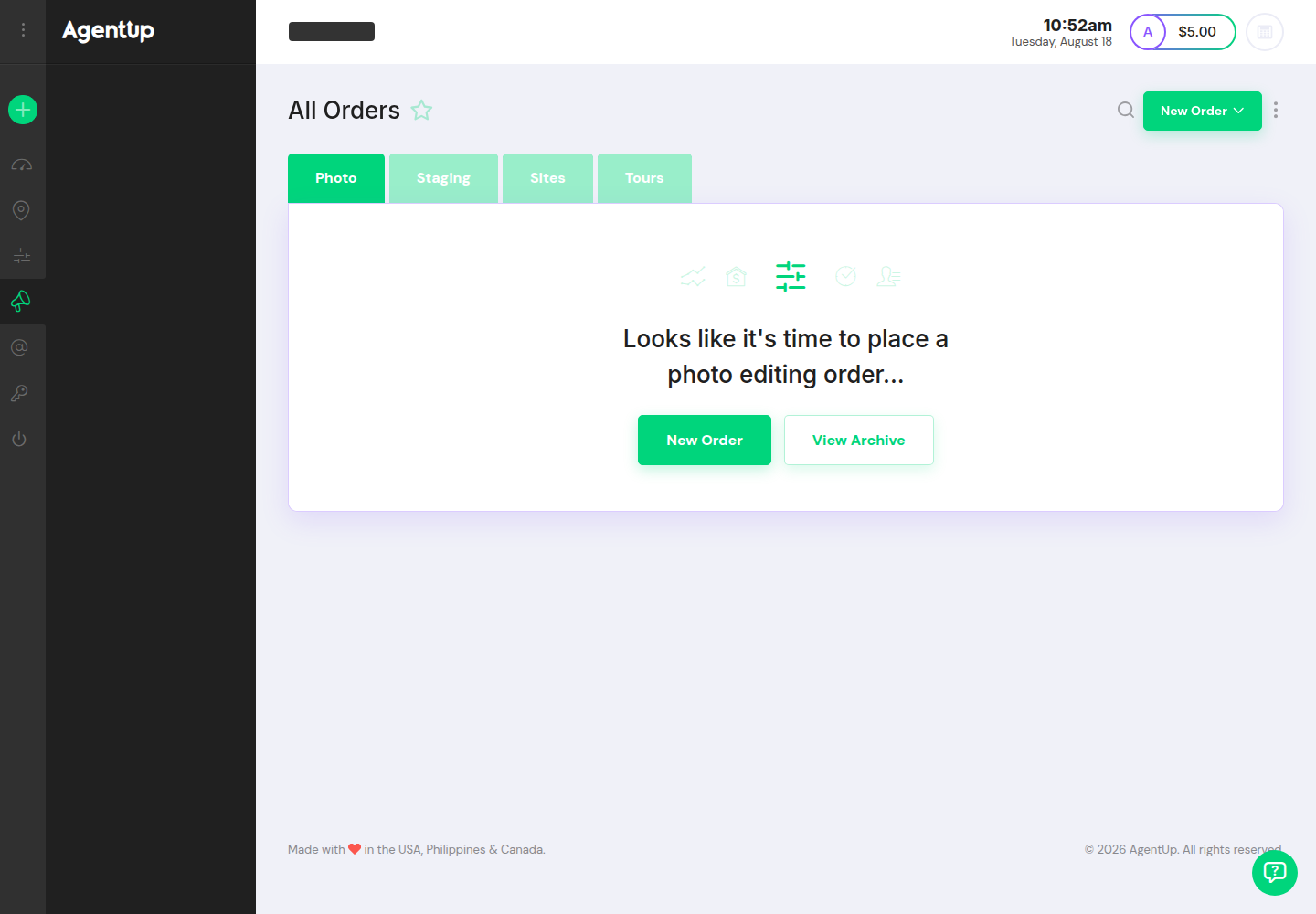
PhotoUp works like an ordering counter for listing media. The app centers each job around an order tied to a property record, so the photos, drafts, and downloads stay grouped with the listing.
A dashboard-first flow keeps the work moving. Quick-start tiles lead into AI Virtual Staging, AI Photo Editing, and AI Photo-to-Video, and a prepaid USD balance sits visible in the interface. That balance matters, because the platform charges per item and deducts real dollar amounts per order rather than using proprietary credits.
PhotoUp’s AI Virtual Staging generates instantly and returns three results per image. The ordering screen asks for room and furniture options, then runs the generation in the same session. This structure suits teams that want to order only a few staged shots and keep the rest of the gallery untouched.
AI Photo Editing in PhotoUp follows a checkout step instead of an instant “generate and pick” loop. The order sets Pro Editing Options at the order level, then overrides can be applied per photo for items like removing cords or adding fire in a fireplace. PhotoUp also sells a human dedicated-editor photo editing path under the same account, which suits work that needs judgement calls and strict brand consistency.
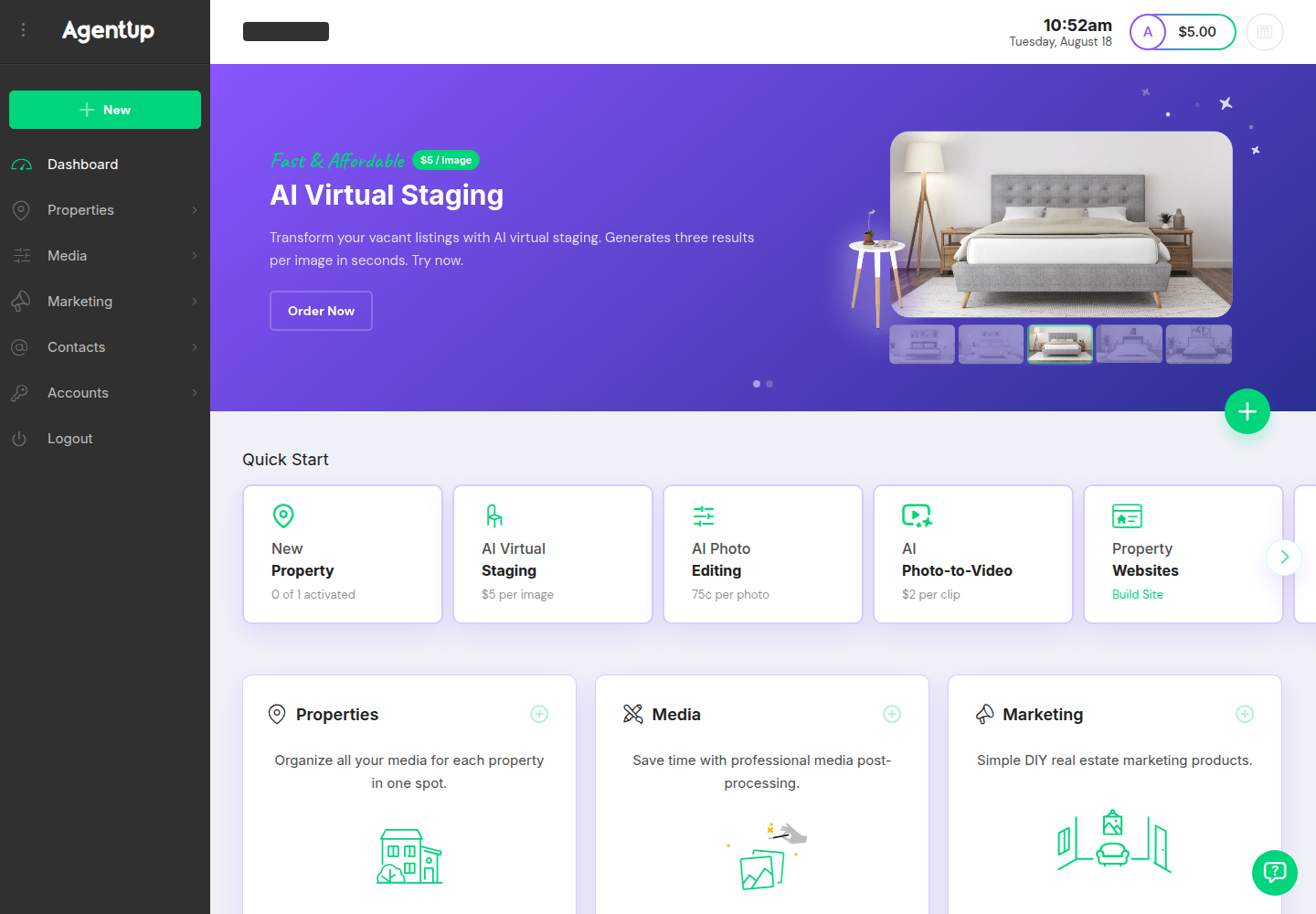
The broader catalog extends beyond photo outputs. PhotoUp also lists property websites, virtual tours, flyers, QR codes, and lightweight CRM views for properties, contacts, and accounts. For many teams, that bundling is the whole point: one place to order media and publish marketing collateral, without stitching several vendors together.
One caution belongs in any PhotoUp evaluation: the Free Plan price is clear, and several per-item AI prices are clear, but multiple catalog items do not publish item pricing. That makes the “all-in” budget depend on the exact mix of services a team plans to order.
AI HomeDesign Workflow and Tool Coverage
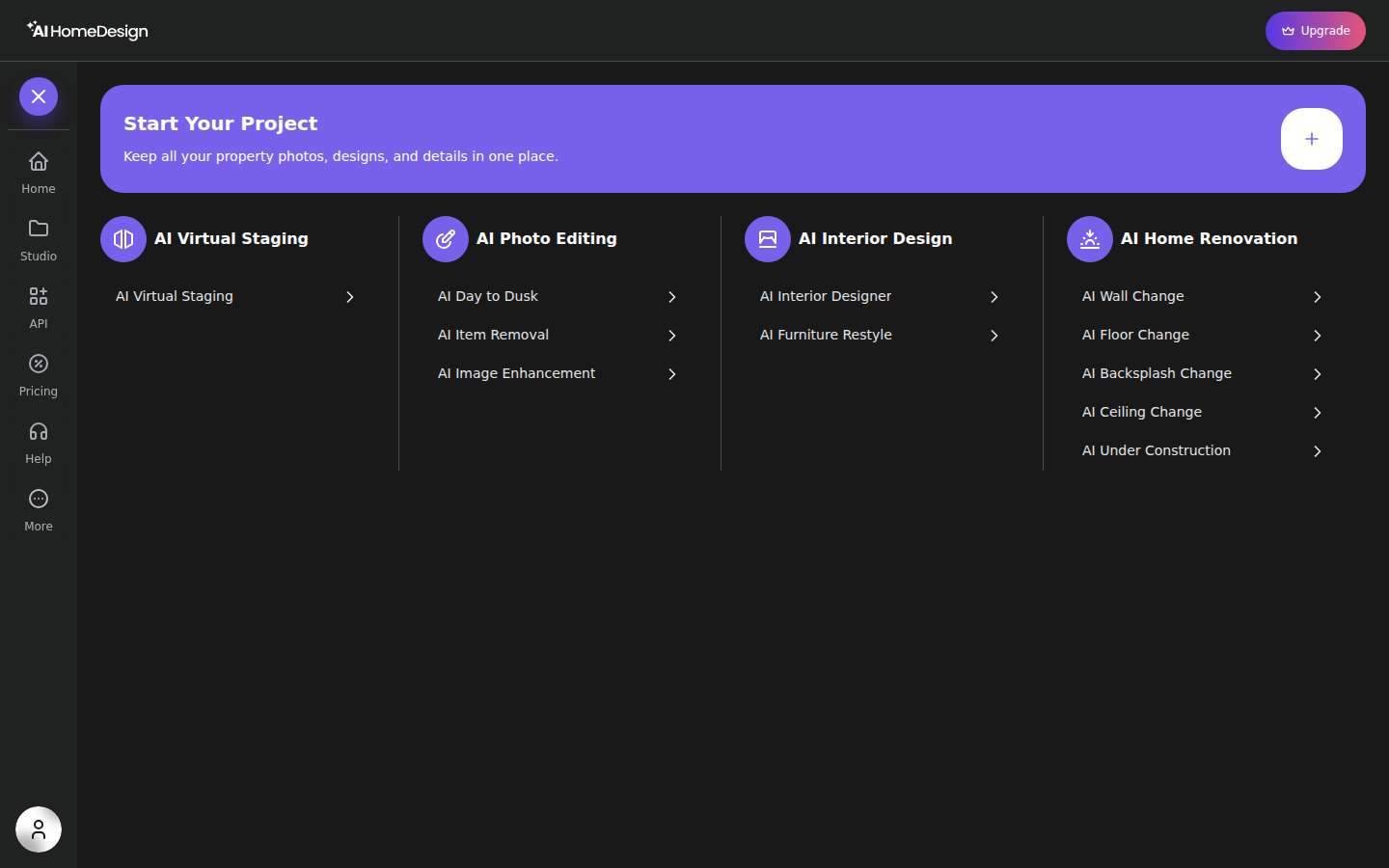
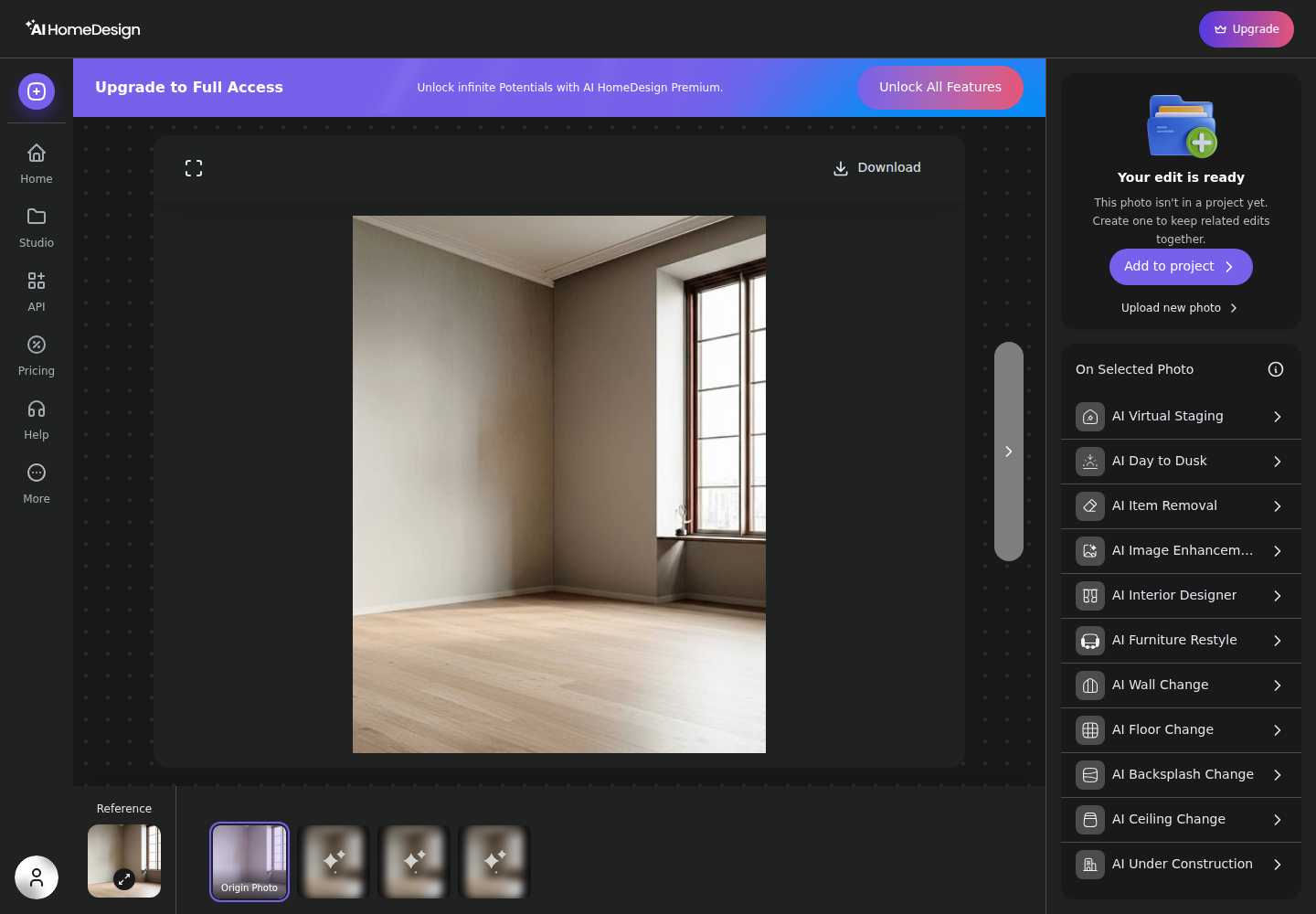
AI HomeDesign is a production tool built around running a full photo set through repeatable steps. It organizes work into three hubs, virtual staging, photo editing, and renovation, with 11 AI tools that share the same editor layout and generation flow.
Studio is the organizational layer. Teams can keep a project per property so every upload, render, and export stays tied to one listing. That structure matters when a coordinator needs to keep 25 photos consistent, because the tool choices and style decisions stay easy to repeat across the whole gallery.
Every tool follows the same pattern: upload, pick Space first, then choose style or materials, then generate. Each run spends one credit and returns four renders, which keeps selection inside a single generation rather than turning small variations into separate line items. A results screen supports before and after compare, download, and a chaining panel that hands a chosen render into other tools.
AI HomeDesign’s job coverage skews deeper than a media ordering catalog. The suite includes AI Virtual Staging, AI Item Removal, Image Enhancement, and AI Day to Dusk, plus renovation tools like wall, floor, ceiling, and backsplash swaps, furniture restyle, interior redesign, and finished views for under-construction spaces.
For teams that already outsource edits, a useful way to frame AI HomeDesign is as self-serve control over a listing’s visual operations. The platform keeps everything in one account and one credit pool across staging, cleanup, and renovation visuals. That scope also pairs naturally with AI real estate photo editing when a team wants the photo set to stay listing-ready and MLS-safe.
Pricing Compared: Prepaid Balance vs Credit Pool
PhotoUp prices most work as per-item charges deducted from a prepaid USD balance. AI Virtual Staging is $5 per image, AI Photo Editing is $0.75 per photo, and AI Photo-to-Video is $2 per clip, with human dedicated-editor work listed at roughly $0.50 to $1 per edit, all under a Free Plan base.
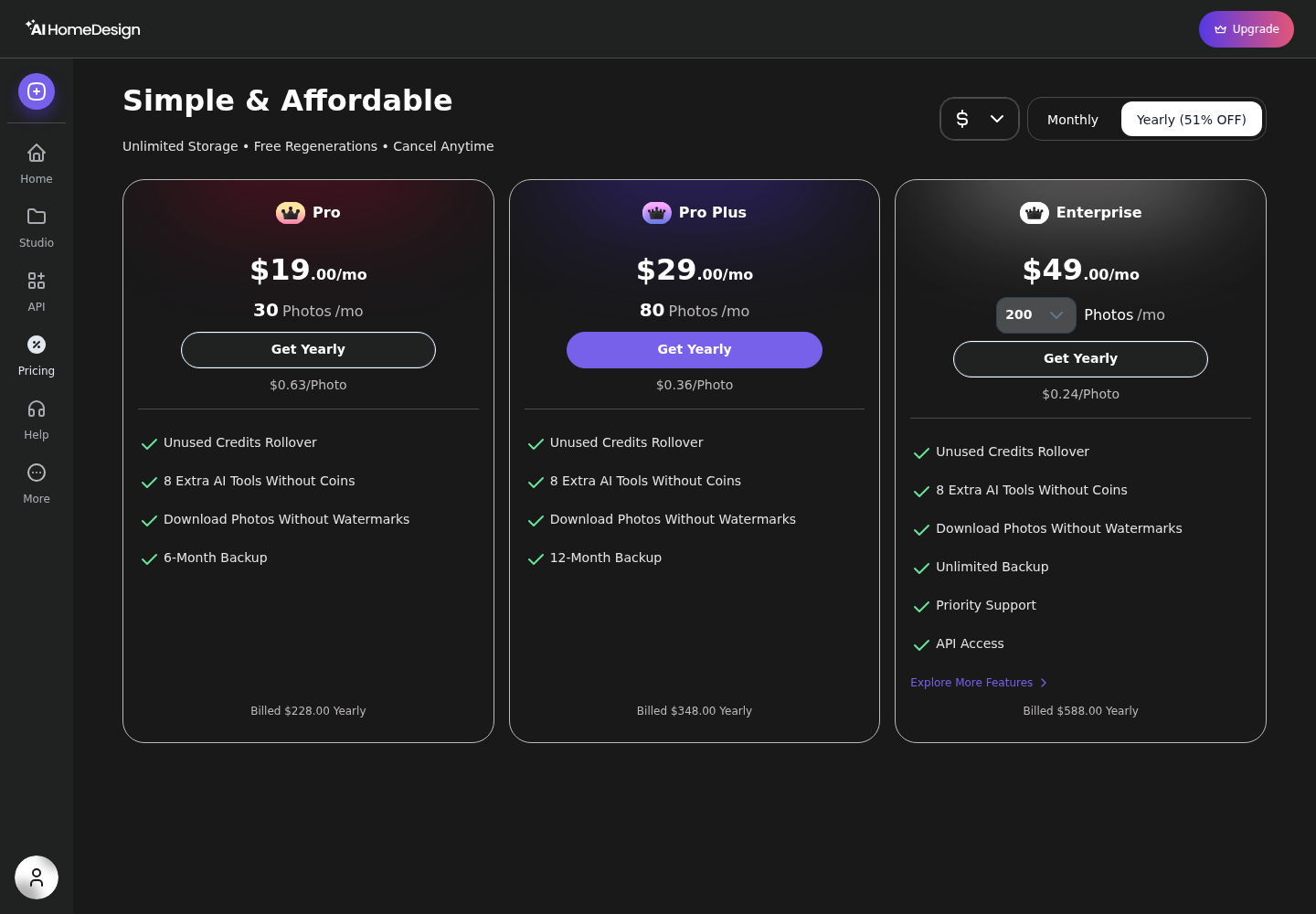
AI HomeDesign prices work as plans with a credit pool. Pro, Pro Plus, and Enterprise each allocate a monthly photo allowance, with a lower effective per-photo cost at higher volume and on yearly billing. Each generation costs one credit and returns four renders.
Those models behave differently in real operations. Per-item billing stays simple when volume is low or irregular, because each listing only pays for what it uses. A monthly credit pool behaves better when listings arrive steadily, because the cost per photo stabilizes and the photo set runs as one batch.
The core decision is not “which is cheaper per image.” It is which billing unit matches actual work: individual items and re-orders, or repeated generations across a whole gallery. That is the same tension described in per-image pricing versus a monthly credit pool, and it often decides the budget more than any single feature.
A third reference point helps calibrate expectations. PropertyPixel advertises pricing at $0.50 per photo for automated edits, which sits between PhotoUp’s lowest per-item AI edit price and AI HomeDesign’s subscription range at volume.
The Cost of a Full Listing Set in 2026
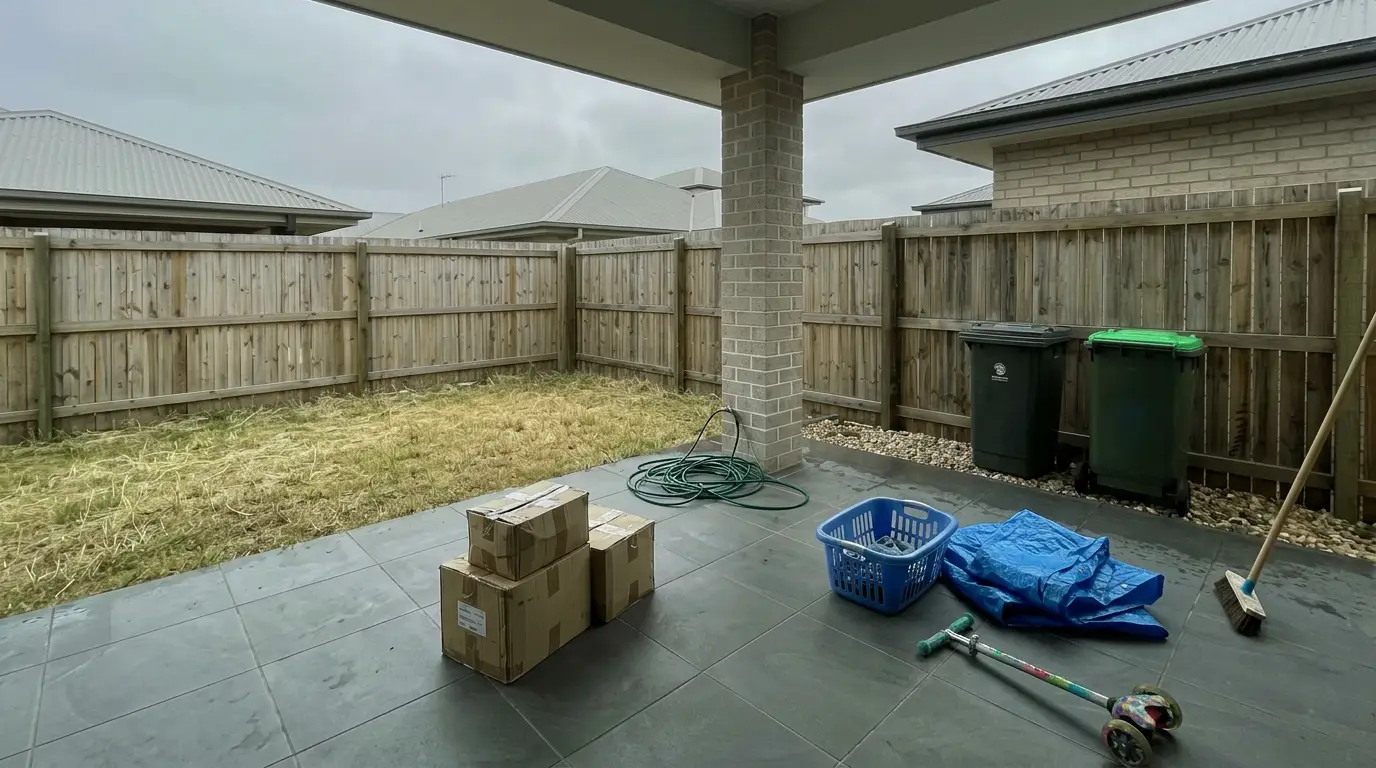
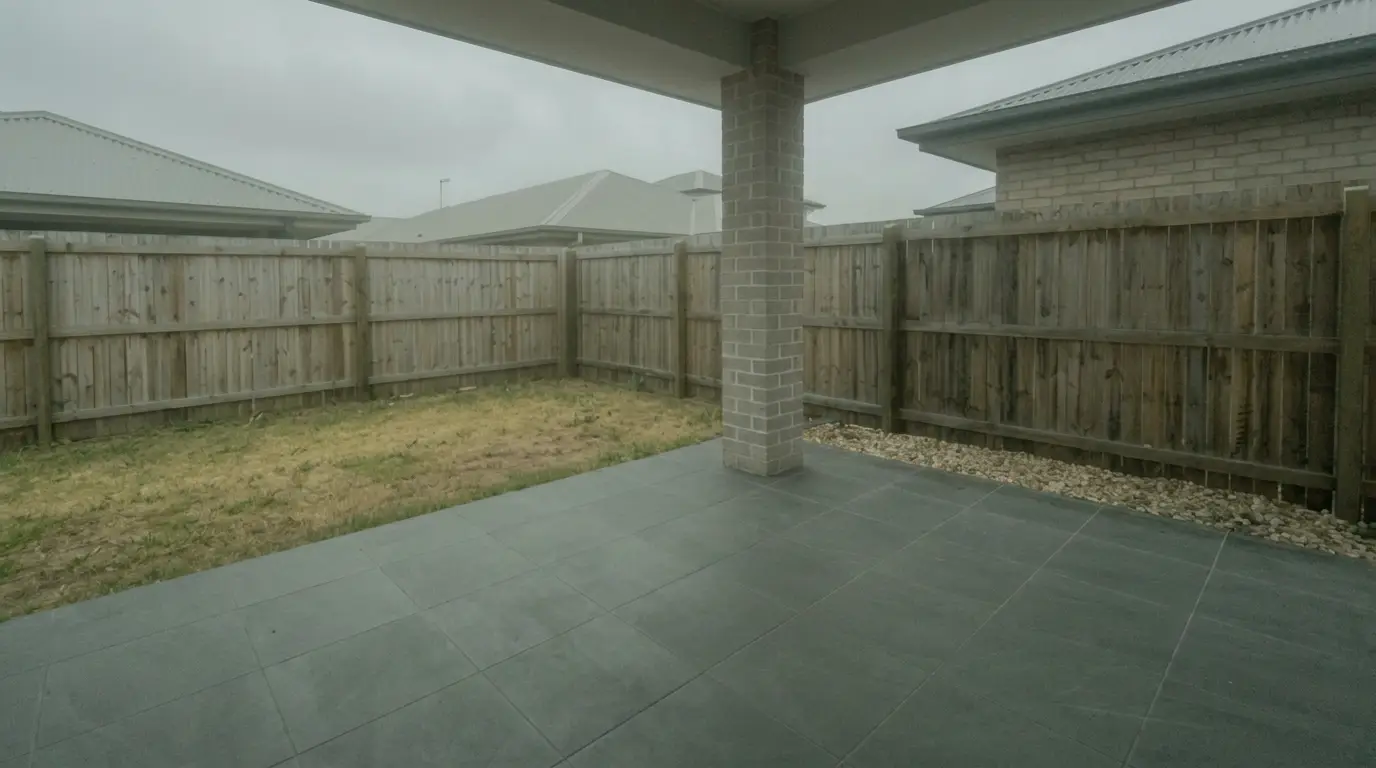
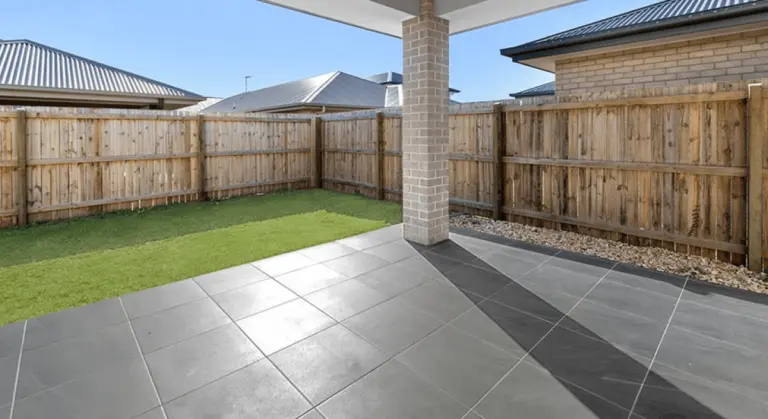
A listing set cost only makes sense when it matches a real gallery. Use this common mix: 25 photos total, with 20 images needing photo enhancement, four rooms needing virtual staging, and one exterior needing a dusk look.
On PhotoUp’s published per-item prices, that math is linear. The 20 enhanced photos cost $15 at $0.75 each, and the four staged rooms cost $20 at $5 each. The staged-and-enhanced portion totals $35, and any added items such as photo-to-video add their own per-item charge.
AI HomeDesign runs the same set against credits rather than item fees. If every photo in the set needs a generation, the set consumes 25 credits. On Pro monthly, that scale pushes against the plan’s monthly photo allowance. On Pro Plus and Enterprise, the same set sits further inside the monthly pool, and the effective per-photo cost drops materially on yearly billing.
The revision line item often decides the real total. PhotoUp returns three staging results per image, but a second attempt is still a new order that charges again per staged image. AI HomeDesign returns four renders per credit and lists free regenerations on paid plans, so an extra iteration does not add a new per-item fee.
The budget takeaway is practical: pay-per-item often wins for a low volume operator that stages only a few rooms per listing and rarely redoes images. A credit pool often wins for steady monthly listing volume, or for teams that iterate by trying multiple staged looks, multiple dusk variants, or multiple renovation finish options before publishing.
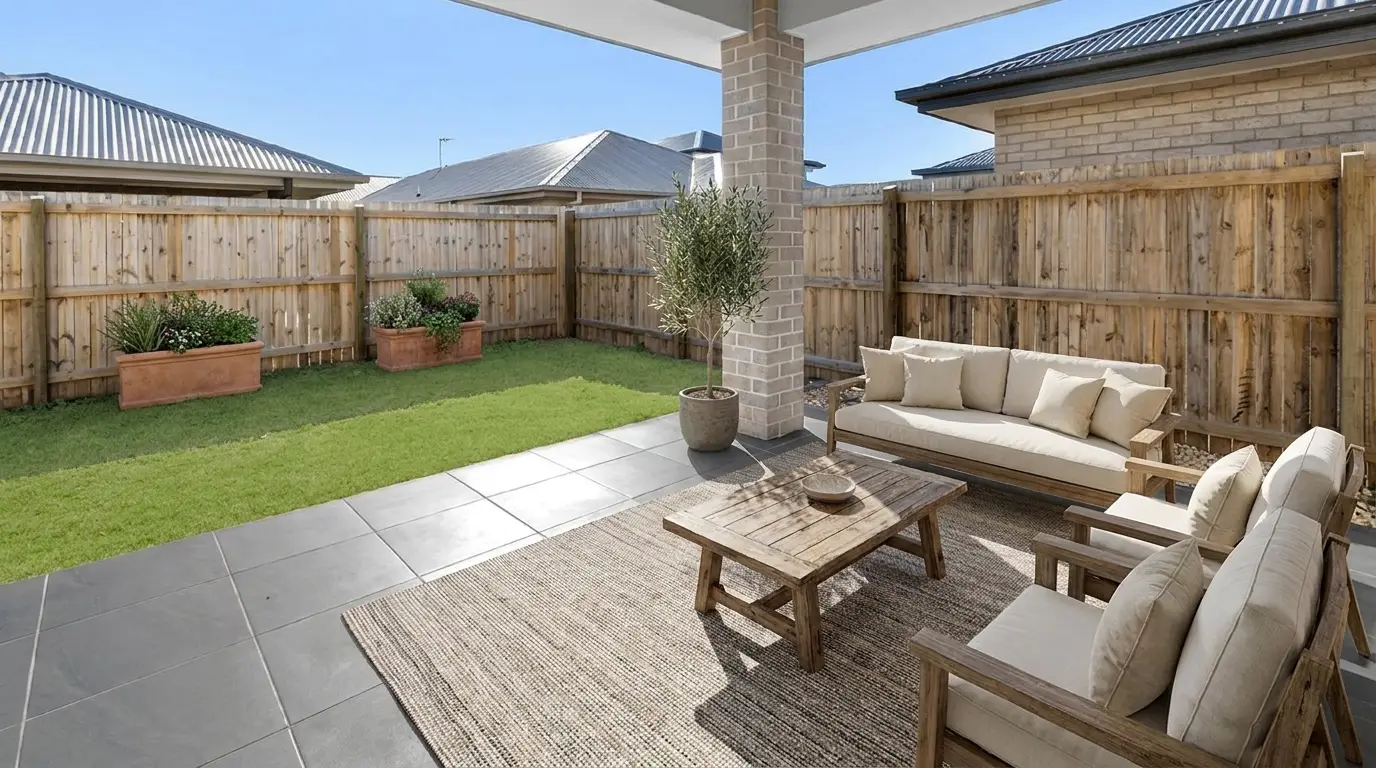
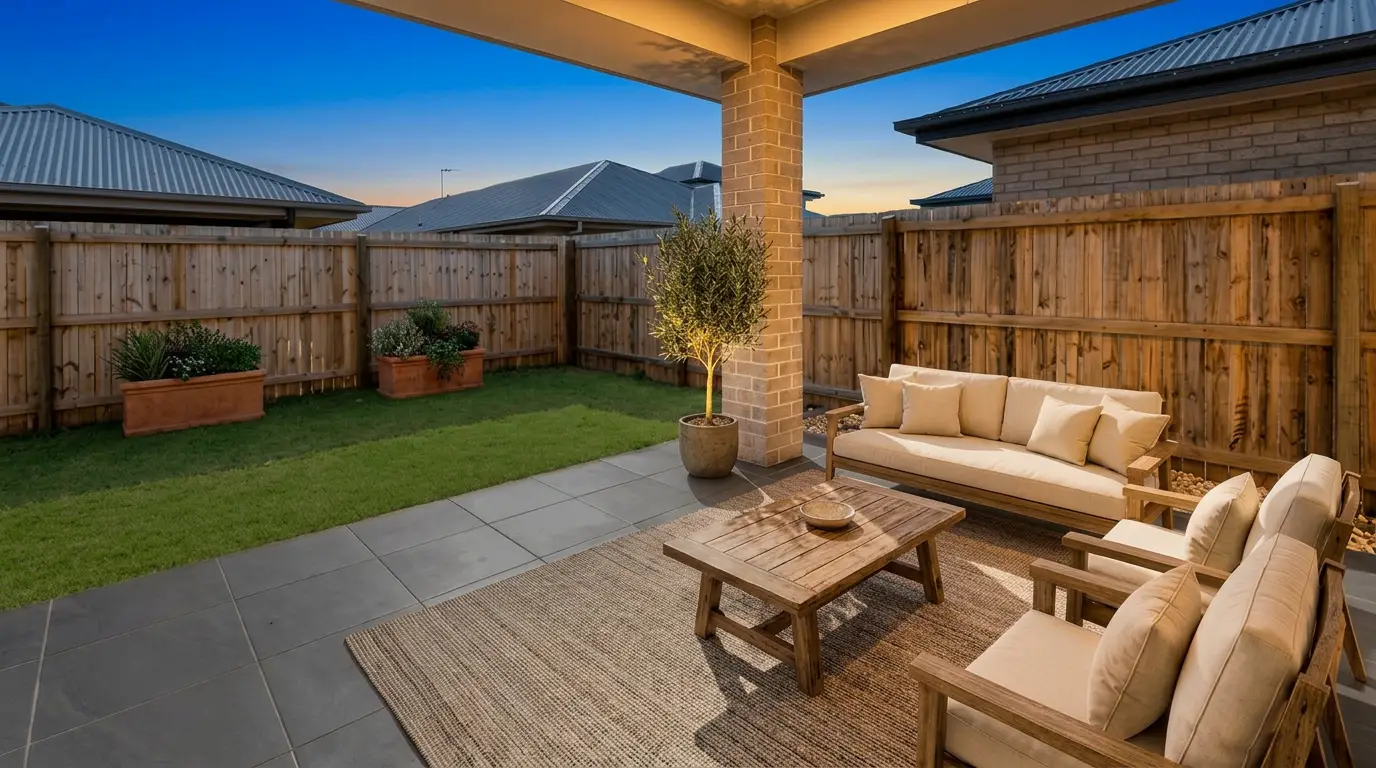
Get listing-ready photos in seconds
Clutter, exposure and twilight handled in one pass. All 11 tools on one account. Free trial credits, no credit card.
Start editing freeJob-by-Job Fit for Listing Photo Work
Listings rarely need “editing” in the abstract. They need specific jobs completed fast, with a consistent look across the gallery.
Virtual staging is a clean compare point. PhotoUp sells AI Virtual Staging per image and returns three results in seconds. AI HomeDesign sells staging as a credit-based generation that returns four renders, and it offers space and style options plus a Remove Furniture toggle. Where the staging decision sits inside a bigger listing workflow, teams often keep staging consistent by repeating the same space and style choices across the photo set.
Day-to-dusk work often decides the hero exterior. AI HomeDesign includes AI Day to Dusk with sky style options and toggles like shadow removal and lawn touch-up. PhotoUp can cover twilight looks through editing instructions or a human editor, but the exact per-item pricing for that specific twilight outcome is not published in the provided material. For a deeper breakdown of the math behind this job, see what day-to-dusk editing actually costs per photo.
Item removal and cleanup also differs by workflow. PhotoUp’s AI Photo Editing supports order-level editing preferences with per-photo overrides, which can handle common cleanup requests as instructions. AI HomeDesign offers AI Item Removal with an Auto declutter mode or a brush-select area mode, and it can chain that result directly into Image Enhancement or Day to Dusk for a single-photo pipeline.
Renovation visualization is the major scope divider. AI HomeDesign includes renovation tools for wall, floor, backsplash, and ceiling swaps, plus under-construction views for unfinished spaces. PhotoUp’s documented catalog focuses on staging, photo editing, video, tours, websites, and marketing collateral, and it does not list an equivalent surface-swap tool.
Disclosure still matters whichever tool runs the pixel changes. The National Association of REALTORS has published the Profile of Home Staging, and the core operational lesson applies to virtual work too: staged visuals can help buyers picture a space, but teams should label staging clearly.
Turnaround, Revisions, and Consistency Across a Gallery
Listing-day speed has two parts: render time and decision time. Instant AI generation helps with render time, but teams still need a buffer for selecting the best result, checking for accuracy, and exporting a clean gallery.
A safe planning window is one day for a self-serve AI workflow and two days when a human editor sits in the loop. That extra day covers feedback, revisions, and the back-and-forth that often happens once an agent sees the full set together. It also gives time to apply a single visual standard across every image.
Revisions cost differently because the billing units differ. PhotoUp’s prepaid-balance model charges again when a new order is placed. AI HomeDesign’s plan model returns four renders per generation and includes free regenerations on paid plans, so teams can explore variations without turning each tweak into a new charge.
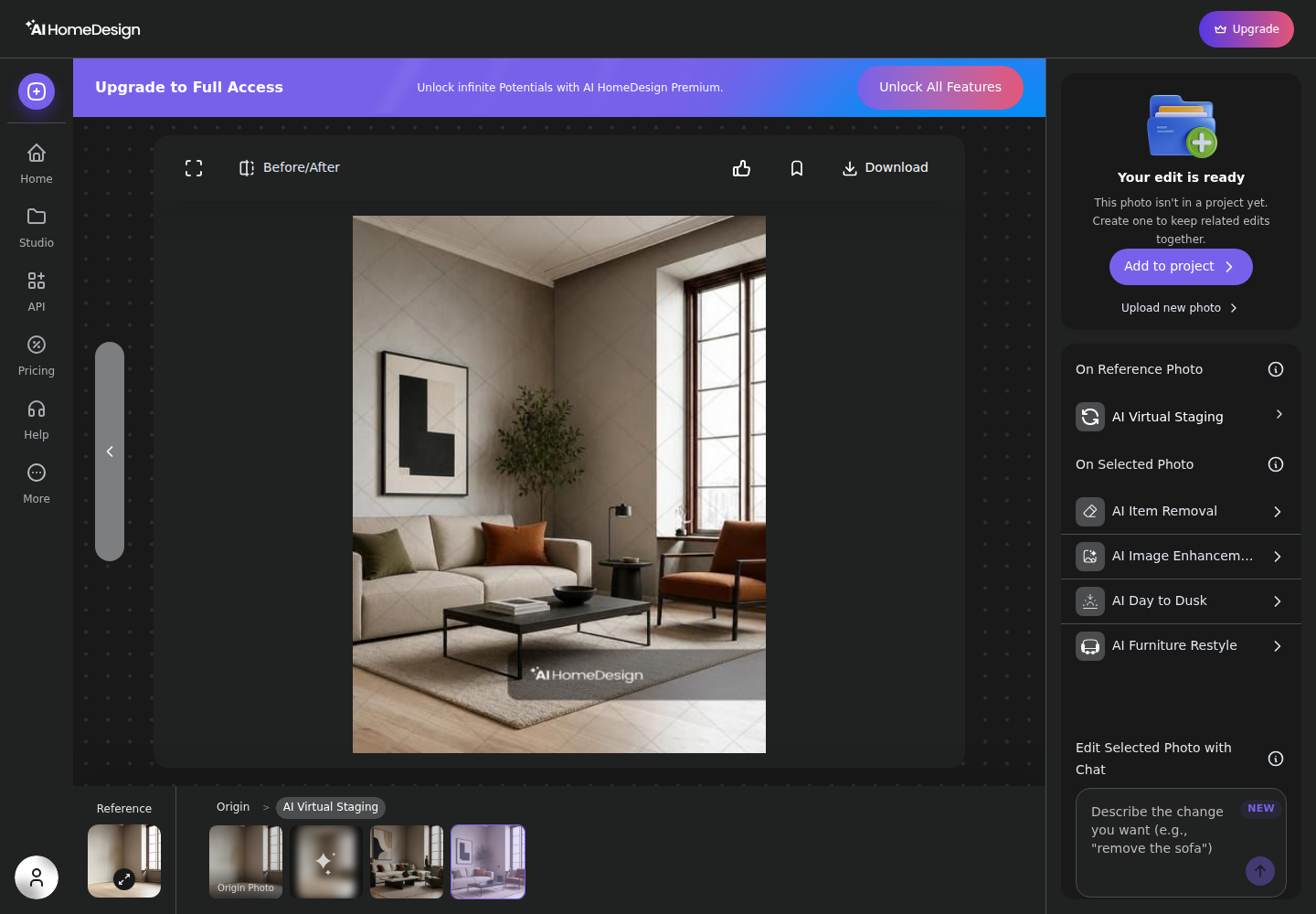
Consistency across a 25-photo set also comes from process, not preference. A human editor holds a look by making judgement calls across exposure and color. AI HomeDesign holds a look by repeating Space, style, and tool choices across the full set, and by chaining tools so the same source render flows through the same edit path.
Disclosure and MLS Rules should be treated as production requirements. Teams can use a simple label on every edited image that changes furniture or finishes, such as “Virtually staged. Furniture added digitally.” or “AI renovation rendering. Finishes shown are illustrative.” Those labels keep Disclosure clear without turning the listing gallery into a marketing brochure.
For agents and photographers who want a practical shooting baseline that makes either route work better, Photography for Real Estate covers how to capture straight lines and clean exposures so editing tools have good inputs.
How to Decide Without Changing the Entire Workflow
The decision often comes down to what else needs to live next to the photos. PhotoUp can be the better operational fit when a team wants one place for ordering media, storing deliverables by property, generating flyers and QR codes, and tracking basic CRM records alongside the listing.
AI HomeDesign fits teams that run the work in-house and want one subscription to cover staging, cleanup, day-to-dusk, and renovation visuals without opening separate tools. That matters most when the same property needs multiple versions for different audiences, such as an as-is listing plus a renovation concept set for marketing.
Hybrid workflows also exist, and they can be rational. A team can run instant AI passes first for speed on staging, decluttering, and dusk exteriors, then reserve human editing budget for hero shots or difficult mixed-light interiors. The trade-off is simple: two billing relationships, and two places the listing media lives.
A final operational rule keeps the process clean: the deliverable should be the finished, labeled image set ready for MLS upload, plus a simple file naming convention that matches the room order. Price talk and commission details do not belong in the images, and they do not belong in the media delivery folder.
For teams that need context beyond photos, the broader comparison is the rest of the marketing stack. A quick scan of the rest of the agent tool stack can clarify whether a media vendor should also be a CRM and marketing hub.
When the decision still feels close, the cleanest test is to run one empty room and one exterior through each platform’s entry path and compare the outputs and redo costs. If a different style mix is also on the table, a shortlist of other virtual staging platforms worth shortlisting can keep the evaluation honest without dragging the timeline past listing day.
The clear pick
Choose AI HomeDesign when
AI HomeDesign fits agents, photographers, and marketing teams that run full galleries often and want one credit pool for staging, cleanup, day-to-dusk, and renovation visuals with low iteration cost.
Choose PhotoUp when
PhotoUp fits teams that prefer ordering outputs item by item from a prepaid USD balance, especially when the workflow also needs human editing, tours, property sites, and marketing tools in the same account.
Frequently Asked Questions
How much does PhotoUp AI virtual staging cost per photo?
PhotoUp lists AI Virtual Staging at $5 per image, charged against a prepaid USD balance rather than a credit system. Each staged image generates instantly and returns three results to choose from. PhotoUp also lists AI Photo Editing at $0.75 per photo and AI Photo-to-Video at $2 per clip, billed separately as per-item charges.
Is PhotoUp free to use?
PhotoUp starts accounts on a Free Plan priced at $0 per month, but the plan does not make the media free. Each order still deducts per-item charges from a prepaid balance funded by a payment method on file. Paid tiers above the Free Plan are not described with published prices.
How does AI HomeDesign pricing compare per photo?
AI HomeDesign sells plans with a monthly credit pool rather than per-item orders. Each generation uses one credit and returns four renders. On yearly billing, effective costs range from $0.63 per photo on Pro to $0.24 per photo on Enterprise. Paid plans include watermark-free downloads and list free regenerations, which changes the iteration cost.
Which one is faster on listing day?
Both platforms generate AI staging in seconds, so the main speed difference shows up in workflow steps and review time. PhotoUp AI Virtual Staging returns three results per image immediately. AI HomeDesign returns four renders per generation in the same session and supports chaining edits. PhotoUp AI Photo Editing uses a checkout step and does not publish a turnaround time.
What does a redo cost on each platform?
PhotoUp prices work per item, so a new staging order or a second pass typically creates another per-item charge against the prepaid balance. AI HomeDesign pricing centers on credits per generation, and paid plans list free regenerations. Since each generation returns four renders, teams often resolve small preference changes without placing a new paid order.
Do virtually staged images need disclosure in the MLS?
Most MLS Rules require clear Disclosure when furniture or finishes are added digitally, even if the underlying room photo is real. A simple label like “Virtually staged. Furniture added digitally.” usually satisfies the intent. Some MLS systems also require a Virtually Staged Watermark or a specific field entry, so local rule text should be checked before upload.