Foyr Neo vs AI HomeDesign Pricing and Workflow 2026
Foyr Neo vs AI HomeDesign: compare pricing, credits, workflow, and MLS disclosure. Pick plan-based 3D rendering or photo-based listing edits in 2026.
A search for Foyr Neo vs AI HomeDesign usually means one thing: both tools promise photorealistic interiors, but the job still feels unclear. One product starts from a floor plan and builds a scene. The other starts from the photos already shot for a listing.
That split decides almost everything, including cost, speed, and what the final image represents. Teams that need listing photos live fast usually do not need a full 3D editor. Designers who need to present spaces that do not exist yet usually do.
For a deeper background on the photo-first side of this workflow, see our full AI HomeDesign review. The sections below break down the real inputs, credits, and limits so the right tool is obvious before a subscription renews.
At a glance
Foyr Neo vs AI HomeDesign: two starting points
Both products end in a realistic interior image, but they begin at opposite ends of the pipeline. Foyr Neo expects a plan, then turns that plan into a designed room that can be rendered. AI HomeDesign expects a photograph of a real room, then turns that photo into listing-ready variations.
That input difference also changes what “accuracy” means. A 3D render can match a design intent, down to custom furniture placement and lighting choices. A photo-based result preserves the home’s real windows, ceiling height, and fixed features, which matters when buyers compare photos to the in-person tour.
The business case sits behind most searches. Staging helps buyers picture a home, and the National Association of REALTORS tracks that impact in its Profile of Home Staging. The faster question for most teams is simpler: which tool fits the assets already on hand, a plan or a photo.
A practical rule keeps decision-making clean. If the task starts with a floor plan, a 3D platform earns its cost. If the task starts with a camera roll from a shoot, a photo-first platform avoids hours of modeling before the first usable image exists.
What Foyr Neo is built to do
Foyr Neo operates like a design studio in a browser. A project begins with a floor plan, either uploaded or drawn inside the app. The platform keeps a 2D plan view and a 3D view in sync, so changes to walls and room shape carry through as the design evolves.

After the plan exists, Foyr Neo shifts into furnishing and presentation. Its workflow centers on selecting products, adjusting layout, setting camera angles, and controlling lighting before rendering. The platform’s depth lives in its catalog and templates, including the counts described in this Foyr Neo feature overview.
Rendering functions like a metered output step on most plans. Each rendered camera view consumes render credits on entry tiers, so revisions and alternate angles have a direct cost. Higher tiers add presentation formats like walkthrough-style outputs and export options geared toward design handoff.
Hardware matters because the editor is a real-time 3D application. Foyr Neo’s workflow expects a WebGL-capable desktop browser, with Chrome recommended in its own guidance. That requirement does not make it “hard,” but it does make it different from quick, mobile-friendly listing tasks.
What AI HomeDesign is built to do for listing photos
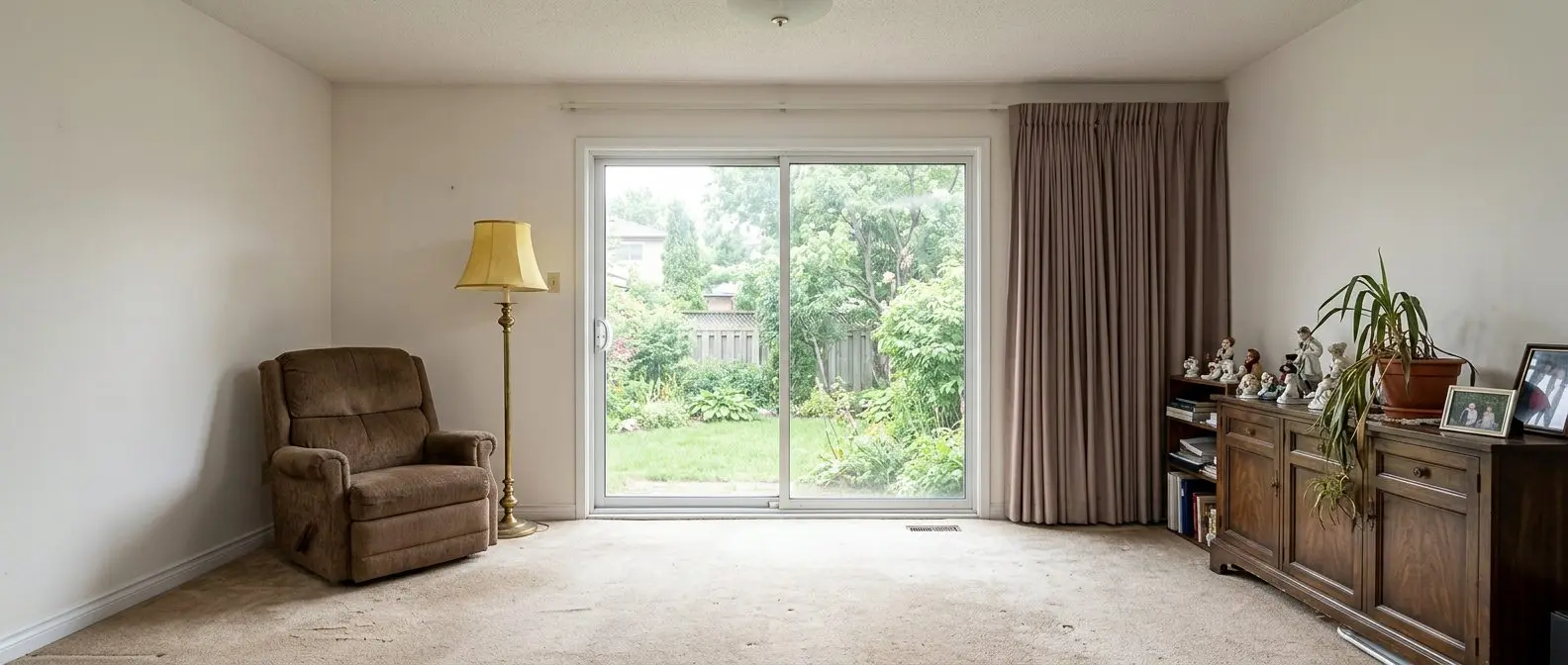
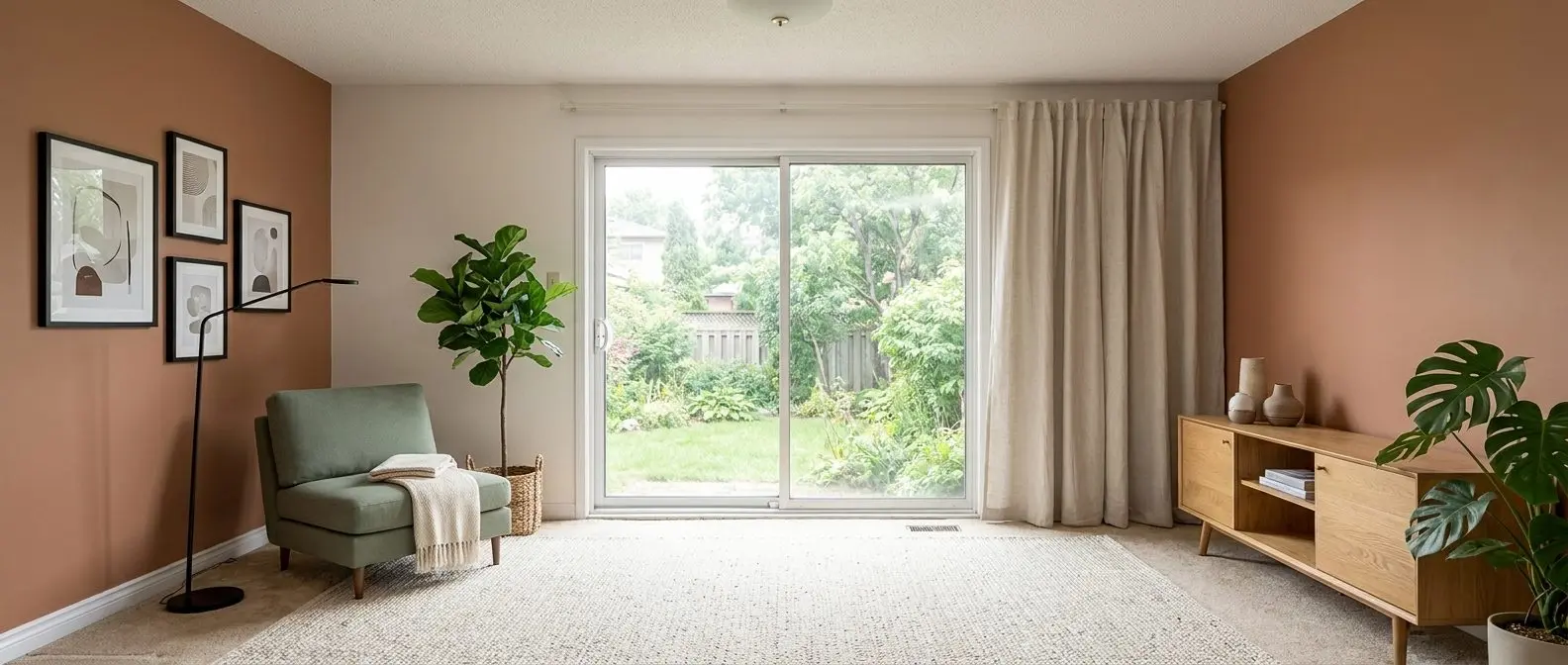
AI HomeDesign starts with a photo a camera already took. From there, it supports the listing-photo jobs that tend to pile up late in the week: virtual staging, decluttering, lighting cleanup, and renovation previews that help buyers picture changes without a contractor on site.
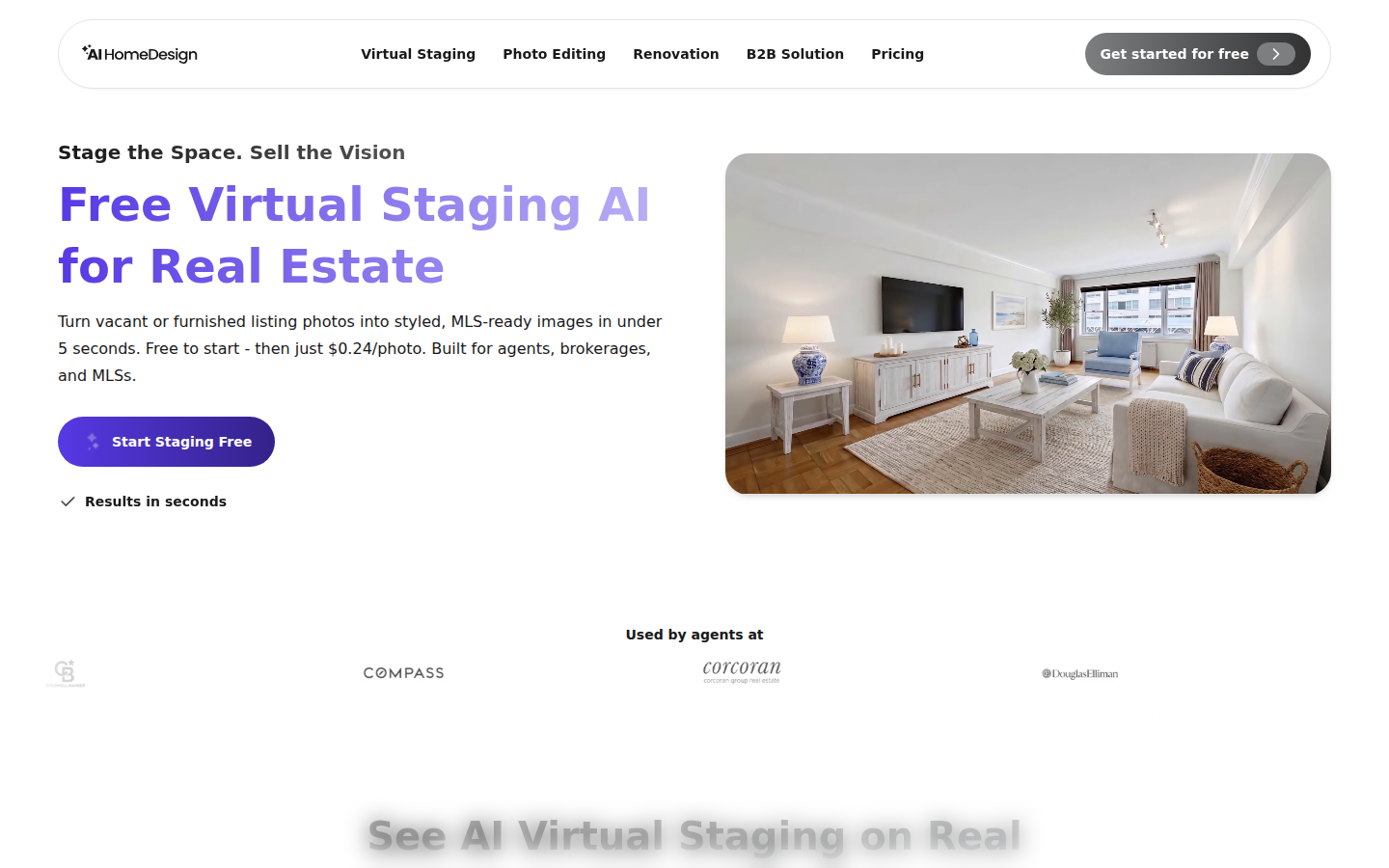
The product structure stays simple in day-to-day use. AI HomeDesign includes eleven specialized AI tools across three hubs, virtual staging, photo editing, and renovation, with one account and one shared credit pool. Pricing starts from $0.24 a photo at the high-volume tier, and generation returns results in seconds. A single, practical overview of that toolbox lives on the AI interior design page.
A photo-first workflow only works when the app stays consistent. AI HomeDesign pushes that consistency through one UI rule: Space comes first, because Space sets furniture scale. Style and Material stay locked until Space is selected, which reduces the odds of a mismatched gallery across a full listing.
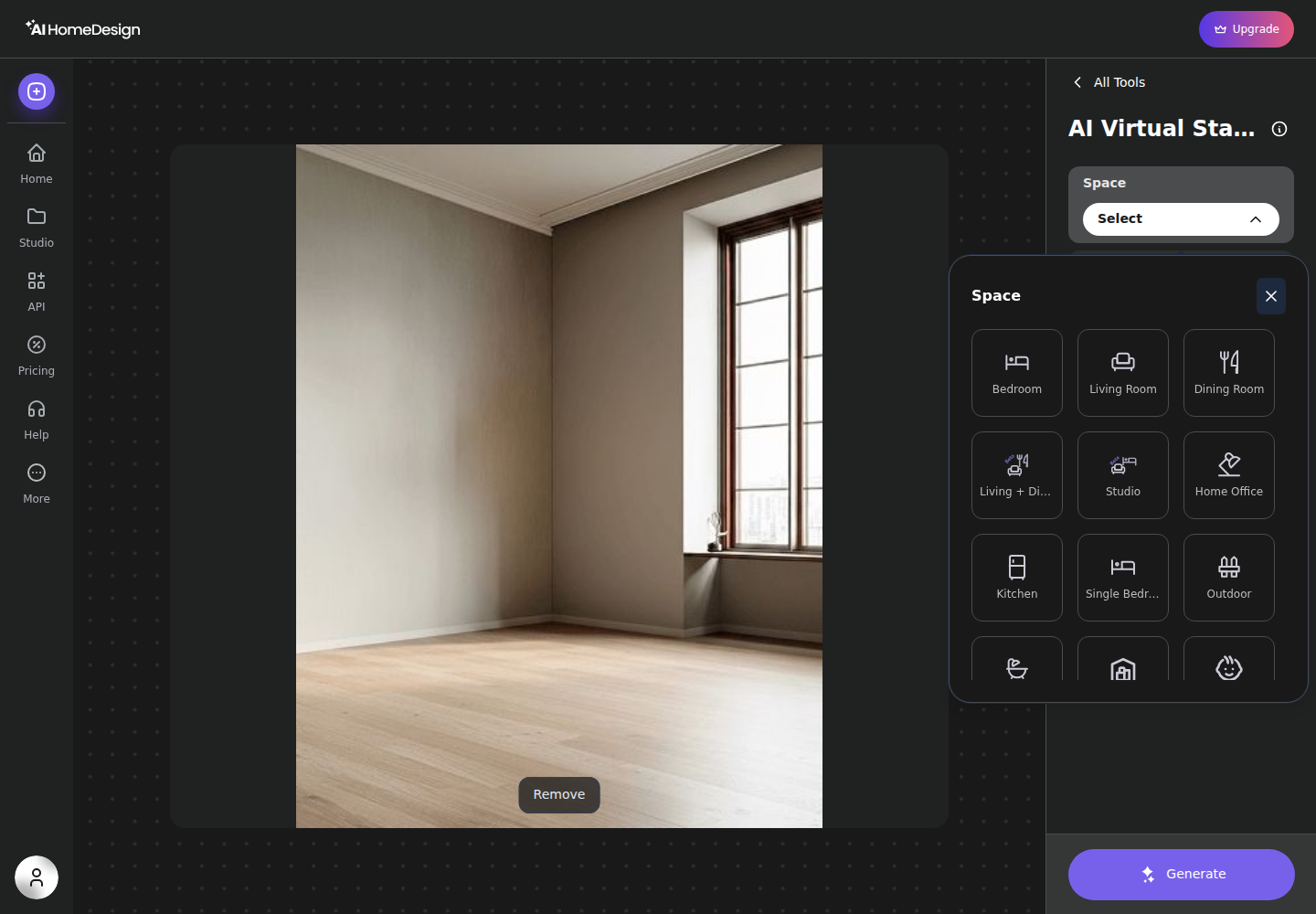
Each paid generation spends one credit and returns four renders of the same photo, in under five seconds for AI Virtual Staging. Paid plans also include free regenerations, which changes how revisions feel. Instead of treating revisions like a new purchase, teams can regenerate until the look matches the property’s target buyer.
Pricing and credit economics
The first pricing mistake in this comparison is treating a “credit” as the same unit. In Foyr Neo, one render credit produces one rendered view of a scene that someone modeled. In AI HomeDesign, one credit produces four renders of a real listing photo, and paid plans allow free regenerations.
Foyr Neo pricing reads like a traditional software ladder. The vendor’s Foyr Neo pricing page lists yearly-billed tiers starting at $33 per month for Basic with 30 render credits per month and one user, then $67 per month for Standard with 180 render credits per month and two users, and $103 per month for Premium with unlimited renders under fair use and up to five users.
AI HomeDesign pricing reads like a per-photo production budget. On yearly billing, Pro runs $19 per month for 30 photos, Pro Plus runs $29 per month for 80 photos, and Enterprise runs $49 per month for 200 photos. The effective per-photo cost declines by tier, down to $0.24 per photo on Enterprise.
A listing-set view makes the difference tangible without forcing a team into a new workflow. A common set might stage four empty rooms, declutter two photos, enhance three dark interiors, and add one day-to-dusk exterior. That entire mix still bills as “photos” in AI HomeDesign, and it stays inside the same credit pool. For budgeting the exterior, the fastest baseline is what day-to-dusk editing usually costs when the work is treated as a separate service.
Redesign any room in a few clicks
10 styles and 30+ colour palettes, from one photo. All 11 tools on one account. Free trial credits, no credit card.
Start designing freeWorkflow realities from Monday to listing live
Speed looks different in these tools because the work happens in different places. Foyr Neo spends time up front creating the room, then returns renders within minutes once the scene exists. AI HomeDesign spends almost no time up front, then returns listing-ready variations in under five seconds per photo.
That gap changes how teams hit deadlines. Most listing teams plan a one to two day delivery window after the shoot for an edited photo set, because humans still check verticals, crops, and consistency before upload. Photo-first AI fits into that window because the editing step can happen the same afternoon. Modeling-first work rarely fits unless the floor plan already exists and the design goal is limited.
Revision cost also behaves differently. A Foyr Neo revision usually means another render, which consumes another render credit for each camera view. In AI HomeDesign, paid plans include free regenerations, so a team can iterate a look without recalculating a per-revision bill.
The result screen also matters because it shapes throughput. AI HomeDesign allows chaining from the result view, so staging can flow straight into AI Item Removal, Image Enhancement, or AI Day to Dusk without re-uploading the file. That chaining matters for listing teams that treat “final images” as a stack of small fixes.
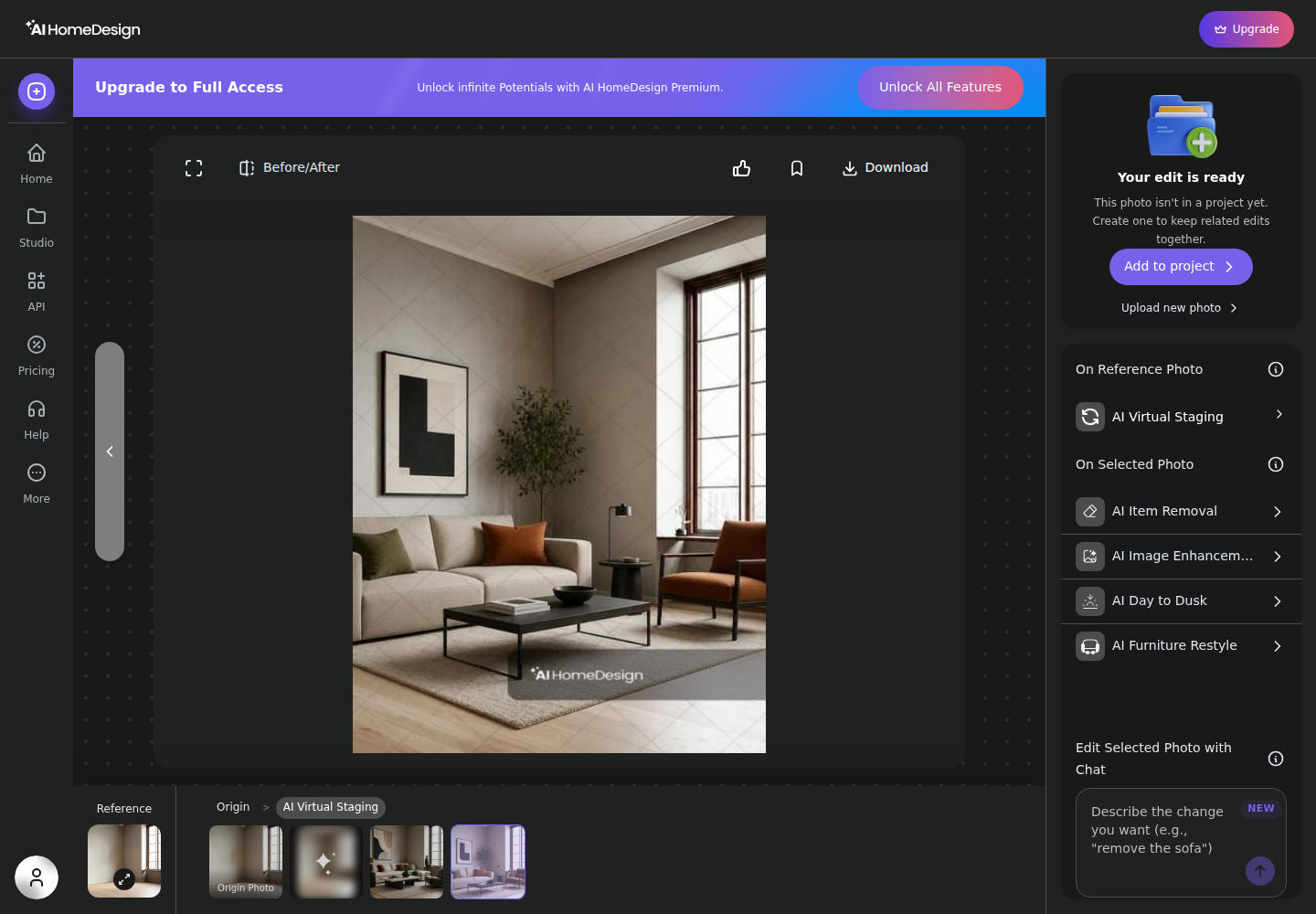
A final workflow reality is device fit. Foyr Neo expects a WebGL-capable desktop browser for real-time 3D work. AI HomeDesign runs in any browser because it starts from upload and generates online. That difference often decides what actually gets done between appointments.
For teams still shopping the broader 3D category, one useful reference point is how Homestyler handles the same trade-off, since it sits on the model-first side while still trying to stay lightweight.
MLS rules, disclosure, and what belongs in the deliverable
Most disputes over edited images come from missing disclosure, not from the edit itself. MLS Rules vary by market, but listings need clear labeling when an image is virtually staged or digitally altered. A safe, simple line that fits most policies reads: Disclosure: This image has been virtually staged and digitally enhanced.
Data fields also matter because many MLS systems now support structured flags for virtual staging. The RESO standard helps define those fields in the RESO Data Dictionary. When a system supports it, teams can label the media correctly in the upload flow instead of relying on the caption alone.
The deliverable itself should stay clean and audit-friendly. The file set should include the final images, consistent naming, and disclosure text for any virtually staged or edited media. Teams should save pricing narratives, commission talk, and negotiation strategy for the live conversation, not the image package. Commission or fee figures rarely belong inside a photo deliverable because the visuals often get forwarded outside the client loop.
AI HomeDesign is built for MLS-ready output by default, with paid downloads free of watermarks and with fixtures and structure preserved. Many MLSs also publish consumer-facing guidance about listing data and media expectations, including pages like Bright MLS Bright Home that explain how buyers consume listings inside MLS-connected portals.
Picking the right tool by role and using both together
Role usually decides this choice faster than a feature list. Foyr Neo fits interior designers, builders, and creators who need to start from a plan, iterate layouts, and present a space that does not exist yet. The catalog depth, walkthrough outputs, and elevation exports matter when a client approves design direction before construction.
AI HomeDesign fits listing agents, photographers, and brokerage marketing teams who already have a photo set and need consistent listing images quickly. The strength is not one effect, but coverage of the whole listing-photo workflow: staging, item removal, image enhancement, and renovation visuals in the same credit pool.
Several situations break the “one tool only” instinct. New builds and pre-sales usually need plan-first renders early, then photo-first edits once the build reaches a showable stage. Distressed sales often need light-touch enhancement and declutter, not a full redesign that could feel misleading. Rural properties and unique architecture sometimes require fewer edits and more honest documentation, where small fixes beat heavy staging.
A blended workflow can also be the most cost-aware. A designer can use Foyr Neo to sell a layout and finishes, then use AI HomeDesign to polish the real listing photos once the space exists. Teams comparing the rest of the category can scan the wider field of AI home design and staging tools and still keep the same deciding question: does the job start from a plan or a photograph.
For buyers who know they need a plan-first platform, a floor-plan-centered head-to-head can also help narrow the short list, including the Cedreo comparison for floor-plan-first workflows.
The clear pick
Choose AI HomeDesign when
AI HomeDesign fits agents, photographers, and teams who already have listing photos and need MLS-ready staging, decluttering, enhancement, and day-to-dusk results in seconds with predictable per-photo pricing.
Choose Foyr Neo when
Foyr Neo fits interior designers and builders who need to create a room from a floor plan, iterate layouts, and deliver rendered views and presentation outputs like walkthroughs or elevations.
Frequently asked questions
Is Foyr Neo or AI HomeDesign cheaper to start?
AI HomeDesign is free to start with free credits and no card, but free results are watermarked. Paid plans start at $19 per month on yearly billing. Foyr Neo has no free plan. It offers a trial, then paid plans begin on yearly billing with metered render credits and user seats.
Can Foyr Neo virtually stage an existing listing photo?
No. Foyr Neo starts from a floor plan and a modeled 3D scene, then renders camera views of that scene. It does not edit or stage an existing photograph. A photo-first tool is the better fit when the input is a real room photo from a listing shoot.
Can AI HomeDesign draw a floor plan or produce elevations and walkthroughs?
No. AI HomeDesign starts from a photo and focuses on listing-photo outputs like virtual staging, item removal, image enhancement, day-to-dusk, and renovation previews. It does not create floor plans, export true-to-scale elevations, or build a 3D walkthrough. Those are plan-first platform tasks.
How many images does one credit buy in each tool?
In Foyr Neo, one render credit produces one rendered view from a camera angle in a scene that has already been modeled. In AI HomeDesign, one credit returns four renders of a single photograph, and paid plans include free regenerations for additional variations.
Does either tool require a powerful computer?
Foyr Neo’s real-time 3D editor runs in the browser and needs a WebGL-capable desktop browser, so performance depends on the machine and browser. AI HomeDesign runs in any browser because generation happens online; local performance mostly affects upload speed and review.
What disclosure language works for virtually staged listing images?
Many teams use a plain label that stays consistent across every edited image. A common option is: “Disclosure: this image has been virtually staged and digitally enhanced.” That line can sit in the MLS remarks, media captions, and file naming so downstream portals keep the context.