Cedreo vs AI HomeDesign: Floor Plans or Listing Photos
Cedreo vs AI HomeDesign: compare inputs, outputs, speed, quotas, and pricing so builders and agents can pick the right tool for plans or MLS-ready photos.
A builder can open a blank project and draw a home that does not exist yet. An agent can open a folder of listing photos and need marketing-ready images the same day. That split explains most searches for cedreo vs ai homedesign.
Cedreo and AI HomeDesign both run in a browser and both can show a finished-looking room. The deliverables differ. Cedreo creates drawing sets and 3D renderings from a plan. AI HomeDesign creates MLS-ready listing images from a real photo.
The fastest way to choose is to name the input file sitting on the desktop. The sections below translate that input into the right tool.
At a glance
What Cedreo Produces for Builders and Remodelers
Cedreo is built around pre-sale design documentation. The deliverable is a plan set and a presentation, not a listing photo set. That matters for home builders, remodelers, and contractors who sell work before it exists.
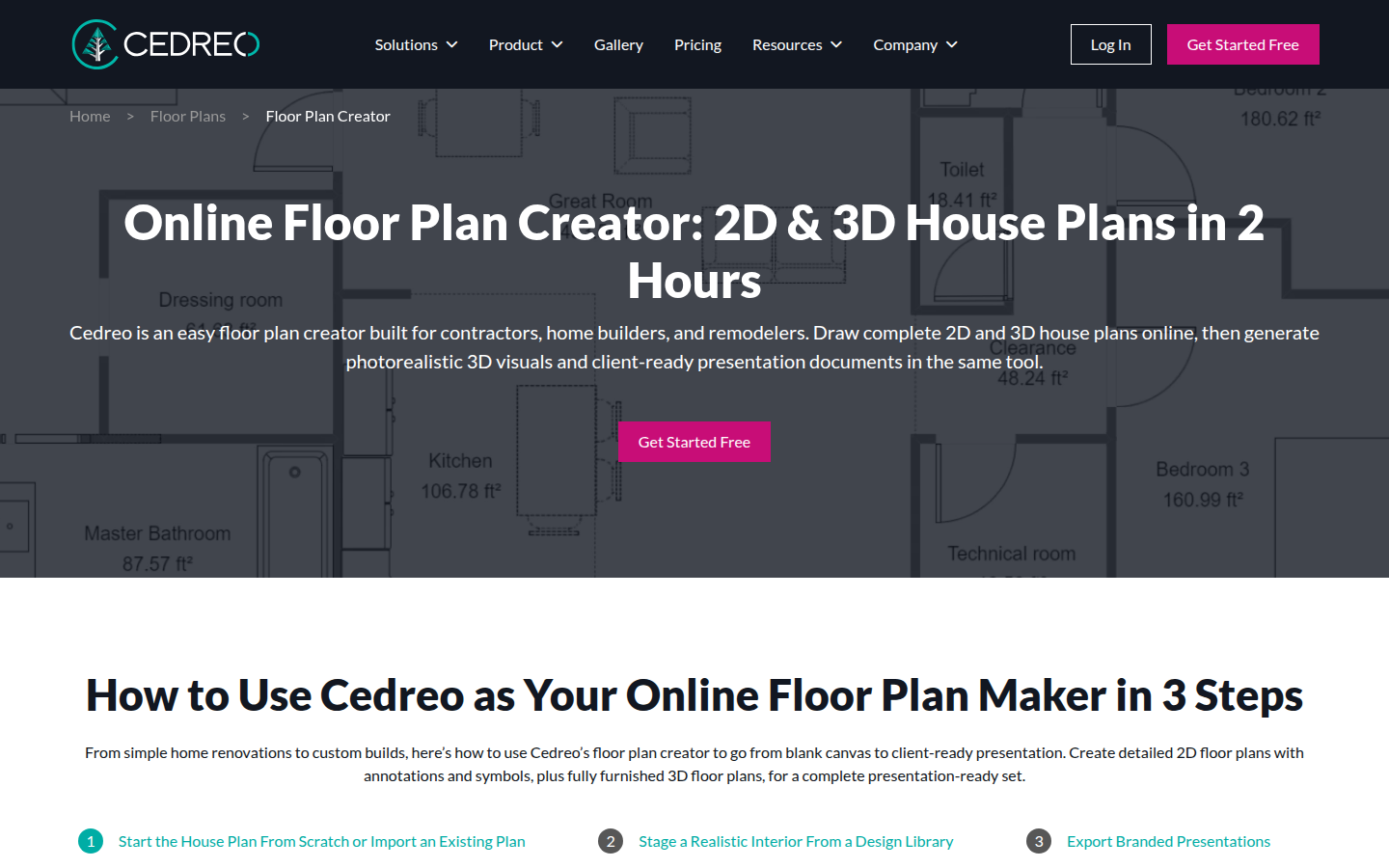
The core experience is drawing in 2D while a live 3D model updates in real time. That keeps layout and visualization tied together. Cedreo also supports importing existing plans so teams can trace instead of starting from scratch.
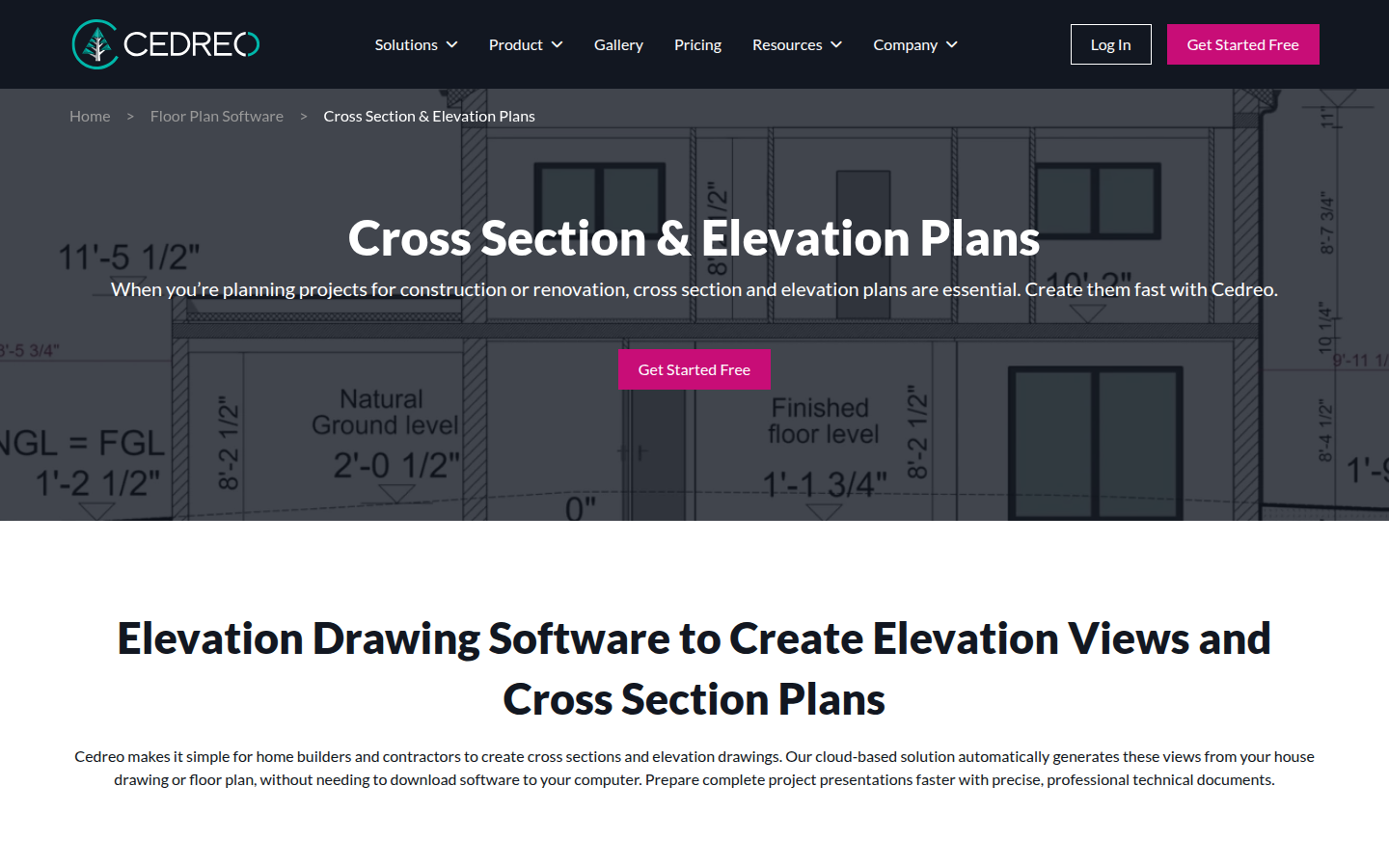
Cedreo’s own guidance highlights the documentation side: 2D floor plans, site plans, cross-sections, elevations, and automatic roof generation. It also calls out a large openings catalog, including “2,300+ fully customizable doors and windows.” Those are the assets buyers of design software expect to control.
Cedreo also makes the output portable. It exports print-to-scale files and DXF for CAD workflows, plus branded presentation documents. Its FAQ frames the speed advantage as a shift from CAD timelines to a complete house plan built in about two hours, while also emphasizing the Chrome-only editor requirement and a free tier with “limited features and library.” That guidance appears on Cedreo’s house plan cost FAQ.
Cedreo’s floor plan editor visuals are shown here.
When the work needs elevations and section drawings, Cedreo positions those as a first-class output.
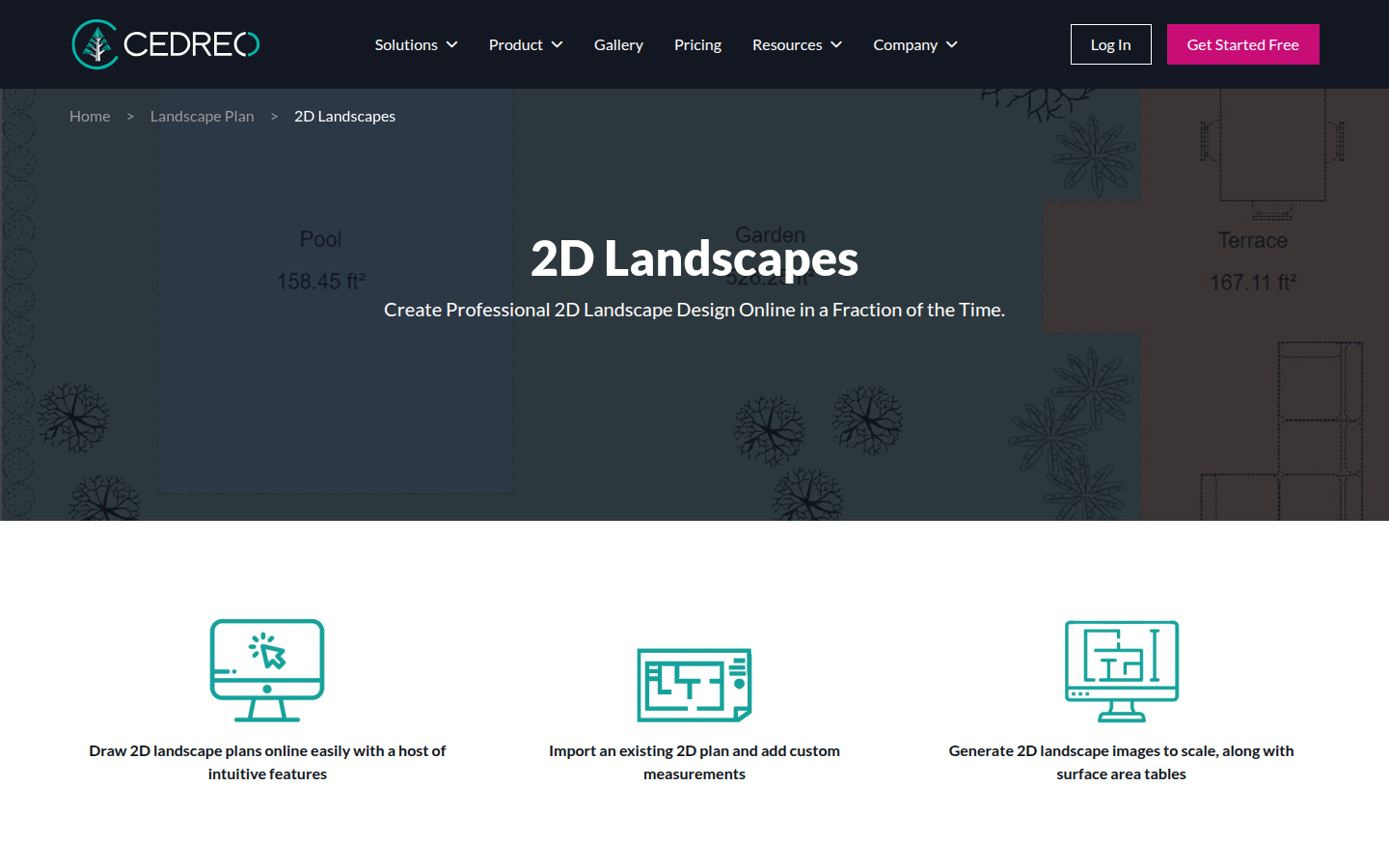
What AI HomeDesign Produces for Listing Photos
AI HomeDesign is built for the listing-photo workflow. The input is a real image of a real room, and the output is a listing-ready image created from that photo. This scope includes three hubs: virtual staging, photo editing, and renovation visualization, across eleven tools with one account and one credit pool. The full AI HomeDesign review walks through each tool, the credit model, and the output quality in more detail.
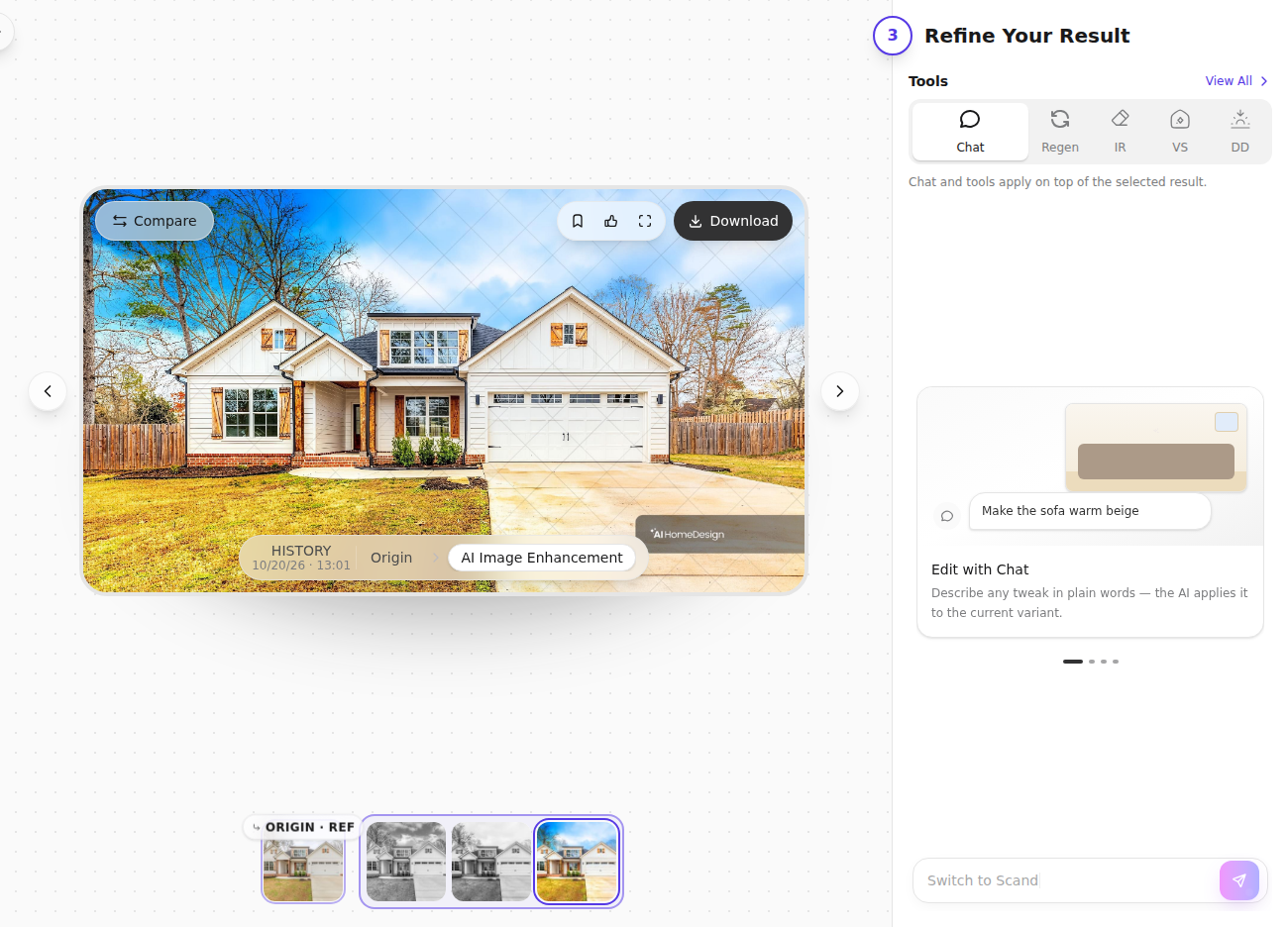
The flow stays photo-first. A team uploads a photo set, or imports images from a listing URL, then picks the right tool for each problem. The editor locks Style and Material until Space is selected first. That design choice keeps furniture scale consistent across a full gallery.
Each generation spends one credit and returns four renders. The results screen also keeps the real workflow moving. It shows before and after comparison, offers download on paid plans without watermarks, and lets the selected render chain into another tool without re-uploading. Typical chains include staging followed by AI Item Removal or Image Enhancement, then an exterior pass through AI Day to Dusk.
AI HomeDesign is also explicit about what it does not replace. It does not produce floor plans, elevations, roofs, site plans, or CAD exports. Those outputs belong to design and drafting tools.
For teams comparing editing approaches, the AI real estate photo editing hub shows the photo-first side of the toolbox, including Image Enhancement, AI Item Removal, and AI Day to Dusk.
Disclosure matters in this category. Listings should label any virtually staged or AI-edited image so buyers understand what changed. Clear text like “virtually staged” on the image and in remarks keeps marketing aligned with MLS rules.
Home Design Software vs Virtual Staging
The input decides everything. Home design software treats a room as a design object. Virtual staging software treats a room as a photographed scene. Both can look photorealistic. The approval questions differ.
Cedreo’s model-first approach works when stakeholders need to approve a layout. A remodel pitch often needs dimensions, circulation, and a plan that guides the build. A drawing set also supports trades, selections, and consistent scopes.
AI HomeDesign’s photo-first approach works when stakeholders need to approve marketing visuals for an existing property. The photo anchors the output to what the camera saw. That helps when the goal is to show how a vacant space could live, or how finishes could change, while staying faithful to the property’s structure.
A simple way to separate the jobs is to ask what cannot be rebuilt in time. If the property does not exist yet, photos do not exist either. Cedreo fits that pre-build phase. If the listing photos exist and the MLS deadline is close, drawing a full model often adds unnecessary work.
Some teams cross-shop Cedreo with other planning tools that also start from a blank canvas. For that adjacent category, see Planner 5D compared for real estate listings. Teams also compare library-based rendering platforms to photo-first staging; the contrast shows up clearly in Coohom for real estate staging.
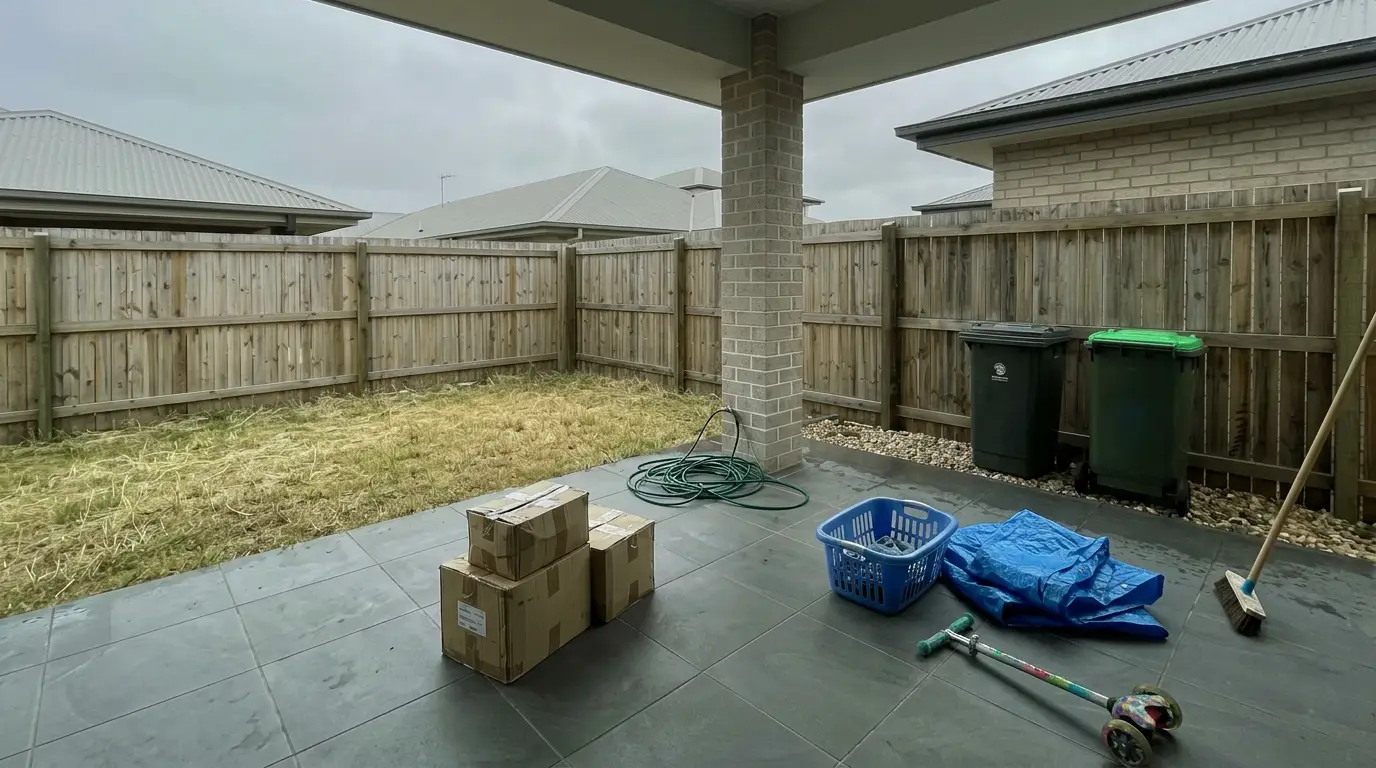
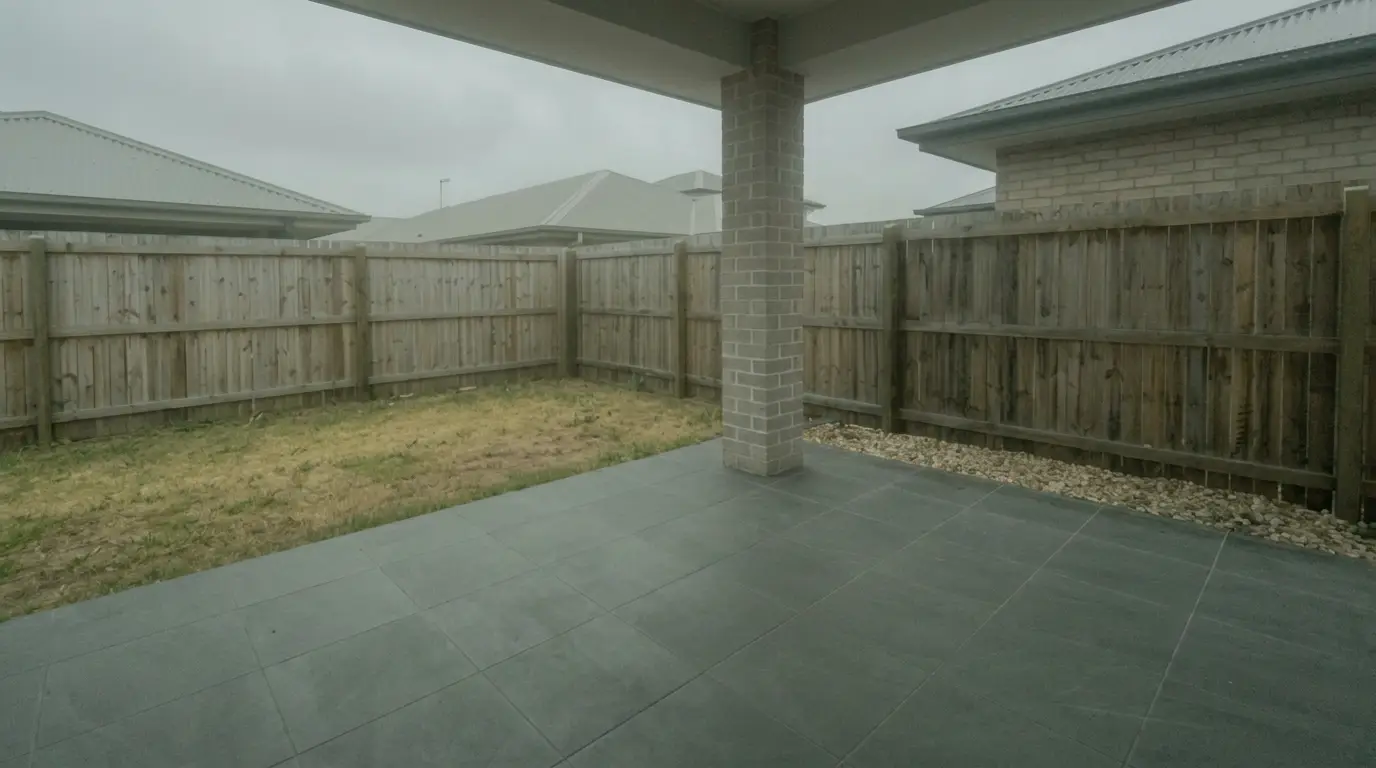
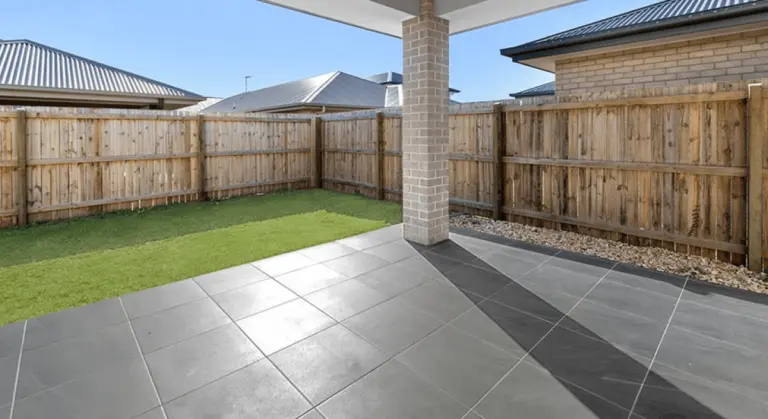
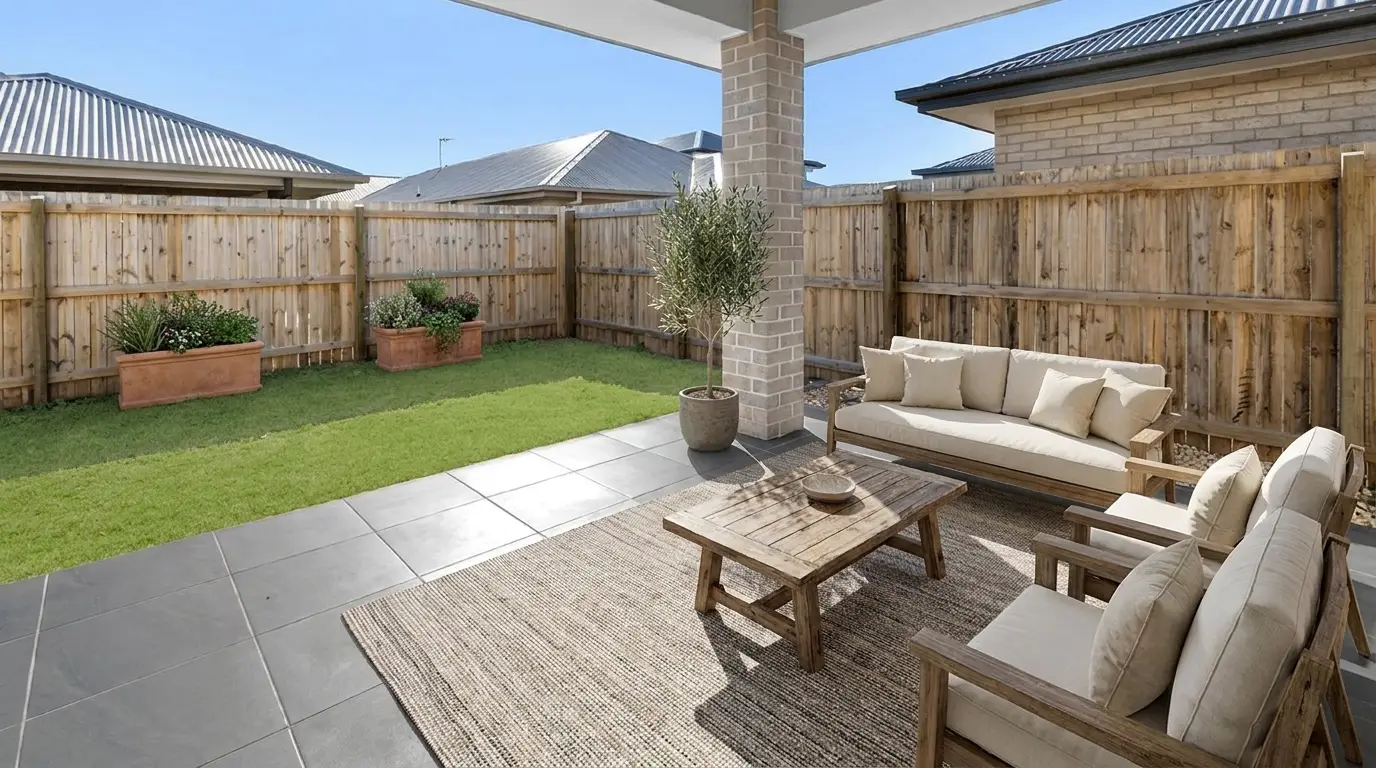
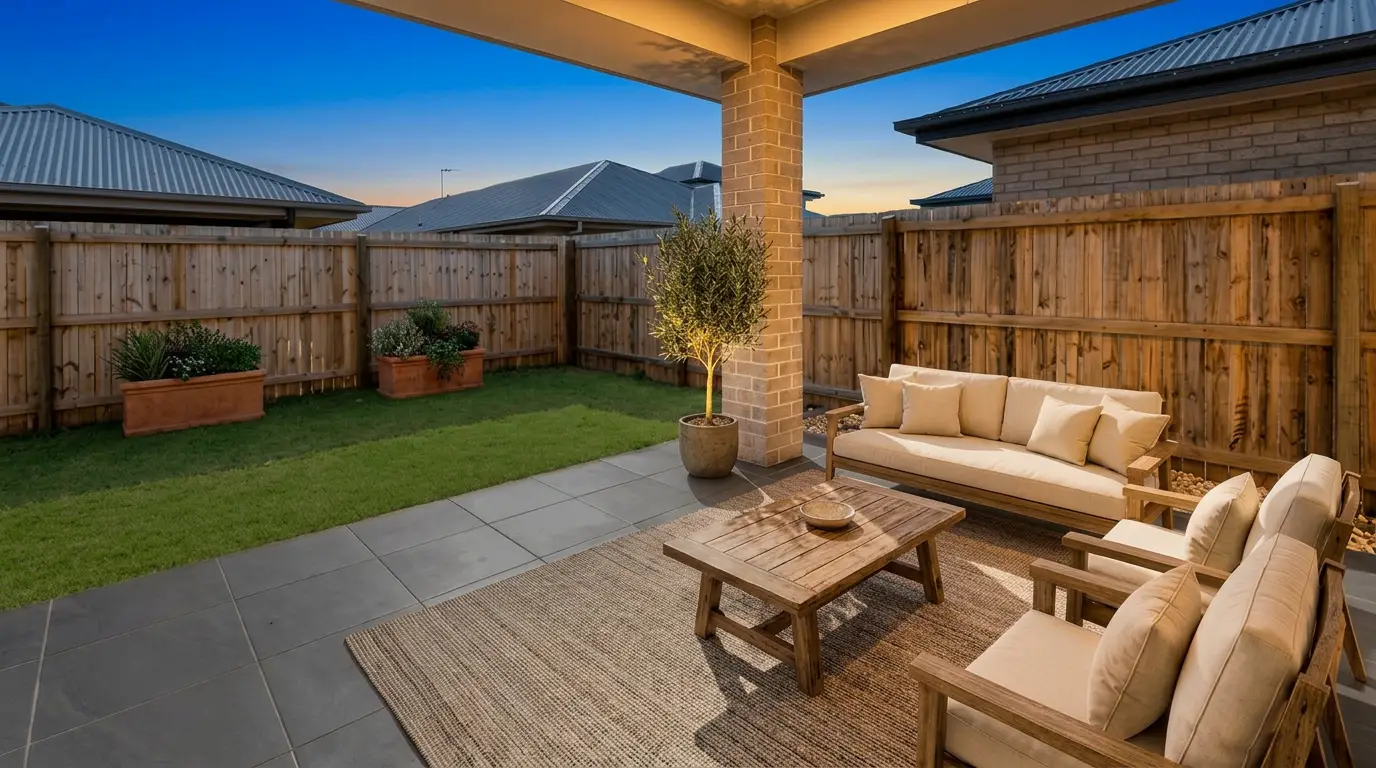
Get listing-ready photos in seconds
Clutter, exposure and twilight handled in one pass. All 11 tools on one account. Free trial credits, no credit card.
Start editing freeSpeed, Quotas, and Workflow Constraints
Speed claims only make sense inside the unit each tool sells. Cedreo measures speed as time to complete a plan and then render views from that model. AI HomeDesign measures speed per photo, with MLS-ready images produced in seconds once the photo exists.
Cedreo also has an operational constraint that affects teams more than marketing pages suggest. The editor requires desktop Google Chrome and states it will not run in other or automated browsers. That becomes a scheduling issue for teams standardized on Safari, Firefox, or locked-down corporate devices.
Quota mechanics also feel different in daily work. Cedreo quotas gate how many photorealistic renderings a team can generate each month on a subscription tier. AI HomeDesign uses credits that spend per generation, with each credit returning multiple renders, and paid plans offering free regenerations.
Both products also gate certain workspace features by tier. Cedreo’s app exposes CRM-style tools such as customers, prospects, team, statistics, and billing on higher tiers. AI HomeDesign’s listing workflow centers on Studio projects and quick tool switching from a single editor.
For readers comparing design-library approaches for staging use cases, Homestyler for staging and design is another example of a model-first tool that overlaps with listing visuals.
Pricing Compared and Cost per Deliverable
Pricing only becomes comparable when the deliverable is named. Cedreo charges for design and drafting capacity, then gates photorealistic output by a renderings-per-month quota. AI HomeDesign charges for listing-image output, with explicit per-photo economics and a credit model that returns multiple renders per generation.
Cedreo publishes a freemium tier and paid plans, including a per-project option and subscriptions. The plan grid lists Free at €0 with “limited features and library,” Personal at €139 per project, Pro at €79/month billed annually with 40 renderings/month, and Enterprise at €119/user/month billed annually with 80 renderings/user/month. Those published prices are on Cedreo’s pricing page.
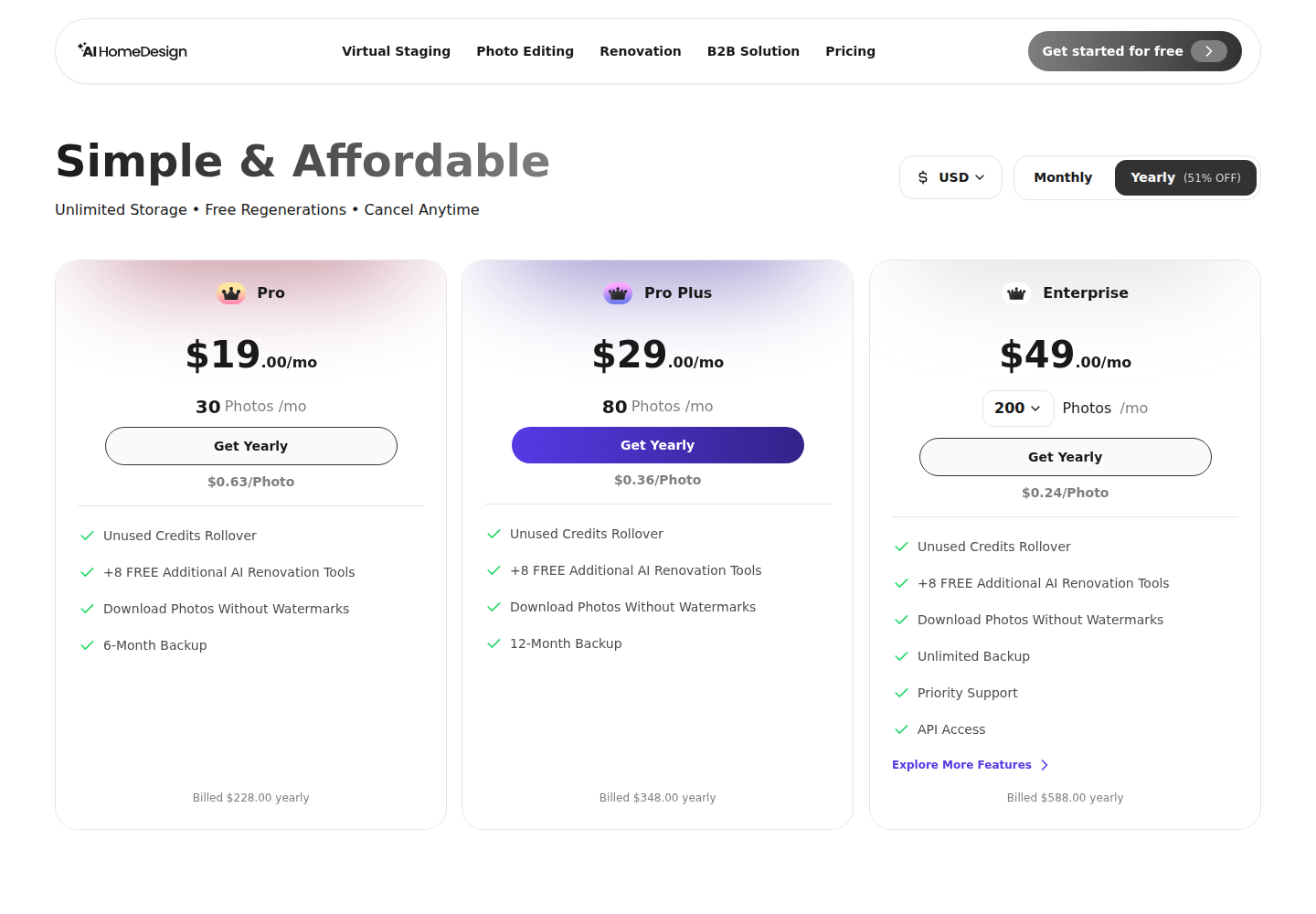
AI HomeDesign publishes three paid tiers billed monthly or yearly. The yearly rates are Pro $19/mo, Pro Plus $29/mo, and Enterprise $49/mo, with allowances of 30, 80, and 200 photos per month. At the Enterprise yearly rate, the published per-photo cost is $0.24. Cedreo’s published quotas divide out the same way: Pro is about €1.98 per rendering (€79/month ÷ 40 renderings/month), and Enterprise is about €1.49 per rendering (€119/user/month ÷ 80 renderings/user/month). Those two units are not interchangeable. A Cedreo rendering is a view generated from a model the team has already drawn, while an AI HomeDesign photo is one processed listing image from a photograph that already exists, so the figures sit side by side rather than substitute for each other. Free credits are available to start with no card, but free results are watermarked and paid downloads are clean.
The strongest buying test is whether the monthly cap matches the real workflow. A builder may only need a handful of photorealistic views per client presentation, but those views depend on finishing a full model first. An agent may need a full gallery of listing images, but those images already exist as photos and need fast edits.
When Both Tools Make Sense on One Project
Some teams buy both because the project has two phases. The first phase wins the job. The second phase sells the finished property.
Design-build remodelers often need a plan-first presentation early. Cedreo can support that phase with floor plans, elevations, cross-sections, roofs, and branded documents. Later, the same remodel needs marketing photos once the work finishes. AI HomeDesign can take the real photographs and produce listing visuals, including AI Virtual Staging, AI Day to Dusk, AI Item Removal, Image Enhancement, and renovation visualizations.
A clean handoff also keeps approvals clearer. Clients can approve the design intent from Cedreo renderings before construction, then approve listing visuals from real photographs after completion. That prevents a common mismatch where a marketing image gets treated like construction documentation.
For teams now shortlisting photo-first tools after deciding against plan-first design software, Spacely AI head-to-head adds another perspective on listing-photo workflows.
Owning both usually only makes sense when both deliverables matter: a drawing set to sell work up front, and a photo set to sell the finished result.
The clear pick
Choose AI HomeDesign when
AI HomeDesign fits agents, photographers, and marketing teams who start from real listing photos and need MLS-ready images fast, with staging, photo editing, and renovation views under one credit pool.
Choose Cedreo when
Cedreo fits builders, remodelers, and designers who need floor plans, elevations, cross-sections, roofs, and client-facing presentation documents for homes that do not exist yet.
Frequently Asked Questions
Is AI HomeDesign a Cedreo alternative?
AI HomeDesign is an alternative only for photo-driven work. It edits photographs of existing rooms for listing use, including virtual staging, decluttering, image enhancement, day-to-dusk, and renovation-style material changes. It does not draw floor plans, elevations, roofs, site plans, or export CAD files, so it cannot replace Cedreo for pre-sale design documentation.
How much does Cedreo cost?
Cedreo publishes a freemium tier plus paid options. Its plan grid lists Free at €0, Personal at €139 per project, Pro at €79/month billed annually with 40 renderings per month, and Enterprise at €119/user/month billed annually with 80 renderings per user per month. Cedreo also references €79/month as a paid starting point.
Does Cedreo have a genuinely free plan?
Cedreo lists a Free plan at €0 with no credit card required, but it describes the free tier as having “limited features and library.” That free tier is positioned for testing basic floor-plan tools on a single project. Photorealistic renderings are quota-based on paid tiers, not unlimited.
What does AI HomeDesign cost per photo?
AI HomeDesign publishes a lowest per-photo rate of $0.24 on the yearly Enterprise plan at $49/month billed yearly with 200 photos per month. Yearly Pro Plus is $29/month for 80 photos, and yearly Pro is $19/month for 30 photos. Free credits are available with no card, but free results are watermarked.
Does Cedreo work in Safari, Firefox, or Edge?
Cedreo’s materials state that the design editor requires desktop Google Chrome and “will not run in other or automated browsers.” That restriction can affect teams on managed devices or Mac-first setups that default to Safari. AI HomeDesign runs in the browser without that named Chrome-only limitation.
Can Cedreo and AI HomeDesign be used together?
Cedreo and AI HomeDesign can fit the same project when the job has two phases. Cedreo can produce the plan set and renderings that sell an unbuilt design. AI HomeDesign can then use the finished property’s photos to create MLS-ready listing images with staging and photo edits.