Agents searching for gepetto vs ai homedesign usually share the same problem: an empty room photo needs to look “show-ready” before a listing goes live. Fast AI staging promises a fix in seconds, but speed only matters if the images hold up under listing scrutiny.
This head-to-head review focuses on what professional users actually need: a clear workflow, predictable output, and less guesswork around rights and labeling. For readers who want a broader market view beyond two tools, the AI HomeDesign alternatives guide offers helpful context.
The sections below compare transparency, workflow, and practical listing use cases, then end with a clean recommendation.
Gepetto vs AI HomeDesign Verdict for 2026

Deadlines create the real test for AI staging. When photos arrive and an agent needs listing-ready visuals fast, the safest pick is the platform that documents its workflow and aims directly at real estate output. That is where AI HomeDesign leads.
AI HomeDesign positions AI Virtual Staging as a listing workflow, not a design experiment. The product messaging stays focused on real estate use and on producing consistent before and after image sets. That kind of specificity reduces rework across a full photo set.
Gepetto can still fit certain scenarios. It suits quick experimentation where the goal is brainstorming layouts or testing styles, not final marketing assets. That matters for homeowners exploring upgrades or for early mood-board work.
Best overall for real listings: AI HomeDesign.
Best for quick experimentation: Gepetto.
Readers comparing multiple platforms beyond this matchup can use the AI HomeDesign alternatives comparison guide to pressure-test features and documentation across the category.
Why AI Virtual Staging Matters for Listings in 2026
Speed changed listing prep. Traditional virtual staging often created a bottleneck, since a third party had to render edits and return files. That delay could force agents to publish with empty rooms or postpone marketing.
AI staging flips the sequence. Instead of waiting on an external queue, agents can generate multiple looks quickly and align on one direction before the listing launch. The benefit shows up in time saved, faster approvals, and fewer back-and-forth emails.
That speed also raises the bar for process. Faster tools make it easier to over-edit, pick styles that fight the architecture, or publish images without proper labeling. A strong workflow needs checks, not just a generate button.
The wider industry context matters too. Many teams now treat AI as part of the standard marketing stack, alongside editing, copy, and distribution. The shift sits inside the broader story of how AI is transforming real estate, where tools increasingly support repeatable production instead of one-off creative edits.
Head-to-Head Feature Comparison

Marketing pages often highlight “instant” results, but practical buying decisions come down to what a platform clearly documents. This table sticks to publicly stated information from the brief and marks anything else as not publicly listed.
| Attribute | Gepetto | AI HomeDesign |
|---|---|---|
| Core function | not publicly listed | AI virtual staging for real estate |
| Key features | not publicly listed | multiple interior design styles, before and after photo output, web-based upload workflow |
| Pricing or plans | not publicly listed | not publicly listed |
| Free trial or free tier | not publicly listed | not publicly listed |
| Render or turnaround time | not publicly listed | not publicly listed |
| Supported room types | not publicly listed | not publicly listed |
| Transparency and documentation | not publicly listed | public product positioning and workflow description on the main site |
The key differentiator in this comparison is not a published spec sheet. It is documentation. The brief includes a defined real estate focus and a web workflow for AI HomeDesign, while Gepetto’s public details in the brief remain sparse. For professional listing use, unknowns around tiers, rights, and output expectations create risk.
Workflow and Photo Inputs That Make or Break Results

Fast staging only works when the source photo supports it. Lighting, camera height, and clutter decide whether AI adds believable furniture or creates distortions. Most “bad AI staging” examples start with a weak input photo.
AI HomeDesign’s described flow stays straightforward: a web-based upload, style selection, and a staged result with a before and after output concept. That clarity helps teams standardize how assistants, agents, and photographers hand off files, review options, and archive finals.
Gepetto’s workflow details in the brief are not publicly listed, so evaluation requires extra diligence. When a platform does not clearly document plans, usage rights, or output expectations, agents often burn time inside trial-and-error. That time cost can erase the value of “instant” rendering.
Photo prep improves both tools. A clean, level shot with natural light and minimal personal items produces more stable geometry and more consistent shadows. For a practical checklist that improves source images before any staging pass, the real estate photography tips guide covers framing, exposure, and room setup.
Real-World Output, Use Cases, and MLS Rules
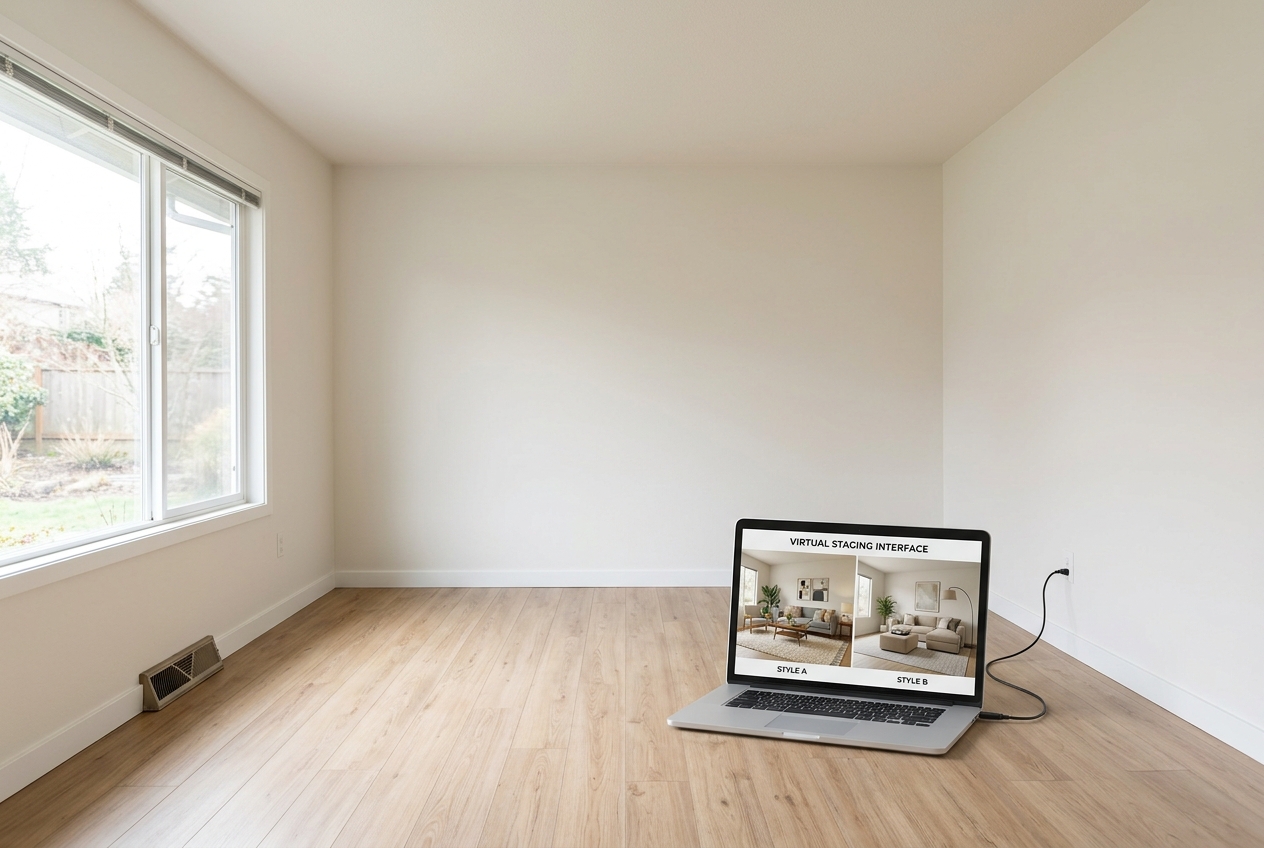
Listing teams should expect AI staging to excel at common interior scenes and struggle with messy realities. Cluttered rooms, mixed color temperatures, mirrored walls, and odd lens distortion can cause missing corners, warped rugs, or furniture that clips into baseboards. Those errors often look small in isolation but become obvious across a full gallery.
Several situations call for a different approach than “stage everything instantly.” Distressed sales often require sensitivity and minimal manipulation. Luxury listings may demand stricter realism and tighter style control. Rural and specialty properties can include spaces that AI models handle poorly, such as utility rooms, workshops, or mixed indoor-outdoor areas.
A practical production rule keeps timelines predictable: agents can aim for a two-day window from photography to a finalized staged set. That window leaves time for a first pass, a review for artifacts, and a clean export, without dragging the listing launch. Faster is possible, but quality control tends to suffer.
Deliverables also need boundaries. In the deliverable: final image files, a consistent naming convention, and a Disclosure note for every virtually staged frame. Saved for the in-person conversation: pricing strategy, negotiation posture, and any details that require context. Commission or fee figures should stay out of image overlays and staged photo downloads, since buyers can misread them and MLS Rules may restrict presentation.
Disclosure should stay plain and consistent. A simple line works across many marketing channels: “Disclosure: virtually staged image.” When an MLS or brokerage policy calls for it, a Virtually Staged Watermark can also label the image itself. Since marketing rarely ends at MLS, staging choices should align with broader real estate marketing strategies and start with strong source images, often created by professionals listed in real estate photographers by city.
Frequently Asked Questions
Is Gepetto AI free to use?
Public free tier details are not clearly listed in the brief, so agents should treat “free” claims cautiously until the plan terms appear in writing. A safe evaluation approach checks what actions cost credits, what download rights apply, and whether commercial use is allowed for listing marketing. When terms stay unclear, risk rises for MLS publishing.
How long does AI virtual staging take end to end?
The AI render can happen quickly, but real-world time includes photo prep, upload, style selection, and a quality check for artifacts. Teams that keep a repeatable review process usually move faster than teams that generate many options without a standard. Faster output still needs time for disclosure labeling and file organization.
Can AI-staged photos be used in MLS listings?
MLS Rules and local regulations vary, so listing teams should confirm requirements before publishing. Many MLS systems allow virtually staged images when the listing clearly labels the edits and avoids misrepresentation. The safest path treats disclosure as mandatory, keeps original photos on file, and applies consistent labeling across MLS, portals, and ads.
What is the best disclosure language for AI staging?
A short, direct Disclosure line reduces confusion and supports compliance. One common format is: “Disclosure: virtually staged image.” Some organizations also require a Virtually Staged Watermark on the image itself, especially when the edits materially change the look of the room. Local MLS policies should guide the final labeling choice.
Can AI staging replace a professional real estate photographer?
AI staging can enhance an image, but it cannot fix poor focus, heavy glare, or bad composition. Professional photography still sets the baseline for sharpness, perspective, and natural light control. The strongest workflow pairs a well-shot source image with AI staging for empty or lightly furnished rooms, then uses light editing to keep the set consistent.