SketchUp Alternatives for Interior and Home Design 2026
SketchUp alternatives usually get framed as “what replaces CAD.” That is the wrong frame for interior and home design. Most projects need a fast layout, a convincing look, and a shareable deliverable, not a fully modeled building.
This guide treats the search as three different questions: measured layout, full 3D geometry, or a style change on a real photo. For readers building a broader stack, the best context sits inside the wider real estate software stack, since design visuals often end up in client presentations and listings.
The sections below sort the options by workflow, then map each to the jobs interior projects actually require.
Why people look past SketchUp for interior work
SketchUp remains a strong 3D modeler. It shines when a project needs custom geometry, unusual built-ins, or millwork details that do not exist in any furniture library. The friction shows up when the job is simpler than the tool.
Many interior projects start with a measured rectangle and a furniture layout. SketchUp starts with geometry. That means time goes to pushing and pulling surfaces before any layout reads like a room. The gap feels bigger when a homeowner or stager needs a result the same day.
Rendering expectations add another layer. A design that looks “good enough” in an editor viewport can still read flat in a client PDF. Interior work often needs lighting, materials, and decor that look believable without a long rendering workflow.
Furniture libraries also matter more than beginners expect. SketchUp can use components, but the practical work is finding them, checking scale, and keeping a consistent look across rooms. A catalog-based planner trades freedom for speed by keeping assets inside one system.
Platform constraints push some people away, too. A designer who prefers a browser workflow, or a student on a lightweight laptop, may want a tool where compute happens off-device. That shifts the search away from modelers and toward browser planners and AI visualization.
SketchUp alternatives sorted by workflow
Interior and home design alternatives to SketchUp fall into three workflow groups. Each group answers a different question, so “best” depends on the job.
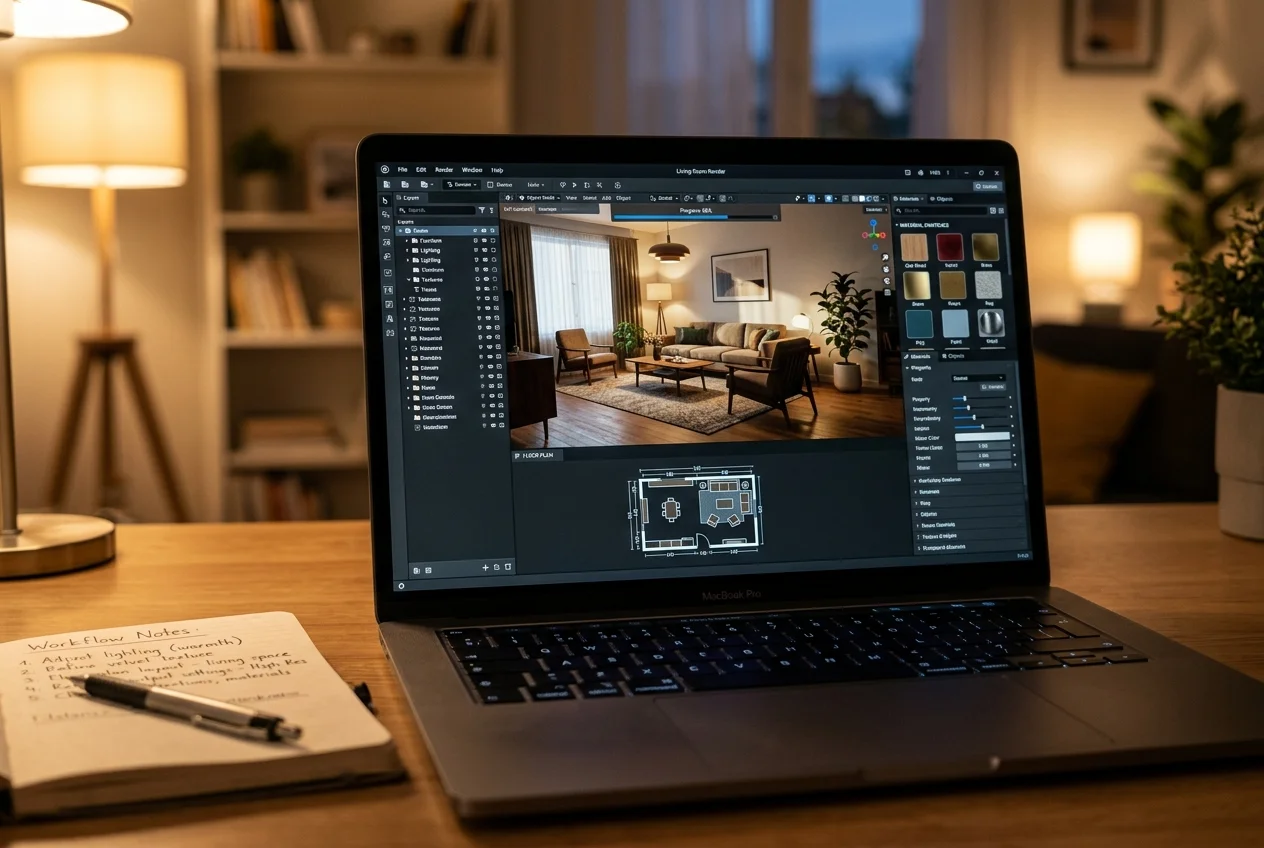
Full 3D modelers sit closest to SketchUp. They offer the most control because the user builds geometry directly. They also carry the steepest learning curve. Open-source options exist, but the time investment stays real.
Browser-based room planners and interior design software flip the workflow. A user draws walls, then drops furniture from a built-in catalog. The tool usually outputs both 2D plans and 3D views. For projects where “to scale and easy to share” matters more than custom geometry, this group often fits.
AI photo-to-design tools skip modeling. A user uploads a photo of an existing room and gets a redesigned, renovated, or staged image back in seconds. That speed makes them useful for ideation, client previews, and listing marketing. They do not replace measured plans.
Construction documentation software for permits and engineering sits in a different category. Tools such as AutoCAD and Revit serve drafting and documentation needs, so this guide does not recommend them as interior design substitutes.
Measured plans still sit at the center of many projects, which is why dedicated floor plan software often pairs well with visual tools. For photo-driven visualization, AI room design tools cover the fastest “see a new look” step.
Browser-based room planners and interior design software
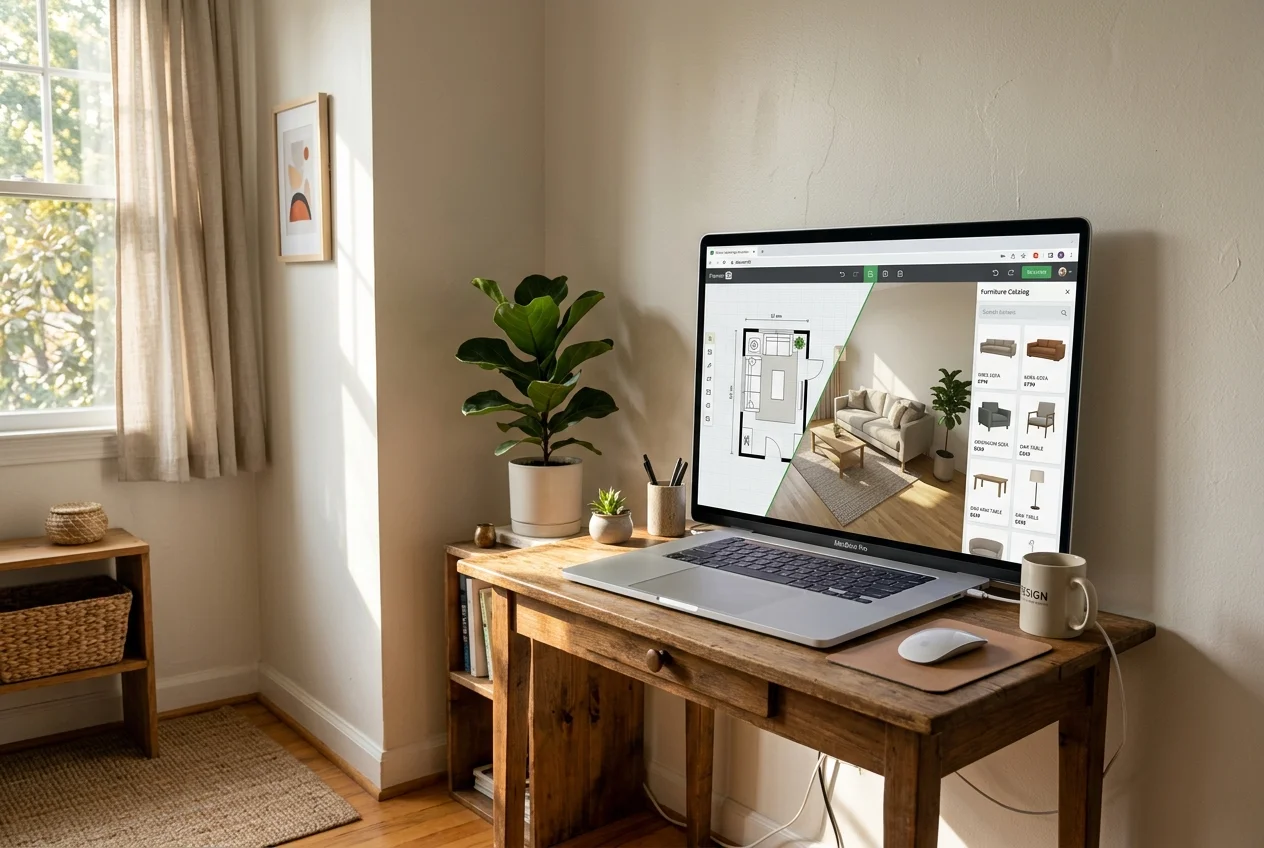
Browser planners share a common shape. A designer starts with a rough plan, then refines dimensions and door swings. Furniture comes from a catalog, so the room looks finished without hunting assets. Exports tend to be client-friendly because the tool expects sharing.
Free tiers in this group are real, but they rarely include everything a project needs. Catalog access, high-resolution renders, and export options often sit behind a paywall. Many tools also run on a credit model, where certain outputs consume credits that refill on a schedule.
This guide assessed the tools below on learning curve, free-tier limits, presentation outputs, catalog depth, and workflow fit. Pricing changes frequently, so each tool’s pricing should be confirmed on the vendor page before purchase.
Accurate inputs matter more here than in a mood board. A fast measurement pass, then a clean import, reduces layout churn. The most reliable workflow starts with a room measurement app and a consistent naming convention for rooms.
Where each tool sits
Monthly price against speed. Bottom-left is cheaper and faster, top-right is pricier and slower.
The tools in detail

AI HomeDesignTop pick
AI HomeDesign fits the photo-first workflow. It covers three hubs, virtual staging, photo editing, and renovation, across 11 specialized AI tools on one account and one credit pool. Results return in seconds, and virtual staging runs in under 5 seconds. Paid usage starts from $0.24 a photo, and the free trial includes free credits with watermarked results.
Best for: agents, stagers, homeowners, and designers who already have room photos and need listing-ready visuals, renovation previews, or before-and-after concepts.
Pricing: credit-based subscriptions where higher tiers lower the per-photo cost, plus a per-image manual staging option with a 24–48 hour turnaround. The fastest path stays the automated tools, especially for multi-room galleries.
Pros:
- Covers staging, photo editing, and renovation visuals in one toolbox.
- MLS-compliant by default, preserving original fixtures and structure.
- Unlimited free regenerations support quick style exploration.
Cons:
- No measured floor plans or geometry output, so planners still handle dimensions.

Planner 5D
Planner 5D targets beginners who want 2D planning and 3D visualization in one place. The workflow stays simple: draw walls, place doors and windows, then furnish from a large library. The cross-platform approach also helps teams that switch between web and mobile.
Best for: DIY decorators, students, and homeowners who want a readable plan and a 3D view without modeling geometry.
Pricing: Premium starts at $4.99/month billed annually, and $19.99 month-to-month. The free plan supports unlimited projects but limits the catalog to 50%.
Pros:
- Fast to learn for room-scale projects.
- Catalog-first workflow keeps styling consistent.
- Works across devices, which reduces file friction.
Cons:
- Catalog limits shape what can be shown on the free tier.
- More advanced AI-assisted features sit on higher tiers.
RoomSketcher
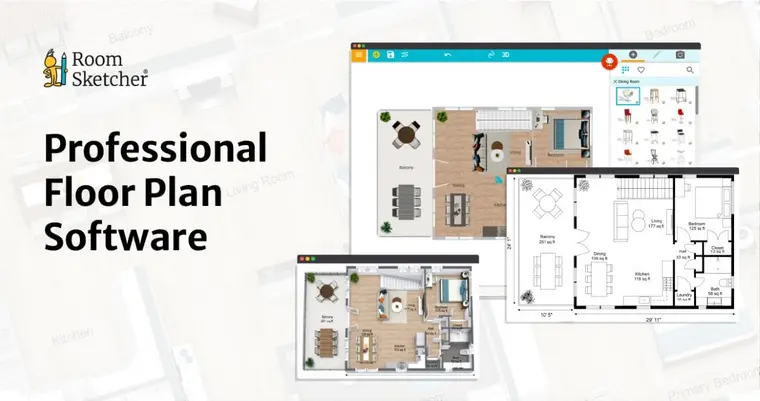
RoomSketcher leans toward plan accuracy and presentation clarity. The core deliverables read like something a client, buyer, or contractor can scan quickly. It also supports walkthrough-style visuals and a materials-replace workflow for finish testing.
Best for: projects where a clean, to-scale floor plan is part of the deliverable, plus enough 3D to communicate layout and finishes.
Pricing: Pro runs from $12/month billed annually or $24/month billed monthly. RoomSketcher also offers a free plan and an optional redraw service with next-business-day turnaround.
Pros:
- Strong plan outputs with walkthrough-style visualization.
- Replace Materials helps with finish exploration.
- Blueprint import and redraw support reduce setup time.
Cons:
- Many outputs use credits, which can become the real limiter.
- The full product library sits behind paid access.
Cedreo
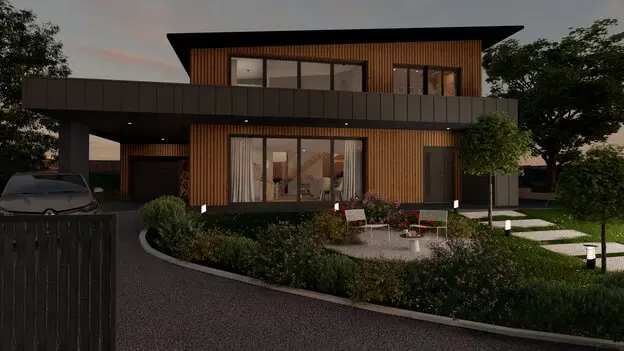
Cedreo sits on the professional, presentation-heavy end of browser planning. It targets remodelers and designers who need to turn around a whole-home concept fast, then package it into client-ready documents. The tool also includes 2D documentation outputs such as elevations and cross sections.
Best for: builders, remodelers, and interior designers who present weekly and need speed plus polished PDFs.
Pricing and speed: the Pro plan starts at $129/month per user billed monthly, and Cedreo cites about 2 hours for a standard residential home with cloud rendering around 5 minutes. Cedreo does not offer a free tier.
Pros:
- Fast plan-to-3D workflow aimed at full homes.
- PDF presentation documents support client reviews.
- Browser-based access suits mixed-device teams.
Cons:
- Business pricing makes it a weaker fit for casual DIY.
- Per-user pricing can scale quickly on teams.

DecAI™️
DecAI™️ targets fast restyling for early direction. The tool focuses on transforming the walls, floors, furniture, and decor of an uploaded room photo. The speed makes it useful for exploring multiple directions before any detailed layout work begins.
Best for: quick style exploration when the goal is “pick a direction,” not “finalize a measured plan.”
Pricing and speed: paid plans start from $0.16/day billed yearly, and the tool returns AI results in under 30 seconds. The free plan includes watermarked output.
Pros:
- Fast photo-based restyling supports rapid iteration.
- Broad style and room-type coverage helps ideation.
- Browser workflow fits quick reviews with clients.
Cons:
- No measured outputs, so a layout tool remains necessary for planning.
What it really costs per listing
Pick a tool, set how many listings you do a month, and see the real per-listing cost.
AI photo-to-design tools that skip modeling entirely
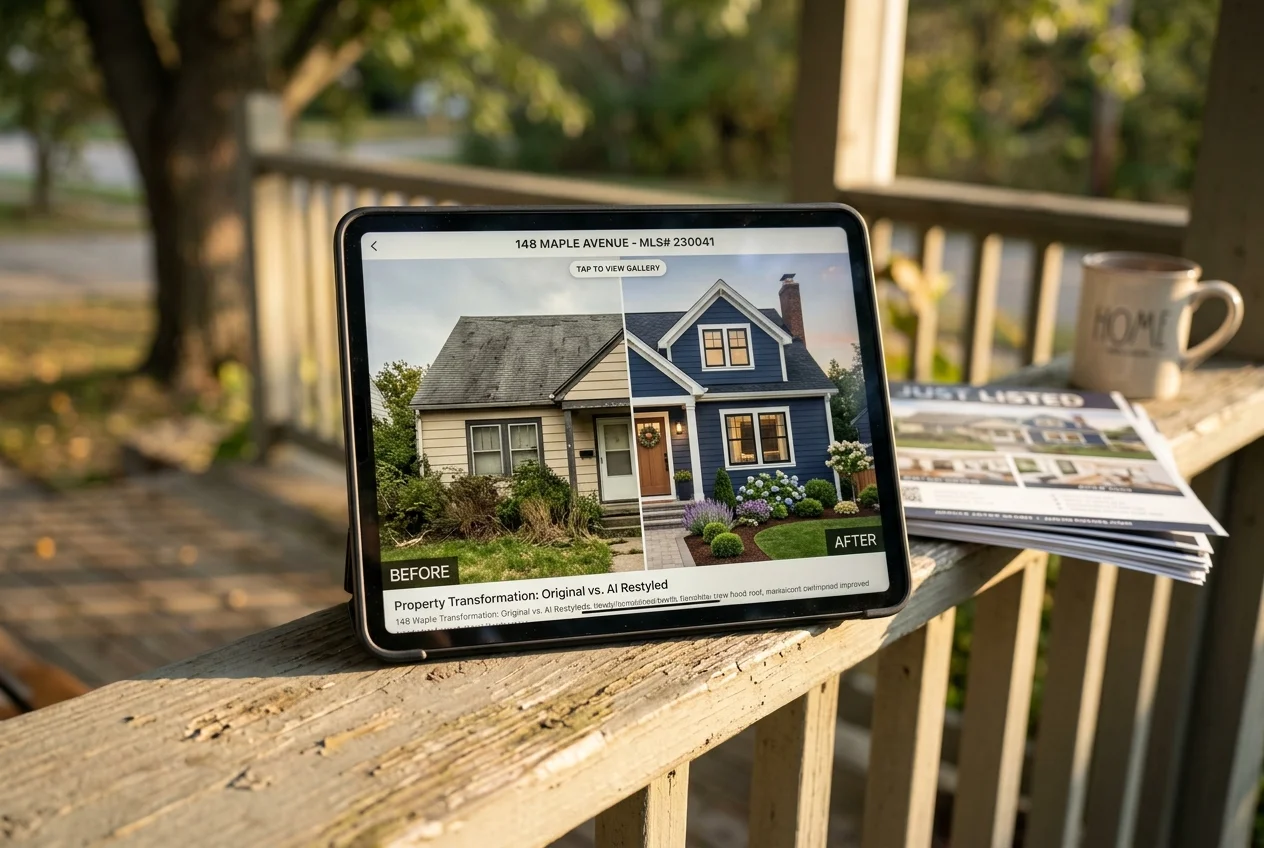
AI photo-to-design tools answer a different question than planners. They start from reality, not geometry. A user uploads a photo of a real room and gets a restyled, refurnished, renovated, or staged image back. That makes them the fastest way to explore direction, especially when the room already exists.
The boundary matters. These tools do not output measured floor plans, elevations, or buildable geometry. They serve ideation and marketing, then hand off to a planner or modeler if the project needs dimensions.
Disclosure also matters when images move beyond inspiration. For listing and marketing use, a clear disclosure such as “virtually staged” should appear wherever required. Free trials often watermark images, which signals the same disclosure point.
Listing workflows tend to care about speed and compliance. That is why many teams compare photo tools alongside virtual staging software for listings and keep style direction consistent with mood board apps before generating room variations.
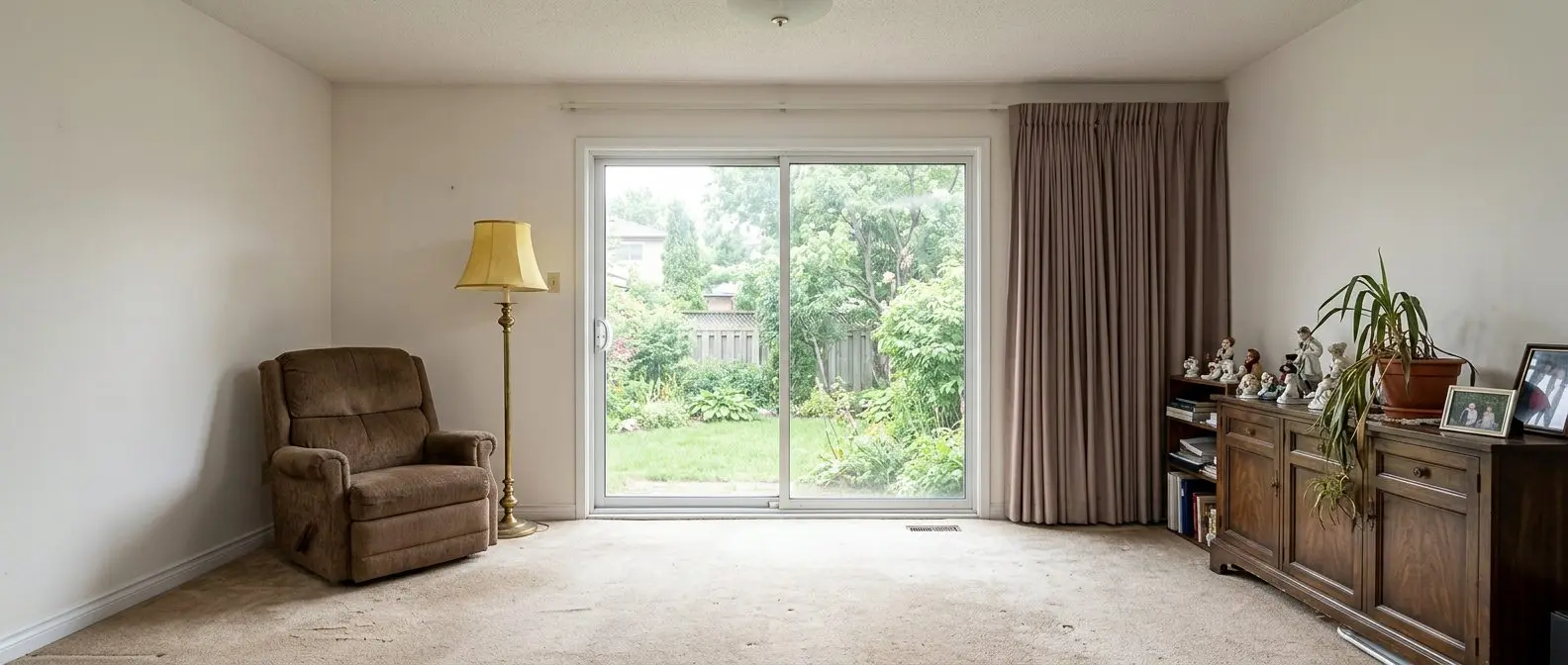
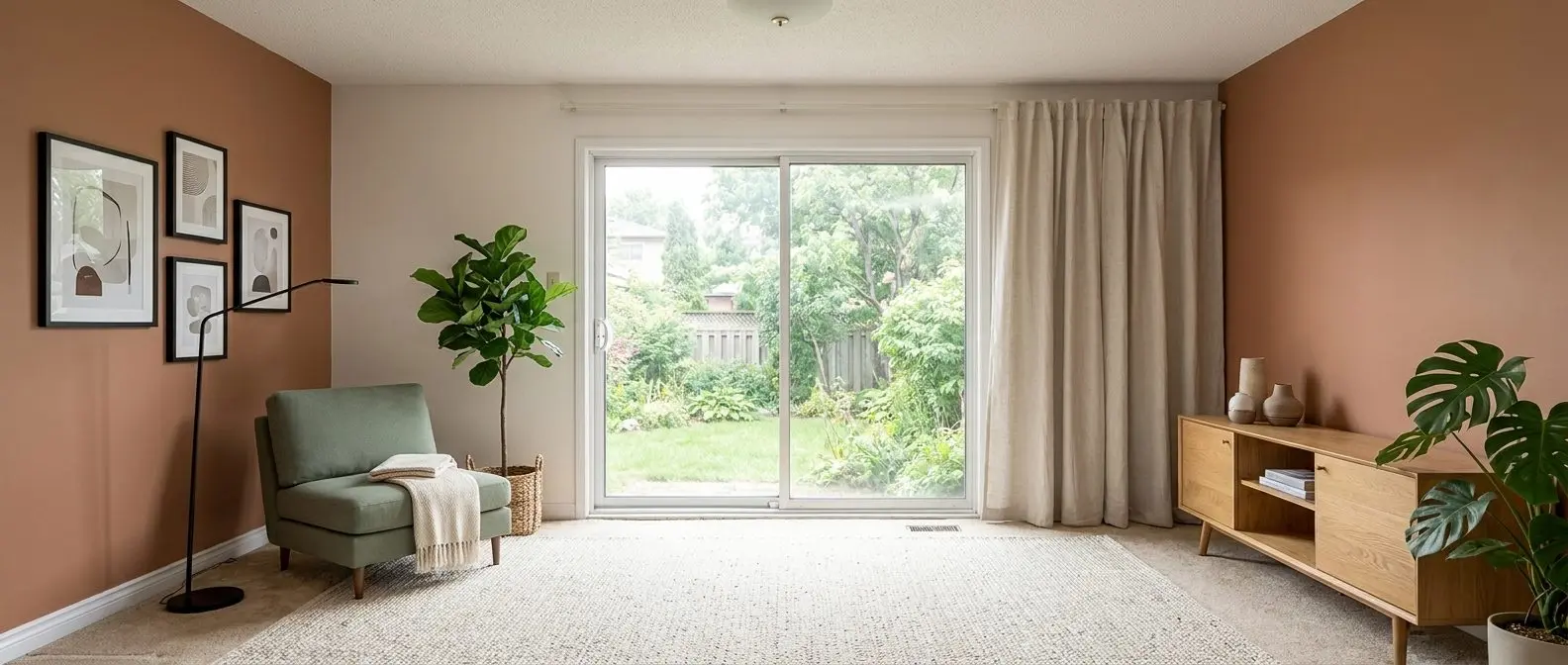
Redesign any room in a few clicks
10 styles and 30+ colour palettes, from one photo. All 11 tools on one account. Free trial credits, no credit card.
Start designing freeFree options and what the free tiers hide
“Free” in this category usually means “free to start.” The useful question is what a team can export without paying. Many free tiers restrict the furniture catalog, the resolution of downloads, or the ability to remove watermarks.
Planner 5D’s free plan supports unlimited projects but gates the catalog to 50%. That still allows workable layout practice, but it limits the ability to match a specific aesthetic. The upgrade point usually arrives when a project needs a cohesive style across several rooms.
RoomSketcher’s free plan covers a first floor plan with starter credits. It also supports watermarked 3D snapshots. That works for a first pass, but the watermark and credit limits push most client work into paid plans.
DecAI™️ offers a free path, but it watermarks output. That makes it fine for internal ideation and less useful for deliverables. Cedreo sits outside the free category.
Open-source modeling covers the “free modeler” route, but the learning curve becomes the cost. The real trade happens in time to first usable output. Scope drives the estimate: for a single room, expect roughly a day of measurement and drafting, plus a day for revisions and final exports. Larger or multi-room projects stretch further.
A short free-tier check can prevent surprises:
Checklist
0 of 5 doneWhich tool for which job
A simple decision rule keeps this category clear: photo tools show a new look fast, planners produce measured layouts, and modelers handle custom geometry. Many projects use two of the three.
You have photos and want to see a different look
AI photo-to-design fits this job because the room exists already. AI HomeDesign and DecAI™️ can generate style options quickly from the same photo, which helps pick direction before time goes into layout. This workflow also suits vacant or dated listings that need a believable visual.
You need measured plans a contractor or buyer can read
A browser-based planner fits when the deliverable needs dimensions. RoomSketcher leans into accuracy and readable plan outputs. Planner 5D also supports room planning, but the best fit depends on how much the project needs measured documentation versus visual exploration.
You present designs to clients for a living
Cedreo fits the presentation-driven workflow because it pairs speed with client-ready PDFs. RoomSketcher fits when a to-scale plan plus walkthrough-style visuals does most of the communication. Photo tools still help here, but they usually support the “direction” step rather than replacing the plan.
You are marketing a listing on a deadline
Photo-first visualization often wins because it maps to the asset that already exists, the listing photo set. AI HomeDesign also adds MLS-compliant virtual staging and photo editing, which keeps the gallery consistent across rooms. This is also the case where disclosure language matters most.
You are designing custom joinery or unusual geometry
A modeler stays the right tool for custom built-ins, detailed millwork, or odd angles. That includes SketchUp itself for many teams. A planner can support a measured room shell, but a modeler controls geometry when the room needs a one-off solution.
Several edge cases shift the answer. A new build with no photos pushes work toward a planner first. A historic home with odd angles often benefits from a modeler for built-ins. Outdoor spaces can work well with photo-based tools when the goal is a quick style preview.
How to combine two tools instead of replacing SketchUp with one
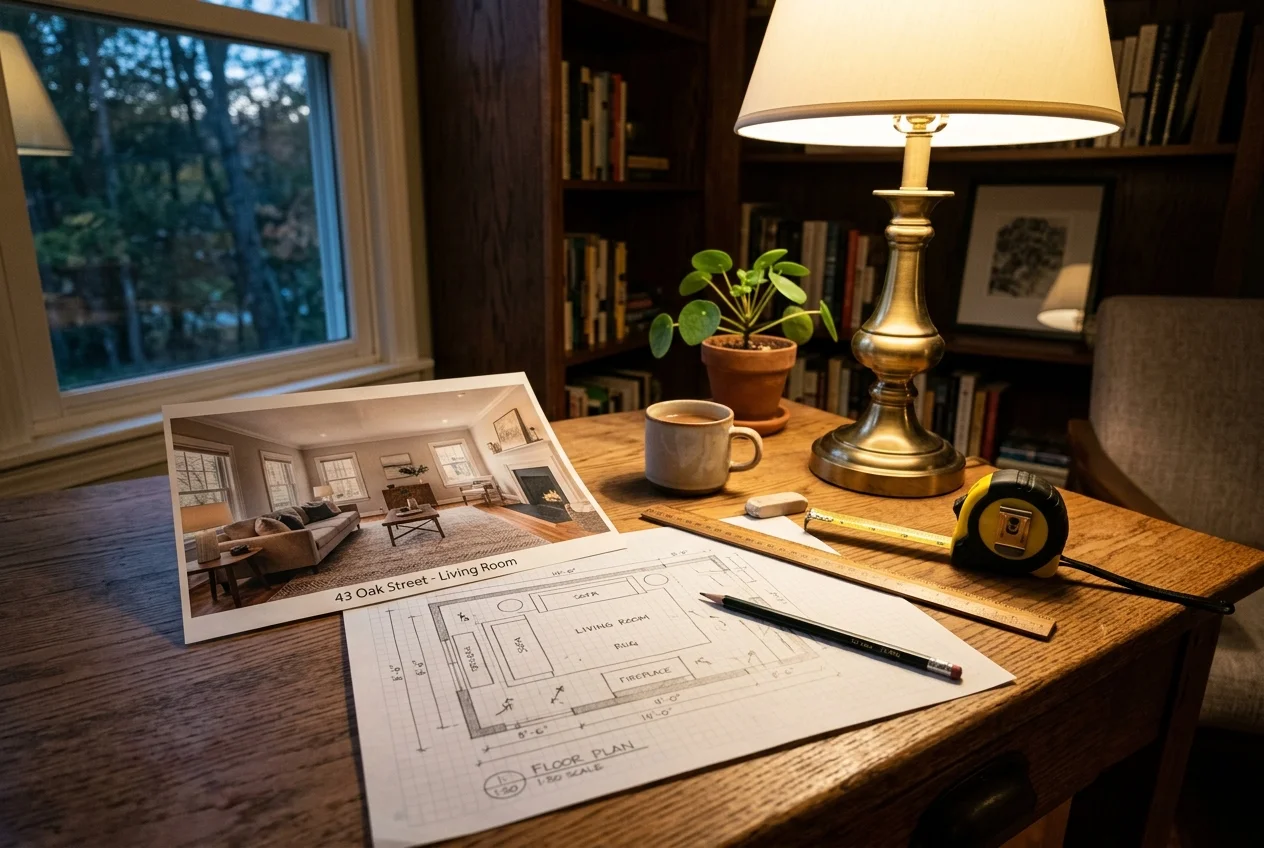
The fastest interior workflow often combines a visual tool with a measured tool. A photo-to-design tool can lock style direction in minutes, then a planner can turn that direction into a to-scale layout. The handoff rarely transfers files, so the expectation should be “rebuild intent,” not “import a finished design.”
A practical stack looks like this. First, generate a few photo-based options to align on style and finishes. Next, rebuild the chosen direction inside a browser planner for measurements, clearances, and door swings. Last, export the plan and visuals into a client packet.
Finish decisions often move faster with targeted tools. A planner can show layout, but a finish choice benefits from a quick color and material view. That is where paint color visualizers can reduce back-and-forth. For teams that need immersive output, 3D home tour tools can turn the plan into a walkthrough-style experience.
A final set of traps shows up across almost every vendor page. Many “monthly” prices assume annual billing. Credits can refill monthly rather than accumulate. Free tiers can watermark output. Browser tools can stop working offline. Per-user pricing can multiply quickly on a team. Exports such as print-to-scale PDFs may sit on the top tier. Those checks matter more than headline price, since they decide whether the tool fits the actual deliverable.
Pricing and plan terms referenced here were reviewed in October 2026.
Find your pick
Tap your situation for a quick recommendation.
Frequently asked questions
The best free option depends on the job. Planner 5D offers a free plan with unlimited projects and access to 50% of its catalog. RoomSketcher’s free plan supports a first floor plan with starter credits and watermarked 3D snapshots. DecAI™️ also has a free tier, but it watermarks images. Free 3D modeling exists, but the learning curve becomes the real cost.
Yes. Browser-based planners such as Planner 5D and RoomSketcher feel easier because they start with walls and a catalog instead of modeling geometry. AI photo-to-design tools feel even faster for style exploration because they restyle an existing room photo. “Easier” usually trades away some control, since the output stays constrained by the tool’s catalog and templates.
AI photo-to-design tools do not replace SketchUp’s 3D modeling role. They generate restyled or staged visuals from a room photo in seconds, which can replace a mood board or early visualization step. They do not output measured floor plans, elevations, or buildable geometry. Projects that need custom built-ins or accurate documentation still benefit from a modeler or a room planner.
Prices vary by workflow. Planner 5D lists Premium from $4.99/month billed annually, and $19.99 month-to-month. RoomSketcher lists Pro from $12/month billed annually. Cedreo lists Pro at $129/month per user billed monthly and does not show a free tier. DecAI™️ lists paid plans from $0.16/day billed yearly. AI HomeDesign starts from $0.24 a photo.
Hardware demands depend on the category. Full 3D modelers and local photoreal rendering benefit from a capable GPU and more memory. Browser-based room planners and AI photo-to-design tools run most heavy compute on remote servers, so a standard laptop often works well. The trade-off is connectivity, since many browser workflows stop or degrade when internet access drops.
Presentation needs decide the best fit. Cedreo focuses on client-ready presentation documents and fast whole-home workflows, so it suits professionals who present frequently. RoomSketcher fits when the deliverable is a clean to-scale plan plus walkthrough-style visuals. Photo-based tools fit when the most persuasive artifact is a before-and-after of a real room, such as for staging or finish changes.