Best ReRoom AI Alternatives for Room Redesign 2026
The tool you’re replacing
Many searches for ReRoom AI alternatives start after the first few redesigns. A fast photo-to-restyle app solves the first room, then a real job shows up, an empty bedroom needs virtual staging, a cluttered living room needs item removal, or a full listing needs consistent looks across every angle.
ReRoom AI fits quick, phone-first room restyling from a single photo. Limits show up when the workflow hits watermarks, credit ceilings, or a multi-room photo set that needs more than one kind of edit. This guide stays jobs-first, focused on what each alternative covers and what reruns cost.
For a broader view of adjacent tools, the hub of AI home design and virtual staging alternatives gives the full landscape beyond this short list.
What to look for in ReRoom AI alternatives

A room redesign tool does one job: it restyles an occupied room from one photo. Real estate work usually needs more. Empty rooms need virtual staging. Busy rooms need item removal. Dark photos need Image Enhancement. A tool that only restyles forces a second purchase to finish the listing.
Cost comparisons also break unless the billing model matches the workload. Credit packs fit one-off experimentation. Monthly credits fit repeat listing work where each rerender draws down a balance. Unlimited subscriptions fit heavy use, but they can cost more than needed for a small monthly photo count. A clean comparison divides the monthly spend by the real number of photos that get run, including reruns.
Consistency matters more than style count. A single hero image can look great, but a listing set lives or dies on whether walls, windows, and doors stay put while finishes and furniture change. A separate check also helps: does photo one and photo fourteen of the same home come back looking like the same home, with similar lighting and floor tone.
One practical gating check decides whether “trial” output can ship. Watermarks, export resolution, and commercial license terms often sit behind paid tiers. For readers doing listing media, this is where many consumer restylers fall short, even when the restyle itself looks fine. The broader category of AI room staging alternatives helps separate restyling from listing deliverables.
Room redesign is usually the first ask. Listing readiness is the second ask. The alternatives below cover additional listing-photo jobs on the same account, which reduces handoffs and keeps a set consistent.
Some readers only need a quick restyle concept. Others need designer-leaning render finish. These options keep the scope narrower, which can reduce commitment for a single room.
How these ReRoom AI alternatives differ in practice
Most frustration comes from the loop, not the first render. A credit-per-generation model can change behavior fast. Teams stop experimenting, since every rerun draws down a balance. That matters most on real listing photos, where a tight camera angle or reflective surface often calls for a few tries.
Unlimited generation subscriptions shift the economics the other way. A flat monthly plan can support heavy iteration, but it can also waste budget when the monthly workload is light. Credit packs split the difference for casual use, since they avoid recurring billing. Free regenerations change the loop again, since experimenting does not feel like a paid bet.
Workflow fit also depends on who needs the output. Homeowners often want one photo in a new style. Listing teams need ten to thirty photos that look like one home. Designers may accept a narrower toolset if structure fidelity and render finish hold up.
A practical definition helps: a “full listing set” rarely equals “room redesign.” It usually includes an empty room staged, a cluttered room decluttered, and a dim room enhanced, plus a few restyles for key spaces. That stack explains why many ReRoom AI users end up shopping for broader scope.
What ReRoom AI does well, and where it stops
Checked against tasarim.ai.
What it does well
- Simple, focused photo-to-room-redesign workflow
- 25+ styles
- Mobile-first (iOS and Android)
- A free tier you can test before paying anything
Where people outgrow it
- No virtual staging, so empty rooms still go to another tool
- No photo enhancement, so listing photos still go elsewhere
- No day-to-dusk conversion for twilight shots
- No item removal for clutter in an occupied room
- No renovation views for before-and-after remodels
- Free tier is very limited – one watermarked generation or a small pool of free credits before payment is required
- Paid access is credit-based, so every regeneration draws down a balance
- Not designed for complex, multi-room projects, which is what a full listing photo set actually is, and no CAD, floor plans or measured drawings
The tools in detail

AI HomeDesignTop pick
vs ReRoom AI: AI HomeDesign extends beyond restyling by covering virtual staging, photo editing, and renovation visuals under one shared credit pool.
AI HomeDesign groups work into three hubs: virtual staging, photo editing, and renovation. Those hubs span eleven specialized AI tools, including AI Virtual Staging, AI Item Removal, Image Enhancement, and AI Day to Dusk. Output is MLS-compliant by default, and pricing starts from $0.24 a photo with unlimited free regenerations.
Best for: agents, photographers, and marketing teams that need listing-ready scope in one place, especially when a single listing mixes restyling, staging, decluttering, and lighting fixes.
Pricing: three paid tiers billed yearly, Pro $19 per month, Pro Plus $29 per month, and Enterprise $49 per month. Per-photo pricing drops by tier, down to $0.24 per photo on Enterprise.
Pros:
- One account covers multiple listing-photo jobs, so the same images can move from redesign to edits without switching tools.
- Unlimited free regenerations change the rerun loop, since experimentation does not consume extra paid attempts.
- MLS-compliant output by default supports disclosure-safe workflows.
Cons:
- Photo-based workflow only, so it does not produce CAD drawings, measured plans, or 3D models.
Learn more on the AI interior design tool page.
View AI HomeDesign →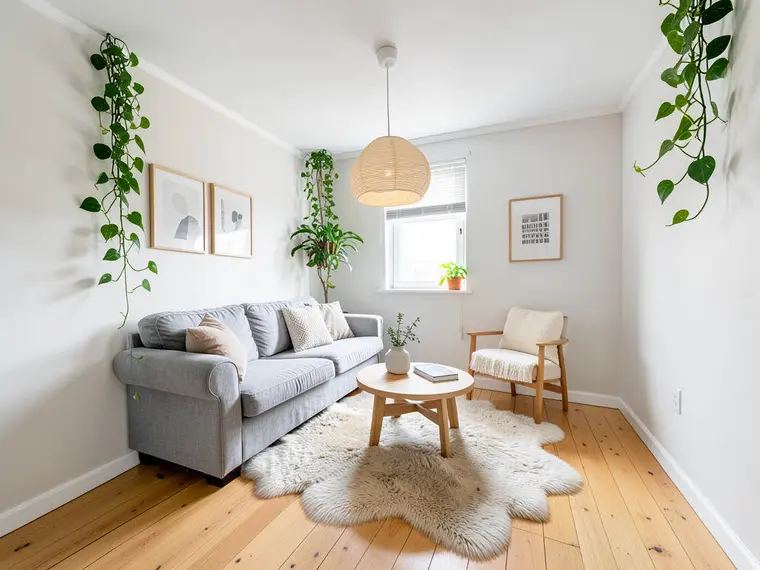
Remodel AI
vs ReRoom AI: Remodel AI keeps a similar photo-first redesign feel while adding exterior and listing-photo tools under a flat subscription.
Remodel AI positions itself as an all-in-one design and renovation suite with multiple tools on one login, including interior and exterior flows. It also includes virtual staging, object removal, furniture swap, and finish changes such as paint and floors.
Best for: teams that liked ReRoom AI’s simple photo-to-redesign workflow but want exterior views and more renovation-style controls without managing credit packs.
Pricing: Remodel AI pricing lists Pro at $29 per month with unlimited generations, and a free allowance of three designs across all tools with no watermark and no credit card.
Pros:
- Flat monthly pricing can fit high-volume experimentation.
- Broad set of tools covers both interior and exterior scenarios.
- Unwatermarked trial designs help validate structure fidelity early.
Cons:
- A flat subscription can be poor value for low monthly usage, since light users still pay the same monthly fee.

RoomStaging
vs ReRoom AI: RoomStaging targets listing workflows by combining virtual staging, redesign, object removal, and image enhancement in a credit-based system.
RoomStaging focuses on real estate deliverables and publishes a credit billing model where each generation consumes credits, and upscales cost extra credits. It also publishes plan-gated high-resolution downloads, including 2K and 4K exports with plan requirements.
Best for: listing pipelines that want predictable per-credit economics and a toolset that includes both staging and photo editing alongside restyling.
Pricing: RoomStaging plans publish paid access from $19 per month for 100 credits, or $12 per month billed annually at $144 per year. The free allowance includes three credits after registration, watermarked, with no credit card.
Pros:
- Credit billing maps cleanly to “per image” work.
- Combines staging, redesign, item removal, and enhancement in one place.
- Published 2K and 4K export options align with listing media needs.
Cons:
- The entry plan is not the full toolset, since some photo editing features and higher-resolution exports sit on higher tiers or extra credits.

RoomGPT
vs ReRoom AI: RoomGPT leans into low-commitment, pay-as-needed restyling through credit packs rather than a recurring redesign subscription.
RoomGPT uses a straightforward flow: upload a photo, pick a style, and generate a redesign. Sources vary on the exact free allowance, describing it as one free generation or one free credit depending on the page.
Best for: the lowest-commitment way to run a single restyle without a monthly subscription.
Pricing: RoomGPT credit packs are listed at $9 for 30 credits or $19 for 100 credits, with no subscription required.
Pros:
- Credit packs avoid recurring billing for light use.
- Fast results support early style exploration.
- Published notes describe credits as non-expiring in at least one third-party pricing roundup.
Cons:
- Single-purpose scope means listing work still needs another tool for virtual staging, item removal, or photo enhancement.
Related: RoomGPT alternatives.
View RoomGPT →
Interior AI
vs ReRoom AI: Interior AI positions itself for professional-tier renders and highlights structure preservation rather than a consumer-style restyling loop.
Interior AI positions itself as a designer-leaning tool with a structure-preservation claim, keeping walls, windows, and doors intact while restyling. The published speed target is roughly 10 to 15 seconds per generation at 1024 by 1024 output.
Best for: designers and architectural-visual-minded users who care about structure fidelity claims and render finish more than broad listing-photo tooling.
Pricing: Interior AI plans are published from $39 per month, with no free option stated in published sources.
Pros:
- Structure preservation is a stated product focus.
- Professional-tier positioning can fit presentation-grade concepting.
- Sketch-to-render support widens the input types beyond photos.
Cons:
- Highest entry price in this set and no free tier to validate fit.
- 1024 by 1024 output can be below typical listing photo needs without upscaling.
For broader context, the roundup of AI interior design alternatives covers more designer-leaning tools.
View Interior AI →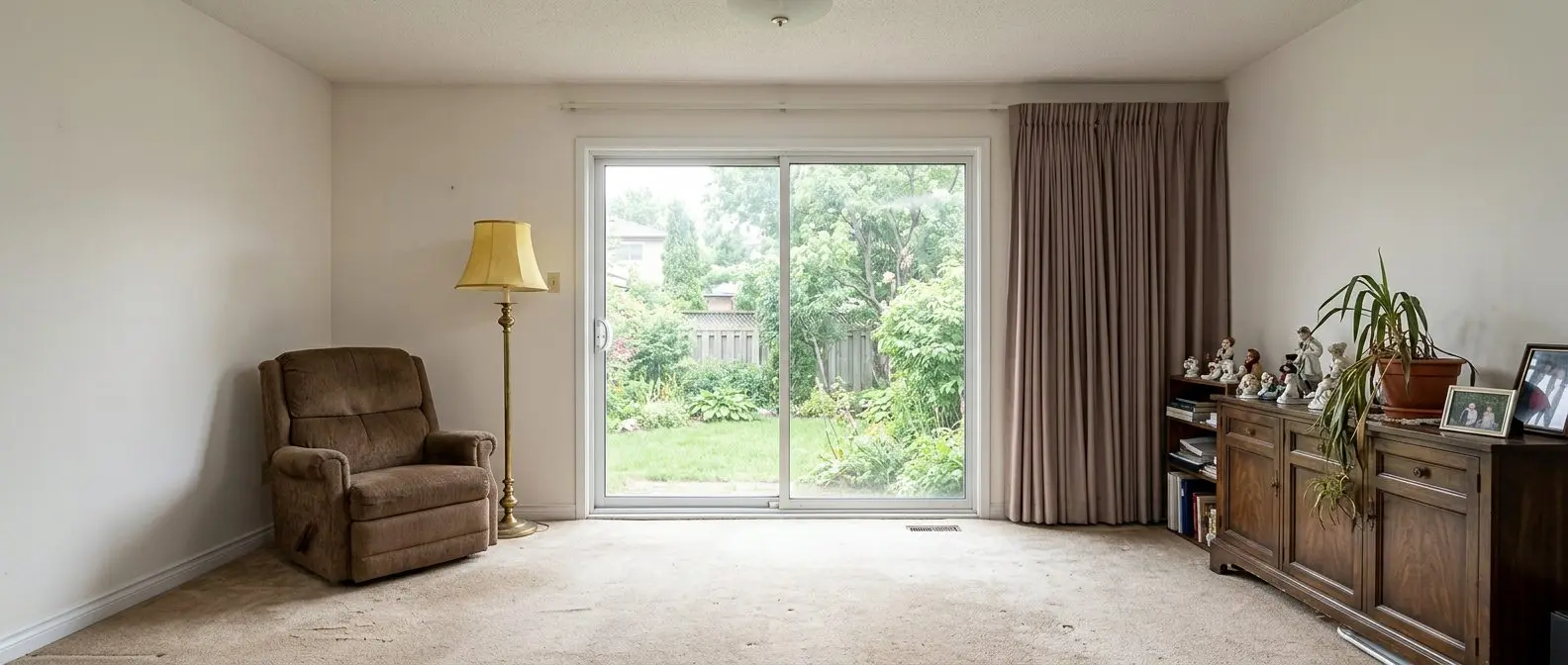
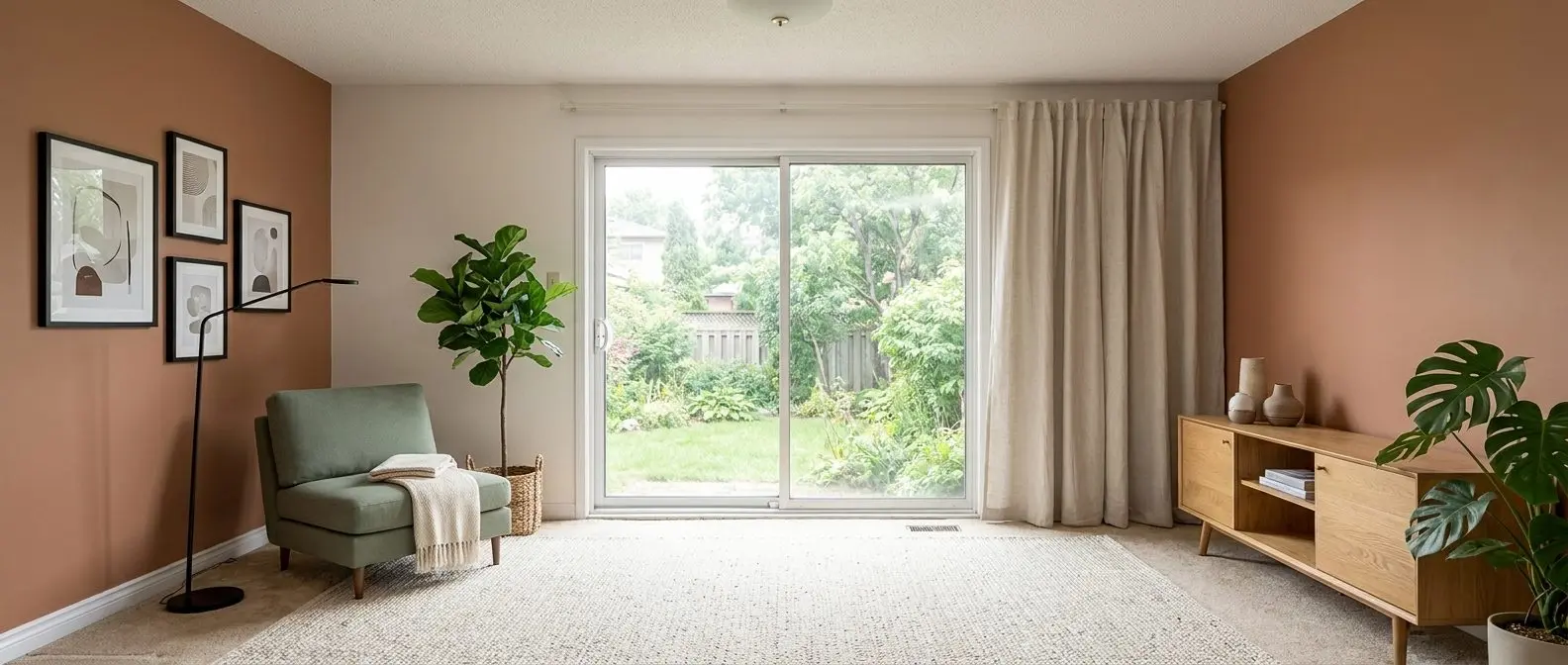
Redesign any room in a few clicks
10 styles and 30+ colour palettes, from one photo. All 11 tools on one account. Free trial credits, no credit card.
Start designing freeWhat it really costs per listing
Set your listing volume to see what each tool works out to per listing rather than per month. Only the 4 tools listed here publish a flat monthly price, and ReRoom AI is not one of them; the rest quote per photo or on request, so a monthly figure would be invented rather than compared.
Moving off ReRoom AI
Switching tools does not change the inputs. The same photo set still drives the results, and the same MLS expectations still apply. Shooting discipline still matters, straight verticals, clean sightlines to windows and doors, and consistent lighting across the room.
What does change is the setup work. Style presets and prompt habits do not transfer between engines. A short calibration pass usually sets the new baseline. Any previously exported watermarked images also need clean regenerations in the new tool, since those watermarks travel with the file.
A simple switching checklist keeps the decision grounded:
Checklist
0 of 4 doneA realistic delivery window helps scheduling. Listing teams can plan a two-day buffer: one day for generation and reruns, and one day for review and broker or seller sign-off.
When a broader toolset matters, the list of real estate photo editing software helps map which tools cover edits beyond redesign.
What to know about AI-redesigned listing photos

Disclosure sits with the publisher of the image, not the app. Virtual staging and AI redesign can fit listing marketing when labels stay clear and the edits do not misrepresent permanent features or condition. Many MLSs accept virtually staged photos when they are marked as such, but the exact wording varies by MLS and brokerage policy.
A practical standard avoids most trouble: label any restyled interior as virtual staging or AI redesign, and avoid edits that move walls, windows, doors, or fixed built-ins. Consumer restylers rarely enforce these lines, so teams need a review step before upload.
Human judgment still matters most on edge cases. Historic homes, custom architecture, distressed properties, and active construction sites often need conservative edits. The same goes for rooms with mirrors, glass doors, and complex window pulls.
Reusable disclosure language helps keep labels consistent across platforms:
Virtually staged. Furniture and decor are AI-generated and do not represent the current condition of the property.

AI redesigned image for marketing purposes. Room finishes and furnishings are digitally altered; walls, windows, doors, and fixed features may differ from the current home.
One last workflow note: render speed rarely blocks a listing. The review-and-rerun loop does. That makes per-rerun cost, export gating, and regeneration rules more important than a fast first draft. For staged images specifically, the virtual staging workflow should stay consistent with the same disclosure standards.
Find your pick
Tap your situation for a quick recommendation.
Frequently asked questions
Most switching happens for scope reasons, not because a single restyle looks bad. ReRoom AI is positioned for quick photo-to-redesign work, but real projects often need more than one job, like virtual staging for empty rooms, item removal, or photo enhancement. Watermarks and credit-based reruns also change the economics when a full multi-room photo set is involved.
Most options offer a free allowance rather than a true free plan. Remodel AI publishes three free designs across its tools with no watermark and no credit card. RoomStaging publishes three free credits after registration, but the output is watermarked. RoomGPT is described as offering one free generation or credit depending on the page. Interior AI is listed as having no free option in published sources.
The cost depends on billing. Credit packs price each attempt indirectly through credits, while subscriptions price access per month. RoomGPT lists $9 for 30 credits or $19 for 100. RoomStaging lists $19 per month for 100 credits, or $12 per month billed annually at $144 per year, with one credit per generation and extra credits for upscales. AI HomeDesign publishes per-photo pricing down to $0.24 with free regenerations.
Structure fidelity varies by tool and photo, so a hard-room test is the cleanest check. Interior AI publishes structure preservation as a core claim, keeping walls, windows, and doors while restyling. Listing teams can validate this by running a difficult room, such as a corner window, strong perspective lines, or a sloped ceiling, through each trial allowance and reviewing frames and sightlines.
Disclosure is usually the safest approach for both virtual staging and AI redesign. Many MLSs allow digitally altered marketing images when they are clearly labeled, and they reject edits that misrepresent permanent features or condition. The obligation sits with the person who publishes the image, since consumer tools do not enforce local MLS wording. Broker policy and the local MLS rulebook decide the exact label text.
It depends on the job count, not the style count. A single-purpose restyler can be the lowest-cost option for a one-off concept image. Listing work usually includes multiple jobs, such as staging empty rooms, removing clutter, and enhancing dark photos, alongside restyling. In that case, one suite that covers several listing-photo jobs can reduce handoffs and keep a photo set more consistent.