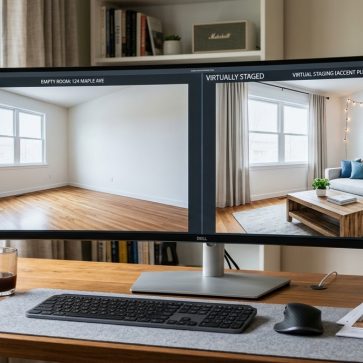
AI room design tools look interchangeable on app stores. In practice, they split into two groups. Some tools help homeowners explore styles fast. Others aim for production work, like virtual staging AI for listing photos.
This ranked guide compares both categories side by side. Each tool was judged on photo realism, architectural fidelity, ease of edits, speed, and whether outputs work for real use. Pricing style matters too, since credits and subscriptions behave very differently at scale.
The sections below start with a buying framework, then move into the ranked picks and tables.
ai room design Buying Framework for 2026
A fast render is not the same as a usable render. Many tools can produce a pretty image, then fail on one detail that matters for the job. Real estate work breaks when the tool shifts windows or adds fake built-ins. Renovation planning breaks when the layout changes.
Use-case fit should come first. Inspiration tools help pick a style direction. Production tools help create consistent outputs across a full set of photos. Interior designers often want iterative edits and higher resolution. Agents and stagers often want empty-room staging, cleanup, and watermark-free exports.
Pricing model comes next. Credit systems charge per action, and some actions burn more credits than expected. Subscriptions often feel expensive until the month gets busy. A practical comparison uses a simple check: estimate monthly renders, then divide the monthly cost by that render count. That single step prevents the most common mismatch.
Output rules matter for professional use. Listings often need watermark-free exports, stable composition across shots, and consistent lighting. Teams also need disclosure habits. A practical standard is clear labeling on every edited photo: “Virtually staged” or “AI-enhanced image.” Local MLS Rules vary, so teams should confirm the exact wording and placement.
At a Glance Table for Skimmers
This table is for fast scanning. “Starting price” reflects the lowest paid tier listed on each pricing page.
| Tool | Best for | Starting price | Billing model |
|---|---|---|---|
| AI HomeDesign | Real estate virtual staging and photo edits | Pro plan (yearly) | Credits with rollover |
| REimagineHome | Agents who want a broad feature set | Essential plan | Subscription with monthly credits |
| Decor8 AI | Unlimited redesign volume | Unlimited plan | Flat subscription |
| Paintit.ai | Shoppable inspiration and iterative chat edits | Starter plan | Subscription with monthly credits |
| Spacely AI | Designer teams needing faster queues | Starter plan | Subscription with monthly credits |
| ArchiVinci | Multi-format rendering beyond interiors | Monthly subscription | Subscription and time-based access |
| Planner 5D | 2D to 3D planning and layouts | Premium plan | Subscription |
| Homestyler | Free 3D planning with a large model library | Free Basic plan | Freemium + subscription |
| RoomGPT | No-sign-up, free inspiration | Free | Free |
Quick comparison of tools by best use case and billing style.
A credit plan can still be cost-effective. The key is knowing what a “credit” maps to. Some platforms define it as a render, and others do not.
How the Rankings Were Scored
The scorecards prioritize outcomes over feature lists. Realism and architectural fidelity carry more weight than style variety. A tool that moves a door or invents a window may look impressive, but it becomes risky for listing marketing and remodel decisions.
Each tool was checked against two scenarios: an empty room that needs staging, and a furnished room that needs a redesign. The same prompt structure was used when the platform allowed it. When the tool used presets, the closest matching style option was selected.
Usability mattered in a very plain way. The best tools reduce rework. They keep vertical lines straight, preserve the room shape, and allow targeted changes without restarting. Good inputs help, so teams benefit from basic capture habits like level horizons and clean exposure. For listing work, real estate photography tips can raise success rates across every tool.
Speed was judged as a workflow factor, not a brag. Faster results matter most when an agent needs a full photo set, not a single hero image.
AI HomeDesign

Best for: real estate virtual staging and listing-ready photo edits.
AI HomeDesign fits agents and marketing teams who need outputs that behave like listing media, not concept art. The toolset includes AI Virtual Staging, Day to Dusk, AI Item Removal, and Image Enhancement, plus renovation-style options like wall, floor, and backsplash changes.
The strongest differentiator is workflow fit for listings. AI Virtual Staging runs fast, and the platform focuses on preserving original fixtures and structure for MLS-compliant use. That matters when a room has a distinctive window wall, a fireplace, or a built-in that must stay put.
Test-room notes: empty-room staging stayed aligned with the original photo geometry, which reduced the “floating furniture” look. Furnished-room restyles worked best when the input photo had clean edges and minimal motion blur.
Key details:
- Watermark-free downloads on paid plans, with unused credits that roll over.
- Multiple room types and styles, with quick regenerations when a look misses.
- Exports in JPG and PNG for common listing channels.
Pricing snapshot: Pro, Pro Plus, and Enterprise tiers use credits with a published cost per photo, and the higher tiers lower the per-photo cost.
For agents building a broader tech stack, best real estate tools for agents gives a wider workflow view beyond imagery.
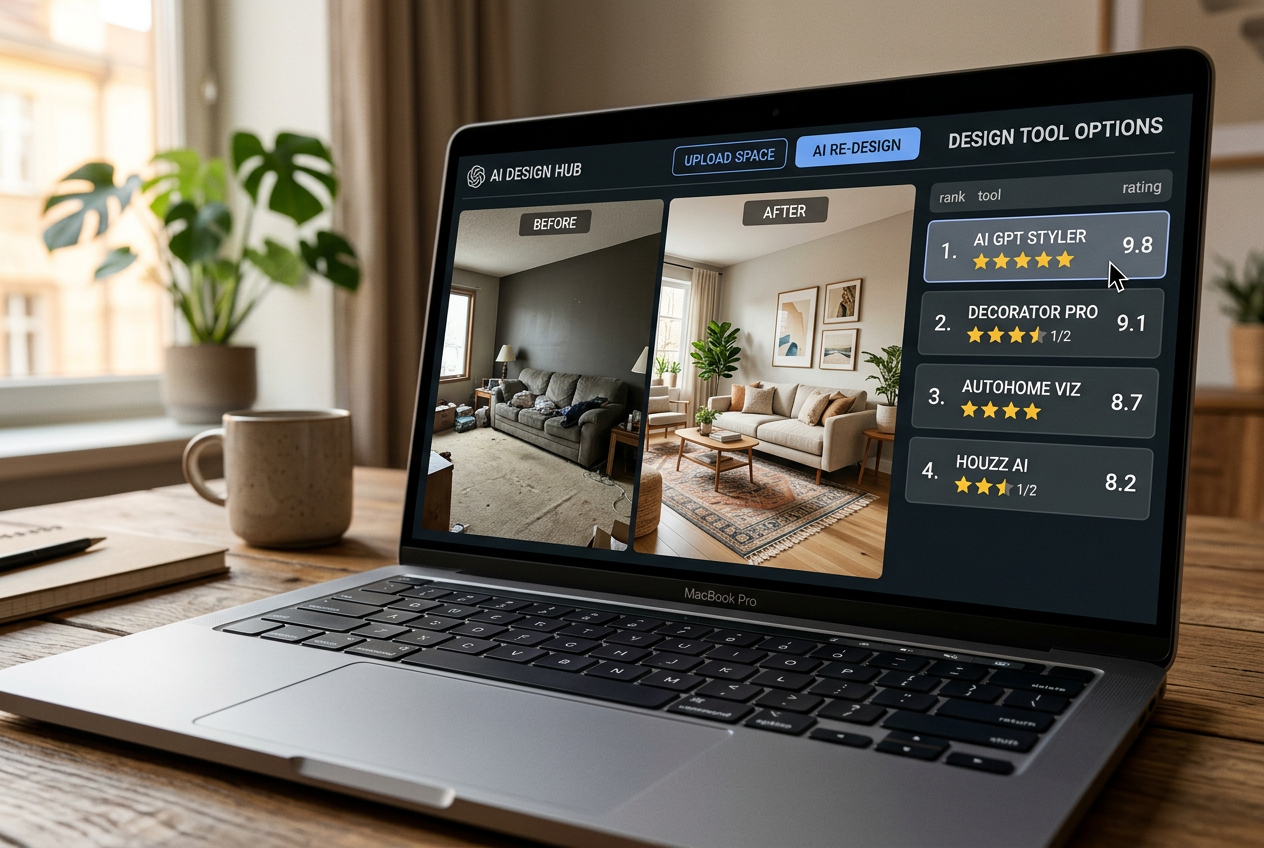
Where each tool sits
Price against speed. Bottom-left is cheap and fast, top-right is pricey and slower.
Best for: agents who want one subscription that covers staging, redesign, and exterior looks.
REimagineHome offers a wide tool mix in one place. It covers virtual staging for empty rooms, redesign for furnished rooms, and outdoor-focused options like landscaping and sky replacement. That breadth helps small teams that prefer one login over specialized tools.
Test-room notes: the empty-room staging mode produced usable layouts quickly, but the best results came from reruns to avoid odd scale in chairs and rugs. Furnished-room redesign looked strongest when the tool could “declutter” first.
Key features:
- Empty-room staging and furnished-room redesign.
- Day-to-dusk conversion and sky replacement.
- Object removal and image upscaling.
- Watermark-free exports on paid plans.
Pros:
- Good all-in-one coverage for listing media.
- Useful exterior and cleanup tools.
Cons:
- Credit math matters, since tiers limit monthly credits.
- Consistency can vary across a full photo set.
Pricing and plans are listed on the REimagineHome pricing page.
View REimagineHome pricing →Best for: designers and teams who care about render queue speed.
Spacely AI puts more emphasis on throughput and workflow controls. The paid tiers spell out expected queue timing, which helps teams plan production. Features like point-and-edit also help when only one object should change.
Test-room notes: empty-room auto-furnish produced clean compositions when the room had simple geometry. Furnished-room redesign performed best when the input photo had consistent lighting, since mixed lighting pushed the AI toward strange shadowing.
Key features:
- Interior and exterior rendering from photos.
- Empty-the-room mode and auto-furnish.
- Point-and-edit control and multi-view render.
- Commercial license on paid plans.
Pros:
- Clear speed expectations by plan.
- Strong controls for teams doing volume.
Cons:
- Some plans rely on queue priority, which can frustrate deadlines.
- Credit-to-render mapping varies by feature.
Pricing details are listed on the Spacely AI pricing page.
View Spacely AI pricing →Best for: layout planning and 3D space design, not instant photo redesign.
Planner 5D is often lumped into “AI room design,” but the core motion differs. It is a 2D and 3D planner with an AI generator for layouts, plus a large furniture catalog. It works well when the goal is to plan a space, not to restyle a single listing photo.
Test-room notes: because the tool focuses on building a model, it does not behave like a quick photo upload restyler. The payoff comes from control. Layout accuracy can be stronger than a photo-based hallucination, if the room gets modeled carefully.
Key features:
- AI layout generator and floor plan to 3D conversion.
- Large furniture catalog and walkthrough outputs.
- Rendering options including higher resolution tiers.
- Export options for more technical workflows.
Pros:
- Strong for planning room layout changes.
- Good for users who want control over dimensions and placement.
Cons:
- Slower to start than photo-based tools.
- Free renders are watermarked.
Pricing details are listed on the Planner 5D pricing page.
View Planner 5D pricing →Best for: free 3D room planning with a deep model library.
Homestyler also lives in the planner category. It offers a free tier with unlimited standard renders and a large set of 3D furniture models. AI features exist, but the day-to-day use is still closer to 3D design than instant photo redesign.
Test-room notes: as with other planners, the best results come from time spent modeling and lighting. That work can deliver more predictable camera angles than an AI photo redesign tool.
Key features:
- Cloud-based 3D floor planning.
- Large model library and multi-floor projects.
- Higher resolution rendering tiers and panoramas.
- Team spaces for shared work.
Pros:
- Strong value on the free tier for planners.
- Good for learning room layout and furniture scale.
Cons:
- Not the fastest route to a “before and after” from a single photo.
- Some AI features depend on credits and plan tier.
Pricing details are listed on the Homestyler pricing page.
View Homestyler pricing →Best for: teams that need interiors plus exterior and floor plan renders.
ArchiVinci sits closer to a rendering hub than a single-purpose room restyler. It supports interior and exterior rendering, and it also lists floor plan and masterplan rendering options. That blend can help marketing teams that need multiple visual formats.
Test-room notes: furnished-room style changes looked consistent when the style stayed within realistic residential finishes. Empty-room furnishing worked, but some results leaned “concept art” unless prompts stayed grounded.
Key features:
- Interior and exterior AI rendering.
- Floor plan and site-style rendering options.
- Object placement and relighting controls.
- Multiple model engines listed in the platform.
Pros:
- Wide format support beyond a single photo type.
- Concurrency support for parallel rendering.
Cons:
- Pricing complexity across subscription and time-based access.
- Some outputs may require more review for listing realism.
Pricing details appear on the ArchiVinci pricing page.
View ArchiVinci pricing →Best for: unlimited redesign volume on a flat monthly plan.
Decor8 AI stands out for a simple proposition: unlimited redesigns on a subscription. That billing model can reduce anxiety for homeowners testing many directions, and it can also help content teams that need lots of iterations.
Test-room notes: furnished-room redesign produced the best results when the prompt stayed concrete, like “light oak, warm white walls, linen sofa.” Empty-room staging worked, but the most convincing outputs still depended on clean input photos and a realistic furniture density.
Key features:
- Unlimited AI room redesigns on a subscription.
- Many preset styles and paint visualization.
- Photo enhancement and upscaling.
- Web and mobile availability.
Pros:
- Predictable monthly cost.
- Easy to iterate without watching credits.
Cons:
- Unlimited plans can still require quality control across a photo set.
- The tool may suit inspiration more than strict listing fidelity.
Pricing details are listed on the Decor8 AI pricing page.
View Decor8 AI pricing →Best for: free, instant inspiration with no account.
RoomGPT wins on speed and access. It allows unlimited free renders with no sign-up, which makes it a useful first pass for style exploration. It is not built for professional listing deliverables.
Test-room notes: furnished-room redesign produced fun, fast variations. Empty-room results often looked plausible from a distance, but small details like chair legs and wall junctions needed scrutiny.
Key features:
- Unlimited free AI room redesigns.
- No sign-up required.
- Quick style selection and fast generation.
Pros:
- Lowest friction for trying ideas.
- Useful for rapid mood exploration.
Cons:
- Not designed for commercial or MLS workflows.
- Fidelity can drift on architectural details.
The free access claim and speed are described in the RoomGPT listing source.
View RoomGPT pricing →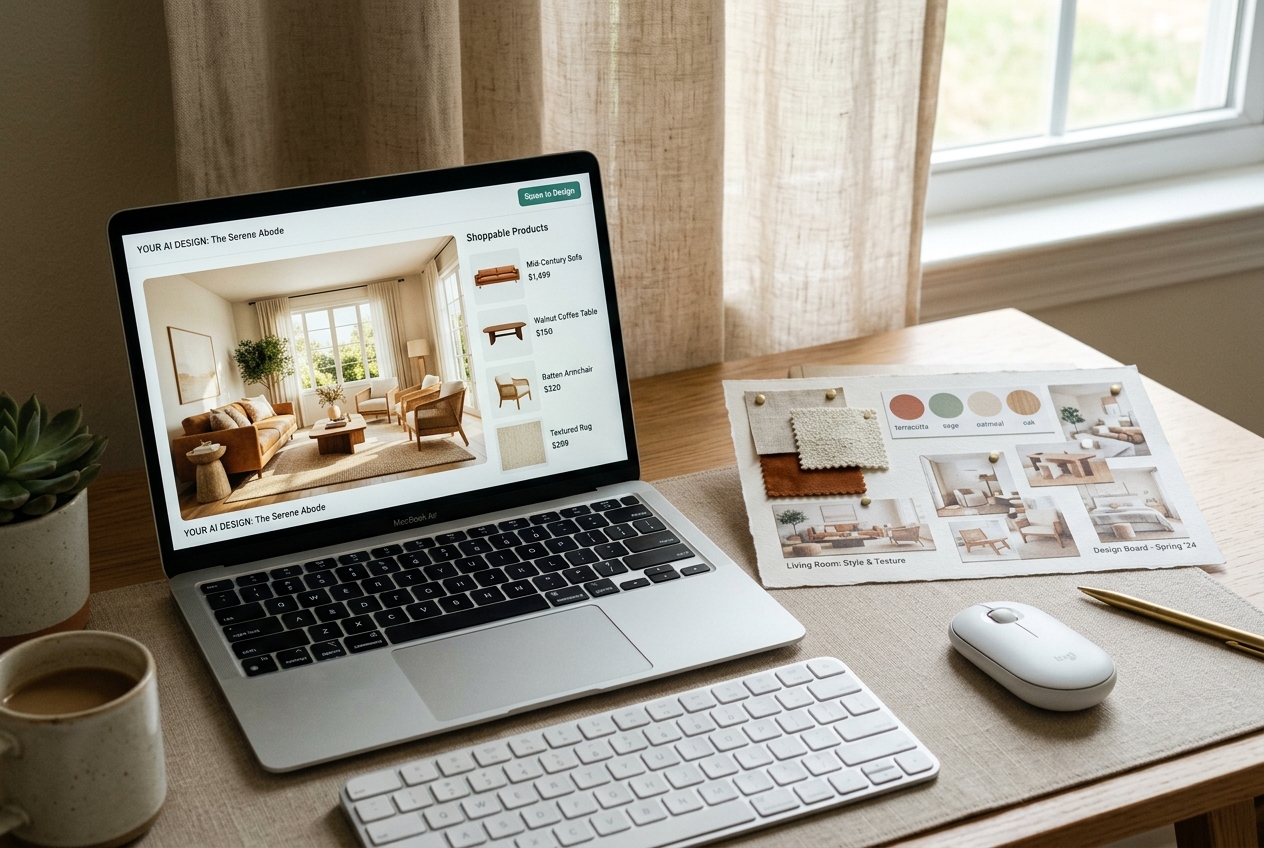
Best for: shoppers who want product ideas tied to real retailers.
Paintit.ai bridges a common gap. Many AI tools show a sofa that cannot be purchased. Paintit.ai adds shoppable product suggestions from major retailers, paired with conversational editing that keeps context across iterations.
Test-room notes: furnished-room redesign felt natural because iterative edits did not require starting over. Empty-room generation worked best when the prompt set a clear style and a realistic furnishing level.
Key features:
- Conversational edits with context memory.
- Shoppable product suggestions from retailers.
- Pinterest style matching and paint visualization.
- Iterative editing without restarting.
Pros:
- Strong for turning inspiration into a shopping list.
- Good fit for homeowners who refine a look in small steps.
Cons:
- Credit plans can get expensive if renders stack up.
- Listing work still needs careful disclosure and fidelity checks.
Plan details appear on the Paintit.ai overview with pricing.
View Paintit.ai pricing →What it really costs per listing
Pick a tool, set how many listings you do a month, and see the real per-listing cost.
Full Comparison Table of All Tools
The table below adds detail for buyers comparing output usability and workflow fit.
| Tool | Free tier | Speed notes | Watermark-free outputs | Notes that matter for use case |
|---|---|---|---|---|
| AI HomeDesign | Free credits, watermarked | Virtual staging under 8 seconds; other tools around 30 seconds | Yes on paid plans | Built for MLS-compliant virtual staging and photo edits |
| REimagineHome | 5 free credits | Instant | Yes on paid plans | Strong all-in-one set, includes day-to-dusk and object removal |
| Decor8 AI | Satisfaction guarantee | Instant | Not specified in pricing summary | Unlimited plan favors iteration volume |
| Paintit.ai | 30 free credits | Instant | Not specified in pricing summary | Shoppable suggestions and chat-based iterative editing |
| Spacely AI | 40 trial credits | Queue varies by plan | Not specified in pricing summary | Clear queue-time expectations and team-focused controls |
| ArchiVinci | Not publicly listed | Instant; concurrent renders listed | Not specified in pricing summary | Multi-format renders beyond interiors |
| Planner 5D | Free plan, watermarked renders | Manual planning workflow | Free renders watermarked | Best for layout planning, not instant photo restyle |
| Homestyler | Free plan | Manual planning workflow | Not specified in pricing summary | Strong free planner tier and large model library |
| RoomGPT | Fully free | Around 10 seconds | Not specified in pricing summary | Best no-sign-up inspiration tool |
Comparison of free access, speed behavior, and output usability.
Watermark-free status varies by plan and export type across platforms. Teams should confirm export settings before relying on a free tier for professional work.
Pricing and Access
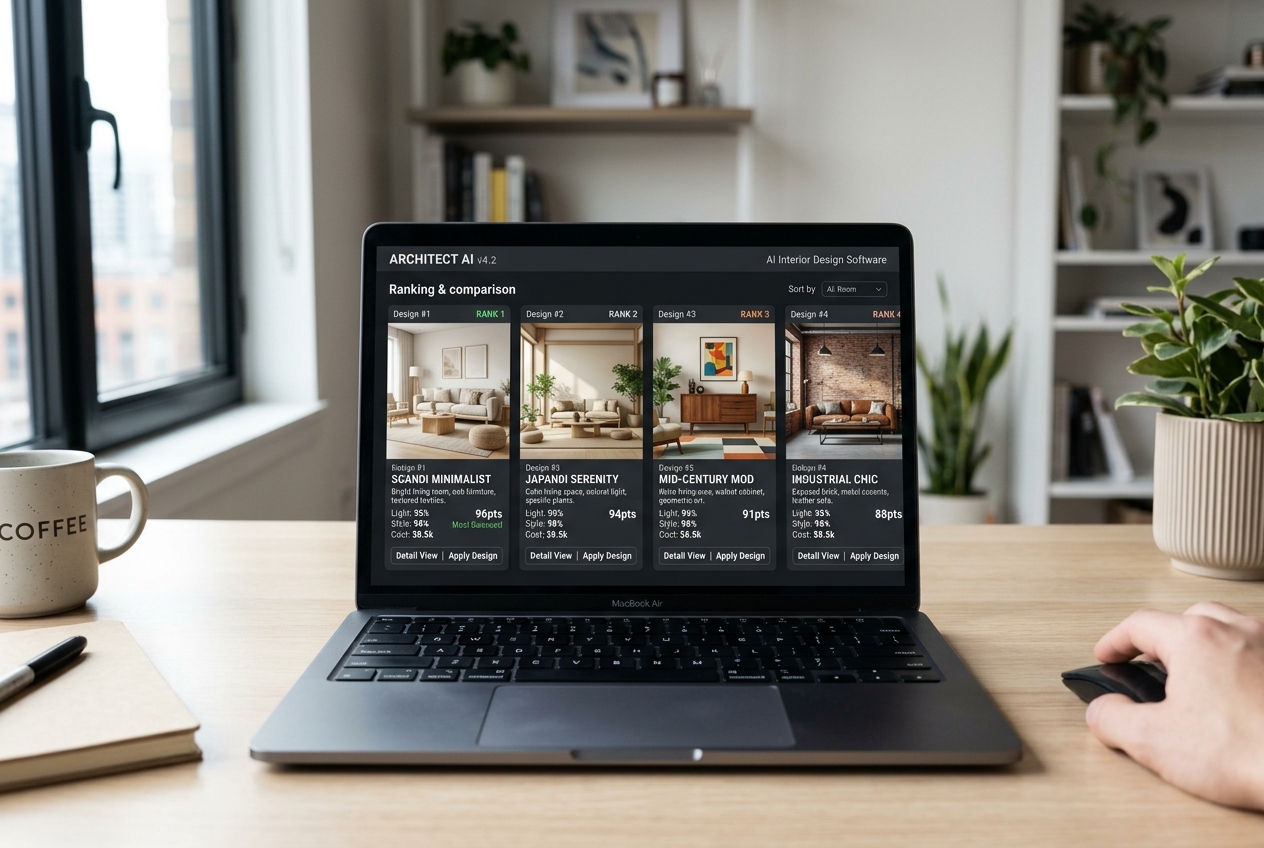
Pricing comparisons break when the wrong unit gets compared. A subscription with monthly credits can look cheap until a busy month arrives. Flat subscriptions can look expensive until the render count grows.
A practical way to compare is to pick a monthly render target, then sanity-check the plan fit. For a homeowner doing occasional experiments, free tiers or low-credit plans often cover the need. For an agent staging multiple rooms across multiple listings, subscription or lower-cost-per-photo plans usually reduce cost per deliverable.
Some platforms publish an explicit cost per photo. AI HomeDesign lists per-photo costs by tier, with credit rollover. That makes budgeting straightforward for teams that stage listings week after week.
For credit-based platforms that publish credits but not a strict “one render equals one credit,” the comparison should focus on runway. The question becomes: how many acceptable outputs can one plan support after retries, variations, and a few misses.
Best Pick by Scenario
A single “best tool” label often misleads buyers. These are clearer scenario picks based on how the tools behave.
Agent staging listing photos: AI HomeDesign, because the platform centers on MLS-compliant outputs and listing workflows.
Homeowner on a tight budget: RoomGPT, because it removes sign-up friction and supports unlimited experiments.
Homeowner who wants to buy what the render shows: Paintit.ai, because shoppable suggestions reduce the gap between a look and a cart.
Designer team managing volume: Spacely AI, because queue timing and team controls matter in production.
For teams that want to compare dedicated staging options, best virtual staging software focuses only on listing-first platforms.
What Could Not Be Verified Yet
Some claims vary by region, device, and plan tier. Commercial licensing language can shift. Export resolution caps also change often. Queue times can vary with demand, even when a plan lists a target.
Buyers should test with at least one empty room and one furnished room. That single check usually reveals whether the tool preserves layout and handles the room type well.
For context on how imagery tools fit inside the wider agent workflow, how AI is transforming real estate covers the larger set of use cases.
Who Should Avoid Which Tool
Some tools fail only in certain situations. Matching the tool to the job avoids wasted time and credits.
RoomGPT is a poor fit for MLS deliverables. It works best as a free idea generator.
Planner 5D and Homestyler can frustrate buyers who expect instant photo restyles. They reward patience and manual control.
Credit-heavy tools can be a poor fit for teams that need dozens of iterations. Flat subscriptions can fit better in those cases.
Agents comparing staging-specific workflows may also want the broader decision context in AI HomeDesign alternatives.
Making the Choice in 2026
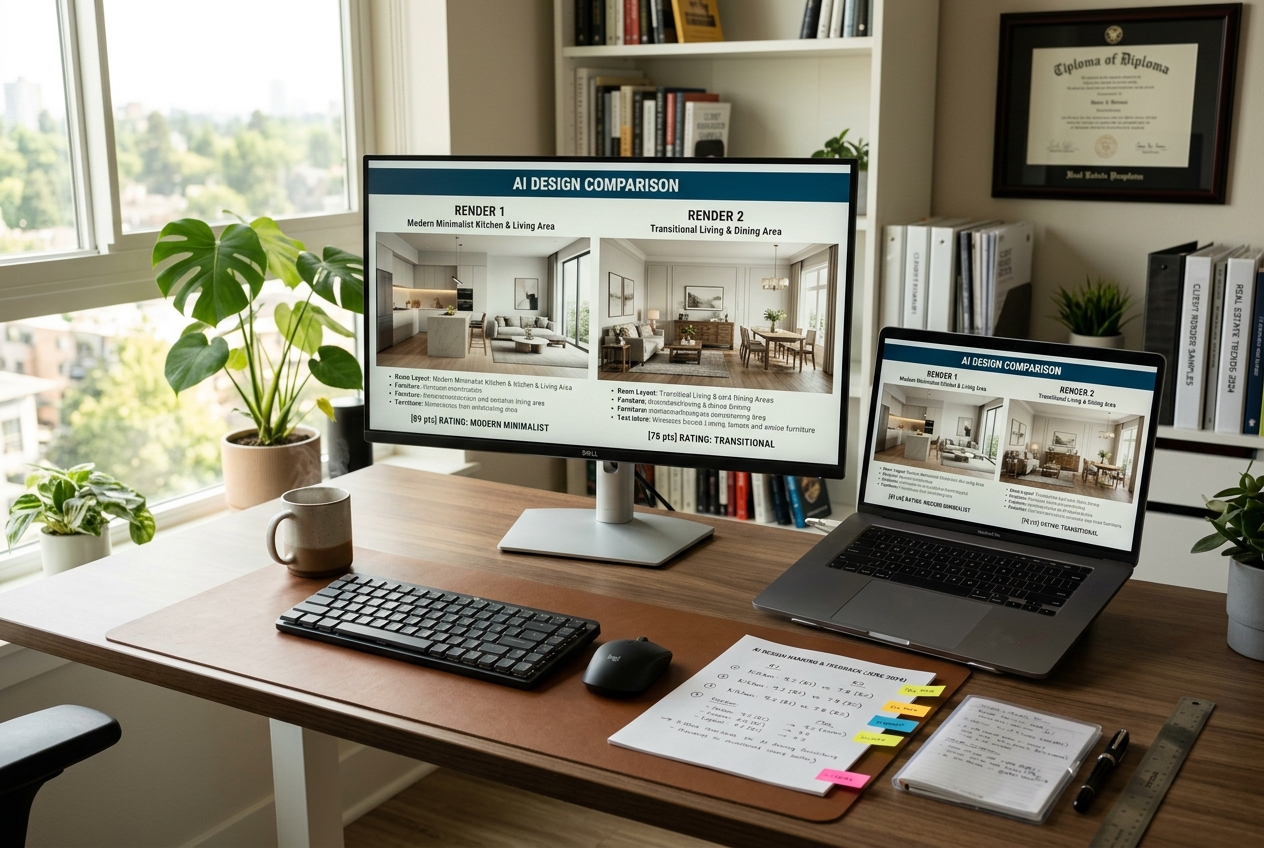
The key split in 2026 is simple. Inspiration tools help explore looks, and production tools help ship consistent outputs. The wrong category creates the common failure: nice renders that cannot be used.
Real estate teams should treat AI imagery as part of a listing deliverable. Keep originals, export watermark-free files, and add clear Disclosure text on any edited image. A safe default label is “Virtually staged” on staged photos and “AI-enhanced image” on enhanced photos.
Homeowners can start with a free tier, then upgrade only after a tool proves it can handle the exact room type. Kitchen and bathroom tests matter, since fixtures and tile reveal quality fast.
For agents, the imagery decision also ties into the bigger marketing plan. real estate marketing strategies helps place staged photos, day-to-dusk edits, and enhancements into a full listing launch sequence.
Frequently asked questions
The best tool depends on the job. For real estate virtual staging, AI HomeDesign fits listing workflows with staging and photo edits in one place. For unlimited redesign volume, Decor8 AI’s flat subscription can work well. For no-sign-up inspiration, RoomGPT is the simplest starting point. Comparing tools by use case usually beats searching for one universal winner.
Yes, but only some outputs work as listing media. Real estate teams usually need watermark-free exports, stable architectural fidelity, and clear Disclosure on edited images. A practical habit is to label staged images “Virtually staged” and keep the original photo archived. MLS Rules vary by market, so teams should confirm the local requirements before publishing.
Virtual staging focuses on furnishing an empty room while preserving the original photo and the home’s structure. AI room redesign often targets style changes and may also alter finishes, decor, or even geometry. For listing marketing, architectural fidelity matters more than creative freedom. For homeowners, creative freedom can matter more than strict accuracy.
RoomGPT offers free, no-sign-up renders, which makes it useful for quick inspiration and style testing. Most other platforms use a free tier with credits that requires account creation. Free tiers work best as a quality test, not as a long-term workflow, especially for real estate or client-facing design work.
Architectural fidelity varies widely. Some tools keep window placement, door positions, and room proportions stable, while others “hallucinate” changes that look good but are inaccurate. Testing with one empty room and one furnished room usually reveals how the model behaves. Kitchens and bathrooms also expose fidelity issues faster than living rooms.
Many teams use a simple, consistent label on every edited image, such as “Virtually staged” for staged photos or “AI-enhanced image” for lighting and cleanup edits. Teams should also keep the original photos on file. Disclosure rules differ by state, brokerage, and MLS, so agents should confirm exact wording and placement locally.