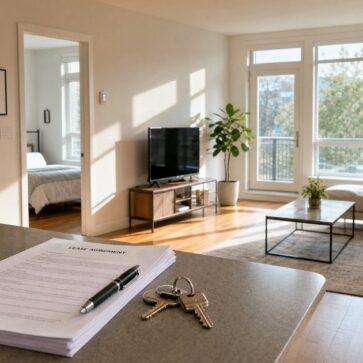
Buyers often want a showing without a schedule conflict, a long drive, or a crowded Saturday. A virtual open house solves that problem, but only when agents treat it like a real marketing event, not a casual live video.
Tech has raised the bar. Better visuals, smarter registration, and faster follow-up now decide whether a virtual event produces showings or just views. That shift sits inside the broader move toward AI in real estate, where agents build repeatable systems instead of one-off tactics.
The guide below breaks the process into clear choices and a run-of-show that teams can reuse listing after listing.
Virtual Showing Formats Compared
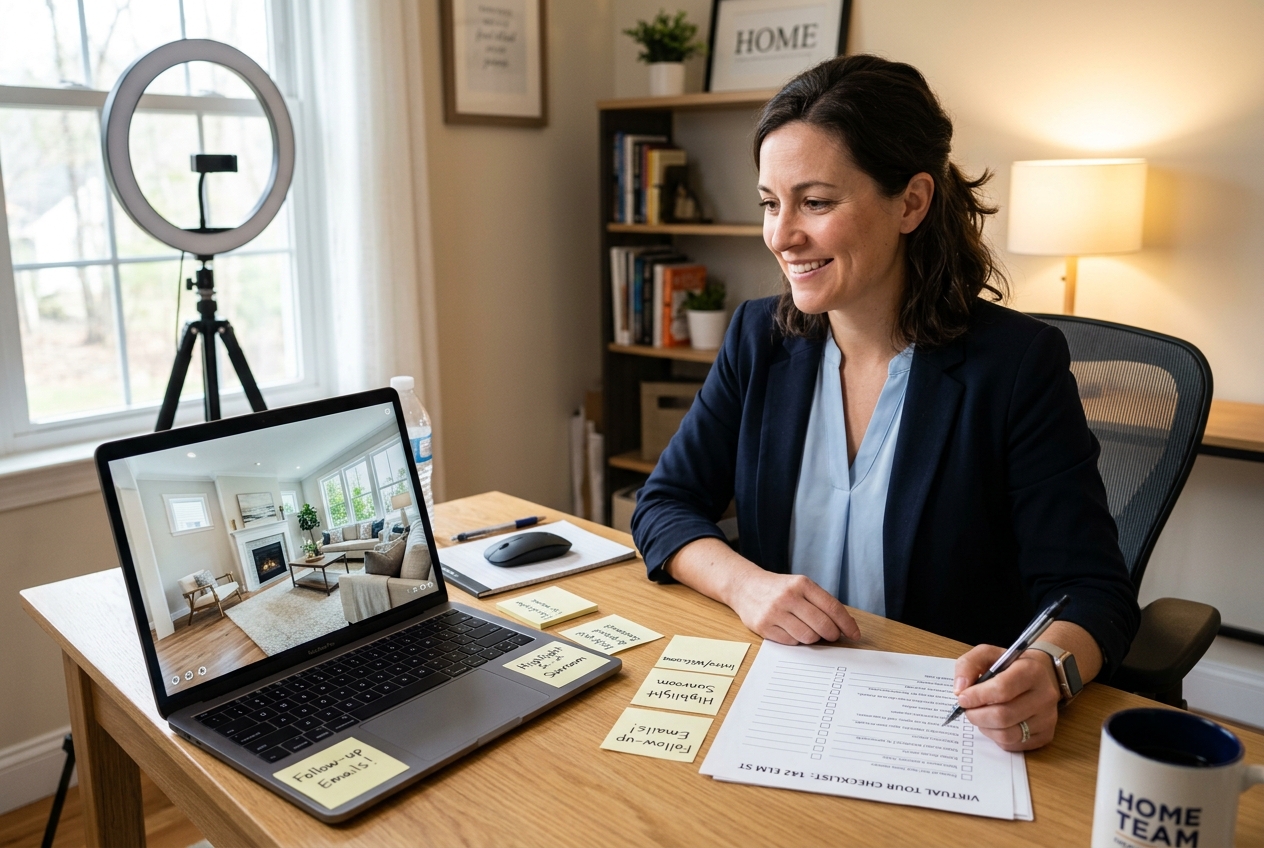
A live stream can create attention, but attention does not equal intent. The format determines how much control exists over the audience, how easily leads get captured, and how cleanly the event ties into a follow-up plan. Many agents default to the easiest option, then wonder why the pipeline stays quiet.
Virtual events also change who shows up. Remote buyers, relocation clients, and investors often attend first online. Local buyers still value an in-person walkthrough, especially for layout flow and street noise. That split creates a practical case for a hybrid open house, where one event serves both groups.
| Format | Best for | Lead capture | Strengths | Limits |
|---|---|---|---|---|
| Live, registration-gated webinar | Serious buyers and relocation leads | Strong | predictable attendance list, clear Q and A, easy replay | needs setup and reminders |
| Live on social | Top-of-funnel reach | Medium | fast reach, easy sharing, casual vibe | weak data capture, noisy comments |
| Self-guided 3D tour plus chat window | Buyers who browse off-hours | Medium | always-on experience, fewer tech issues | less urgency, weaker live engagement |
| Hybrid open house | Mixed local and remote audiences | Strong | one event, wider reach, better service | needs a co-host and extra gear |
Agents can set a clear rule for what belongs in the public event. The virtual showing should cover property facts, key upgrades, the neighborhood overview, and next-step options. Agents should save pricing strategy, offer guidance, and motivation details for private conversations where context and compliance matter.
Choosing Virtual Open House Software and Visual Tools
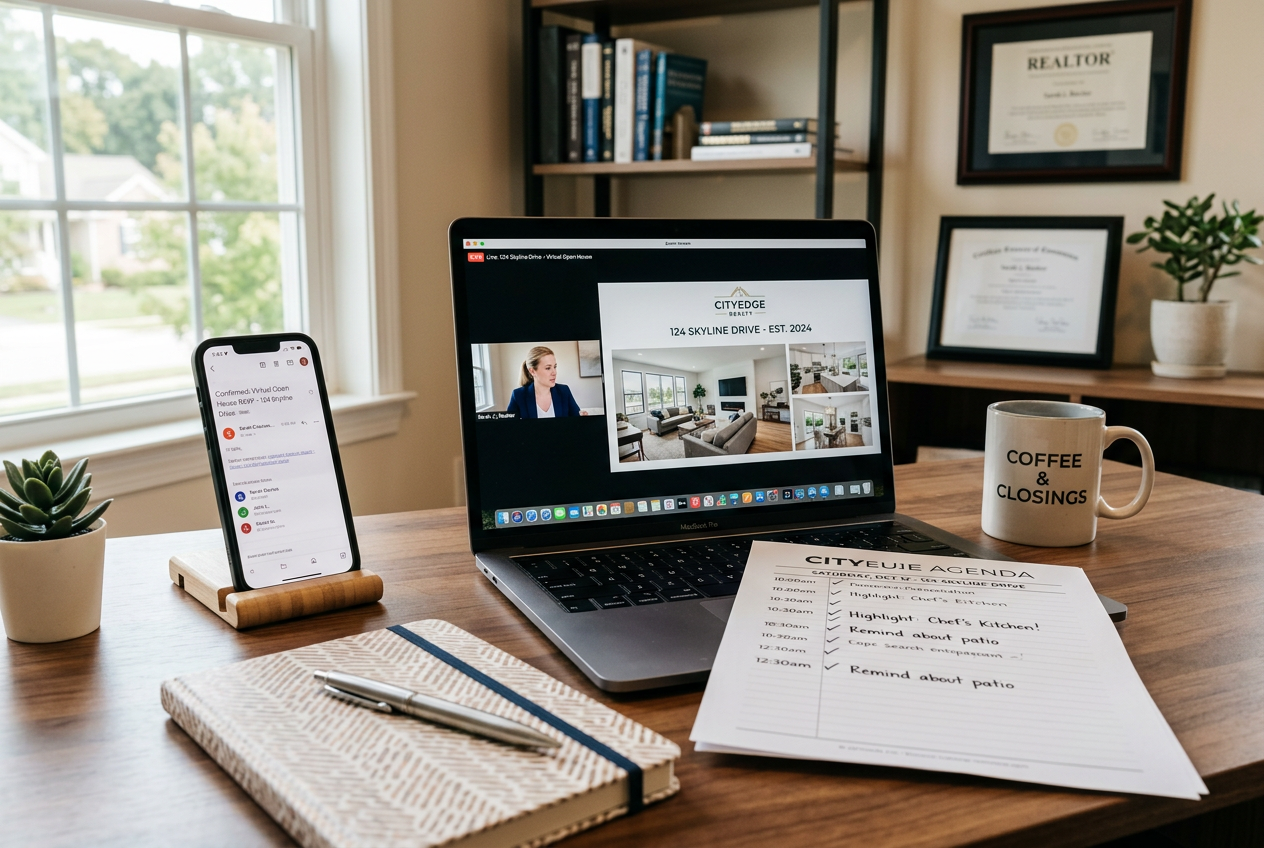
Platform choice drives the entire workflow. Some platforms prioritize reach, while others prioritize registration data. A strong default for lead generation uses a registration gate, a reminder sequence, and a replay link that pushes viewers into a scheduled showing.
Zoom, Google Meet, and similar meeting tools work well for small groups when the agent wants live interaction. Webinar formats fit larger audiences because they reduce audio chaos and keep Q and A organized. Facebook Live and YouTube Live can reach more people fast, but they rarely deliver clean contact records unless the stream points to a separate registration page.
Matterport and other 3D tour providers serve a different role. They do not replace the live event. They support it. A self-guided tour sets the baseline so the live event can focus on story, objections, and high-signal questions.
Visual tools decide whether viewers stay. For empty or dated rooms, virtual staging for realtors gives buyers a layout reference. AI HomeDesign supports that workflow through AI virtual staging and related options like AI Item Removal, AI Day to Dusk, Image Enhancement, and Apply Design. Agents can show staged photos on-screen during the event, then send the same set in the replay email.
How to Host a Virtual Open House
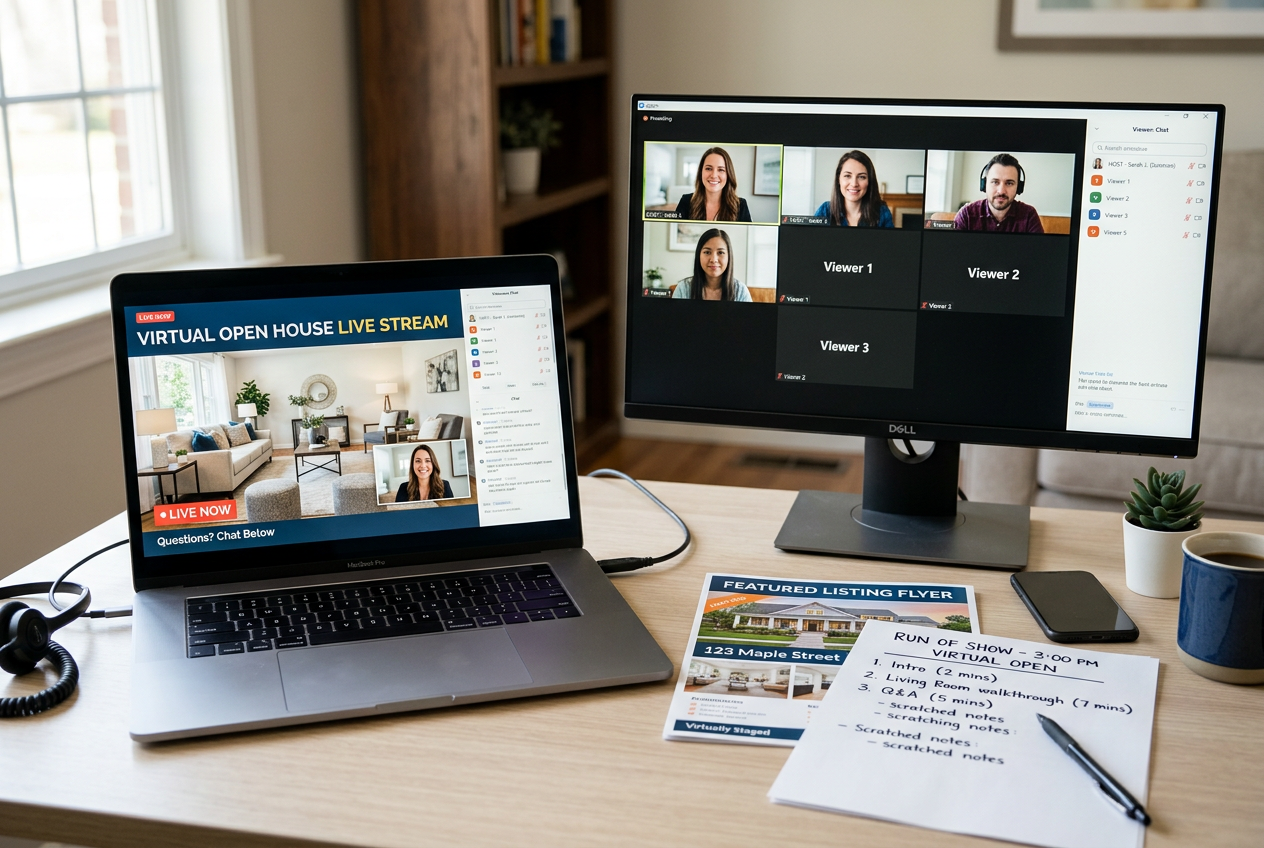
A professional live event starts days before the stream. Agents should treat it like a listing launch: assets first, then registration, then reminders, then a tight run-of-show. That structure reduces dead air and builds trust fast.
Technical quality decides how long viewers stay. Clear audio matters more than perfect video. A simple lapel mic, steady tripod, and consistent lighting solve most problems. A second device logged in as a silent monitor helps catch buffering or bad framing before it costs attendance.
Before going live, agents should polish the photo set and any preview slides. Clean, bright images set expectations and reduce skeptical questions. real estate photo editing pairs well with AI-enhanced capture workflows described in AI in real estate photography.
Agents should avoid fee talk in the live event. Commission and service fees belong in the listing agreement and private consults, not in a recorded public stream. Public pricing commentary can also create future negotiation friction.
Step one: Build the visual deck and tour path
The agent selects the rooms that matter, then plans a simple walking route. The agent prepares a short slide deck with staged photos, a floor plan image, and key features. This step keeps the tour tight and prevents missed areas. The agent finishes with a clear list of visuals ready for screen share.
Step two: Set up registration and required notices
The agent creates a registration form and confirmation email. The form collects name, email, phone, buyer timeline, and pre-approval status. The agent adds a recording notice and basic privacy language. This step turns attendance into a usable contact list. The agent ends with a shareable registration link.
Step three: Run a full tech rehearsal
The agent tests the stream from the property and from a backup connection. The agent checks audio levels, camera exposure, and upload speed. A co-host tests chat, polls, and the Q and A panel. This step prevents the most common failures. The agent ends with a stable setup and a fallback plan.
Step four: Go live with a clear run-of-show
The agent opens with a short agenda, then sets expectations for questions. The agent tours the property by zones, not by every corner. The agent pauses at each key space to answer questions and show a staged photo if needed. This step keeps attention high. The agent ends with a full tour that stays on time.
Step five: Capture intent signals during the event
The agent asks one poll about timing and one about financing status. The agent invites attendees to request a private showing through a link in chat. The co-host tags high-intent questions for follow-up. This step separates curiosity from intent. The agent ends with a short list of warm leads.
Step six: Close with one next action
The agent gives a single call to action, schedule a private showing or request disclosures. The agent repeats the link and states the follow-up timeline. This step reduces decision fatigue and boosts response rates. The agent ends with a clear path from viewer to appointment.
Promotion, Registration, and Lead Capture That Scales
Most virtual events fail before they start. Agents announce the stream once, then hope the algorithm delivers. A stronger approach uses a fixed timeline and consistent reminders. That cadence also trains an audience to expect a professional event.
A practical delivery window starts promotion 10 days before the event. That window gives enough time for email, social posts, and light paid support, without letting the listing go stale. Agents can post a short teaser video, send an invitation email to the database, and publish the registration link on the listing page.
A simple reminder schedule improves attendance without spam. Agents should send reminders 2 days before, 1 day before, and 1 hour before the stream. The confirmation email should send immediately after registration. Each message should repeat the time, the link, and one reason to attend.
Lead capture should happen before the event, not during it. The registration form should collect only what the follow-up plan can use. Extra fields create friction and reduce sign-ups. Agents can reserve deeper questions, such as agent representation status or offer plans, for the post-event call.
Paid support works best as a small retargeting layer aimed at listing page visitors and video viewers. The creative should push the registration page, not the live stream link. AI can also speed up creative production and targeting workflows described in AI for real estate marketing.
Virtual Open House Follow-Up, Compliance, and ROI Tracking
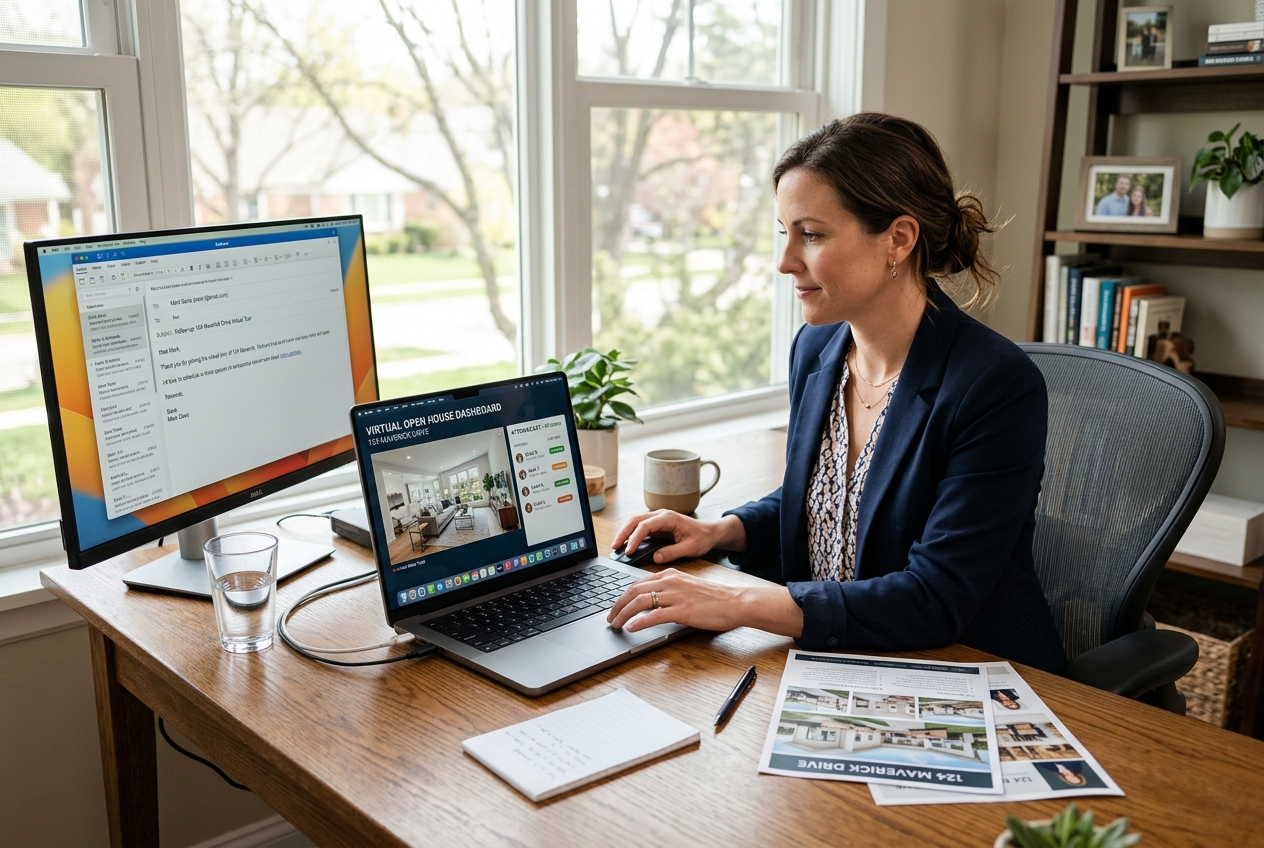
Follow-up speed sets the conversion ceiling. Agents should send the first message within 1 day of the event, while the property still sits at the top of the buyer’s mind. That first touch should include a replay link, a short list of highlights, and one scheduling link for a private showing.
A clean workflow starts with segmentation. Agents should separate attended live, registered but missed, and high-engagement attendees who asked questions or clicked links. Each segment should get a different message. A missed attendee needs a replay and a quick reschedule option. A high-engagement attendee needs a direct invitation to tour and a fast answer to the specific question asked.
AI can help teams personalize at scale without sending generic notes. Agents can use templates and prompts to draft property-specific follow-up and SMS copy, then add one human detail before sending. For ready-to-use language patterns, ChatGPT prompts for real estate agents can speed up the writing step.
Compliance belongs in the workflow, not in a last-second disclaimer. Agents should announce recording at the start and include a consent checkbox in registration. Fair housing rules apply the same online as in person. Data privacy also matters, since registration collects personal information.
Agents should use consistent Disclosure language for edited visuals and keep records for MLS Rules. A safe standard line for any AI-edited image reads: “Image has been digitally enhanced for marketing purposes.” For staged images, a stronger line reads: “Virtually staged. Furniture and decor are digitally added and are not included in the sale.” Many MLSs also expect a Virtually Staged Watermark on the image itself.
Not every listing fits the standard playbook. Tenant-occupied homes may restrict filming and force a slide-based event. Distressed sales often require a tighter script and fewer speculative questions. Rural and agricultural properties may need a pre-recorded walkthrough because cell service drops on site. Luxury homes can require privacy controls and a stricter registration gate.
ROI tracking keeps the system honest. Agents should log registrations, attendance, chat questions, link clicks, booked showings, and eventual offers inside the CRM. UTM-tagged links in emails and ads make reporting easier. The numbers should guide the next event, not judge the last one.
Hybrid events can extend reach without doubling work. A co-host should manage the virtual room while the agent greets in-person guests. One stabilized camera can stream the main tour, while in-person visitors cycle through the home in a controlled path. A single sign at the door should point walk-ins to the registration link so the CRM captures everyone.
Virtual open houses work best as one part of a bigger plan that includes listing media, email, and retargeting. A broader blueprint lives in this guide to real estate marketing strategies.
Frequently Asked Questions
What is the difference between a virtual open house and a 3D tour?
A virtual open house is a scheduled event with a host, live Q and A, and a clear call to action. A 3D tour is self-guided and runs any time. Agents often use both: the 3D tour sets context before the event, and the live open house creates urgency and captures intent signals through questions and clicks.
Should a virtual open house be recorded and reused?
Recording usually adds value because the replay supports follow-up and keeps the listing active between showings. The key is consent. Agents should disclose recording in the registration flow and again on camera before starting. A replay should also include the date recorded so viewers do not confuse it with a live event.
What should be included in a virtual open house follow up email?
A strong follow-up email includes a replay link, a short bullet list of property highlights, and one scheduling link for a private tour. It should also repeat any required disclosures and offer to send documents, such as seller disclosures or HOA details, on request. Agents should avoid long descriptions that bury the call to action.
Do MLS rules allow virtually staged photos for an open house?
Many MLSs allow virtually staged photos, but they often require clear labeling. Agents should follow local MLS Rules, add a Virtually Staged Watermark when required, and keep original photos on file. If an MLS restricts certain edits, agents can still use staging on social and email while using compliant originals in the MLS.
How can agents increase attendance when many people register but do not show up?
Attendance improves when registration feels valuable and reminders feel personal. Agents can add one tangible reason to attend in each reminder, such as a feature not obvious in photos or a neighborhood detail. A calendar invite also reduces no-shows. Agents should always email the replay to no-shows, since many convert later.