Online buyers decide fast. A listing either feels calm and move-in friendly, or it feels like work. That gap often comes down to house styling, not square footage.
Good staging is not about fancy decor. It is about showing function, scale, and light in every photo. This playbook lays out a repeatable room-by-room approach, then explains how AI virtual staging can preview choices before a seller rents furniture or buys a single accessory.
The fastest wins come from a clean canvas and a clear plan for the photo day.
Why Staging Still Wins for Real Estate Staging
Listings compete on thumbnails. Most buyers never reach the showing stage if the photos feel dark, crowded, or confusing. Staging fixes that first impression by creating obvious pathways, clear focal points, and fewer visual distractions.
Staging also reduces mental math. Buyers should not have to guess whether a sectional fits, where a dining table goes, or how a bedroom handles a king bed. Clean layouts and correct furniture scale turn “maybe” into “this works.” That shift matters most in the rooms that anchor value: living, kitchen, and primary bedroom.
Data supports the effort, even if every market behaves differently. The NAR Profile of Home Staging describes how agents and buyers respond to staged spaces and which rooms matter most. The key idea stays consistent across markets: presentation influences perceived condition.
AI also changed the workflow. Buyers now consume listings like content, then shortlist in minutes. Tools that speed up photo prep and visual merchandising keep listings sharper and more consistent across channels. For broader context on that shift, the guide on how AI is transforming real estate maps the wider changes around search, media, and marketing.
The Universal Pre-Staging Checklist That Protects Photos
Staging starts before a single pillow moves. Sellers often add decor to “warm things up,” then the photos still look busy. The better move clears the room first, then adds back only what supports function.
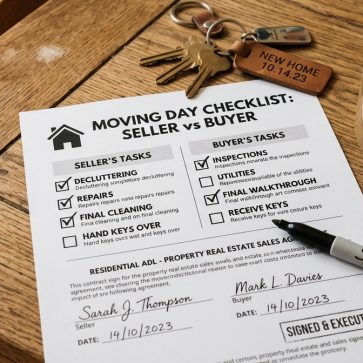
A universal checklist keeps the process practical:
- Clear the canvas: remove countertop appliances, laundry piles, and floor clutter. Store overflow off-site if possible.
- Depersonalize: pack family photos, trophies, and name-specific items. Buyers need a neutral story.
- Repair small breaks: tighten loose handles, patch nail holes, and replace burned-out bulbs.
- Deep clean for shine: glass, stainless steel, mirrors, baseboards, and grout show up in photos.
- Neutralize scent: trash, litter boxes, and strong candles can derail showings fast.
- Simplify surfaces: leave one intentional item per surface, not collections.
A staging plan also needs a marketing lens. The listing media should match the target buyer and neighborhood expectations, not the seller’s taste. That is why agents often align staging decisions with broader real estate marketing strategies like positioning, audience fit, and channel mix.
AI virtual staging can enter early in this checklist. A seller can photograph a cleaned, empty room and test several layout directions before buying anything. AI HomeDesign covers that workflow in the AI virtual staging guide, including when virtual staging fits and how to keep results listing-ready.
Entryway Staging That Creates an Instant Yes
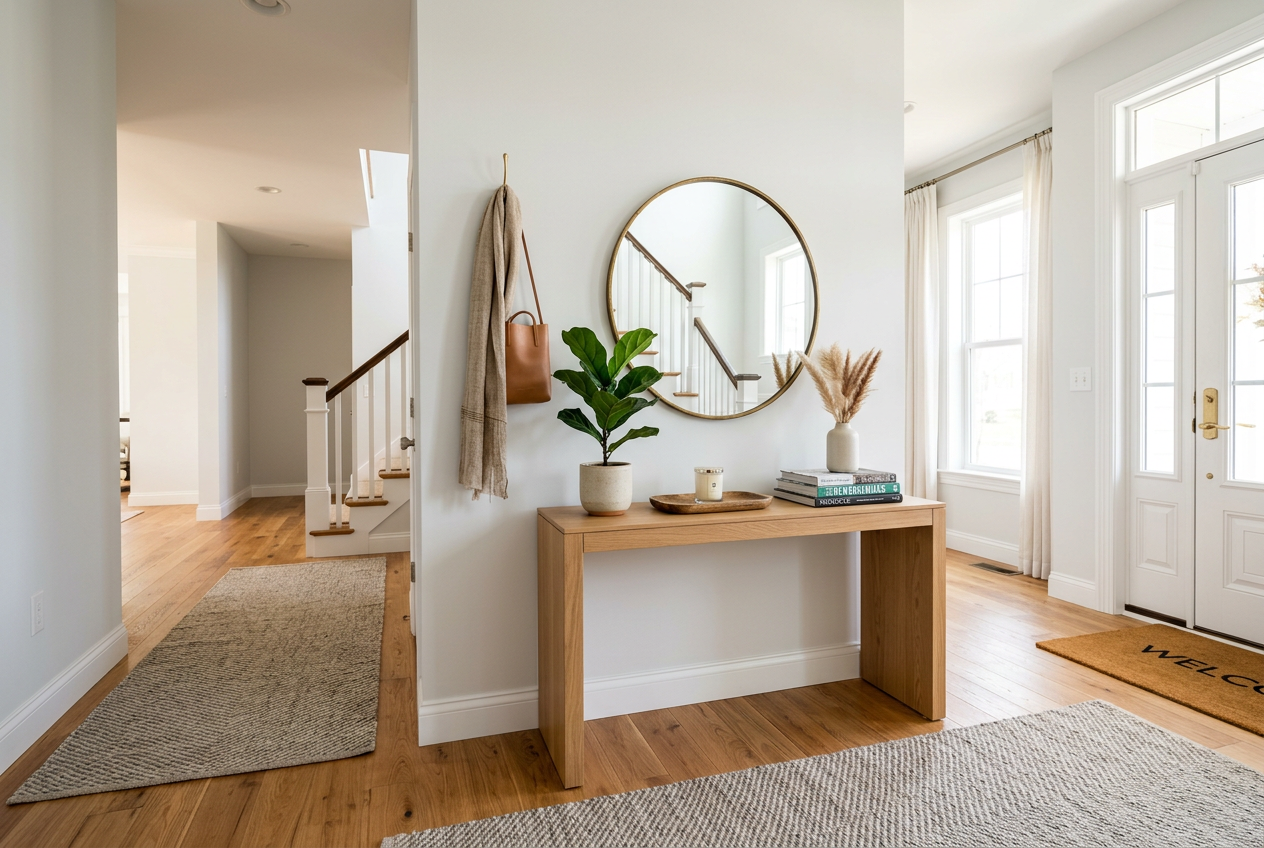
The entryway carries a disproportionate share of emotion. A tight, dark entry makes the whole home feel smaller. A clear, bright entry sets the tone before the eye reaches the living room.
Start with control and simplicity. Remove shoes, coats, and pet gear from view. Keep a single landing zone, not a storage wall. A clean floor line matters more than decor in this space.
Then build a focal point that photographs well. A slim console or a narrow bench can work, but only if it leaves walking room. Add one large mirror to bounce light and one small object for scale, like a simple bowl or a plant. Avoid clusters of tiny frames that read as clutter.
Lighting often fixes the entire area. Replace mismatched bulbs so color stays consistent across nearby rooms. Keep the entry brighter than the hallway behind it. Warm light reads welcoming in photos, while harsh white light can feel clinical.
AI virtual staging helps when the entry has an odd shape or no clear “place” for furniture. A quick render can test whether a bench crowds the walkway, or whether a console pushes the space wide. That preview prevents sellers from buying pieces that never fit the photo angles.
Staging a Living Room That Shows Flow and Light
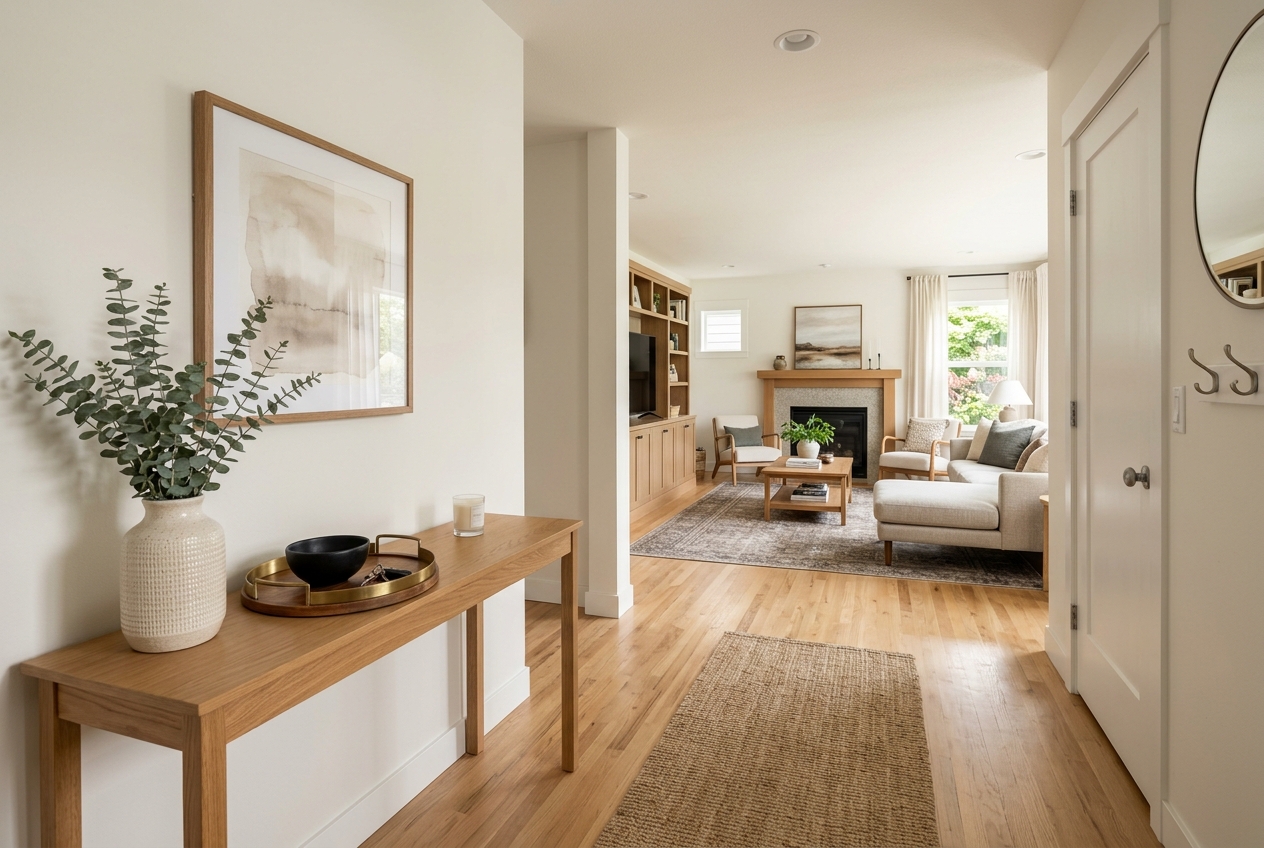
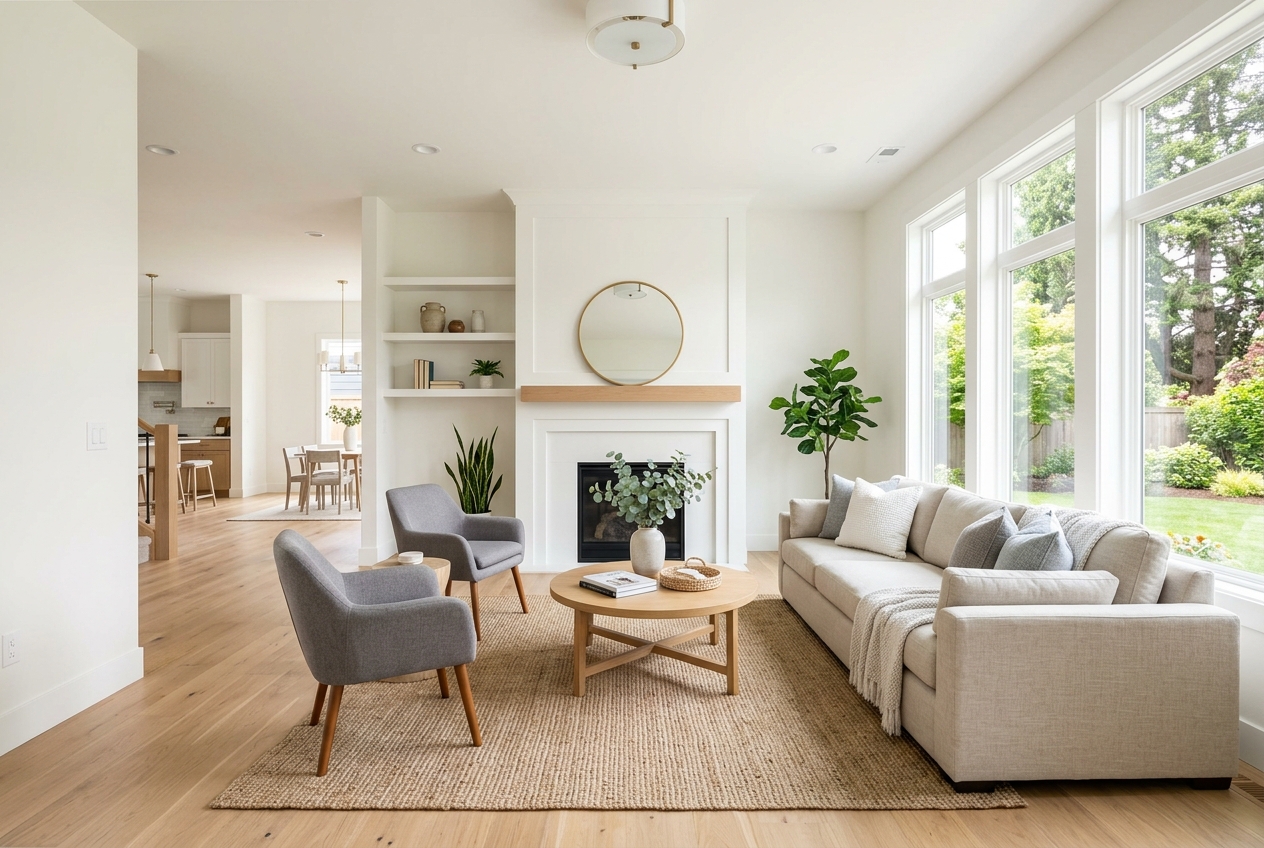
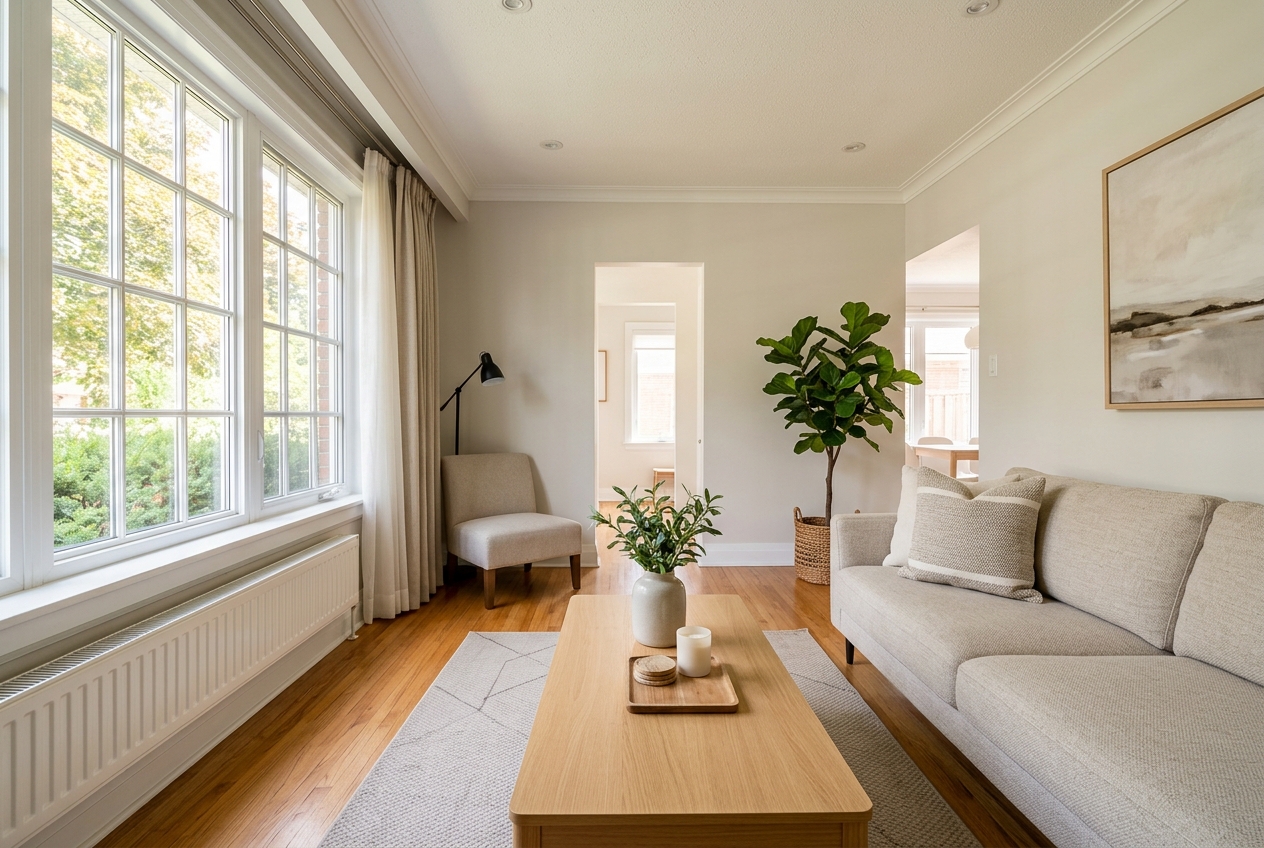
Most living rooms fail for one reason: furniture blocks the path. Buyers read that as a cramped house, even when the room is large. The fix focuses on circulation first, then conversation.
Start by defining a clear walking line from the entry to the next room. Remove the extra chair that sits in the corner “for company.” If the room has multiple doorways, keep the central lane open.
Next, anchor the conversation zone. Place the largest seating piece so it faces the main focal point, usually the fireplace or the best window wall. Avoid pushing everything hard against the walls if it creates a hollow middle with no purpose. A rug that fits the seating group can pull the layout together.
Light makes or breaks living room photos. Open blinds fully and remove heavy drapes that cut the window height. Add layered lighting so corners do not die on camera. A floor lamp and a table lamp often do more than an overhead fixture.
For layout testing, AI virtual staging works like a rehearsal. A seller can photograph the cleaned room, then generate options that show different sofa placements, rug sizes, and styles. That matters most in open-plan spaces where the living room must coordinate with dining and kitchen sightlines.
Kitchen Staging That Looks Clean and Current
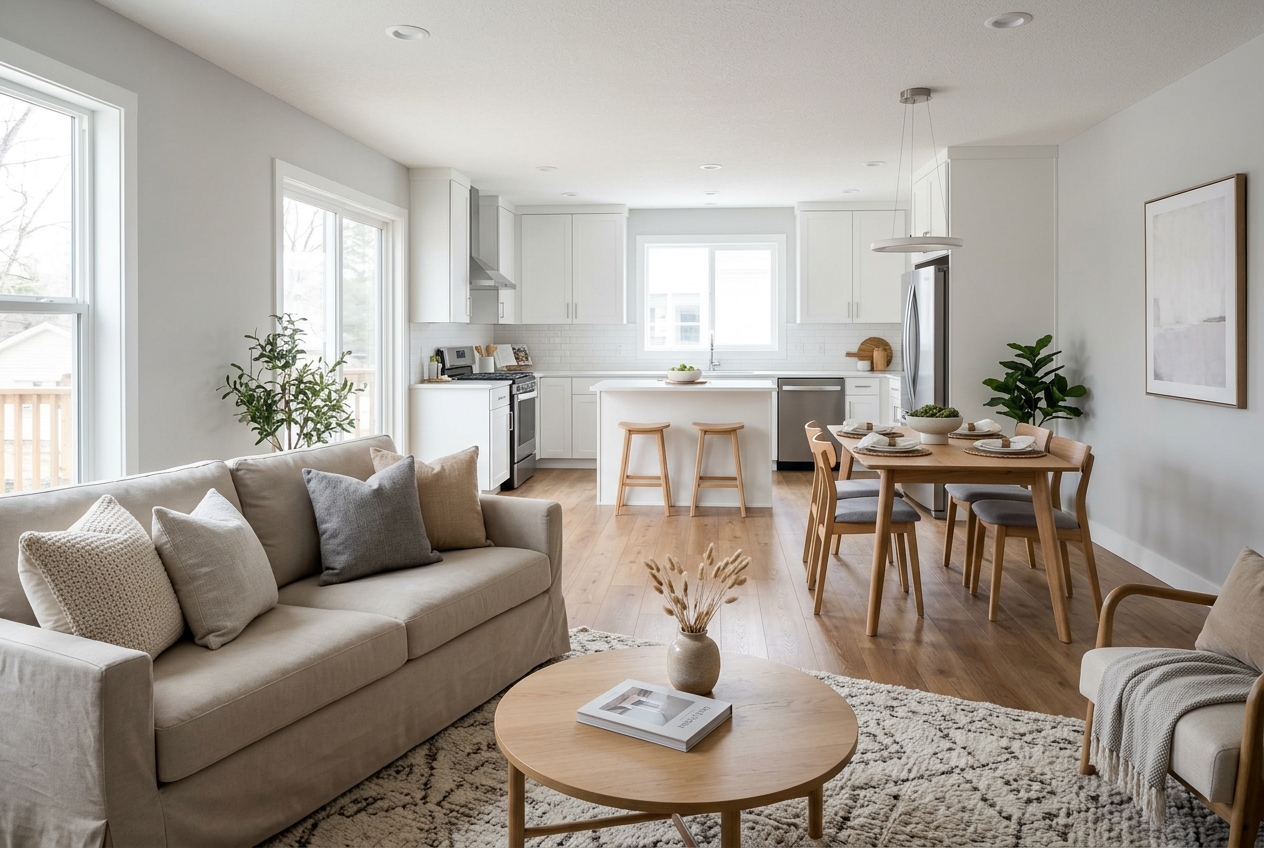
Kitchen photos reveal everything. Visual noise reads as “not enough storage,” even when cabinets are full-size. The goal is a bright workspace with clear counters and simple, modern cues.
Counters should stay as bare as the home allows. Keep one aspirational item, like a bowl of fruit or a single cutting board. Hide the mail pile, knife block, and random small appliances. Buyers should see prep space, not daily life.
Then focus on reflectivity. Clean stainless steel, polish faucets, and wipe cabinet fronts. Replace burned-out bulbs, and make sure under-cabinet lighting works if it exists. Small lighting fixes can brighten photos more than decor changes.
Dining areas follow the same rules. A table needs breathing room on all sides. Keep the centerpiece low and simple so it does not block sight lines. Remove extra chairs that make the space look tight.
For sellers who face a dated finish, virtual staging can still help without promising a renovation. AI virtual staging can preview a cleaner look for listing photos, which helps buyers understand potential. Sellers should keep the edits realistic and avoid showing changes that hide major condition issues.
Bedroom Staging and Bathroom Staging That Sell Comfort
The primary bedroom should feel like a hotel, not a personal retreat. The bed needs to read as the focal point, with clear space on both sides. Use neutral bedding with crisp lines and minimal patterns. Keep nightstands clear except for a lamp and one small item.
Scale matters more than style in bedrooms. Oversized dressers and extra seating make the room feel smaller. Remove the treadmill, the pile of storage bins, and the desk that blocks a closet door. Secondary bedrooms should show purpose, such as a guest setup or a simple office. Empty rooms can read as “no function,” so a minimal staged intent helps.
Bathrooms sell through cleanliness and restraint. Remove all personal products from counters and showers. Match towels, hide the trash can, and keep one small accent like a plant or neutral soap dispenser. Re-caulk and clean grout when stains show. Buyers notice those details quickly.
Virtual staging fits especially well for vacant home staging in bedrooms and baths. A blank bedroom can look cold in photos, even if it is large. A staged render restores scale and use without moving furniture. For readers comparing different tools and workflows, the overview of AI HomeDesign alternatives helps frame what varies across the market.
Curb Appeal Staging and the Awkward Room Fixes
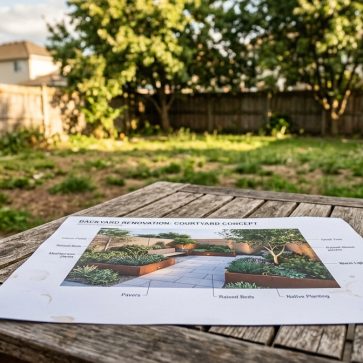
Exterior presentation acts as the real first impression. Buyers also use exterior photos to judge maintenance. A clean walkway and tidy landscaping signal care before anyone reads the description.
Start with basic cleanup. Mow, edge, and remove weeds. Clear cobwebs, rinse the front stoop, and wash the door glass. Replace a broken mailbox and make sure house numbers read clearly from the street.
The front door benefits from one strong focal cue. A clean mat and two simple planters often beat a pile of seasonal decor. Keep the porch open so the camera can see the width. Night exterior photos also require working fixtures and consistent bulb color.
Awkward interior rooms need a different approach. Odd angles, low ceilings, and narrow widths often frustrate sellers because furniture never “looks right.” AI virtual staging can test multiple layouts quickly. That includes trying slimmer pieces, shifting the bed wall, or turning an empty nook into a clear function.
Agents who want deeper planning tools beyond staging can also stack the workflow with broader software. The guide to best real estate tools for agents lays out common categories that support listings, follow-up, and media.
House Styling for Listing Photos With AI Virtual Staging
Staging for photos follows camera rules, not daily living rules. A room can feel fine in person and still photograph flat. The best staging plan includes a photo-day deliverable that keeps the process repeatable.
Agents can put these items in the written deliverable: room-by-room checklists, a shot list by room, a style direction, and a short “remove before photos” list. Agents should save pricing strategy, negotiation posture, and sensitive feedback for the in-person conversation. Those topics need context and tone, not a PDF.
Turnaround also needs a clear expectation. Most teams run smoother with a two-day delivery window for edited listing photos after the shoot. That window gives time for color correction, straight vertical lines, and consistent exposure across the set. If a listing needs speed, agents can book the shoot earlier in the week and keep the seller checklist strict.
AI virtual staging adds speed and control for vacant rooms and hard-to-furnish spaces. The process works best when the original photo is clean, level, and well lit. AI can preview style options, test furniture scale, and create listing-ready visuals that support the story. For photography fundamentals that improve both real and virtual results, the library of real estate photography tips covers lighting, angles, and shoot-day setup.
| attribute | physical staging | AI virtual staging |
|---|---|---|
| best for | occupied homes and high-touch showings | vacant rooms and photo-first marketing |
| speed | days to schedule, deliver, and set | same-day results when photos are ready |
| cost shape | larger upfront spend for furniture and labor | per-image pricing that can scale by room |
| style testing | limited by inventory and time | fast style swaps and layout trials |
| impact on showings | visitors see the staging in person | visitors see the effect only in photos |
| MLS Rules and disclosure | not required for real furniture | required as a Disclosure and label |
Disclosure keeps trust intact. Every virtually staged image should carry a clear label and a Virtually Staged Watermark when required by MLS Rules. Safe language that fits most policies looks like this: “Virtually staged. This photo has been digitally altered to show possible furnishings and decor.” For buyers who want a direct tool comparison, the analysis in Gepetto vs AI HomeDesign shows how outputs differ and what matters for listings.
| style | where it fits | what it communicates | common photo cues |
|---|---|---|---|
| Scandinavian | smaller rooms and condos | light, calm, efficient use of space | pale woods, simple textiles, minimal decor |
| Hampton | bright homes and coastal-adjacent markets | relaxed comfort with polish | soft blues, white trim, natural textures |
| Modern | updated homes and urban buyers | clean lines and intentional design | low-profile furniture, contrast, fewer objects |
| Traditional | larger homes and classic layouts | stability and warmth | symmetrical setups, richer woods, layered lighting |
Commission and fee figures do not belong in the staging deliverable. Those numbers can anchor the wrong conversation and distract from preparation. Agents should keep compensation details inside the listing agreement discussion and focus the staging plan on actions, timing, and photo quality.
A room-by-room playbook works because it removes guesswork. Add AI virtual staging where the home is vacant, the layout is awkward, or the budget needs tight control, and the listing media stays strong without extra physical churn.
Frequently Asked Questions
How much does home staging cost for a listing?
Costs fall into a few buckets: low-cost DIY decluttering and minor decor, partial help from a stager for key rooms, and full physical staging with rented furniture. Virtual staging shifts the cost to a per-image approach instead of a whole-home setup. Many sellers start with the rooms that drive value, then add virtual staging for vacant spaces.
Does staging a house to sell actually change buyer interest?
Staging changes how buyers read space in photos. Clear pathways, correct furniture scale, and consistent light reduce doubts about layout and condition. That can increase saves, showing requests, and stronger first offers. The biggest gains come from fixing the common photo killers: clutter, dark corners, and rooms with no obvious purpose.
What rooms should sellers stage first on a tight timeline?
Priority usually starts with the living room, kitchen, and primary bedroom because those photos carry the story of daily life. Entry areas matter because they set the mood for the full photo set. Bathrooms also offer fast wins because small resets, like hiding products and matching towels, clean up the whole listing impression.
Can virtually staged images go in an MLS listing?
Many MLS systems allow virtual staging, but they also require Disclosure and clear labeling. A safe approach includes a visible note on the image and a line in the remarks that states the room was virtually staged. MLS Rules vary by region, so agents should confirm local policy and follow the strictest labeling standard available.
What is the difference between virtual staging and physical staging?
Physical staging uses real furniture and decor placed inside the home, so it affects photos and in-person showings. Virtual staging edits the listing photos to add furniture and style digitally, so it helps online marketing but does not change the showing experience. Many listings use both: physical staging for lived-in homes, virtual staging for vacant rooms.
What is the fastest way to stage an awkward or empty room?
The fastest method starts with removing visual clutter, then testing a simple layout that proves function. For empty rooms, virtual staging can preview furniture scale and placement in seconds, which prevents wasted shopping and moving. In awkward rooms, testing multiple layouts digitally often reveals a clean solution that a seller would not try physically.