Best Short-Term Rental Management Software for Hosts
Running one listing across several channels often breaks in the same two places: calendar accuracy and fast guest replies. Even a careful host can miss a message thread or forget a blocked night, then spend hours untangling it.
The real buying question is not which dashboard has the most features. It is which short term rental management software fits the current portfolio size, and which “all-in-one” promises still depend on paid add-ons or third-party integrations.
This guide uses a portfolio-first framework, then compares Guesty, Hostaway, Hospitable, Lodgify, and Smoobu in a way that helps hosts shortlist options without guessing what the invoice will include.
How Short Term Rental Management Software Fits a Host Portfolio
A short-term rental platform usually bundles four jobs that hosts used to do in separate tabs: channel distribution, two-way calendar sync, guest messaging, and operations. Operations can mean everything from cleaner tasks to payments, reports, and owner statements. Vendors often call that bundle “all-in-one,” even when key jobs sit behind add-ons.
Category names blur on purpose. A channel manager focuses on listing distribution and calendar sync. A light PMS adds a unified inbox plus scheduled messages and templates. A fuller STR property management software layer can add payments, accounting, owner reporting, and deeper task workflows.
Portfolio size changes the definition of “must-have.” One listing rarely needs an owner portal. Ten listings often need task assignment, permissions, and reliable onboarding. A platform can be a perfect fit at one stage and a tax on attention at the next.
STR tools also sit inside a larger system. Many hosts still need separate processes for photos, listing copy, and marketing to direct bookings. A PMS solves distribution and workflow, not every growth problem in the wider real estate software stack.
Pick by Portfolio Size Without Overbuying

A “best” pick changes when the work changes. The safest shortcut is to match the tool to the first operational bottleneck, not to an aspirational feature list.
Solo host, one listing: the early payoff comes from two-way calendar sync and a single message thread per guest. Message templates help, but the bigger win is fewer late-night pings. Many other features can wait, including owner statements, complex reporting, and deep task management.
Growing host, a small set of listings: coordination becomes the pain. A unified inbox matters more because threads multiply across channels. Task assignment starts to matter because cleaners and maintenance work off the same calendar. Dynamic pricing can matter earlier than expected, but only when it truly pushes rates to every connected channel.
Small manager, a larger portfolio: reliability and permissions become the job. The wrong fit often costs time in workarounds, not just fees. Teams often need payments that run inside the platform, consistent reporting, and an integration ecosystem that does not break when a channel changes an API.
The warning sign at every stage looks similar: a platform that requires “one more add-on” for each job. A lower base fee can still become a higher monthly bill when add-ons stack.
Native vs Integration Questions That Expose Add-Ons
“All-in-one” often means “all-in-one dashboard.” The cost risk hides in what the dashboard links out to.
A host-friendly sales call stays simple. The goal is not to win an argument about features. The goal is to label which jobs live natively in the platform and which rely on a third party, then price the real stack.
This checklist also helps hosts avoid feature-count shopping. A platform can score high on a marketing page and still require three paid connections to match a real workflow.
What the Monthly Invoice Actually Includes
Headline pricing rarely includes everything that feels like “property management” to a host. The invoice usually combines a base subscription with variable costs and optional modules.
A practical way to model true cost uses a specific host profile. Consider a host with a few listings who wants: a unified inbox, two-way sync, automated messages, a direct-booking path, and pricing automation. Some platforms include more of that natively. Others rely on integrations that carry separate subscriptions.
The hidden costs often fall into four buckets. Payments can bring processing costs that sit outside the software fee. Accounting and owner statements can require an add-on or exports to another system. Dynamic pricing can be built in, or it can require a separate pricing tool plus a connection fee. Direct bookings can require a higher tier, a website module, or both.
Photo work also belongs in the cost model, even though it is not monthly. A PMS pushes the same photos to every channel, so small visual upgrades can pay back longer than a one-time software trial. Hosts who use virtual staging often treat it as part of initial setup and then refresh it seasonally; the pricing shape is easier to understand with a guide to what virtual staging actually costs.
One Reservation Lifecycle and Where Automation Really Fires
Automation feels vague until it maps to a single reservation. The reservation lifecycle also shows where software ends and a human still needs to intervene.
Inquiry is the first breakpoint. A platform can send instant availability replies, push a templated response, and tag a lead for follow-up. A host still needs to answer edge cases, such as exceptions to house rules or requests that involve local regulation.
Booking and pre-arrival are where the platform earns its keep. The right system blocks the calendar across channels, schedules pre-arrival messages, and assembles check-in instructions. Some platforms also draft replies with AI features. Those tools save time when they draft inside the same inbox the host already uses, not in a separate tool.
Stay, checkout, and turnover test operations. A platform can schedule a mid-stay check-in message, create tasks, and send checkout instructions. A host still needs a final decision on refunds, exceptions, and damage claims. Cleaner coordination matters most when a guest checks out early or a back-to-back stay compresses the schedule.
For hosts who manage both STRs and longer leases, automation overlaps but the workflows do not match. A short-term unit runs on fast messaging, calendars, and turnovers, while annual leases revolve around maintenance and compliance. Readers who straddle both can compare the tool landscape in how AI is changing rental property management and in a broader view of AI property management tools for landlords.
Switching Platforms Without a Double Booking
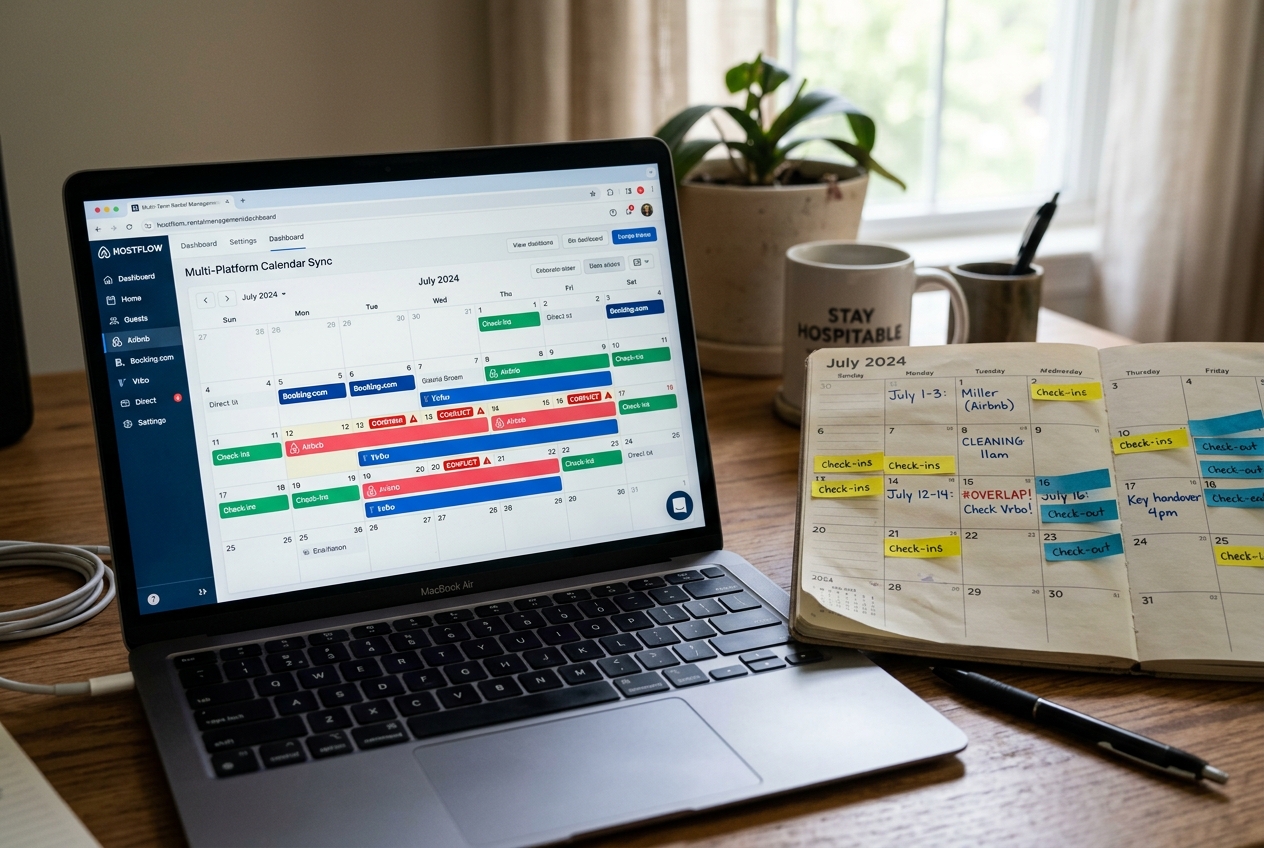
Switching tools scares hosts for one reason: calendar sync. Most double bookings come from sequencing mistakes during the overlap.
A safe migration starts with data, not channels. Export reservations and guest data first, then rebuild listing content in the new system. Listing content includes rules, fees, photos, and message templates. It also includes task workflows if cleaners rely on them.
Next, connect only one channel. The new platform should become the source of truth for that channel, then run in parallel long enough to verify calendar sync. A practical timeline is at least 24 to 48 hours of monitoring for a single listing, longer when multiple channels have active reservations.
After the first channel stays stable, connect the remaining channels one at a time. Hosts should retire old automations last, because duplicate messages do more damage than a temporary manual step. Keeping the old subscription active through the overlap can also prevent a rushed cutover.


Stage your first listing in under 5 seconds
15 space types, 10 styles, MLS-compliant by default. All 11 tools on one account. Free trial credits, no credit card.
Start staging freeDirect Bookings and the Marketing Layer Around a PMS
Direct bookings often get pitched as a way to stop “renting demand” from OTAs. In practice, a direct-booking site only helps when it reduces friction and builds trust.
The first requirement is live availability. Guests do not forgive stale calendars or manual confirmations. The second requirement is a payment flow that feels normal and secure. The third requirement is a listing page that looks consistent with OTA quality, especially in the first few photos.
Some platforms in this comparison lead with a website builder and booking engine, while others position direct booking as a module or a higher-tier feature. The right choice depends on the job: a host who already has strong repeat guests may only need a clean booking engine, while a host who depends on search traffic may need deeper marketing.
Marketing effort still sits outside a PMS. Hosts still need a plan for traffic sources, content, email capture, and seasonal offers. A direct site without distribution can sit empty. A practical next step is to connect PMS decisions to a broader listing marketing playbook.
Visuals also sit inside marketing, not inside the PMS. An exterior shot taken in harsh midday light can underperform even when the calendar and pricing are perfect. Many hosts use edits like a day-to-dusk conversion to create a consistent hero image across channels.
The Listing Photo Layer Your PMS Does Not Cover

A PMS distributes a listing. It does not improve the photos inside it.
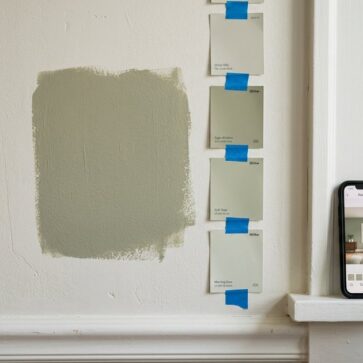
STR photo sets need a furnished look, tight decluttering, and consistent color across the full set. That matters even more when a unit is empty, half-furnished, or freshly turned from long-term tenants. A clean kitchen and bathroom often photograph better with small, realistic edits than with another feature inside a PMS.
Hosts also run into a timing issue: photos often happen when the unit is available, not when the light is perfect. That can leave a weak exterior image at the top of every OTA card. A fast visual workflow helps because the same improved image set can be reused for months.
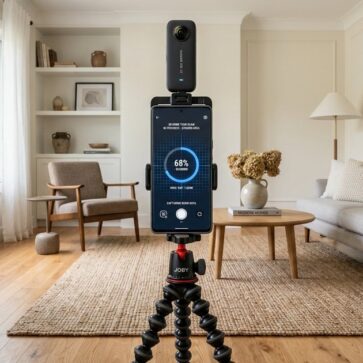
AI HomeDesign sits in this visual layer, not in the property management layer. It offers three hubs, virtual staging, photo editing, and renovation, across eleven specialized AI tools, seven of them renovation tools. Teams can access it via a web app, B2B solution, REST API, or an MCP server, using one account and one credit pool. It supports free regenerations and starts from $0.24 a photo. The practical entry point for an empty unit is AI virtual staging, alongside a consistent editing process that follows a real estate photo editing workflow.
The decision rule is simple: a PMS handles calendars, messages, and operations. Photo prep happens before distribution, so every channel benefits from the same upgraded set.
GuestyTop pick
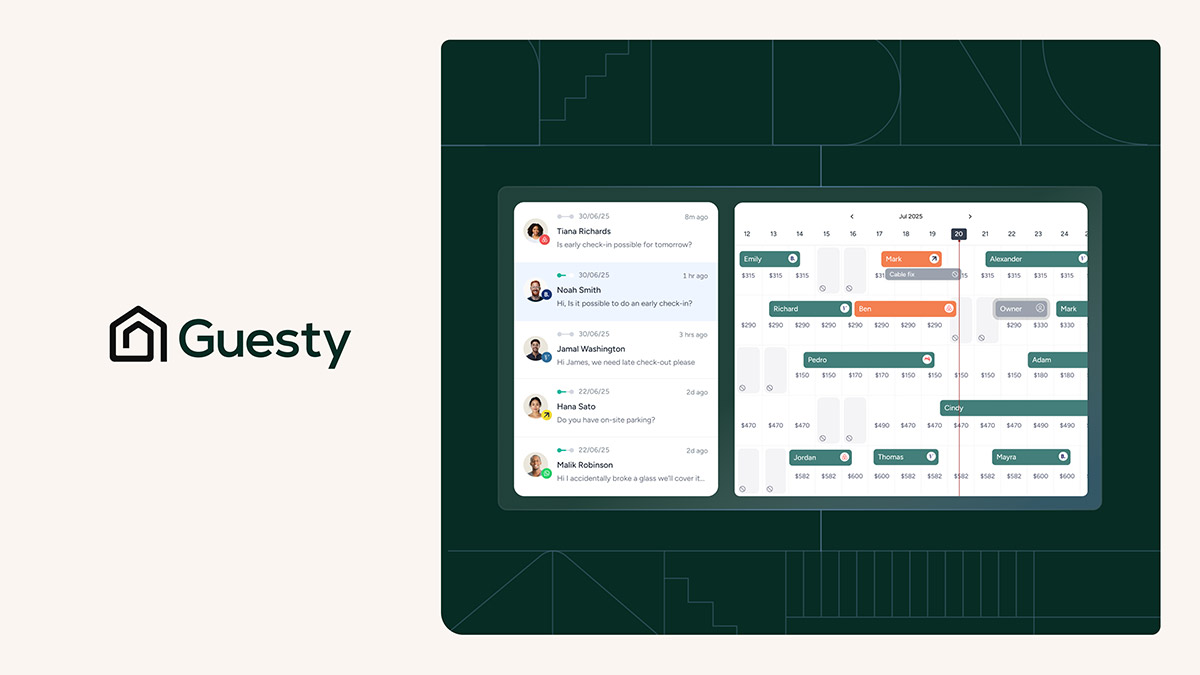
- All-in-one, AI-powered vacation rental platform
- Syncs listings across Airbnb, Vrbo, Booking.com (60+ channels total)
- Unified inbox with AI-assisted messaging across channels
- Dynamic pricing to adjust nightly rates
- Native payments via GuestyPay plus trust accounting (per comparison table)

Hostaway
- Extensible, integration-driven platform for operators
- Distribution across 32 channels
- Broad third-party integration ecosystem
- AI positioning highlighted on the vendor site (AI vacation rental software)
- 24/7 local support (vendor claim)
Hospitable
- Guest messaging automation for solo hosts
- Automation across ~11 channels (per comparison table)
- AI replies/drafts (vendor claims AI answers in your tone)
- Built-in dynamic pricing (vendor claim: no additional software needed)
- Focus on inbox automation over native payments/accounting
Lodgify
- Direct-booking website builder + booking engine
- All channels in one live-synced calendar to prevent double bookings
- Automated guest communications and team coordination
- Partner/API connections highlighted with major channels (Airbnb, Vrbo, Booking.com, Google, Expedia)
- Safety/compliance positioning (secure payments, guest registration, damage protection messaging)
Smoobu
- Simple, affordable option for very small operations
- Channel manager across ~20 channels (per comparison table)
- Light PMS features
- Designed to reduce manual work vs spreadsheets
- No built-in AI or native payments (per Guesty comparison)
What it really costs per listing
Pick a tool, set how many listings you do a month, and see the real per-listing cost. Only the 2 tools that publish a monthly price are listed.
Find your pick
Tap your situation for a quick recommendation.
Frequently asked questions
Short-term rental management software is a dashboard that syncs calendars and rates across booking channels, centralizes guest messaging, and supports operations like tasks, payments, and reporting. Some tools focus mainly on channel management, while a fuller PMS adds automations, team workflows, and owner reporting. The right category depends on how many listings and channels a host runs.
Not always. A single listing on a single channel can run with manual messaging and a simple calendar. The need increases as soon as a second channel goes live, because two-way sync and one unified inbox reduce missed messages and calendar conflicts. Even solo hosts often adopt software early to automate pre-arrival and checkout messages.
Hospitable is the only platform in this comparison noted as offering a free tier. Guesty, Hostaway, Lodgify, and Smoobu do not list a free plan in the verified comparison facts, though some may offer trials. Free tiers often limit listings or automations, so hosts should confirm whether the free option runs a live workflow or functions as a limited demo.
Monthly cost usually follows a per-listing ladder for smaller portfolios and quote-based pricing for larger operators. The base subscription is only part of the bill. Payments, accounting, dynamic pricing, and direct booking features can add separate costs, especially when a platform relies on third-party integrations. A practical estimate starts with the jobs that must be native and prices add-ons from day one.
Double bookings usually happen when two systems control the same channel at the same time or when a channel connection gets duplicated during cutover. Hosts can reduce risk by importing reservations first, connecting one channel, monitoring calendar sync for at least a day, then connecting the rest. Keeping old automations active until the end also prevents missed messages.
No. A PMS distributes whatever photos get uploaded to each channel. Photo work is a separate step, such as decluttering, consistent editing across the set, a day-to-dusk exterior, or staging an empty room. AI HomeDesign can support that visual layer with virtual staging and edits, starting from $0.24 per photo, without affecting bookings, calendars, or payments.