Interior AI vs AI HomeDesign: Which Should Agents Use?
Interior AI vs AI HomeDesign: a practical 2026 comparison for agents on workflow, cost per listing, consistency, and MLS disclosure realities.
Listings do not fail because an agent cannot generate one pretty render. They fail because a whole photo set hits the market late, looks inconsistent, or raises questions about what is real.
Interior AI and AI HomeDesign both start from a room photo, so they look interchangeable in a quick search. In practice, they solve different problems. Interior AI works like a design studio for ideation. AI HomeDesign works like a listing-production system for shipping an MLS-ready set.
The comparison below stays agent-first, focused on speed, cost per listing, multi-photo consistency, and Disclosure decisions that hold up in an MLS.
At a glance
Interior AI vs AI HomeDesign: The Short Answer
Agents choosing between these tools usually have one deadline: getting the listing live with a coherent set of images. That job includes more than virtual staging. It also includes decluttering, exposure fixes, and at least one hero exterior that looks like a twilight shot.
Interior AI fits best when the deliverable is a concept. That can mean exploring dozens of preset looks, turning a sketch into a photoreal render, or producing a flythrough video for a presentation. Its single-screen flow makes quick ideation easy, and the Pro tier is positioned for high-volume virtual staging.
AI HomeDesign fits best when the deliverable is a consistent, listing-ready photo set tied to one address. The workflow centers on Studio projects, batch upload, and tool chaining across virtual staging, photo editing, and virtual renovation. That makes it easier to run photo after photo through the same “listing checklist” without juggling separate apps.
Decision rule that works in under a minute: pick Interior AI when the work is design ideation. Pick AI HomeDesign when the work is listing production, especially when AI virtual staging is only one step in a longer edit chain. For a deeper product walkthrough beyond this head-to-head, the AI HomeDesign review covers the full workflow.

What Each Tool Was Built to Do
Interior AI positions itself as a browser studio that restyles, furnishes, empties, or reimagines a space from a single photo. The workflow stays on one screen: upload, pick a mode, choose a room type and style, then render. That structure rewards fast iteration and quick client-facing concepts.
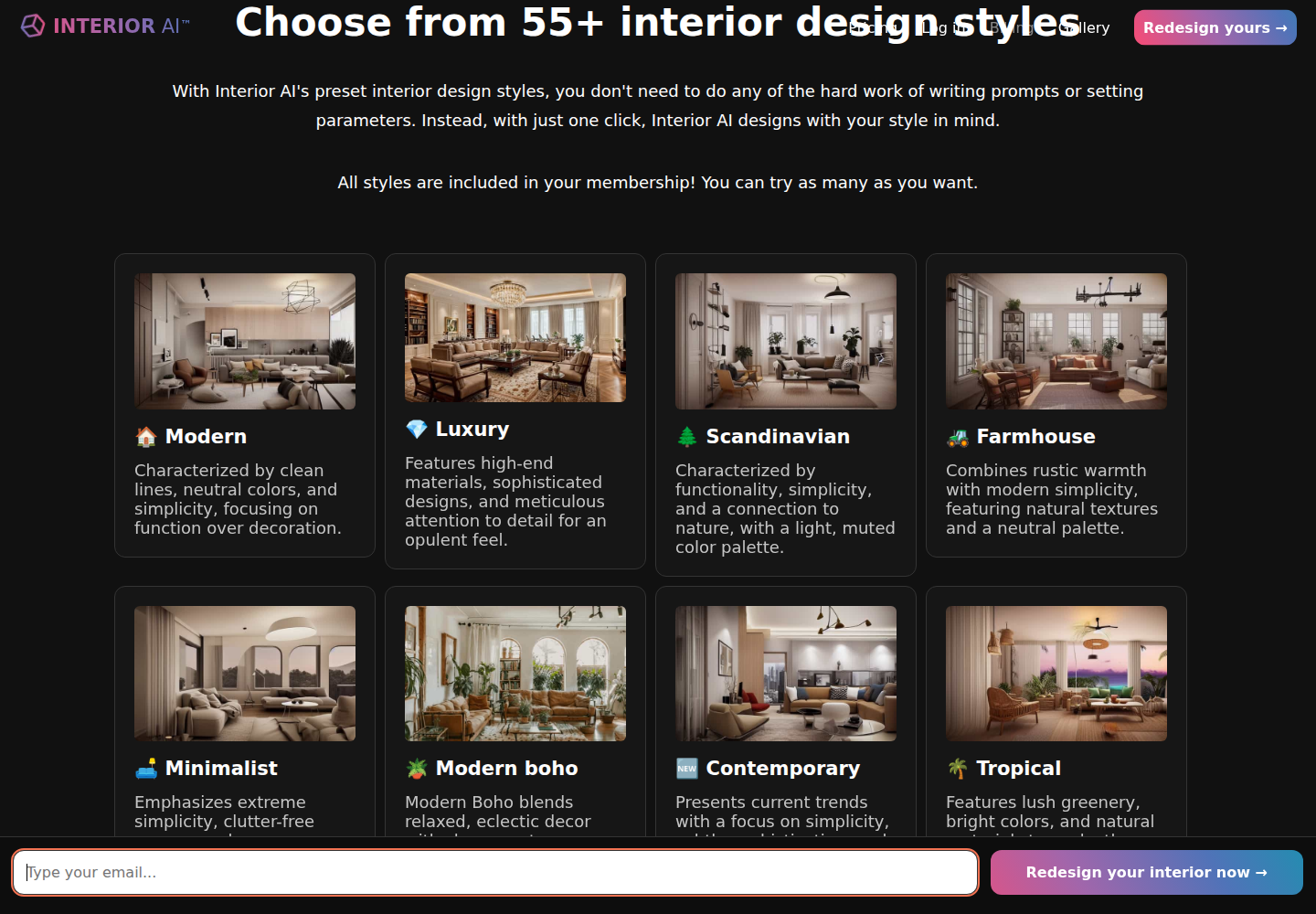
The core product story also explains why Interior AI shows up in real estate discussions. Virtual staging sits inside a broader set of modes, including Sketch2Image, SketchUp screenshot rendering, outdoor design, and 3D flythrough video. That scope matters for agents who sell off-plan concepts or need visuals that do not start from a finished photo.
AI HomeDesign takes the opposite approach. It organizes work around a property and then lets teams run the listing photos through specialized tools. The platform groups its toolbox into three hubs, virtual staging, photo editing, and renovation, so the same login can cover the typical “fix and finish” jobs that happen after the shoot.
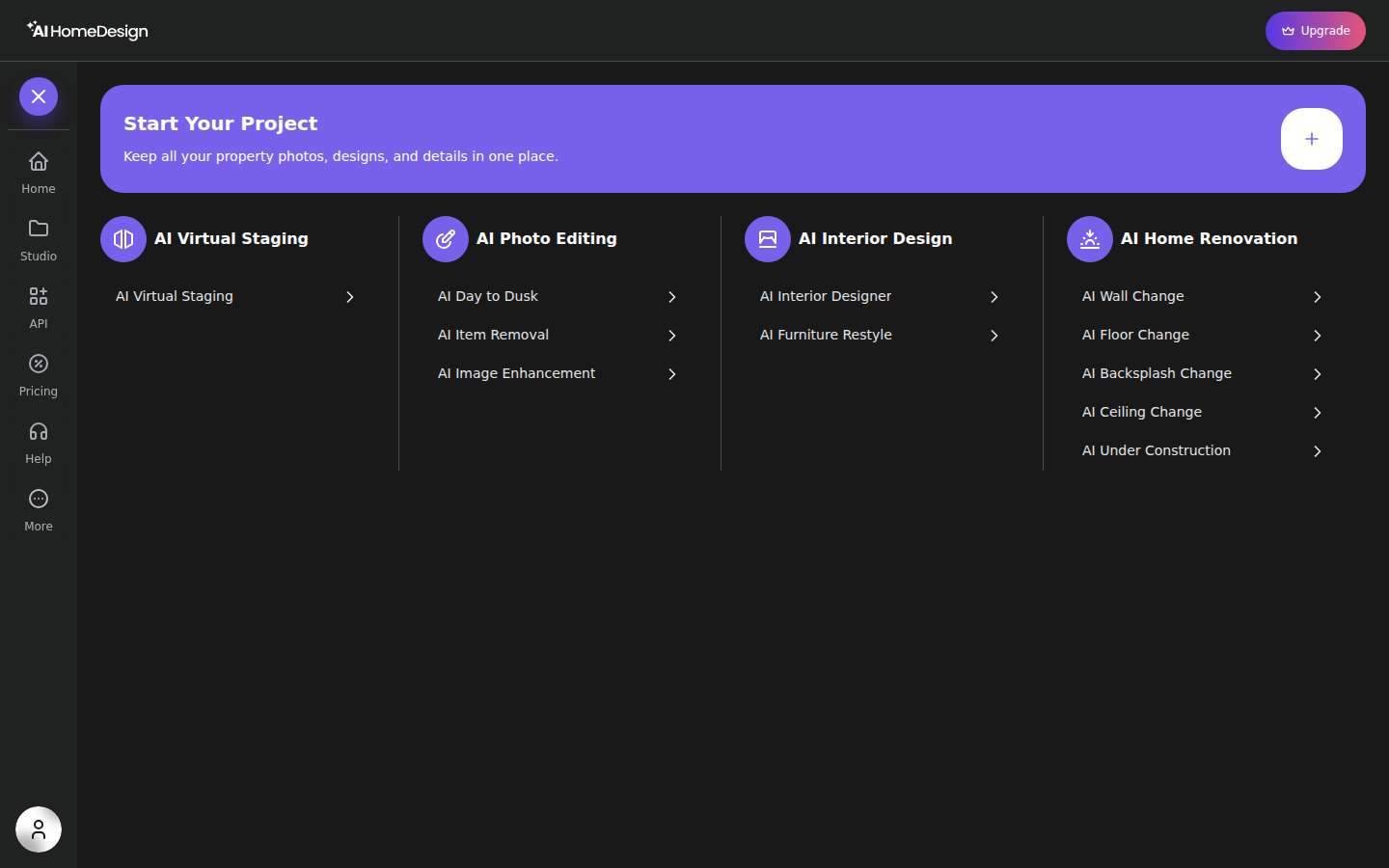
That difference in intent shows up in daily operations. Interior AI optimizes for “make a great version of this one photo.” AI HomeDesign optimizes for “finish this entire address and keep it organized.”
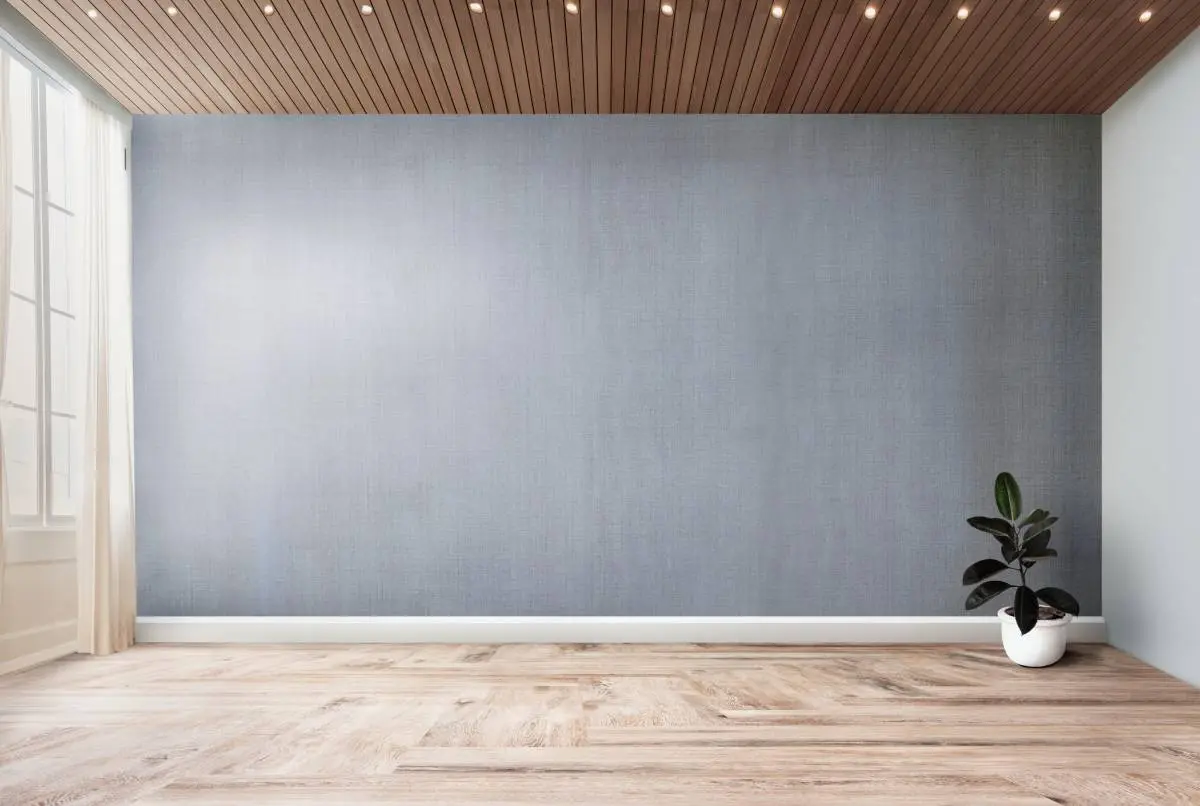
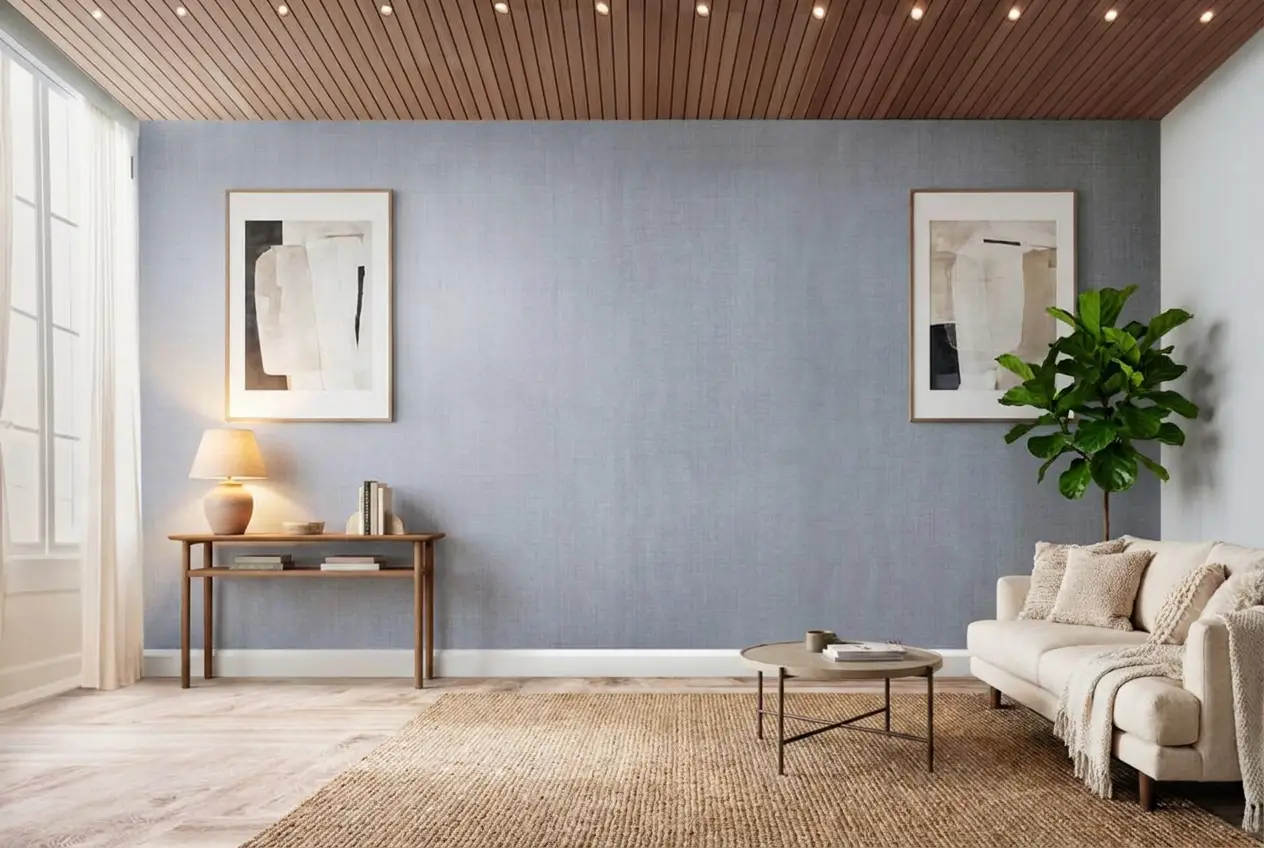
Stage your first listing in under 5 seconds
15 space types, 10 styles, MLS-compliant by default. All 11 tools on one account. Free trial credits, no credit card.
Start staging freeWorkflow Fit for a Full Listing Set
Interior AI keeps everything close to the generator. A user uploads a photo, sets the mode, labels the space type, chooses a style, then renders. The upside is speed of decision-making for a single image, since the tool encourages making lots of variations and picking the best one.
AI HomeDesign assumes multiple photos are coming. Teams can create a Studio project per property, then upload the whole set, and then keep all outputs attached to that address. That helps listing coordinators, photographers, and teams who need a clean file trail across revisions.
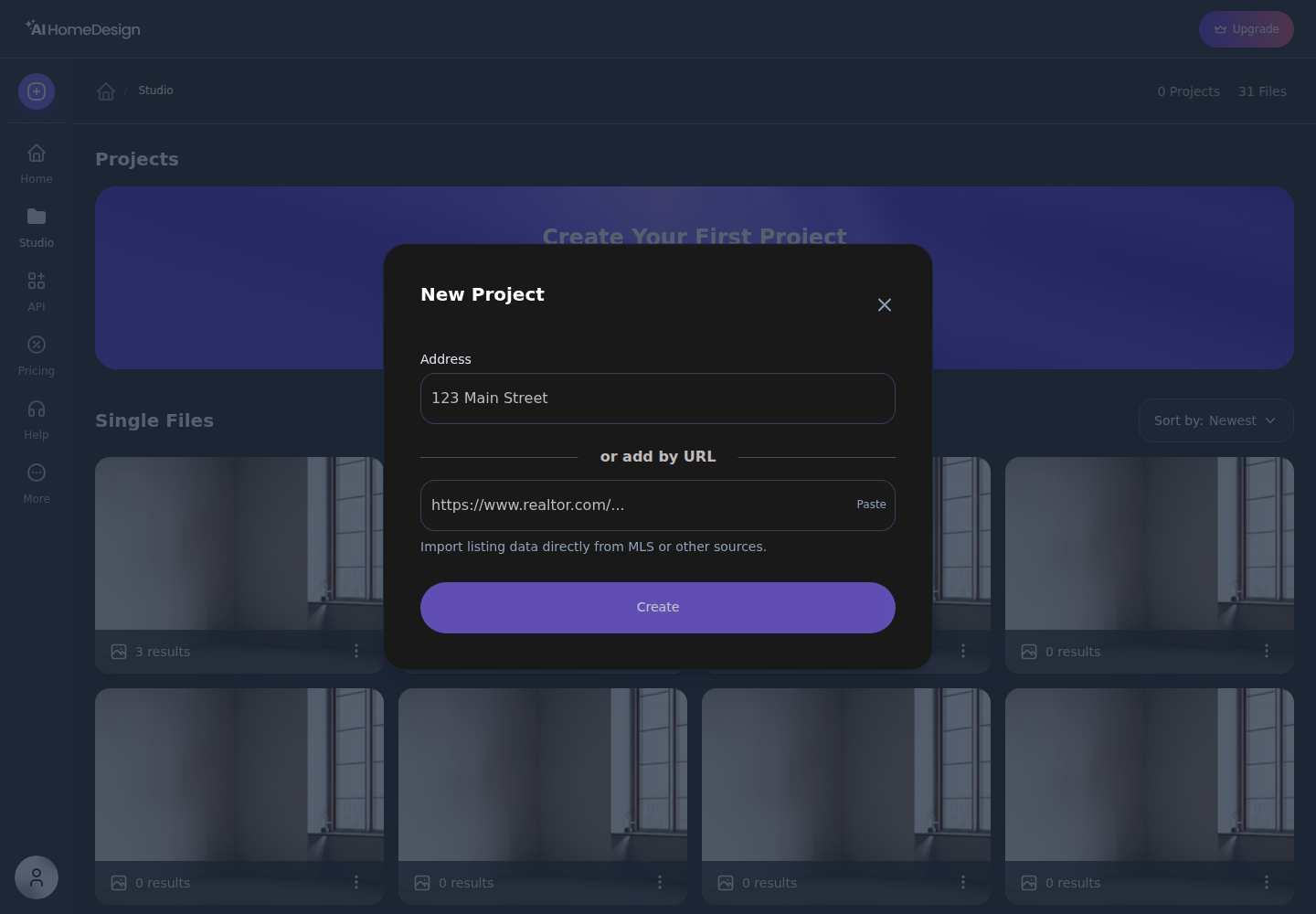
The other workflow difference is chaining. AI HomeDesign’s results screen is designed to pass the selected render directly into another tool without re-uploading. That matters when a set needs a staged living room, decluttered bedrooms, and a dusk exterior, all as the same “deliverable.”
A practical delivery window many teams use is a two-day photo-to-MLS cycle. Day one covers the shoot and basic processing. Day two covers staging, cleanup, Disclosure checks, and final exports. A workflow built around per-property projects usually supports that cadence better than one built around one-off renders.
Pricing Compared for a 20-Photo Listing Set
Monthly plan prices do not answer the real question. Agents need to know the cost of a single listing set, because most listing budgets get approved per property, not per subscription.
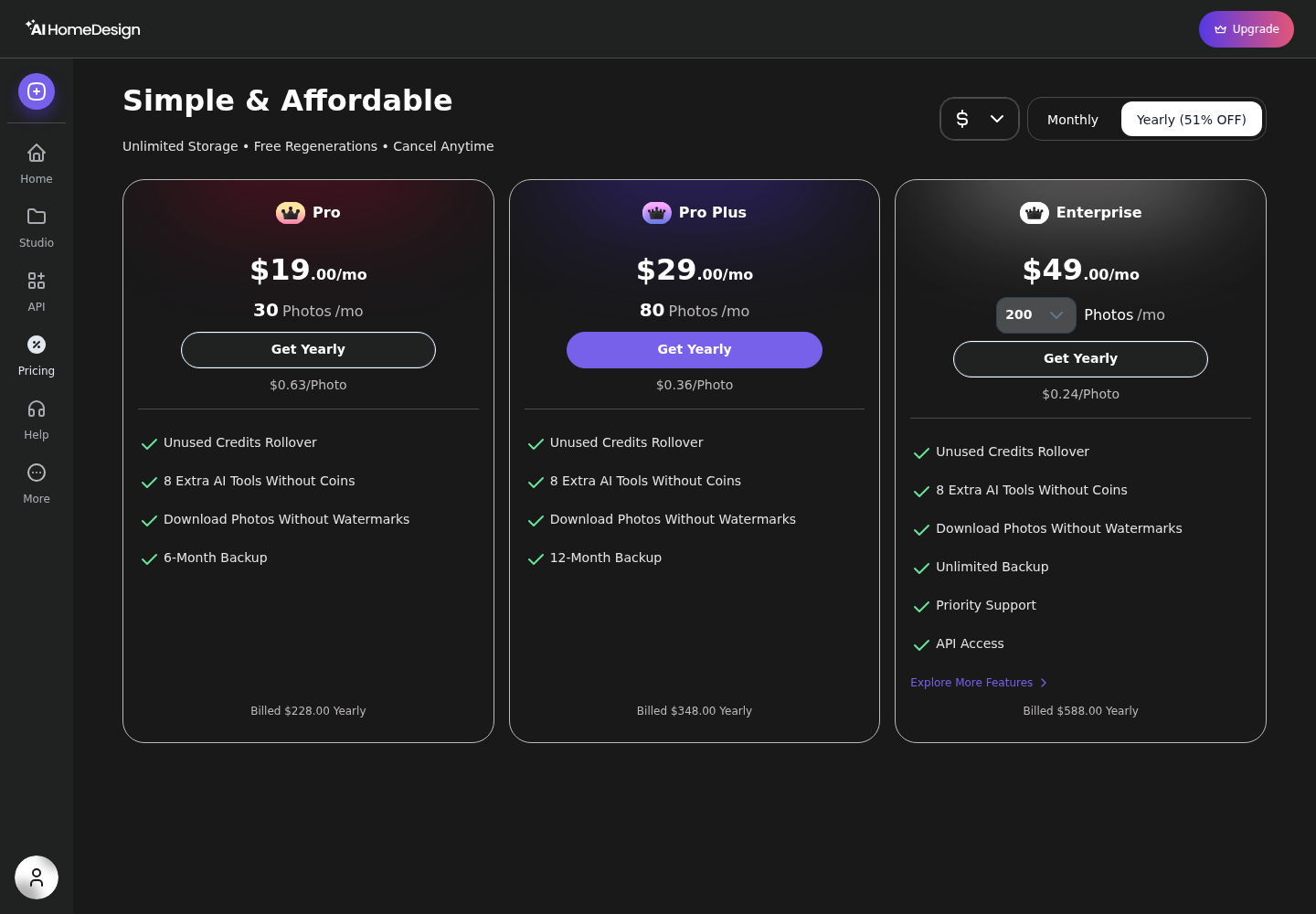
On AI HomeDesign, the cleanest way to price a set is to start from the published per-photo rates on yearly billing. On Pro Plus, AI HomeDesign publishes a per-photo cost of $0.36, so a 20-photo set prices out as $7.20 in credits. The math stays transparent because each generation spends one credit and returns four renders for that photo.
Interior AI sells subscriptions rather than per-photo credits, and its published messaging emphasizes high-volume output on the Pro tier. The Pro tier is framed around up to about 1,000 stagings per month, which makes the per-render cost extremely low at high volume and less attractive at low volume. For an agent who only stages a handful of rooms per month, the plan behaves more like a flat monthly overhead.
For context on how agents often think about budget at the photo level, the guide on what virtual staging costs per photo lays out common pricing models in the market. The main takeaway for this head-to-head is simpler: AI HomeDesign makes per-listing cost easy to forecast, while Interior AI becomes a better deal as monthly volume rises.
Consistency, Revisions, and Volume
The “photo 14 problem” is real. Early in a set, style decisions feel easy. Late in a set, the listing starts to look like a collage if each image drifts in furniture era, color temperature, or finish level.
Interior AI’s variation control, generating 1, 4, 8, or 16 designs per render, helps teams pick a strong look for a single photo. That is a real strength for ideation. Consistency across a full listing set still relies on manual discipline, because the workspace stays oriented around each individual render rather than a property-level project.
AI HomeDesign’s workflow pushes in the opposite direction. Each generation returns four renders, then the selected render can move into another tool from the same results screen. That makes it easier to keep one chosen look moving through multiple rooms and to apply repeatable edits across the set.
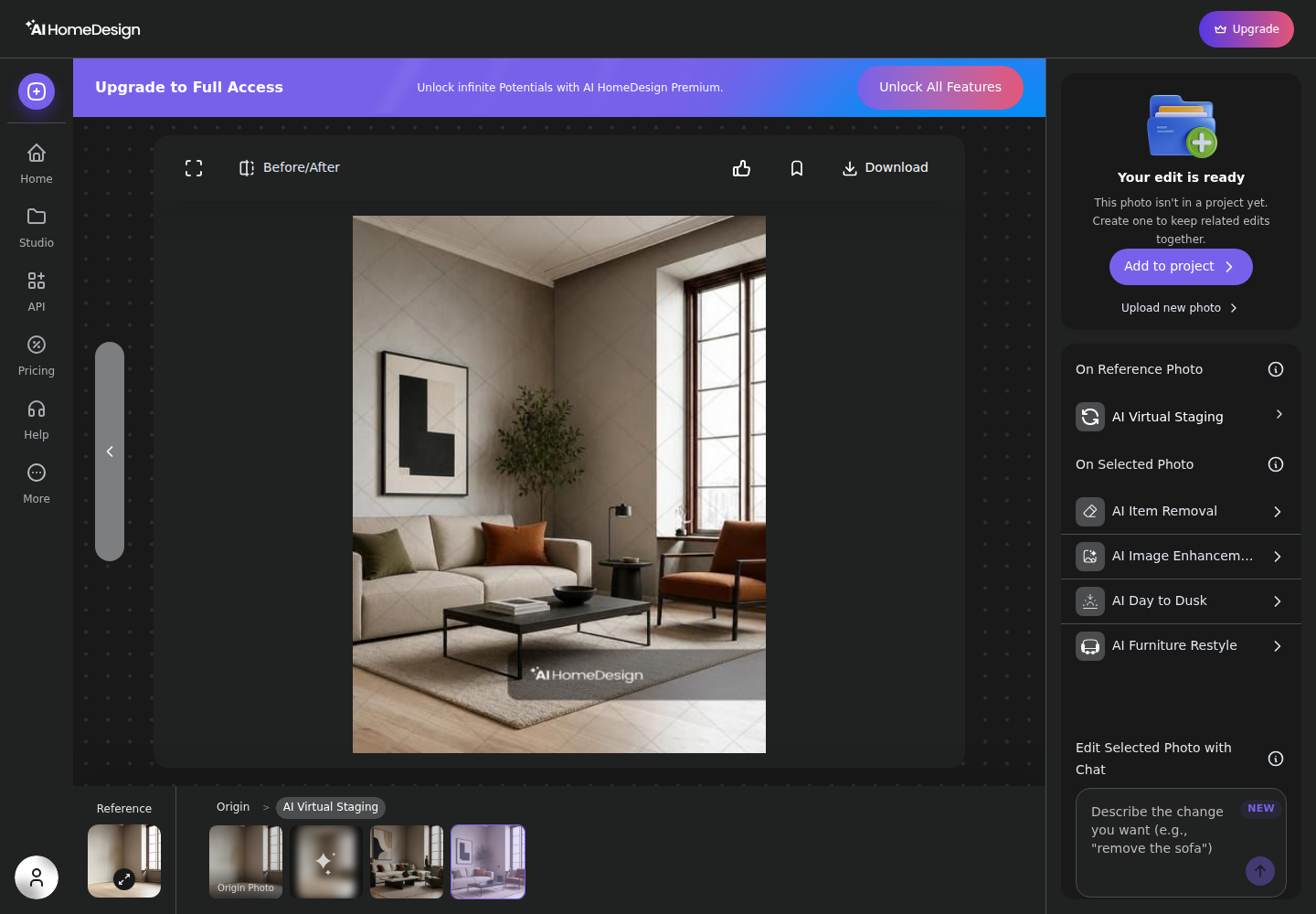
Revisions also land differently. AI HomeDesign publishes free regenerations on paid plans, which reduces the “tax” of trying another variation. For exterior and cleanup work, the same chain usually repeats, stage the empty rooms, then run declutter and photo cleanup, then create the dusk exterior. The pages on day-to-dusk conversions and item removal in listing photos map to those repeatable steps.
MLS Rules, Disclosure, and a Practical Evaluation
MLS Rules vary by market, but the obligation stays with the agent: if an image is materially altered, the listing needs clear Disclosure. Virtual staging almost always qualifies as material alteration because it adds or removes furniture.
A safe Disclosure pattern that many teams use is plain language on every altered image and again in the agent remarks or media notes, where allowed. Two lines that usually read cleanly are: “Virtually staged” and “Digitally enhanced.” Agents should confirm labeling rules in the local MLS and brokerage policy, since portal syndication and watermark rules can differ.
AI HomeDesign’s “MLS-compliant by default” positioning matters here because it signals an intent to preserve fixtures and structure while changing presentation. Interior AI also includes a commercial-use license on every plan, which supports legitimate business use. Still, any tool that can fully redesign a room can also create images that feel more like concept art than documentation, depending on the mode selected.
Edge cases where the standard approach does not apply deserve a plan before editing begins. Occupied homes often need lighter edits so the photos still match showings. Distressed properties can raise Disclosure sensitivity, since buyers may react strongly to anything that appears to hide condition issues. New builds and unfinished spaces usually need explicit labeling so buyers understand what is complete versus conceptual.
A simple evaluation that decides this head-to-head without drama uses three photos from the same listing: one empty living room, one cluttered bedroom, and one daytime exterior. Run each through the intended workflow, then check four things.
Teams that also need finish swaps for a renovation story usually value an integrated workflow, which is where AI virtual renovation can fit into a listing set. For a broader discussion of compliance habits and labeling, the guide on MLS do's and don'ts gives a practical rule set that applies regardless of the tool generating the images.
Commission or fee figures rarely belong inside the visual deliverable itself. Sellers often share photos forward, and pricing talk can distract from the property story. Many teams keep commission, marketing fees, and vendor costs in the in-person conversation or the listing agreement, not in the image package.
The clear pick
Choose AI HomeDesign when
AI HomeDesign suits agents, listing coordinators, and photo teams who need consistent MLS-ready outputs across staging, editing, dusk exteriors, and renovation visuals from one property-based workflow.
Choose Interior AI when
Interior AI suits teams whose deliverable is design ideation, especially sketch or SketchUp rendering, broad style exploration, and client-facing concept visuals like flythrough videos.
Frequently Asked Questions
Is Interior AI or AI HomeDesign better for MLS listing photos?
AI HomeDesign fits MLS listing photos better when the goal is a consistent, listing-ready set across many rooms, plus common edit tasks like item removal and day-to-dusk. Interior AI can still support listing photos through its virtual staging mode and commercial-use license, but agents should keep it in “listing-safe” modes and disclose any material edits either way.
Does Interior AI have a free plan?
The public Interior AI materials do not describe a free plan or trial terms, so teams should budget at least a paid month to evaluate real exports and workflow. AI HomeDesign includes a Free Plan with a small number of credits, and free-plan downloads carry a watermark until a paid plan unlocks clean exports.
How much does each tool cost per photo?
AI HomeDesign publishes per-photo pricing on yearly billing: $0.63 on Pro, $0.36 on Pro Plus, and $0.24 on Enterprise, with one credit producing four renders and paid plans including free regenerations. Interior AI sells monthly or annual subscriptions rather than a per-photo credit rate, so per-photo cost depends on actual monthly volume.
Can AI HomeDesign render a sketch or a SketchUp screenshot?
No. Interior AI includes Sketch2Image and a SketchUp screenshot mode as part of its seven design modes, which makes it the clearer choice for sketch-to-render work. AI HomeDesign focuses on editing and enhancing real property photos for listing marketing, including an under-construction workflow that starts from photos of unfinished spaces.
Which tool keeps furniture consistent across every photo of the same house?
AI HomeDesign is built around Studio projects per address, which helps teams keep a listing’s photos, renders, and chained edits organized as one set. That structure supports consistency across many photos. Interior AI offers multiple variations per render, which helps pick a look for one image, but set-wide consistency requires more manual matching.
Do agents need to disclose AI virtual staging?
Yes. Agents should treat virtual staging and other material photo edits as requiring Disclosure under local MLS Rules and brokerage policy. A practical approach uses simple labels like “Virtually staged” or “Digitally enhanced” on the image and in the listing’s media notes when allowed. The exact placement and wording should follow the local MLS guidance.