Real Estate Flyer Maker Software and Apps for Agents 2026
A listing goes live on Thursday, and the open house sits on Saturday. A real estate flyer maker has to turn a listing sheet plus a folder of photos into an 8.5×11 handout that prints clean, matches a brand, and still looks good as a digital PDF.
This guide treats flyer tools as part of a bigger real estate software stack for agents, not a template gallery. Some tools act like a design canvas, some act like a locked PDF form, and some generate brochures straight from CRM fields.
The picks below focus on the parts most pages skip: what “free” really exports, how print settings work, and where commercial flyer software differs from residential tools.
What a listing flyer has to do
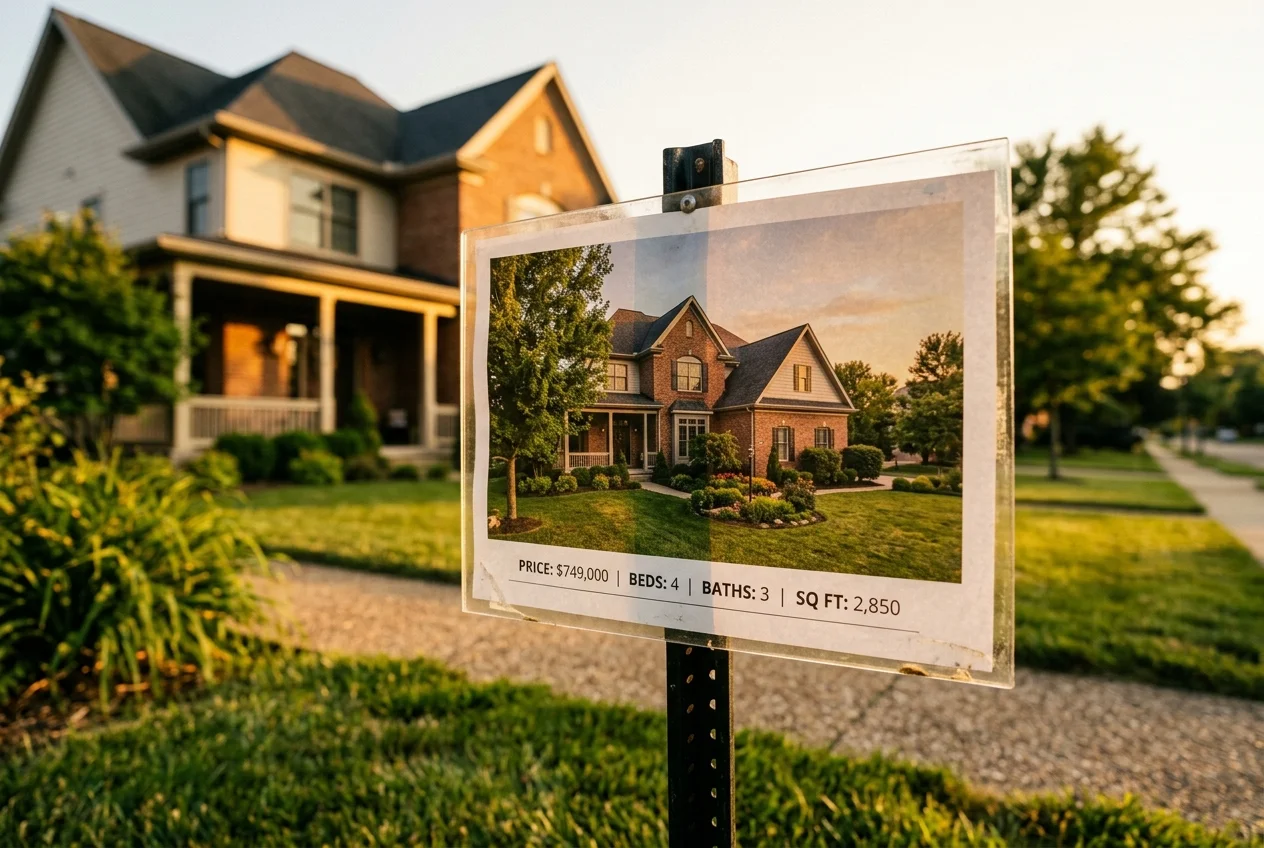
A listing flyer has one job before anything else: stop someone long enough to read it. That almost always means one hero photo that carries most of the page, plus a short block of facts that answers the first questions fast.
Good flyers also keep the “spec block” tight. Price, address, beds and baths, square footage, and showing or open house details belong on the page. The rest often performs better in conversation, like neighborhood talk tracks, repair notes, and negotiation strategy. A flyer should not try to be a full CMA.
Brand and compliance details matter more on paper than on a screen. The brokerage logo, agent license details, and equal housing marks often appear as placeholders in templates, but rules vary by brokerage and state. A flyer tool cannot decide those fields. Broker review still does.
Floor plan panels can help, but only when the plan is readable at print size. A back-side panel or a small corner panel works best when the plan stays simple, with clear labels and wide lines. Teams building this into the workflow often keep a separate tool for the plan and drop it in as an image, using floor plan software for listings when a listing benefits from layout context.
How this real estate flyer maker list was picked
A flyer tool either removes work or it adds it. The evaluation here starts with the real workflow, then checks what each product does at each point.
Cost matters, but the paywall location matters more. Some tools offer a free account but gate the template or export. Others sell a one-time PDF template pack that stays consistent forever, but cannot flex for special layouts.
Print readiness is non-negotiable for open house handouts. The tool needs a clean PDF export and enough control to avoid blurry photos and trimmed text. The picks also consider whether agents can produce a consistent look across a team, even when different people build the flyer.
Commercial use gets its own lane. A residential one-off flyer does not need CRM data binding. A commercial brochure often does. For context on where docs, CRM, and marketing tools fit together, the REALTOR® Technology Survey offers a broad view of how agents adopt and prioritize software.
Design-first flyer tools for residential listings
Most residential flyer work lives in a design canvas, and two tools in this list work that way: Canva, the top pick for its library of listing layouts, and Adobe Express, the pick for polished typography and PNG, JPG, and PDF export. In both, photos, copy, and blocks move around freely, which helps when each listing has a different story.
The trade-off is sameness. Templates reduce design time, but they also compress uniqueness. A market can end up with many flyers that share the same type pairing, icon set, and grid.
Where each tool sits
Price against speed. Bottom-left is cheap and fast, top-right is pricey and slower. Only the 2 tools that publish a monthly price are plotted.
The tools in detail
CanvaTop pick
Best for: solo agents who need a clean, designed look without a designer. Pricing: free account available, with optional paid features.
Canva centers the workflow on real estate flyer layouts, a drag-and-drop editor, and a stock photo and graphics library. It also supports high-resolution export for print and a digital version for sharing. That mix makes it a common default for “just listed” and open house flyers.
A Canva flyer still needs discipline to look local and not templated. Swapping every stock photo helps, but the bigger win comes from changing the type hierarchy, tightening the spec block, and letting one image lead the story.
- Pros: quick customization, large library of real estate flyer layouts, export for print and digital sharing.
- Cons: manual build time varies, template-driven layouts can look similar across a market.
Adobe Express
Best for: agents who want polished typography and quick edits in a web-based editor. Pricing: freemium, with a free plan mentioned and premium templates or assets gated by subscription.
Adobe Express focuses on fast customization of polished flyer templates, then exports to common formats like PNG, JPG, and PDF. That export range helps when the same creative needs a print PDF, plus a lighter image file for email or social.
The main workflow risk sits in premium-only assets. A free plan can still feel “paid” if the chosen template or element requires an upgrade. Checking the template’s access level early saves a full rebuild later.
- Pros: strong templates, simple editor, multiple export formats.
- Cons: some templates and assets are premium-only, manual build time varies.
Ascendix Composer
Best for: commercial brokerages running Salesforce or AscendixRE that produce brochures in volume. Pricing: listed at $49 per month, with demo or request-based buying.
Ascendix Composer positions itself around data-driven brochure and flyer generation from Salesforce or AscendixRE. It supports real-time CRM data binding, customizable templates for brand consistency, and batch generation across multiple brochures and reports. It also works with Salesforce standard and custom fields.
The payoff is plain and operational. Nobody retypes availability, rates, or square footage across many documents. A template or brand change can flow through the generated materials without rebuilding every file.
- Pros: CRM data binding, batch generation, templates that support brand consistency.
- Cons: no free tier, buying is demo or request-based so real pricing can vary by seats and configuration.
Teams comparing this category often start with broader real estate CRM options before committing to a doc generator.
View Ascendix Composer →Turnkey Flyers
Best for: agents who want a fixed set of PDF templates and prefer a pay-once workflow. Pricing: not published as a clear self-serve price, but one source frames it as paid from $0.01 per template with a bundle option of 53 PDF flyer and marketing templates.
Turnkey Flyers templates open in Adobe Reader. That detail changes expectations. The workflow centers on filling fields and swapping photos inside a locked layout, which can be fast for repeatable flyers.
The fixed layout also defines the limit. Large layout changes, unusual photo grids, and custom typography controls do not fit this model. For many open house handouts, that is a fair trade.
- Pros: pay-once template model, Adobe Reader workflow is straightforward, 60-day money-back guarantee.
- Cons: layout flexibility is limited by design, pricing is not clearly published as a self-serve list.
AI Real Estate Flyer Maker App (CRE Flyer Maker)
Best for: commercial brokers who need a CRE flyer from a phone, fast. Pricing: free download with in-app purchases, with Pro from $9.99 per month or $59.99 per year.
This app targets commercial property types and sale or lease models, and it can generate a PDF flyer in under three minutes. It also supports on-device AI listing copy generation that works offline on supported devices, which fits field work where connectivity varies.
The most important detail for “free” comparisons is the export output. The free tier watermarks PDFs, and Pro adds unlimited flyers, custom branding, premium templates, and watermark removal. That paywall changes whether the output works for client-facing handouts.
- Pros: very fast CRE flyer generation, offline copy generation on supported devices, PDF export and sharing.
- Cons: free output is watermarked, the workflow focuses on CRE one-pagers rather than open-ended custom layout.

Stage your first listing in under 5 seconds
15 space types, 10 styles, MLS-compliant by default. All 11 tools on one account. Free trial credits, no credit card.
Start staging freeWhat it really costs per listing
Pick a tool, set how many listings you do a month, and see the real per-listing cost. Only the 2 tools that publish a monthly price are listed.
Commercial and data-driven flyer tools
Commercial flyers behave more like documents than like ads. The content changes more often, and the “facts” section carries more weight than the hero image.
Two patterns show up in practice, and one tool here covers each. The first is a phone-first one-pager that can be created between tours, which is what the AI Real Estate Flyer Maker App (CRE Flyer Maker) produces in under three minutes. The second is a brokerage workflow where marketing staff generate brochures in batches and keep data tied to a CRM, which is the job Ascendix Composer does from Salesforce or AscendixRE.
Teams should separate those jobs early. A tool that excels at quick one-pagers can still be the wrong choice for multi-page packages that update weekly.
Pay-once PDF template packs
Subscription fatigue is real. For agents who already know their flyer layout, a pay-once template pack can reduce cost and reduce decision friction, and Turnkey Flyers is the entry in this list built that way, with templates that open in Adobe Reader.
The key difference is the editing model. A PDF template pack usually behaves like form-fill, not like a design canvas. That can feel restrictive, but it also makes the output predictable.
This lane also answers a common question: when is flyer software overkill? If the same flyer layout repeats for most listings and the brand rarely changes, a fixed template can be enough.
From photos to a print-ready real estate flyer PDF

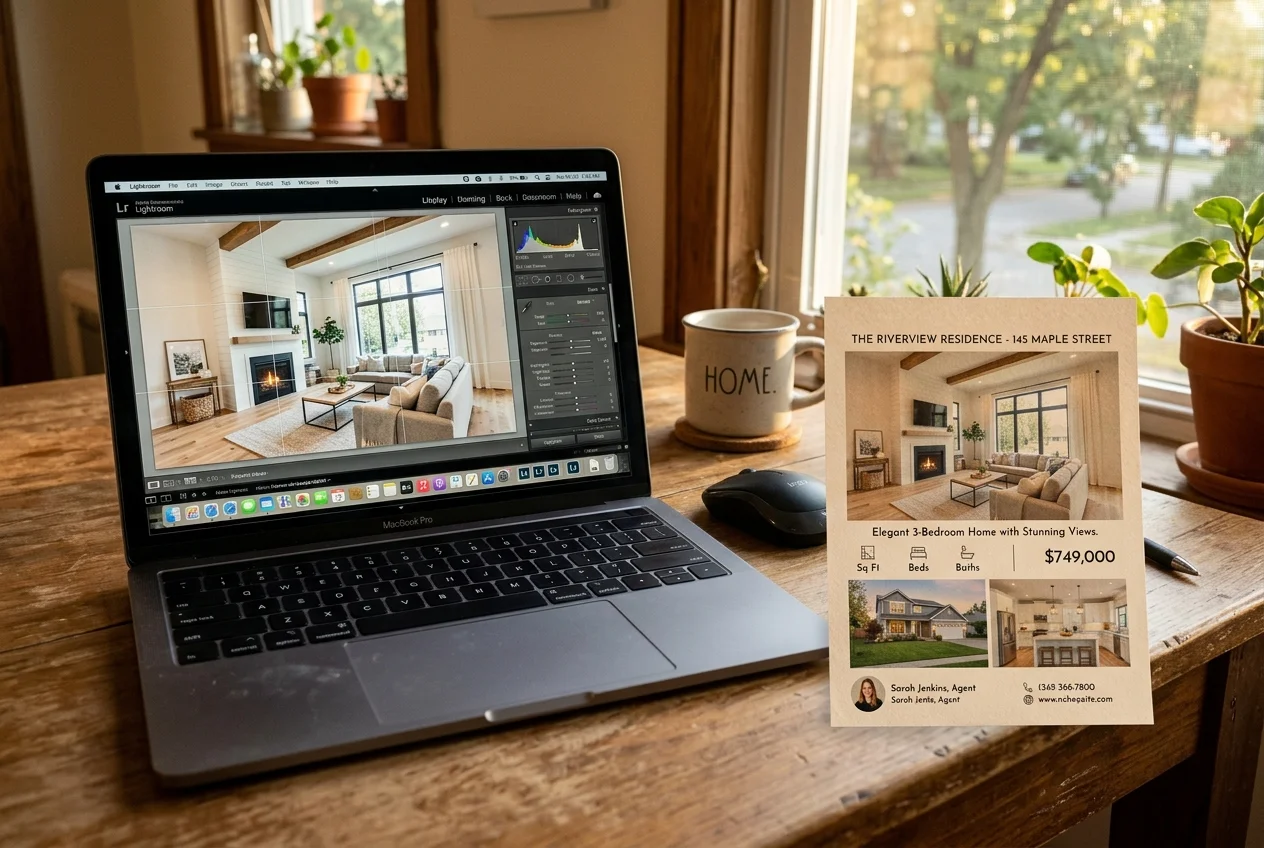
Flyer work goes faster when it follows one repeatable order. Photos first, then copy, then layout, then export. That order avoids the most common rebuild: changing the hero image after the layout already depends on it.
A practical delivery target keeps the process calm. Most agents can aim to finish a print-ready PDF within 1 day of receiving final photos, then place a small test order 2 days before the open house. That window leaves time for a re-export if the print shop flags trim or resolution.
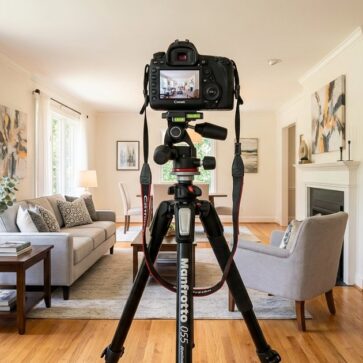
Photo selection drives the page. Culling down to one hero image plus a small set of supporting shots keeps the flyer readable at arm’s length. Teams that want this step to move faster often keep a separate culling workflow, using photo culling tools that pick the keepers before any flyer template opens.
Print specs decide whether the flyer looks professional. Export a PDF for the print shop, not a JPG, unless the shop asks for an image. Use 300 DPI for anything printed. Add 0.125 inch bleed if a photo runs to the edge, and keep critical text inside a safe margin so trimming does not cut it off. US Letter 8.5x11 is the default for North America, and A4 templates can shift margins on local printers.
A flyer also needs a distribution version. Many agents export a PDF for print, then also export a lighter PNG or JPG for email and social. That file still sits inside a wider listing marketing plan with consistent messaging across channels.
photo prep that makes any template look better
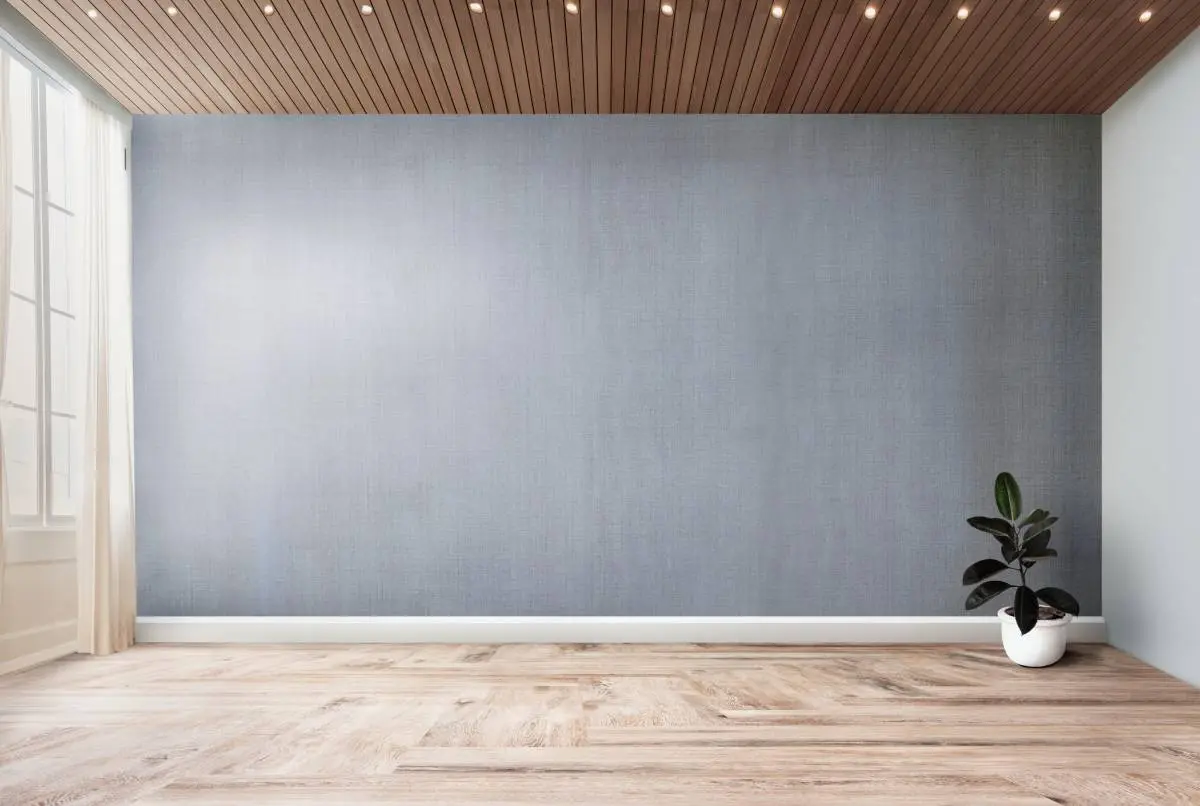
A flyer tool lays out photos—it does not improve them. The hero image needs straight vertical lines, clean exposure, and a neutral white balance before it hits a layout. Empty rooms often need furnishing, and clutter often needs removal, or the flyer can look cheap even with a strong grid.
One upstream option is AI virtual staging from AI HomeDesign, which sits inside a single platform spanning virtual staging, photo editing, and home renovation across eleven tools, with free regenerations and pricing from $0.24 a photo, and MLS-compliant edits by default.
Disclosure follows the image onto paper. If a photo is virtually staged or materially edited, add clear labeling on the flyer such as “virtually staged” near the image or in the footer, and keep the original unedited file on record. Brokerages often standardize this in a disclaimer block, and teams can store that block with their listing photo editing tools so the disclosure stays consistent.
a checklist for a clean print handoff
Print shops move fast when the file arrives clean. This short checklist prevents most reprints and late-night rebuilds.
Checklist
0 of 5 doneThe one mistake that ruins the most flyers is photo resolution. MLS images often downsize for web delivery, so a flyer can print blurry even when it looks fine on a phone screen. Agents should request original full-resolution files from the photographer and use those throughout the marketing package.
A final note on commission: flyers should not publish commission splits, bonuses, or fee arrangements. Those details belong in internal documents and listing agreements, not on client-facing handouts.
Find your pick
Tap your situation for a quick recommendation.
Frequently asked questions
Canva is a common choice because it offers a free account, real estate flyer layouts, and high-resolution export options. Adobe Express also mentions a free plan, but some templates and assets are premium-only. For CRE one-pagers, the AI Real Estate Flyer Maker app can be downloaded free, but free exports are watermarked until Pro.
Pricing falls into a few models. Canva is free with optional paid features, and Adobe Express is freemium. The AI Real Estate Flyer Maker app lists Pro at $9.99 per month or $59.99 per year. Ascendix Composer is listed at $49 per month, but it is sold through a demo or request flow, so seat counts can change the final price.
US Letter, 8.5 by 11 inches, is the most common size for North American listing flyers and open house handouts. Export at print quality, use 300 DPI, and add 0.125 inch bleed when a photo runs to the edge. Keep price and contact details inside a safe margin so trimming cannot cut them off.
Yes, but export quality needs a check before printing. The AI Real Estate Flyer Maker app is built for phone-first CRE flyers and lists PDF generation in under three minutes, with offline copy generation on supported devices. Canva and Adobe Express also work on mobile, but small screens can hide low-resolution photos until the file prints.
Yes. Treat a printed flyer like a listing: if a photo is virtually staged or materially edited, label it clearly as “virtually staged” and keep the original file on record. Many brokerages require a standard disclaimer block for this. Exact wording varies by brokerage and local rules, so broker review should settle the final language.
Most blur comes from low-resolution photos, not the template. Images saved from an MLS download or a public listing page often shrink for screen viewing. Print needs 300 DPI at the final size, so a small image cannot fill an 8.5x11 layout cleanly. Ask the photographer for original full-resolution files, then export as PDF for print.