RoomSketcher Alternatives for Floor Plans & Room Design 2026
The tool you’re replacing
RoomSketcher alternatives get searched for three different reasons, and they rarely point to the same replacement. RoomSketcher does accurate, editable 2D and 3D plans, but a faster first draft, fewer credit gates, or a more lifelike visual can matter more than another drawing tool.
RoomSketcher also prices richer visuals through credits, and that changes the math for teams that publish every week versus teams that only need one set. This guide sorts alternatives by the deliverable first, then covers five credible options, plus a practical switching plan from the same starting assets. A broader map of adjacent tools lives in AI home design and virtual staging alternatives.
One option below, AI HomeDesign, does not draw floor plans at all. It works from photos of real rooms and produces photoreal results, which fits a different “room design” job than a measured, print-to-scale plan.
What to look for in a RoomSketcher alternative
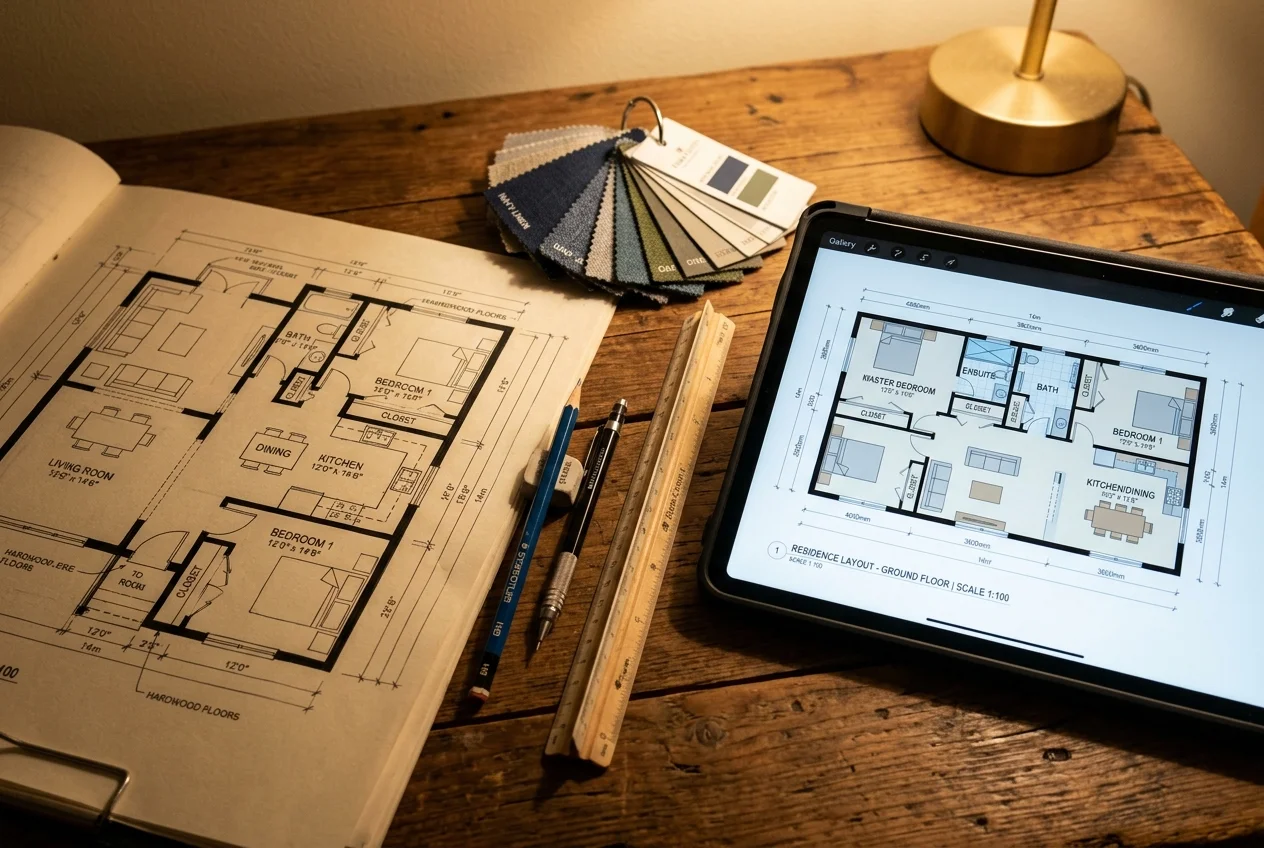
A clean switch starts with naming the output that has to ship. Some teams need a measured plan that prints to scale with dimensions. Others need a client-facing presentation set. Many “room design” searches actually mean a photoreal image of a real space for a listing, a brochure, or a renovation preview.
Next comes scope. One subscription rarely covers every job a listing package needs. A floor plan tool answers layout and flow. A visualization tool answers finish, furniture, and mood. Running two products can be normal, especially when one tool prices drawings flat and the other prices images per output.
Pricing shape matters more than the sticker price. Flat subscriptions push cost into time spent drawing and revising. Credit-based models attach cost to exports like 3D views, higher resolution images, or additional render angles. That is why occasional users and weekly producers reach opposite conclusions about the same product.
Export reality decides whether a “free” start stays usable. Key questions include watermarking, resolution caps, print-to-scale output, and whether an exported plan stays accessible after cancellation. Collaboration and branding also matter when deliverables go to clients.
Some readers do not want software at all. A human designer fits better when the deliverable includes selection help and shopping decisions, which sits closer to online interior design services than floor plan drafting.
How RoomSketcher alternatives split by deliverable
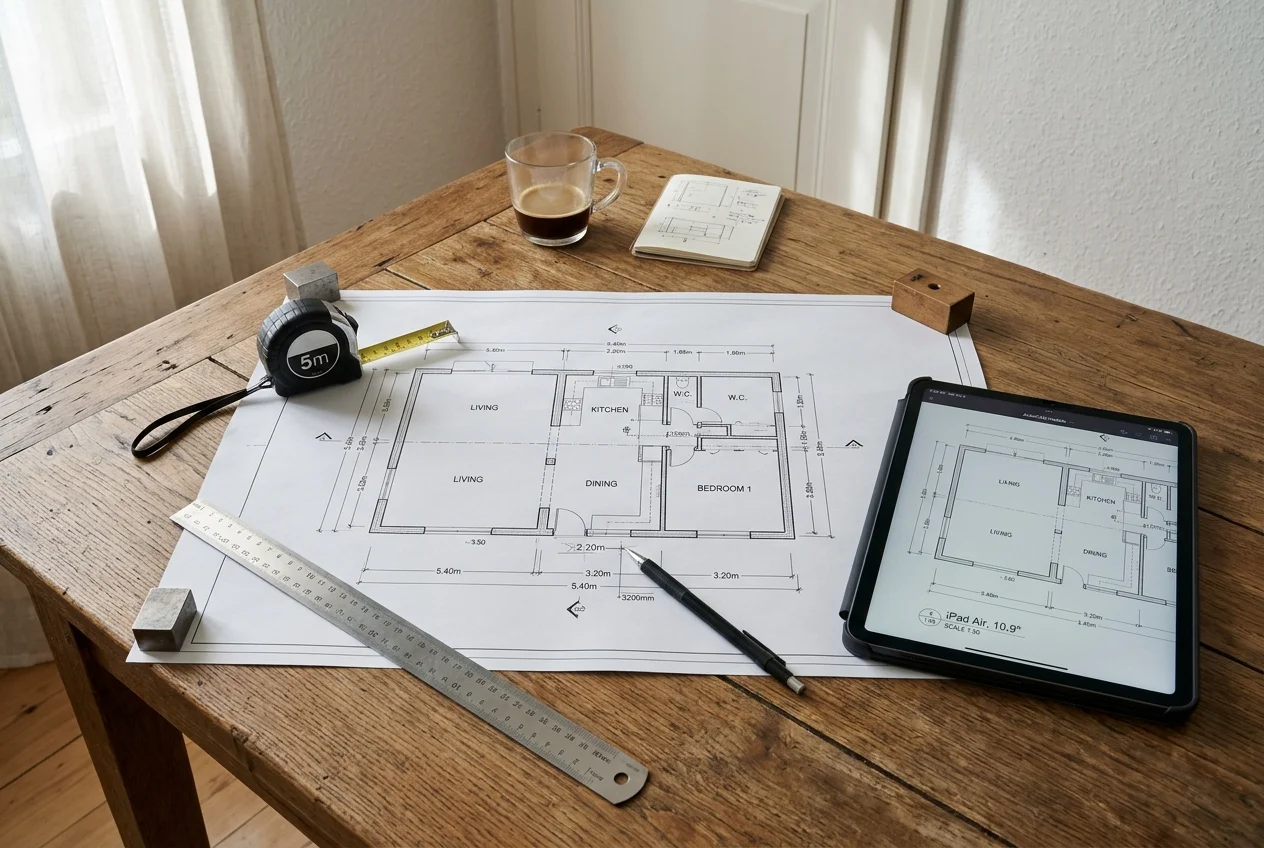
A measured plan starts with geometry, not visuals. These tools expect a blank canvas, an imported blueprint, or precise measurements. The value is scale, dimensions, and predictable exports.
A presentation drawing set expands the deliverable beyond one plan. It can include site plans, elevations, roof plans, or section views. The buyer pays for speed and repeatability when many projects run through the same workflow.
A sourcing-led “room design” workflow centers on selections. The deliverable becomes a shoppable moodboard, budgets, approvals, and a plan that supports the shopping list. That is a different job than a plan a builder works from.
Photo-based visualization starts from the real room. It answers what the space will look like after staging, paint, flooring, or a light renovation. It supports listings and client decisions, but it does not replace a measured plan.
How these RoomSketcher alternatives actually differ in day-to-day use
The first difference shows up before anything renders. A draw-first tool starts as a blank canvas and turns measurements into geometry. A modeling tool starts as a 3D workspace and rewards people who enjoy building objects and scenes. A sourcing-first studio starts with a mood and a shopping list, then wraps plans and visuals around the selections.
Revision cost sits behind most switching frustration. Credit-metered exports turn client changes into a predictable but repeated charge. Flat subscriptions lower the friction of trying again, but the time cost can move into redrawing and re-exporting. Photo-based workflows can make revisions feel faster because the starting point stays the real room photo rather than a rebuilt model.
Consistency across a set matters more than one impressive image. A listing package fails when each room looks like it came from a different source. A plan set fails when scale and labels vary from page to page. Teams that publish regularly often standardize a style guide for plans and a separate look for listing visuals.
Deliverable fit also changes by channel. A print-to-scale plan with dimensions supports buyers and contractors. A staged image supports a listing page, a flyer, or a social post. Some teams publish both, which is why it can be normal to run one tool for plans and another for photoreal images.
If the deliverable also includes walk-through media, the output may extend beyond plans and stills into 360 capture and tours, which sits closer to virtual tour software for real estate.
What RoomSketcher does well, and where it stops
Checked against roomsketcher.com.
What it does well
- Accurate, editable 2D and 3D floor plans
- AI floor plan conversion (AI Convert) and AI Render
- 3D Photos, 360 Views, and 3D snapshots/visual outputs
- Credits-based outputs with add-on credit purchases
- A free tier you can test before paying anything
Where people outgrow it
- No virtual staging, so empty rooms still go to another tool
- No photo enhancement, so listing photos still go elsewhere
- No day-to-dusk conversion for twilight shots
- No item removal for clutter in an occupied room
- No renovation views for before-and-after remodels
- The free tier ships with 2 credits and 1 free AI floor plan conversion, so anything beyond a first look means buying add-on credits.
- Visual outputs are credit-based, so each 3D Photo, 360 View or AI Render draws down a balance rather than being unlimited.
- Branding, print-to-scale and measurement/total area tools are Pro-and-above features, not part of the free plan.
- Every room starts as a drawn plan, and the result is an editable 2D/3D plan with generic 3D furniture models rather than a photoreal image of the actual photographed room.
- The redraw service turns around next business day, which is slower than a self-serve re-render when a change lands the night before a listing goes live.
The tools in detail

AI HomeDesignTop pick
vs RoomSketcher: AI HomeDesign trades measured floor plans for photoreal results made from real room photos.
AI HomeDesign is not floor plan drafting software. It does not produce a measured, print-to-scale plan, so drawing-first tools remain the right aisle for plan deliverables.
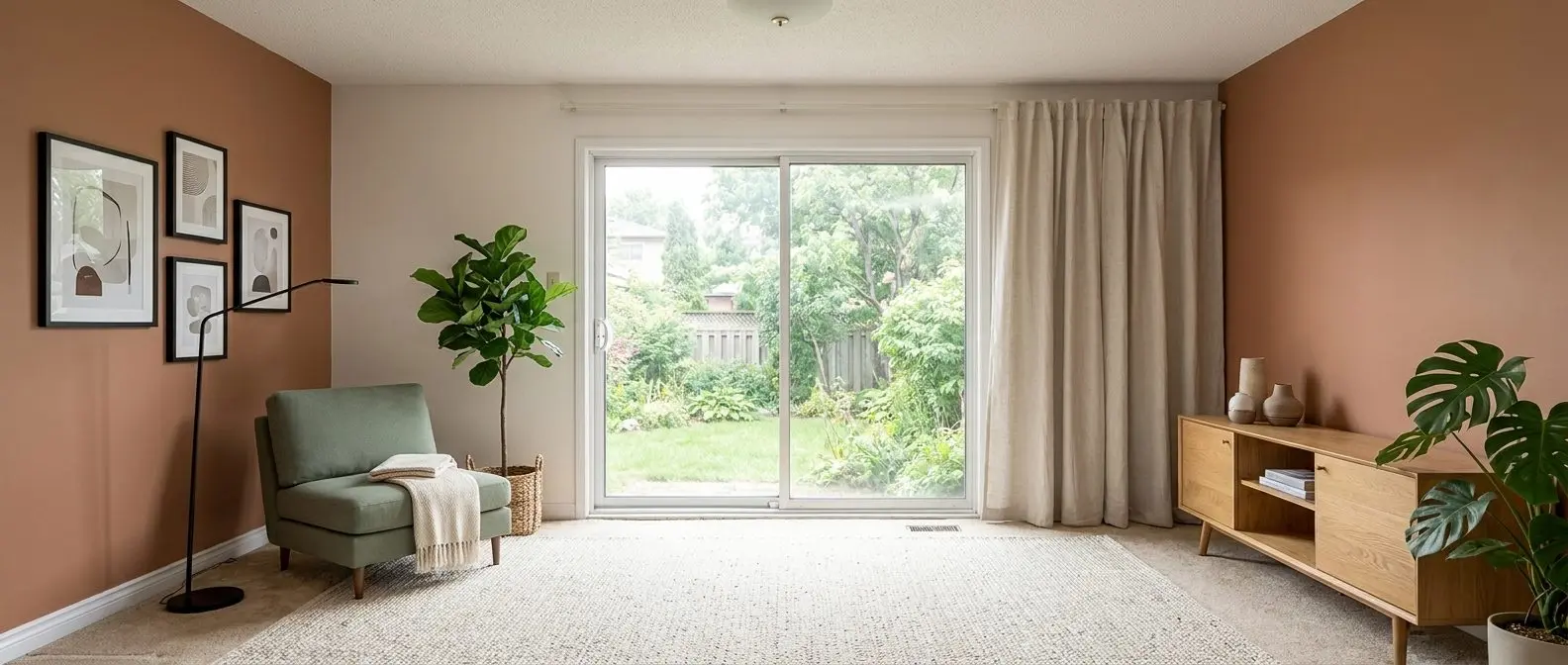
AI HomeDesign instead takes a photo of a real room and returns photoreal virtual staging, decluttering, restyling, and renovation previews in seconds. It groups work into three hubs, virtual staging, photo editing, and renovation, with eleven tools total and seven tools on the renovation side. Pricing starts from $0.24 per photo, and results stay MLS-compliant by default.
That scope matters for listing work because a CAD-clean model and a photo-based visualization solve different problems. A drawing explains where walls and doors sit. A photoreal image helps buyers believe the space, which can support listing media, brochures, and client sign-off decks.
Pros:
- Listing-ready visuals: photoreal staging and renovation previews from an existing photo.
- One credit pool: the same credits cover staging, photo editing, and renovation tools.
- Free regenerations: variations can be explored without paying again for each rework.
Cons:
- No plan exports: measured plans and print-to-scale drawings require a separate floor plan tool.
Related workflows that bundle photo work with staging often overlap with real estate photo editing software.
View AI HomeDesign →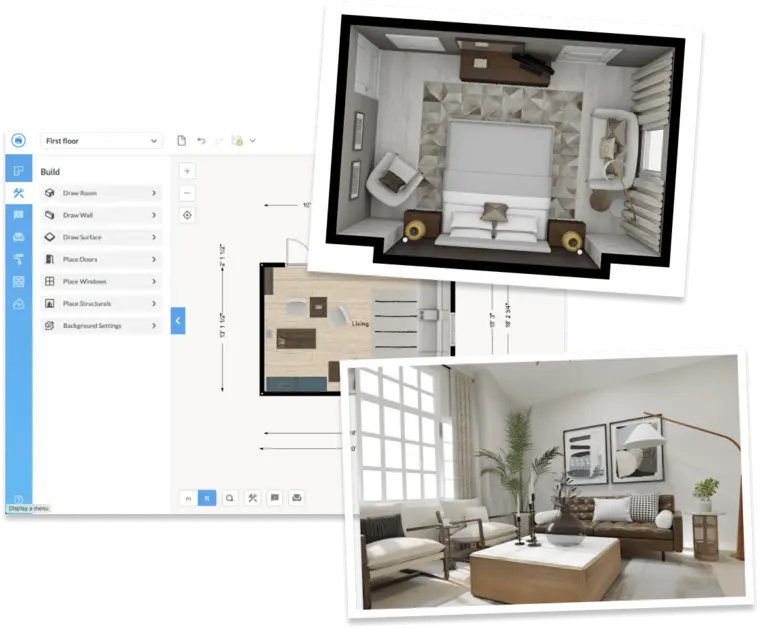
Floorplanner
vs RoomSketcher: Floorplanner keeps the draw-first floor plan workflow, with a different mix of free and paid access.
Floorplanner is a browser-based floor plan and 3D workflow with moodboards, AI layout support, and shareable design links. Paid accounts also include branding options.
For pricing, the figures most readers compare are the tiers reported as Free, Plus $5 per month, and Pro $29 per month. Floorplanner also describes a credit and project-upgrade model for higher-resolution exports and premium outputs on its own pricing page.
Pros:
- Lightweight entry: a browser workflow fits quick drafts and sharing.
- Sharing built in: links can move faster than emailing files back and forth.
Cons:
- Upgrade mechanics: credit and per-project upgrades can feel familiar to anyone leaving credit-metered exports.

SketchUp
vs RoomSketcher: SketchUp trades RoomSketcher’s guided floor plan workflow for full modeling control.
SketchUp suits readers who want complete control over a 2D and 3D model and can invest time in learning it. It is a flexible modeling environment that can support custom floor plans and room layout work, plus an iPad and desktop workflow depending on the plan.
On pricing, SketchUp lists annual-billed subscription tiers, including Go at $10.75 per month per user billed annually, Pro at $33.25, and Studio at $71.58.
Pros:
- Modeling freedom: custom layouts and objects can go far beyond template libraries.
- Broad access: web, iPad, and desktop options can fit different teams.
Cons:
- Learning curve cost: speed comes after practice, not on day one.
Cedreo
vs RoomSketcher: Cedreo targets full-house presentation sets rather than single-room drawing.
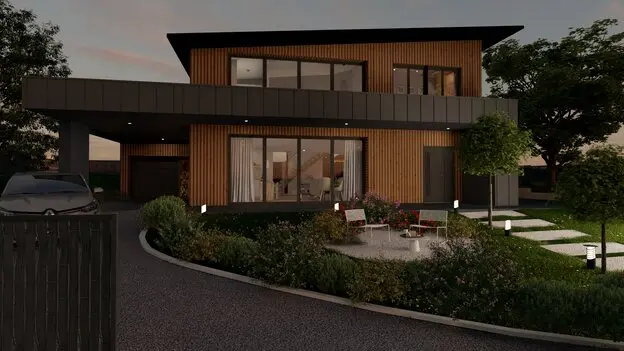
Cedreo fits teams that produce complete plan sets for clients, such as builders, remodelers, and designers who repeat the process across many jobs. It supports full-house planning, including site plans, elevations, roof plans, and sections, with simultaneous 2D and 3D editing that updates automatically.
Cedreo lists pricing from $129 per month and also claims it can render a 3D floor plan image in about five minutes on that same page.
Pros:
- Presentation depth: it is built for more than a single 2D plan export.
- Speed for production teams: the subscription can amortize across frequent client work.
Cons:
- Heavy for one-off needs: the subscription can be a lot for a single plan this week.
More tools that sit in this lane are covered in Cedreo alternatives for home design and floor plans.
View Cedreo →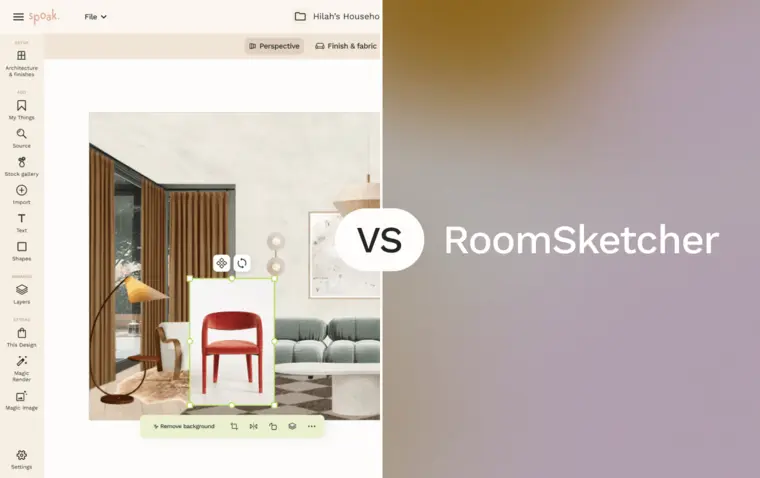
Spoak
vs RoomSketcher: Spoak shifts the center of gravity from drawing plans to sourcing and client-ready mockups.
Spoak fits the interior-design workflow more than the measurement workflow. It combines lifelike mockups with sourcing, approvals, budgets, and shop lists. It also includes floor plans and elevations tools for measured space planning, but the differentiator is the end-to-end design process for selections.
Spoak pricing includes a free Guest pass, plus Studio member at $7 per month or $70 per year and Pro at $50 per month or $480 per year.
Pros:
- Sourcing plus visuals: a single place for mockups and product decisions.
- Client workflow: approvals and presentation-mode sharing fit stakeholder review.
Cons:
- Not plan-first: a team that mainly ships measured plans may prefer a drawing-first product.
For readers comparing adjacent design suites, interior design software options beyond Foyr Neo adds more sourcing-led options.
View Spoak →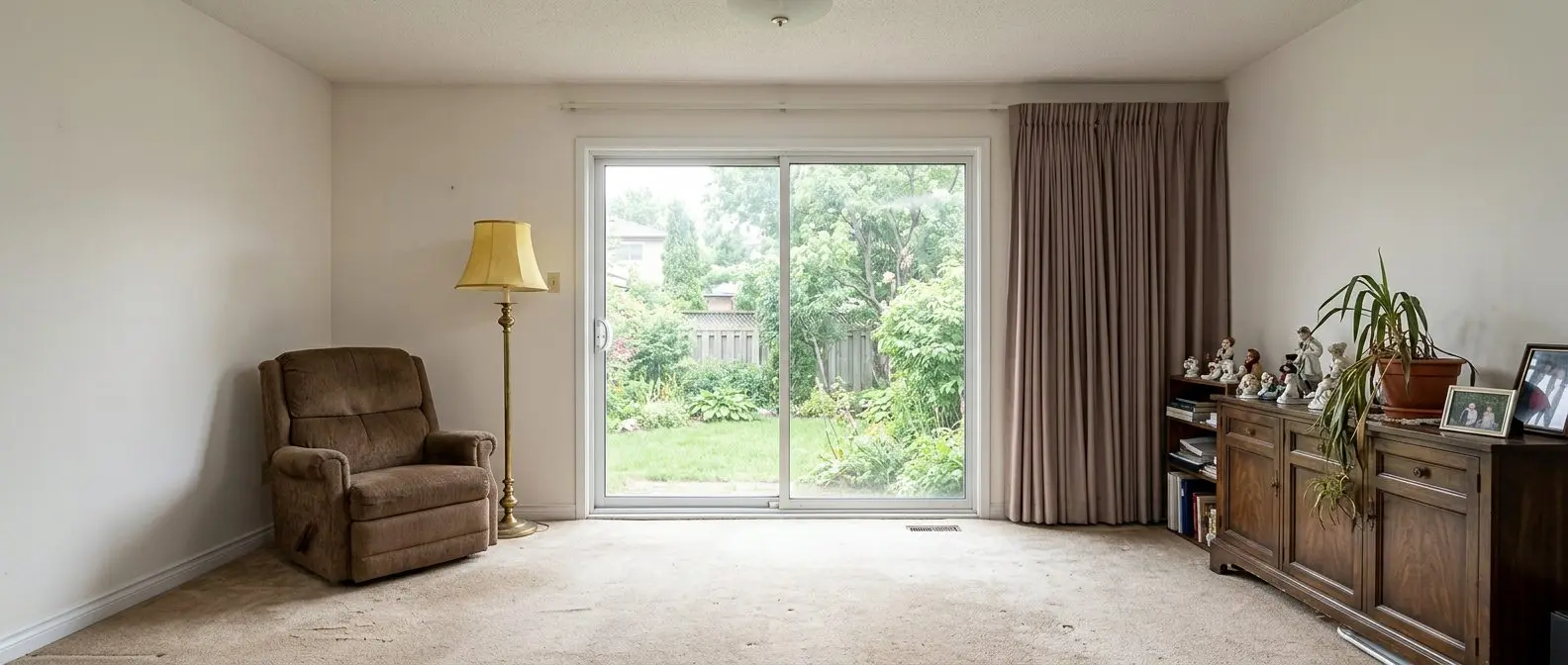
Redesign any room in a few clicks
10 styles and 30+ colour palettes, from one photo. All 11 tools on one account. Free trial credits, no credit card.
Start designing freeWhat it really costs per listing
You are paying $12/mo now. Set your listing volume to see what that works out to per listing, and what each alternative would cost in its place.
Moving off RoomSketcher
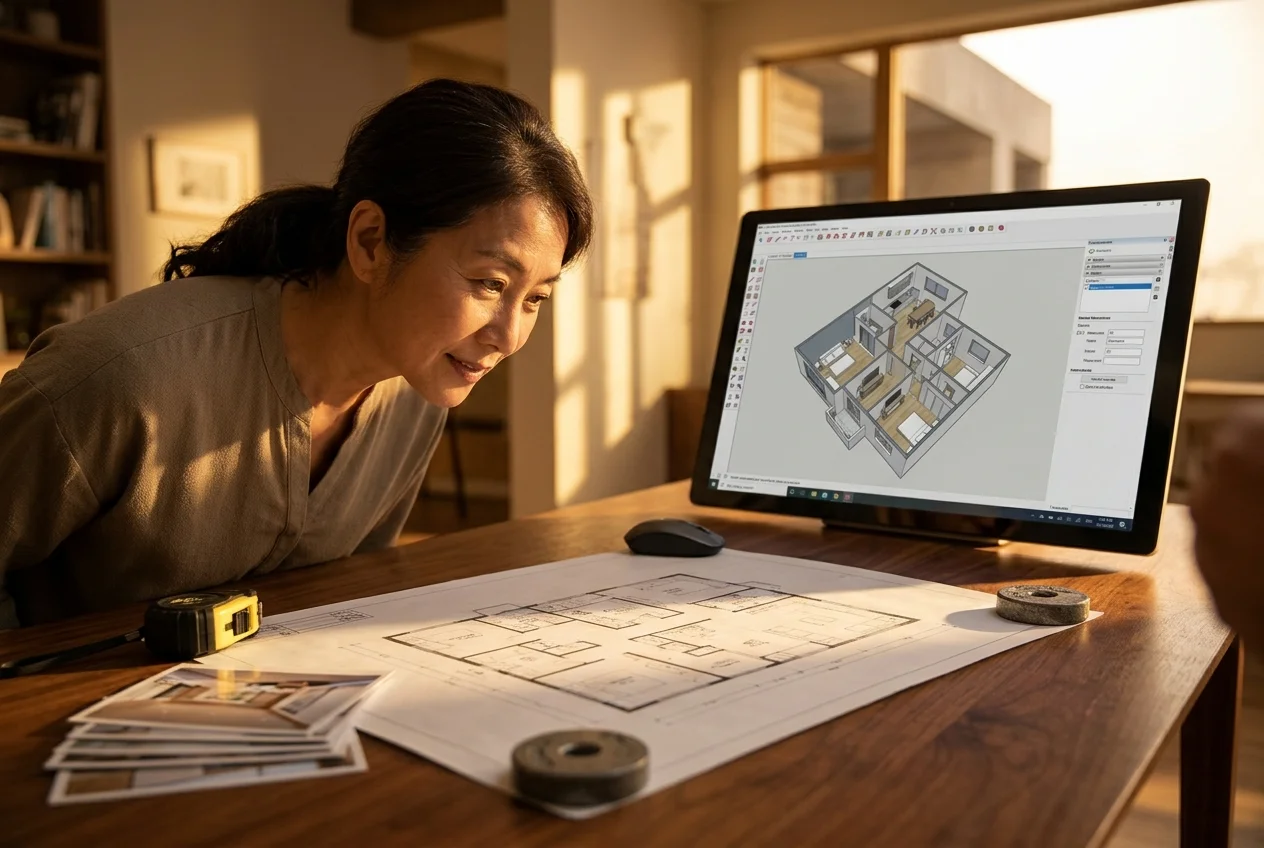
A switch rarely starts from zero. The same measurements still describe the property. The same photo set still powers listing visuals. The same MLS Rules and listing deadline still drive turnaround.
The redraw effort sits in the plan layer. Drawn plans rarely move between products cleanly, so teams should budget time to redraw any active inventory that still needs updates. Before a subscription changes, exporting everything that needs to be archived reduces later scrambling, especially 2D plans, 3D visuals, and any client-approved snapshots.
The practical checks that decide whether the move pays off tend to be mechanical.
Checklist
0 of 6 doneWhat the industry expects from floor plans and edited listing images
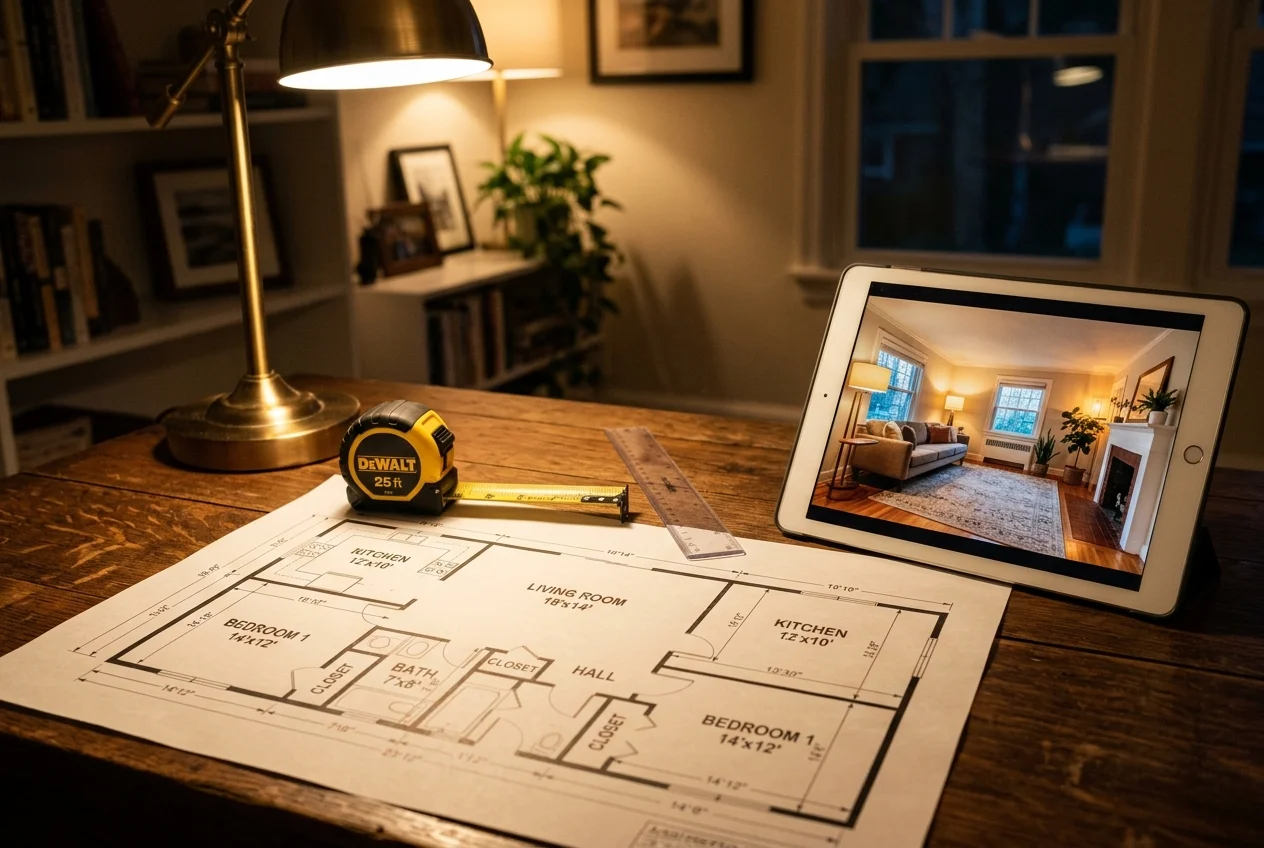
Real estate audiences treat a floor plan as an accuracy signal. A plan attached to a listing implies that room sizes and layout reflect the property, so teams should either use measured inputs or label drawings as approximate. Total area calls deserve the same care, since a plan can look authoritative even when it started as a quick sketch.
MLS and disclosure rules also treat altered images differently than plans. Any virtually staged, AI-restyled, or otherwise digitally altered photo should carry clear labeling as a digital rendering or virtually staged. One practical label that stays short and clear is: “Digitally altered image. Virtually staged.” That label costs nothing, and it prevents confusion about current condition.
Human review still matters around edge cases. Mirrors and reflective surfaces can confuse edits. Unique architecture can break assumptions from template libraries. New construction and unfinished spaces can need a different visual goal than occupied resales.
Turnaround pressure shows up late in the cycle. A next-business-day redraw service can feel slow when a client requests a change the evening before a listing goes live. Self-serve workflows help in that moment, but the deliverable still needs a final check for consistency across the full set. For adjacent AI visualization options that focus on room redesign concepts, RoomGPT alternatives can help frame what “room design” means in practice.
Find your pick
Tap your situation for a quick recommendation.
Frequently asked questions
Yes, but the limits matter more than the word free. Floorplanner lists a free plan, SketchUp offers a free browser version, and Spoak offers a free Guest pass. RoomSketcher also has a free tier with 2 credits and one free AI floor plan conversion. Free tiers often add watermarks, resolution caps, project limits, or usage cooldowns.
Floorplanner is often the closest like-for-like fit for a draw-first 2D and 3D floor plan workflow in a browser. It includes moodboards, AI layout help, and shareable links, with paid tiers that add branding options. Its pricing is listed as Free, Plus $5 per month, and Pro $29 per month, with higher outputs handled through upgrades.
No. AI HomeDesign is not a drafting tool and it does not create measured, print-to-scale floor plans. It works from photos of real rooms and returns photoreal virtual staging, photo editing, and renovation previews across three hubs and eleven tools. Pricing starts from $0.24 per photo, and output is MLS-compliant by default.
Most floor plan tools generate clean, editable 3D visuals that look like designed models, not photos of the actual room. That can be enough for presentations and planning, but it usually does not read as a real listing photo. Photo-based AI visualization tools start from the real room photo, which better matches the “listing-ready image” job.
Often, yes. A listing package typically needs a plan that communicates layout and scale, plus images that sell the finished look. Those outputs come from different starting points, measurements versus photos, and they carry different accuracy expectations. Using one tool for plans and another for visuals can be simpler than forcing one product to do both.
Treat disclosure as mandatory. Any virtually staged, AI-restyled, or otherwise digitally altered listing image should be labeled as a digital rendering or virtually staged, and the image should not imply the home’s current condition has changed. A short label such as “Digitally altered image. Virtually staged.” usually satisfies the intent clearly.