Virtual Tour Apartments: How to Create Rentals Fast
In short
- Pick the lightest format: choose the simplest tour type that syndicates to the needed channels.
- Prep beats reshoots: a short turn-day checklist prevents most trust-killing mistakes.
- Reuse by floor plan: label tours by plan code, then update only when plans change.
A unit turns on Friday, the first showing lands on Monday, and half the leads live out of state. That timing makes virtual tour apartments an operations job, not a photography hobby. The goal is simple: publish something accurate fast, then reuse it across the next identical vacancy.
This guide sits on top of real estate photography fundamentals but trims the “luxury listing” parts that do not fit rentals. Leasing teams need repeatability, clean handoffs between maintenance and marketing, and a tour link that can live on ILS listings, a property website, and in lead auto-replies.
The sections below lay out a five-stage workflow that can run the same way on every turn.
Why a rental tour is a different job from a sales listing shoot
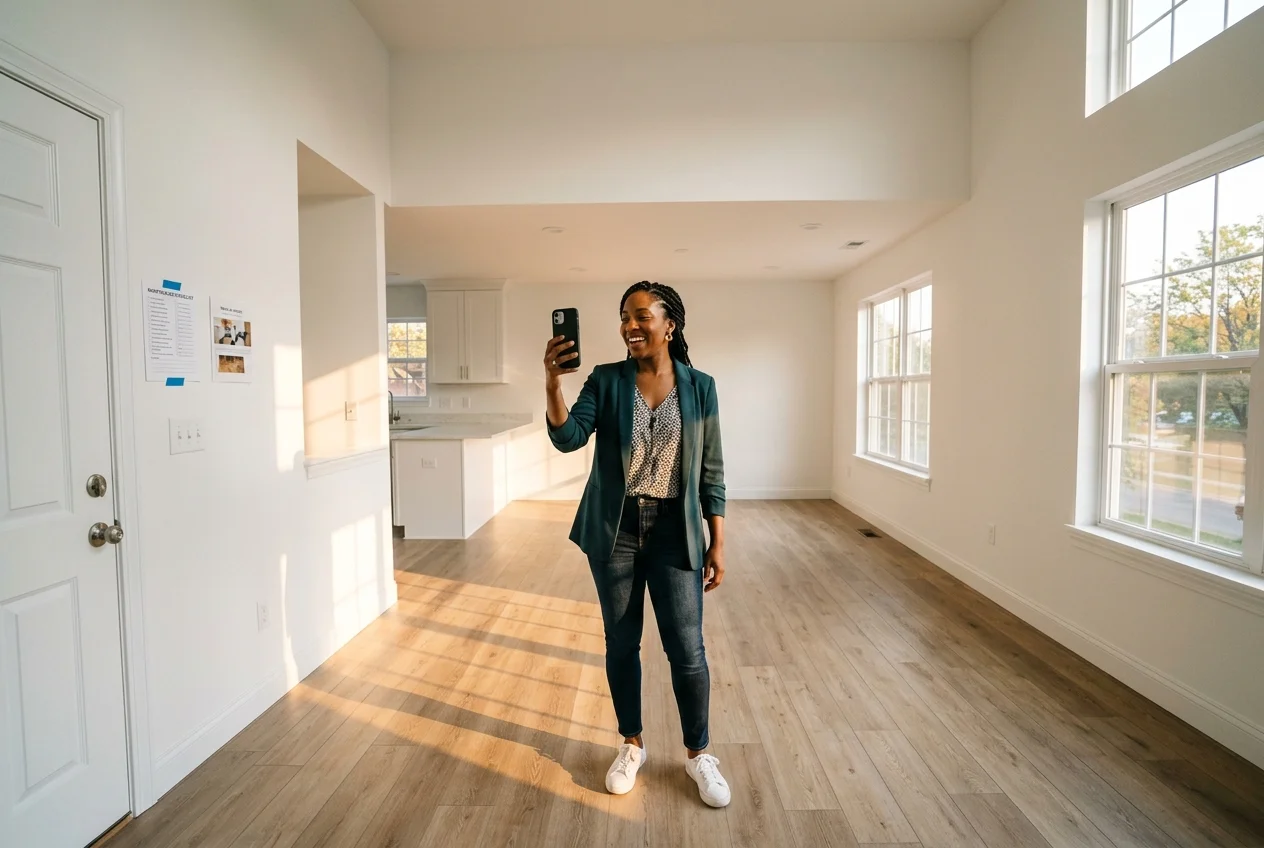
Leasing teams rarely get a runway. A for-sale shoot can wait for staging, landscaping, and a perfect weather day. A rental unit does not. The cleaning crew finishes, maintenance wraps punch list items, and the tour has to go live before the next batch of inquiries stops reading.
Floor plans also repeat. A sales listing is a one-off asset tied to a single address. Rentals often cycle the same plan dozens of times. That changes the math. The tour earns value only when it becomes reusable content for a plan page, an email reply template, and a pre-qualifier for out-of-town applicants.
The audience acts differently as well. Renters screen for layout, light, storage, and condition. Many decide remotely, then show up ready to apply. The tour has to answer “does this fit my life” questions, not just “is this beautiful.” It also has to reduce the volume of “is this the actual unit” follow-ups that eat leasing time.
Virtual tours also come with hard limits. A tour can save time and expand the applicant pool, but it cannot transmit smell, noise, or the feel of the block at night. That reality changes what the tour should promise. A rental tour works best when it shows the unit honestly, then triggers the right next step, such as a live video call for the exact unit or a scheduled showing.
Virtual tour apartments workflow for turn-day leasing
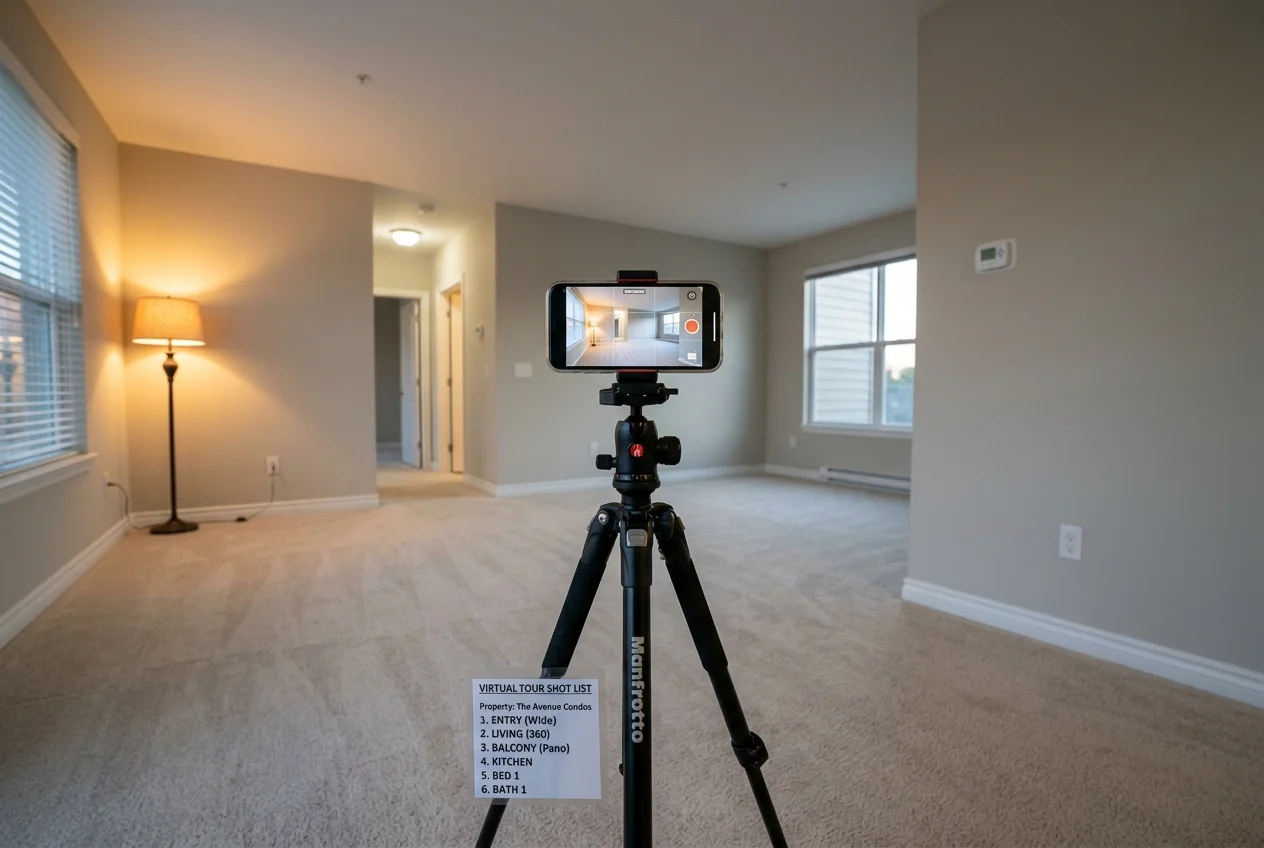
Consistency matters more than gear. A leasing team can shoot a better tour on a phone than a contractor can shoot with a 3D camera and no process. The workflow below focuses on repeatable decisions, the same room order every time, and clean files that can be reused across identical plans.
A practical operating target is a publish window of one to two days from turn completion. That window matches the rental reality. Leasing staff can move fast enough to beat the first showing, and maintenance still has time to finish visible repairs before the camera captures them.
The workflow also draws a line between reusable marketing assets and unit-specific notes. Reusable assets include the tour, still photos, and a floor plan label. Unit-specific notes include view, floor level, and finish packages. Those belong in the listing copy and leasing CRM, not baked into a tour that will be reused.
Each step below can be assigned. Maintenance can own prep. Marketing can own post-production. Leasing can own distribution. The handoffs stay clean when every unit follows the same sequence.
Choose a format that syndicates cleanly
Start with where the tour must appear. Many rental feeds accept only a still-photo gallery and a video link. Some support a 360 tour link. Fewer support a full 3D embed. The lightest format that works across the required channels usually wins.
A simple decision rule keeps teams out of trouble. Use the fastest option for one-off units, then reserve heavier formats for model units that will represent a floor plan many times. Guides like how a Matterport scan is set up and priced help set expectations, while apps for shooting and editing property video cover the walkthrough side.
Prep the unit on a turn schedule
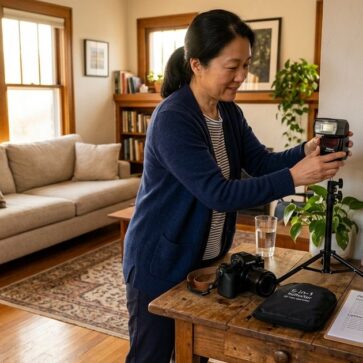
Run a tight prep pass before any capture starts. Fifteen minutes of setup removes most reshoots. It also prevents the classic rental-tour complaint: “it looked clean online, but the tour hid the real condition.”
Checklist
0 of 6 doneVisible mid-repair damage should not be “shot around.” A tour that hides a broken cabinet door or an unfinished patch creates the wrong kind of attention later.
Capture room by room with a fixed sequence
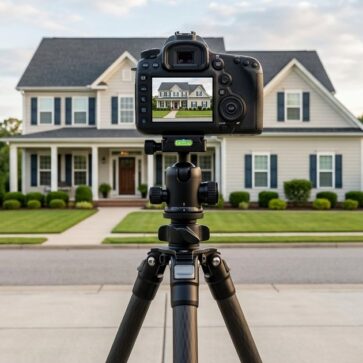
Set the camera at a consistent chest-height level and keep it level. Doorway-corner angles show true room size better than a hand-held sweep. Horizontal framing also fits listing galleries and most tour players better than vertical clips.
Checklist
0 of 7 doneStills should be captured alongside the tour. They cover the “virtual tour” slideshow format, fill ILS galleries, and provide source images for later edits. A stable support such as a tripod that holds a consistent chest-height level helps, and shooting a property so it can be virtually staged later keeps those stills clean enough for post-production.
Clean up images and stage for scale
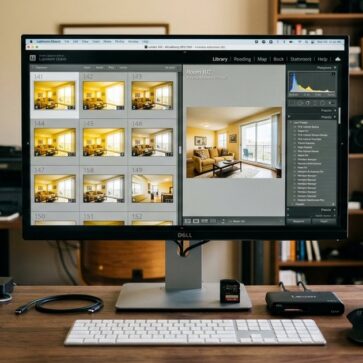
Fix the basics first. Correct exposure and white balance so walls do not swing yellow or blue. Straighten vertical lines so cabinets and door frames stay believable. Then remove leftover turn clutter that slipped into frame, such as a mop bucket or a stack of filters.
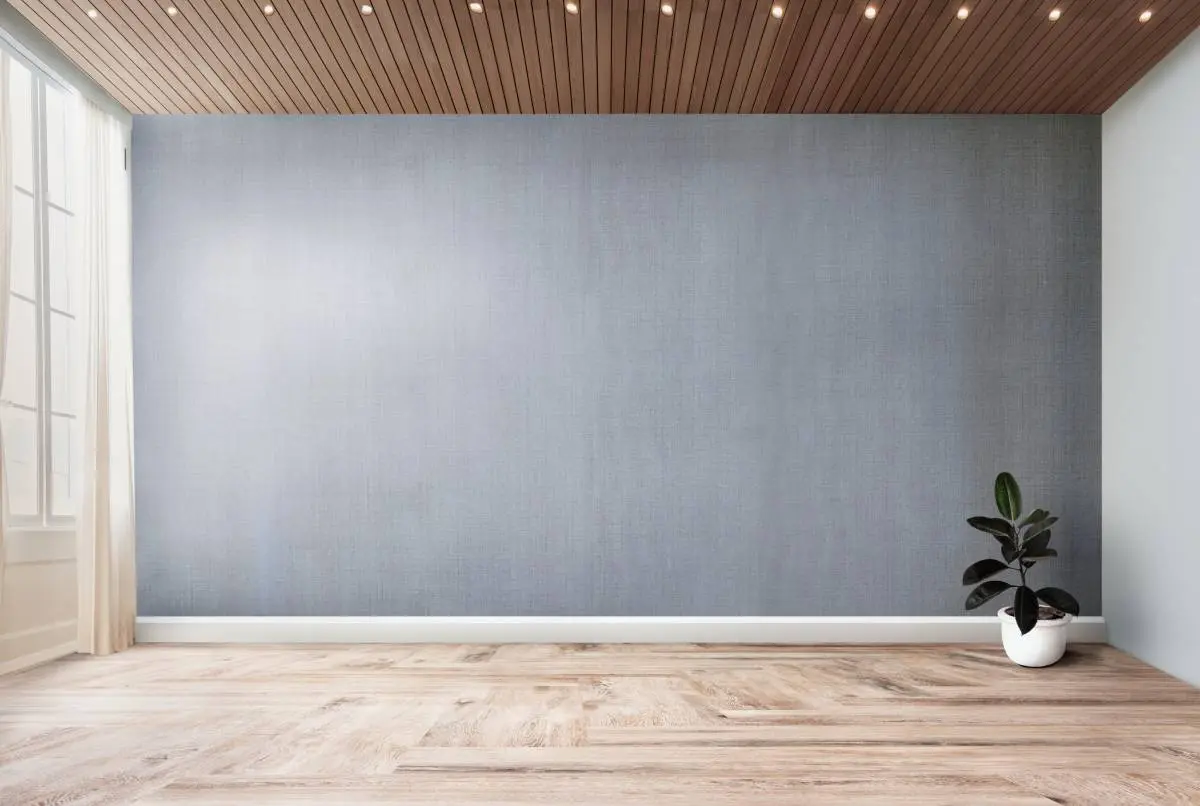
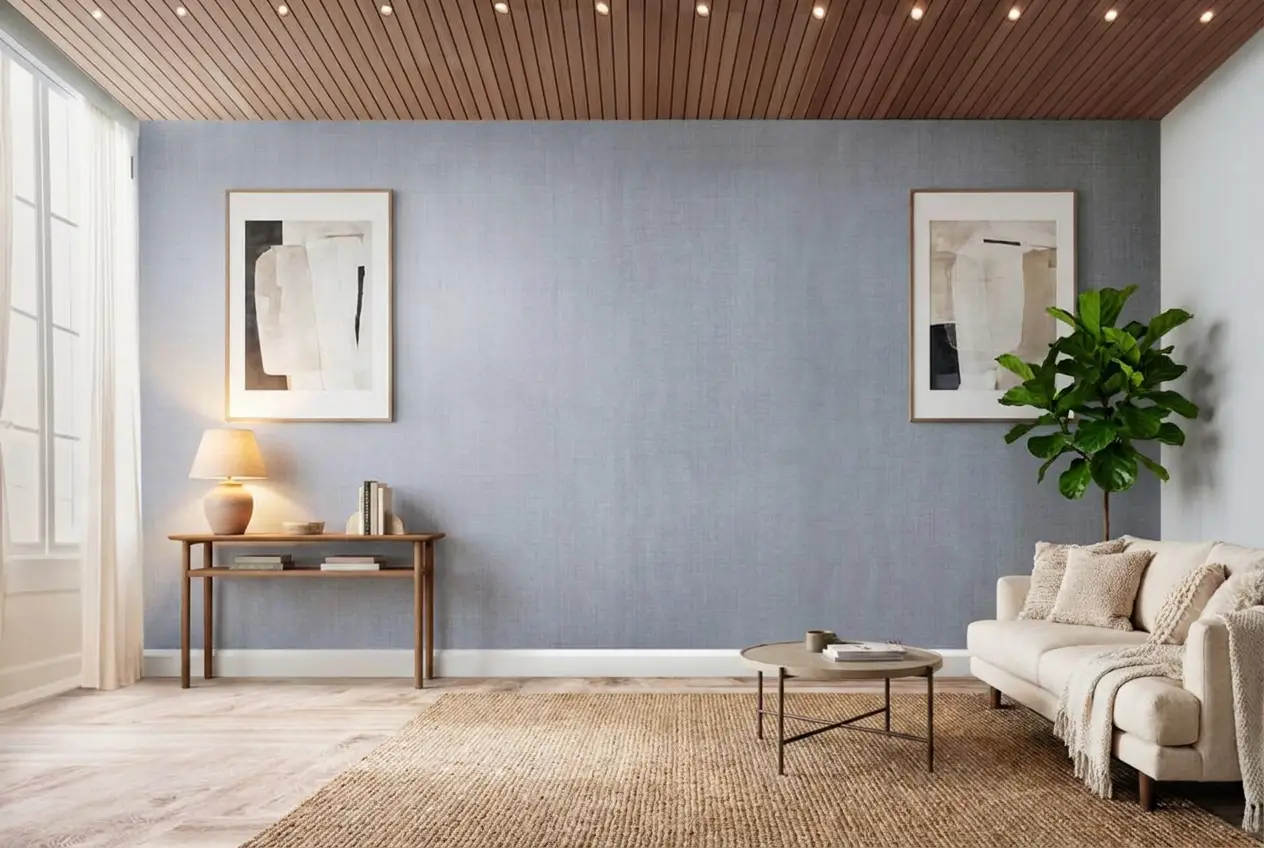
Empty units create the same friction again and again. Remote renters cannot judge whether a bed, desk, or sofa fits. That uncertainty drives the “can someone walk it again on FaceTime” request. AI virtual staging can solve the scale problem on a few key stills, without renting furniture for a unit that may lease in days.
This is also where AI HomeDesign fits inside a leasing workflow. AI HomeDesign provides eleven specialized AI tools across three hubs, virtual staging, photo editing, and renovation, with seven renovation tools included. One account uses one shared credit pool, includes free regenerations, starts from $0.24 a photo, and returns MLS-compliant output by default.
Disclosure keeps staging honest. A plain line works: “Virtually staged; unit is delivered unfurnished.” The staged furniture should never imply included items. Edits should never remove damage or hide a real defect.
Publish once, then reuse by floor plan
Post the tour where applicants actually click. Floor plan pages and unit-detail pages outperform a generic gallery page in most leasing funnels. ILS listings should get the tour link when the platform allows it, plus a still-photo gallery as a fallback.
Reuse requires naming discipline. Tours and folders should use plan codes rather than unit numbers. Unit numbers change every turn. Plan codes stay stable for years. When a unit has differences, such as a view or a finish package, the listing copy should call it out.
A tour should also answer the “actual unit” question before it is asked. Label a reused model unit tour as representative. Keep a fast process for live, date-stamped video calls when an applicant needs confirmation on the exact unit.
Stage your first listing in under 5 seconds
15 space types, 10 styles, MLS-compliant by default. All 11 tools on one account. Free trial credits, no credit card.
Start staging freeThe floor plan asset pack to hand off and reuse
A rental tour becomes useful when it ships as a complete package. A loose video file on someone’s phone does not scale. The goal is a clean handoff that a leasing team can attach to a listing, paste into an email, and reuse next month.
A practical asset pack has three parts. First comes the tour link or hosted video link. Second comes a small set of still photos, even when a 360 or 3D tour exists. Third comes a clear floor plan label and measurement reference. Many applicant questions disappear when the tour and pairing the tour with an accurate floor plan sit side by side.
Unit-specific details should live outside the tour. Specials, fees, and availability dates change too often to burn into a video overlay or a tour caption. Leasing teams can keep pricing in the listing text and in email templates, then update it without rebuilding media.
A simple rule helps avoid disputes. Anything that can change per unit should stay in the written listing and the lease packet. Anything that stays stable per plan should live in the tour and photo set. That split also protects reuse. A plan-level tour stays accurate across turnovers, while the listing copy can reflect floor level, view direction, and renovations.
A short internal note should travel with every asset pack. It can be one line in the file name or one line in a tracker. “Representative tour for plan B2, last refreshed after renovation” gives staff a sanity check before a link goes out.
What rental tours cost in money and time
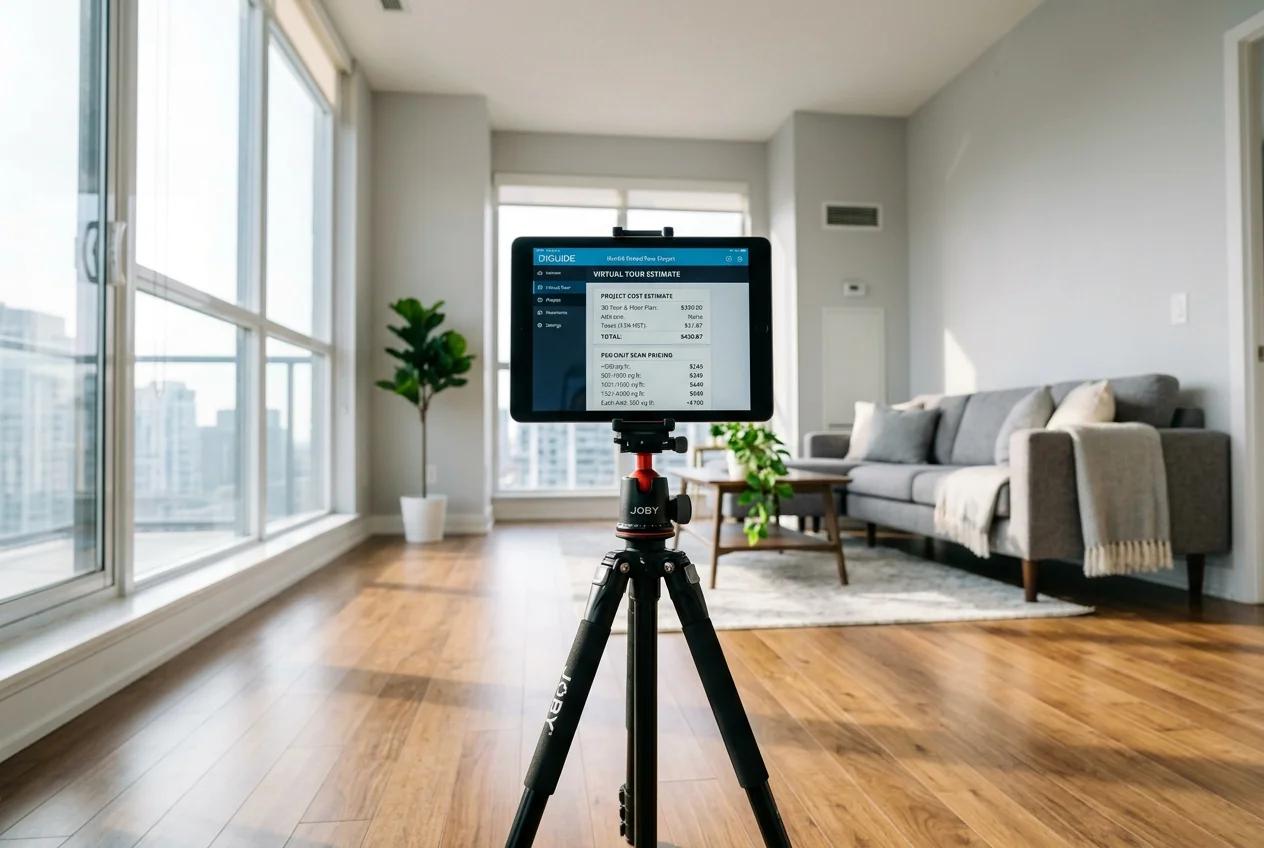
Rental teams can spend money on software subscriptions, per-unit scans, or a mix of both. The right choice depends on how many units one tour can represent. A one-off single-family rental usually cannot justify a heavy capture format. A property with repeating plans can.
Published pricing spans a wide range. Kuula lists a free Basic plan, plus Pro at $20/month and Business at $48/month. EYESPY360 lists $19.99/month when using an existing camera, or $275/shoot when hiring a crew. Asteroom lists pricing from $325 for up to 3,000 sq ft, plus $50 per additional 1,000 sq ft. Matterport lists an Axis smartphone mount at $79, while subscription pricing is not published here.
| Option | Published price | Free tier | What it produces |
|---|---|---|---|
| Kuula | Basic free, Pro $20/month, Business $48/month | Yes | 360 panorama tours hosted online |
| EYESPY360 | $19.99/month DIY or $275/shoot with crew | Not listed | 360 tours, plus virtual staging and renovation tour types |
| Asteroom | From $325 up to 3,000 sq ft, +$50 per additional 1,000 sq ft | Not listed | 3D tour with 2D stills and floor plans with dimensions |
| Matterport | Axis smartphone mount $79, subscription not published here | Not listed | 3D tour captured through the Matterport system |
Published rental tour platform pricing and what each option outputs.
Time matters as much as price. A phone walkthrough video can go out the same day because it has almost no build time. A 360 panorama tour adds stitching and hotspot setup, so a one to two day window fits most turns. A hired scan removes staff labor, but it adds scheduling risk on a turn that may not have slack.
A simple planning view keeps teams from overbuying. Divide the cost of creation by the number of future units a single plan-level tour will represent. A scan that feels expensive for one unit can become reasonable when it serves every future vacancy for that plan. A subscription can also become waste when only one unit turns each month.
Troubleshooting: tiny studios, dark units and tours that crawl on mobile
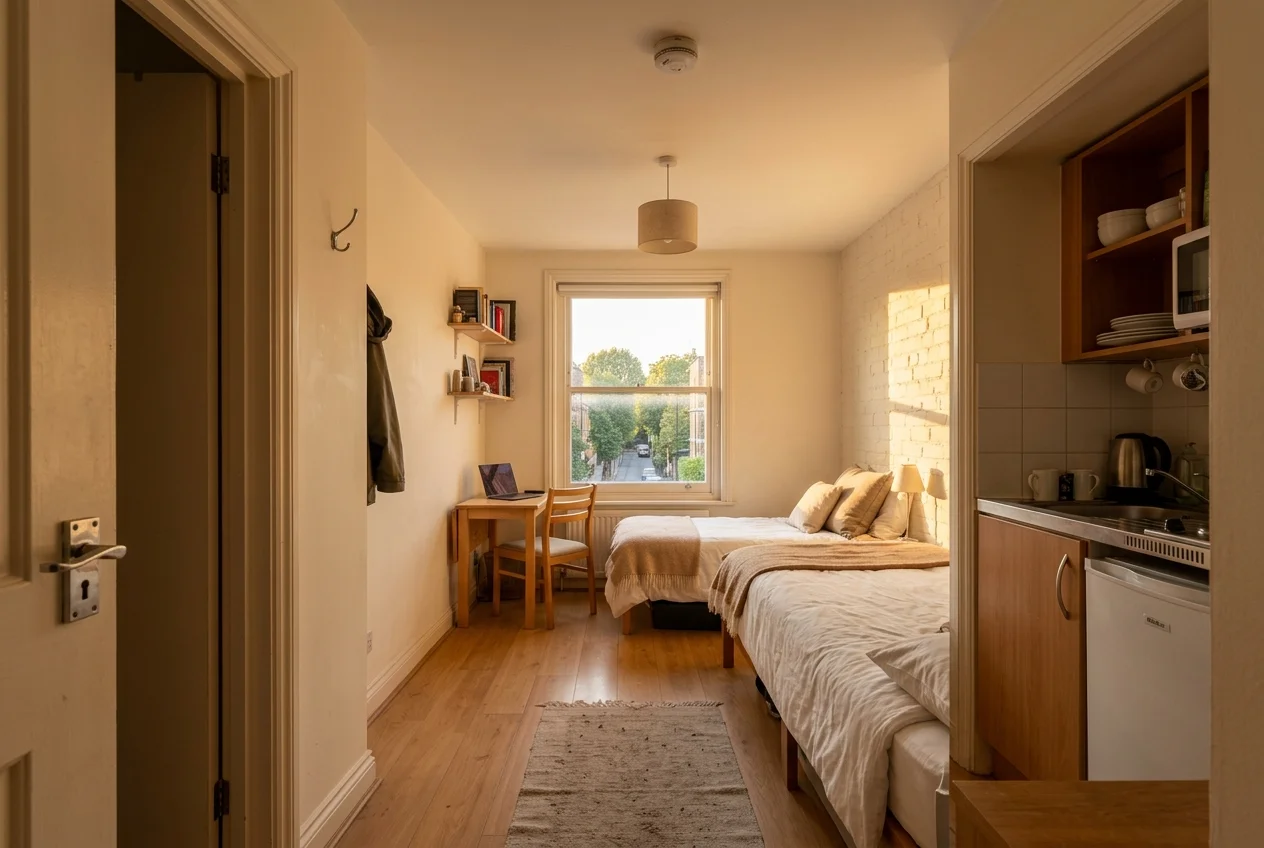
Tiny studios break most habits. Doorway corners still help, but low ceilings and tight kitchens can amplify distortion. A simple fix works better than lens tricks. Keep the camera level, step back to the doorway, and let the layout read. A floor plan with dimensions should carry the “will my bed fit” question instead of a stretched wide-angle shot.
Dark ground-floor units create a second set of problems. Mixed light makes walls shift color, and window views blow out. The easiest fix happens before capture. Turn on every fixture, then shoot when daylight is present but not harsh. Post-production should lift shadows and correct color gently, rather than forcing a bright look that the unit cannot deliver in person.
Slow loading on mobile can kill an otherwise solid tour. Heavy panoramas and long videos can stall on cellular data. Still photos should be resized and compressed before upload. Video should stay short, with the camera moving slowly and pauses on closets and appliances. Panorama tours should use only the points needed to understand the layout.
Audio causes quiet damage. A narrated walkthrough with loud HVAC noise feels untrustworthy, even when the visuals look fine. Quiet narration, clean captions, and a sound-off-friendly edit reduce friction for applicants who watch at work or on the bus.
What renters check on a tour and the red flags to avoid creating
Renters watch tours with a checklist in mind, even when they do not say it out loud. Layout and flow come first. The tour needs to show how the kitchen connects to the living area, where bedrooms sit, and whether a workspace fits without blocking a walkway.
Light and storage drive the next layer. Closets, laundry, and cabinets need real pauses, not a fast sweep. Condition also matters. Floors, counters, and fixtures show wear quickly on video. A tour that avoids those surfaces reads like it hides something.
Some questions will still remain open. Tours cannot communicate neighborhood feel, street noise, or smells. Leasing teams should expect those questions and prepare a follow-up path. A short live video call for the exact unit often solves the last mile, especially for applicants moving from out of state.
Trust signals decide whether the tour helps or hurts. Red flags include a tour that looks like a model unit with no disclosure, missing unit identification, and finishes that do not match listing details. A clear label solves most of this. If the tour represents a plan, say so. If the unit differs, name the differences in the listing copy. That honesty reduces complaint-level misunderstandings later.
Frequently asked questions
What is an apartment virtual tour?
An apartment virtual tour is a remote way to view a rental unit and its layout. Common formats include a guided walkthrough video, a 360 panorama tour with click-to-move hotspots, a 3D scan with a dollhouse view, or a photo gallery presented as a tour on listing sites.
What should a leasing team say if the tour is a model unit?
A leasing team can treat a model tour as a floor plan tour and say that plainly. A clear line like “representative tour for this floor plan; finishes and view vary by unit” sets expectations. The follow-up offer should be a live, date-stamped video call for the exact unit when needed.
What is the cheapest way to create a virtual apartment tour?
The lowest-cost option is a steady phone walkthrough video shot horizontally with good lighting. It costs nothing beyond staff time and can publish the same day. If a navigable tour matters, a free or low-cost panorama plan can be tested before committing to cameras or scan fees.
Do rental listings need disclosure for virtually staged photos?
A disclosure line is a practical trust habit, even when a local rule does not spell it out. A plain sentence works: “Virtually staged; unit is delivered unfurnished.” The staging should never add appliances, built-ins, or features the unit does not include, and it should not hide real damage.
How long should a rental walkthrough video be?
A short walkthrough usually performs better on mobile and in lead emails. A common target is about one to two minutes, with slow movement and clear pauses on closets, appliances, and bathrooms. Long pans and fast spins can make applicants stop watching before the bedroom and bath appear.
Can one virtual tour be reused for multiple identical apartments?
Yes, and reuse often creates the best cost outcome in multifamily. One tour per floor plan can serve many vacancies if it is labeled as representative and named by plan code. Leasing staff can note unit-specific differences like floor level, view, or upgrades in the listing description.