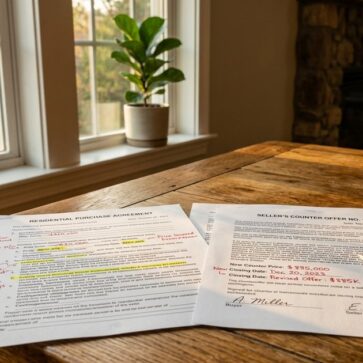
Buyers form opinions fast, and photos do not answer the same questions video answers. Layout, flow, light shifts, and noise levels only show up once motion and audio enter the mix. That reality makes real estate videography a practical part of listing work, not a luxury add-on.
Video also creates reusable assets. One shoot can produce a listing tour, short social clips, an email teaser, and evergreen content for real estate agent videos. The sections below break down formats, production, pricing expectations, and distribution so each video earns its keep.
Real Estate Videography ROI and When It Pays Off
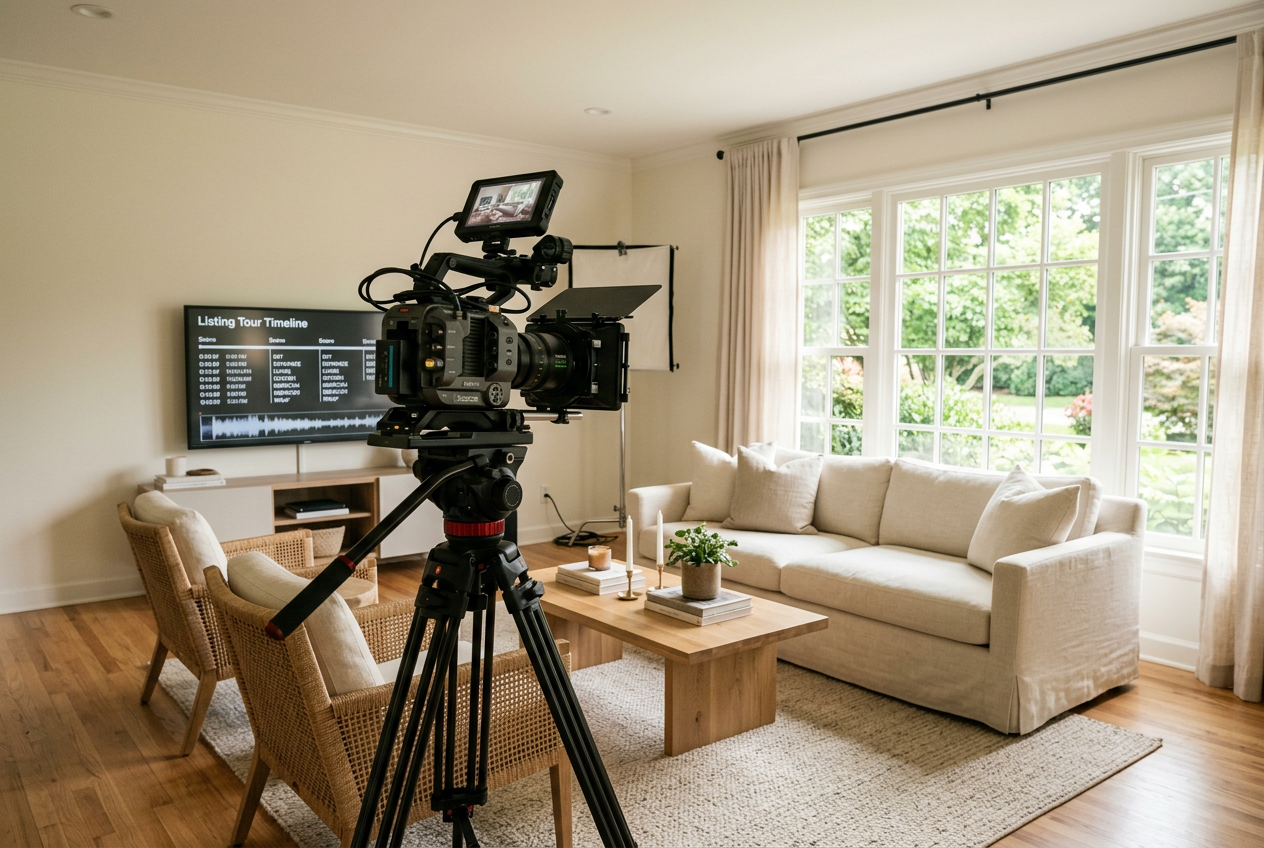
A listing video rarely fails because of the camera. It fails because the plan stops at “post it once.” Video works when it answers buyer questions before a showing, then reaches buyers in the channels they actually use.
The strongest ROI case comes from compression. Video reduces wasted showings by filtering out buyers who cannot live with the layout, street noise, or stairs. That saves time and seller stress. It also builds trust, because a clear tour signals that the agent has nothing to hide.
Strong video performance also depends on the stills. Photos set the click, and video closes the loop. Agents who want a consistent look across both mediums can start with real estate photography tips and treat video as the next layer, not a replacement.
Industry research supports the shift toward digital-first home shopping, with buyers relying on online media earlier in the process. The National Association of Realtors research hub offers broader context on how buyers and sellers use online tools, which helps set expectations for sellers who still think photos alone carry the listing.
The Video Formats That Fit Common Listing Scenarios
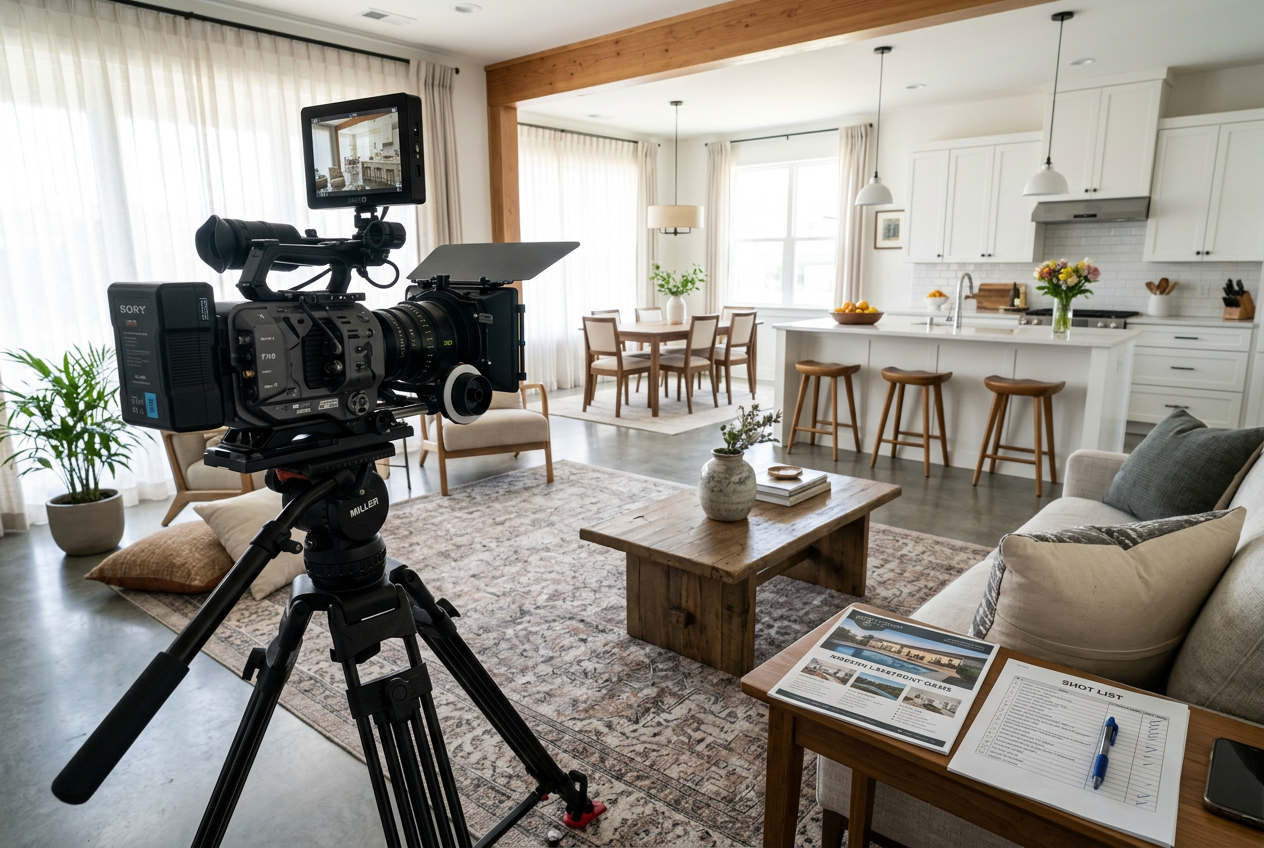
Agents often overspend by buying the wrong format. A good match starts with the listing’s marketing job, not the agent’s favorite style. Some homes need orientation and flow, while others need a story that sells the neighborhood.
A practical set of formats covers most listings:
- Walkthrough tour: best for most occupied homes where layout clarity matters.
- Cinematic highlight: best for design-forward homes where mood sells.
- Real estate drone video: best for land, views, privacy, and hard-to-see approach roads.
- Neighborhood and lifestyle tour: best for relocation and “location-first” buyers.
- Social-first short clips: best for fast attention and repeated reach.
- Virtual open house live stream: best for listings that need real-time Q and A.
Drone work adds value only when the aerial view explains something buyers cannot see from the street. That includes lot shape, slope, adjacent uses, or proximity to a park. Drone also brings compliance risk. A commercial drone pilot should carry the FAA remote pilot credential, and agents should confirm insurance. For deeper context, the real estate drone photography guide outlines what to verify, and best drones for real estate helps agents understand what gear quality looks like.
Social clips should not come from random phone footage. The best approach captures vertical “moments” during the main shoot, then edits them as short, captioned segments. That keeps the color and motion consistent with the full tour.
Gear Expectations Agents Should Set Before the Shoot
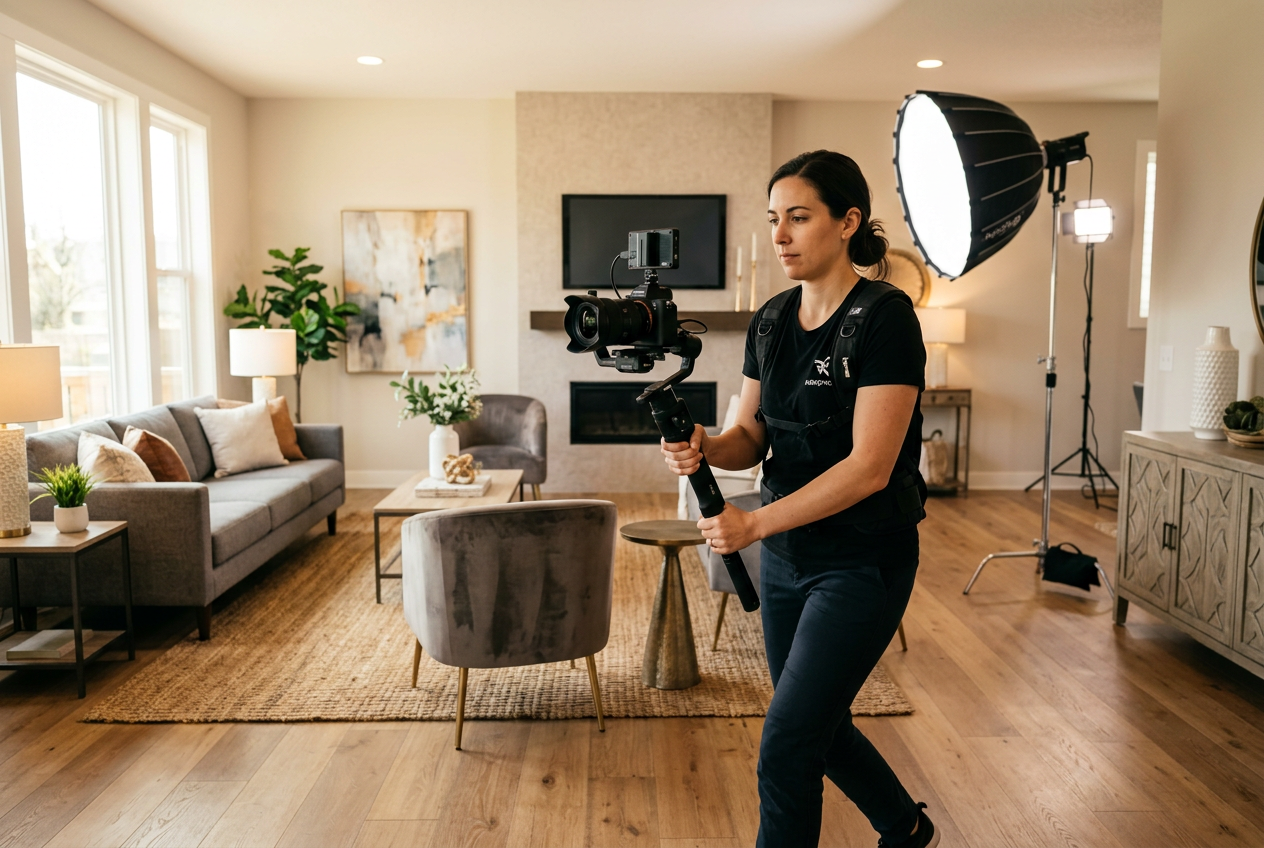
A listing video can look expensive or amateur based on a few gear choices. Stabilization sits at the top of the list. Smooth motion signals quality, while shaky pans cause viewers to swipe away.
Camera choice matters less than consistency. A good videographer can shoot on a recent phone, a mirrorless body, or a cinema camera, but the footage needs controlled exposure and correct lens choices for small rooms. Agents who want to sanity-check a vendor’s kit can review best cameras for real estate photography and best lenses for real estate photography to understand what “wide but not warped” looks like.
Lighting separates average tours from listing-ready tours. Many homes look fine to the eye but fall apart on camera. A videographer should bring small LED panels and also know when to turn them off and use window light. Mixed light creates color shifts that make walls look dirty.
Audio becomes critical the moment an agent speaks on camera. A lapel microphone and a quick sound check prevent hollow, echo-heavy voice tracks. For silent tours, audio still matters because a noisy HVAC system can undercut the home’s feel.
Property Video Production From Pre-Production to Delivery
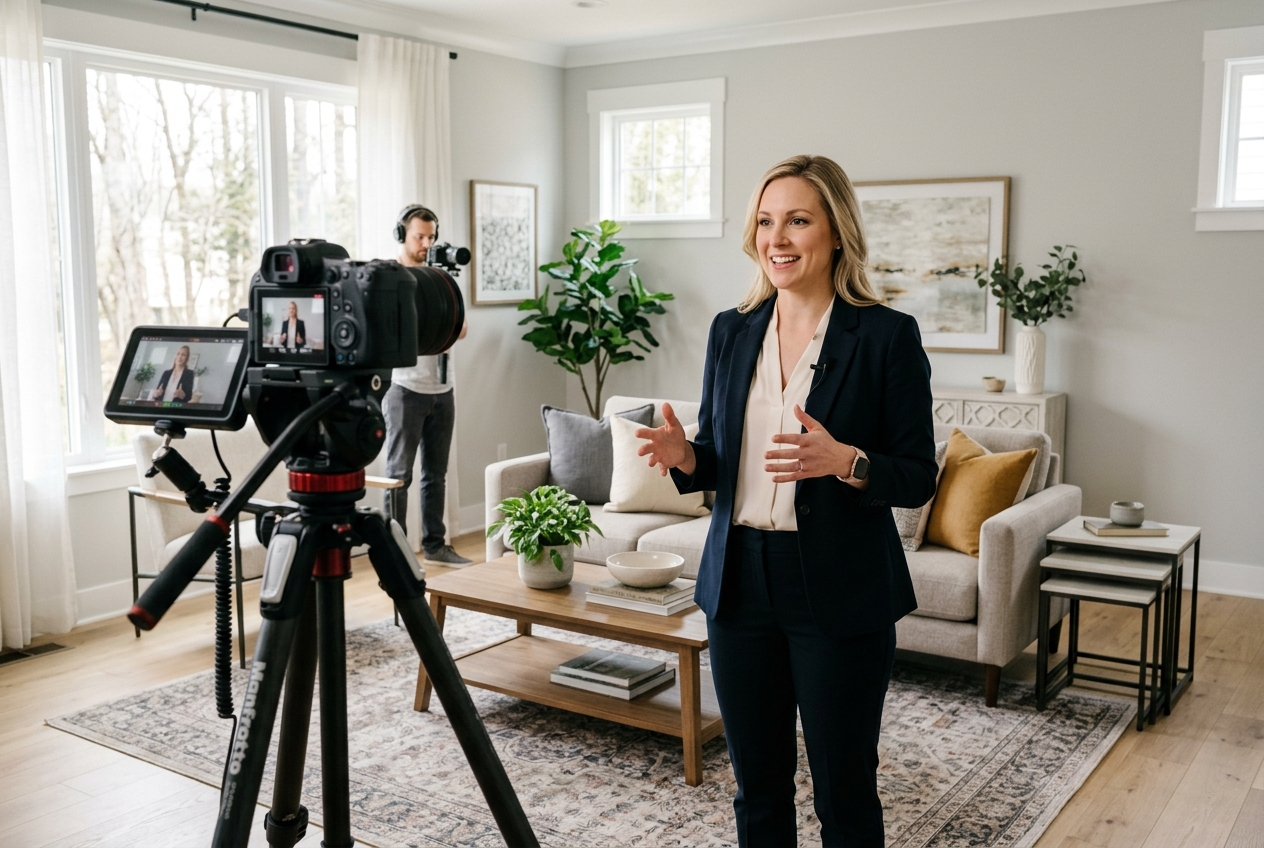
A clean production process protects the schedule and the seller relationship. Agents should treat the shoot like a listing appointment, with a plan, a timeline, and a clear definition of “done.” The steps below cover the full property video production workflow.
Creative alignment prevents reshoots. Agents should send a short brief before the shoot with target buyer, top features, and the main CTA, such as “book a showing” or “request disclosures.” That brief should stay factual and marketing-safe.
A standard delivery window should be three business days for most listings. That window gives editors time for color correction, music selection, and revisions without forcing a rushed, inconsistent look. Agents can add a one-business-day rush option for hot launches, and put both options in writing.
Step one: define the listing goal and video type
The agent picks one primary format and one secondary cut. The reason is focus, because a tour, a lifestyle story, and an agent promo need different shot priorities. The expected result is a one-sentence goal and a confirmed deliverable list.
Step two: build the shot list and room order
The videographer walks the home with the agent and sets the path. The reasoning is simple, a tight path reduces camera resets and keeps the story clear. The expected result is a room-by-room checklist, plus an exterior plan.
Step three: schedule for light and access
The agent confirms seller timing, cleaning windows, and turning on lights. The reasoning is that natural light changes fast, and access delays destroy momentum. The expected result is a shoot window that avoids peak traffic noise and has utilities on.
Step four: capture stabilized motion and simple coverage
The videographer shoots slow moves, holds frames, and limits fast pans. The reason is viewer comfort, since rapid motion makes spaces look smaller and causes motion blur. The expected result is clean footage with enough extra angles to edit smoothly.
Step five: edit for color, pace, and compliance
The editor matches exposure across rooms, trims dead space, and adds branded lower-thirds. The reasoning is that inconsistent color and long holds feel amateur. The expected result is a clean master cut plus any short social cuts, often supported by real estate photo editing services when an agent needs fast, repeatable post-production.
Step six: deliver files that match each platform
The videographer exports horizontal and vertical formats, plus a thumbnail frame. The reason is that each channel favors a different aspect ratio and length. The expected result is a delivery folder that can publish on MLS, social, email, and a property site without re-editing.
Property Preparation That Makes Video Look Expensive
A messy home looks worse in motion than it does in stills. Video reveals cords, ceiling stains, and clutter that a photographer might crop out. Agents who run a tight prep process reduce editing time and protect the seller from awkward comments.
A simple checklist keeps prep realistic:
- Clear counters, hide pet bowls, and remove small rugs that bunch.
- Open blinds, replace dead bulbs, and set all light temperatures to match.
- Park cars away from the front and clear the driveway.
- Turn on accent lights, ceiling fans off, and close toilet lids.
- Set thermostats to reduce HVAC noise during interior takes.
Vacant homes create a different problem. Empty rooms look colder on video, and scale becomes hard to read. Agents can plan a “staged look” even without furniture by starting with how to shoot a property for virtual staging and capturing clean, level frames that work for both photos and complementary visuals.
The standard approach does not apply in every situation. Tenant-occupied listings need shorter shoot windows and stricter privacy rules. Distressed properties often need safety-first routing and tighter framing. Rural homes may require a longer exterior sequence to explain access and outbuildings.
AI Virtual Staging for Real Estate Video Without a Full Crew
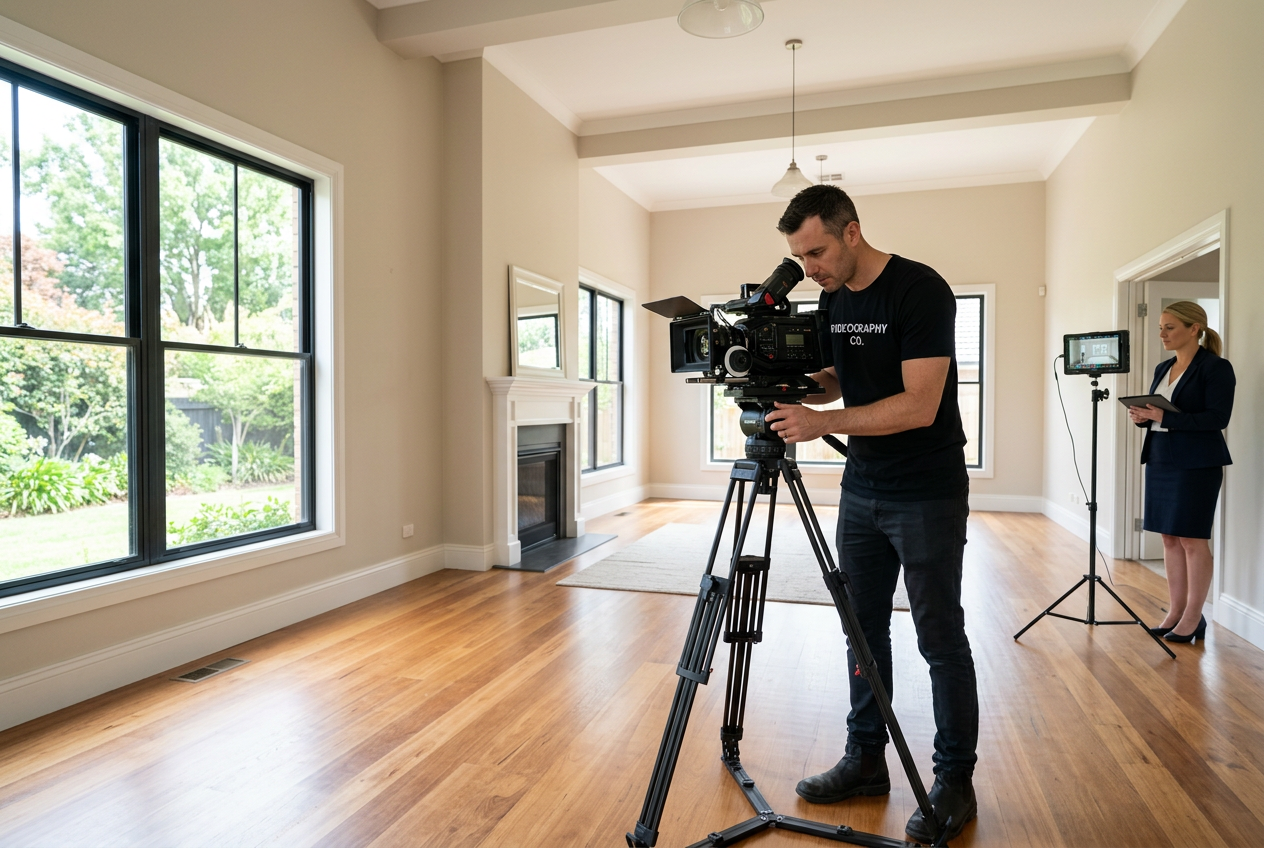
Some listings need video, but the budget does not support a full production package. Vacant homes create the sharpest gap because empty rooms look smaller and less livable on camera. That is where AI-assisted visuals can carry the story.
AI Virtual Staging can furnish empty rooms in listing photos so the marketing package shows scale and use, even when the home sits empty. AI HomeDesign includes AI Virtual Staging plus editing tools such as Image Enhancement, AI Item Removal, and AI Day to Dusk, which helps keep stills aligned with the video’s look. For a broader view of where this fits, how AI is transforming real estate frames common use cases across marketing, operations, and client communication.
A second budget-friendly path uses AI-enhanced photos to create a slideshow-style real estate listing video. This approach works well for starter homes, rentals, and off-market teasers. Agents can combine strong stills, short text overlays, and licensed music using real estate video apps instead of commissioning a full walkthrough.
Disclosure still matters. Any virtually staged or AI-edited visual should include clear Disclosure language and follow MLS Rules. A simple, repeatable line works across MLS and social: “Virtually staged. Digital furnishings added. Changes are for illustration only.” When a platform requires it, a Virtually Staged Watermark should remain visible.
| approach | best fit | strengths | trade-offs |
|---|---|---|---|
| full walkthrough video | occupied homes with strong flow | shows layout and light changes | higher coordination and editing time |
| cinematic highlight video | luxury and design-forward homes | sells mood and materials | can miss layout clarity if over-stylized |
| slideshow listing video from photos | budget listings and fast launches | fast to produce and easy to update | does not show true flow or sound |
| AI Virtual Staging plus photos | vacant homes and new construction | restores scale and use of space | requires clear Disclosure and consistent angles |
Real Estate Videography Pricing and the Contract Details That Matter
Pricing confusion comes from scope creep. Agents book “a video,” then add drone, a neighborhood cut, and a rush edit after the fact. A better plan sets a tier and locks the deliverables before the shoot date.
A simple framework helps agents compare quotes without getting trapped by line items:
| tier | what it usually includes | where it fits |
|---|---|---|
| basic tour | stabilized interior and exterior coverage, simple titles | mid-range listings that need layout clarity |
| tour plus aerial | tour plus aerial establishing shots | homes where land or approach matters |
| premium package | tour, aerial, short social cut, brand elements | luxury listings and high-visibility launches |
| add-ons | agent intro, neighborhood story, rush edit | only when the listing needs that narrative |
The contract matters as much as the camera. Agents should confirm licensing rights in plain language, including where the footage can be reused and for how long. Footage ownership terms vary. A listing that goes pending fast should not trap an agent in usage limits that block future marketing.
Agents should also separate what belongs in the deliverable from what belongs in conversation. The deliverable should include the video files, a thumbnail, and a short posting guide. Pricing strategy, seller motivation, and negotiation posture belong in the in-person meeting, not in a shared folder.
Commission or fee figures should not appear in any video asset. Public-facing media lives beyond the transaction, and it can create compliance and client-trust issues later. For budgeting across the full visual package, real estate photography cost provides context for still-photo line items that often bundle with video.
Distribution and Measurement for Real Estate Video Marketing
A video that sits on one platform wastes the edit. Distribution should start before filming, because aspect ratios, hooks, and CTA placement change by channel. A good release plan also makes seller communication easier, since the seller sees an organized launch.
A simple channel checklist keeps the rollout consistent:
- MLS and syndication: upload the main tour and confirm embed behavior.
- YouTube: write a location-first title, add a detailed description, and set a clean thumbnail.
- Instagram and TikTok: post a vertical cut with captions and a strong first frame.
- Facebook: upload natively instead of sharing a link.
- Email: use a thumbnail image that links to the full tour.
- Google Business Profile: post a short clip for local discovery.
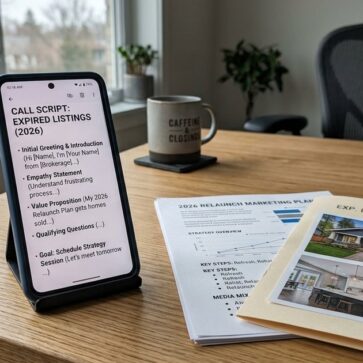
Performance tracking needs a plan that fits agent workflows. Agents can use a unique link in descriptions, a tagged landing page, and a dedicated call script for inbound leads. The goal is attribution, not vanity views. When distribution connects to the broader listing plan, real estate marketing strategies helps structure content across the full funnel.
Some situations require a different approach. Pocket listings often benefit more from short social clips than full tours. Distressed sales may require tighter framing that avoids personal items and safety issues. HOA-heavy neighborhoods can also restrict drone and exterior filming, so agents should verify rules early.
Frequently Asked Questions
What files and formats should be included with a listing video delivery?
A complete delivery should include a horizontal master file for MLS and YouTube, a vertical cut for short-form social, and a clean thumbnail image. A short posting note helps, such as recommended titles, captions, and where to place the Disclosure line. Raw footage rarely helps agents and often adds storage problems.
What Disclosure language works for virtually staged or AI-edited video visuals?
A short, plain line works across most platforms: “Virtually staged. Digital furnishings added. Changes are for illustration only.” If edits go beyond furniture, the text can also note “AI-enhanced image.” Some MLS systems require a Virtually Staged Watermark on each edited frame, so agents should confirm MLS Rules before publishing.
How can agent-on-camera segments sound professional inside a home?
A lapel microphone solves most problems, even in large rooms. The speaker should face away from loud vents and avoid standing under a ceiling fan. A short test recording catches echo and clothing rustle. When audio still fails, a voiceover recorded in a quiet office can replace live audio cleanly.
When does a virtual open house live stream make sense?
Live streams work best when the listing has a clear audience that cannot tour easily, such as relocation buyers or buyers with tight schedules. The agent should promote the time slot ahead of the stream and prepare a short route through the home. A live format performs poorly when the home needs heavy prep or privacy control.
What is the safest way to handle music rights in real estate videos?
Popular music usually triggers platform muting or takedowns. The safest approach uses a licensed music library with commercial permissions and keeps proof of the license in the transaction file. Agents should also confirm that the videographer’s license allows client use, not only personal portfolio use, to avoid future disputes.
How can video ROI be measured without paid ads?
Agents can track organic impact by using a unique landing-page link in video descriptions and social bios during the listing window. Call handlers can also ask one question, such as how the caller found the listing, and log it consistently. A repeatable tracking habit matters more than any single metric.