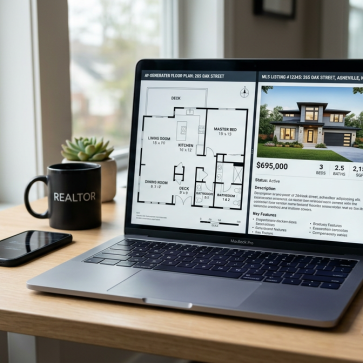
Listings rarely lose buyers because of paint color. Confusion kills interest faster. A clean floor plan answers the questions photos cannot, like how the kitchen connects to the living area.
For agents comparing floor plan makers, speed matters, but so does the workflow after the plan is done. The most efficient teams treat the floor plan as one piece of a full listing media set, not a lonely PDF buried in attachments.
This guide ranks the top AI floor plan tools by the way real listing work happens, from phone capture to MLS upload, and then into marketing.
Why Floor Plans Are Now a Listing Essential
Search behavior has changed. Buyers skim photos, then look for proof that a layout fits real life. A floor plan gives that proof fast, especially for remote buyers and relocation deals.
Agents also face tighter expectations around listing media consistency. Many MLS systems accept floor plans, and some portals push them higher on the page. That shift sits inside the larger story of how AI is transforming real estate, where buyers expect clearer information with less friction.
Floor plans also support the same engagement goals as staging and editing. A listing package that includes photos, a plan, and staged versions gives buyers both the look and the logic of the home. The research collected in virtual staging statistics reflects that broader pattern: visuals that reduce uncertainty often increase inquiry volume.
International markets raise the stakes. In parts of the UK and EU, floor plans function as a documentation norm, not a nice-to-have. Metric measurements, area calculations, and consistent labeling move from marketing choices to compliance choices. That reality makes tool selection less about novelty and more about repeatable outputs.
How AI Floor Plan Generators Work
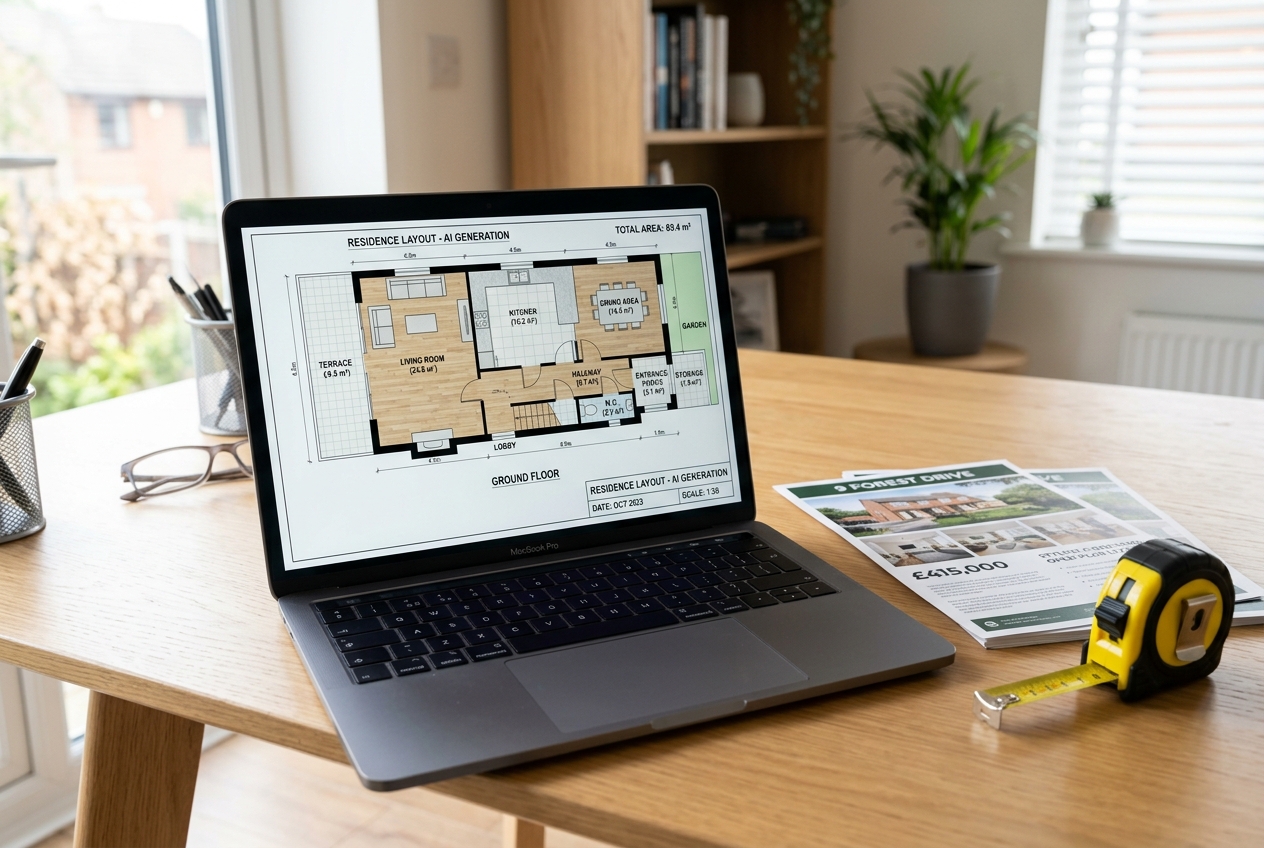
Accuracy starts with the capture method. Many tool disappointments come from a mismatch between the job and the way the plan gets created.
Smartphone scan-to-plan tools use a guided walkthrough. The phone records the space, then software turns that capture into a dimensioned plan. This approach fits high-volume listing work because it reduces manual drafting and keeps the agent out of the measuring business.
AR measuring tools build a plan on site. The phone camera measures walls and openings in real time, then the agent edits the draft while still in the home. This approach works well for quick client updates or pre-listing planning meetings.
Browser-based editors sit on the opposite end. Agents or assistants enter measurements manually and draw rooms with drag-and-drop controls. The upside is control over labels, styling, and presentation. The trade-off is time and human error.
Hardware-based systems add a different promise. Dedicated capture devices and measurement workflows aim for higher compliance use cases. Appraisers, builders, and high-end listings often prefer this category because the plan carries more authority.
Choosing 2D, 3D, and File Formats for MLS and Marketing
The wrong output format creates busywork. Many MLS platforms accept PDFs and image files, while architects and remodel teams may request CAD-style exports.
A dimensioned 2D plan usually serves the core MLS goal. It clarifies room flow, supports basic measurement questions, and fits neatly into listing attachments or a single image slot. It also prints cleanly for open houses and buyer packets.
3D plans help most in design-forward marketing. They can support new construction storytelling, showcase renovation potential, and improve social media assets. They also work well in premium listing decks where the plan should feel like part of a brand presentation.
Some platforms bundle a floor plan inside a wider media product. When a listing already includes immersive tour media, a schematic plan can act as a navigation aid and a quick reference.
Format choices should align to distribution. PDF supports MLS uploads and email sharing. PNG or JPG supports social posts and landing pages. DXF or CAD-style exports support renovation handoffs. Floor plans also pair well with layout education content, including open floor plan ideas that help buyers understand how large spaces divide into zones.
Floor Plan Makers for Real Estate Listings in 2026

Ranking matters less than fit. The best tool depends on capture comfort, turnaround needs, and what the plan must do after delivery.
CubiCasa: CubiCasa fits agents who want a scan-to-plan workflow with minimal drafting time. Pricing runs from $15 per plan for PLUS 2D with dimensions to $65 per plan for PLUS 3D, and a free LITE plan exists for basic 2D output. Standard turnaround comes in under 24 hours, with a rush option around six hours. It also offers CAD and DXF export, an ANSI-compliant GLA report option, and integrations with 70+ MLS systems.
Magicplan: Magicplan serves teams that want on-site capture with AR measurement. The platform offers a free basic plan, plus project-based PRO options including PRO24 at $25 per project and PRO12 at $40 per project, with PROFlex at custom pricing. Plans generate instantly during capture, and editing usually takes a few hours. It supports 2D and 3D outputs and can pair with an optional laser measurer for higher accuracy.
RoomSketcher: RoomSketcher suits agents who prefer manual control and branded presentation. A free plan exists, but outputs carry watermarks. Paid options include Pro at $12 per month or $144 per year, and Team at $35 per month or $420 per year. Because the plan relies on manual drawing, turnaround typically spans one to two business days. PDF exports help listing packets, and the editor supports 2D and 3D visuals.
Planner 5D: Planner 5D works for teams that want fast concept visuals and AI-assisted design choices. A free plan offers basic tools with limited projects. Paid tiers include Premium at $4.99 per month or $59.99 per year and Professional at $33.33 per month or $399.99 per year. The editor produces instant results because it does not rely on scan processing, and it supports 3D walkthroughs and HD renders on paid tiers.
More Tools for Luxury, Construction, and Measurement
Not every listing needs the same level of polish or measurement rigor. Some tools trade speed for render quality, and others trade convenience for compliance.
Foyr Neo: Foyr Neo targets design-forward visuals. Plans start at $22 per month for Basic, $55 per month for Standard, and $99 per month for Premium, with annual discounts around 20% to 30% and additional render credits for 3D outputs. The platform focuses on photorealistic 3D rendering, interior design presets, and AI-powered room makeover features. Its turnaround timing is not publicly listed, which can matter for tight listing schedules.
Cedreo: Cedreo sits closer to builder marketing than everyday resale listings. A limited free plan exists, and outputs are watermarked. Pricing includes Personal at $139 per project, Pro at $129 per month or $79 per month on annual billing, and Enterprise at $159 per user per month. The feature set combines floor plan creation with virtual staging, plus 3D visualization and HDR panoramic photos. Turnaround timing is not publicly listed, and the interface can feel heavier than an agent-only workflow.
Matterport: Matterport fits premium listings that already justify an immersive tour workflow. Pricing is not publicly listed, and the system requires dedicated 3D camera hardware. Turnaround typically runs 24 to 48 hours, with rush options available. The value comes from an immersive 3D tour paired with a schematic floor plan, which creates a strong remote-buyer experience.
iGUIDE: iGUIDE fits measurement-driven use cases. Pricing and free tier details are not publicly listed. Turnaround ranges from same day to 24 hours, and the platform is known for survey-grade measurement accuracy with about a 1% margin of error. It also supports ANSI and measurement-compliant data outputs, along with 2D floor plans and 3D visuals.
Head-to-Head Comparison of Top Tools
Choosing fast matters, but consistency matters more. A tool that the team uses every time often beats a “better” tool that sits unused.
The table below summarizes pricing, speed, and workflow style using the public information compiled in the CubiCasa and AI and Realtors tool roundups. Those sources remain the clearest side-by-side references for the tools listed here.
| Tool | Pricing | Free tier | Turnaround | Primary capture method | Notable outputs and workflow notes | Best for |
|---|---|---|---|---|---|---|
| CubiCasa | $15 per plan for PLUS 2D with dimensions; $65 per plan for PLUS 3D; free LITE plan available | yes | under 24 hours standard; rush option around six hours | smartphone video walkthrough scan-to-plan | 2D and 3D outputs; CAD and DXF export; ANSI-compliant GLA report option; 70+ MLS integrations | high-volume agent workflows with simple capture |
| Magicplan | free basic plan; PRO24 at $25 per project; PRO12 at $40 per project; PROFlex custom pricing | yes | instant capture via AR; editing takes a few hours | real-time AR measuring on a phone | 2D and 3D outputs; optional laser measurer integration | on-site plans for fast client updates |
| RoomSketcher | free plan watermarked; Pro at $12 per month or $144 per year; Team at $35 per month or $420 per year | yes | one to two business days | browser-based manual drawing | 2D and 3D visuals; PDF exports for listing packets | branded plans with manual control |
| Planner 5D | free plan; Premium at $4.99 per month or $59.99 per year; Professional at $33.33 per month or $399.99 per year | yes | instant | editor-based creation | AI-assisted room design; 3D walkthrough; HD renders on paid tiers | concept visuals and quick marketing graphics |
| Foyr Neo | Basic $22 per month; Standard $55 per month; Premium $99 per month; annual discounts around 20% to 30% | trial only | not publicly listed | design platform creation | photorealistic 3D rendering; credit-based rendering system | designer-grade visuals for premium decks |
| Cedreo | free plan watermarked; Personal $139 per project; Pro $129 per month or $79 per month annual; Enterprise $159 per user per month | yes | not publicly listed | platform-based creation | combines floor plans with virtual staging; 3D visualization; HDR panoramic photos | builders and renovation marketing teams |
| Matterport | not publicly listed; dedicated hardware required | not publicly listed | 24 to 48 hours; rush options available | dedicated 3D or 360 camera capture | immersive 3D tour plus schematic floor plan bundle | luxury listings and remote-buyer tours |
| iGUIDE | not publicly listed | not publicly listed | same day to 24 hours | dedicated hardware system | survey-grade accuracy around 1% margin of error; ANSI outputs | appraisal-grade and compliance-driven needs |
A pattern shows up quickly. CubiCasa and Magicplan handle agent-driven capture best. RoomSketcher and Planner 5D suit teams that want more control over presentation. Matterport and iGUIDE sit in a different budget category because they pair floor plans with specialized capture workflows.
The Missing Piece: Floor Plans Plus AI Virtual Staging

Many tool lists stop at the PDF export. Real listings do not. Buyers still need help picturing how a room functions, especially in empty homes or dated interiors.
Floor plans solve the “where does it go” question. Virtual staging solves the “what could it look like” question. Together, they reduce the two biggest sources of hesitation: layout uncertainty and furniture-scale uncertainty. That pairing often matters most for living rooms, primary bedrooms, and open-concept areas where photos can feel flat.
AI HomeDesign does not generate floor plans, and that separation can be a strength. A team can pick the best capture tool for the market, then apply the same staging and editing look across every listing photo set. The workflow stays simple: create the plan with a scan, AR capture, or manual editor, then stage the listing photos with AI virtual staging to show how each space lives.
MLS compliance also improves with consistent labeling. Any staged image needs a clear Disclosure and should follow local MLS Rules. Many teams add a Virtually Staged Watermark directly on the staged images, then keep the original photos available for reference. For agents building repeatable systems, this combined approach aligns well with virtual staging for realtors, where speed and consistency beat one-off design experiments.
Mobile-Only and International Workflows That Stay Compliant
On-the-go agents often need a phone-first process. Two capture styles support that goal: a guided walkthrough scan with later delivery, or AR measuring with instant draft creation.
A practical service-level target keeps listings moving. Agents can aim to capture the property on the photo day and deliver the floor plan within 1 day. That window supports MLS launch timing and reduces last-minute revision pressure. When a plan takes longer, the listing often launches without it, and the team rarely circles back.
The deliverable should stay clean. A floor plan file should include room labels, dimensions when available, and any area calculations required by local standards. Sales strategy belongs elsewhere. Commission splits, fee figures, and negotiation notes do not belong on the floor plan deliverable because they reduce shareability and can create compliance issues.
International requirements add a second checklist. UK and EU listings often expect metric output and consistent area reporting. Teams should confirm the local measurement standard before publishing. ANSI reports can help in US markets, but international portals may follow different conventions.
Some situations need a different approach. Appraisal work, new construction, rural properties with complex outbuildings, multi-unit buildings, and luxury listings with frequent remodel questions often call for higher measurement rigor or a hardware-based option. For full-funnel promotion, floor plans also feed AI real estate marketing assets like landing pages and social posts, and staged photos should align with realistic budgeting for virtual staging costs.
Frequently Asked Questions
What is the difference between a floor plan app and a floor plan editor?
A floor plan app usually captures measurements on site, often with AR or a guided scan. A floor plan editor usually requires manual measurements and then lets a team draw rooms in a browser or desktop tool. Apps favor speed and repeatability. Editors favor control over labels, styling, and branded presentation.
Do MLS listings require a disclaimer on AI-edited floor plans?
Many MLS systems focus disclosures on altered photos, but rules can vary by market. A safe practice is to keep floor plans accurate and avoid removing structural elements. If a plan or any attached visual includes staged furniture or altered features, clear Disclosure language and a Virtually Staged Watermark help align with MLS Rules.
Which output file is safest for most MLS floor plan uploads?
PDF and standard image formats like PNG or JPG usually upload most reliably because they display consistently across portals and email. CAD-style files like DXF suit renovation handoffs and design teams, but many MLS systems do not accept them directly. A team can export CAD for contractors and still upload a PDF to MLS.
When does an agent need an ANSI-compliant GLA report?
An ANSI-compliant GLA report helps when a market expects standardized gross living area reporting, or when a listing faces frequent measurement disputes. It can also support higher-compliance MLS platforms and appraisal-adjacent use cases. If the plan is purely marketing-grade, a clean dimensioned 2D layout often covers the need.
What is the most realistic turnaround expectation for a listing floor plan?
A team can set an internal target of delivery within 1 day of capture so the plan ships with the photo set. AR tools can produce an on-site draft immediately, while scan-to-plan tools may deliver later the same day or the next day. Longer windows often lead to listings going live without the plan.
Can floor plans and virtual staging be ordered as one workflow?
Some platforms combine plan creation and staging for construction marketing, but many agent-friendly tools keep them separate. A practical approach is to generate a floor plan with a capture tool, then stage the listing photos through a dedicated staging platform. This keeps floor plan accuracy independent from the visual design layer.